

屋根裏寝室 Cozy Attic Bedroom (VRCワールド)
- Digital1,000 JPY
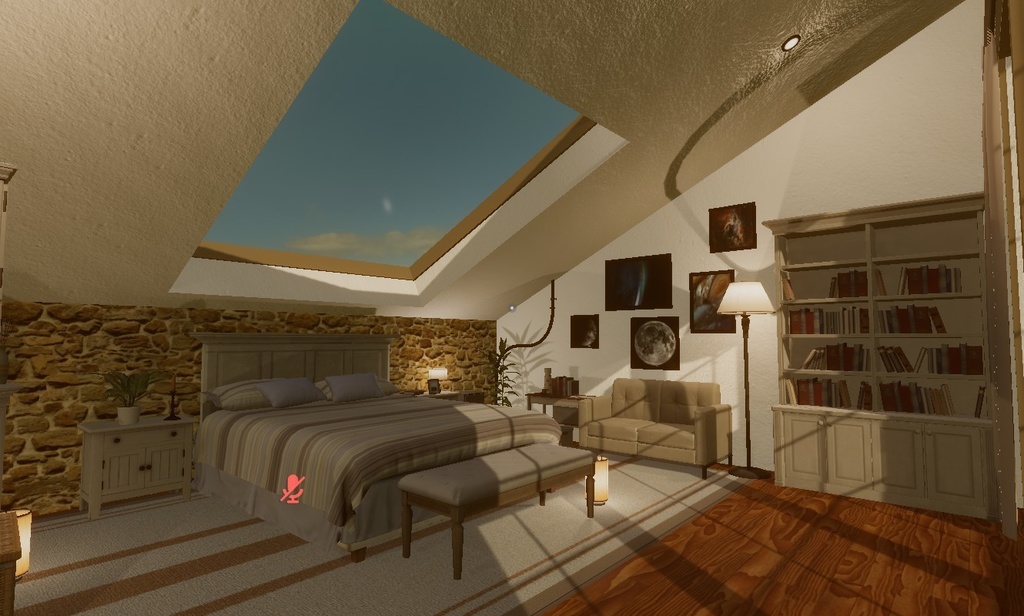
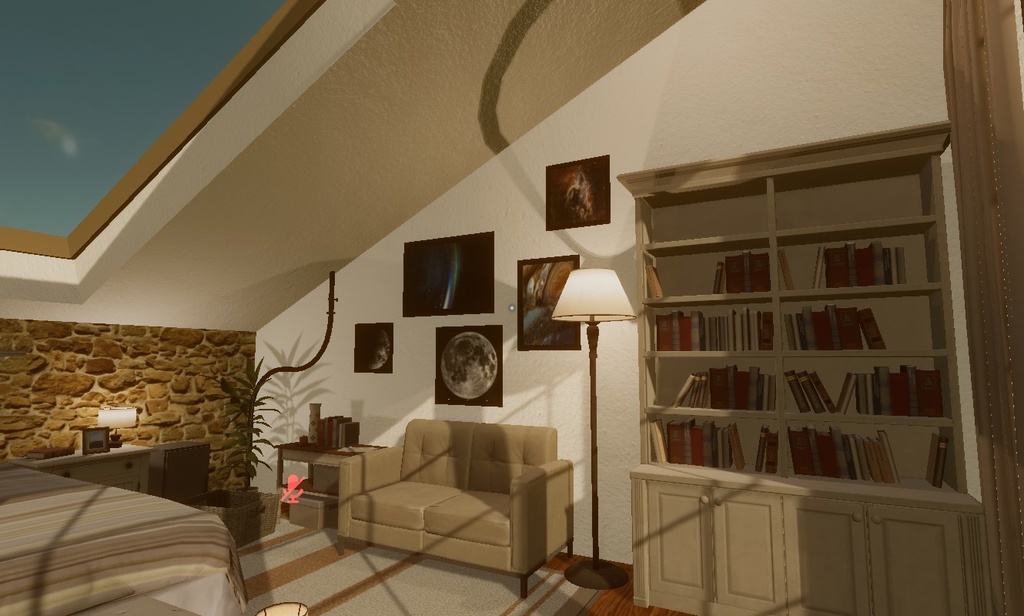
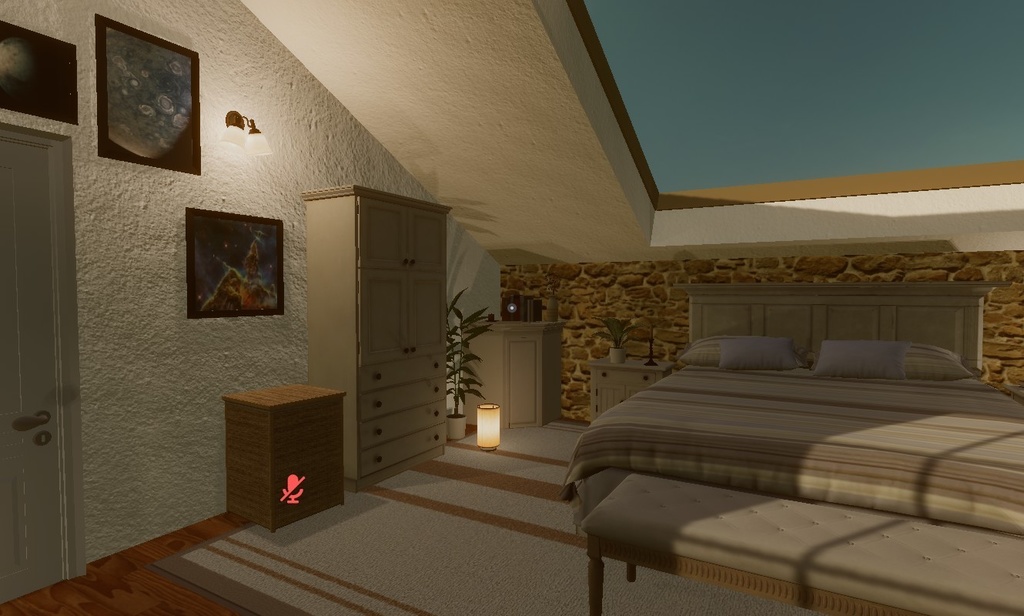
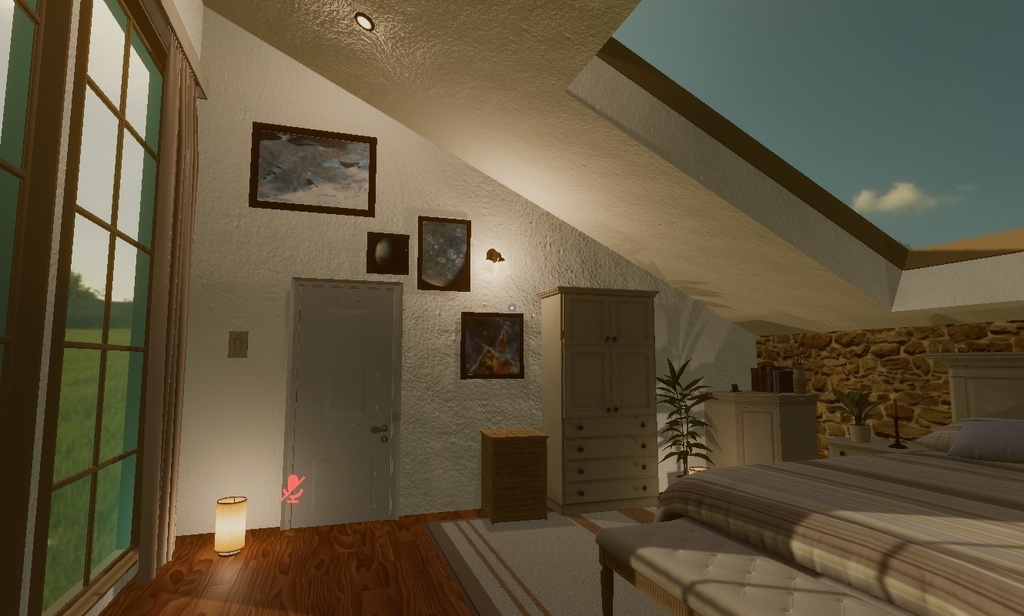
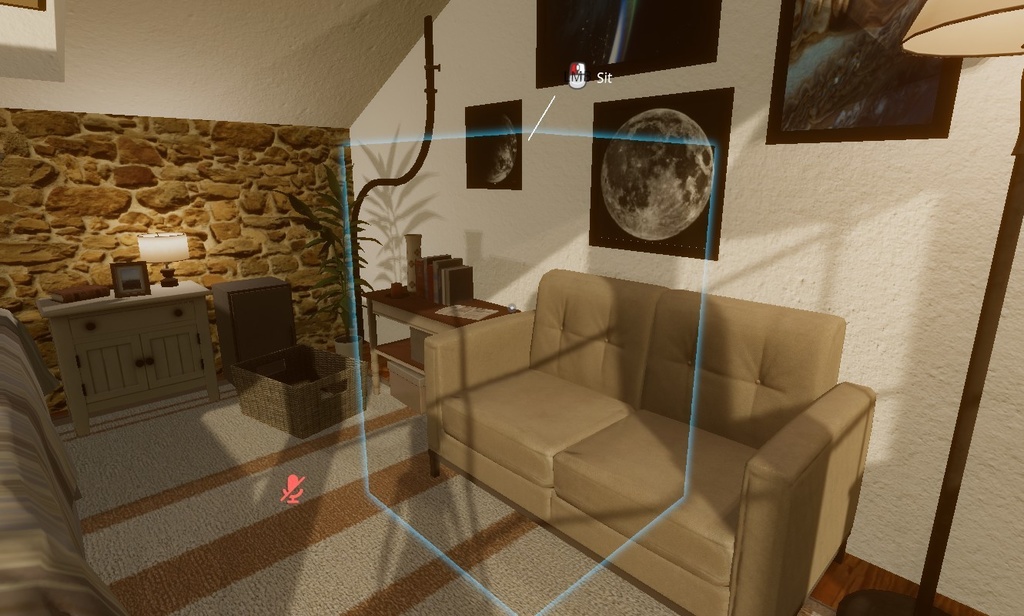
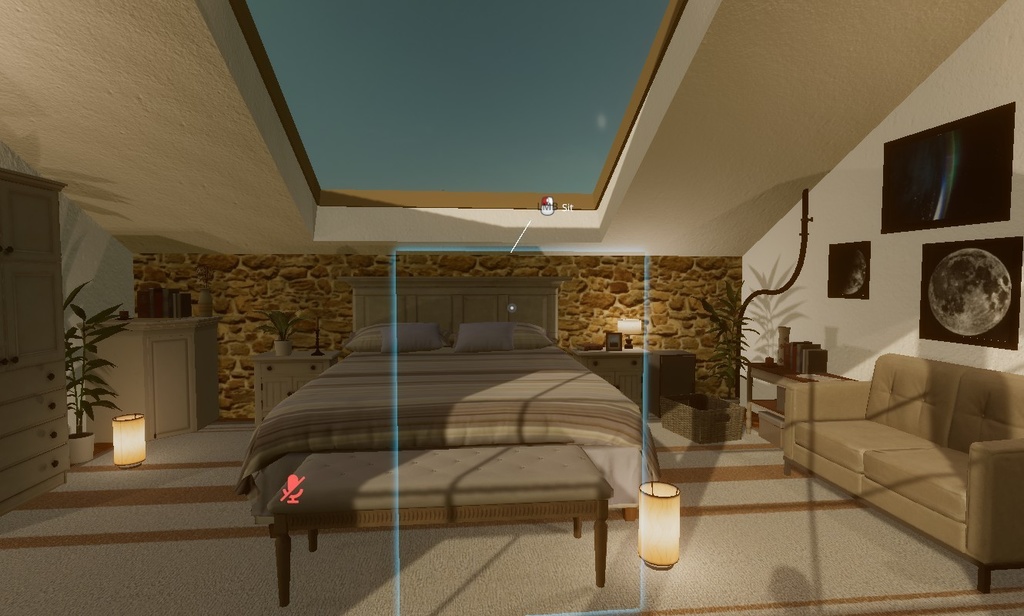
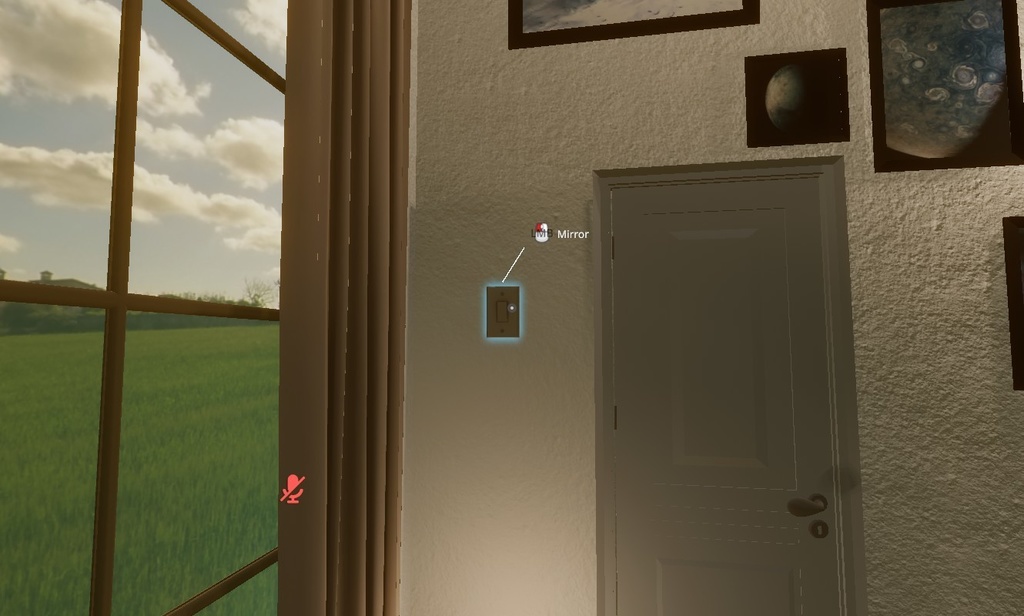


居心地の良い寝室ワールド - ホームワールドにぴったり! A cozy bedroom that is perfect to act as a Home World.
商品情報
> カスタマイズ可能なフォトウォール(写真壁) > アップロード容量わずか33 MB > リフレクションプローブ搭載 > ライトプローブグループ搭載 > ポストプロセス対応 > ダイナミックライティング対応 > VRChat即使用可能 > Unity 2019.4.31f1 対応
導入方法
1. VRChat Creator Companion(VCC)をダウンロードしてインストール → https://vcc.docs.vrchat.com/#download-it 2. VCCを開き、Projects → New → World → Create を選択して新しいワールドプロジェクトを作成してください 3. 左側のサイドバー(Manage Project)で、以下の項目が有効(チェックが入っている)になっているか確認してください ・VRChat SDK - Base ・VRChat SDK - Worlds ・VRChat Package Resolver Tool ・VRChat Client Simulator ・UdonSharp ・VRWorld Toolkit 4. 作成したプロジェクトをVCCから開く(Unityが自動的に起動します) 5. ダウンロードした「Basic Bedroom.zip」を解凍してください 6. 解凍して出てきた「Basic Bedroom.unitypackage」をダブルクリックしてインポートしてください(Unityのインポートウィンドウが開きます) 7. Projectウィンドウ内のScenesフォルダから、シーンファイルをダブルクリックして開いてください 8. VRChat SDKコントロールパネル(通常自動で表示されます)にログイン後、Build & Uploadボタンをクリックすればアップロード完了です!:-)
購入後のサポート
ワールド使用中にバグや問題は発生していますか?インストールやアップロードで困っていますか? BOOTH経由でいつでもご連絡ください。可能な限り早く対応いたします! ご購入いただき、誠にありがとうございます! 👽💙
Product Info
> Customable Photo Wall > Only 33 MB (uploaded world size) > Reflection Probe > Light Probe Group > Post Processing > Dynamic Lighting > VRChat Ready > Unity 2019.4.31f1 Compatible
Installation Guide
1. Download and install the VRChat Creator Companion (VCC) → https://vcc.docs.vrchat.com/#download-it 2. Open VCC and go to Projects → New → World → Create to make a new world project 3. On the left sidebar (Manage Project), make sure the following are enabled (checked): ・VRChat SDK - Base ・VRChat SDK - Worlds ・VRChat Package Resolver Tool ・VRChat Client Simulator ・UdonSharp ・VRWorld Toolkit 4. Open the project 5. Extract the downloaded "Basic Bedroom.zip" file 6. In the Project, double-click "Basic Bedroom.unitypackage" to import everything 7. In the scene file, double-click the scene to open it 8. Log in to the VRChat SDK control panel (usually opens automatically), then click Build & Upload and you're done! :-)
Help after you buy
Are you experiencing any bugs or issues while using the world? Having trouble with installation or uploading? Feel free to contact me through BOOTH anytime. I'll be happy to help as soon as I'm available! Thank you so much for your purchase! 👽💙