

特殊タトゥーデザイン ボディテクスチャ&PSDパック【vroid正式版】
- YPN_利用規約__2026_8_16.pdfDigital0 JPY
- 商用利用版/Commercial use versionDigital500 JPY
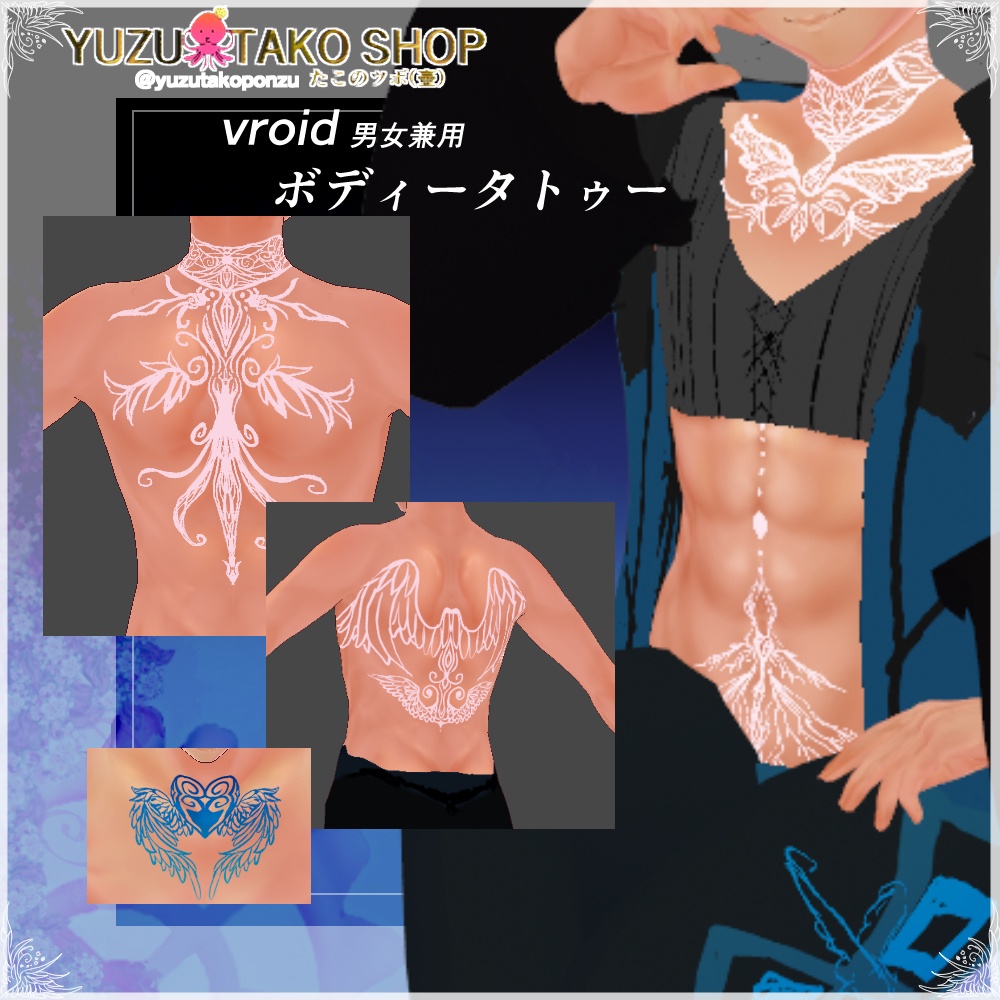
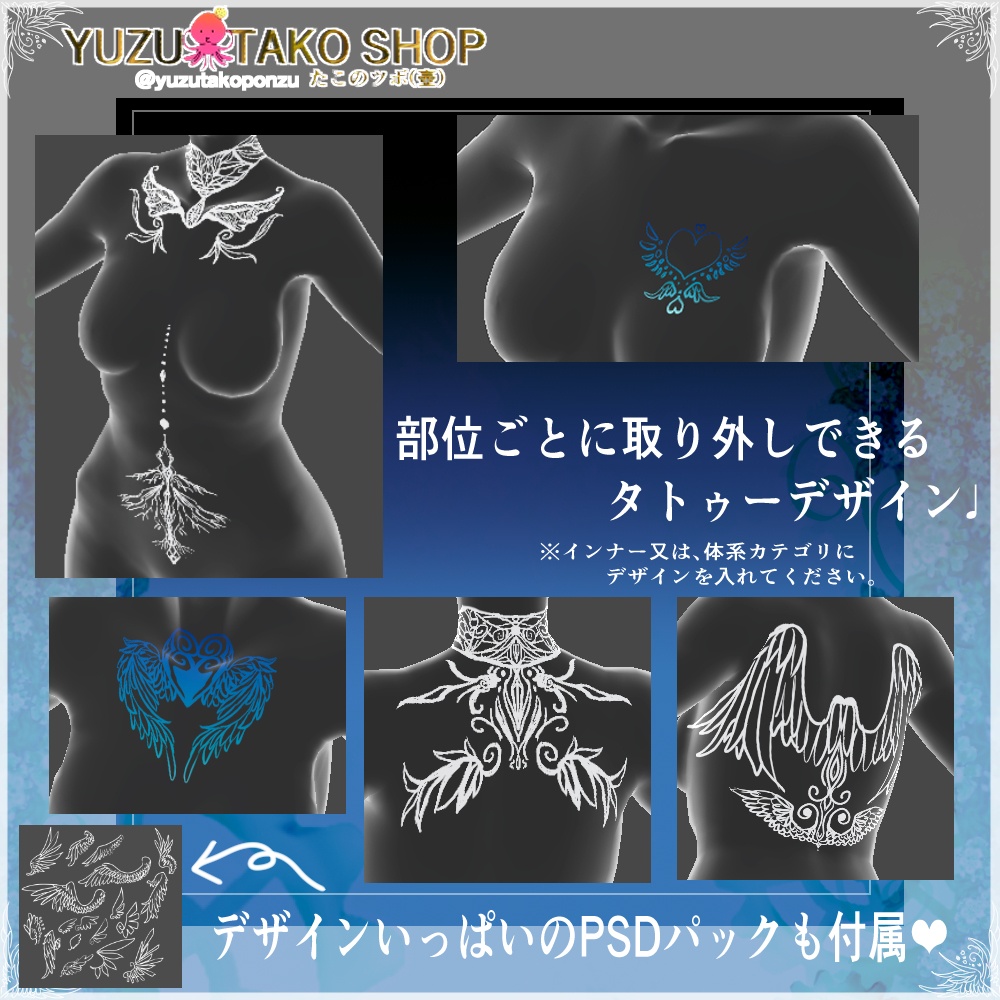
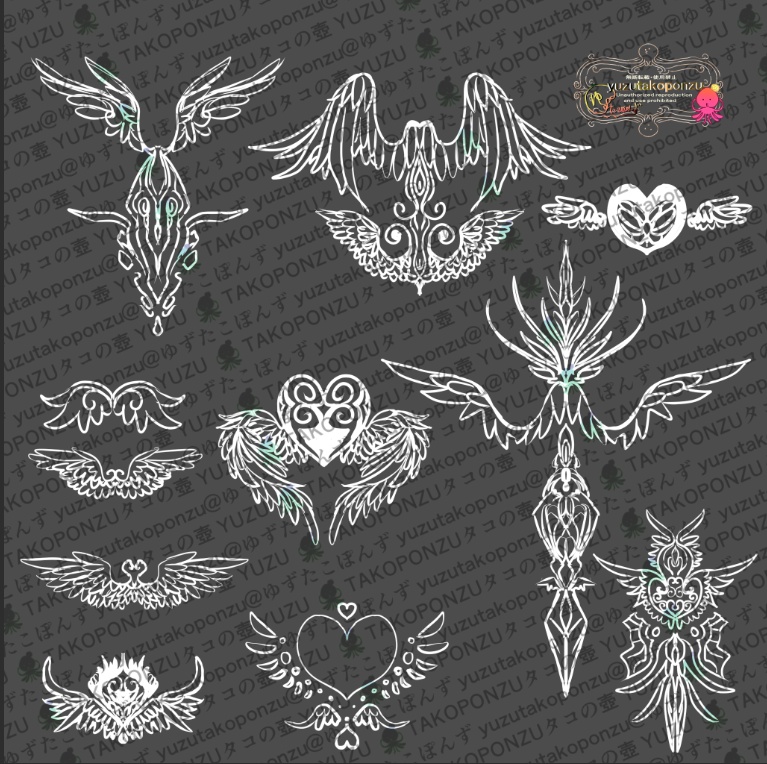
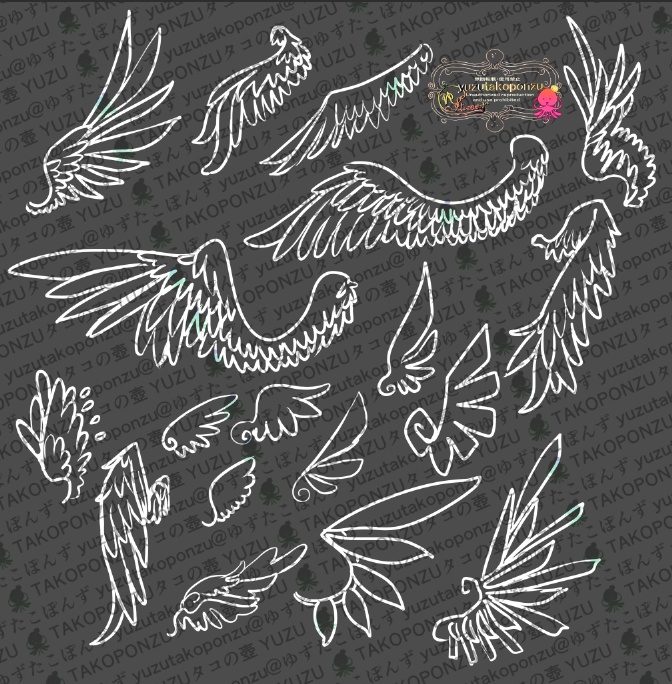
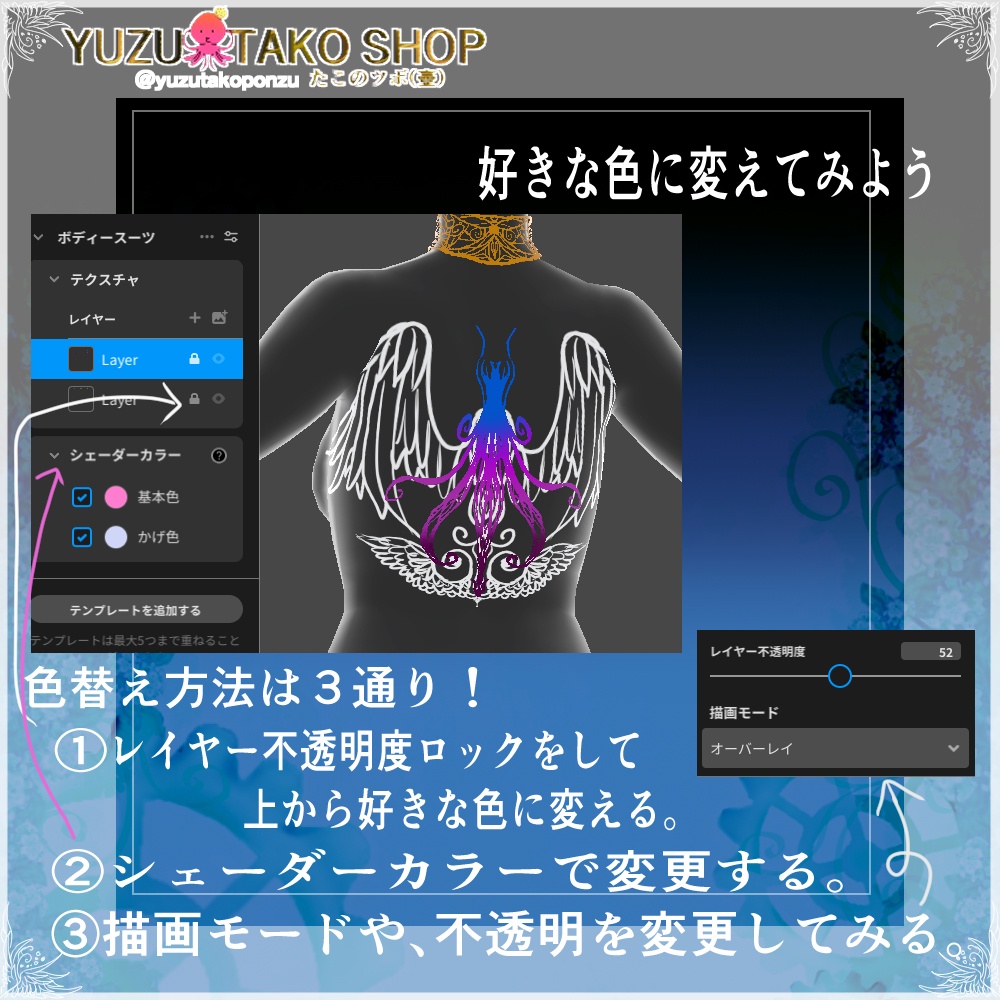


ボディータトゥー&デザインPSDパック【vroid正式版】 ◆キャラクターにワンポイント!? 筋肉を美しく見せたい時に、ボディペイントはいかがでしょうか! 部位ごとに取り外しができます♪ ◆商品詳細 ( 商用利用版 )◆ PNG ・タトゥーテクスチャ×13 PSD ・デザインパック×1(1枚の中に2セット分のデータが入っています。) ◆使用方法◆ ダウンロード後ZIPファイルを解凍します。 ※タトゥーの取り外しや色の改変は、テクスチャ変更から行ってください。 【サムネイルの筋肉はこちら!/ Check out the muscles in the thumbnail!】 ↓筋肉ハッピー大会3セットパック!!(以下3つのセット)↓ ↓Muscle Happy Tournament 3-Set Pack!! (The following 3 sets)↓ https://seihuu.booth.pm/items/7293977 ━━━━━━━━━━━━━━━━━━━━━━━━━━━━━━━━━━ Body Tattoo & Design PSD Pack [VRoid Official Version] ◆Add a touch of style to your character!? Want to beautifully accentuate your muscles? Body paint is a great option! Each tattoo can be removed individually. ◆Product Details◆ PNG ・Tattoo Textures x 13 PSD ・Design Pack x 1 (Contains data for two sets within one file.) ◆How to Use◆ After downloading, unzip the ZIP file. *To remove tattoos or change colors, please use the texture change function.
更新履歴
2026/3/1 ファイル修正(内容に変わりありません) 26/5.9 ファイル修正 サムネ画像同封廃止 利用規約更新&フリー配置型に変更。
利用規約
◆個人利用版◆ 【OK】 NSFW(センシティブ表現利用) / 改変利用 / SNS公開 / アバターアップロード 【NG行為】 収益化/ 無断グッズ化 / 元データ・改変後の再配布 / AI学習 / 製作素材として利用 / 盗用・ 自作発言/法令違反・公序良俗に反する行為 / 特定の個人・国・団体への誹謗中傷・デモ 等への利用 / アバターペデスタル等、クローン可能状態での利用禁止 ◆商用利用版◆ 【OK】 NSFW(センシティブ表現利用) / 改変利用 / VTuber利用/イベント・配信等で収益を得る事 / アバターアップロード 衣装についてのクレジットは基本不要です。 お気持ちで入れていただける場合は以下を参考にしてください! @yuzutakoponzu #ゆずたこの壺 #YPN壺コーデ #ゆずたこぽんず 【NG行為】 無断グッズ化 / 元データ・改変後の再配布 / AI学習 / 素材として取り出せる形での公開/盗 用・自作発言/法令違反・公序良俗に反する行為/特定の個人・国・団体への誹謗中傷・デ モ等への利用 / アバターペデスタル等、クローン可能状態での利用禁止 【注意事項】 当店の制作物についてAI生成素材は使用しておりません。 ご不明な点があれば、ショップお問い合わせにて受け付けております。 ※ご購入後の返金はできません。 【生成AIサービス利用ポリシー】 ・AI関連サービスにおいて、故意に制作物の学習、入力、解析、加工、出力等を固く禁止 致します。 ※詳しくは下記URLをご参照ください。 ◆総合利用規約 / 生成AIサービス利用ポリシー◆ https://yuzutakoponzu.wixsite.com/ypnstargarden/kiyaku ━━━━━━━━━━━━━━━━━━━━━━━━━━━━━━━━━━ Outfit Data Guidelines ◆Personal Use Version◆ 【Allowed】 NSFW (use of sensitive content) / Modification / Posting on social media / Avatar uploading 【Prohibited Acts】 Monetization / Unauthorized merchandise production / Redistribution of original or modified data / AI training / Use as production assets / Plagiarism or claiming authorship / Violating laws or public order and morals / Use for slander or protests against specific individuals, countries, or organizations / Use in a state that allows cloning (e.g., avatar pedestals) ◆Commercial Use Version◆ 【Allowed】 NSFW (use of sensitive content) / Modification / Use as a VTuber / Monetization via events, streams, etc. / Avatar uploading Crediting for the outfit is generally not required. If you would like to provide credit as a gesture of appreciation, please refer to the following: @yuzutakoponzu #ゆずたこの壺 #YPN壺コーデ #ゆずたこぽんず 【Prohibited Actions】 Unauthorized merchandising / Redistribution of original or modified data / Use for AI training / Publishing in a format that allows extraction of assets / Plagiarism or claiming authorship / Violations of law or public order and morals / Use for defamation or protests against specific individuals, nations, or organizations / Use in a state that allows cloning (e.g., avatar pedestals). 【Important Notes】 Our products do not utilize AI-generated assets. If you have any questions, please contact us via the shop's inquiry form. *Please note that refunds are not available after purchase. 【Generative AI Service Usage Policy】 ・The intentional use of our products for AI-related services—including training, input, analysis, processing, or output—is strictly prohibited. *Please refer to the URL below for details. ◆General Terms of Use / AI Generation Service Usage Policy◆ https://yuzutakoponzu.wixsite.com/ypnstargarden/kiyaku