

Simple Card Throw System
- Digital300 JPY
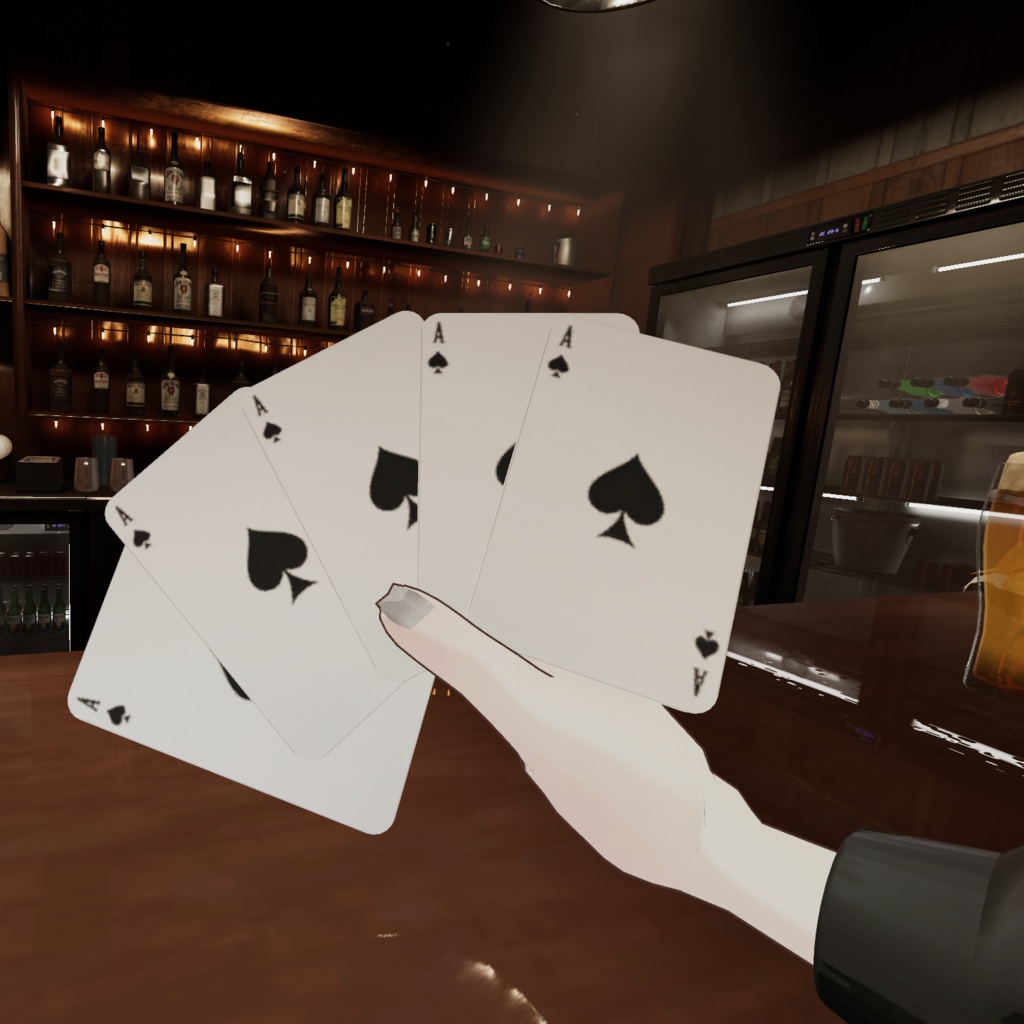
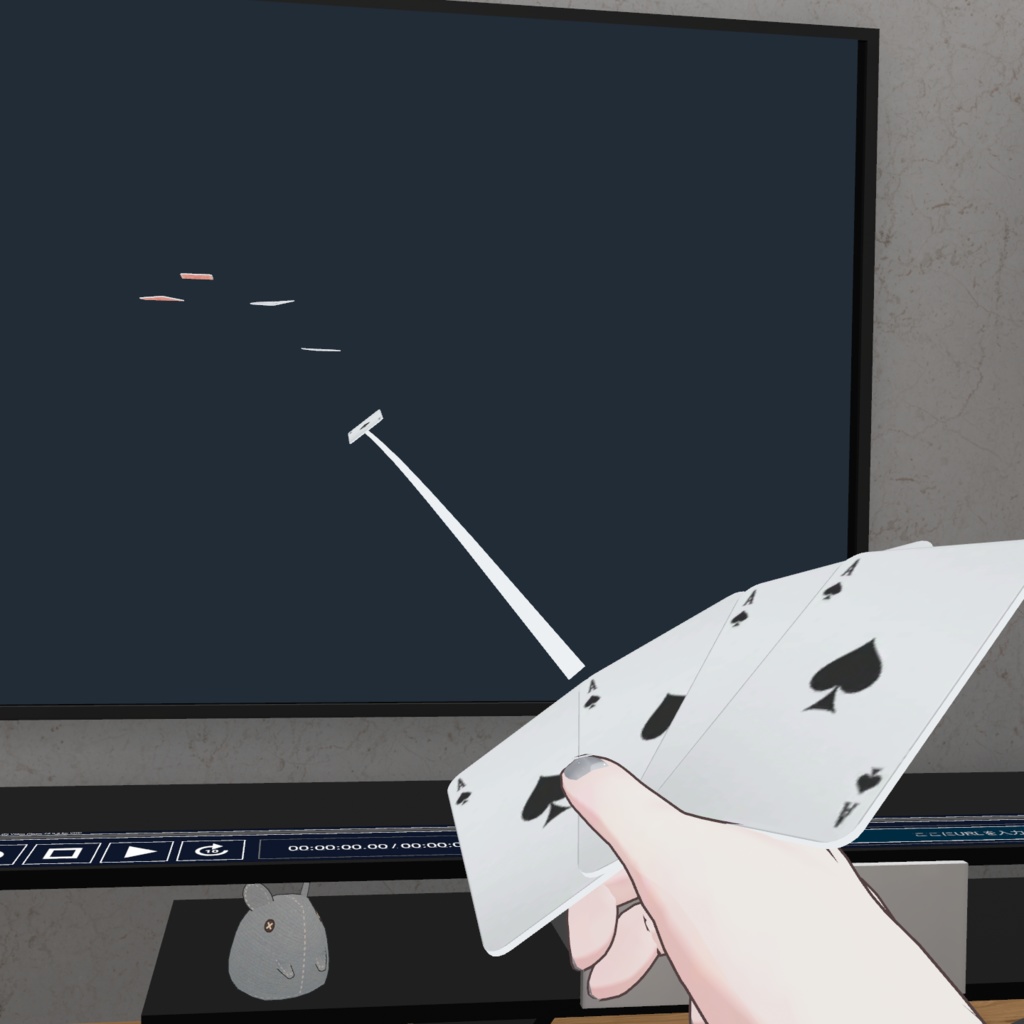
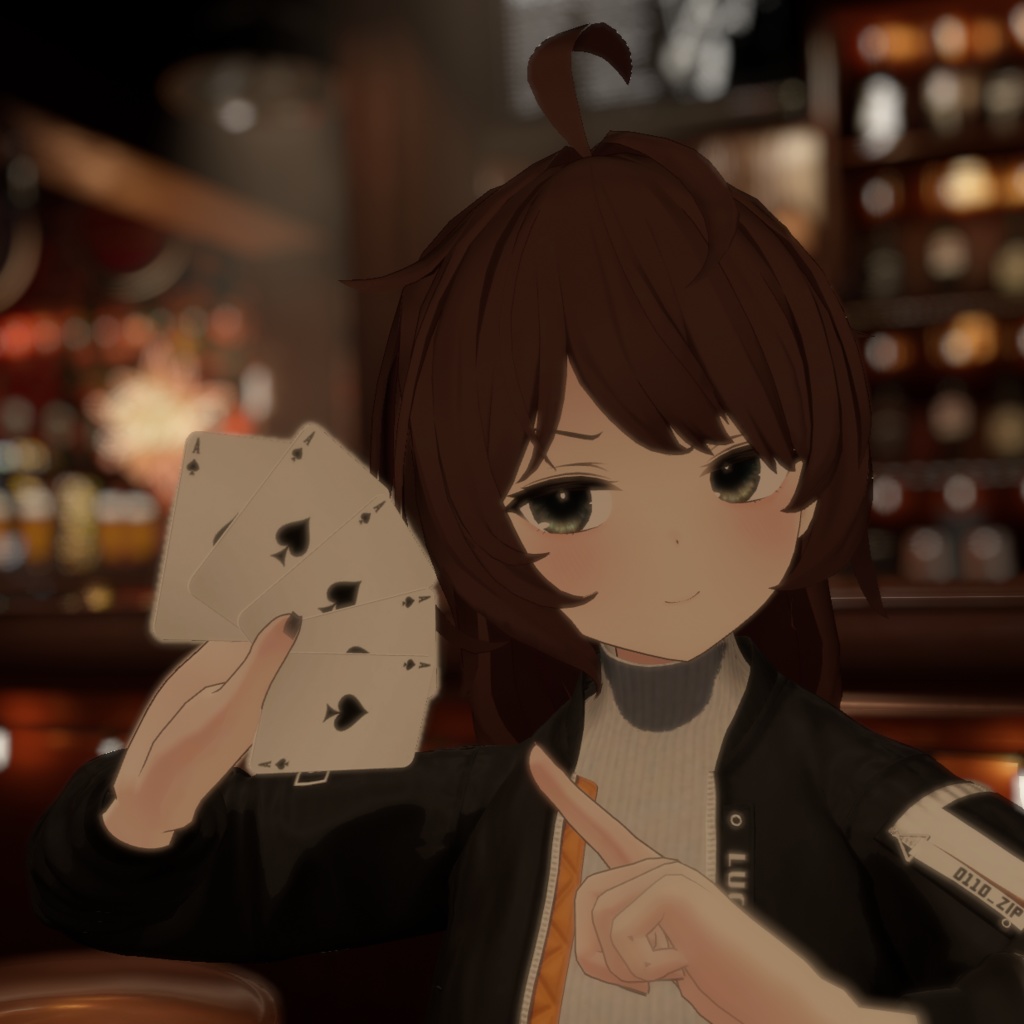


Demo Video : https://youtu.be/I5ve3K2Jveg 괴도키드처럼 멋지게 카드를 날려보세요! Throw cards like a Phantom Thief! 怪盗のようにカッコよくカードを飛ばしてみませんか? VRChat 아바타에서 사용 가능한 카드 던지기 기믹 시스템입니다. This is a Card Throwing System for VRChat avatars. VRChatアバター向けのカード投擲ギミックです。 -특징 Features 特徴- 손가락 제스쳐로 간편하게 발사 Shoot cards with simple hand gestures ハンドサインで簡単に発射可能 카드가 벽에 박히면 일정 시간동안 유지 Cards stick to walls and remain for a set duration 壁に刺さったカードは一定時間残ります 모듈러 아바타 대응으로 간편한 설치 Easy installation with Modular Avatar Modular Avatar対応で導入が簡単 글로벌 싱크 완전지원 Global Sync fully supported グローバルシンク完全対応 -필수 요구 사항 Requirements 必要アセット- Modular Avatar https://modular-avatar.nadena.dev/ lilToon Shader https://lilxyzw.github.io/lilToon/ -적용 방법 Installation 導入方法- 1. 프로젝트에 유니티 패키지를 임포트합니다. Import the unitypackage. unitypackageをインポートします。 2. 폴더 내의 Prefab을 아바타 최상위 하이어라키에 드래그하여 넣습니다. Drag and drop the Prefab onto your Avatar in the Hierarchy. フォルダ内の Prefab をアバターの直下(Hierarchy)に入れます。 3. Prefab 안의 [MOVE THIS TO ADJUST POSITION] 오브젝트를 선택하여, 아바타의 손 위치에 맞게 위치, 회전, 크기를 조절해 주세요. Adjust the position/scale of the [MOVE THIS TO ADJUST POSITION] object inside the prefab to fit your avatar's hand. Prefab内の [MOVE THIS TO ADJUST POSITION] オブジェクトを、アバターの手の位置に合わせて位置・角度・サイズを調整してください。 -사용법 Controls 使い方- 1. Expressions Menu에서 Card ON/OFF를 켜면 오른손에 카드가 나타납니다. Toggle Card ON/OFF in your Expressions Menu to show the cards. Expressions Menuで Card ON/OFF を有効にすると、右手にカードが出現します。 2. 오른손 FingerPoint (검지 펴기 / Desktop: F4) 제스쳐를 취하면 카드가 한 장씩 발사됩니다. Use the FingerPoint gesture (Right Hand) to shoot cards. (Desktop: F4) 右手の FingerPoint 指差し Desktop: F4 ジェスチャーでカードを発射します。 3. 탄창이 비면 발사되지 않으며, 제스쳐를 풀고 있으면 0.7초마다 한 장씩 자동 재장전 됩니다. Cards reload automatically every 0.7 seconds when not firing. 残弾がなくなると発射できません。ジェスチャーを解除すると 0.7秒ごとに自動でリロード されます。 VRC Synced Parameter usage bits: 9 -내용물 Contents 内容物- .unitypackage Guide Manual (KR/EN/JP) -Update Log- [2025-12-12] V1.0.0 : First Release