

Sailorcollar Trackesuit - VRChat Men's Clothing / CP38
- Kuuta CompatibleDigital1,400 JPY
- Full Pack: ALL INCLUDED!Digital2,600 JPY
- HAOLAN CompatibleDigital1,400 JPY
- Hanka CompatibleDigital1,400 JPY
- Bokusei (PlusHead Body) CompatibleDigital1,400 JPY
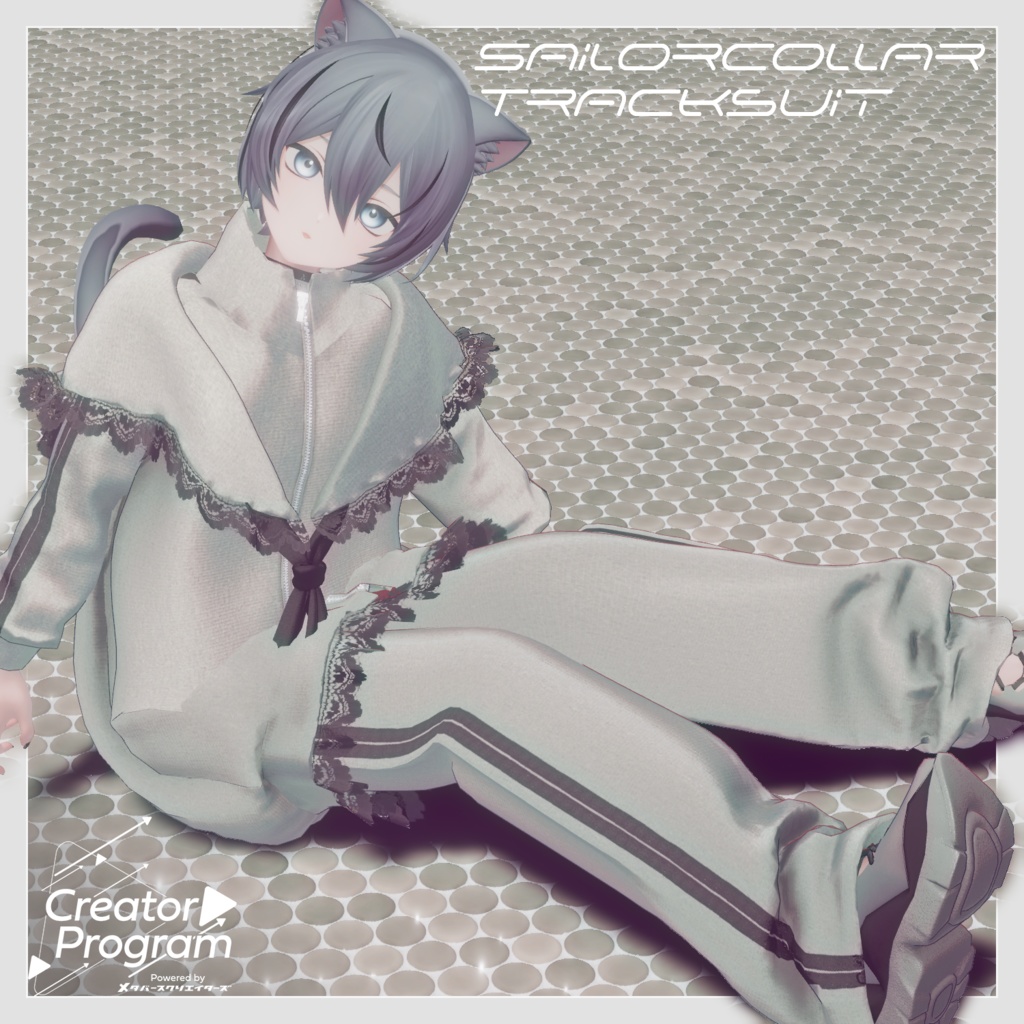
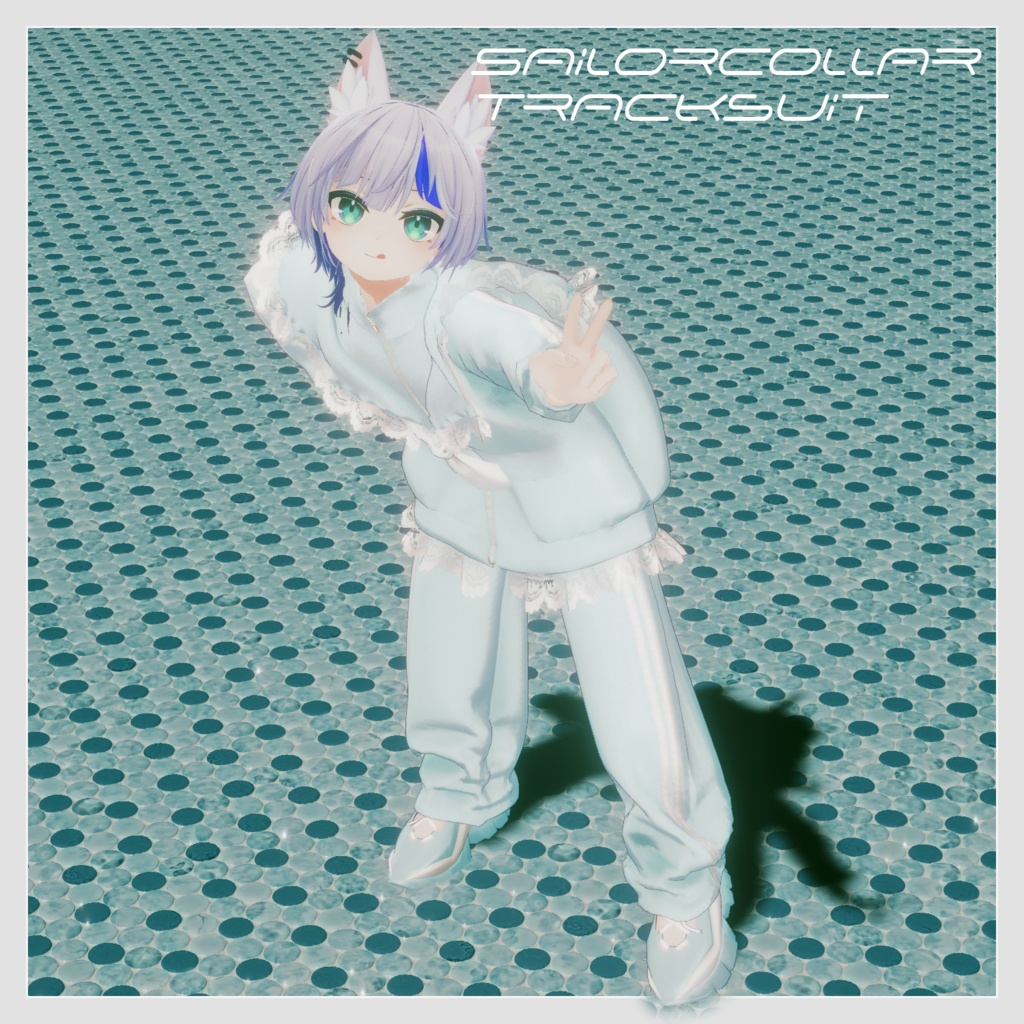
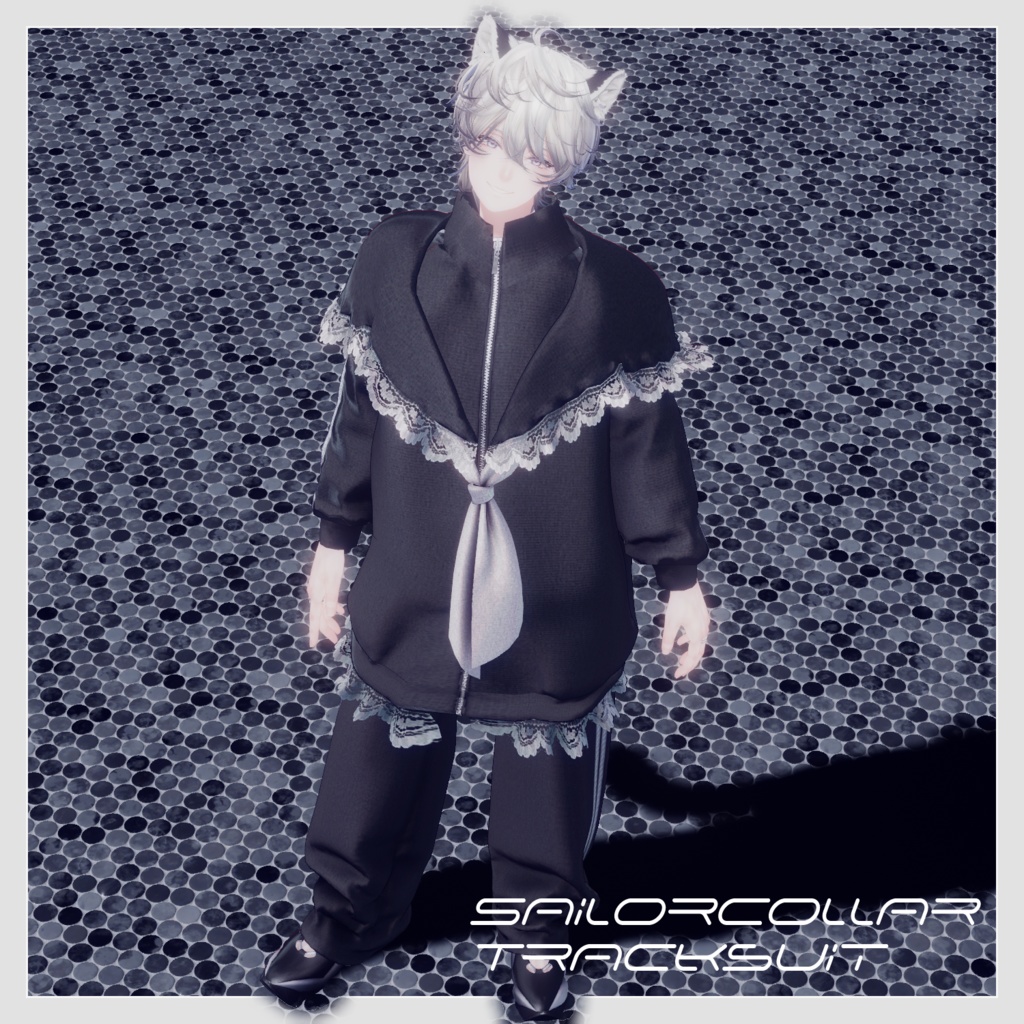
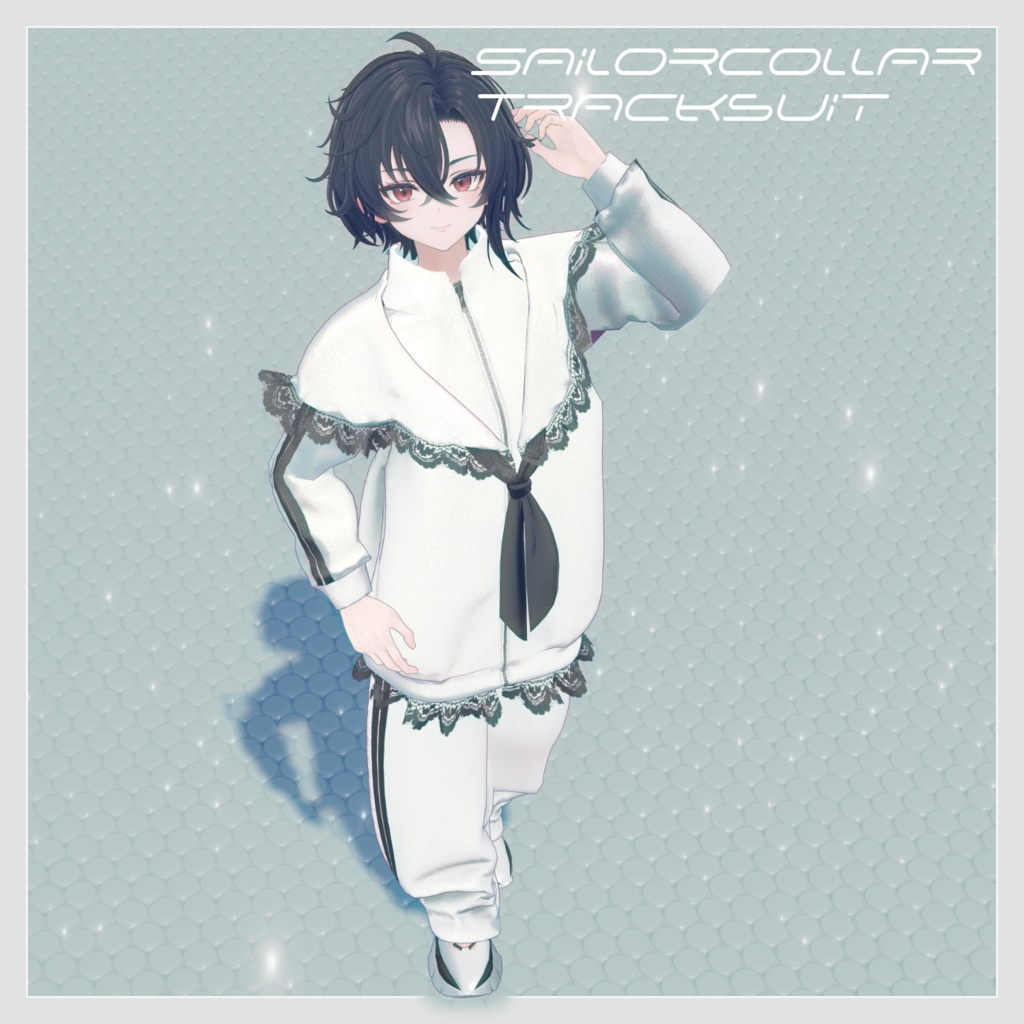
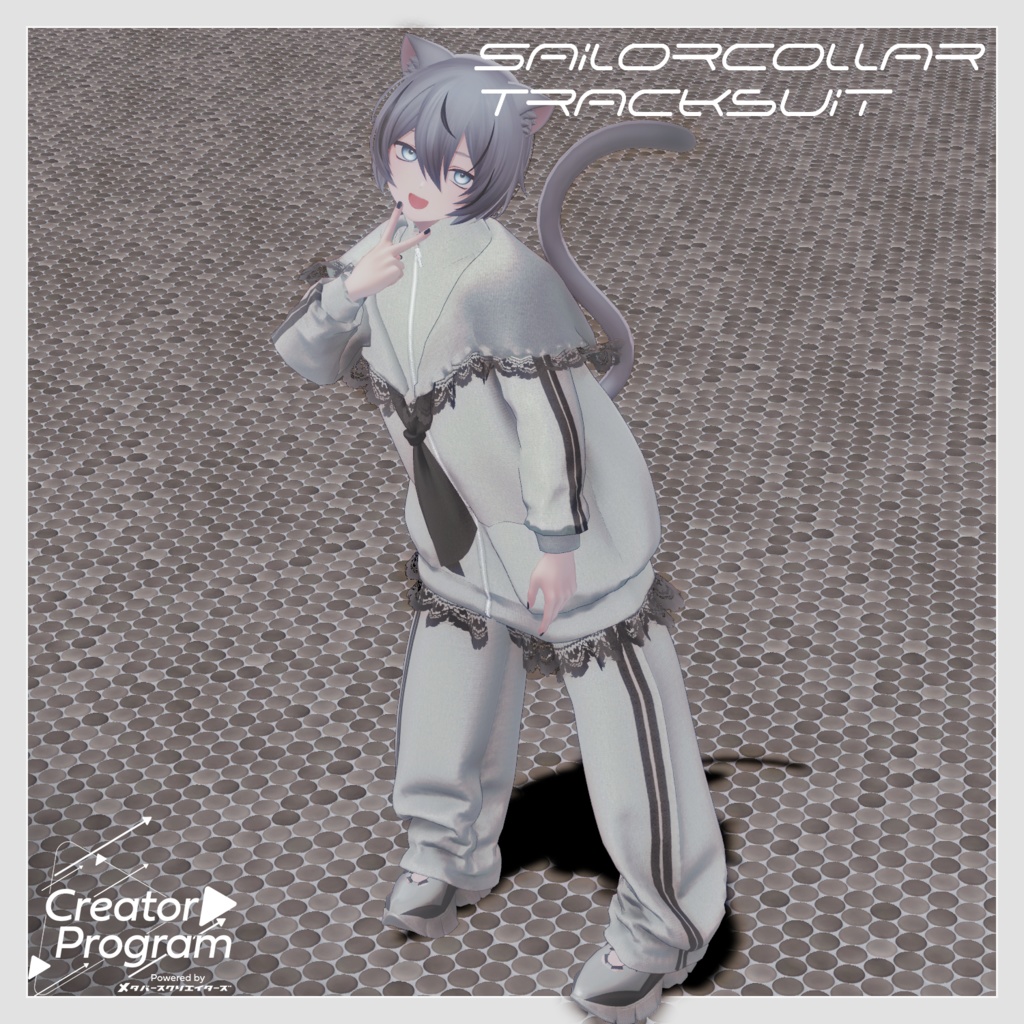
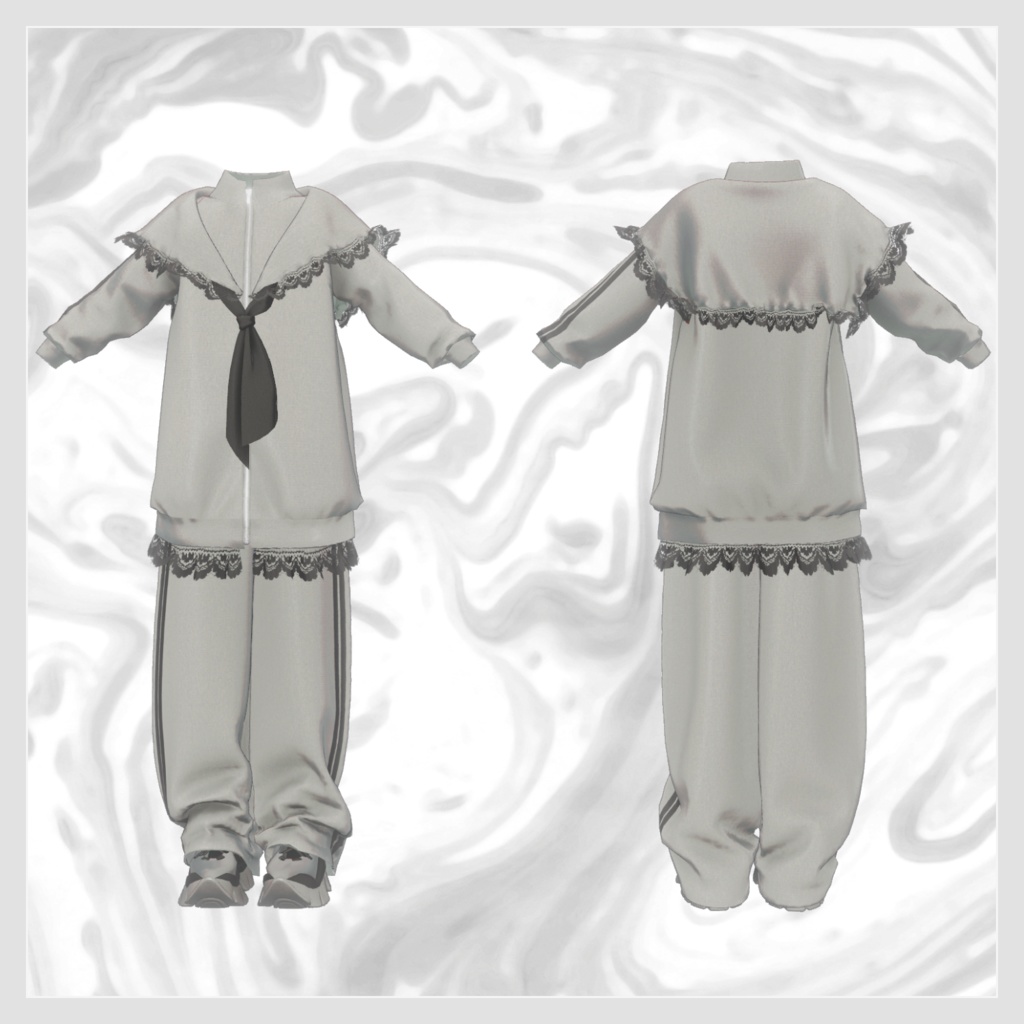
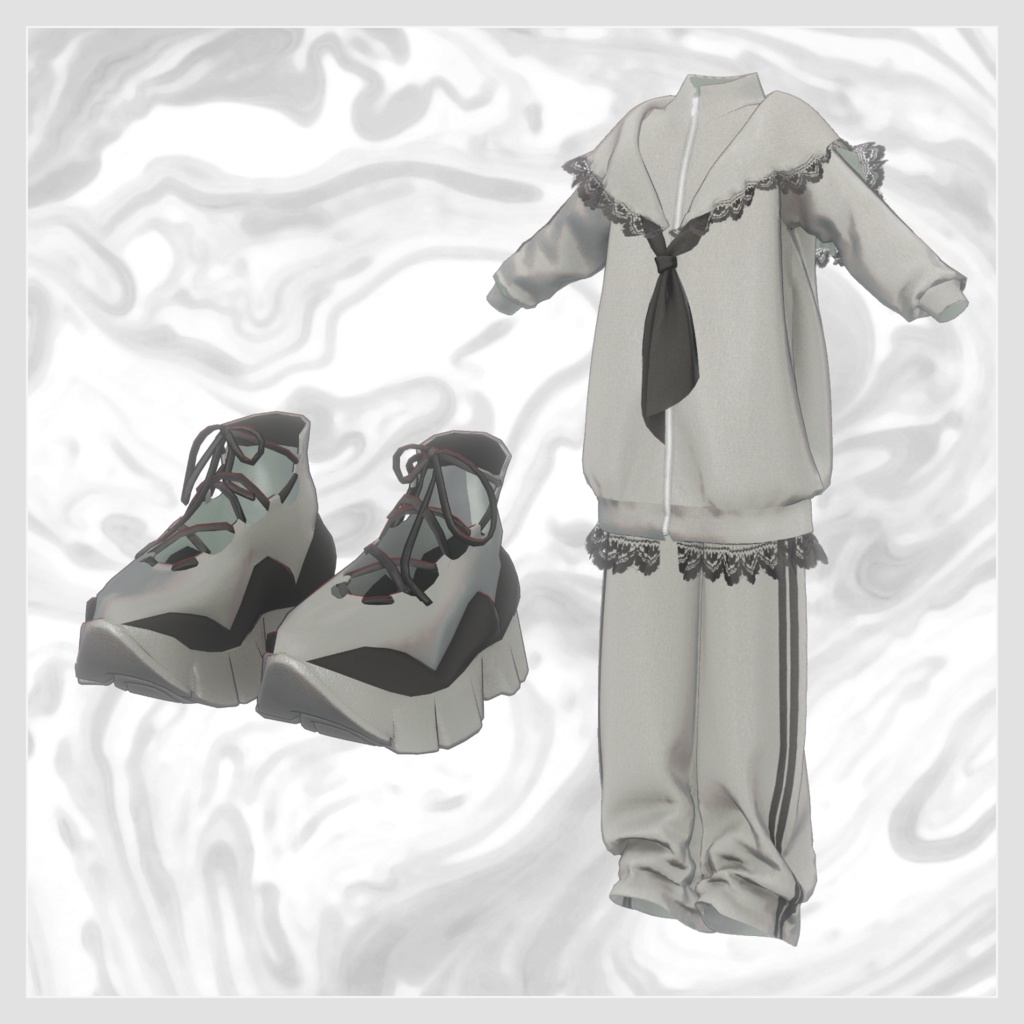
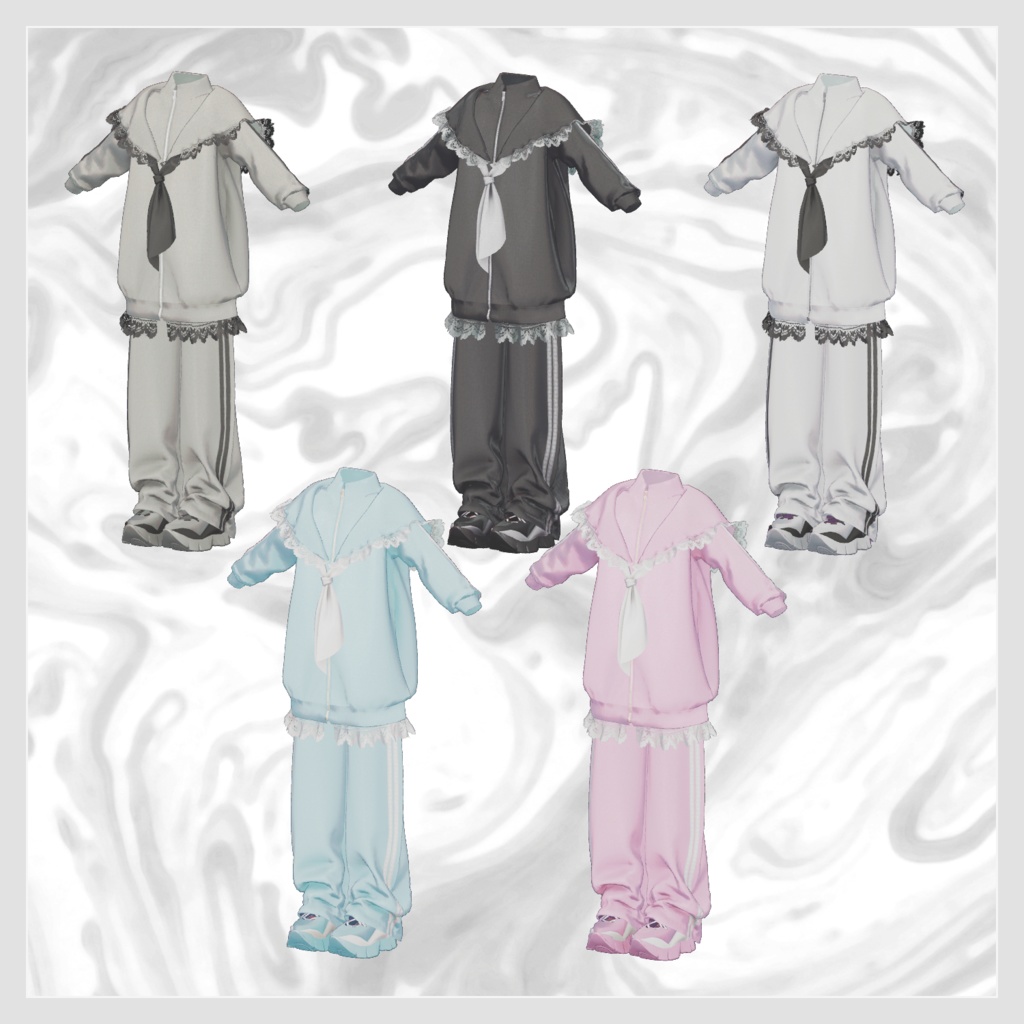


◆ Sailorcollar Tracksuit ◆ Creator: Magnolia A sporty tracksuit with subtle lace accents layered over clean athletic lines. The design is soft, comfortable, and easy to wear without feeling too formal. ※ This product is a clothing model intended for VRChat avatars. The avatar itself is not included. ※ Due to the nature of digital products, refunds and returns cannot be accepted. Please read and agree to the product description and Terms of Use before purchasing. ◆ Item Overview ● Contents Sailorcollar_Tracksuit.Unitypackage ReadMe.txt (this document) Shader Used liltoon https://lilxyzw.booth.pm/items/3087170 Required Assets Modular Avatar https://modular-avatar.nadena.dev/ja/docs/intro ● Model Data △ Total Polygons: 25,815 Wear: 11,949 polygons Bottom: 6,858 polygons Shoes: 7,008 polygons Mesh count: 3 Material count: 13 PhysBone components: 4 Import Folder Assets > MetaverseCreators_CP > Magnolia_Junes > Sailorcollar_Tracksuit ◆ Compatible Avatars Kuuta – Original 3D Model #Kuuta3D https://booth.pm/ja/items/4897493 Original 3D Model “Bokusei” (PlusHead body) https://booth.pm/ja/items/5727810 Original 3D Model “Hanka” https://studioyono.booth.pm/items/6970249 Original 3D Model “HAOLAN” https://kanalia.booth.pm/items/3818504 ※ This outfit uses shapekeys that hide the avatar’s body (turning the base body into a simplified stick form) when worn. ◆ Installation Guide Set up the latest VRC SDK via VCC. Install required assets (liltoon, Modular Avatar) via VCC. Import the latest package of your chosen avatar. Import this product’s package. Drag your avatar (and any outfit/editable prefab) into the Scene Hierarchy. Hide or set to Editor Only any unnecessary clothing on the avatar (default clothing, underwear, etc.). Drag the [OutfitName]_[AvatarName].Prefab directly under your avatar. Upload the avatar using the VRC SDK. Notes on “MA Shape Changer” This outfit includes Modular Avatar’s MA Shape Changer. When placed under the avatar, the avatar’s shapekeys automatically activate to slim or hide mesh regions that would otherwise clip with the clothing. If you prefer not to use this function, you may remove it. PlusHead avatars: If mesh names differ between avatars, the component may not function correctly. In such cases, adjust by renaming your avatar’s mesh or manually modifying the shapekeys. If parts of the avatar’s base body appear unintentionally thinned after fitting the outfit, set the relevant shapekeys back to 0 and verify the appearance. ◆ Changing Colors Replace the color-variation materials inside: Common > Material ◆ Terms of Use https://drive.google.com/drive/folders/1qRMXoIxM1ZgacBPfwOigQRtXP1vCbNMn?usp=sharing ※ Please also follow the Terms of Use for the base avatar you use with this outfit. ◆ Production Environment Modeling: Blender Ver. 4.5.4 Textures: CLIP STUDIO PAINT / Substance Painter Setup: Unity Ver. 2022.3.22f1 VRChat SDK – Avatars Ver. 3.7.6 (VCC) liltoon 1.8.5 ModularAvatar 1.11.5 ◆ Credits Creator: Magnolia https://x.com/magnoli37298544 https://magnolia14.booth.pm/ Contact / Support https://discord.gg/bmw3PWE37M