

Pomodoro Timer for OBS (25m / 5m + 2h) - Pink
- Digital700 JPY
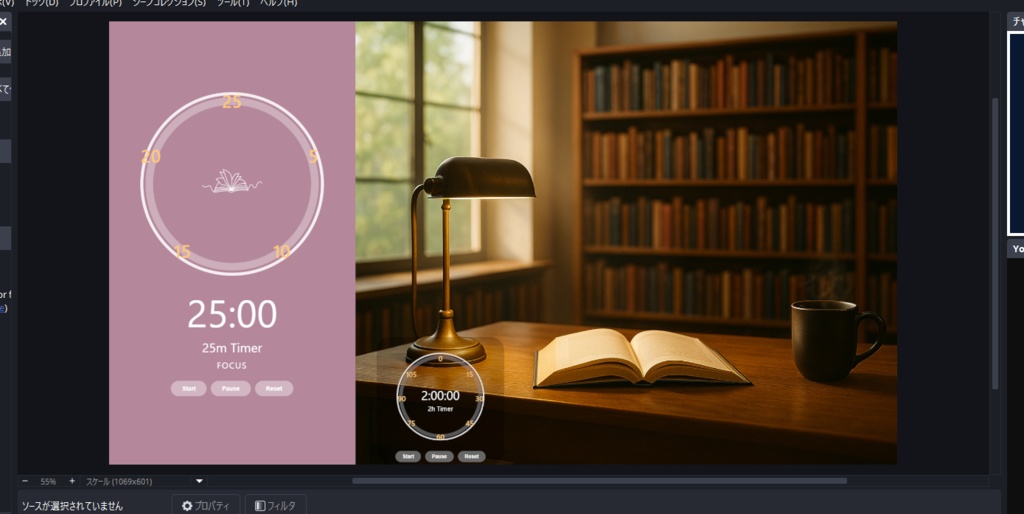
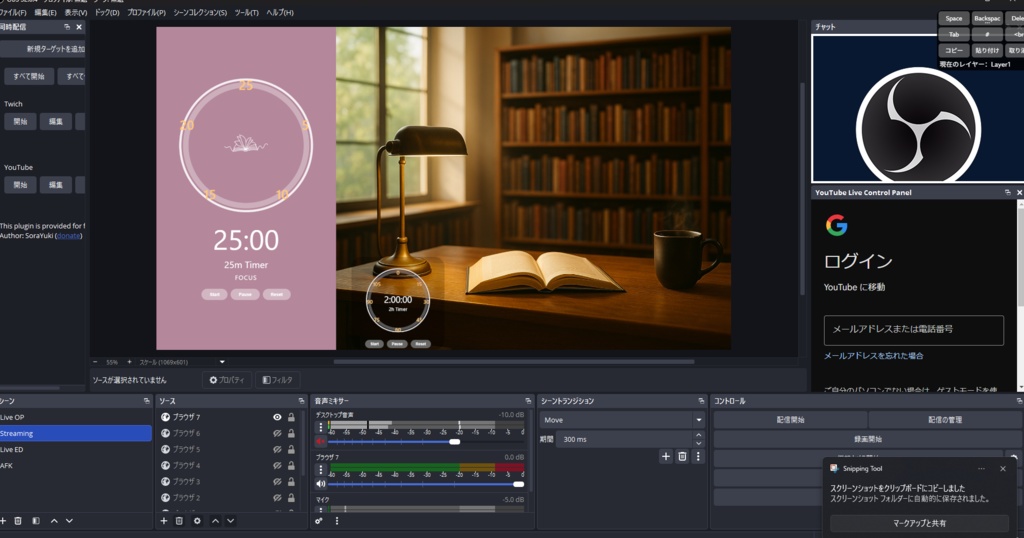
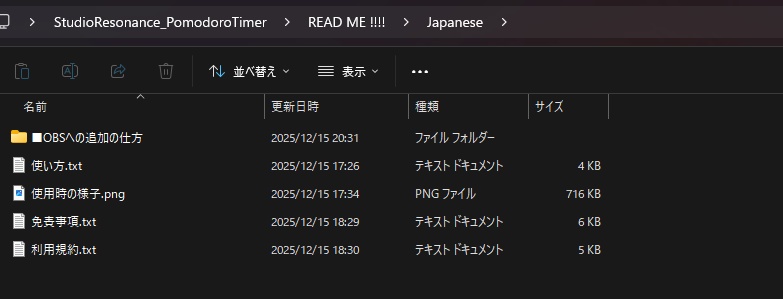
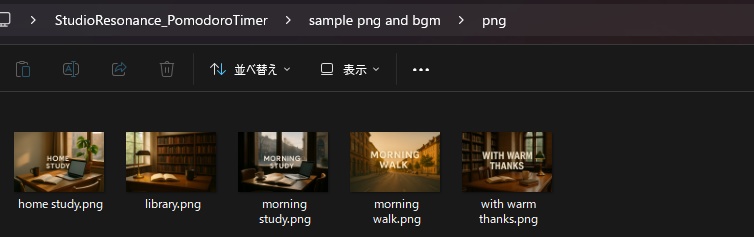
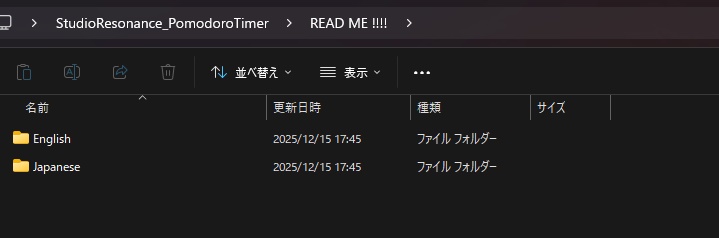
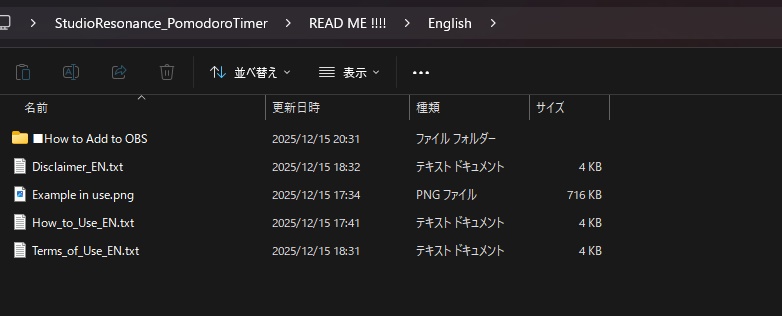
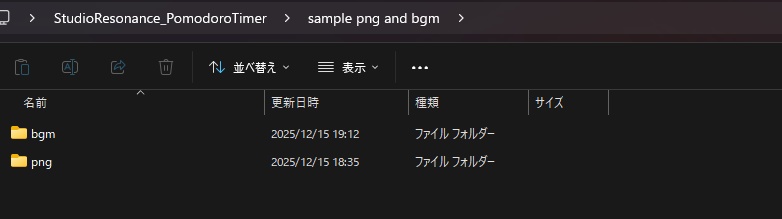
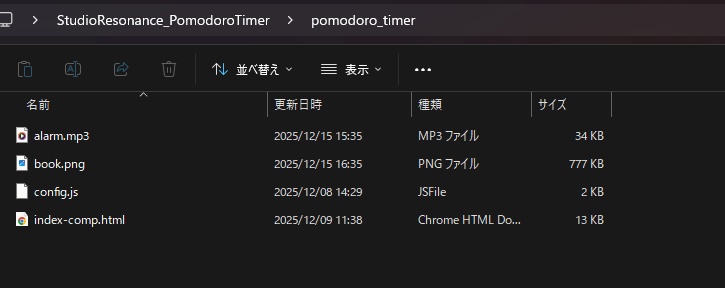
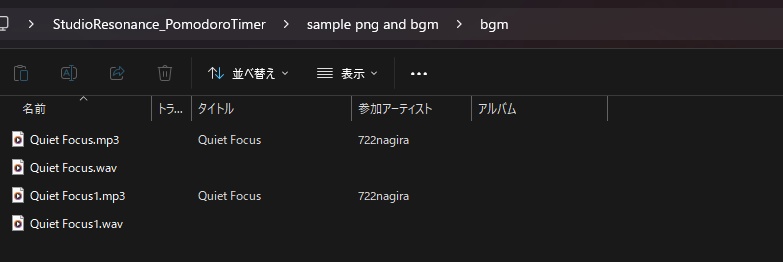
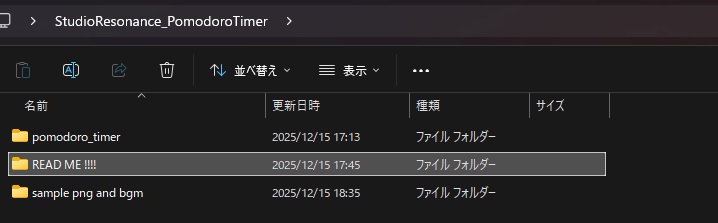


【日本語】 Studio Resonance Pomodoro Timer for OBS (25m / 5m + 2h) 本商品は、OBSの「ブラウザソース」として使用できる、 配信・作業・学習向けのポモドーロタイマーです。 ローカル環境で動作するHTMLベースのタイマーのため、 外部通信やオンラインサービスを必要としません。 ※本商品には、使用イメージを分かりやすくするための サンプルBGM(AI生成)およびサンプル背景画像(AI生成)を 特典として同梱しています。 ※これらのサンプル素材はデモ用途を目的としたものであり、 本商品の主要機能には含まれません。 ──────────────────── ■ 機能概要 ──────────────────── 本タイマーは、以下の動作を自動で繰り返します。 ・25分(FOCUS) - タイマー進行にあわせて円形バーが減少 - 時間終了時にアラーム音が鳴ります ・5分(BREAK) - 無音でタイマーが進行 - 円形バーが減少 - 終了時にアラーム音が鳴ります 上記サイクルを自動で繰り返します。 また、以下の機能を搭載しています。 ・25分タイマーと連動して動作する2時間タイマー ・Start / Pause / Reset 操作(OBSの「対話」から操作) ・作業時間・休憩時間・音量のカスタマイズ(config.js) ・アラーム音および中央アイコン画像の差し替え対応 ──────────────────── ■ 使用方法(簡易) ──────────────────── 【OBSでの追加方法】 1. OBSを起動し、「ソース」→「+」→「ブラウザ」を選択 2. 「ローカルファイル」にチェックを入れ、 本商品内の「pomodoro timer」フォルダにある 「index.html」を指定 3. サイズを調整して追加 4. ソースを右クリックし「対話」から操作 ※詳細な手順やカスタマイズ方法は、 同梱のテキストファイルをご参照ください。 ──────────────────── ■ 注意事項 ──────────────────── ・本商品は作業・学習・配信補助を目的としたツールです ・動作や効果を保証するものではありません ・利用環境(OS / OBS / 設定)によって挙動が異なる場合があります ・個別の環境対応や動作保証は行っておりません ──────────────────── ■ ライセンス ──────────────────── ※商品画像・動画に含まれるBGMおよび背景画像は、 使用イメージを示すためのサンプル素材です。 ※サンプルBGMはSuno AI、サンプル画像はChatGPTを使用して生成されています。 これらのサンプル素材は、本商品の主要機能には含まれません。 ※サンプル素材の使用可否、ライセンス、権利関係については、 ご購入者様ご自身の責任においてご確認ください。 ・商用利用:可能(収益化配信を含む) ・クレジット表記:不要(任意) ・二次配布、転売、転載は禁止配布:禁止 ・自作発言:禁止 ・著作権:放棄していません ・改変:可能(自己責任) ※詳細は同梱の「利用規約」「免責事項」をご確認ください。 ──────────────────── ■ 制作者 ──────────────────── Studio Resonance https://studio-resonance.booth.pm/ ============================================================ 【English】 Studio Resonance Pomodoro Timer for OBS (25m / 5m + 2h) This product is a Pomodoro timer designed for use as an OBS Browser Source, ideal for live streaming, focused work, and study sessions. It runs entirely in a local environment using HTML and does not require any online services or external connections. This product includes AI-generated sample BGM and AI-generated sample background images as bonus materials to help demonstrate usage examples. These sample materials are provided for demonstration purposes only and are not part of the core functionality of the product. ──────────────────── ■ Features ──────────────────── The timer automatically repeats the following cycle: - 25 minutes (FOCUS) - Circular progress bar decreases over time - Alarm sound plays when the timer ends - 5 minutes (BREAK) - Silent timer progress - Circular progress bar decreases - Alarm sound plays at the end This cycle repeats automatically. Additional features include: - 2-hour timer that starts simultaneously with the 25-minute timer - Start / Pause / Reset controls (via OBS “Interact”) - Customizable work time, break time, and volume (config.js) - Replaceable alarm sound and center icon image ──────────────────── ■ How to Use (Quick Guide) ──────────────────── 【Adding to OBS】 1. Open OBS and select “Sources” → “+” → “Browser” 2. Enable “Local File” and select “index.html” from the “pomodoro timer” folder 3. Adjust the size and add the source 4. Right-click the source and select “Interact” to control the timer *For detailed instructions and customization options, please refer to the included documentation.* ──────────────────── ■ Notes ──────────────────── - This tool is intended as a productivity aid only - No guarantees are made regarding performance or results - Behavior may vary depending on OS, OBS version, and settings - No individual environment-specific support is provided ──────────────────── ■ License ──────────────────── *Background images and BGM shown in product images or videos are provided for demonstration purposes only.* *The sample BGM was generated using Suno AI, and the sample images were generated using ChatGPT. These materials are not part of the core functionality of this product.* *Users are responsible for verifying usage rights, licenses, and legal compliance of any sample materials.* - Commercial use: Allowed (including monetized streams) - Credit: Not required (optional) - Redistribution, resale, or free distribution: Prohibited - Claiming authorship: Prohibited - Copyright: Not waived - Modification: Allowed (at the user’s own risk) *Please refer to the included Terms of Use and Disclaimer for full details.* ──────────────────── ■ Creator ──────────────────── Studio Resonance https://studio-resonance.booth.pm/