

Military Jacket Outfit - VRChat Women's Clothing / CP36
- Shinano CompatibleDigital1,400 JPY
- Full Pack: ALL INCLUDED!Digital2,600 JPY
- Manuka CompatibleDigital1,400 JPY
- Lasyusha CompatibleDigital1,400 JPY
- Marycia CompatibleDigital1,400 JPY
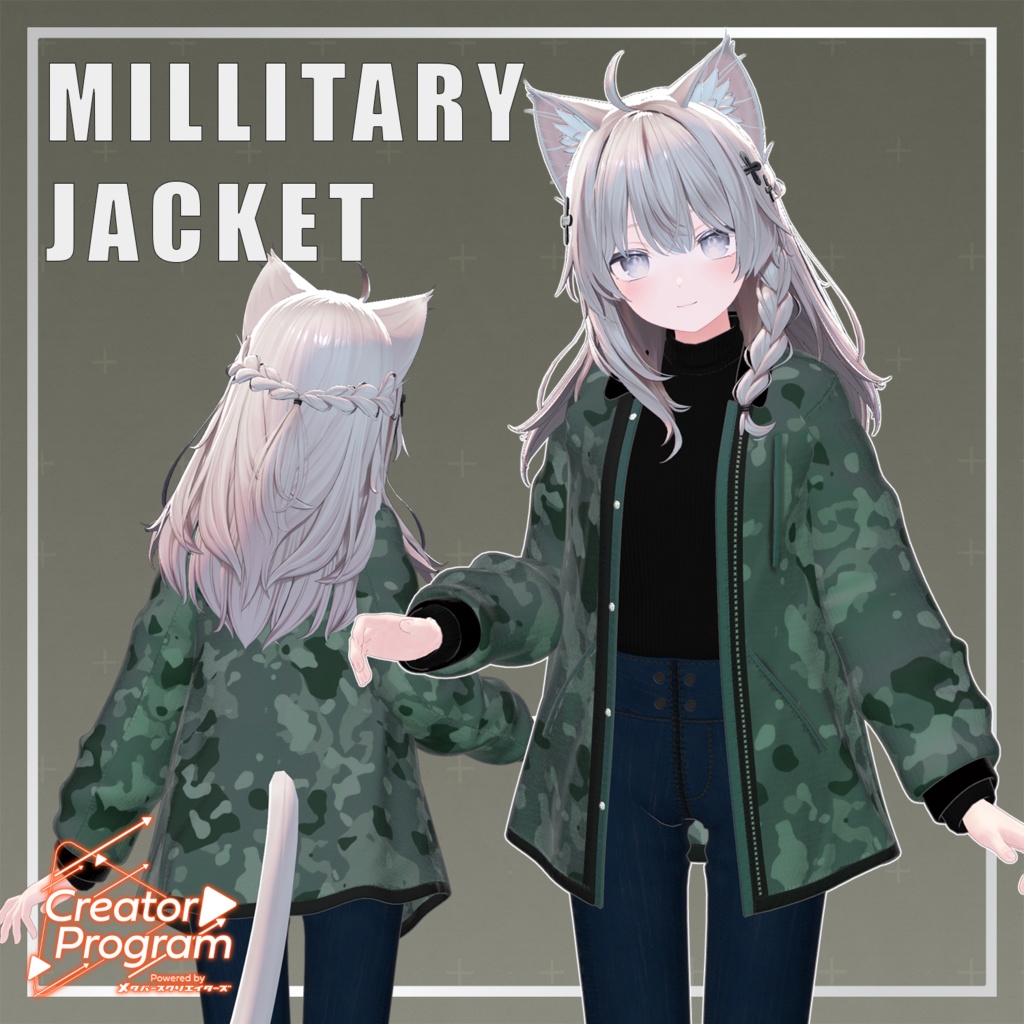
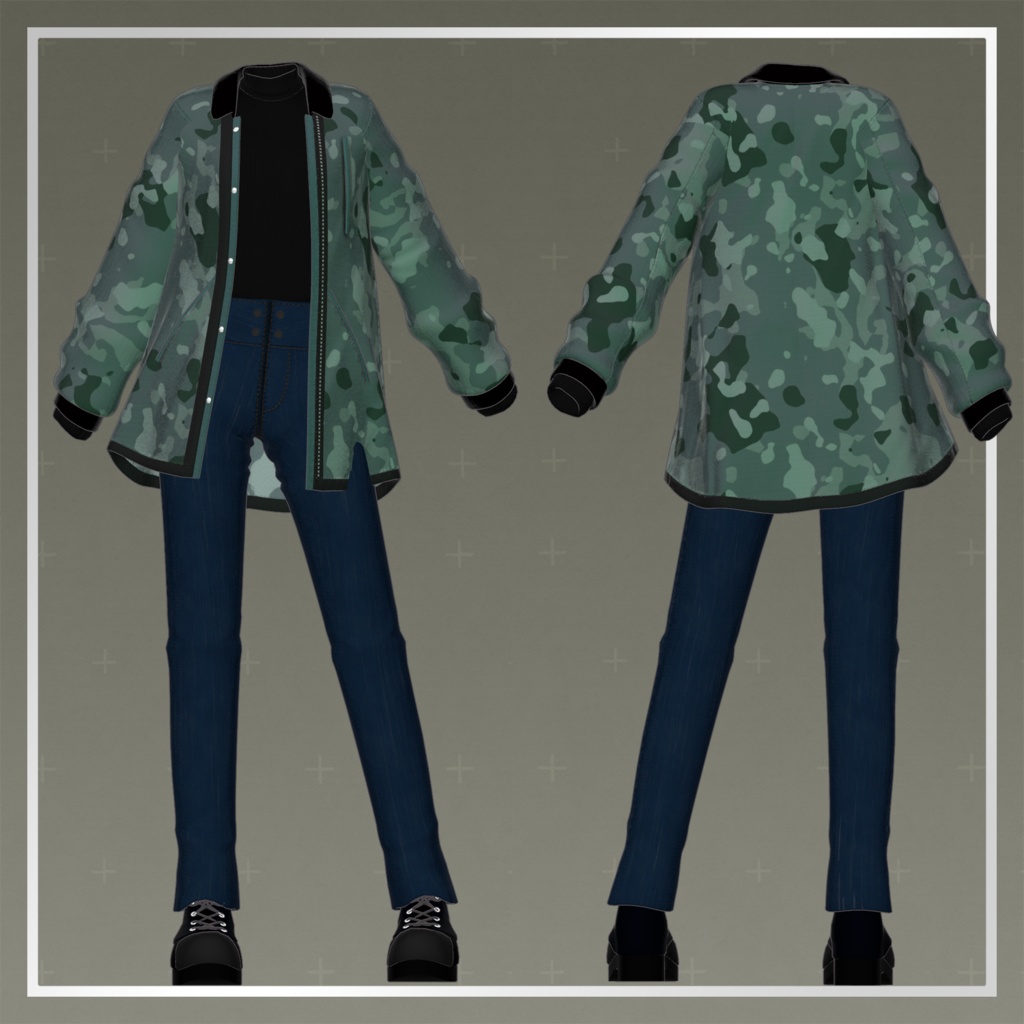
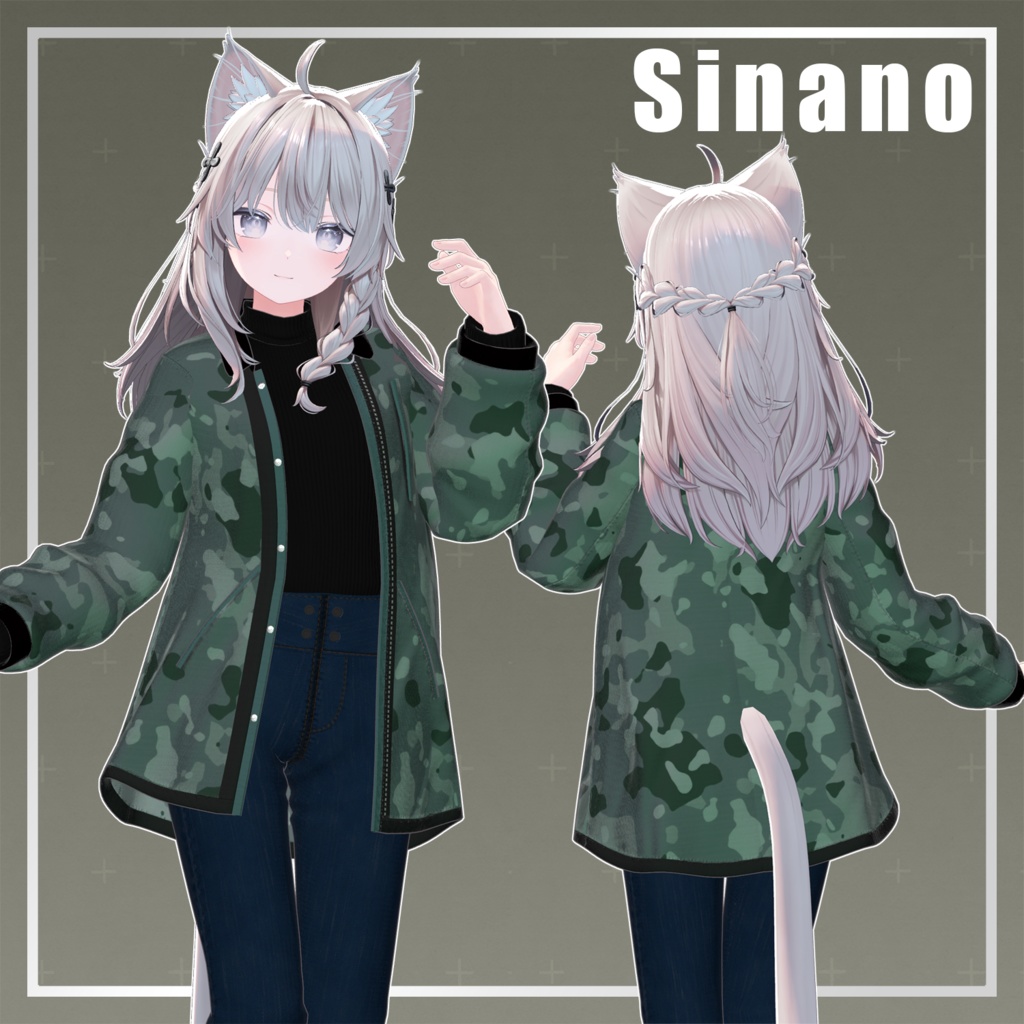
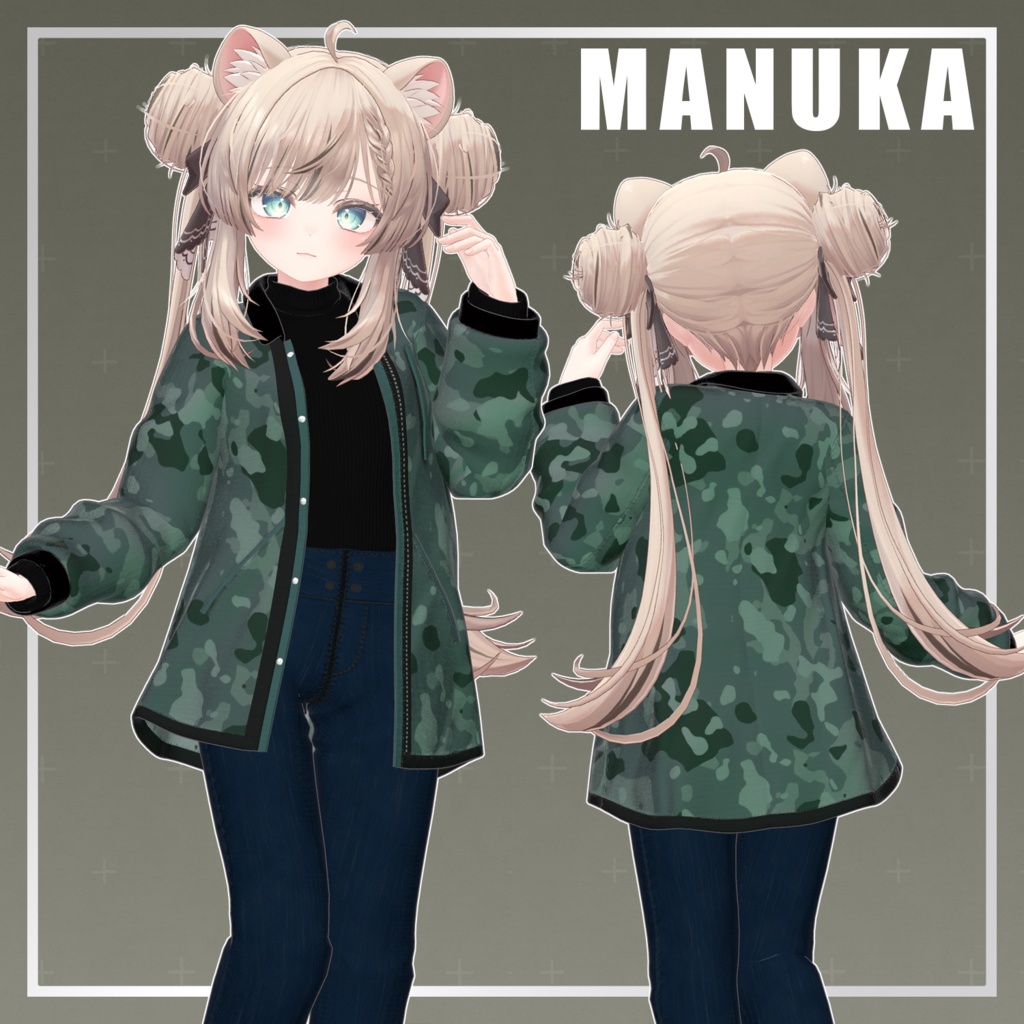
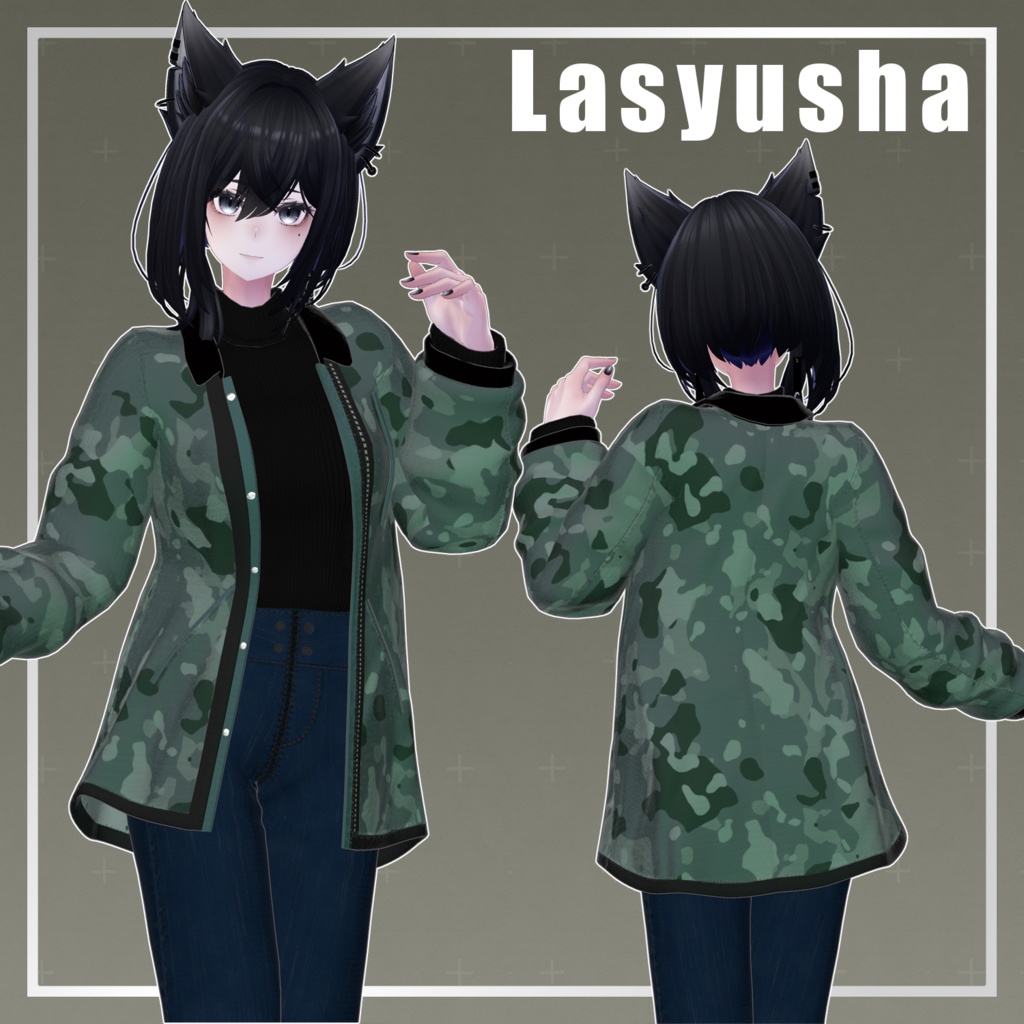
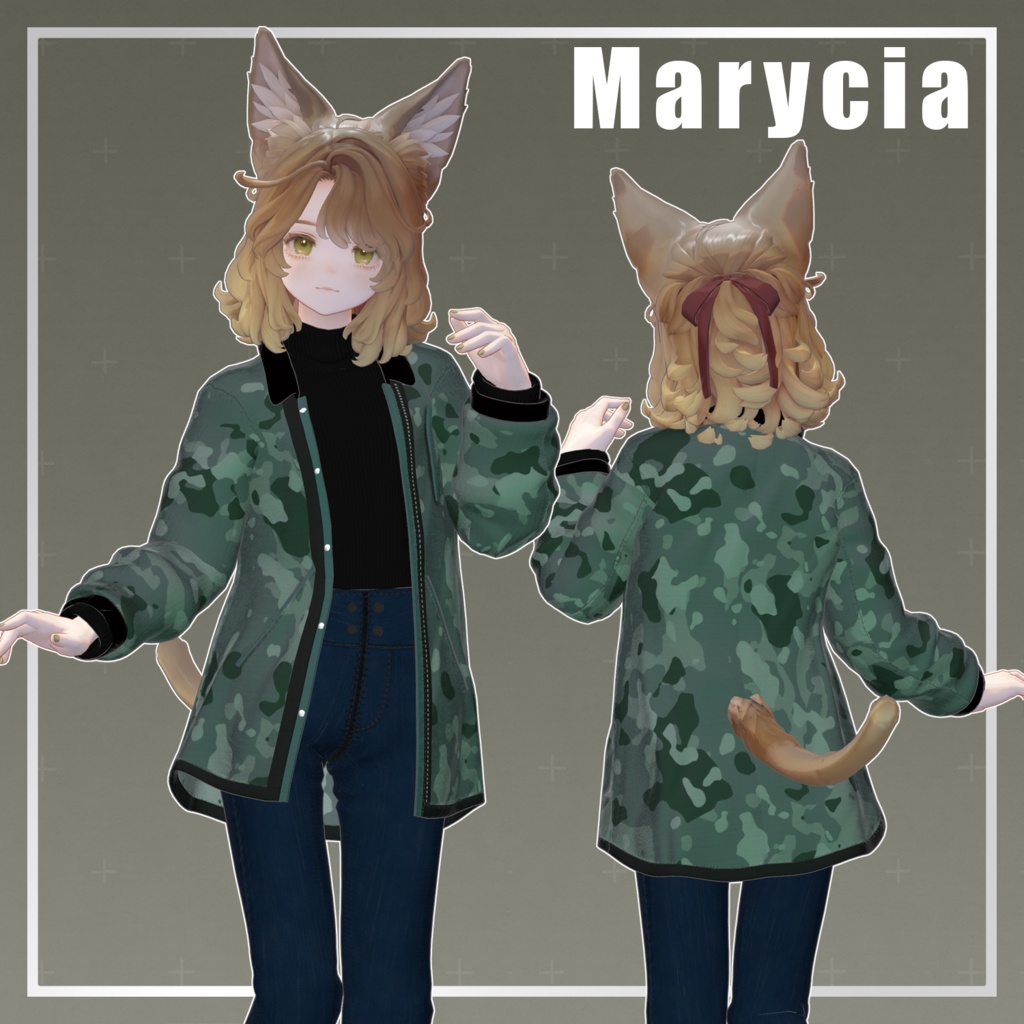


◆ Military Jacket Outfit ◆ Creator: Akabane Aki This is a military jacket coordinate featuring a calm color palette. It has been designed as a highly versatile casual outfit perfect for everyday use. The jacket features a subdued camouflage pattern and a moderate length to create a gender-neutral silhouette. The inner black top and slim jeans were designed to blend in naturally, regardless of the atmosphere of the avatar they are paired with. Please try this out whenever you want to give your avatar a slightly different look than usual. Note: This product is a clothing model for avatars. The avatar body data is not included. Due to the nature of digital products, returns and refunds are not possible. Please purchase only after reviewing and agreeing to the product description and terms of use. ◆ Item Overview Contents PackageName.Unitypackage PSD files for modification ReadMe.txt (Main text) Required Shaders liltoon: Link Required Assets Modular Avatar: Link Model Data Polygon Count: Total 39,704 Inner: 5,404 Bottoms: 6,708 Outer: 19,392 Shoes: 8,200 Mesh Count: 4 Material Count: 3 PhysBone Components: 11 Import Folder Path: Assets > MetaverseCreators_CP > Akabane > MillitaryJacketCode ◆ Supported Avatars Original 3D Model "Shinano" Original 3D Model "Manuka" ver1.02 Original 3D Model "Lasyusha" Original 3D Model "Marycia" Note: This outfit uses shape keys to hide parts of the avatar body (shrinking the body mesh) to prevent clipping. ◆ Installation Steps Set up the latest version of the VRC SDK via VCC. Install required assets (liltoon, Modular Avatar) via VCC. Import the latest package for your specific avatar. Import this product’s package. Drag and drop the avatar (or its modification prefab) into the Scene Hierarchy. Hide or set unnecessary default clothing/undergarments to Editor Only. Drag and drop MillitaryJacketCode_For[AvatarName].Prefab directly onto the avatar object. Upload via the VRC SDK. Note on MA Shape Changer: This outfit uses the "MA Shape Changer" feature of Modular Avatar. When you drop the prefab onto your avatar, it automatically activates shape keys on the avatar body to hide specific meshes. This prevents the body from clipping through the clothes. If you prefer to manage this manually, you can delete the "MA Shape Changer" component from the outfit mesh. If parts of the body look unintentionally thin after setup, please check the avatar's shape keys and reset the corresponding values to 0. ◆ Color Customization You can use the included PSD files to modify the colors to your liking. ◆ Terms of Use Link to Google Drive Please ensure you also follow the terms of use for the base avatar being used. ◆ Production Environment Modeling: Blender Ver 4.2.3 Texturing: Substance 3D Painter 2025 / Photoshop Setup: * Unity Ver 2022.3.22f1 VRChat SDK - Avatars Ver 3.8 (VCC) liltoon 2.3.2 Modular Avatar 1.12.5 ◆ Credits Creator: Akabane Aki BOOTH Shop: https://akabanevrc.booth.pm/ Support Discord: Join Here