
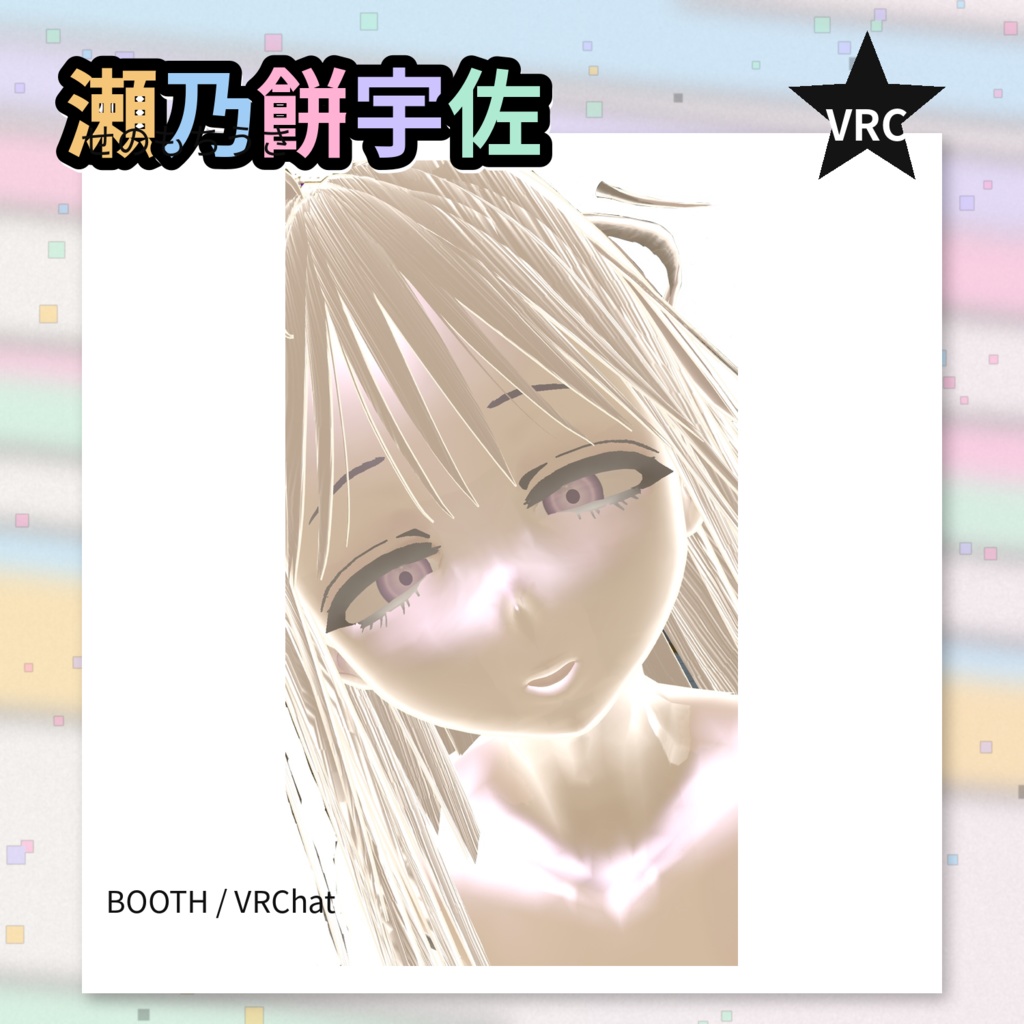
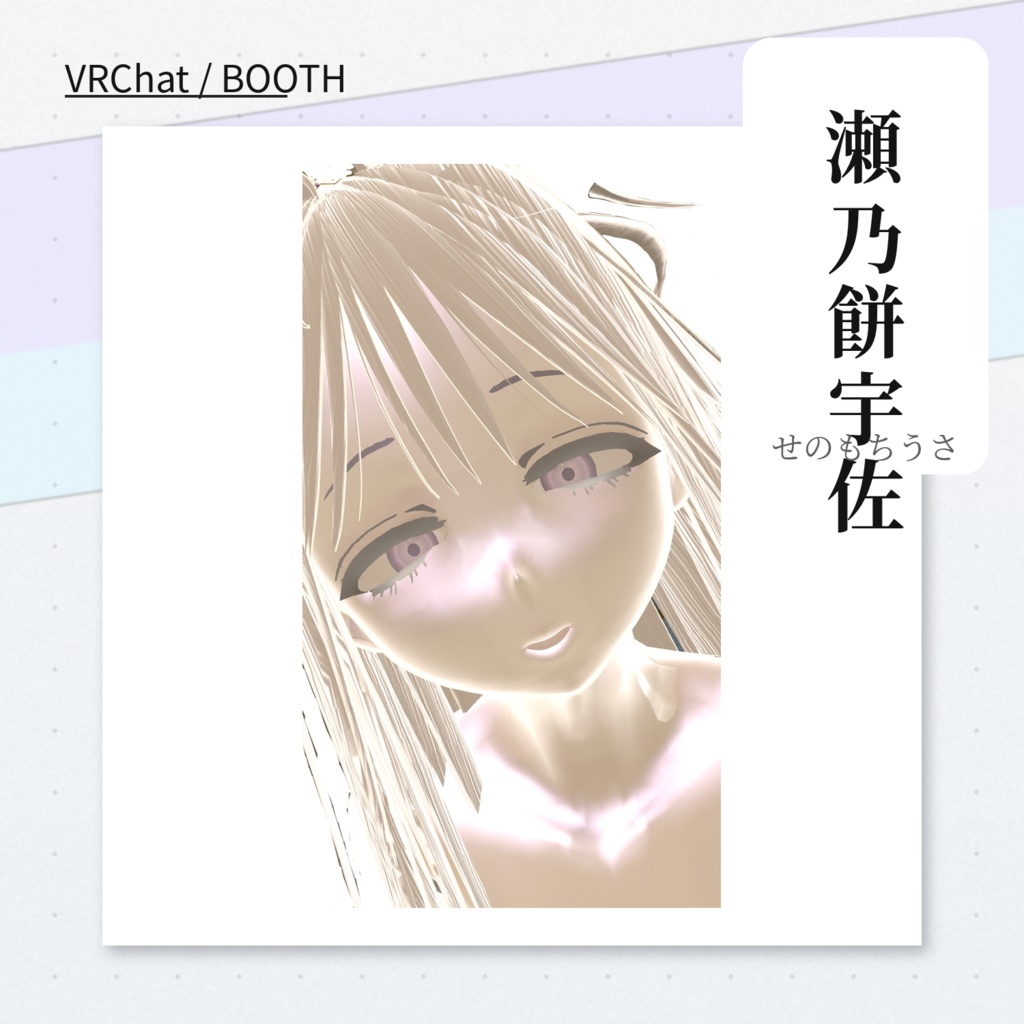
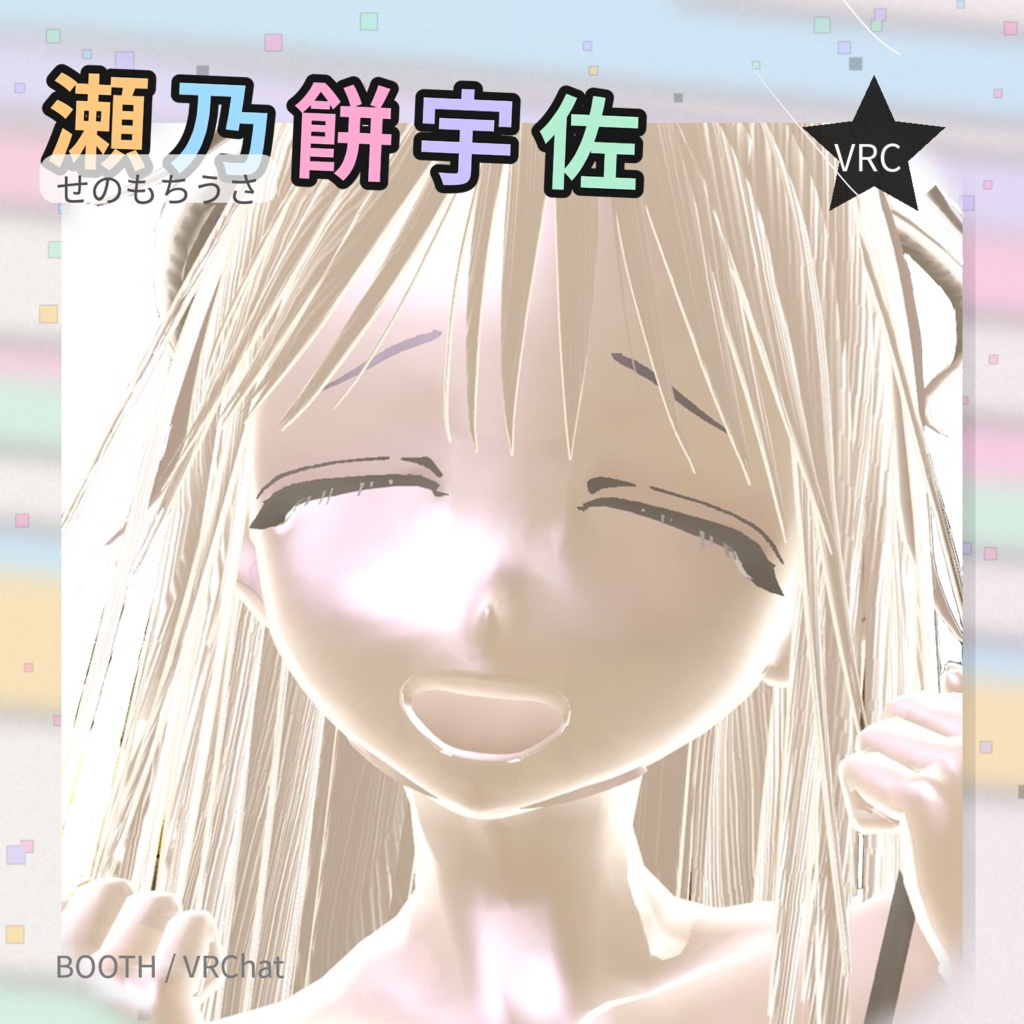
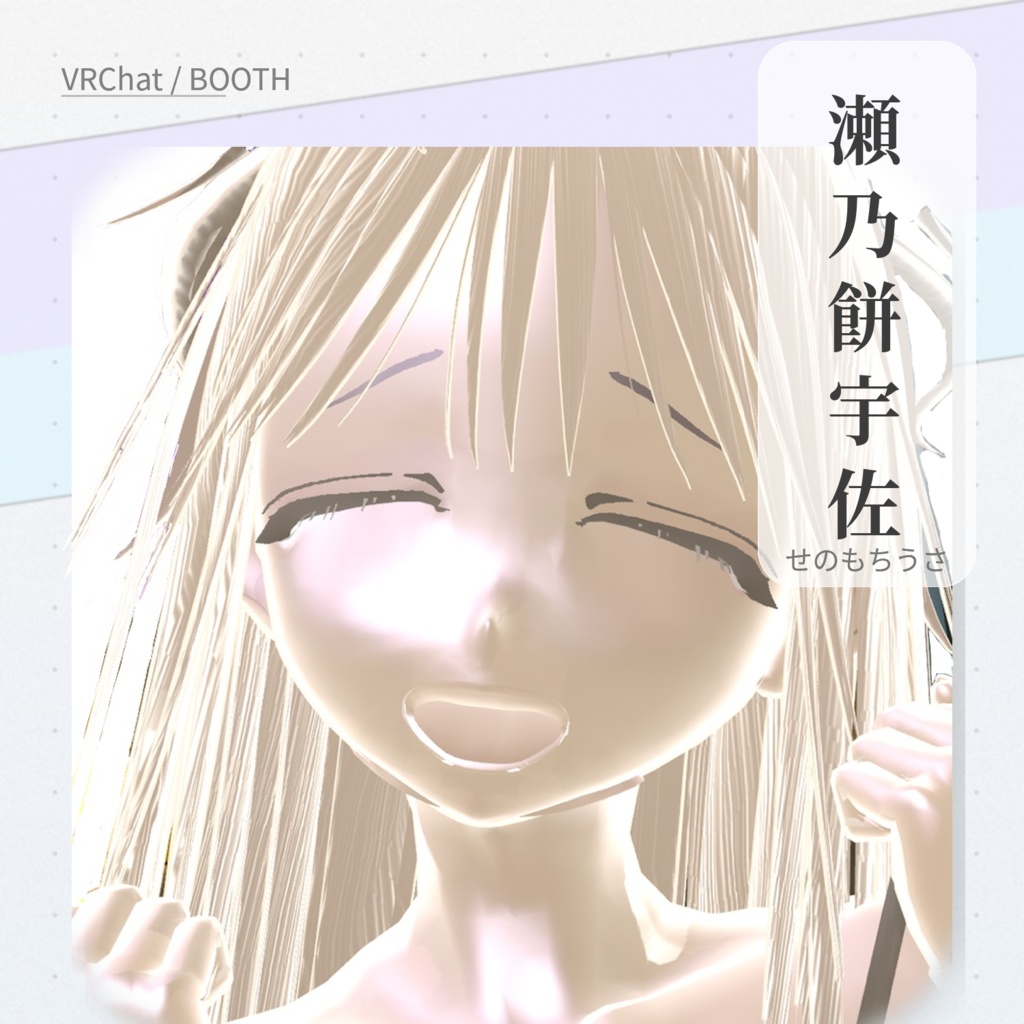
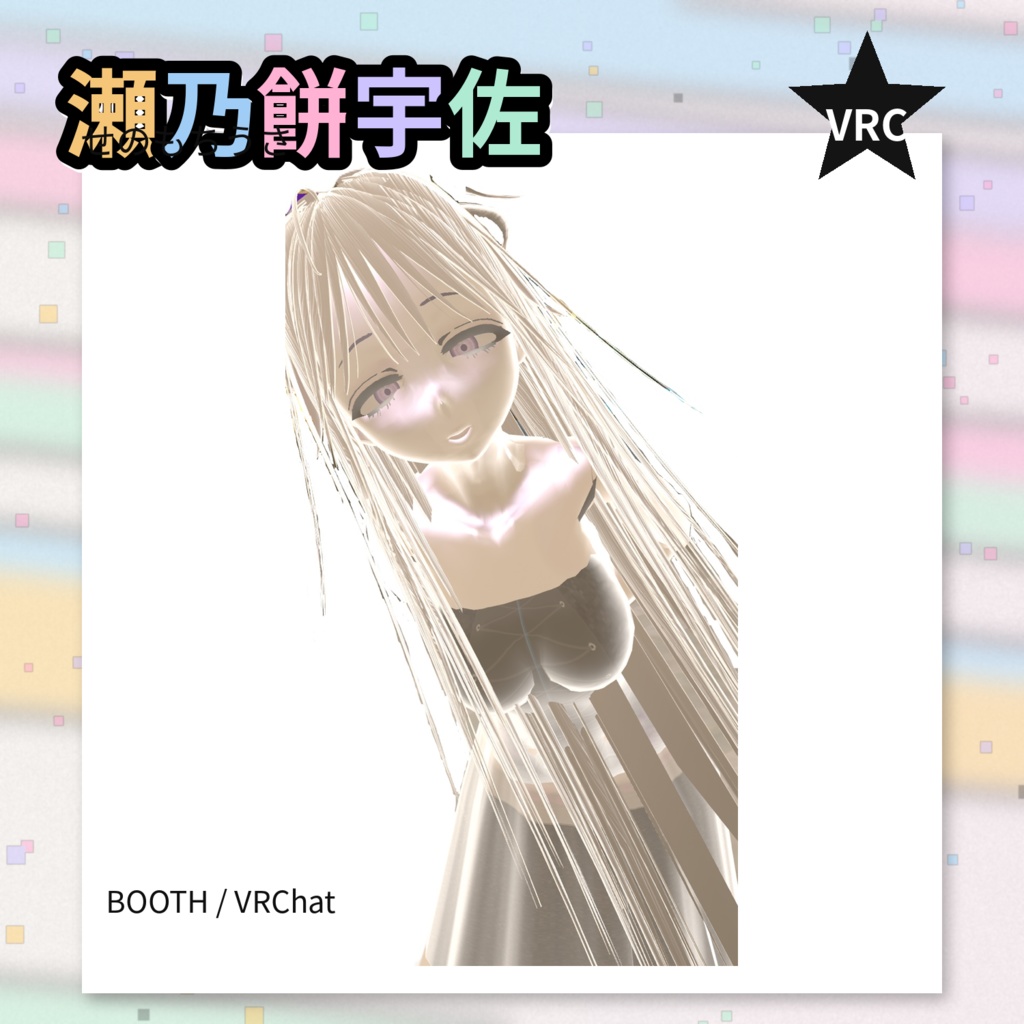
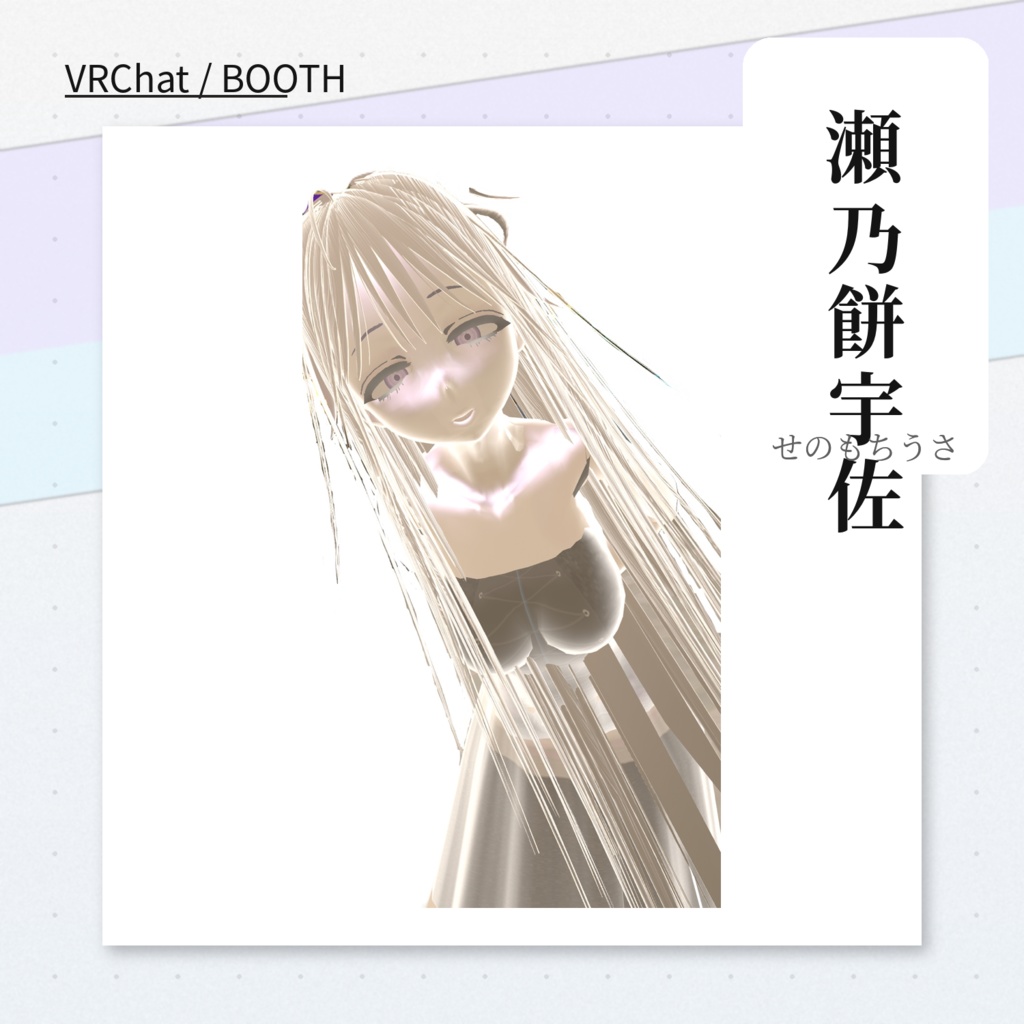
3Dアバター「瀬乃餅 宇佐」ポーズ表情搭載 【差し替えor追加予定】
- Digital599 JPY


New☆ ____________________________ ◆表情を動かす最短手順◆(Angryだけまず動かす) ① Face_Angry.anim に “Fcl_ALL_Angry=100” を入れる UnityのHierarchyで アバターのRoot(VRC Avatar Descriptorが付いてるやつ) をクリック Window > Animation > Animation を開く クリップを Face_Angry にする Add Property を押す 顔メッシュ(例:Face.002) → SkinnedMeshRenderer → BlendShapes → Fcl_ALL_Angry を選んで追加 赤い●(Record)を押す(録画ON) 時間0:00のまま、追加された Fcl_ALL_Angry の値を 100 にする 赤い●(Record)をもう一回押す(録画OFF) 他の表情も同じ作業でOK 同じやり方で: Face_Fun.anim → Fcl_ALL_Fun を100 Face_Joy.anim → Fcl_ALL_Joy を100 Face_Sorrow.anim → Fcl_ALL_Sorrow を100 Face_Surprised.anim → Fcl_ALL_Surprised を100 ◆Easy Steps to Animating Facial Expressions◆ (Animate Angry First) ① Add "Fcl_ALL_Angry=100" to Face_Angry.anim In Unity's Hierarchy, click the avatar root (the one with the VRC Avatar Descriptor) Open Window > Animation > Animation Set the clip to Face_Angry Press Add Property Face mesh (e.g., Face.002) → SkinnedMeshRenderer → BlendShapes → Select and add Fcl_ALL_Angry Press the red ● (Record) (Record ON) Leaving the time at 0:00, set the added Fcl_ALL_Angry value to 100 Press the red ● (Record) again (Record OFF) Repeat the same process for other facial expressions. Use the same method: Face_Fun.anim → Set Fcl_ALL_Fun to 100 Face_Joy.anim → Fcl_ALL_Joy to 100 Face_Sorrow.anim → Fcl_ALL_Sorrow to 100 Face_Surprised.anim → Fcl_ALL_Surprised to 100 ____________________________ ◆設定方法2◆ https://www.canva.com/design/DAHBT4zBUl8/AsxJlptfVhwssRXU_5Im6A/view?utm_content=DAHBT4zBUl8&utm_campaign=designshare&utm_medium=link2&utm_source=uniquelinks&utlId=hb1809b86c0 近く説明を更新します。 ____________________________ VRM 1.0 の Meta に以下を追記・更新しました。 The following has been added and updated to the VRM 1.0 Meta. authors: ぉよ contactInformation: https://yoruichimart.booth.pm/ references: 製作者:ぉよ URL:https://yoruichimart.booth.pm/ 作品ファイル • fcl_all angry_to_surprised_vrc_setup_FIXE D.zip • World3PoseFromClips_v1.25.zip • modified_AB_noCharacterThumbnail_credit Text.vrm