
Koi Fish Girl
- Digital4,700 JPY
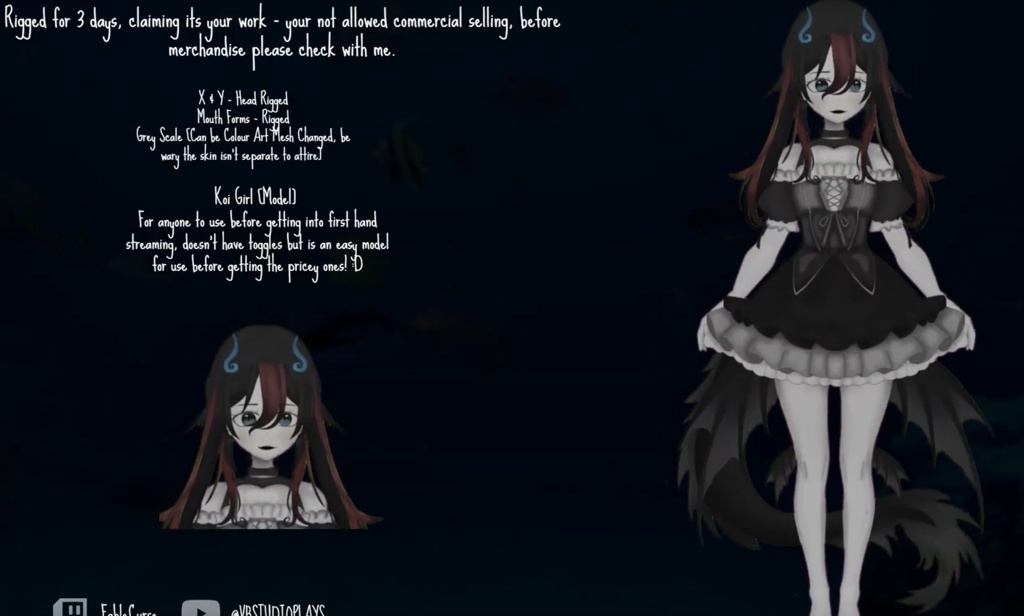

How to Customize Your Koi Girl's Colors: Open VTube Studio and load the model. Go to Model Settings (the person icon with a gear). Scroll down to "Customize Model" and select "Customize Multiply/Screen Color for ArtMeshes." Select the part you want to change (like "Hair" or "Fin"). To Add Color: Use the Multiply setting to pick your base color. To Make it Glow/Brighten: Use the Screen setting to add highlights or a softer tint. Pro Tip: Save your favorite colors as a Hotkey (Action: ArtMesh Color Preset) so you can switch outfits instantly!
See More