

ammimento - VRChat Hair / CP18
- Digital1,000 JPY
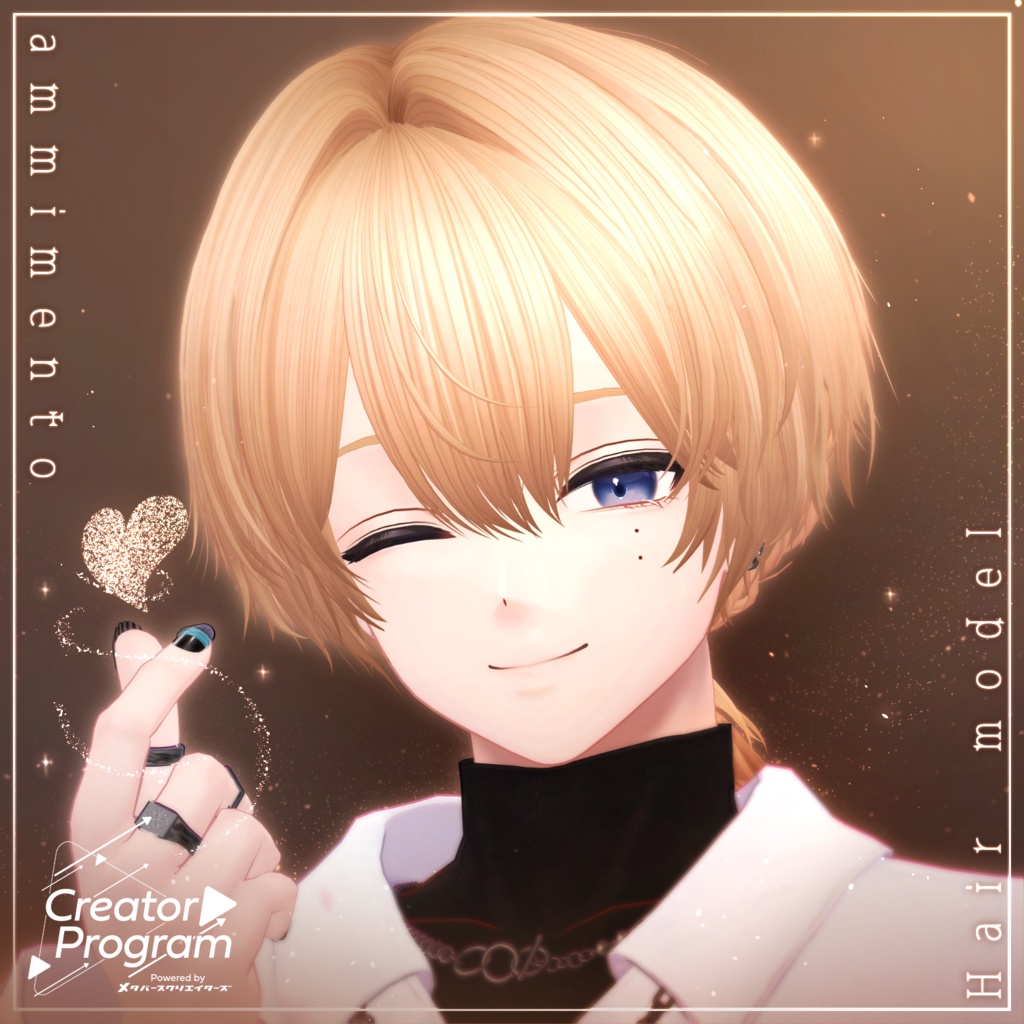
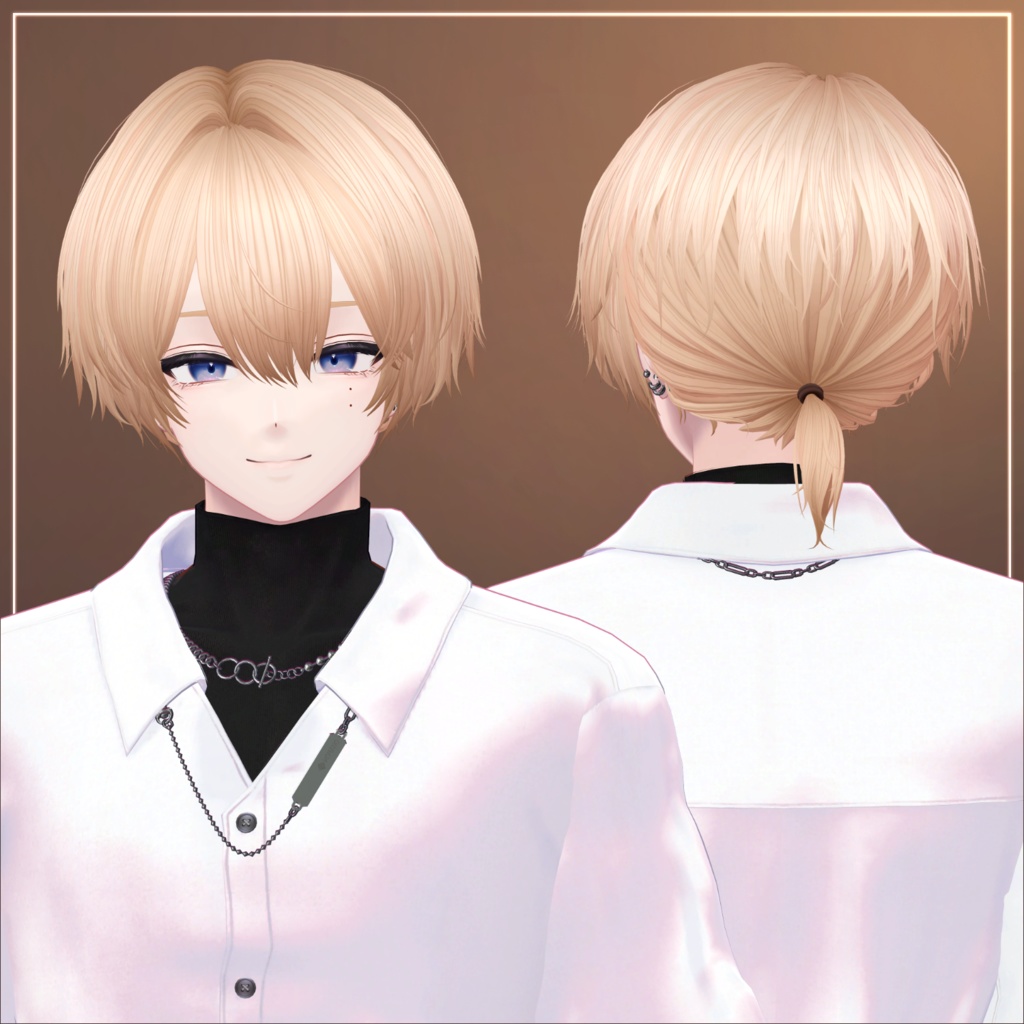
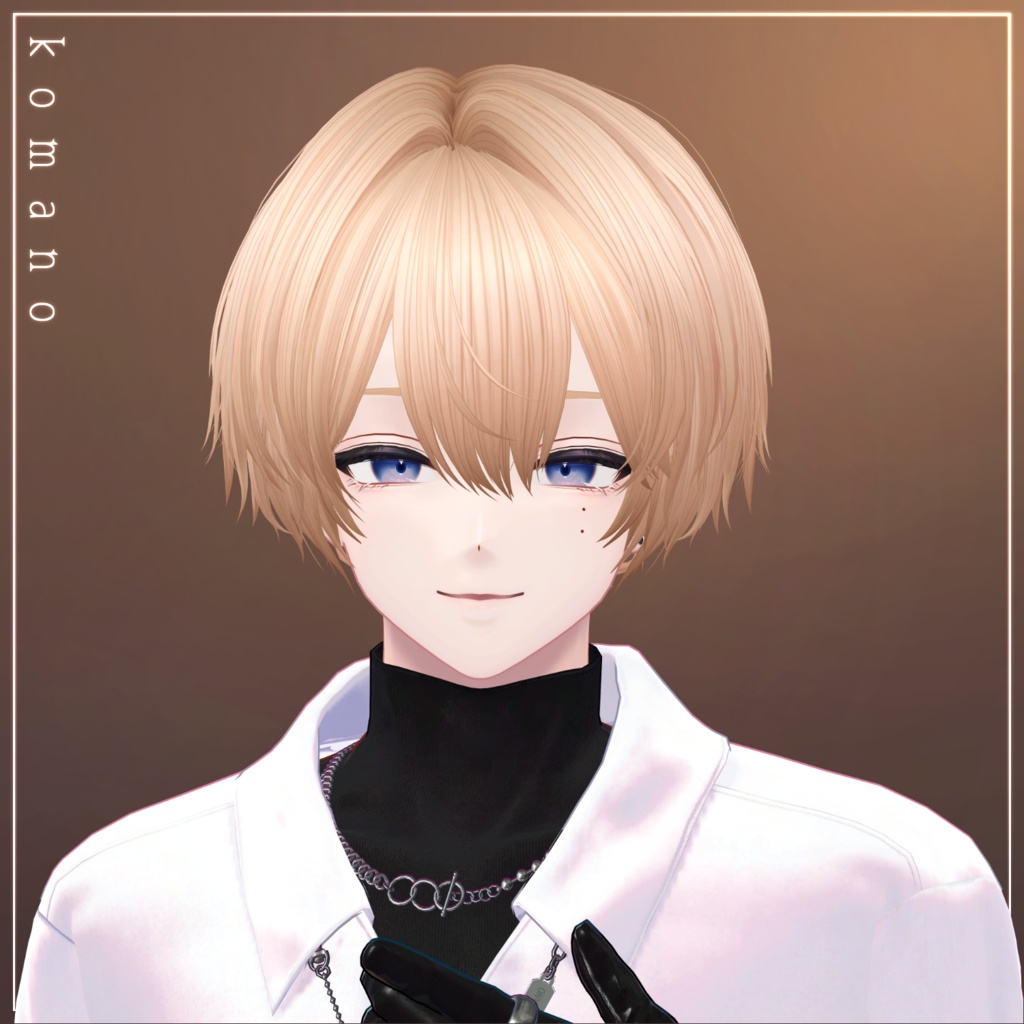
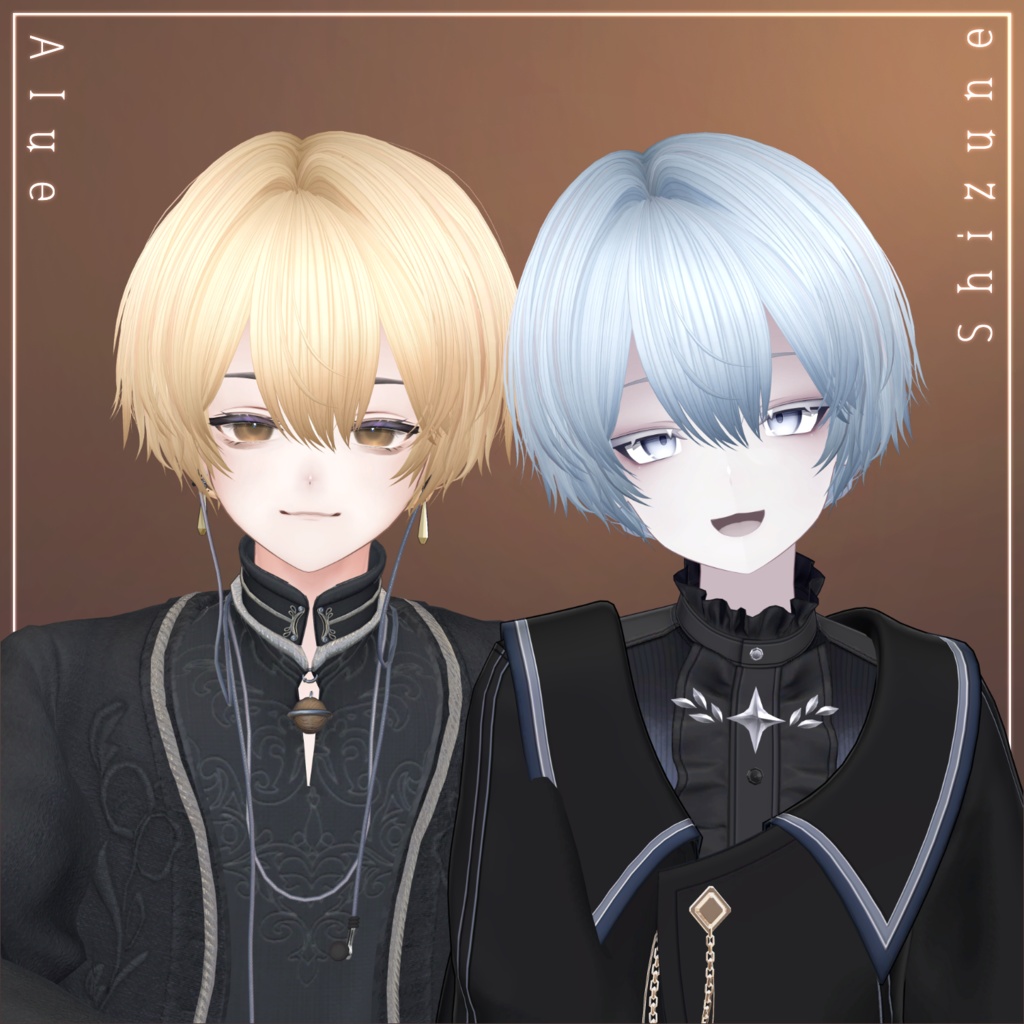
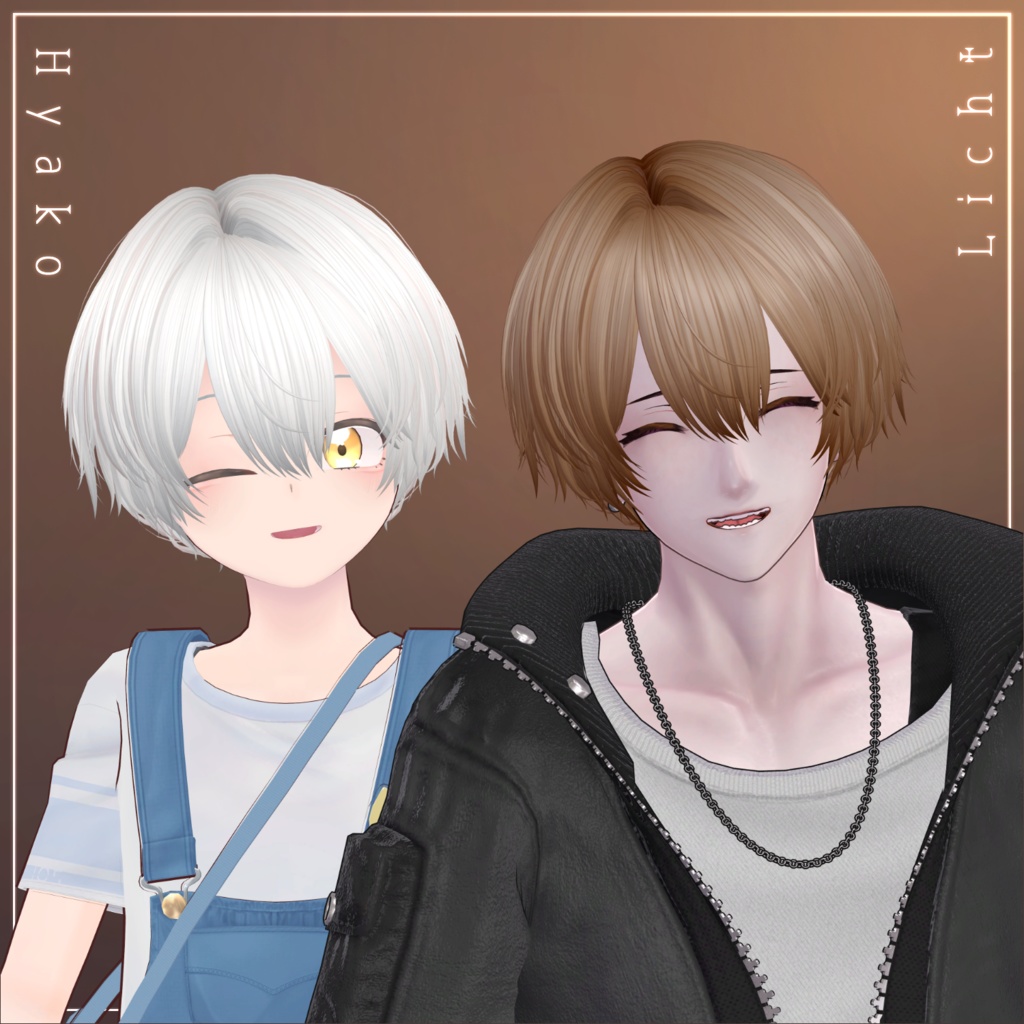
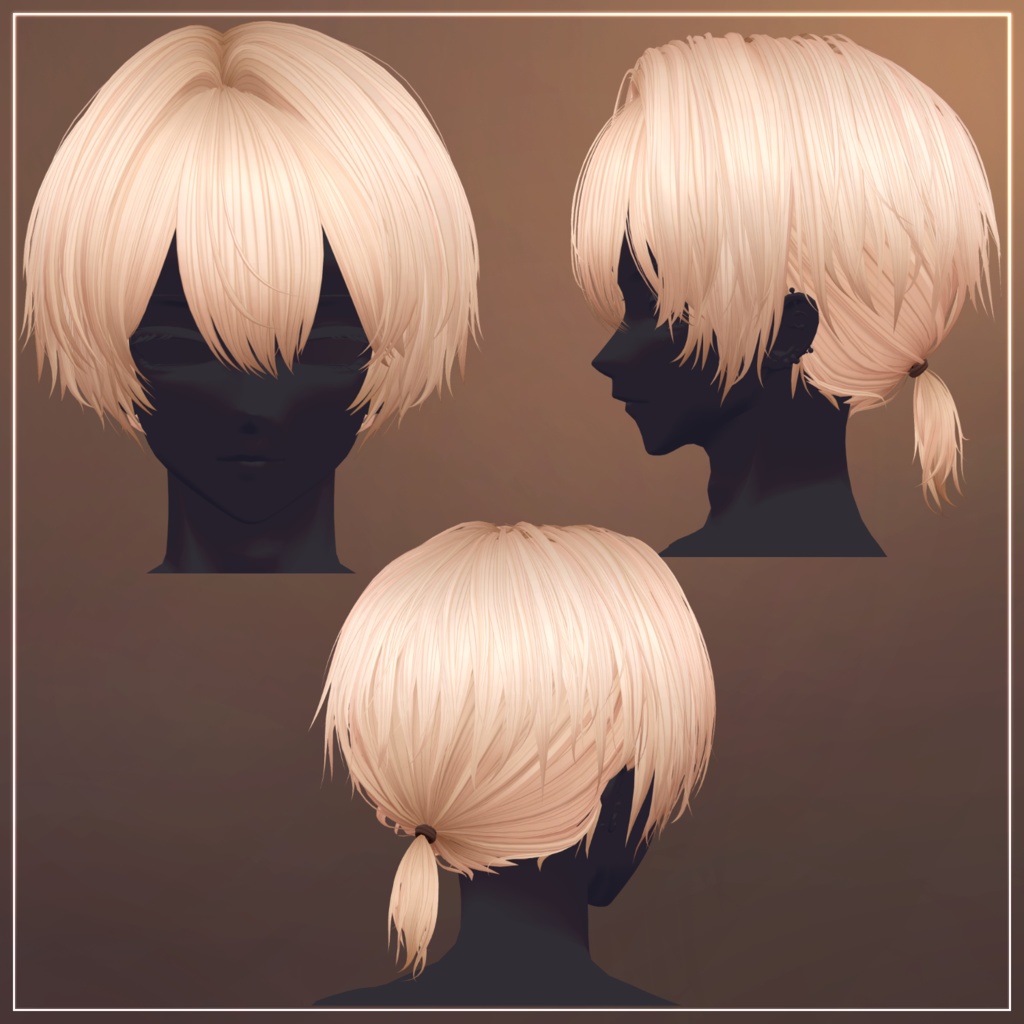
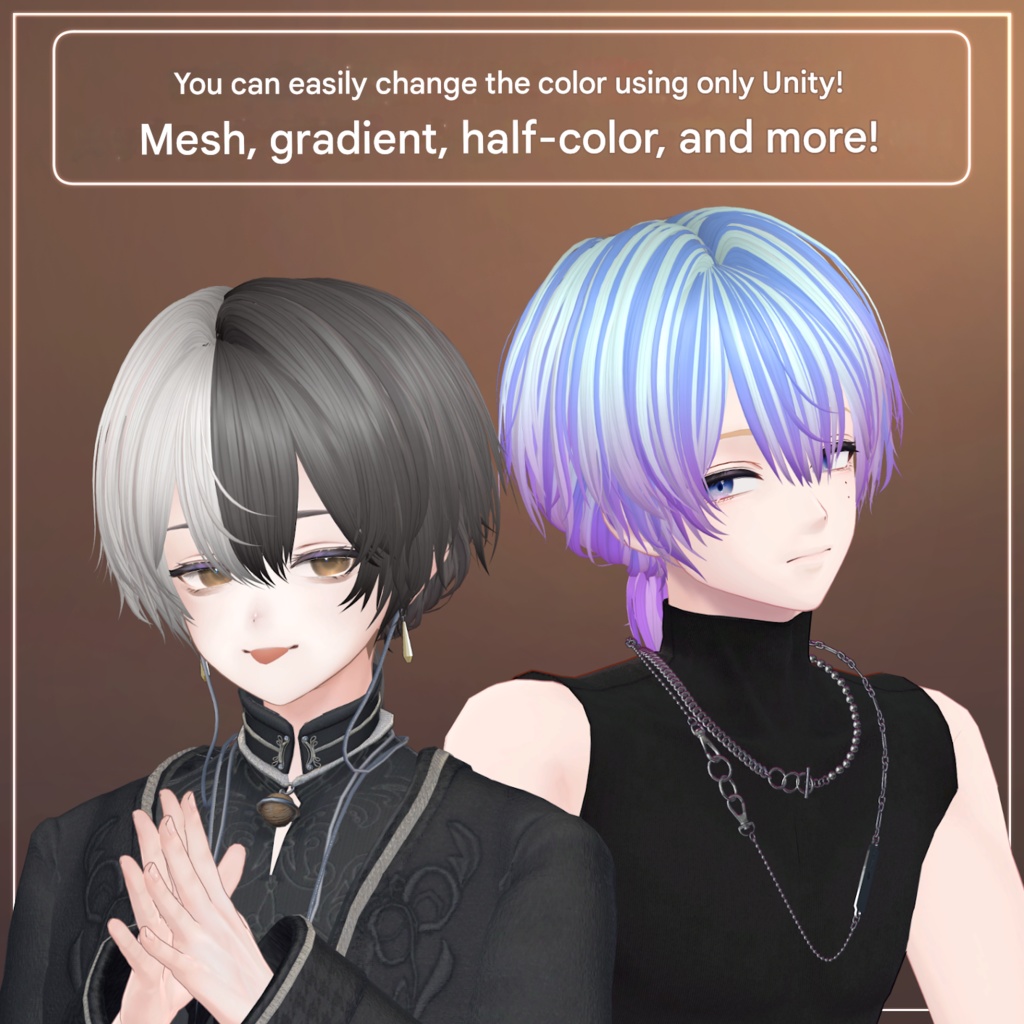
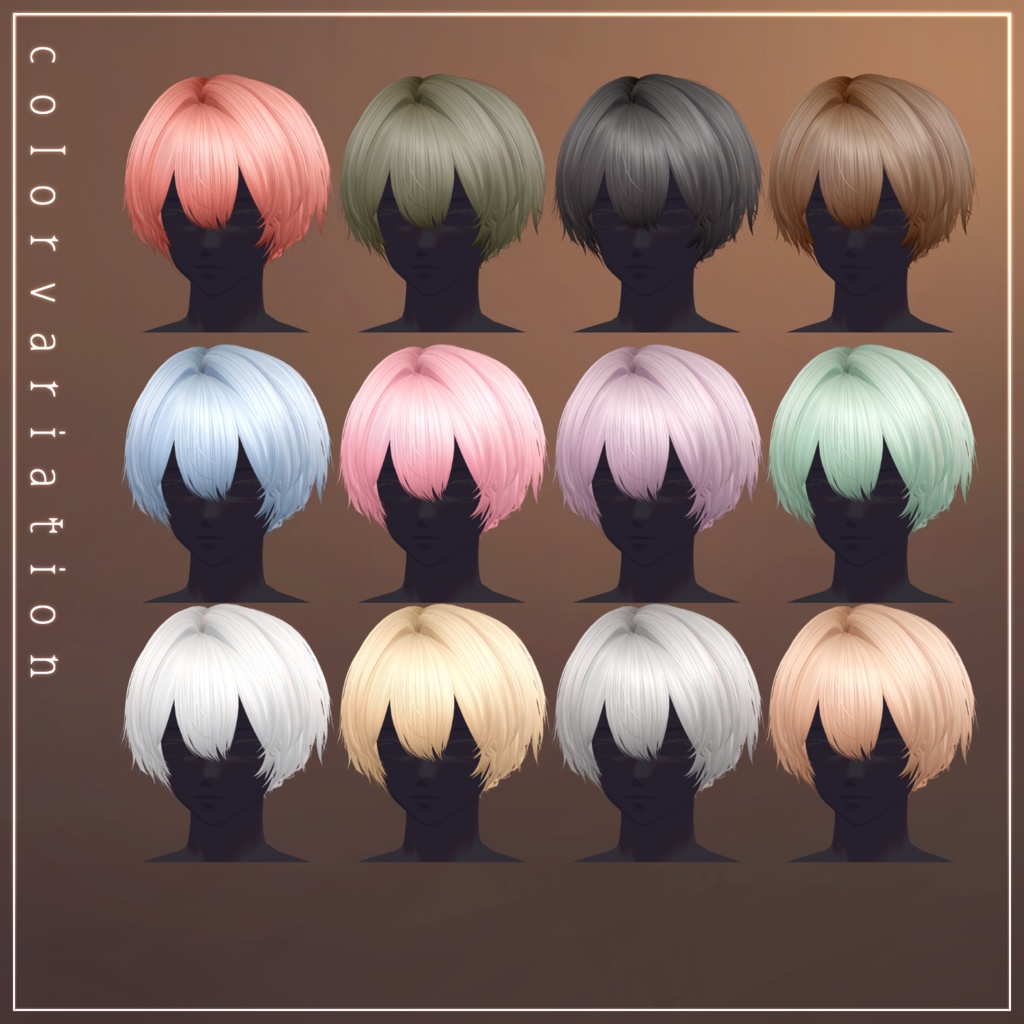
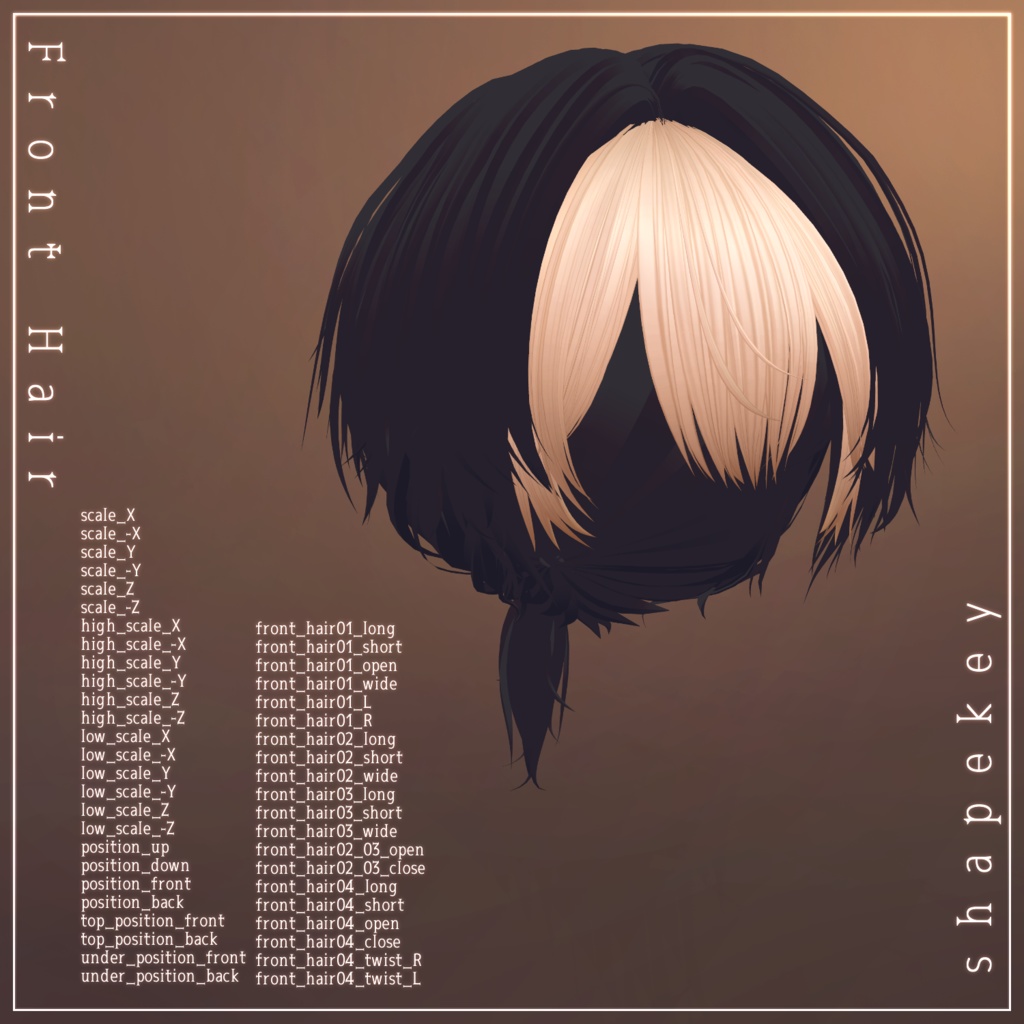
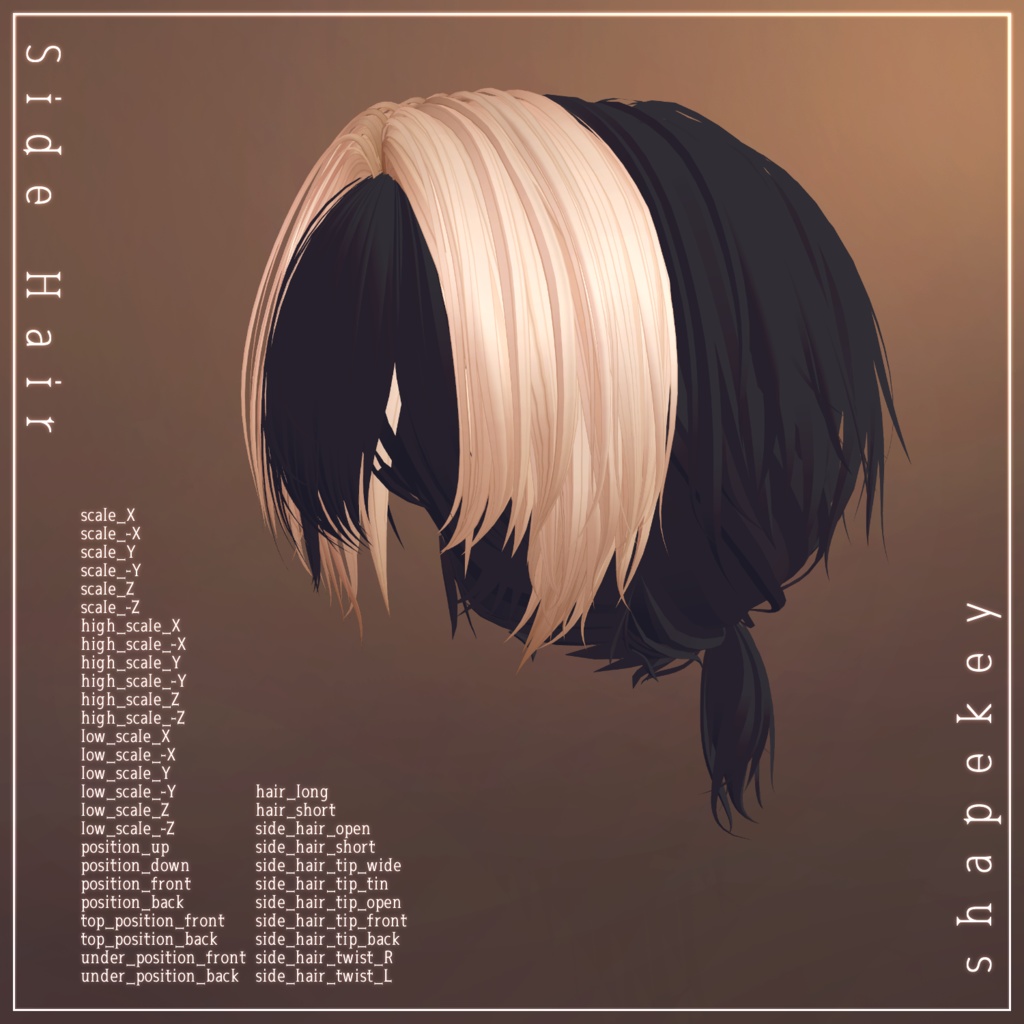
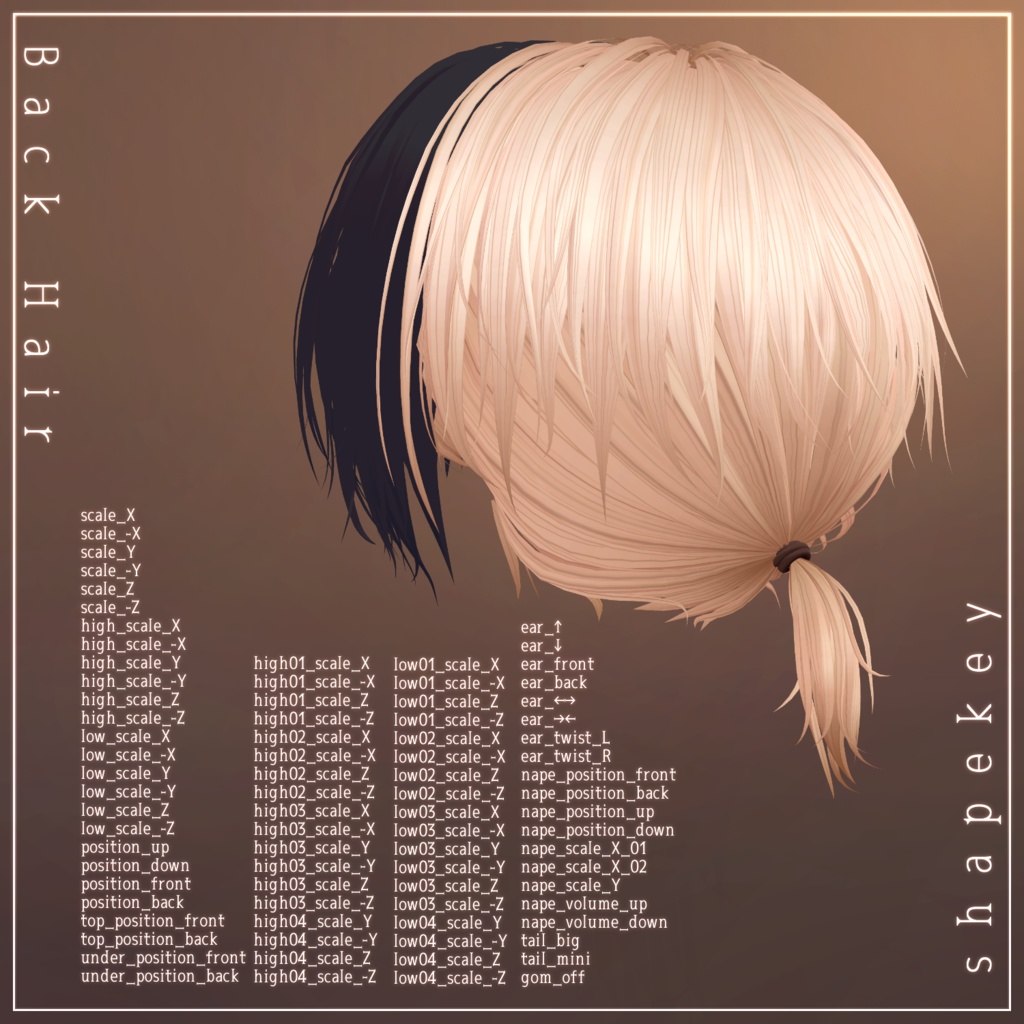
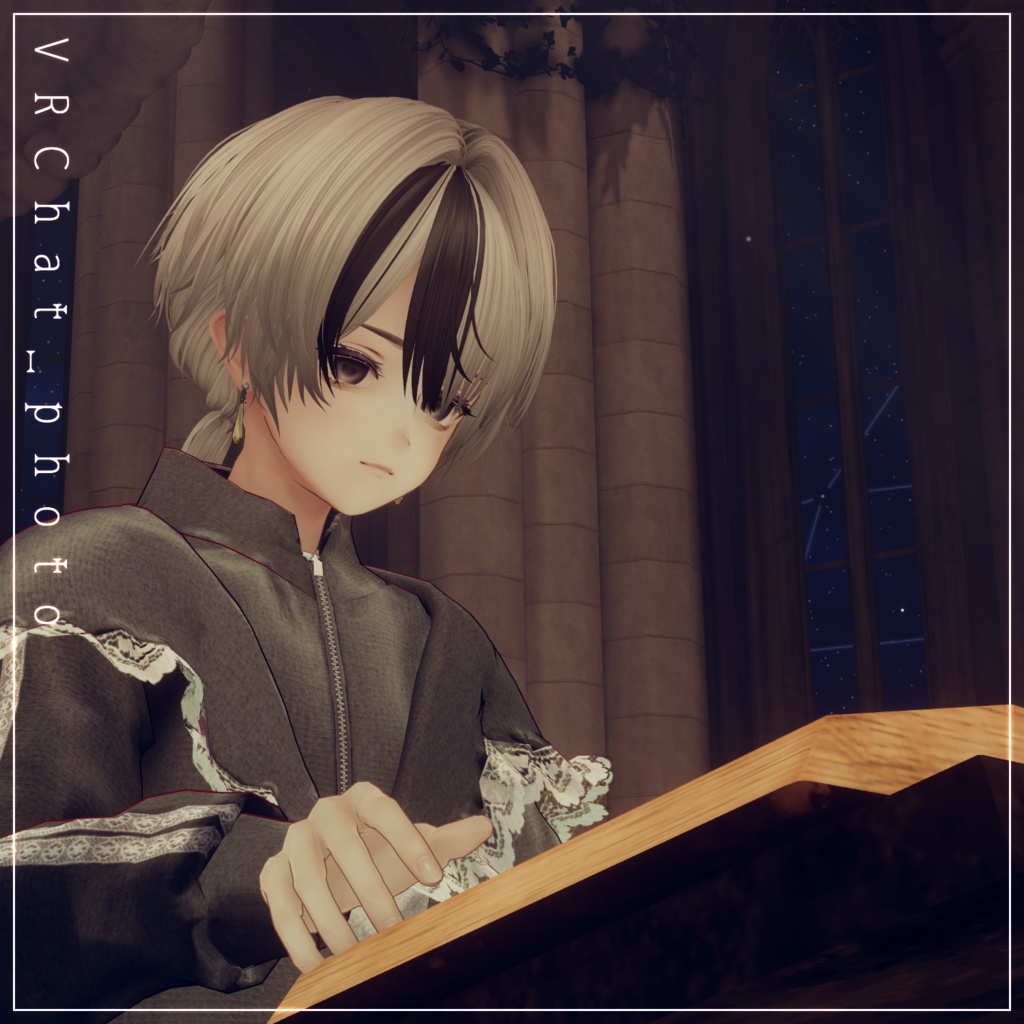
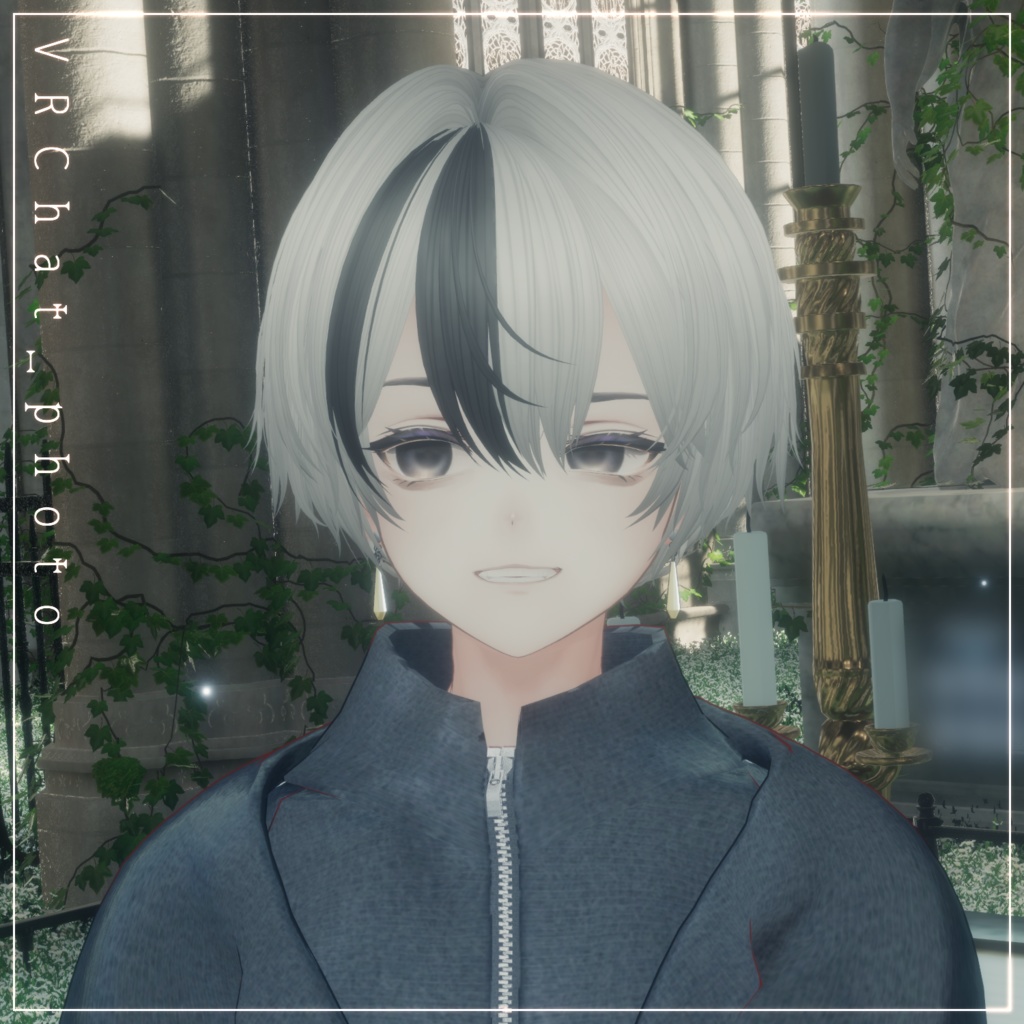


◆ ammimento ◆ Creator: Maori Toy Shop A hairstyle model featuring a soft hair texture and a distinctive low ponytail. ⚠️ Important Notes This product is a hairstyle model for avatars. The avatar base model is not included. Due to the nature of downloadable products, refunds and returns are not available. Please review the product description and terms of use before purchasing. ◆ Item Overview ● Contents ammimento_1.0.0.Unitypackage FBX PSD file for customization ReadMe.txt ● Required Shader liltoon https://lilxyzw.booth.pm/items/3087170 ● Required Asset Modular Avatar https://modular-avatar.nadena.dev/ja/docs/intro ● Model Data Total Polygon Count: 19,413 polygons Front_Hair: 3,093 Side_Hair: 6,472 Back_Hair: 9,848 Mesh Count: 3 Material Count: 1 PB Components: 4 Import Folder Assets > MetaverseCreators_CP > Maori > ammimento ◆ Compatible Avatars Original 3D Model “Komano” https://booth.pm/ja/items/5260363 For other avatars, this hairstyle is considered semi-compatible, meaning it requires manual adjustment in Unity from the base model. The following avatars have pre-adjusted semi-compatible versions included: Original 3D Avatar “Alué” https://booth.pm/ja/items/6957623 “Hyakko” by Niyami https://jinxxy.com/MetaCre/Liq1c https://booth.pm/ja/items/6328134 Original 3D Model “Licht” #Licht3D / AC1 https://jinxxy.com/MetaCre/jvXy4 https://metacreatorstyo.booth.pm/items/7430852 Original 3D Model “Shizune” #Shizune3D / AC3 https://jinxxy.com/MetaCre/5OwjR https://metacreatorstyo.booth.pm/items/7684873 A large number of shapekeys are included for adjusting overall size, position, and individual parts. You are encouraged to try fitting it to avatars not listed above as well. ⚠️ Ponytail Adjustment Only the ponytail requires bone manipulation: From the hairstyle prefab, open: Armature > Hair_root > ... Adjust the internal Hair_tail bone to reposition the ponytail. Since there are many shapekeys, please refer to the product page images for details. ◆ Installation Instructions Set up the latest VRC SDK in VCC. Install required assets (liltoon, Modular Avatar) via VCC. Import the latest version of the avatar package. Import this product’s package. Drag and drop the avatar (or dressing/modification prefab) into the Scene Hierarchy. Disable unnecessary parts of the avatar (such as default hair or accessories) or set them to Editor Only if needed. Drag and drop “ammimento_AvatarName.Prefab” directly under the avatar. Adjust scale, position, and shapekey values to fit the avatar (if a pre-adjusted prefab is included, this step is not necessary). Upload the avatar via VRC SDK. ◆ Color Customization Color variation materials are included inside the Mat folder. Replace the default material with your preferred variation. A universal material named “kaihen” is included in the Mat folder. The “Main Color” is set to white, allowing you to assign any HDR color. “kaihen” also includes gradient and mesh mask settings for Main Color 2nd and Main Color 3rd. By adjusting HDR colors in Unity, you can create your own mesh and gradient combinations. Additional mesh mask variations are available in: Tex > option Replace the masks for Main Color 2nd and 3rd as desired. The hairstyle uses separate material slots for left and right sides. To create a half-color style, assign different materials to each side. More detailed customization is possible using the included PSD file. ◆ Terms of Use https://drive.google.com/drive/folders/1qRMXoIxM1ZgacBPfwOigQRtXP1vCbNMn?usp=sharing Please also follow the terms of use of the base avatar. ◆ Production Environment Modeling: Blender Ver3.2.0 Texturing: CLIP STUDIO PAINT Setup: Unity Ver2022.3.22f1 VRChat SDK - Avatars Ver3.10.1 (VCC) liltoon 2.3.2 ModularAvatar 1.15.1 ◆ Credits Creator: Maori Toy Shop https://maorigangu.booth.pm/ Support / Inquiries: https://discord.gg/bmw3PWE37M