

Group Page Stand.1【グループページスタンド】
- Digital500 JPY

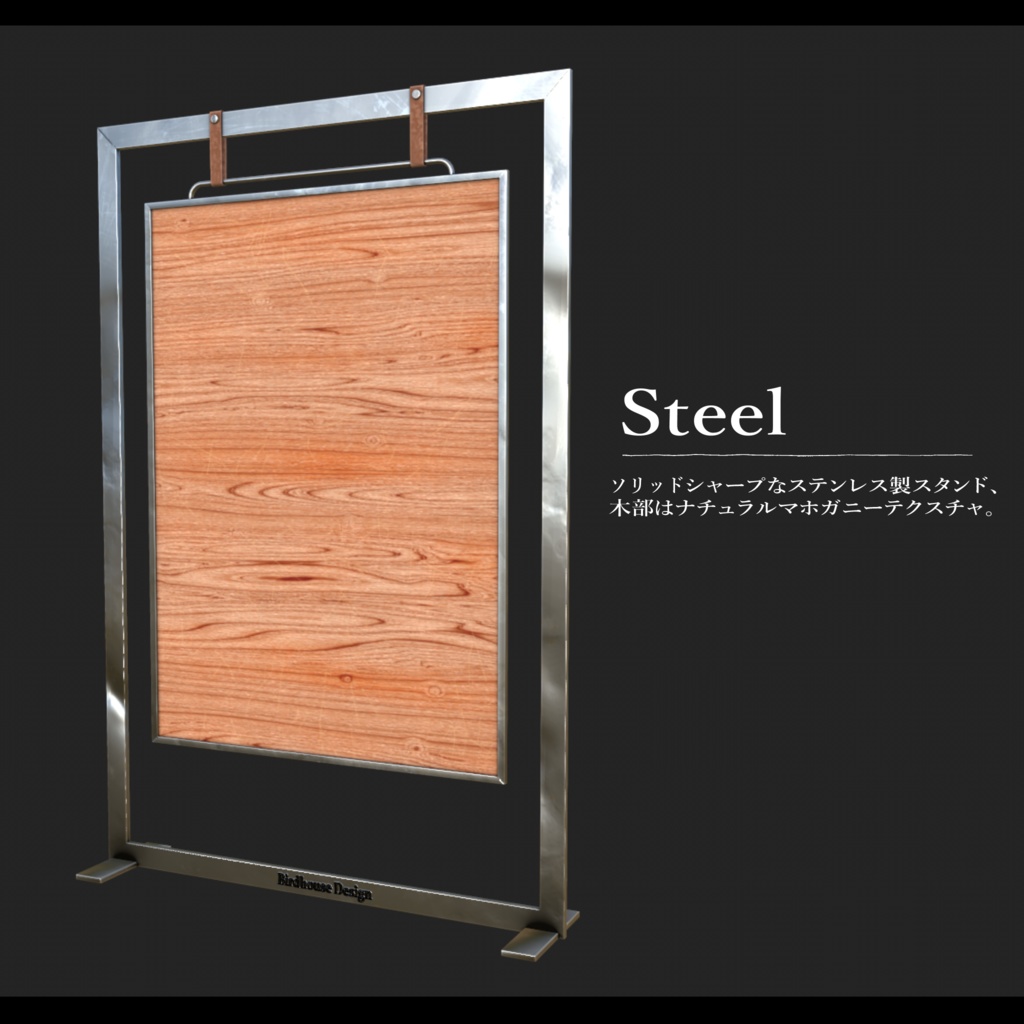
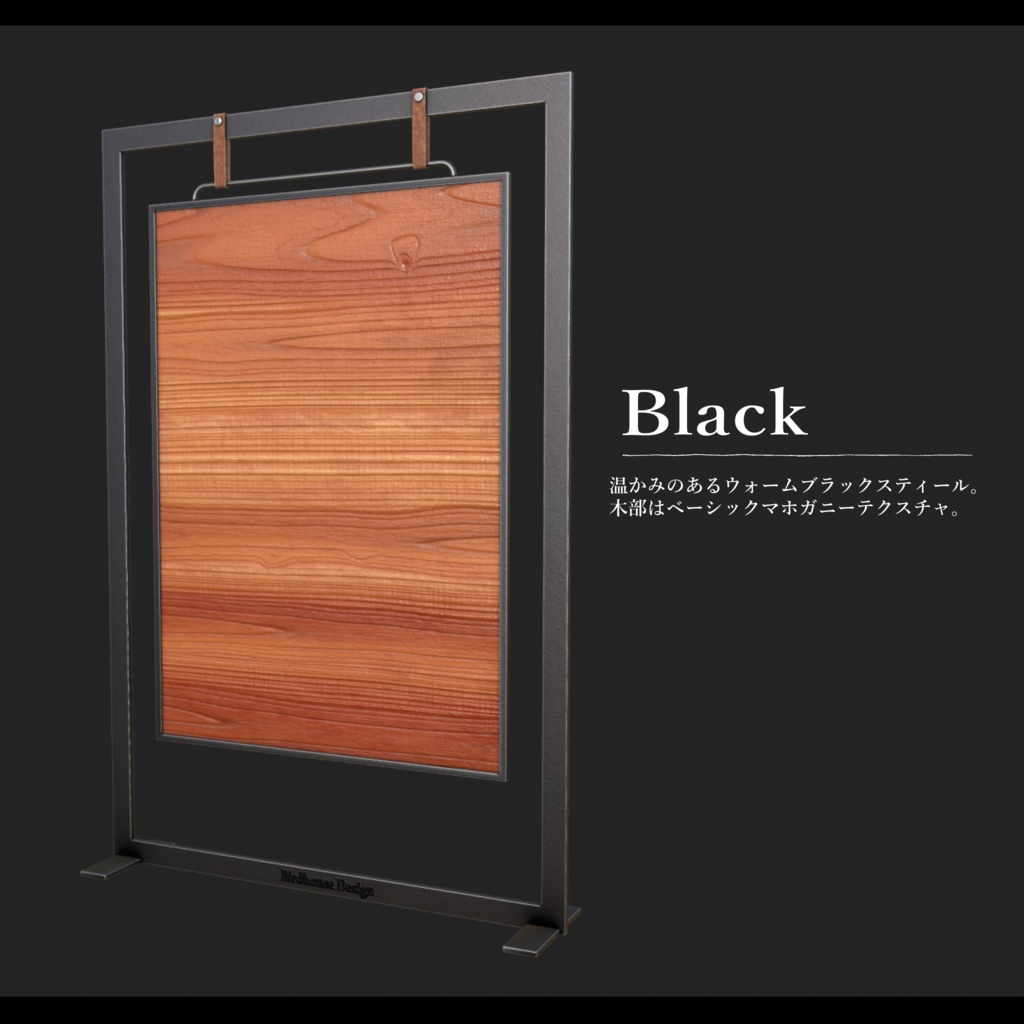
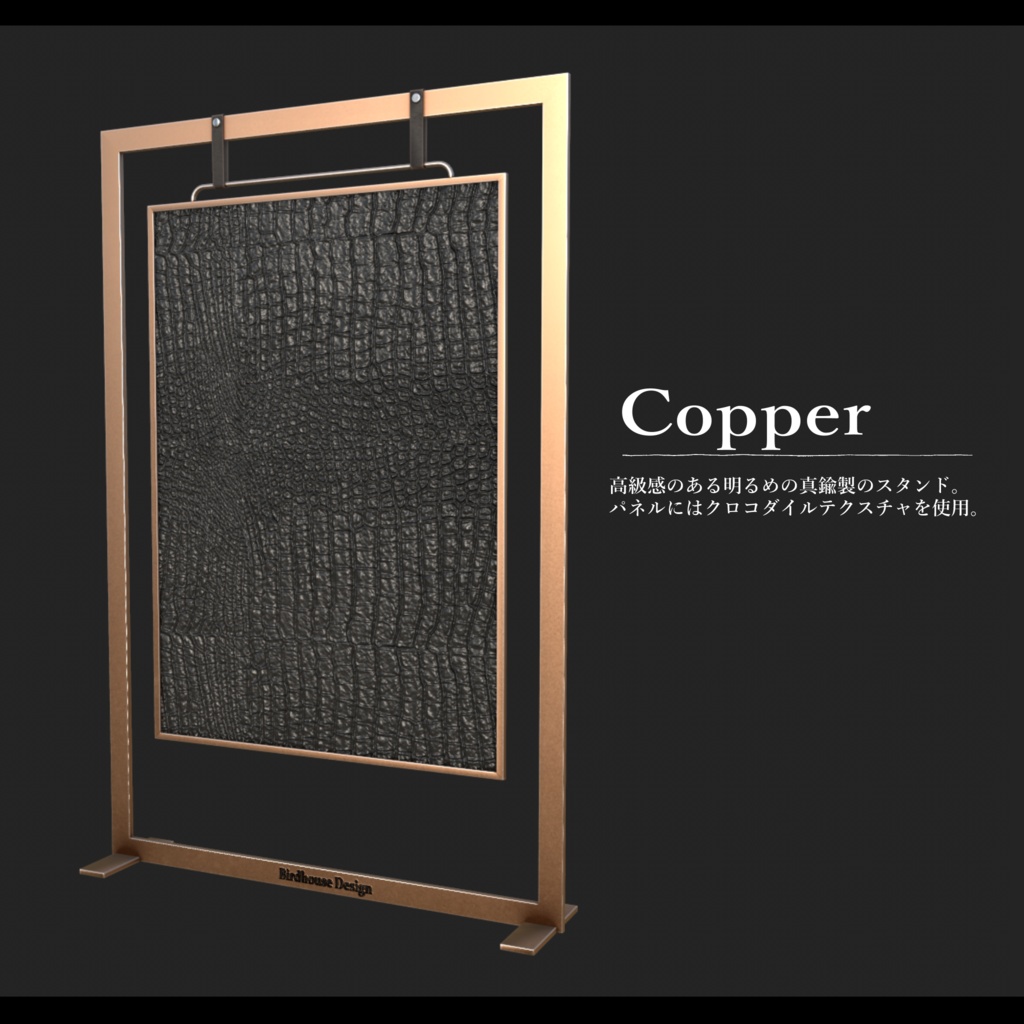

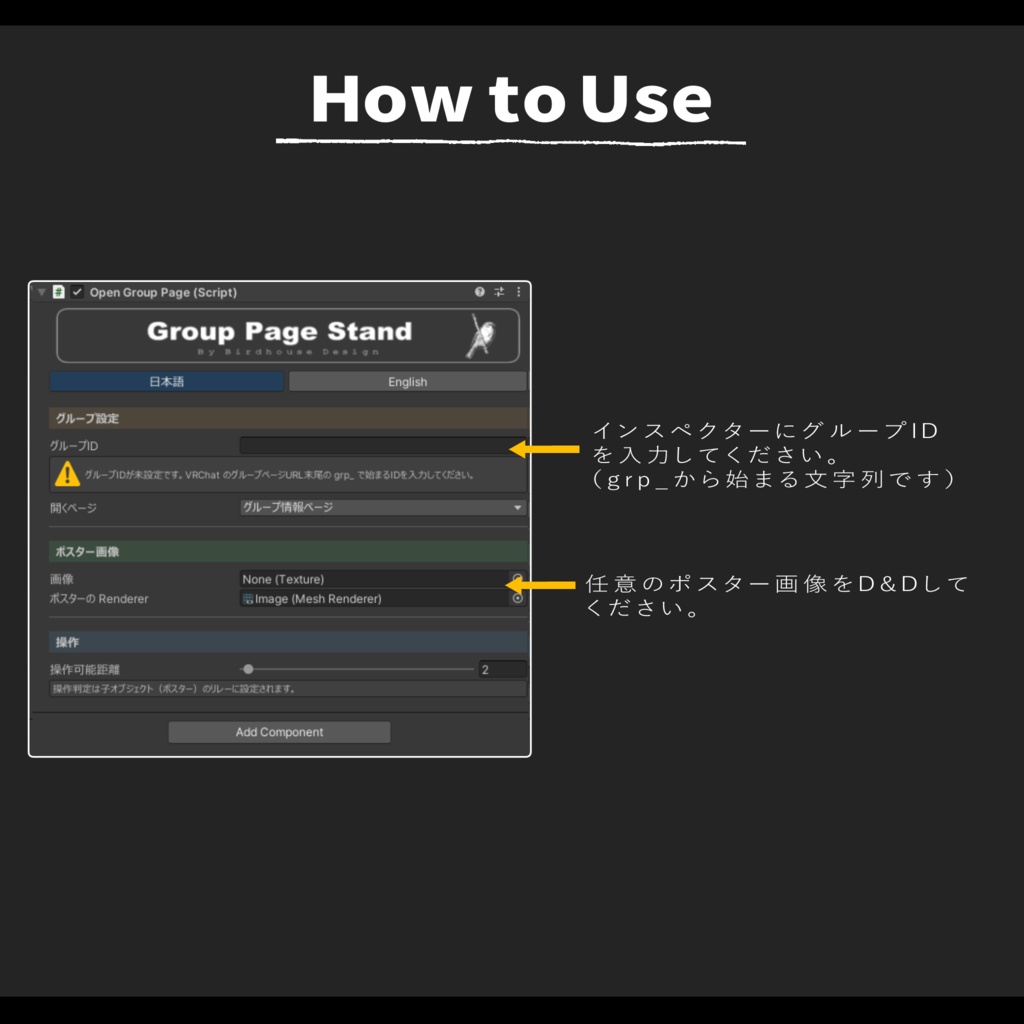


ワンクリックでVRChatのグループページを表示するスタンドです。 イベントでグループへの加入を促す際に、上質に空間を演出、お役様の満足感を高めることが出来ます。 簡単導入で、クロスプラットフォーム完全対応。画像の差し替えも簡単です。 ーーーーーーーーーーーーーーーーーーーー **【注意事項②】** ※「Mochies-Unity-Shaders」が必要となります。下記リンクよりダウンロードしてください。 ------------------------------------------------------------------ 【Mochies-Unity-Shaders】 by MochiesCode https://x.com/MochieShaders ↓↓↓ https://github.com/MochiesCode/Mochies-Unity-Shaders ------------------------------------------------------------------ Github内の緑色のボタン「<>Code」の下部からZIPファイルをダウンロード、シェーダーの入ったフォルダをUnityにインポートしてください。 ーーーーーーーーーーーーーーーーーーーー A stand that opens your VRChat group page with a single click. Perfect for events where you want to invite guests to join your group, this stand helps create a refined atmosphere while enhancing your visitors’ experience. Easy to install and fully cross-platform compatible. You can also replace the displayed image easily to match your space or branding. 【Important Note 】 ※ This asset requires Mochies-Unity-Shaders. Please download it from the link below. 【Mochies-Unity-Shaders】 by MochiesCode https://x.com/MochieShaders ↓↓↓ https://github.com/MochiesCode/Mochies-Unity-Shaders Click the green “<> Code” button on the GitHub page and download the ZIP file. After downloading, import the folder containing the shaders into your Unity project.
利用規約
・政治利用および宗教や特定の思想を目的とした使用を禁止します。 ・内部データの二次配布および販売を禁止します。 ・内部データの譲渡を禁止します。 ・営利を含まないワールドのパブリックでの使用を許可します。 ・パブリック使用の際には著しく著作物の品位を貶める改変を禁止します。 ・動画撮影な商品撮影など、撮影された動画や画像の公開を許可します。
更新履歴
2026.05.19 ver 1.0 リリース 2026.06.24 ver 1.1 アップデート