

Flower Drip - VRChat Gimmicky Avatar Accessory / CP47
- Digital800 JPY
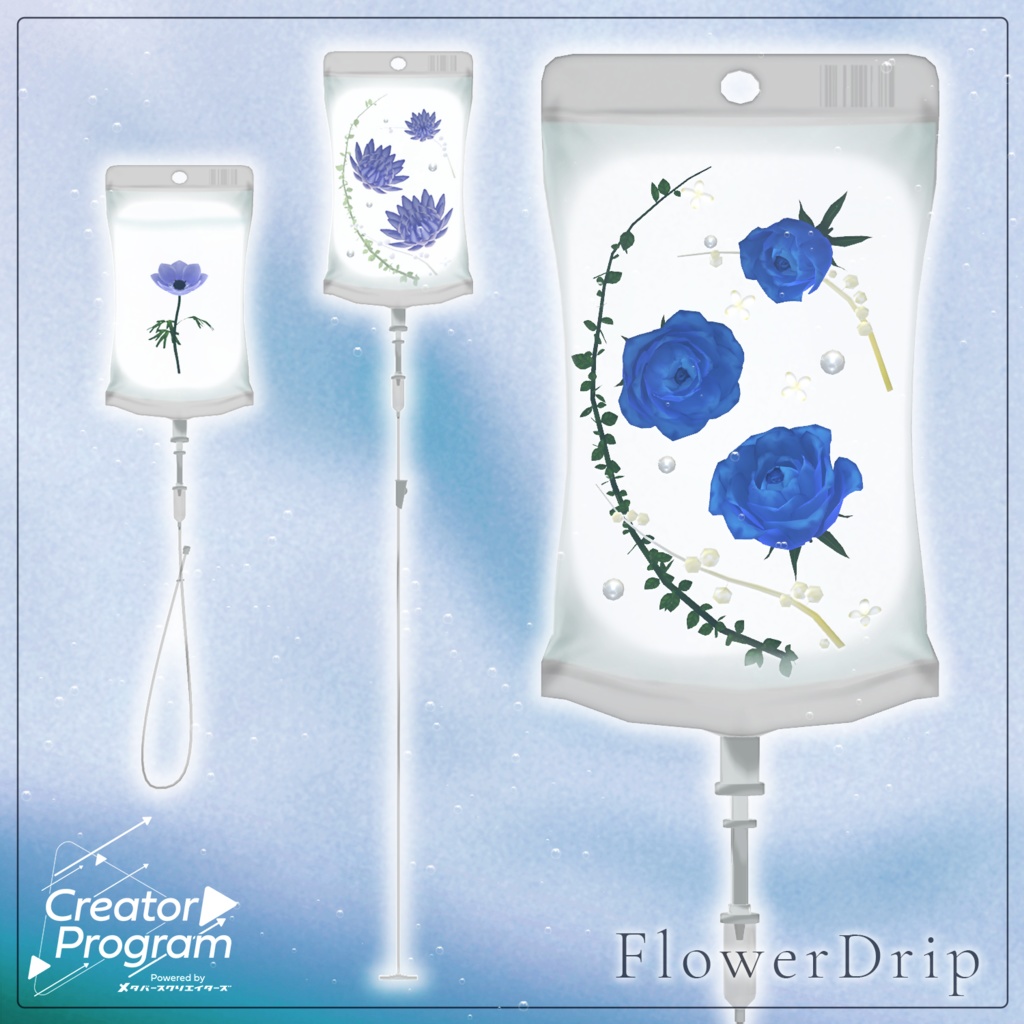
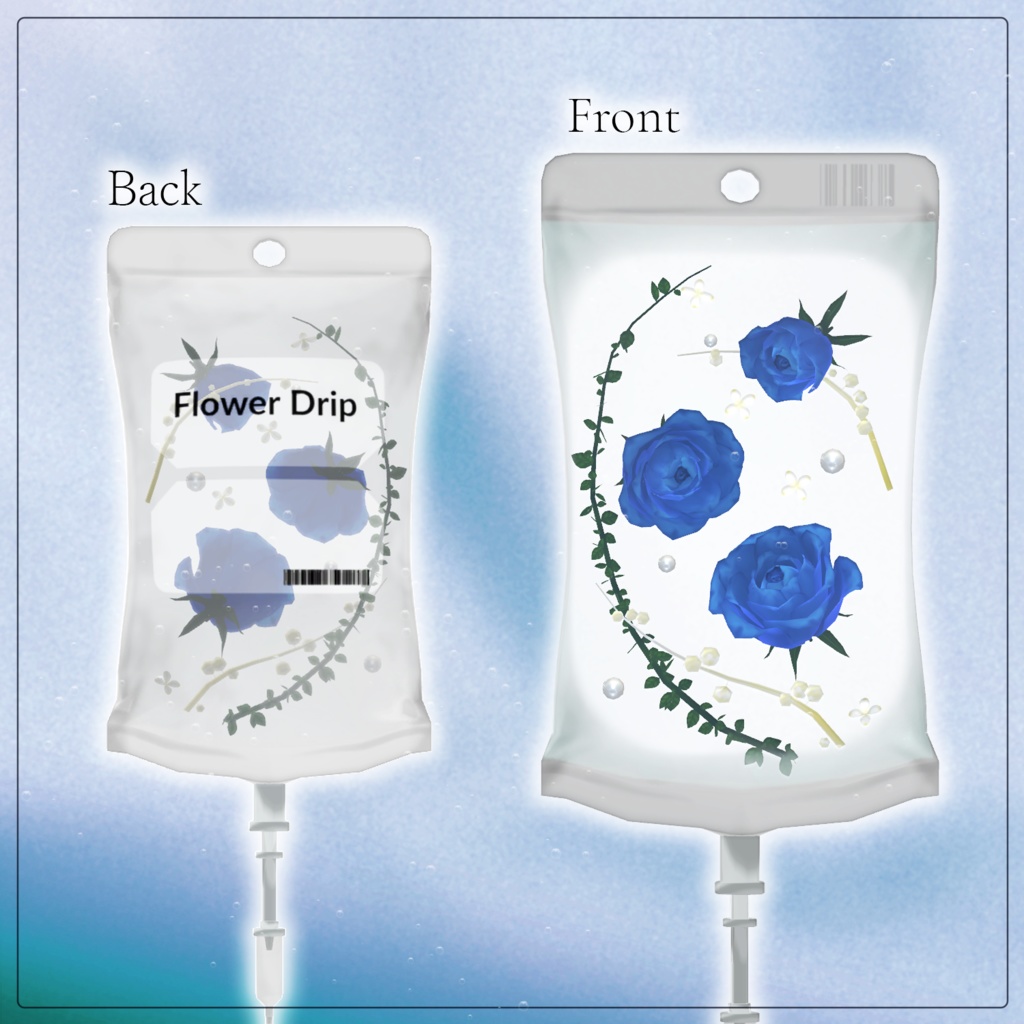
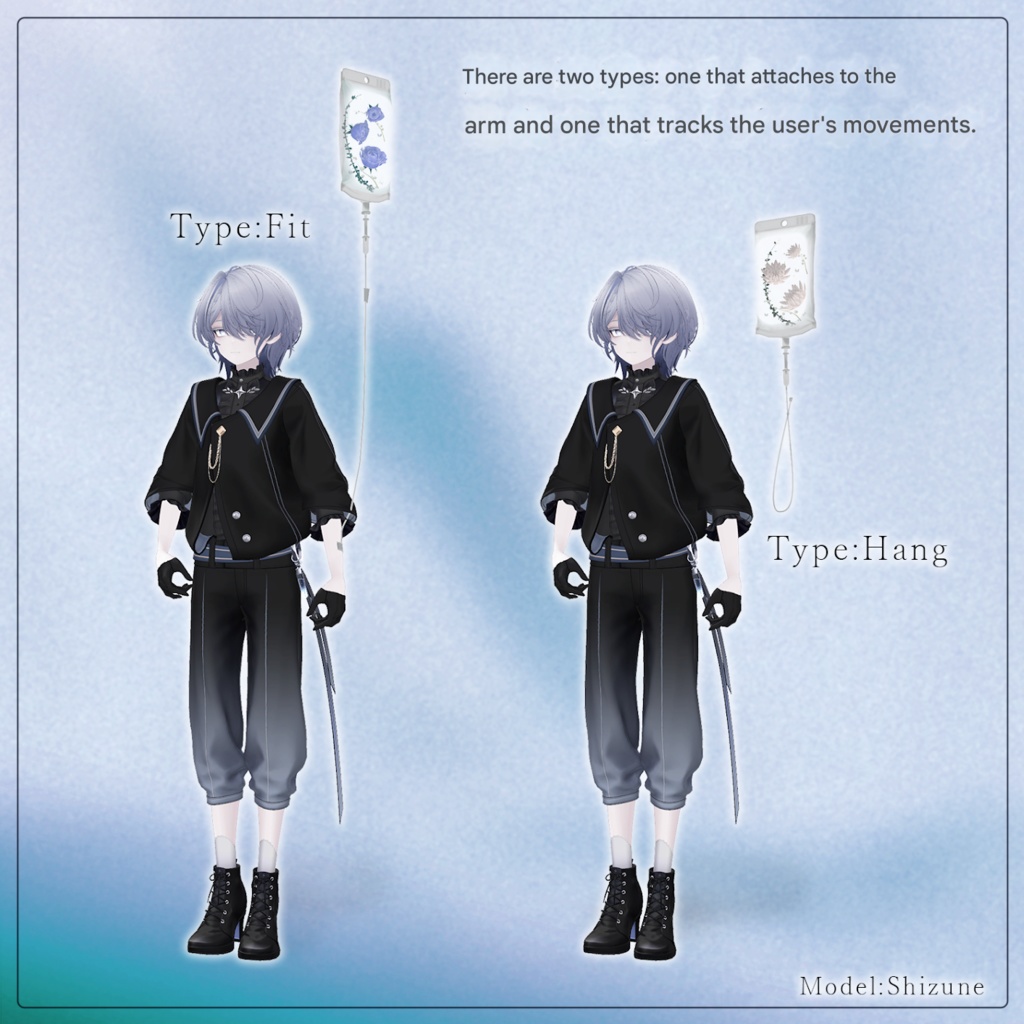
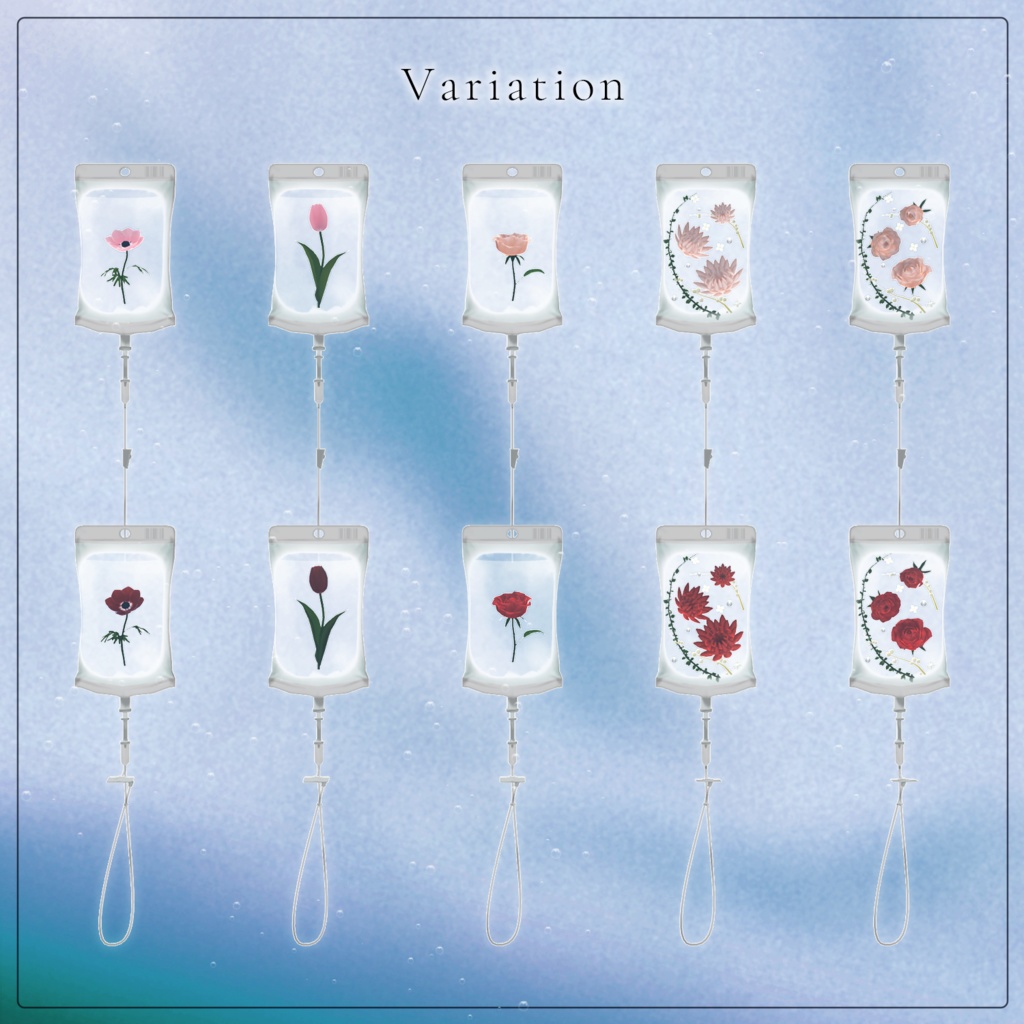
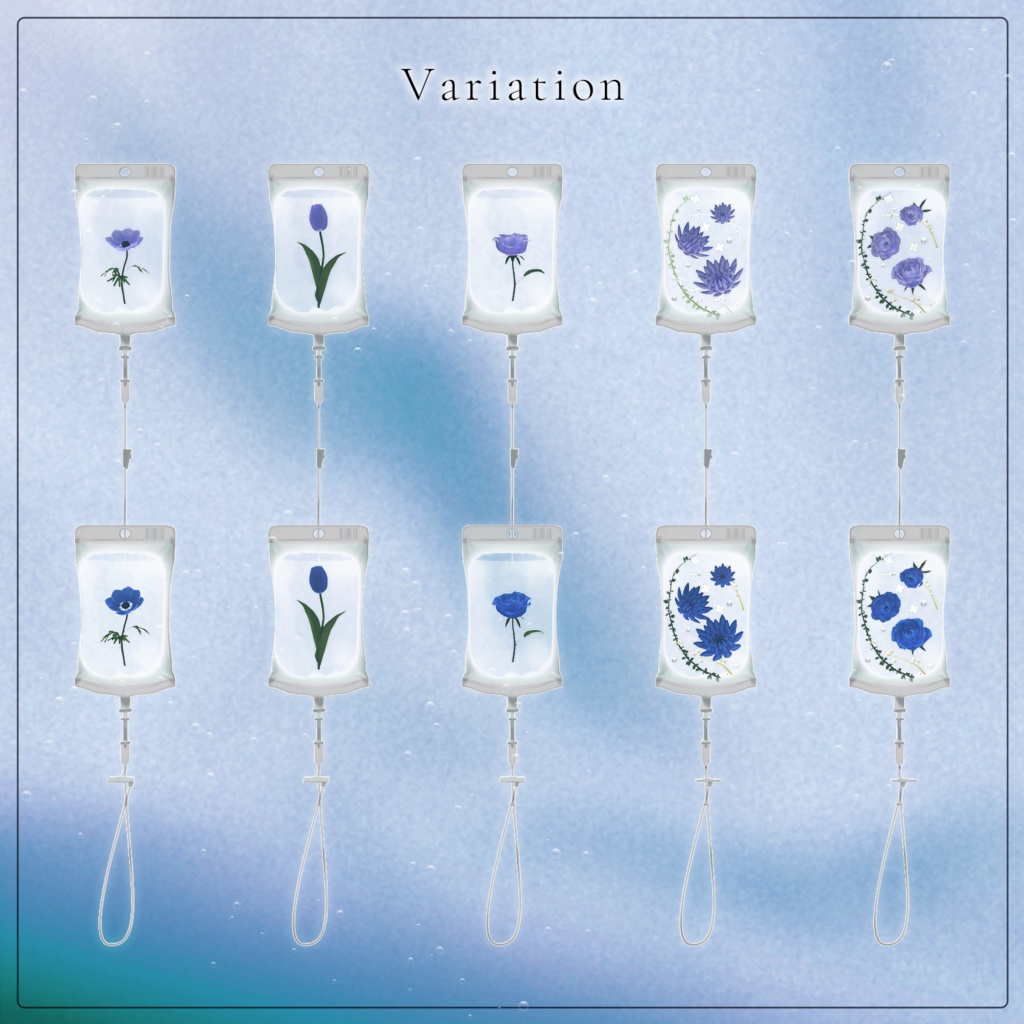
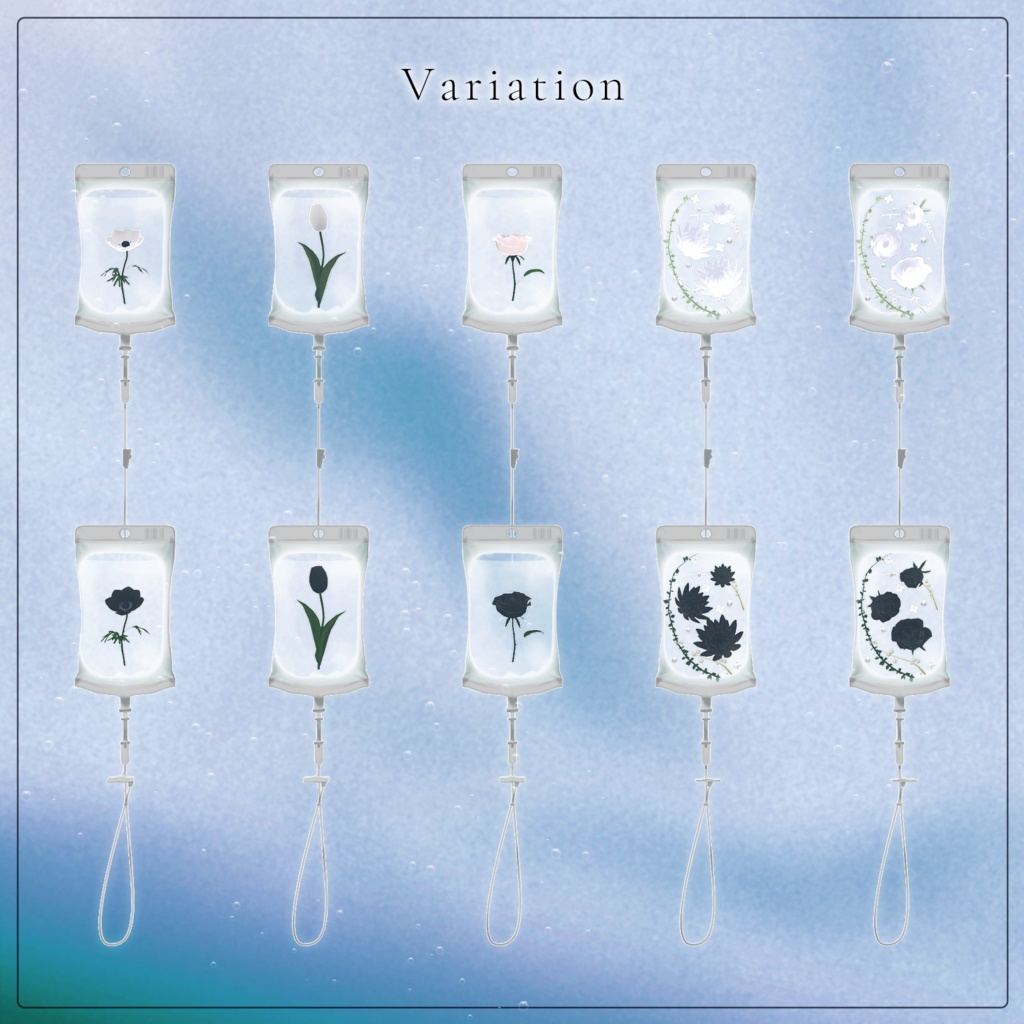
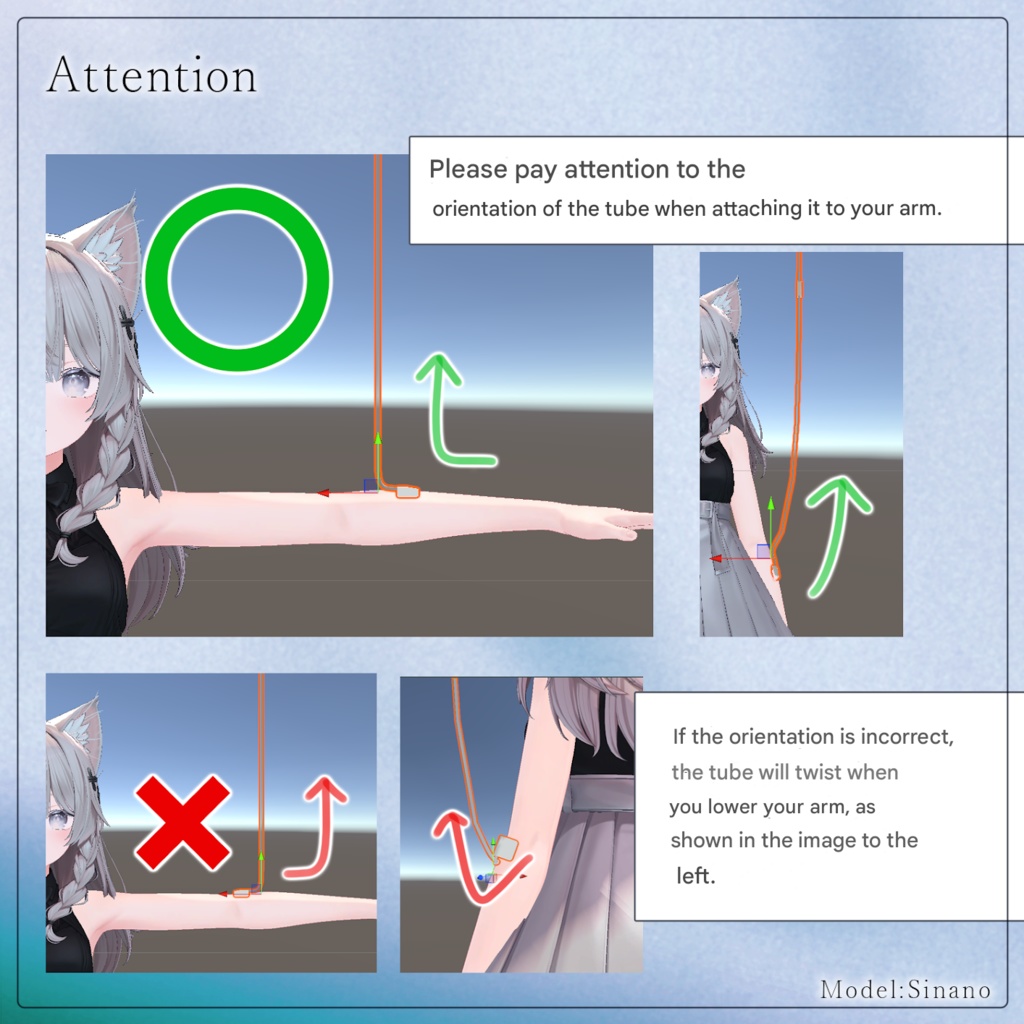


◆ Flower Drip ◆ Nourished by beautiful flowers, so that the flower that is you may continue to bloom. This is an IV drip pack item filled with flowers. Two types are included: A Fit type that attaches to the arm and can be adjusted with shapekeys A Hang type that follows the avatar and can be placed anywhere you like This allows the item to be used with many different avatars. ⚠️ Important Notes Due to the nature of downloadable products, returns and refunds are not available. Please review the product description and terms of use before purchasing. This product is designed for use with VR devices. Usage with desktop-only play is not supported. ◆ Item Overview ● Contents FlowerDrip.Unitypackage Textures ReadMe.txt ● Required Shader liltoon https://lilxyzw.booth.pm/items/3087170 ● Required Asset Modular Avatar https://modular-avatar.nadena.dev/ja/docs/intro ● Model Data Drip Pack – Fit Type 3,560 polygons Pack: 1,100 Liquid: 880 Tube: 1,580 Drip Pack – Hang Type 2,913 polygons Pack: 1,100 Liquid: 880 Tube: 933 Flowers Anemone: 1,365 polygons Rose (single): 1,711 polygons Tulip: 1,277 polygons Herbarium A 7,888 polygons Leaf: 2,114 Pearl: 320 PepperBerryA: 424 PepperBerryB: 424 Small Flower: 448 Rose: 4,158 Herbarium B 9,190 polygons Leaf: 2,114 Pearl: 320 PepperBerryA: 424 PepperBerryB: 424 Small Flower: 448 Dahlia: 5,460 Mesh Count DripPack: 3 Anemone: 1 Rose: 1 Tulip: 1 FlowerSetA: 6 FlowerSetB: 6 Material Count: 3–4 (varies by model) PB Components: 1–3 (varies by model) Import Folder Assets > MetaverseCreators_CP > KORARAKO'sShop > FlowerDrip ◆ Installation Instructions Set up the latest VRC SDK in VCC. Install required assets (liltoon, Modular Avatar) via VCC. Import this package. Drag and drop the avatar (or dressing prefab) into the Scene Hierarchy. Disable unnecessary clothing (default outfits, underwear, etc.) or set them to Editor Only if needed. Drag and drop "ItemName.Prefab" under the avatar. In the Scene, move / scale / rotate FD_○○.Prefab to place it where you like. Upload the avatar via the VRC SDK. ◆ Gimmick Overview Prefab Types Fit Type Designed to be worn on the arm or similar locations. Visibility can be toggled from the Expression Menu. Hang Type Follows the avatar. By default it follows the avatar’s Hips bone. Can be fixed to the world or toggled on/off via the menu. Setup Dragging the prefab under the avatar will automatically add a visibility toggle to the avatar's Expression Menu. Fit Type Setup (Arm Version) Place the prefab in your preferred position. Adjust the Tube shapekey so it fits along the arm. By default, it follows Left Lower Arm (LowArm). If you want to attach it somewhere else: Place the prefab under the avatar In the Inspector, change the MA Bone Proxy target Select the bone you want it to follow ◆ Changing the Flower Light Color The flower light color can be changed using the Rim Light color in the material settings. ◆ Color Customization Replace the materials with color variations located in: Common > Material ◆ Terms of Use https://drive.google.com/drive/folders/1qRMXoIxM1ZgacBPfwOigQRtXP1vCbNMn?usp=sharing Please also follow the terms of use of the base avatar. ◆ Production Environment Modeling: Blender Ver4.2 Texturing: CLIP STUDIO PAINT Setup: Unity Ver2022.3.22f1 VRChat SDK - Avatars Ver3.7.6 (VCC) liltoon 2.3.2 ModularAvatar 1.16.2 ◆ Credits Creator: Korarako https://korarako.booth.pm/ Support / Inquiries https://discord.gg/bmw3PWE37M