

Arknights: Endfield / Endministrator / Chibi Penguin
- Digital300 JPY
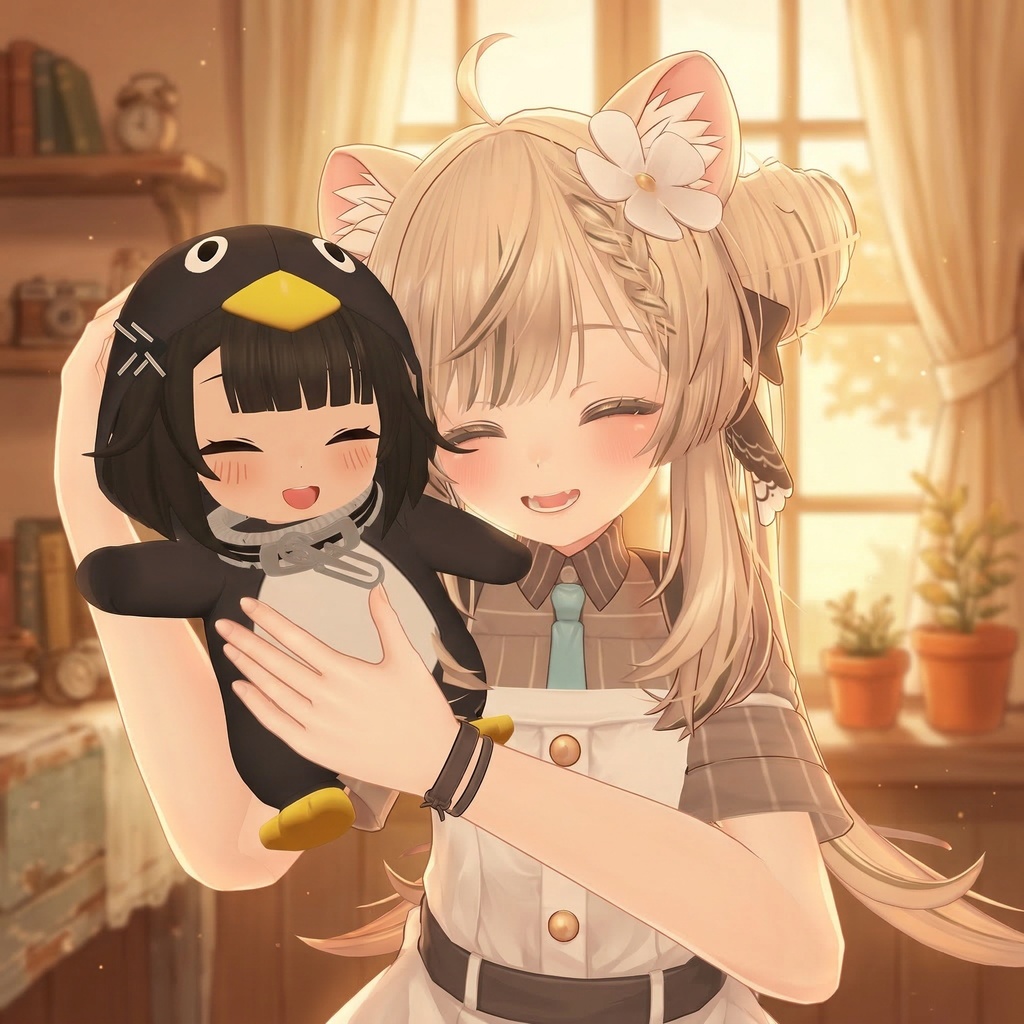
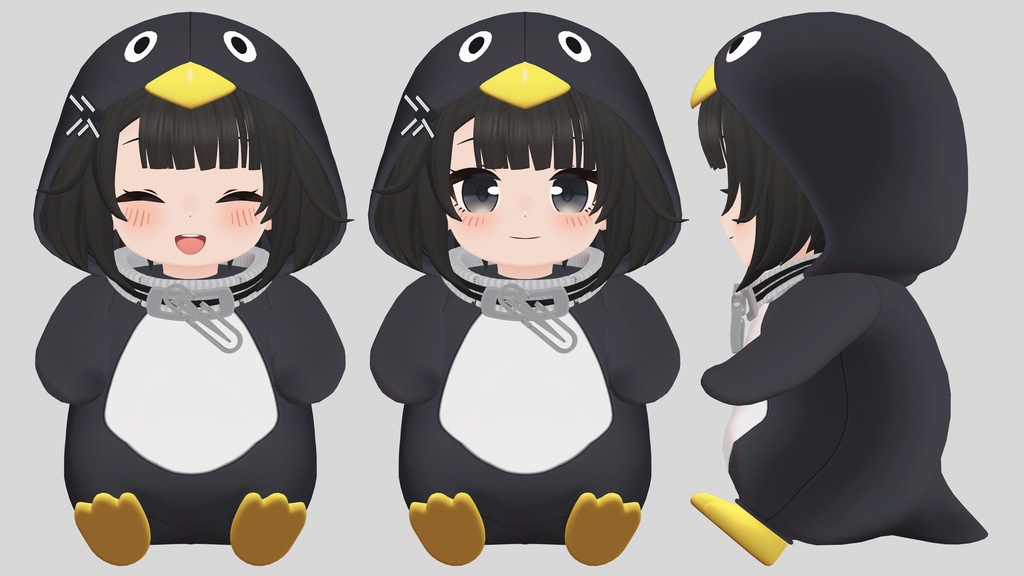
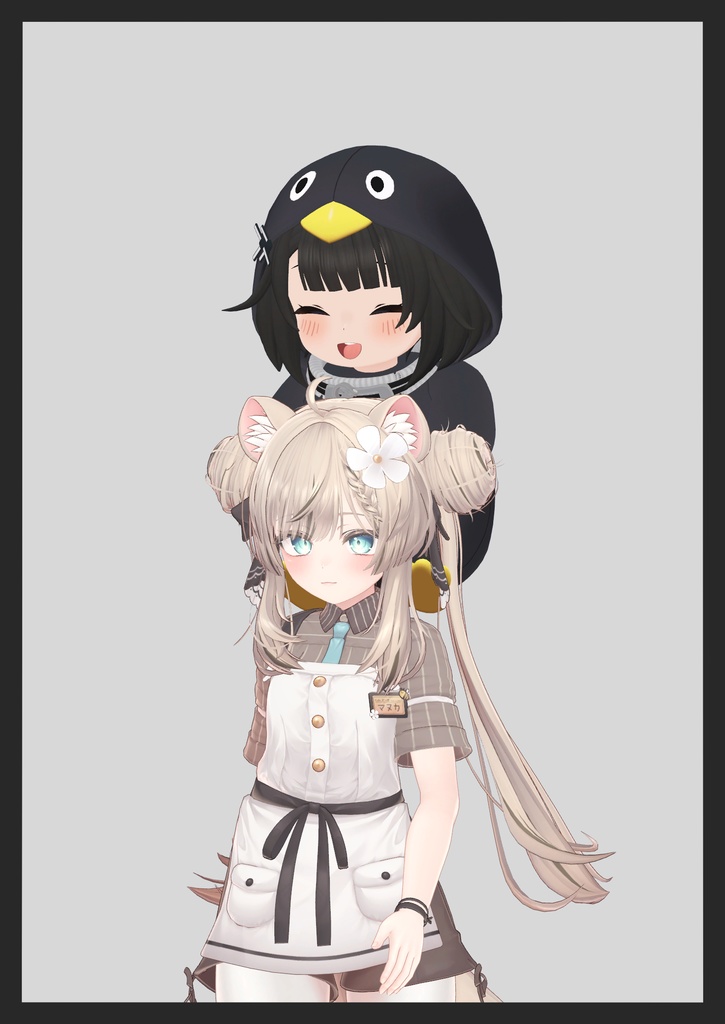
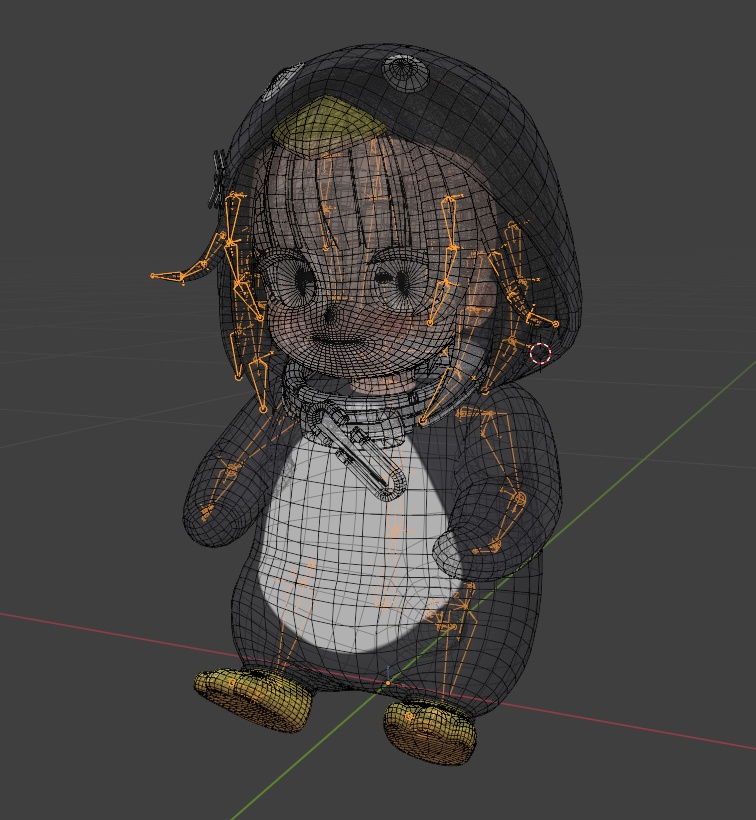


This product is intended for use in VRChat. ■ Contents * Unitypackage * FBX * PNG ■ Development Environment * Unity 2022.3.22f1 ■ Model Information * Polygon Count: 17,462 * Simple rigging is applied. * The default pose is the same as shown in the product images. ■ Facial Expressions (Shape Keys) * Includes 2 types ■ Usage 1. Import the "Chibi Penguin" Unity package into your project. 2. Drag and drop the prefab into the Hierarchy. 3. Move the prefab under the avatar you want to use (make it a child of the avatar). 4. Select the "Armature" of Chibi Penguin, then adjust its position in the Scene to your desired location. 5. After positioning, assign the bone: Drag and drop the "Hip" bone of Chibi Penguin onto the corresponding bone of your avatar. Example: If you placed it on the head, parent it under the avatar’s "Head" bone. ■ Notes * This product is designed for use in VRChat. * Results may vary depending on your environment and settings. * The avatar is not included. If you encounter any issues or have questions, please include your Unity version, a description of the situation, and screenshots when sending a message. I will review and respond accordingly. VRChat에서의 이용을 상정한 상품입니다. ■ 상품 내용 Unitypackage FBX PNG ■ 제작 환경 Unity 2022.3.22f1 ■ 모델 정보 폴리곤 수: 17,462 간단한 리깅이 적용되어 있습니다. 기본 포즈는 상품 이미지와 동일한 포즈입니다. ■ 표정 (Shape Key) 총 2종 포함 ■ 사용 방법 1. "Chibi Penguin" Unity 패키지를 프로젝트에 임포트합니다. 2. 프리팹을 Hierarchy에 드래그 앤 드롭합니다. 3. 사용할 아바타의 하위로 이동시켜, 아바타의 자식 오브젝트로 배치합니다. 4. Chibi Penguin의 "Armature"를 선택한 후, Scene에서 원하는 위치로 이동시킵니다. 5. 위치 조정이 끝나면 본을 연결합니다: Chibi Penguin의 "Hip" 본을 아바타의 해당 본으로 드래그 앤 드롭합니다. 예시: 머리 위에 배치했다면, 아바타의 "Head" 본 아래에 넣어주세요. ■ 주의 사항 본 상품은 VRChat 사용을 기준으로 제작되었습니다. 사용 환경 및 설정에 따라 결과가 다를 수 있습니다. 아바타는 포함되어있지 않습니다. 문제가 발생하거나 문의사항이 있을 경우, 사용 중인 Unity 버전 / 상황 설명 / 스크린샷과 함께 메시지를 보내주시면 확인 후 답변드리겠습니다.