
【VRoid】 Little Devil Eyes Set
- Digital200 JPY
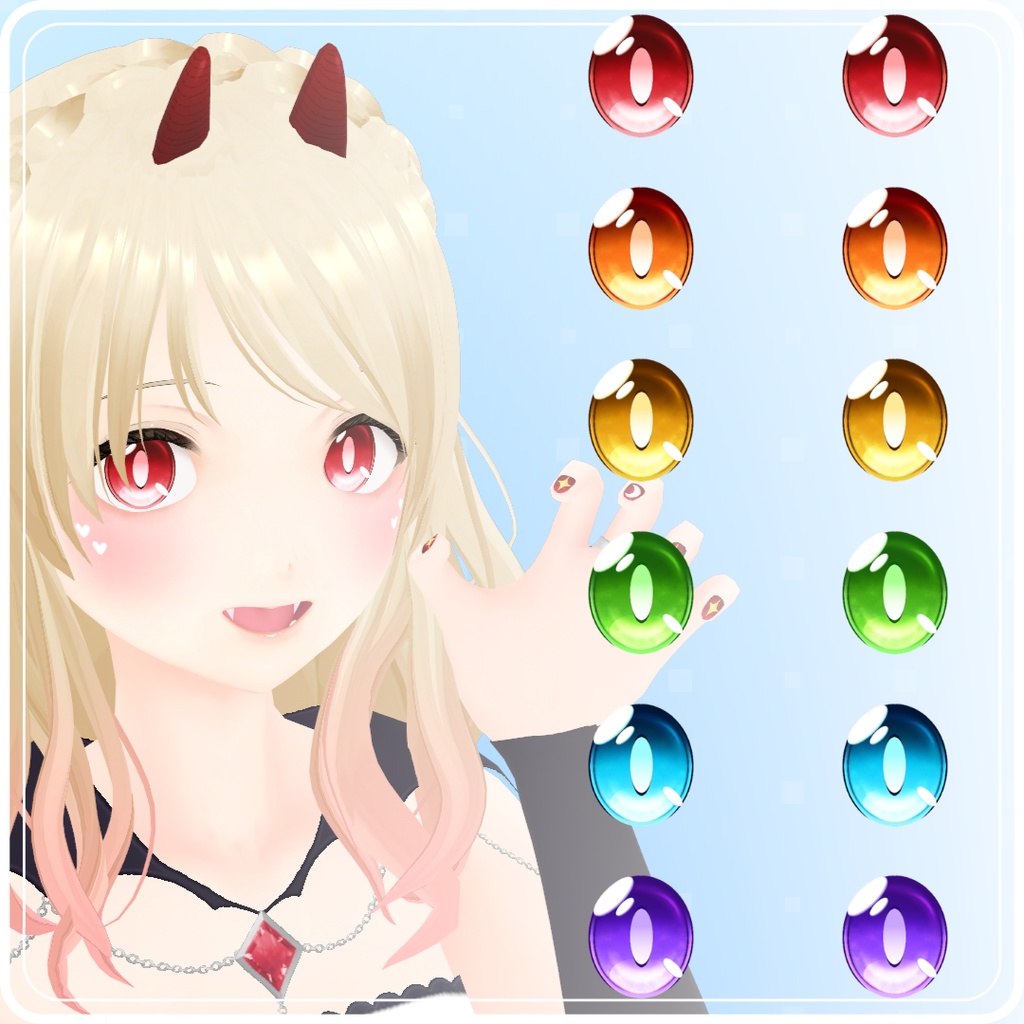
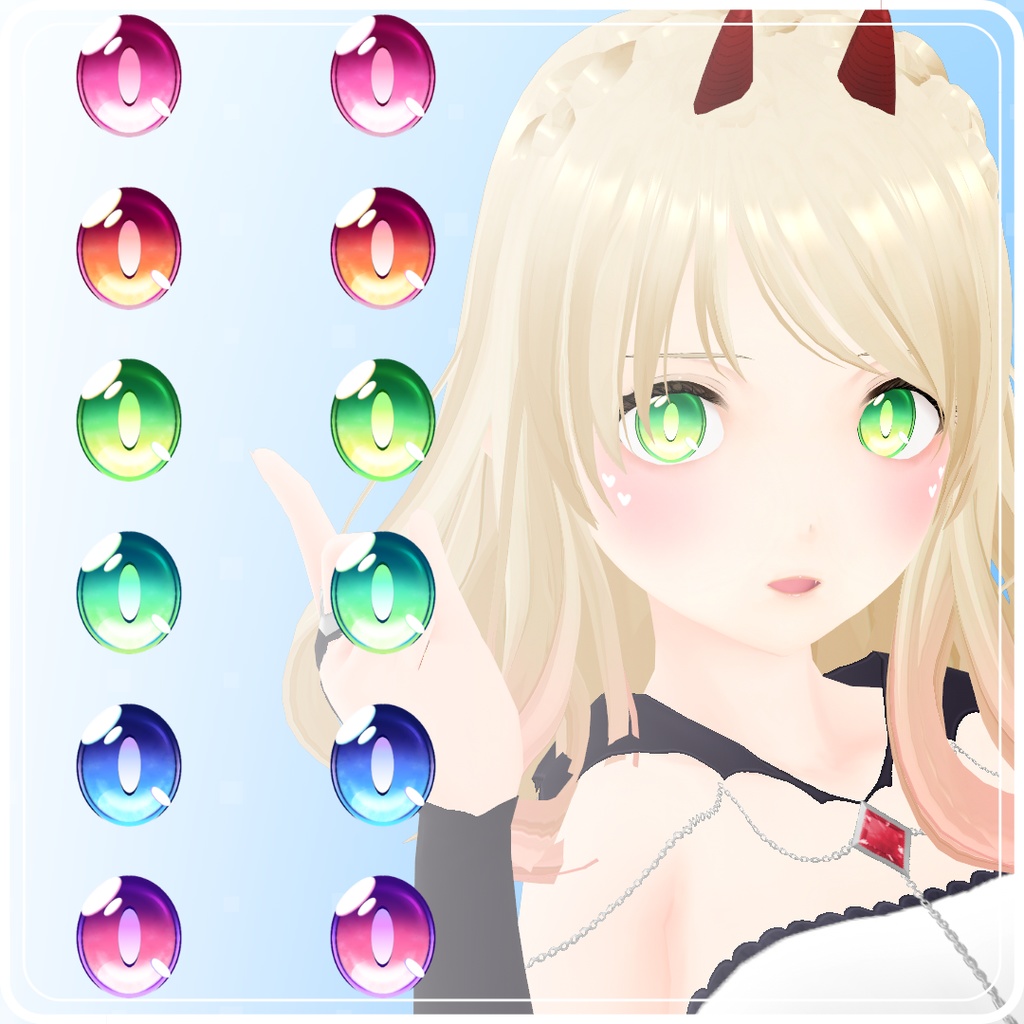
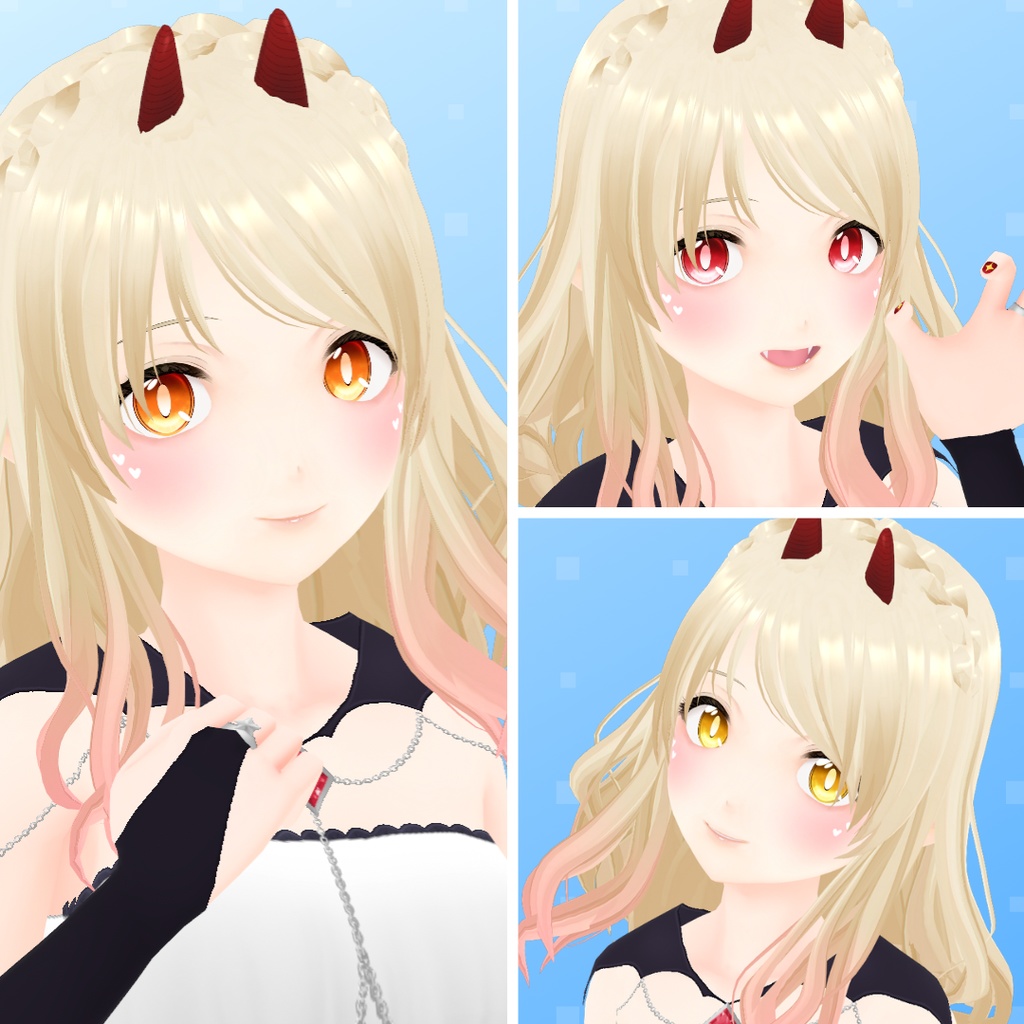
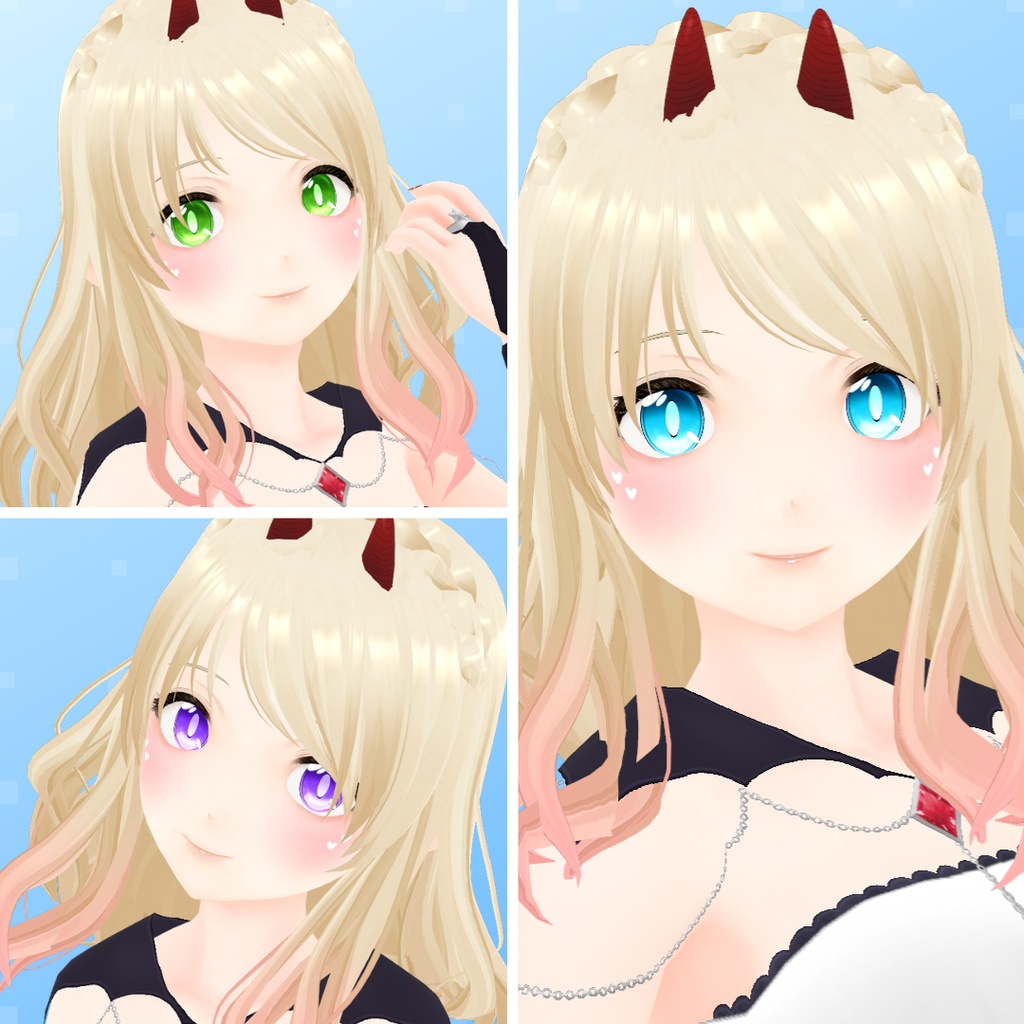
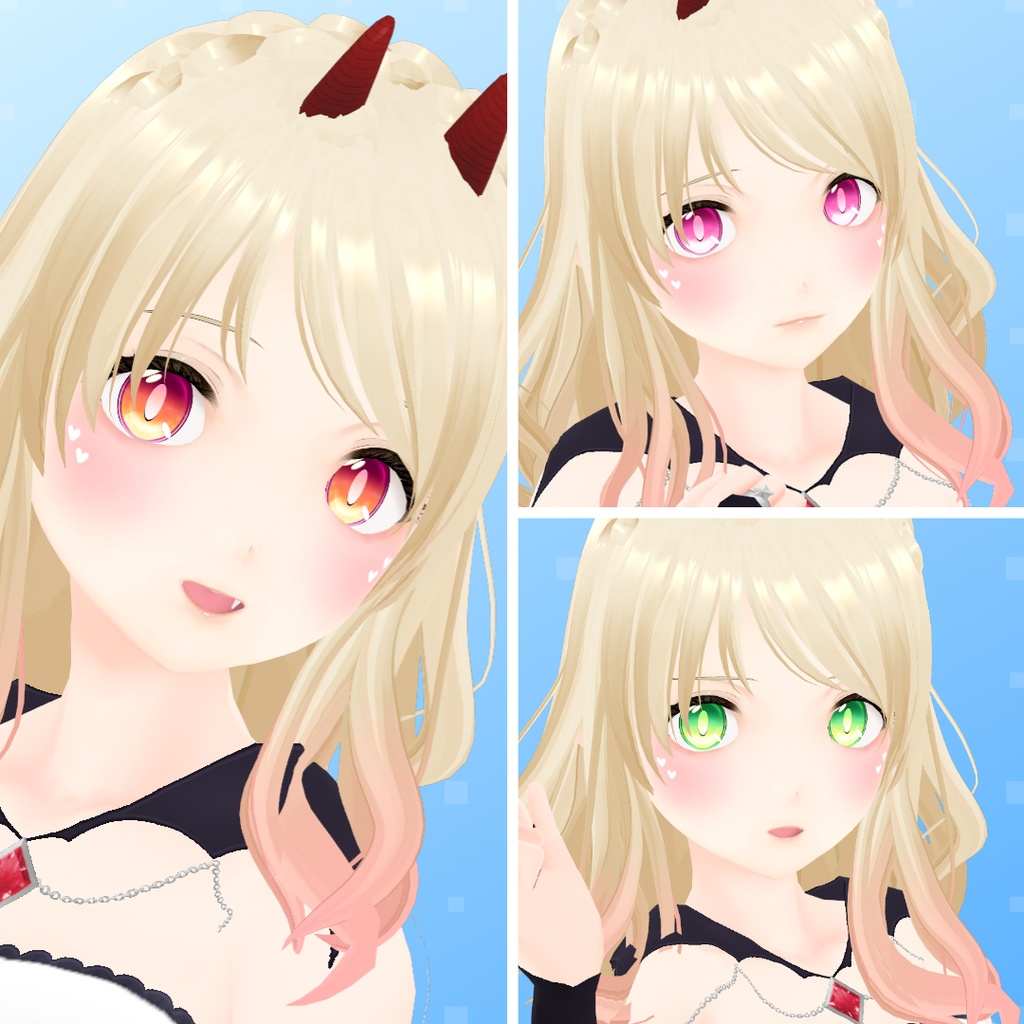
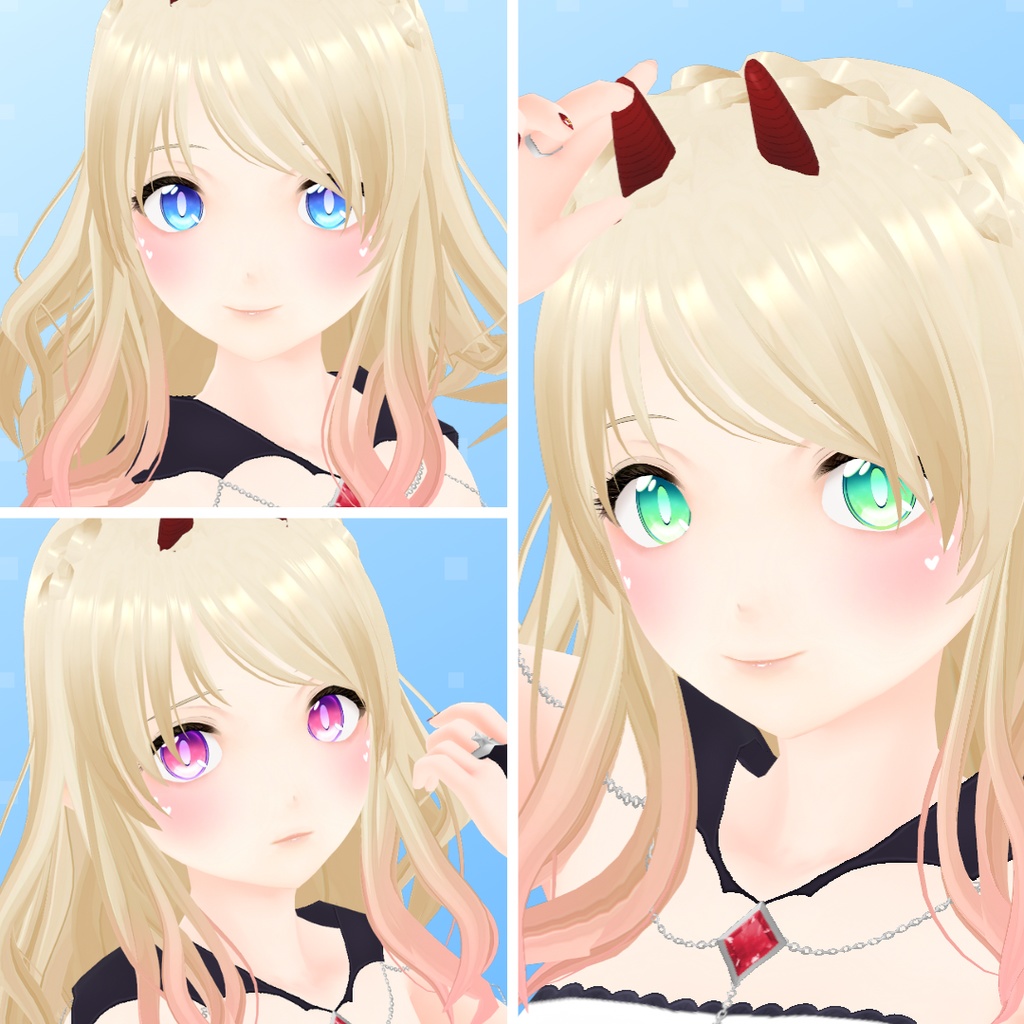


︵‿︵‿︵‿︵‿୨୧ Little Devil Eyes Set ୨୧‿︵‿︵︵‿︵‿ 12 colors available with and without highlights. ** Not Included ** • Model • Outfit: https://lolishop.booth.pm/items/7588289 • Makeup: https://lolishop.booth.pm/items/2465299 • Nails: https://lolishop.booth.pm/items/6220334 ** Recommended ** You can find more eyes textures in my shop here: https://lolishop.booth.pm/item_lists/8plTeeXN and more gothic themes items here: https://lolishop.booth.pm/item_lists/8bNT9Bx8
Instructions
• Face → Irises → Edit Texture → Delete the current irises layer → Create a new layer → Right click on the new layer → Import → Choose the file you want. • IMPORTANT! If you use irises with highlights you need to remove the VRoid highlights: Go to Eye Highlights → Presets → Choose the option without highlights.
❖ Terms of Use ❖
https://lolishop.booth.pm/items/3648797