

ひかるん Hikarun Face Tracking Addon | 顔追跡アドオン
- ひかるん Hikarun YAWNS FTDigital2,500 JPY
- ひかるん Hikarun YAWNS FT Supporter EditionDigital3,000 JPY


Demo Video: https://youtu.be/JhAh1u-Hrag Q&A https://docs.google.com/forms/d/1r1jKfe-dgkV13vxH01CTrdZzJ3yUzEuGwEr6MmF3YxA/edit Original Avatar: https://booth.pm/zh-cn/items/7827639 -日本語訳は下部に -La traducción al español se encuentra a continuación. -한국어 번역은 아래에 있습니다. -English translation is provided below. 「我们反对任何形式的非法转售。」
ENGLISH
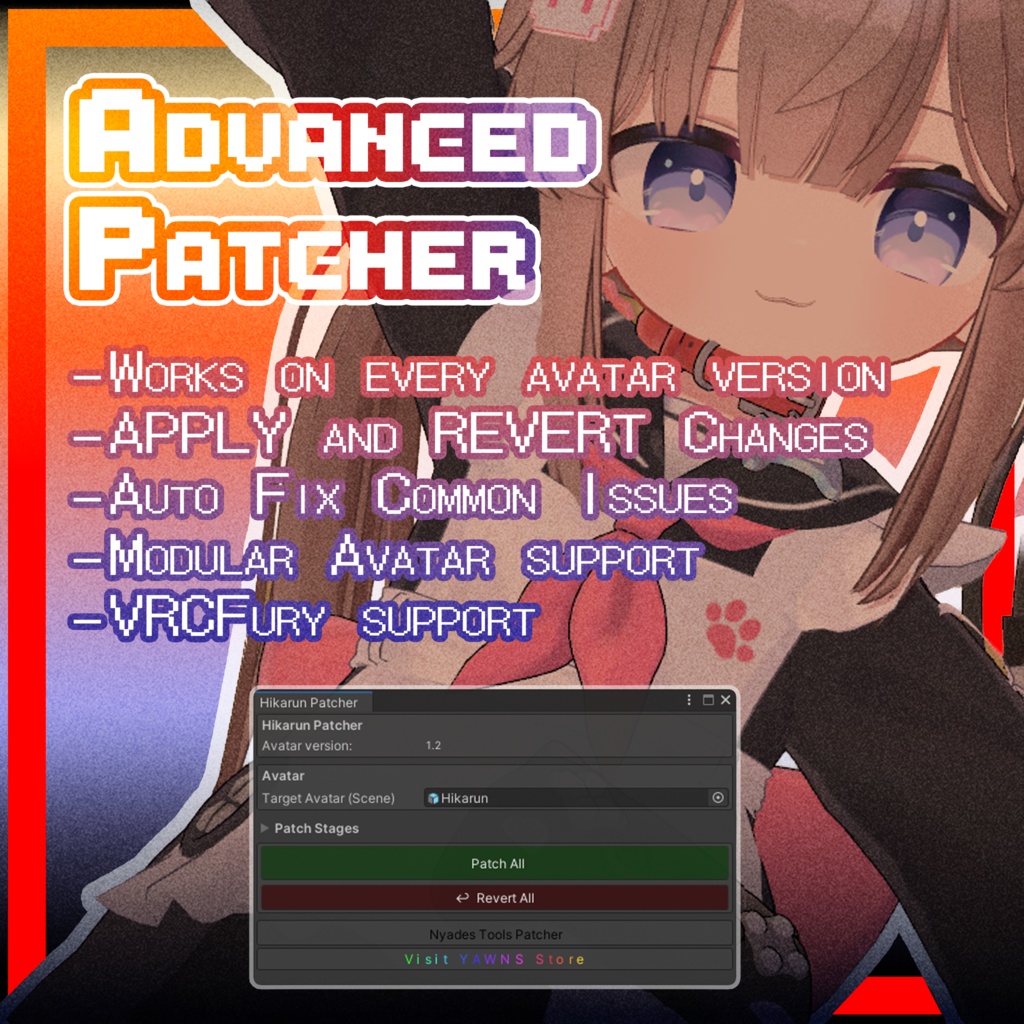
This is an add-on for Hikarun that adds face tracking to the model. It uses Unified Expressions blendshapes. This add-on file cannot be used on its own; it is only for users who have purchased the original avatar. Hikarun is required and available at: https://booth.pm/zh-cn/items/7827639 This add-on will work with all versions of the avatar. Requires VRCFury or ModularAvatar Avatar Setup Instructions: Import the Unitypackage. Find the Patcher under the "Tools" menu. Drag the Prefab into the menu slot. Click Patch and it’s ready to go! The new Patcher provides advanced patching options which can be found under the dropdown arrow. Headset Setup for Face Tracking: Follow the getting started guide here: https://docs.vrcft.io/docs/intro/getting-started If you have any further questions related to your setup, you are welcome to join the VRCFT Discord server: https://discord.com/invite/vrcft If you have any trouble setting up the avatar in Unity, I can be reached through my Booth DMs.
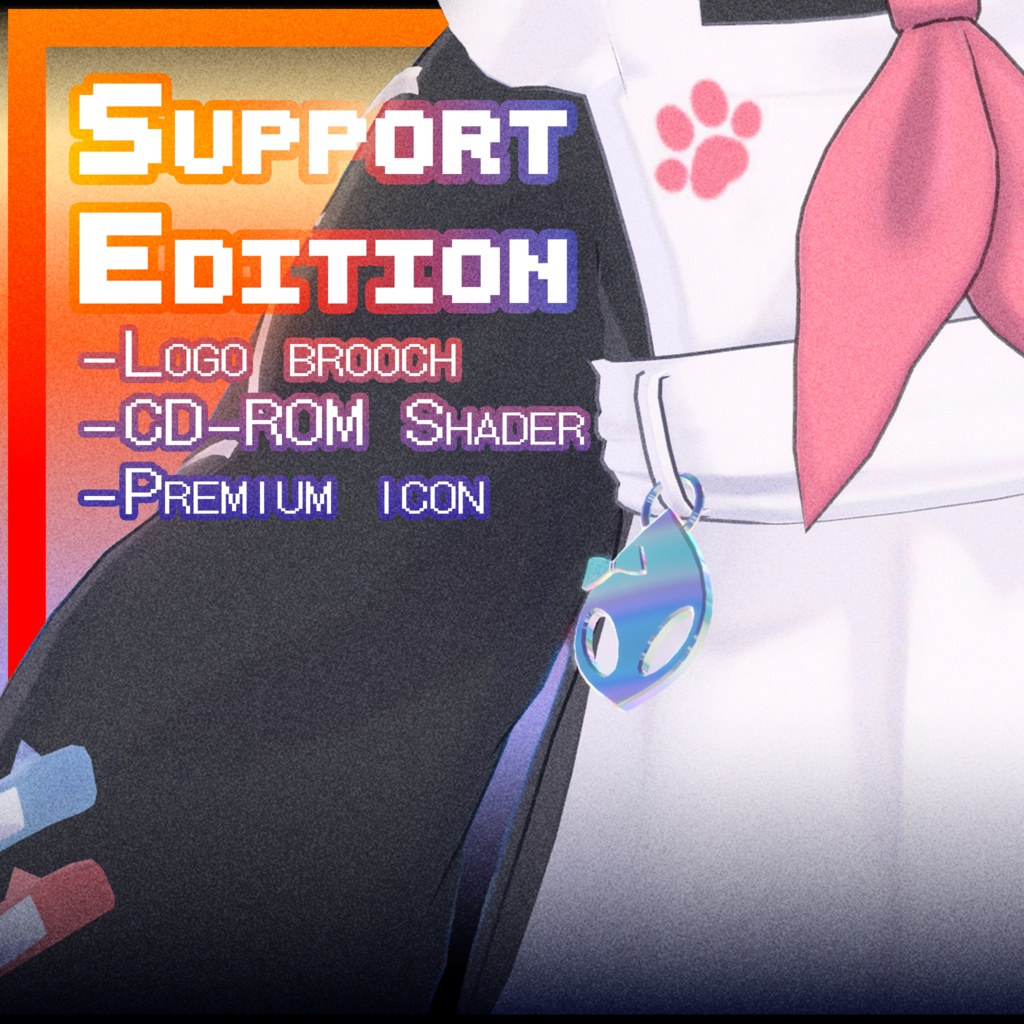
SUPPORT version include:
-Logo brooch (Install included in a single button) -CD-ROM Shader (+VolumeLight support) -Premium icon
日本語
これは ひかるん にフェイストラッキング機能を追加するためのアドオンです。 Unified Expressions のブレンドシェイプを使用しています。 このアドオン単体では使用できません。オリジナルアバターを購入済みの方のみご利用いただけます。 ベースモデルの ひかるん はこちらで購入可能です:https://booth.pm/zh-cn/items/7827639 本アドオンは、アバターのすべてのバージョンに対応しています。 VRCFury または Modular Avatar が必要です。 セットアップ手順: Unitypackage をインポートします。 「Tools」メニュー内にある Patcher を開きます。 メニュー内の該当箇所に Prefab をドラッグ&ドロップします。 Patch を実行すれば完了です。 新しいパッチャーでは、ドロップダウン矢印の中に詳細なパッチオプションが用意されています。 ヘッドセットのセットアップ方法: こちらのドキュメントをご参照ください:https://docs.vrcft.io/docs/intro/getting-started セットアップに関するその他の質問は、VRCFT の Discord サーバーへどうぞ:https://discord.com/invite/vrcft Unityでのセットアップ中に問題が発生した場合は、Booth のダイレクトメッセージ(DM)にてご連絡ください。
SUPPORT バージョンの内容:
- ロゴブローチ (パッチャー内のボタンひとつで簡単にインストール可能。すべてのバリエーションは Charm フォルダ内にあります)。 - CD-ROM Shader (+VolumeLight 対応)。 - プレミアムアイコン。
한국어
본 제품은 ひかるん (Hikarun) 모델에 페이스 트래킹 기능을 추가해 주는 애드온입니다. Unified Expressions 블렌드셰이프를 사용합니다. 이 애드온 파일은 단독으로 사용할 수 없으며, 원본 아바타를 구매한 사용자만 사용할 수 있습니다. ひかるん (Hikarun) 아바타 본체는 다음 링크에서 구매 가능합니다: https://booth.pm/zh-cn/items/7827639 이 애드온은 아바타의 모든 버전과 호환됩니다. VRCFury 또는 Modular Avatar가 필요합니다. 아바타 설정 방법: Unitypackage를 임포트합니다. "Tools" 메뉴에서 Patcher를 찾습니다. 메뉴창에 Prefab을 드래그합니다. Patch 버튼을 누르면 설정이 완료됩니다. 새로운 패처(Patcher)는 드롭다운 화살표 아래에서 고급 패치 옵션을 제공합니다. 헤드셋 페이스 트래킹 설정 방법: 다음 가이드를 참고하세요: https://docs.vrcft.io/docs/intro/getting-started 설정과 관련된 추가 질문이 있으시면 VRCFT 디스코드 서버에 참여해 주세요: https://discord.com/invite/vrcft 유니티 내 아바타 설정 중 문제가 발생하면 Booth 메시지(DM)를 통해 문의해 주시기 바랍니다.
SUPPORT 버전 포함 내역:
- 로고 브로치 (패처의 버튼 하나로 간편하게 설치 가능, 모든 버전의 브로치는 Charm 폴더에서 확인할 수 있습니다). - CD-ROM Shader (+VolumeLight 지원). - 프리미엄 아이콘
Español
Este es un complemento para ひかるん (Hikarun) que añade seguimiento facial (face tracking) al modelo. Utiliza los blendshapes de Unified Expressions. Este archivo no se puede usar por sí solo; solo es para usuarios que hayan adquirido el avatar original. Se requiere a ひかるん (Hikarun), disponible en: https://booth.pm/zh-cn/items/7827639 Este complemento funciona con todas las versiones del avatar. Requiere VRCFury o Modular Avatar. Instrucciones de configuración: Importa el Unitypackage. Busca el Patcher en la pestaña "Tools". Arrastra el Prefab al menú. Haz clic en Patch y ¡listo! El nuevo Patcher ofrece opciones avanzadas que se encuentran bajo la flecha del menú desplegable. Configuración del visor (headset): Puedes encontrar la guía aquí: https://docs.vrcft.io/docs/intro/getting-started Si tienes más preguntas sobre la configuración, puedes unirte al servidor de Discord de VRCFT: https://discord.com/invite/vrcft Si tienes problemas para configurar el avatar en Unity, puedes contactarme a través de mensajes directos (DM) en Booth.
La versión SUPPORT incluye:
-Broche con logo (Instalación sencilla mediante un único botón en el Patcher; todas las variantes del broche se encuentran en la carpeta Charm). -CD-ROM Shader (compatible con +VolumeLight). -Icono Premium.
UPDATES
28.04.2026 - Release 28.06.2026 - v1.3 support
✦Credits✦
Special thanks to: Adjerry91 for their template Celaline for participating in the testing