

桜の瞳 Sakura Eye Texture ✦【VRChat / VRoid】
- Textures Only【PNG版】Digital400 JPY
- Textures + PSD【PSD版】Digital800 JPY
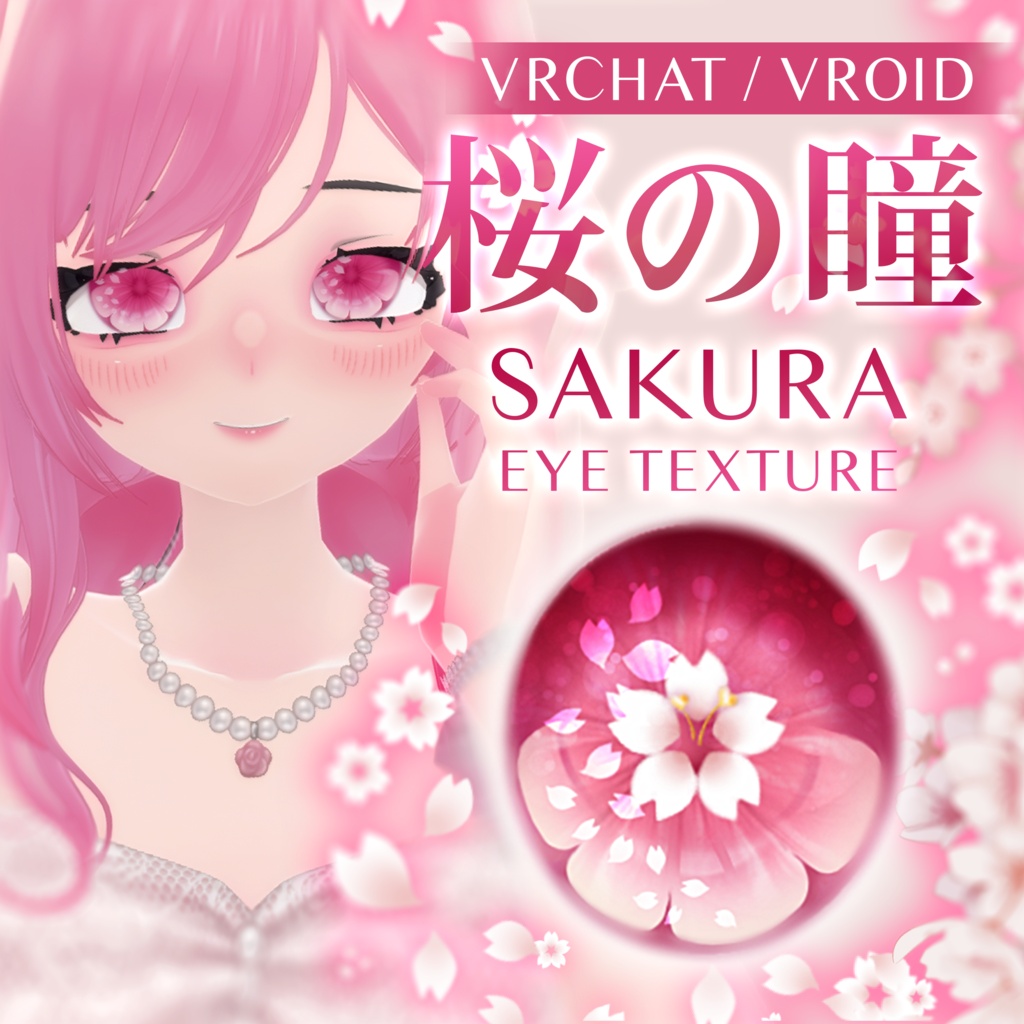
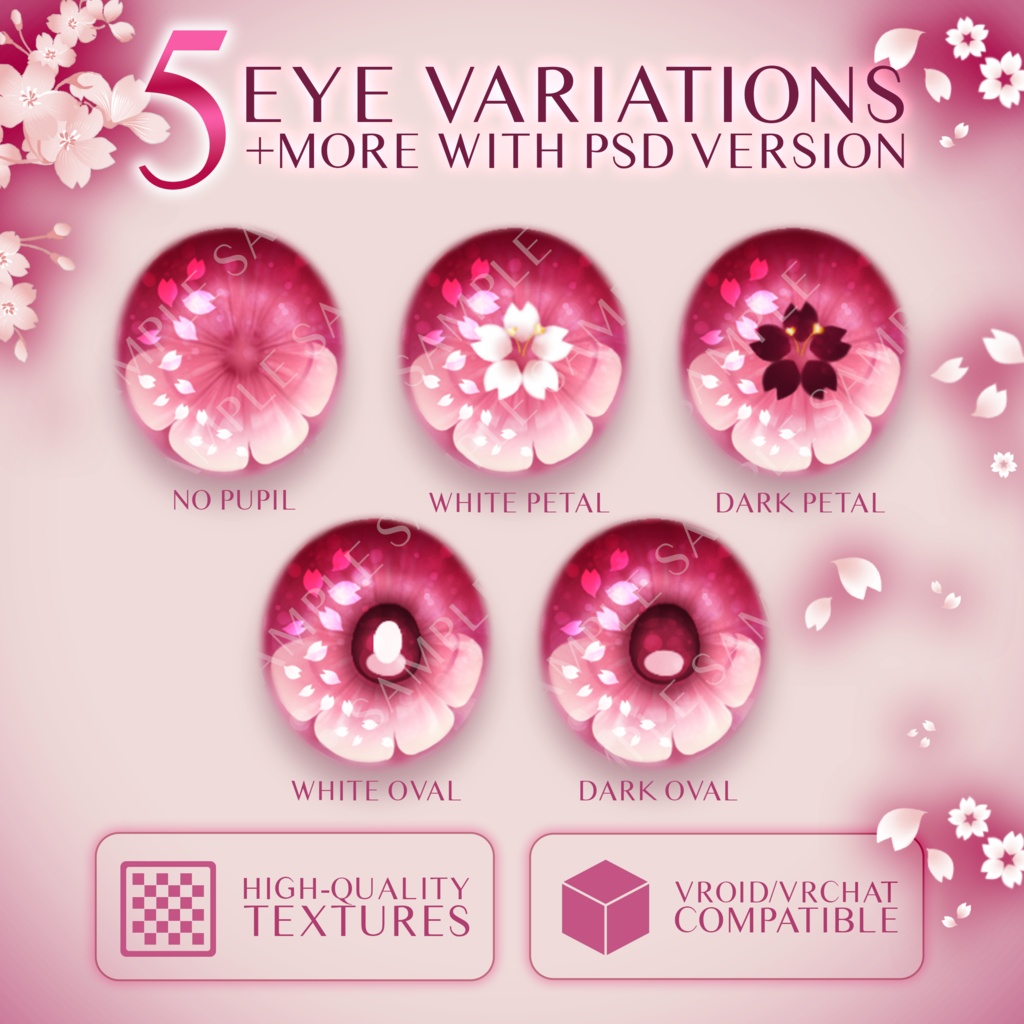
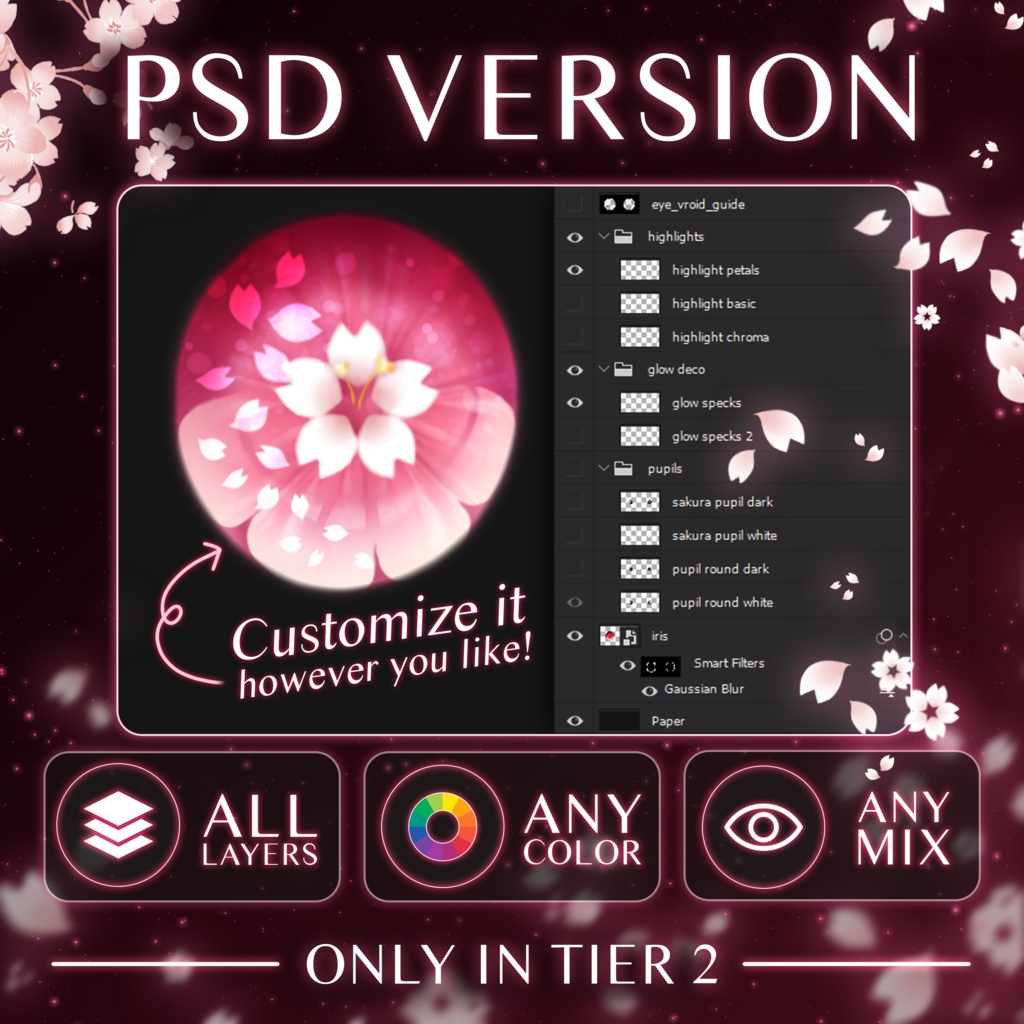


🌸 Sakura Eye Texture Set • This set features high-quality, hand-drawn designs with soft petal highlights and cherry blossom motifs. • Designed mainly for VRoid Studio, but can be used in any 3D model. • Use the flat textures in VRoid or layer/customize them by getting the PSD Set. • Feel free to modify for VRChat use! ❌ RESALE IS NOT ALLOWED (Do not modify and sell) 🐧 Artist: https://ponwiart.carrd.co ✨ What's Included? Tier 1: Textures Only【PNG版】- 400 ¥ (Flattened PNGs ZIP) • Dark Petal Pupil + Petal Highlights • Dark Oval Pupil + Petal Highlights • No Pupil + Petal Highlights • White Petal Pupil + Petal Highlights • White Oval Pupil + Petal Highlights Tier 2: Textures + PSD【PSD版】- 800 ¥ (Full PSD with All Layers) • PNGs ZIP • VRoid Eye Guide • 3 Highlight Variations • 2 Glow Specks Variations • 4 Pupil Variations • Base Iris Texture Just make your favorite layers visible and hit export as png! ❓ How To Use in VRoid? Using Flat PNGs: • Go to eye category → Edit eye texture → import png into layer Using PSD: • Customize VRoid PSD in PSD compatible software → Export as PNG • Go to eye category → Edit eye texture → import png into layer Thank you! ------------------------------- 🌸 桜アイテクスチャセット • 柔らかな花びらのハイライトと桜のモチーフをあしらった、高品質な手描きデザインが特徴です。 • 主にVRoid Studio向けにデザインされていますが、あらゆる3Dモデルで使用可能です。 • VRoidではフラットテクスチャをそのまま使用するか、PSDセットを入手して重ね合わせたりカスタマイズしたりできます。 • VRChatでの使用に合わせて自由に修正してください! ❌ 転売は禁止です(修正して販売しないでください) 🐧 アーティスト:https://ponwiart.carrd.co ✨ セット内容 Tier 1: テクスチャのみ【PNG版】- 400 円 (フラット化されたPNGのZIPファイル) • ダークペタル瞳孔 + ペタルハイライト • ダークオーバル瞳孔 + ペタルハイライト • 瞳孔なし + ペタルハイライト • ホワイトペタル瞳孔 + ペタルハイライト • ホワイトオーバル瞳孔 + ペタルハイライト Tier 2: テクスチャ + PSD【PSD版】- 800 円 (全レイヤーを含む完全版PSD) • PNG ZIP • VRoidアイガイド • ハイライトバリエーション3種 • グロースポットバリエーション2種 • 瞳孔バリエーション4種 • ベース虹彩テクスチャ お好みのレイヤーを表示し、PNGとしてエクスポートするだけです! ❓ VRoidでの使用方法 フラットPNGを使用する場合: • 目のカテゴリへ移動 → 目のテクスチャを編集 → レイヤーにPNGをインポート PSDを使用する場合: • PSD対応ソフトでVRoid用PSDをカスタマイズ → PNGとしてエクスポート • 目のカテゴリへ移動 → 目のテクスチャを編集 → レイヤーにPNGをインポート ありがとうございます! DeepL.com(無料版)で翻訳しました。