

【VRChat想定】SAR 556 System【ギミック付き】
- Digital2,500 JPY
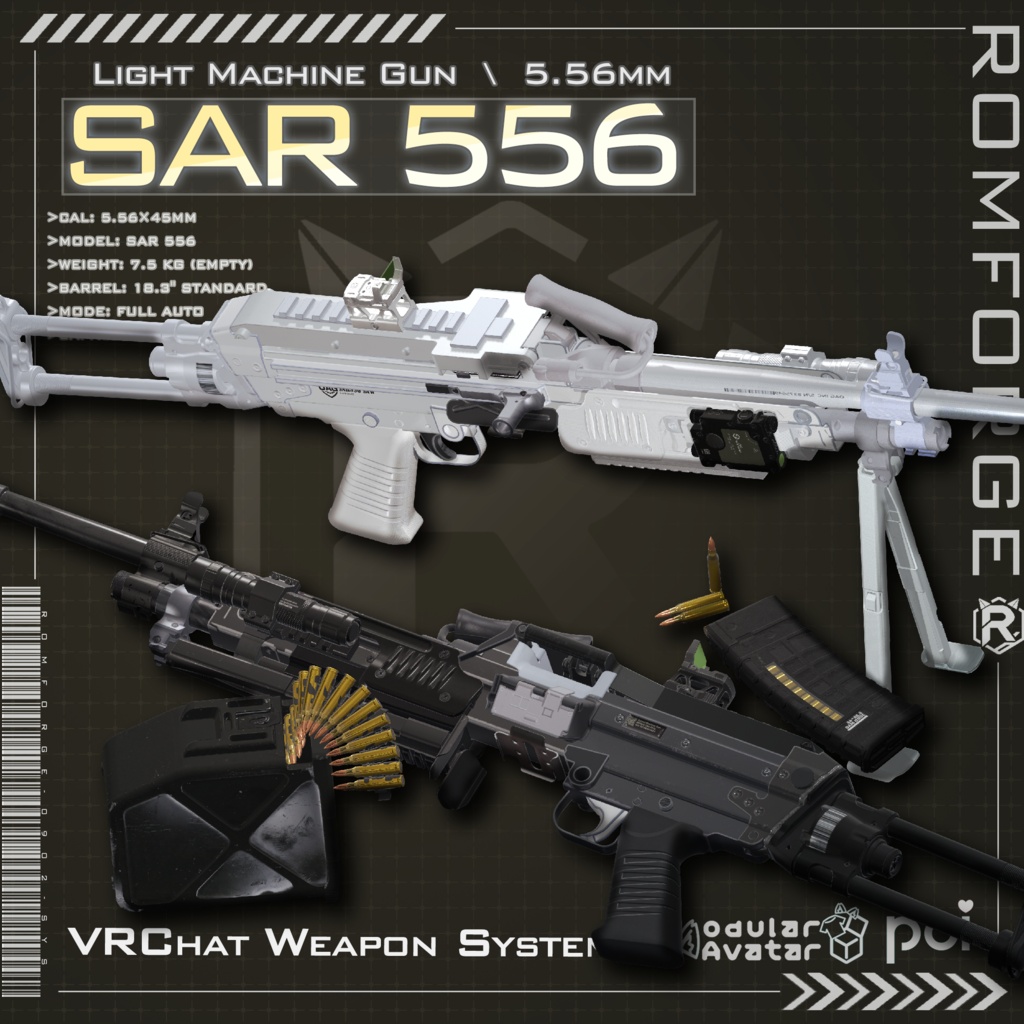
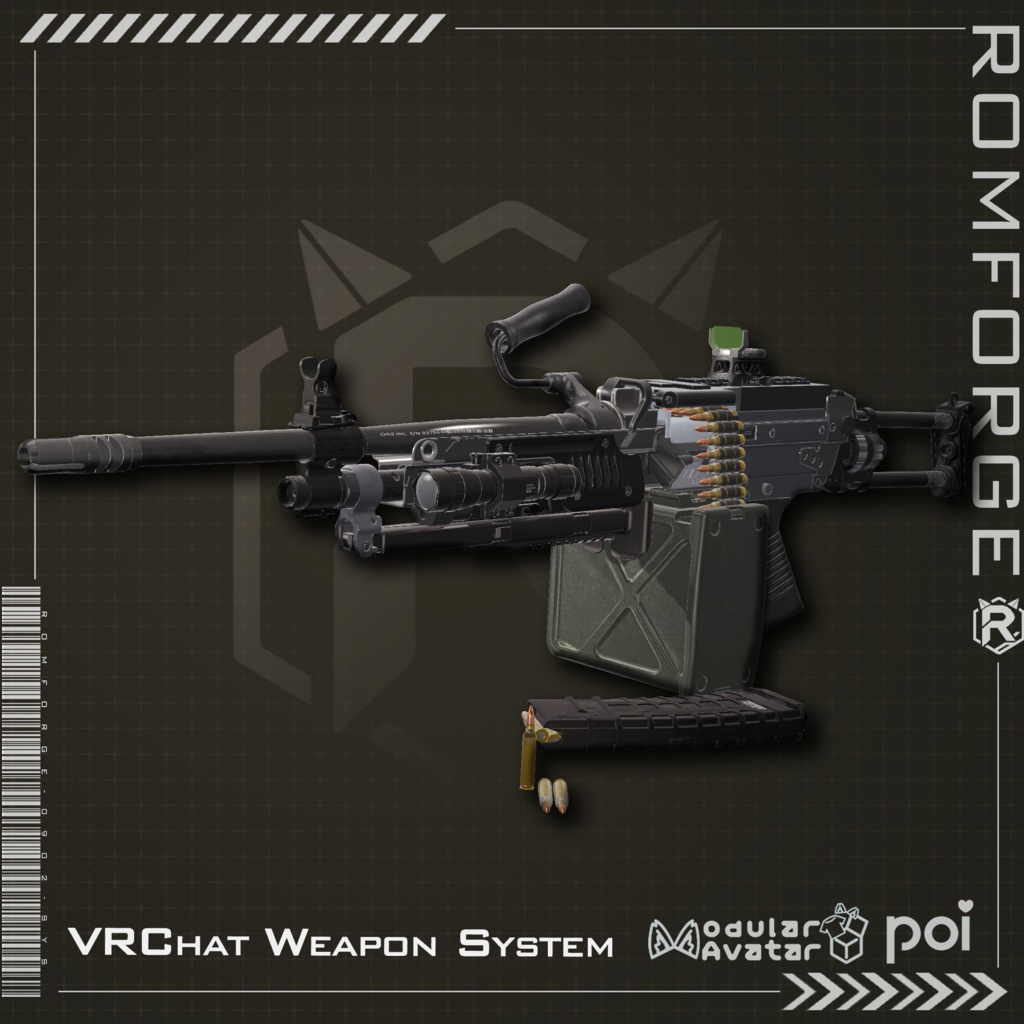
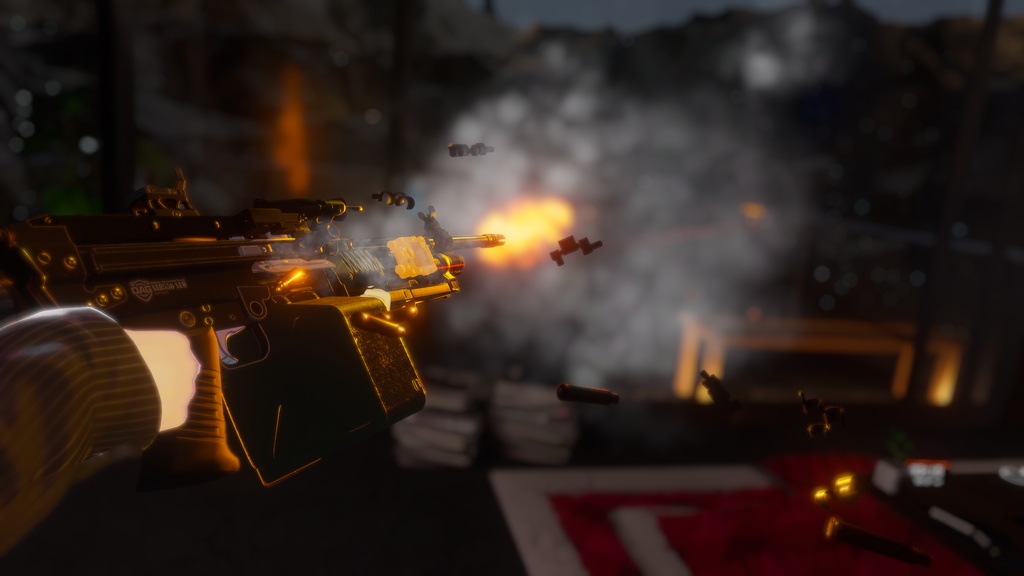
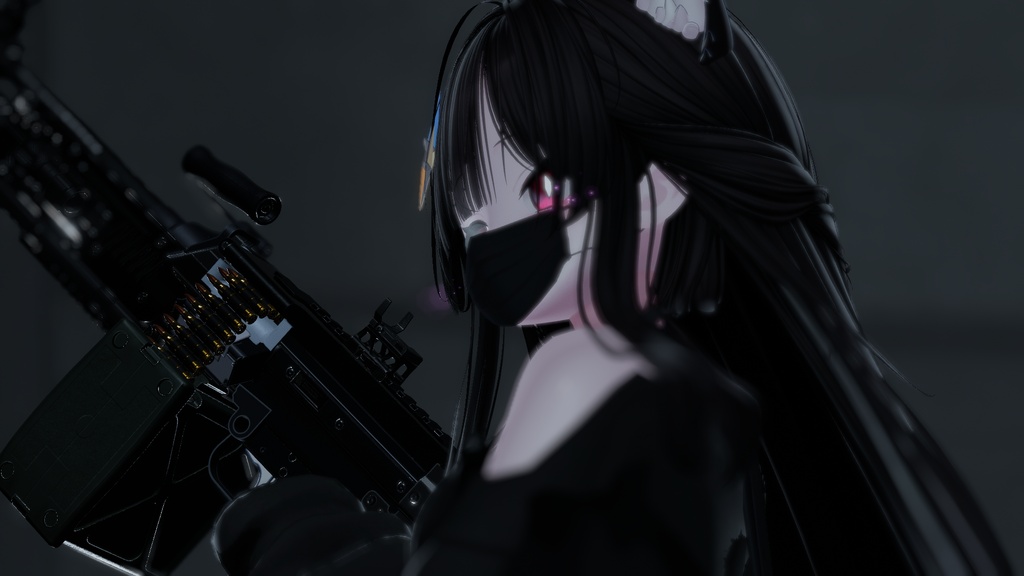
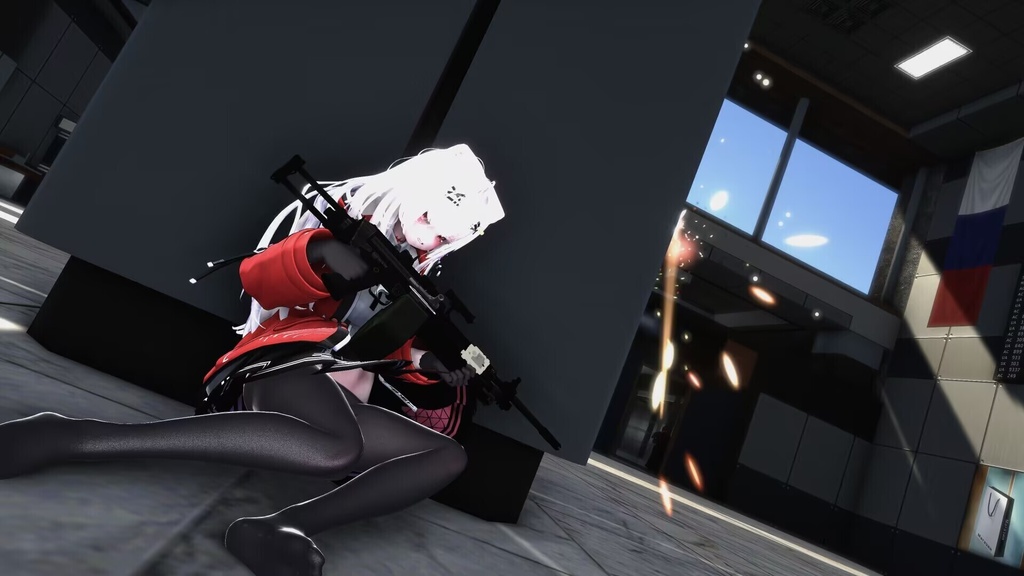
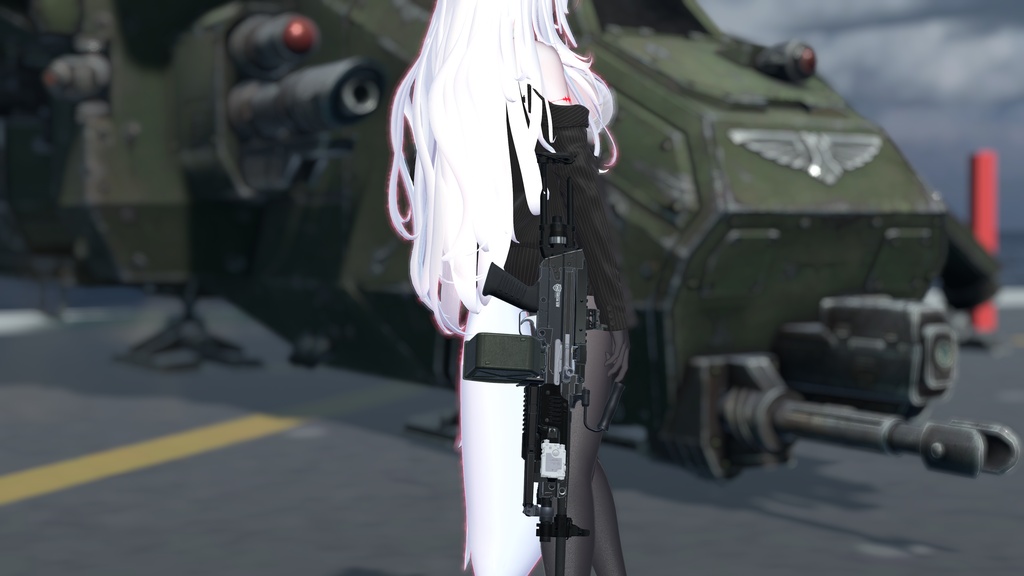


ーーーーーーーーーーーーーーーーーーーーーーーーーーーーーーーーーーーー 【インストール前のご確認】 ✅ Poiyomi シェーダー 導入済み? ✅ Modular Avatar v1.17.0(最新版)導入済み? ✅ VRChat SDK 3.10.3 以上に更新済み? ✅ Write Defaults = ON に設定済み? 🔧 Screen Effect の Head コンストレイント設定が必要です(詳細はインストール方法を参照) → すべて揃っていれば、すぐに使えます! ⚠️ 本システムはVRChat SDK 3.10.3以上が必須です。 最新のRaycast機能を使用しているため、旧バージョンでは正常に動作しません。 ーーーーーーーーーーーーーーーーーーーーーーーーーーーーーーーーーーーー 完全ネットワーク同期対応! 17パラメータで動作する、次世代LMGシステム「SAR 556」登場! 【商品の特徴】 🔧 Modular Avatar対応:ドラッグ&ドロップで簡単導入。 🔫 完全オープンボルト再現: トリガーディレイを含む、リアルなオープンボルト動作を完全再現。 発砲タイミングのリアリティが段違いに向上しています。 🔁 デュアルフィード対応: 左手Rock&Rollジェスチャーで新しいマガジンへ即座に切り替え。 2種類の給弾方式を自在に切り替えて戦闘スタイルに合わせた運用が可能です。 🤝 片手グリップモード: フォアグリップを握った状態(左手Fist+右手Open)で、 片手持ちスタイルに移行できます。 🔦 物理ボーン式アクセサリー操作: フラッシュライト&レーザーサイトはPhysBoneで制御。 自然な「つまむ」動作でオン/オフが切り替わります。 📺 スクリーンエフェクト対応: ヒエラルキー内のScreen EffectにAvatarのHeadボーンをコンストレイントで追加することで、 没入感のある専用ビジュアルエフェクトが有効になります。 システムのパラメータメモリ使用量はわずか【17】。 顔トラッキング対応アバターにも手軽に組み込めます。 デモ動画:https://youtu.be/63PcGdBJ4Bo 【操作方法 / Gesture Controls】 ■ 装備 / Equip 左手Peace + 右手Gunジェスチャーで装備 ■ 収納 / Holster 左手Peace + 右手Open でホルスターへ収納 ■ 射撃 / Fire 右手Fist ■ 弾倉切替 / Switch Magazine 左手Rock&Roll ■ 片手持ち / One-Hand Grip フォアグリップ保持中(左手Fist + 右手Open) ■ フラッシュライト / レーザー 対応PhysBoneをつまむ 【動作環境】 Write Defaults:ON(必須) Shader:Poiyomi(必須) Unity:2022.3.22f1 Modular Avatar:v1.17.0以上(最新版推奨) VRChat SDK:3.10.3以上(必須) 【インストール方法】 1. PrefabをAvatarにドラッグ&ドロップ 2. 以下をアバターの対応位置に移動: ・Holster → ホルスター位置 ・RightHand → 右手位置 ・LeftHand → 左手位置 3. ヒエラルキー内のScreen EffectのコンストレイントにAvatarのHeadボーンを手動で追加 4. 完了後、補助用のCubeを削除 導入方法などご質問がある場合は、BOOTHメッセージでお気軽にお問い合わせください。 【利用規約】 改変・改造は自由です。 ゲーム、アニメーション、動画などへの利用が可能です。 個人での商用利用を許可します。 R-18およびR-18Gコンテンツへの利用も可能です。 禁止事項 ・データの再配布・再販売・再利用 ・他者を誹謗中傷する表現や、政治・宗教活動への利用 ・本データの制作者を偽る行為 ・購入者以外の利用 ・本システムをVRChatのアバター個人利用以外の目的で使用すること ・法人利用は事前にお問い合わせください ---------------------------------------------------------------------------------- [Before You Install] ✅ Poiyomi Shader installed? ✅ Modular Avatar v1.17.0 (latest) installed? ✅ VRChat SDK updated to 3.10.3 or higher? ✅ Write Defaults set to ON? 🔧 Screen Effect requires a manual Head bone constraint setup (see Installation) → All good? You're ready to go! ⚠️ VRChat SDK 3.10.3 or higher is required. This system uses the latest Raycast feature and will not function correctly on older SDK versions. ーーーーーーーーーーーーーーーーーーーーーーーーーーーーーーーーーー Fully network-synced! Introducing the SAR 556 — a next-generation LMG system powered by just 17 parameters. [Features] 🔧 Modular Avatar Compatible: Drag & drop setup. No complex configuration needed. 🔫 Full Open-Bolt Mechanics: Complete open-bolt behavior with trigger delay, faithfully recreating the authenticity of a real LMG. The timing and feel of every shot is more immersive than ever before. 🔁 Dual-Feed System: Use the Left Rock&Roll gesture to instantly swap to a fresh magazine. Switch between two feed modes on the fly to suit your combat style. 🤝 One-Hand Grip Mode: While holding the foregrip (Left Fist + Right Open), the weapon shifts into a single-hand carry stance. 🔦 PhysBone-Controlled Accessories: Flashlight and laser sight are toggled via PhysBone — just pinch the bone to switch them on or off naturally. 📺 Screen Effect Support: Add your avatar's Head bone to the Screen Effect constraint in the hierarchy to activate the immersive visual overlay effect. Lightweight: Only 17 parameter memory slots used. Compatible with facial tracking avatars. Demo video: https://youtu.be/63PcGdBJ4Bo [Gesture Controls] ■ Equip Left Peace + Right Gun gesture ■ Holster Left Peace + Right Open ■ Fire Right Fist ■ Switch Magazine Left Rock&Roll ■ One-Hand Grip While holding foregrip: Left Fist + Right Open ■ Flashlight / Laser Pinch the corresponding PhysBone [Requirements] Write Defaults: ON (required) Shader: Poiyomi (required) Unity: 2022.3.22f1 Modular Avatar: v1.17.0 or higher (latest recommended) VRChat SDK: 3.10.3 or higher (required) [Installation] 1. Drag and drop the Prefab into your Avatar 2. Move the following to the correct positions on your avatar: ・Holster → holster position ・RightHand → right hand position ・LeftHand → left hand position 3. Manually add your Avatar's Head bone to the Screen Effect constraint target in the hierarchy 4. Delete the helper Cube when done For setup questions, feel free to contact via BOOTH message. [Terms of Use] Modification and customization are allowed. Use in games, animations, and videos is permitted. Commercial use for personal projects is allowed. Use in R-18 and R-18G content is permitted. Prohibited: · Redistribution, resale, or reuse of the data · Use in defamatory, political, or religious expressions · Claiming authorship of the asset · Use by anyone other than the purchaser · Use of this system outside of personal VRChat avatar usage is strictly prohibited · For corporate use, please contact in advance