

【15点】花のインテリアセット
- 【15点】花のインテリアセットDigital700 JPY
- 【無料配布】バラの一輪挿しDigital0 JPY
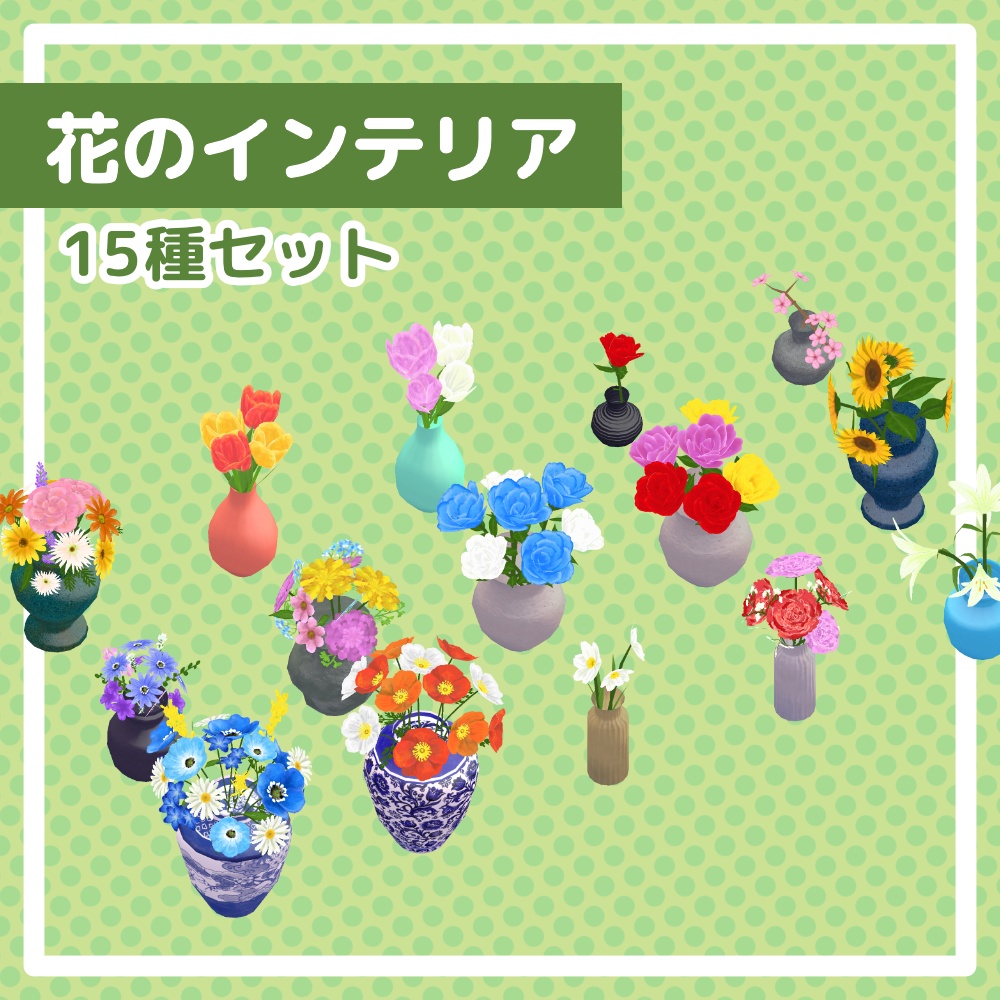
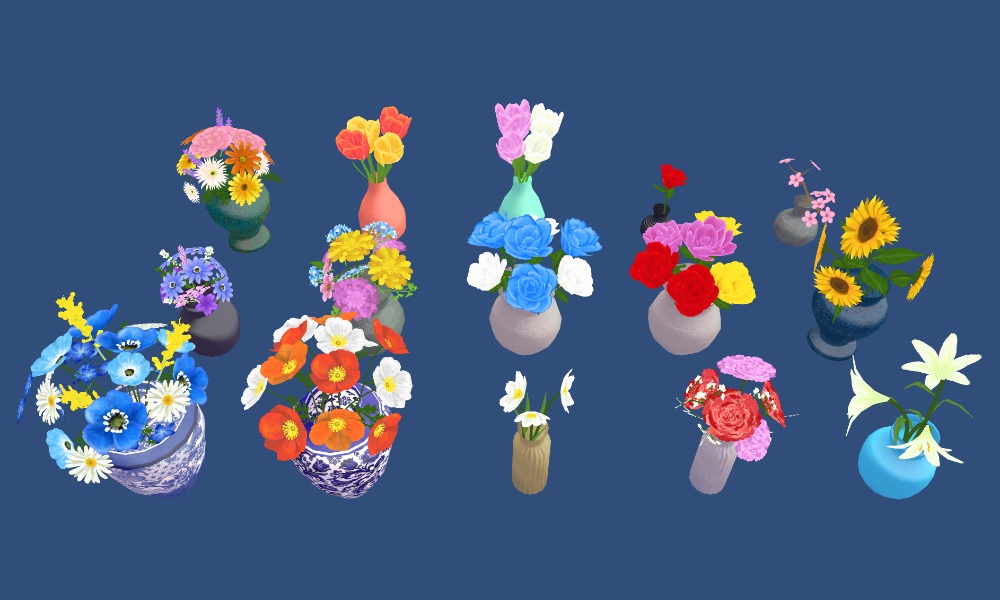
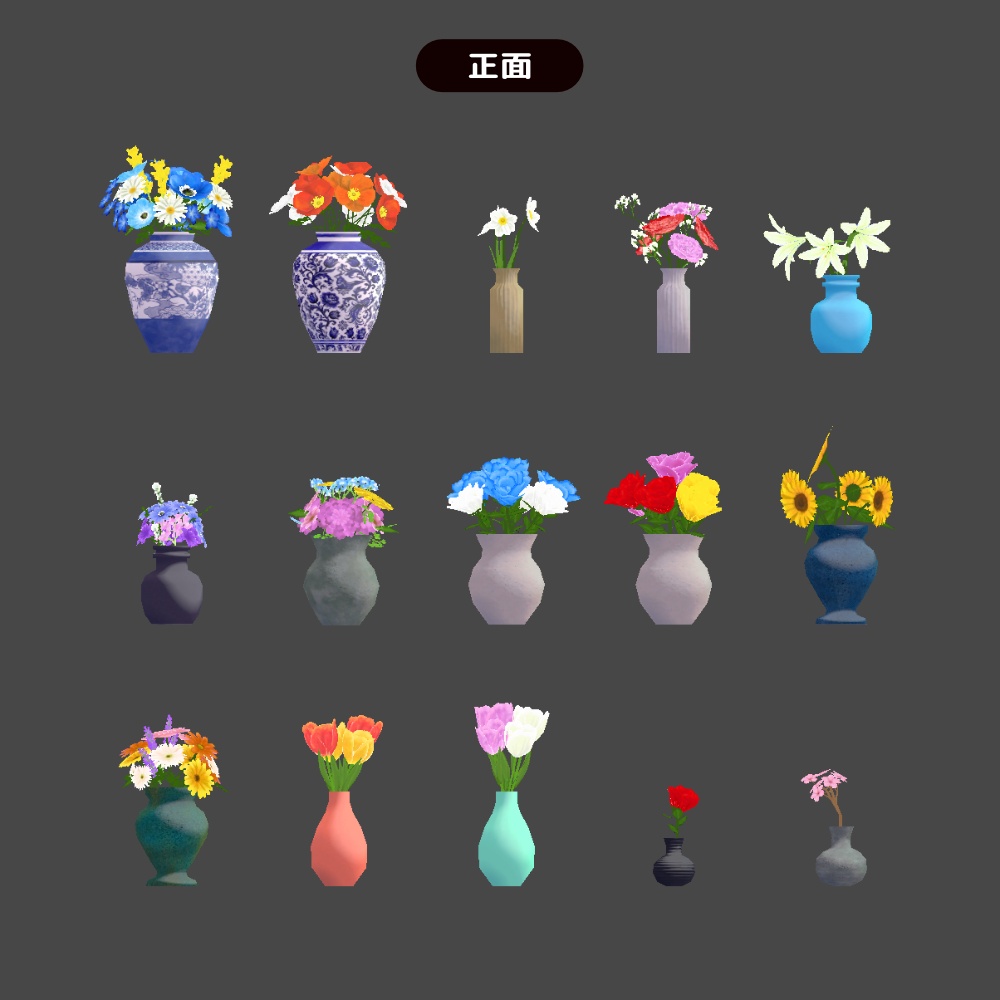
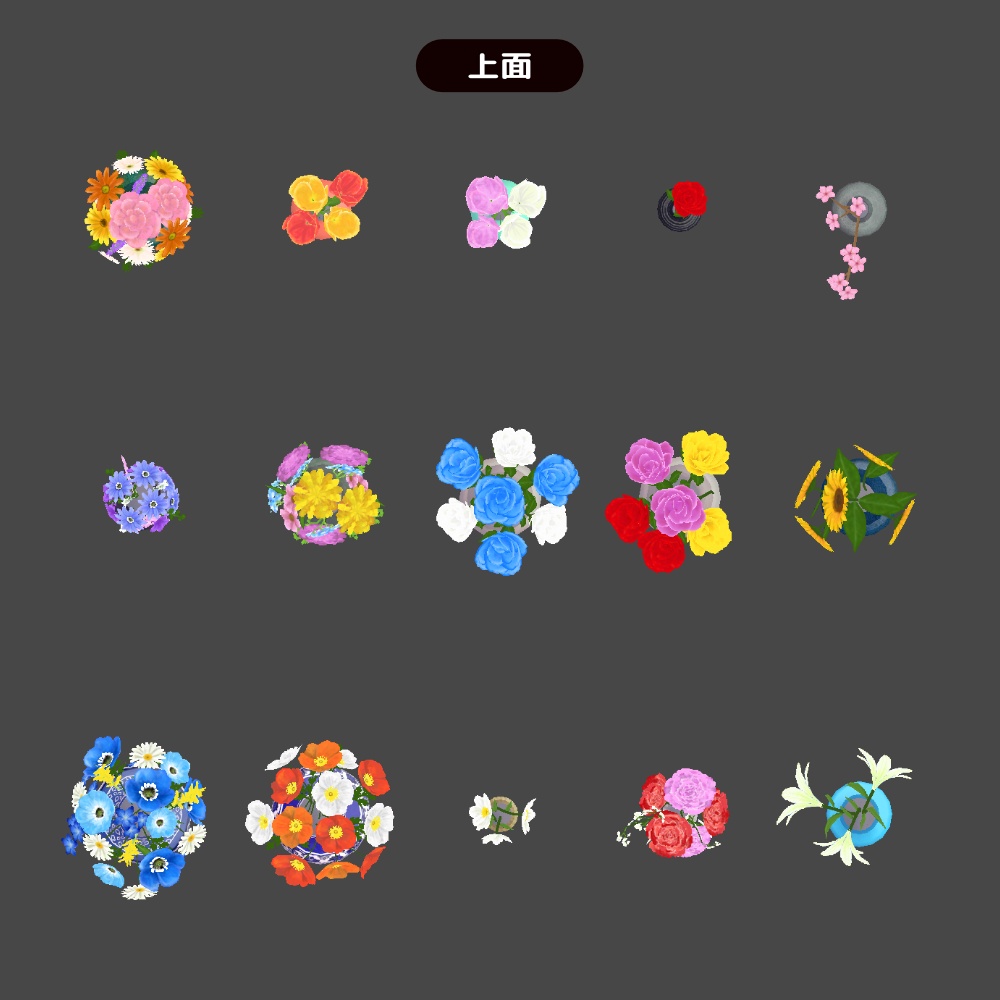
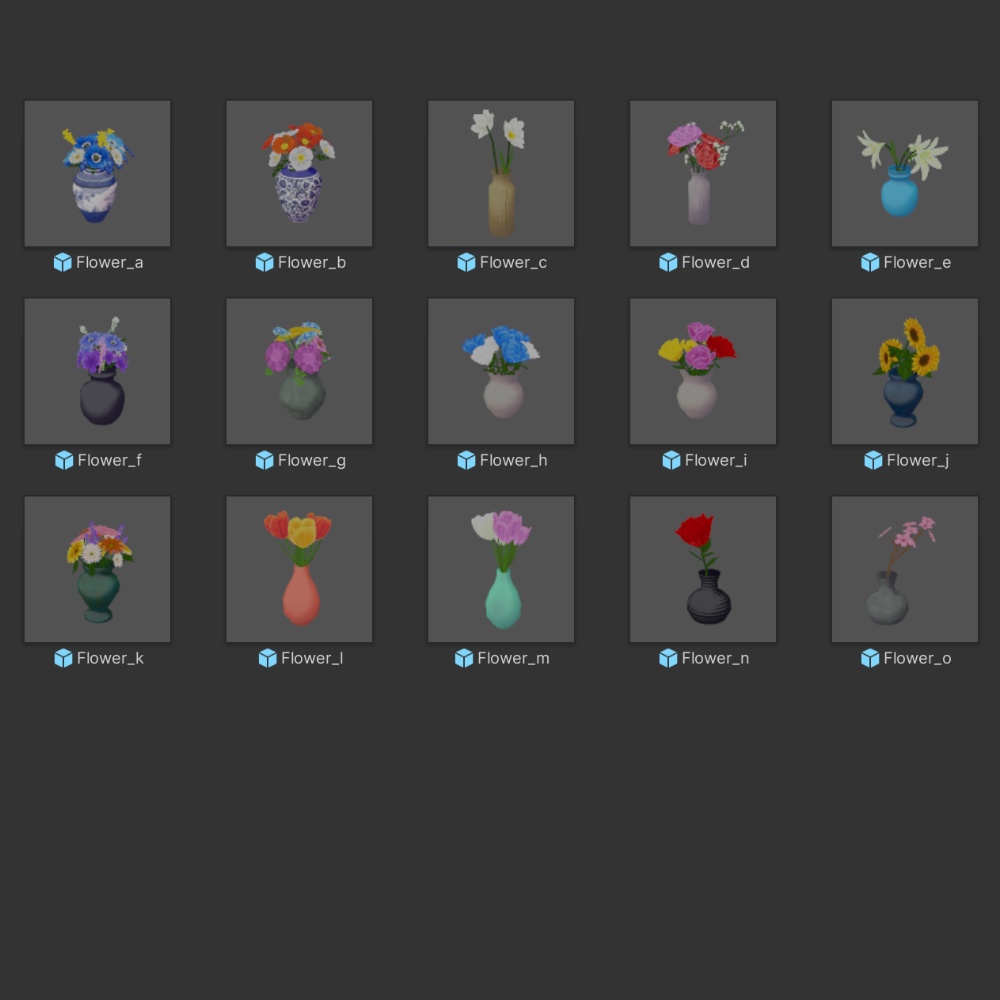


ご覧いただきありがとうございます! 部屋に飾ると華やかな、ローポリな花のインテリアを目指しました! 花瓶に生けられた花15点セットになります。 サンプルで赤いバラの一輪挿しの1点を無料配布しています。ぜひDLしてみてください! ※花瓶と植物は一体化しており分解できない仕様になっています ※花、葉っぱ部分は実写素材等ではなく全て手描きで作成しています ※花瓶の柄等はSubstancePainterで作成しています 【セット内容】 ・Flower_a(寒色系の花) △2165 ・Flower_b(ポピー) △2042 ・Flower_c(スイセン/水仙) △612 ・Flower_d(カーネーション) △1324 ・Flower_e(ユリ/百合) △1980 ・Flower_f(紫系の花) △981 ・Flower_g(カラフルな花) △944 ・Flower_h(青と白のバラ/薔薇) △2088 ・Flower_i(赤と黄とピンクのバラ/薔薇) △1896 ・Flower_j(ひまわり/向日葵) △1140 ・Flower_k(暖色系の花) △1276 ・Flower_l(黄とオレンジのチューリップ) △736 ・Flower_m(ピンクと白のチューリップ) △736 ・Flower_n(赤いバラの一輪挿し) △504 ・Flower_o(桜の枝) △572 【データ内容】 ・FBX:1点 ・Material:2点 ・Prefab:15点 ・Scene:サンプル1点 ・Texture:5点(Color×2,Nomal,Roughness,AO/2048×2048) 【動作環境】 ◾️UnityPackage形式 ( Unity2022.3.22f1)のデータです。 ※本モデルには、あらかじめBox Collider(当たり判定)を設定済みですので、シーンに配置してすぐにお使いいただけます。 ※mac環境のため、VRCHATでの動作確認ができませんが、lilToonシェーダーでマテリアル設定をしてあります。 1.あらかじめlilToonシェーダーをプロジェクトにインポートしてください。 2.本パッケージをインポートしてください。 3.Prefabフォルダ内のモデルをシーンに配置するだけで使用可能です。 【利用規約】 本モデルデータはam-uの利用規約が適用されます。 ・商用利用・改変は商品ページ記載の範囲で可能です ・データそのものの再配布・自作発言は禁止です ・購入者ご本人のみご利用いただけます ・クレジット不要です ・使用報告不要です --------------- Thank you for visiting! I aimed to create low-poly floral decor that brings a vibrant and gorgeous touch to any room! This is a 15-piece set of beautiful flowers arranged in vases. A free sample of the "Single Red Rose" is available for download. Please feel free to try it out! * The vases and plants are combined into single meshes and cannot be separated. * The flowers and leaves are entirely hand-painted from scratch, not photo textures. * The patterns on the vases were created using Substance Painter. [ Set Contents ] (※Please check the Japanese section above for the details of each item!) [ Data Specifications ] - FBX: 1 - Materials: 2 - Prefabs: 15 - Scene: 1 sample scene - Textures: 5 (Color×2, Normal, Roughness, AO / 2048×2048) [ System Requirements & Setup ] ■ This data is provided in .unitypackage format (Created with Unity 2022.3.22f1). * Box Colliders are pre-configured on these models, so they are ready to use as soon as you place them in your scene. * Since I work in a Mac environment, I haven't been able to test the model directly inside VRChat, but the materials are pre-configured using the lilToon shader. 1. Please import the lilToon shader into your Unity project first. 2. Import this unitypackage. 3. Simply drag and drop the models from the Prefab folder into your scene. [ Terms of Use ] The am-u Terms of Use apply to this model data. - Commercial use and modifications are allowed within the scope stated on this product page. - Redistribution of the raw data and claiming ownership ("self-made statements") are strictly prohibited. - Only the purchaser is permitted to use this data. - Credit is not required. - Usage reports are not required.