

Yargon Seat System - ヤーゴン シートシステム
- StandardDigital1,500 JPY
- サポーター版(内容は通常版と同じです)Digital1,750 JPY
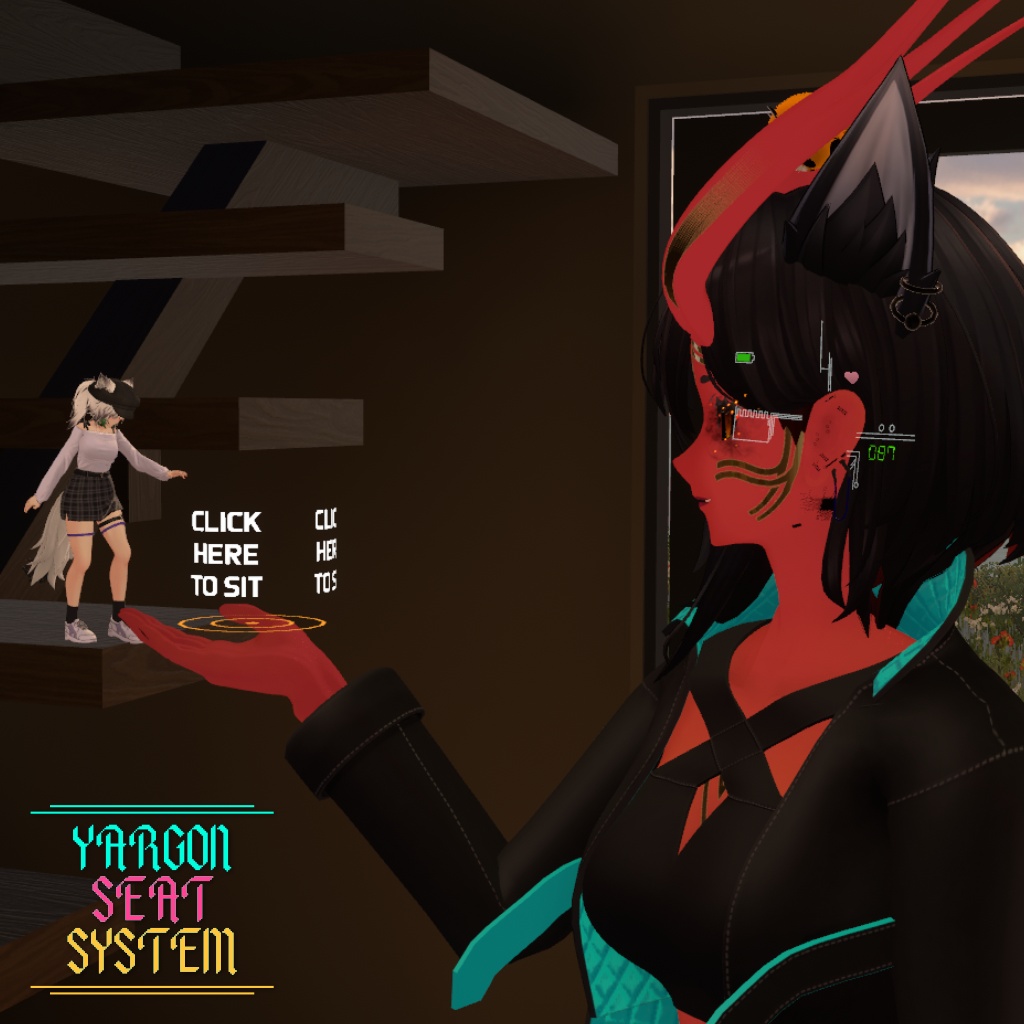
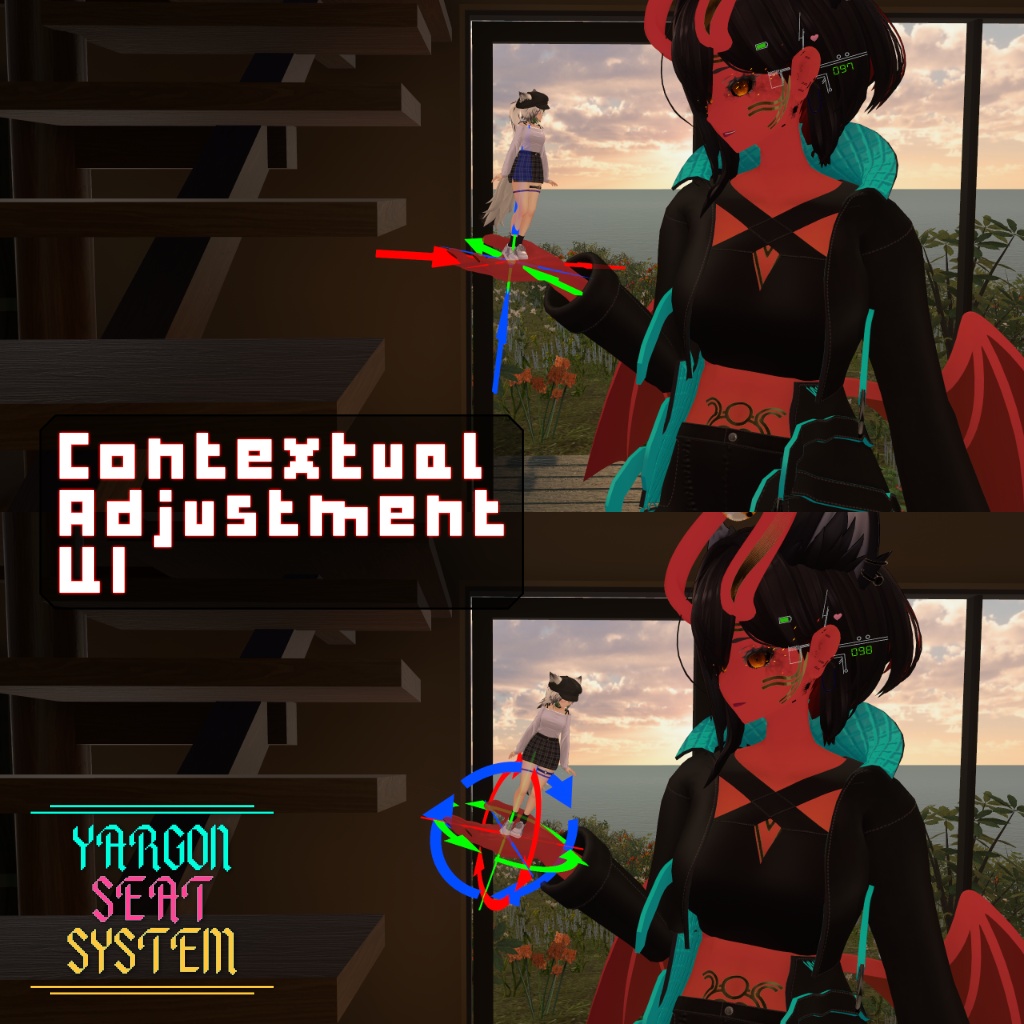
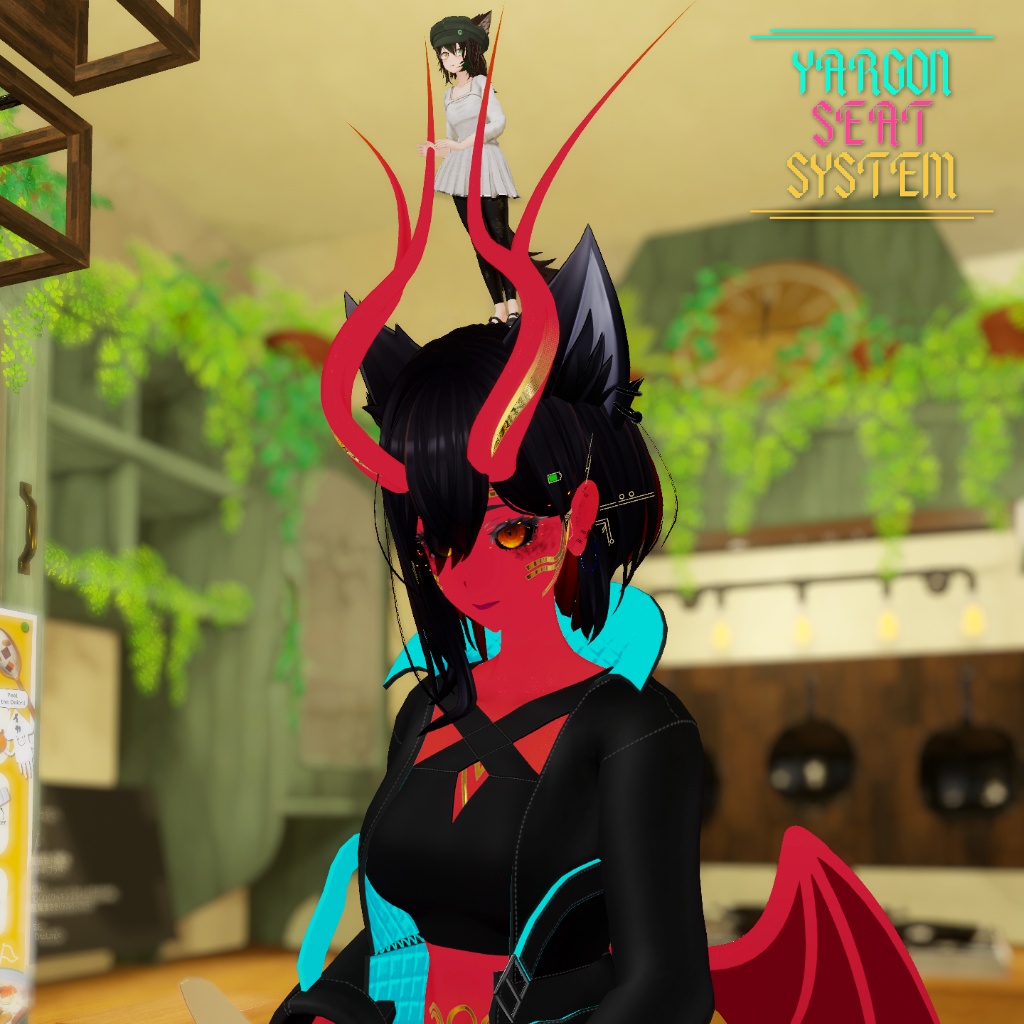
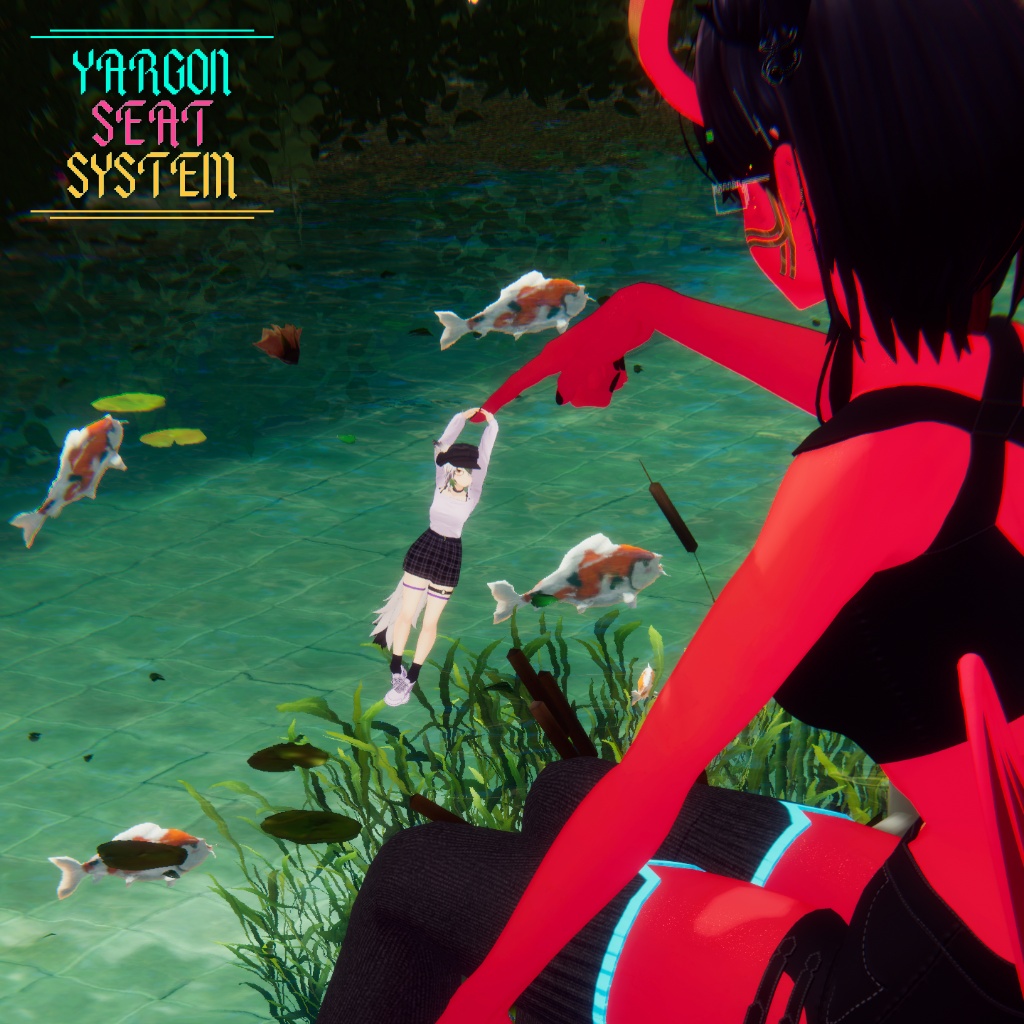
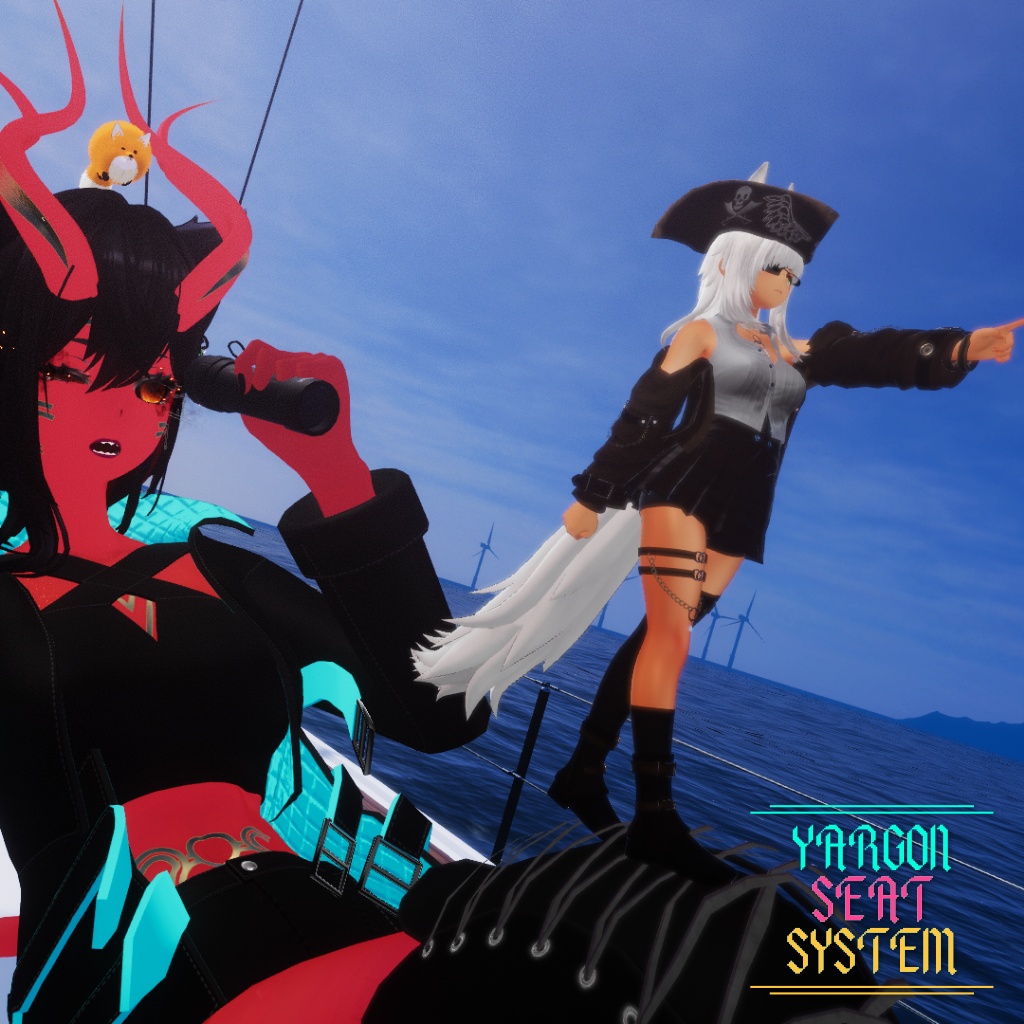
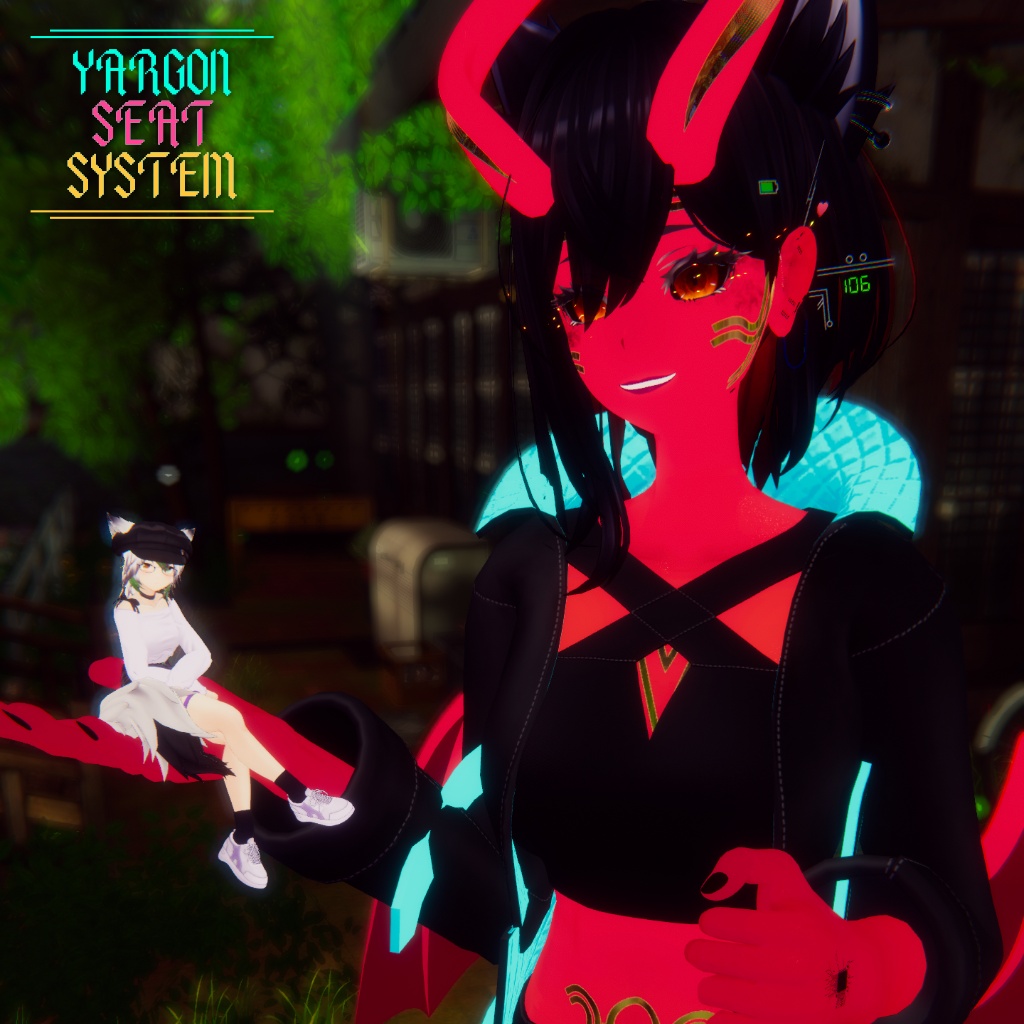
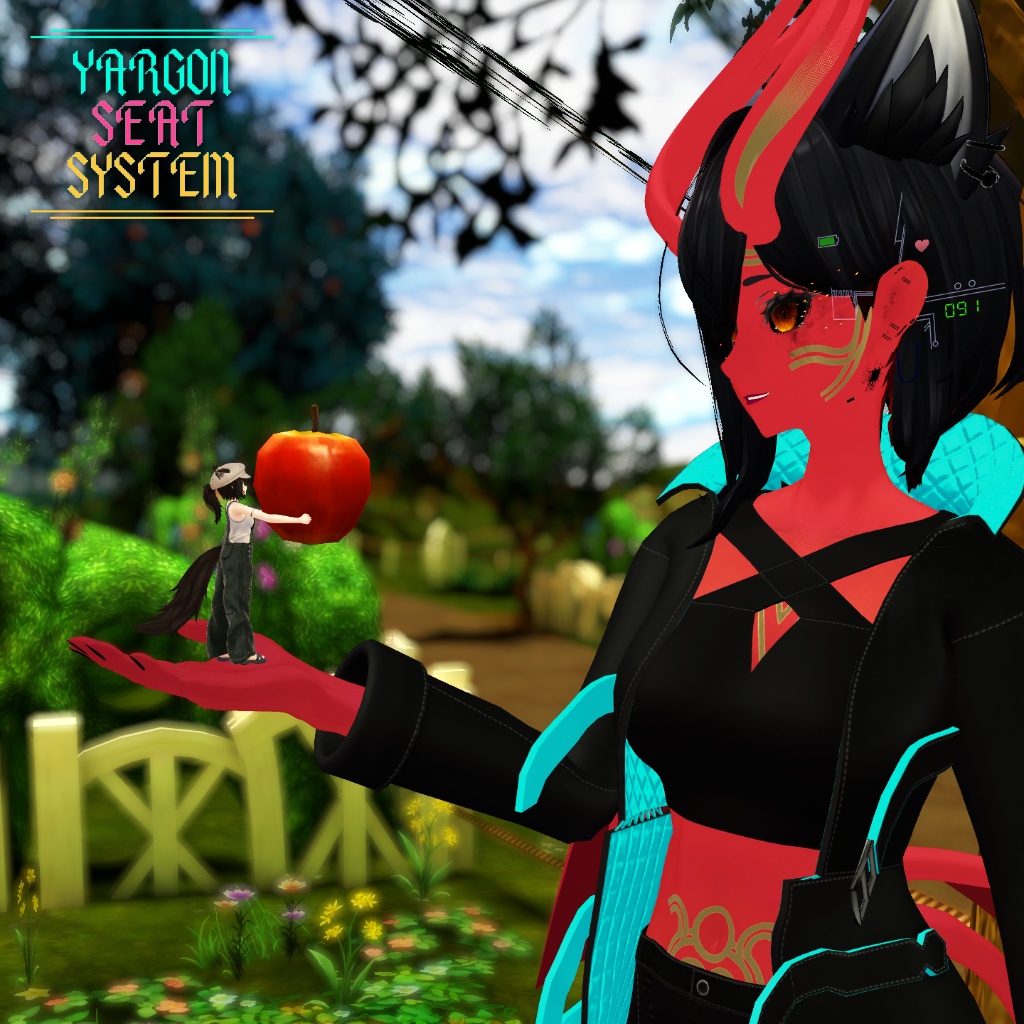
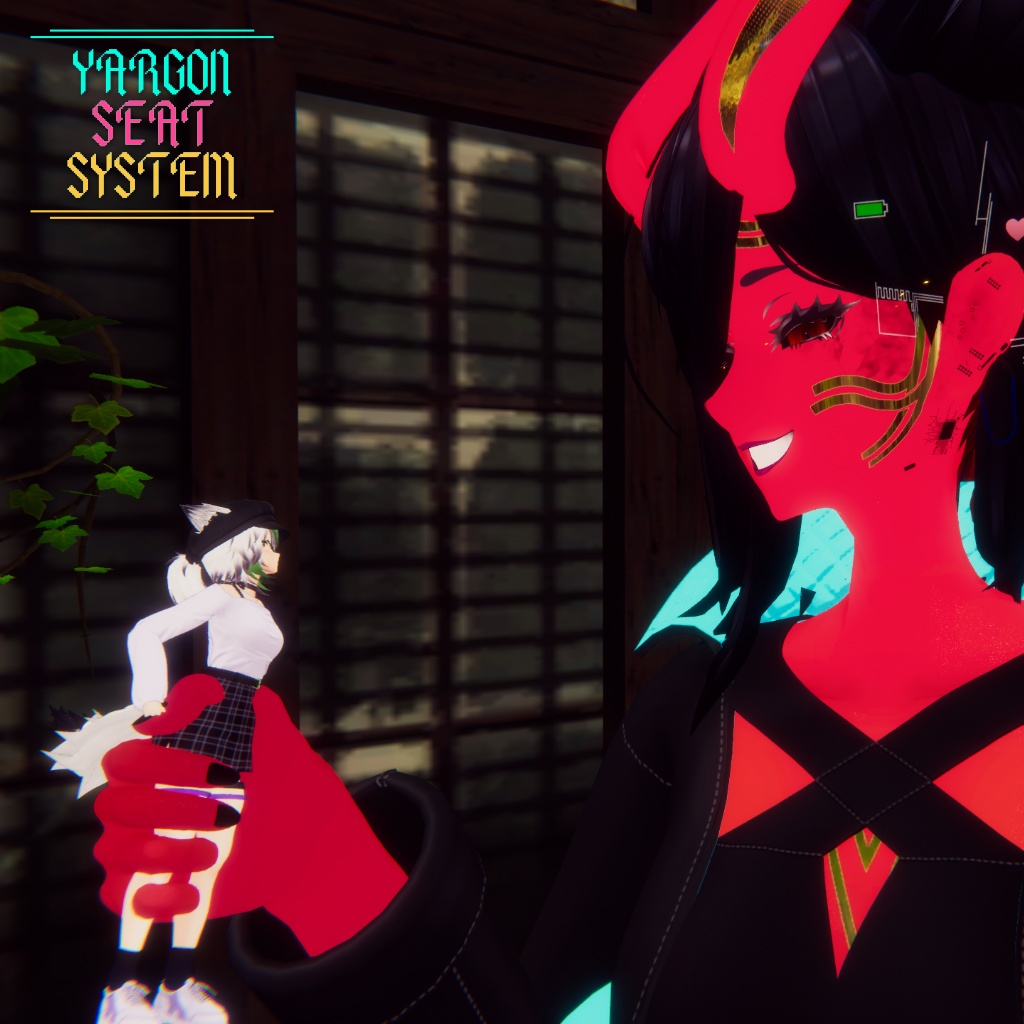


他のプレイヤーのアバターを持ち上げて座らせるためのシステムです。 最大15か所の座席位置にフレンドを座らせることができ、各座席ごとに6軸すべてを細かく調整できます! A system for picking up other players avatars. Let your friends sit in up to 15 possible locations with full 6-axis adjustment for each!
特徴 - JP
* 11種類のデフォルト座席位置 * 最大4種類のカスタム座席位置 * 各座席位置ごとに位置・回転を調整可能 * 大幅調整・微調整の両方に対応 * 調整内容は座席位置間で保持 * 快適性向上のためのオプションのモーションスムージング * オプションのジェスチャー操作(各操作ごとに個別ON/OFF可能) * 座席位置ごとのスティッキー機能(座席を位置マーカーに触れさせることで固定) * 状況に応じて変化するワールド内UI * 4種類のUIカラースキーム(ワールド内UI・ラジアルメニュー共通) * デフォルト座席位置を設定可能 * デフォルト位置、アバタールート、または前回位置で座席を有効化可能 * 座席内のTinyアバターを自動検出 パフォーマンス情報 * 468 Tris * マテリアルスロット:2 * Skinned Mesh Renderer:1 * Static Mesh Renderer:1 * シート:1 *60ビット同期パラメータ空間
デモ - JP
購入前にシートシステムをお試しいただけます! デモアバターはこちら: https://vrchat.com/home/avatar/avtr_788db855-c98e-42f7-a836-0a32088bbbb3
内容物 - JP
* ヤーゴン シートシステム * ヤーゴン シートシステム インストーラースクリプト * ラジアルメニュー早見表 PDF(各項目の説明付き)
導入手順 - JP
1. .unitypackage ファイルをUnityへドラッグ&ドロップします 2. インポート後、上部メニューの「Yargon → Seat System Installer」を開きます 3. 導入先のアバターを選択し、カラースキームを選択します 4. 「Install」をクリックします 5. インストーラーの案内に従って設定を完了してください
必要環境 - JP
Modular Avatar: https://github.com/bdunderscore/modular-avatar/releases
利用規約 - JP
個人ライセンス 本アセットは、個人利用および非公開アバターでご使用いただけます。非公開のコミッションアバターへの使用も可能です。 改変は自由に行えます。 ただし、以下の行為は禁止されています。 * 本アセットまたは私が制作したその他アセットの再販売 * 本アセットまたは私が制作したその他アセットの譲渡・交換 * 本アセットまたはその一部の再配布・再頒布 以上の利用規約に同意したうえでご利用ください。 公開アバターでの使用は、帰属を明記して許可されています。
Features - EN
-11 default seat locations -Up to 4 custom seat locations -Move and Rotate adjustments for the seat at each location -Major and Minor adjustment options -Adjustments saved between seat locations -Optional Motion smoothing for comfort -Optional gesture controls (each control individually toggleable) -Sticky toggle per seat location (Touch the seat with a location to attach the seat) -Contextual in-world UI -4 UI (in world and radial menu) colour schemes -Configurable Default location -Enable seat at Default Location, Avatar Root or Last Location -Automatically detect tiny in the seat Performance statistics: -468 tris -2 Material Slots -1 skinned mesh renderer -1 static mesh renderer -1 seat -60 Bits Sync'd parameter space
Demo - EN
Try out the seat system before you buy it! Using this demo avatar: https://vrchat.com/home/avatar/avtr_788db855-c98e-42f7-a836-0a32088bbbb3
Contents - EN
Yargon Seat System Yargon Seat System Installer Script Radial Menu Cheat Sheet PDF (explains each option)
Instructions for Use - EN
1. Drag and Drop the .unitypackage file into Unity 2. After installing, go to Yargon -> Seat System Installer at the top 3. Select the avatar to install it to and select a colour scheme 4. Click Install 5. Follow the instructions on the installer
Requirements - EN
Modular Avatar: https://github.com/bdunderscore/modular-avatar/releases
Terms and Conditions - EN
Personal License You may use this asset on PERSONAL and PRIVATE avatars, use on private commissions is also allowed. Use on PUBLIC avatars with attribution is allowed. Editing is allowed. Reselling any of my assets are prohibited. Trading any of my assets is prohibited. Redistributing of any assets are prohibited.
Update Log
Version 1.1 * Added "Keep Level" option that will keep a seat level (this is saved with saved offsets) * Fixed a bug with avatars over 30x their upload size having strange offsets * Changed behaviour so that Disabling an Entry state will work the same as "Overwrite Entry Detection" * Resetting any seat positions now saves correctly Version 1.0 * Main Release