

Sailor Nurse - VRChat Women's Clothing / CP19
- Kipfel CompatibleDigital1,000 JPY
- Full Pack: ALL INCLUDED!Digital1,500 JPY
- Usasaki CompatibleDigital1,000 JPY
- Hyakko CompatibleDigital1,000 JPY
- Emo Lab Avatars: Azuki, Korone, ClaraDigital1,000 JPY
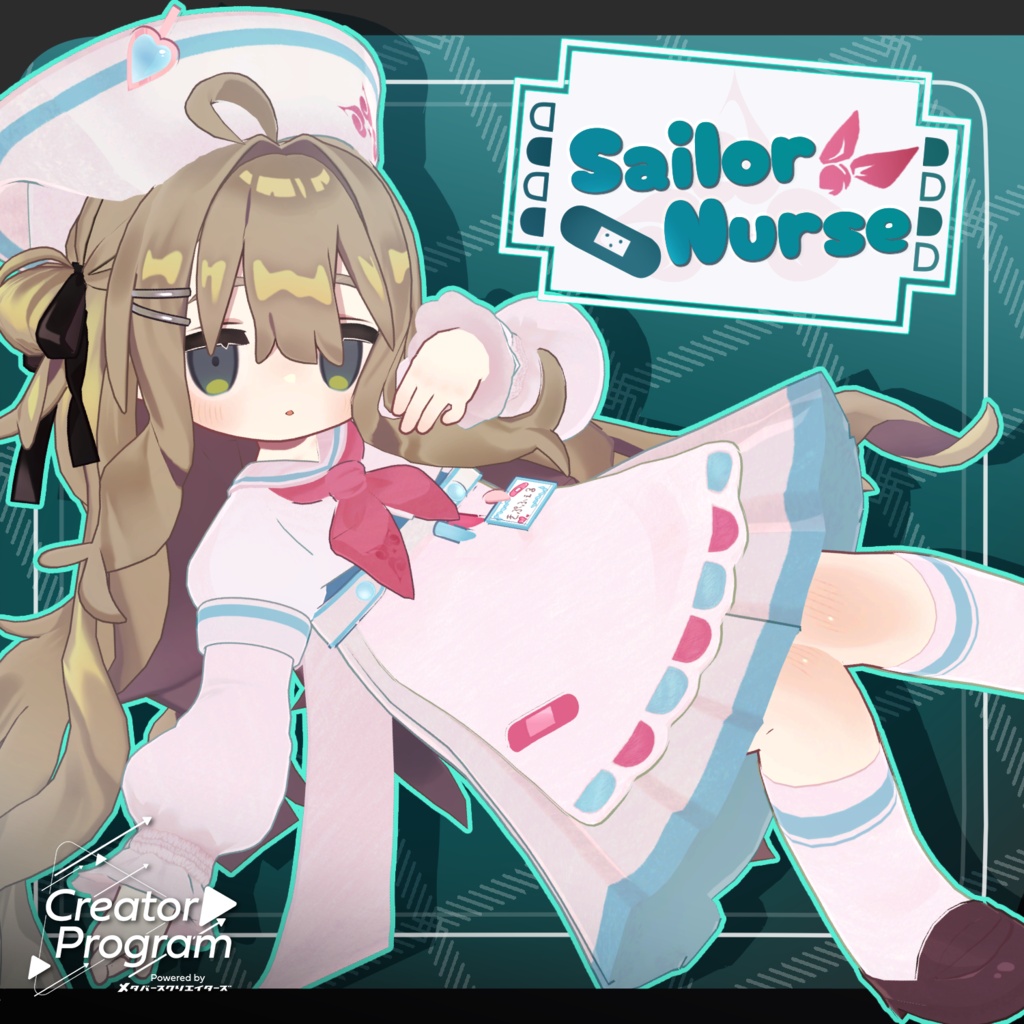
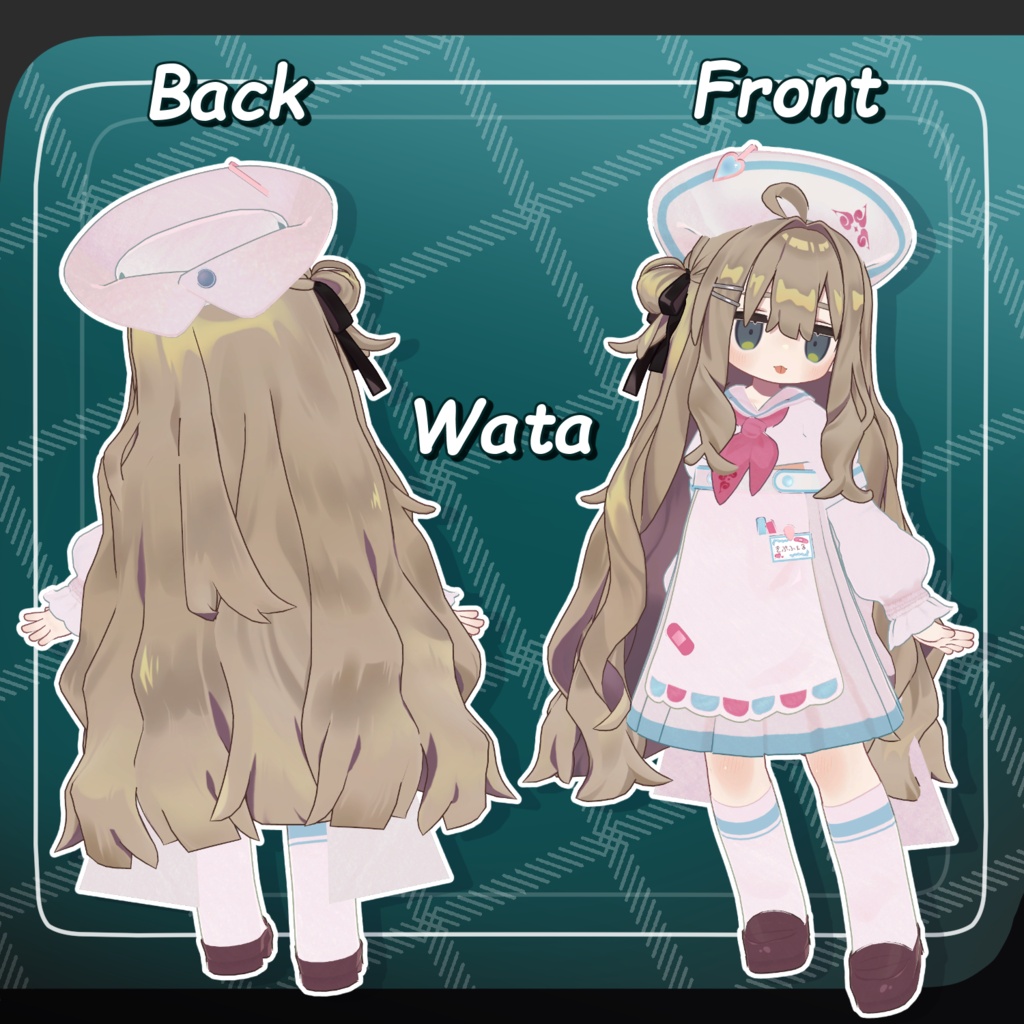
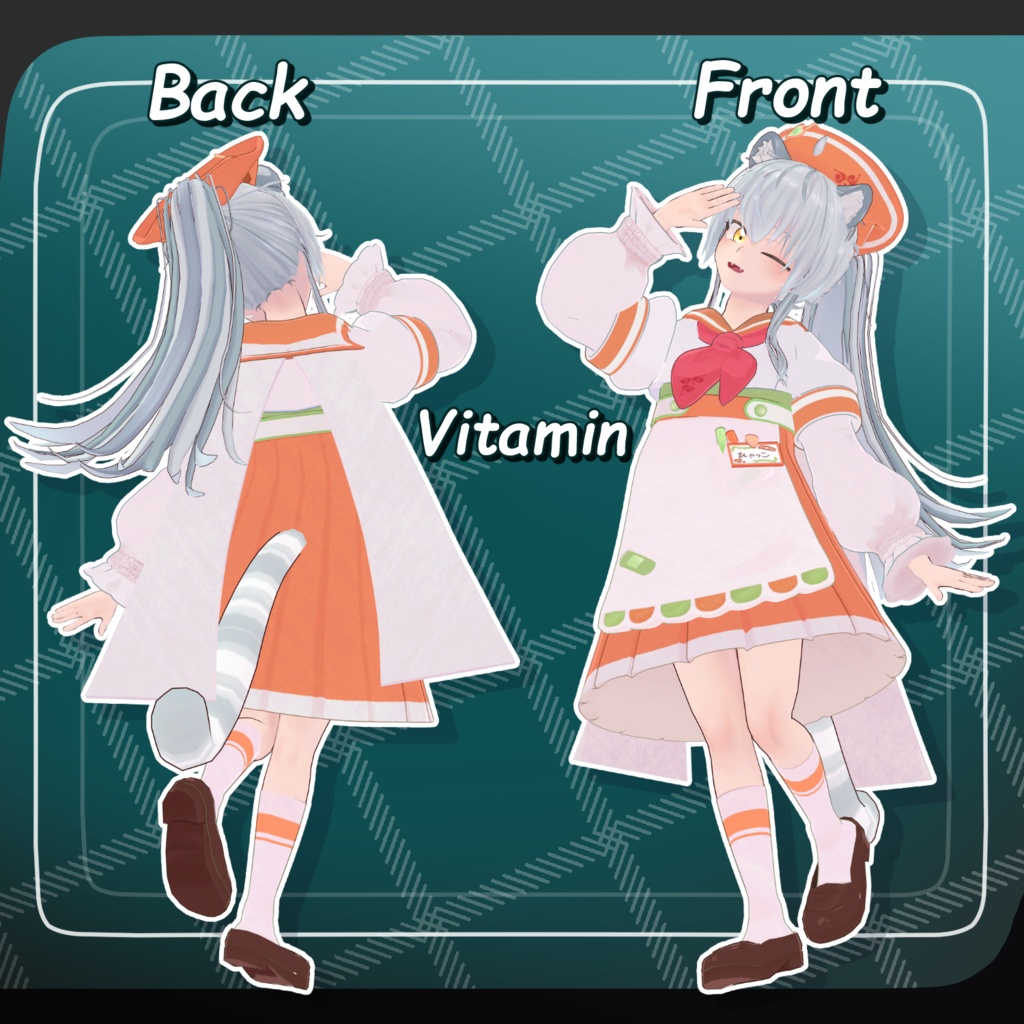
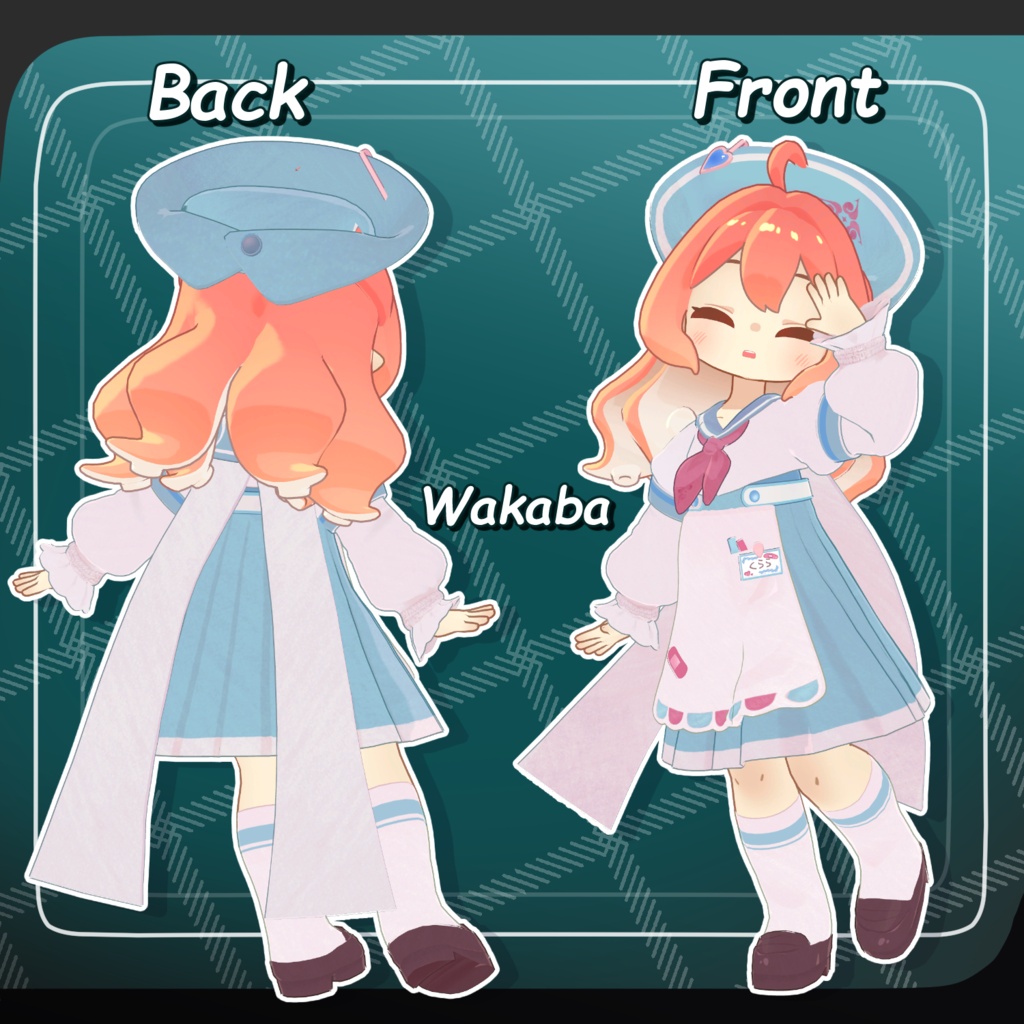
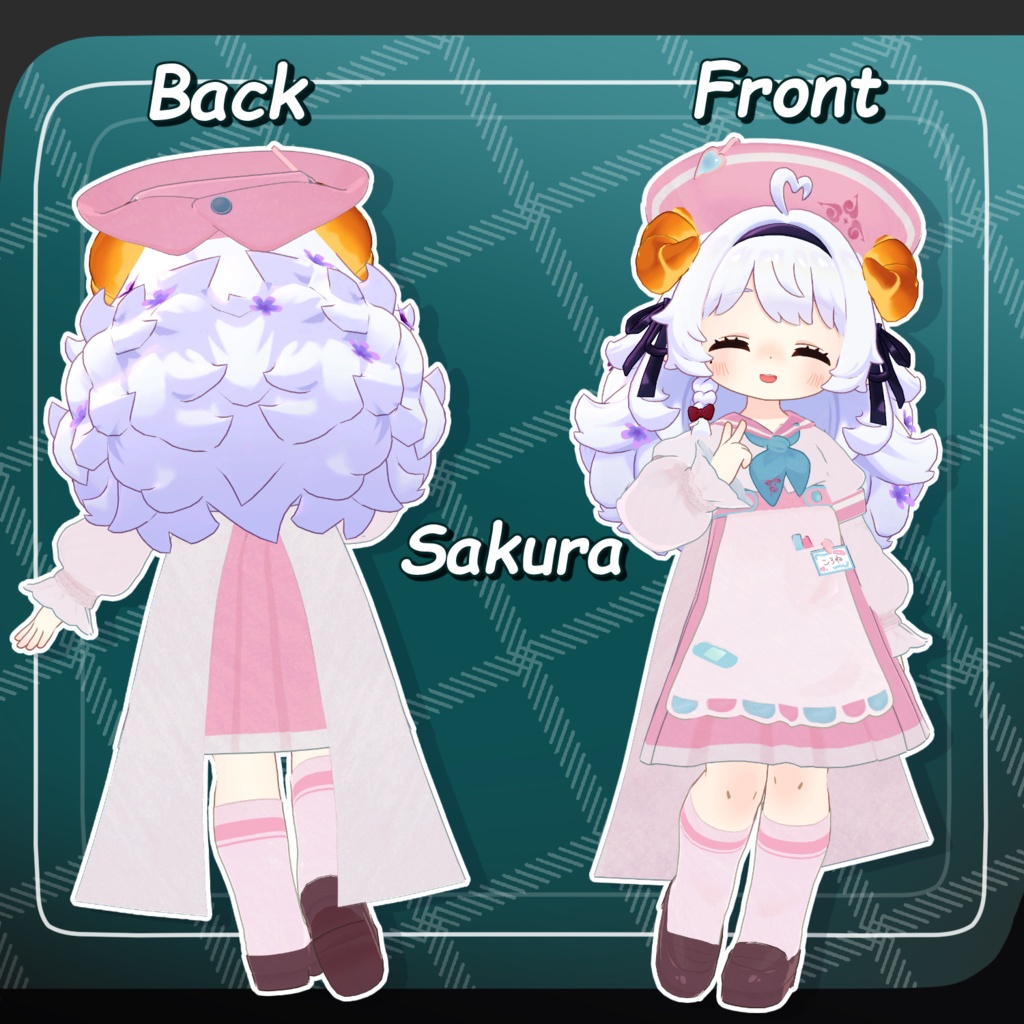
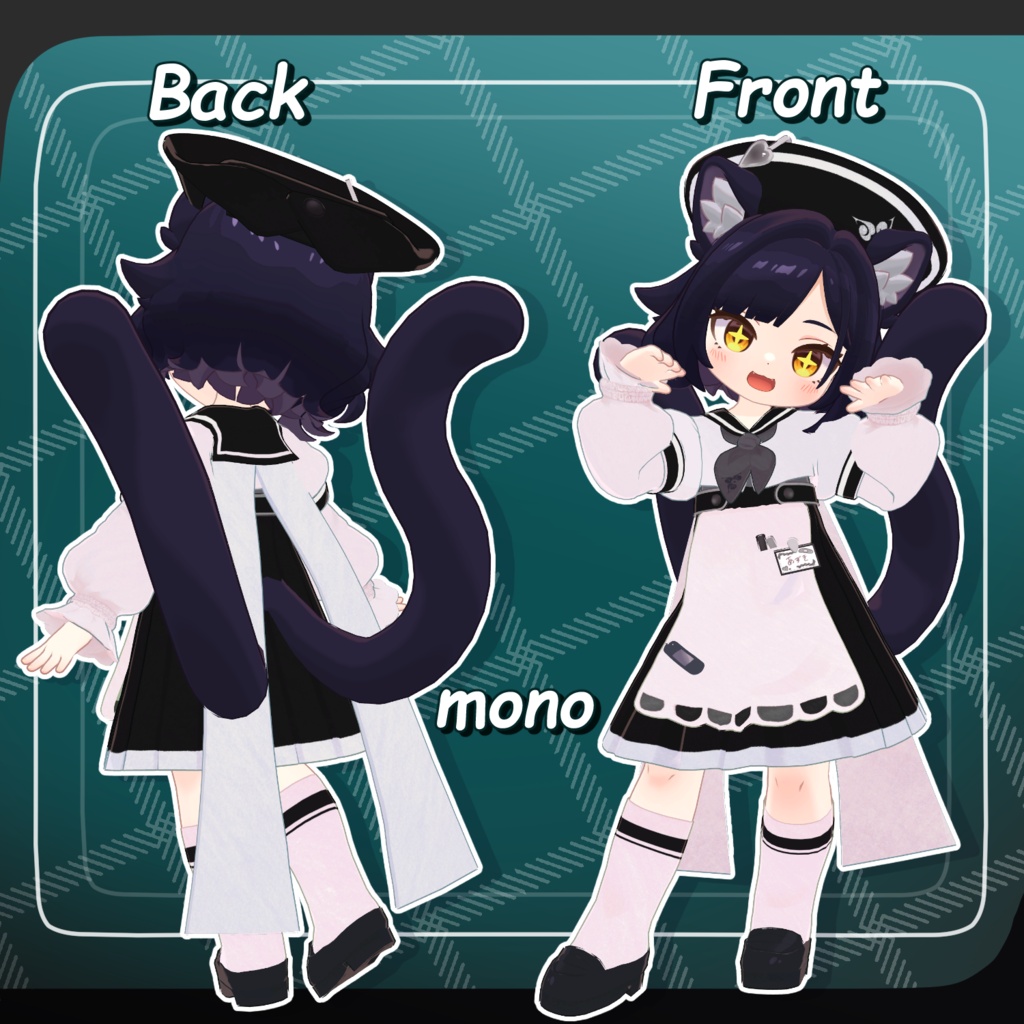
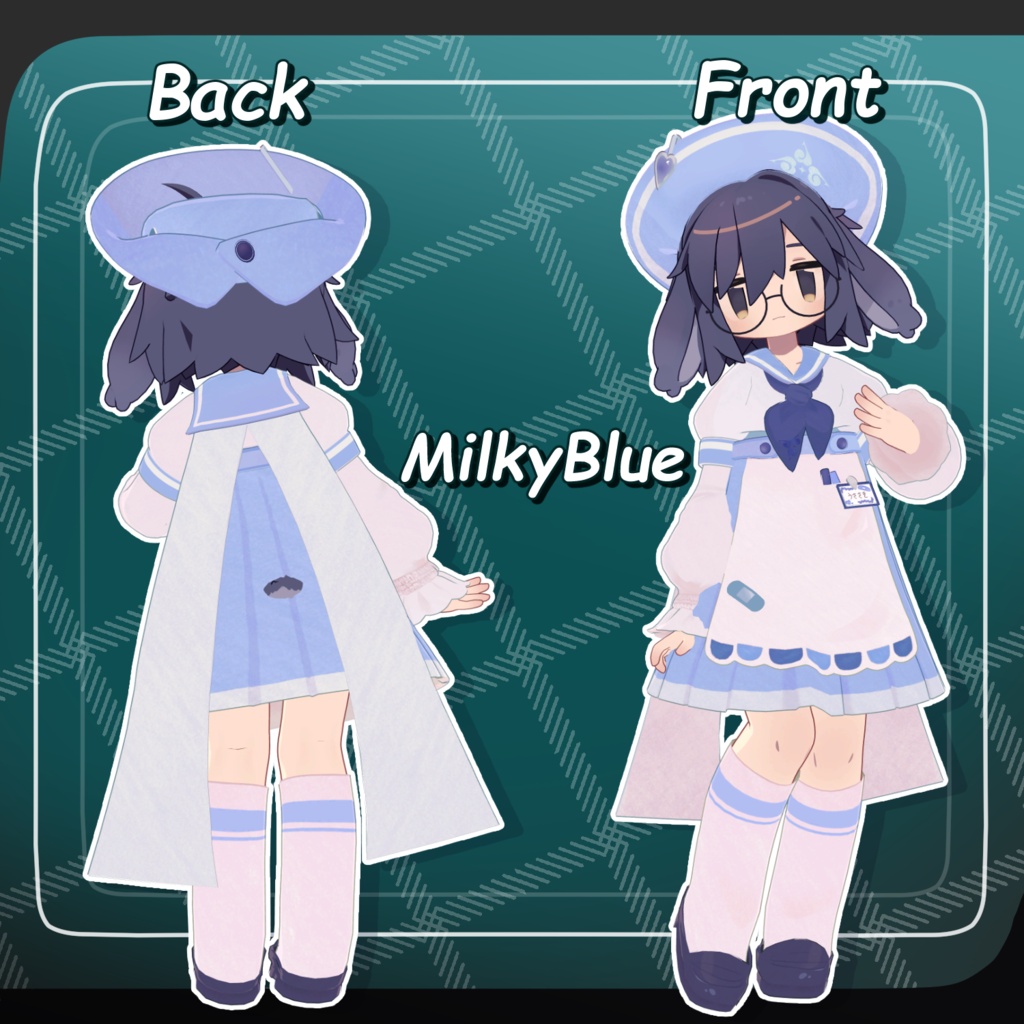
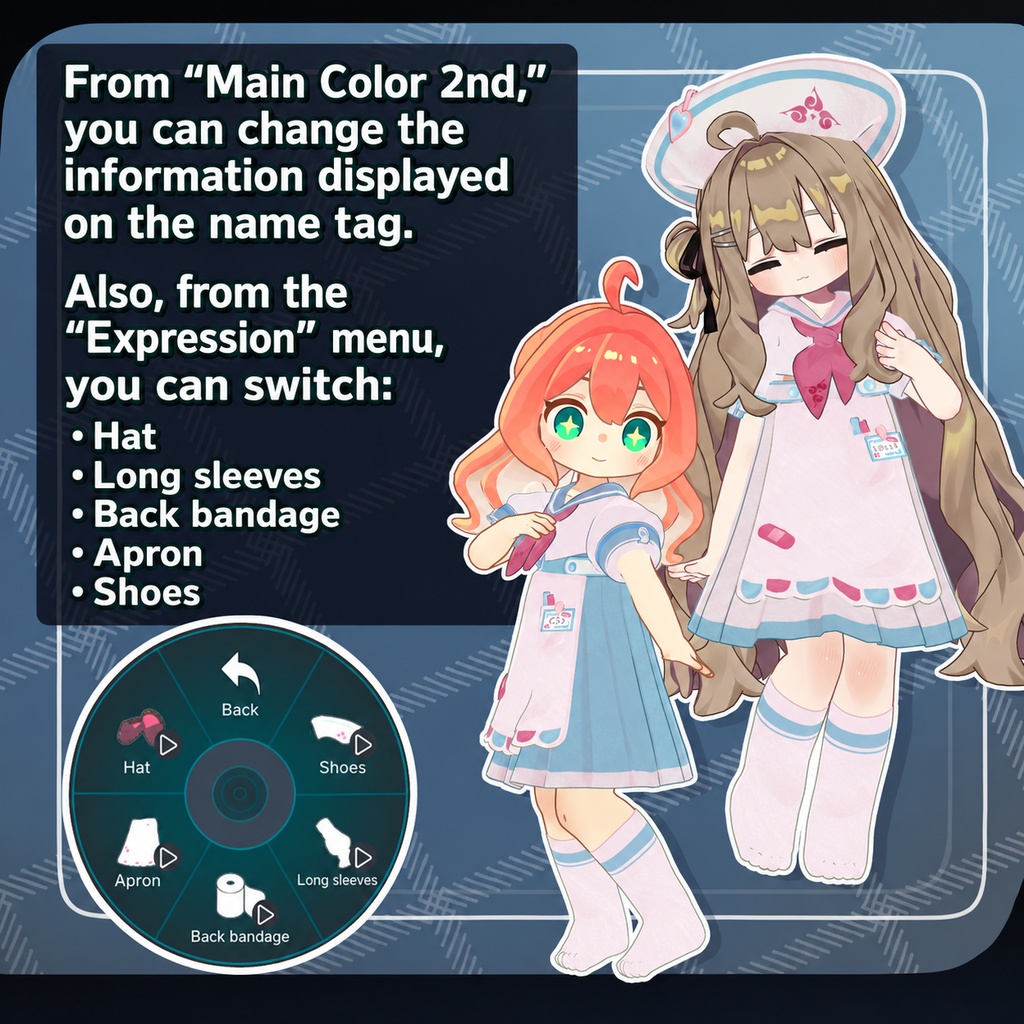


◆ Sailor Nurse ◆ Producer: Umorunba Studio “Prepare the sash of learning within your heart.” ※ This product is a costume model for avatars. Avatar base data is not included. ※ Due to the nature of digital downloads, returns and refunds are not possible. Please read and agree to the product description and terms of use before purchasing. ◆ Item Overview ● Contents SailorNurse.Unitypackage PSD file for modifications ReadMe.txt (main document) Shaders used lilToon https://lilxyzw.booth.pm/items/3087170 Required assets Modular Avatar https://modular-avatar.nadena.dev/ja/docs/intro ● Model Data Total polygon count: 34,922 polygons Nurse cap: 3,610 Sailor: 20,470 Apron: 3,490 Sleeves: 5,504 Bandage: 592 Shoes: 1,256 Mesh count: 18,286 Material count: 4 PB components: 4 Import folder: Assets > MetaverseCreators_CP > Atelier umorunba > SailorNurse ◆ Supported Avatars Kipfel / Original 3D Model (Mame Friends) https://booth.pm/ja/items/5813187 Usasaki / Original 3D Model https://mukumi.booth.pm/items/3550881 Emo Lab Avatars Original 3D Model “Azuki” https://booth.pm/ja/items/6654988 Original 3D Model “Korone” https://booth.pm/ja/items/5776079 Original 3D Model “Clara” https://booth.pm/ja/items/5484178 “Hyakko” - by Niyami https://booth.pm/ja/items/6328134 ※ When wearing the outfit, body-hiding shape keys are used (the body becomes rod-like / simplified). ● Included Shape Keys Nurse cap: zengo_nobi zengo_cidhimi yoko_nobi yoko_cidhimi Heart_OFF pin_OFF Sailor: cuffs_OFF ◆ Installation Steps Set up the latest VRChat SDK in VCC Install required assets in VCC (lilToon, Modular Avatar) Import the latest packages of each avatar Import this package Drag and drop the avatar (or outfit prefab for customization) into the Scene Hierarchy Hide or set unused clothing (default outfits, underwear, etc.) to Editor Only as needed Drag and drop “OutfitName_AvatarName.Prefab” under the avatar Upload the avatar via VRChat SDK ※ This outfit uses Modular Avatar’s “MA Shape Changer” feature. When the outfit is placed under the avatar, body shape keys are automatically enabled to slim the body or hide parts of the mesh. This prevents clipping between the body and clothing. If you do not want to use the included MA Shape Changer, you may remove it or adjust it as desired. ※ If parts of the avatar body become unintentionally deformed after setup, reset the relevant shape keys to 0 and check the visible body state. ◆ Color Customization Six preset variations are included as prefabs. You can change the name tag text via: Apron material “SailorNurseAcc” → Main Color 2nd channel. Replace the texture file located at: Assets > MetaverseCreators_CP > Atelier umorunba > SailorNurse > Common > TEX > name You can also modify colors freely using the included PSD file. ◆ Terms of Use https://drive.google.com/drive/folders/1qRMXoIxM1ZgacBPfwOigQRtXP1vCbNMn?usp=sharing ※ Please ensure you comply with the original avatar’s terms of use. ◆ Production Environment Modeling: Blender Ver. 4.3.1 Textures: CLIP STUDIO PAINT Setup: Unity 2022.3.22f1 VRChat SDK - Avatars Ver. 3.10.3 (VCC) lilToon 2.3.2 Modular Avatar 1.17.1 ◆ Credits Producer: Umorunba Studio https://x.com/umorunba https://umorunba.booth.pm/ Support / Contact: https://discord.gg/bmw3PWE37M