

CQ Board
- Digital500 JPY
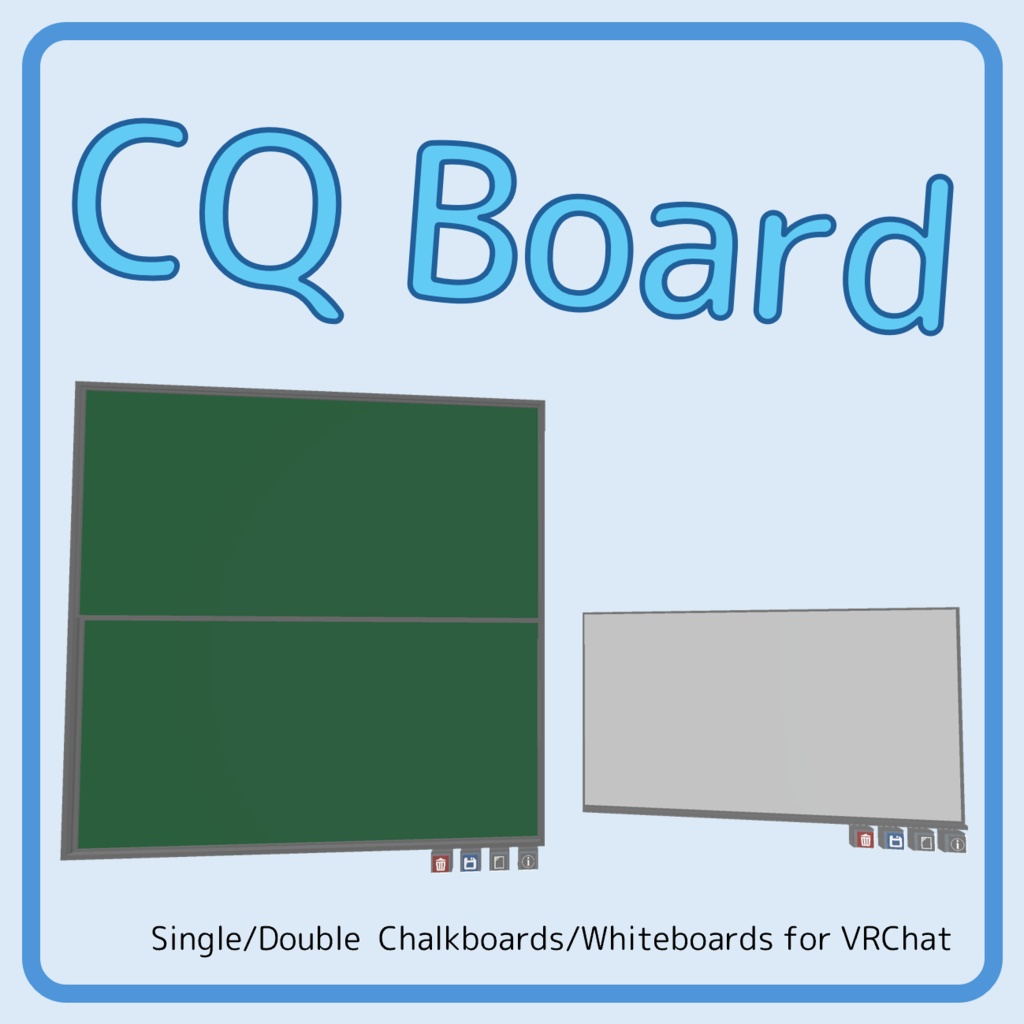


Ver. 1.4 - Supported VRChatSDK versions: 3.8.1 and later - Supported QVpen versions: 3.3.14-3.3.15 Last update: August 19, 2026 (16UTC) 最終更新: 2026年8月20日 (1時)
About / 概要
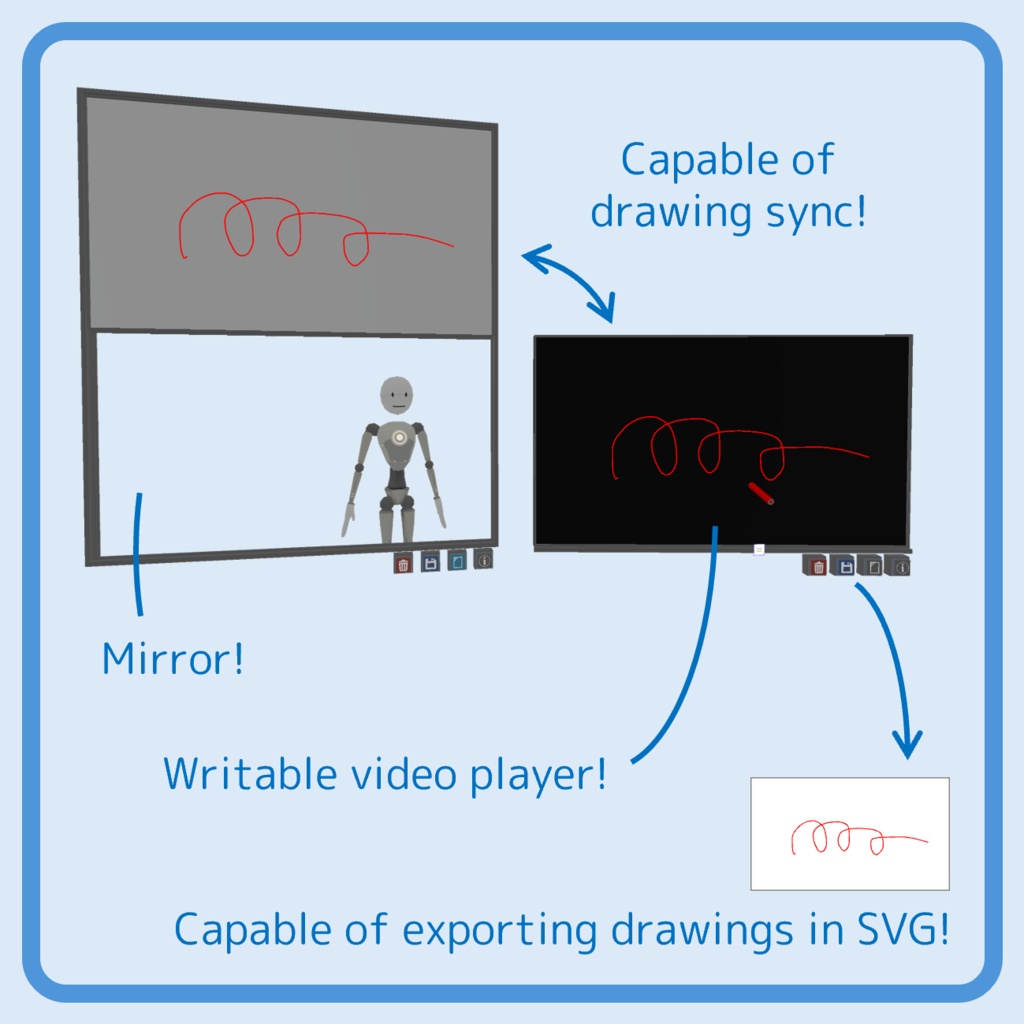
[EN] This asset provides simple & convenient boards that can be drawn with QVpen widely used in VRChat. This is the same table as the one available in the VRChat world “Chalkboard Room/黒板ルーム ” (https://vrchat.com/home/world/wrld_42c546ea-5674-4871-bcc1-41cf57ea3ab7/). The QVpen (https://booth.pm/ja/items/1555789) is required. Please note that due to the nature of this digital product, returns are not accepted. If you find some bugs, please let me know. I'd appreciate your report. [JP] VRChatで広く用いられているQVペンを用いて書くことができる,シンプルで便利な黒板・ホワイトボードアセットです (以下,板と表記).VRChatの既存のワールド「Chalkboard Room/黒板ルーム 」(https://vrchat.com/home/world/wrld_42c546ea-5674-4871-bcc1-41cf57ea3ab7/)にある板と同じものです.QVペン (https://booth.pm/ja/items/1555789) が導入されていることを前提としています.本商品は,ダウンロード商品の性質上,返品ができませんのでご注意ください.万が一バクを発見しましたらご連絡いただけますと幸いです.
Prefab Description / Prefabの説明
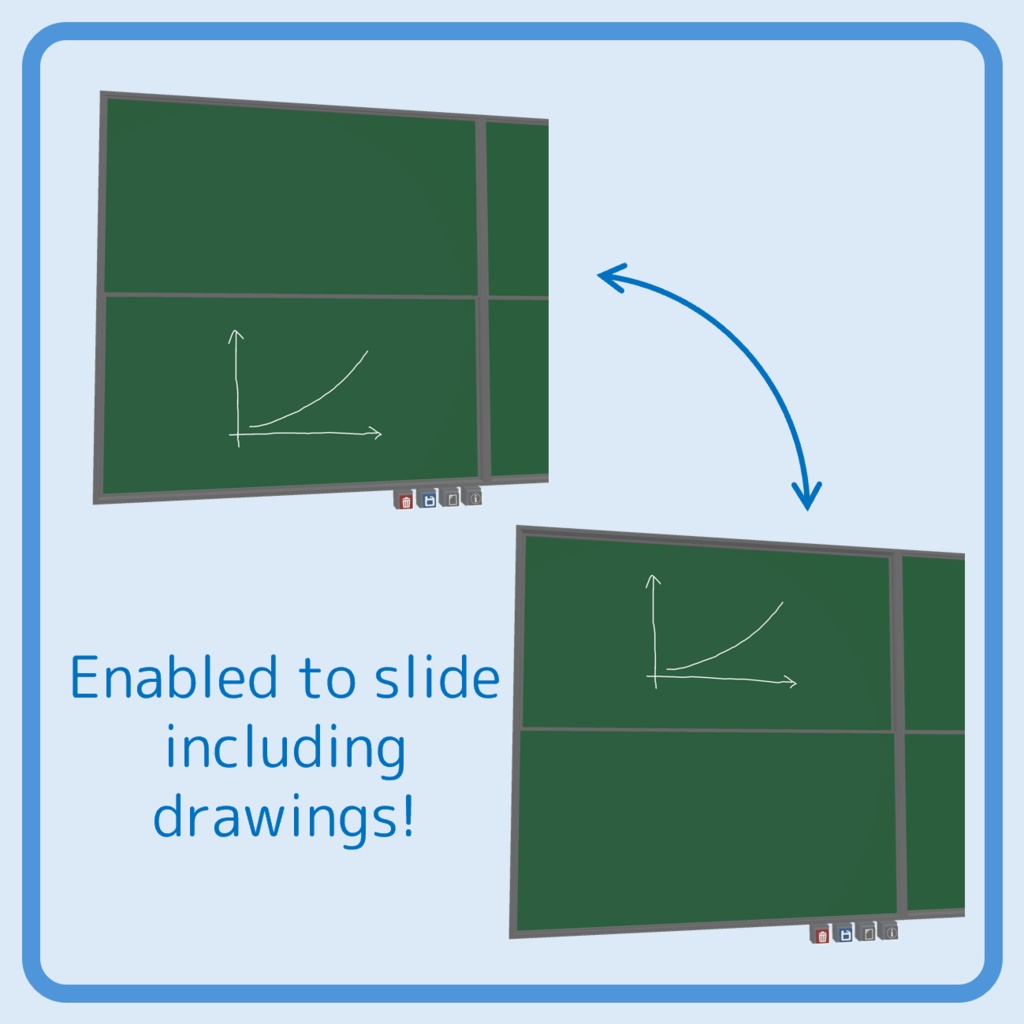
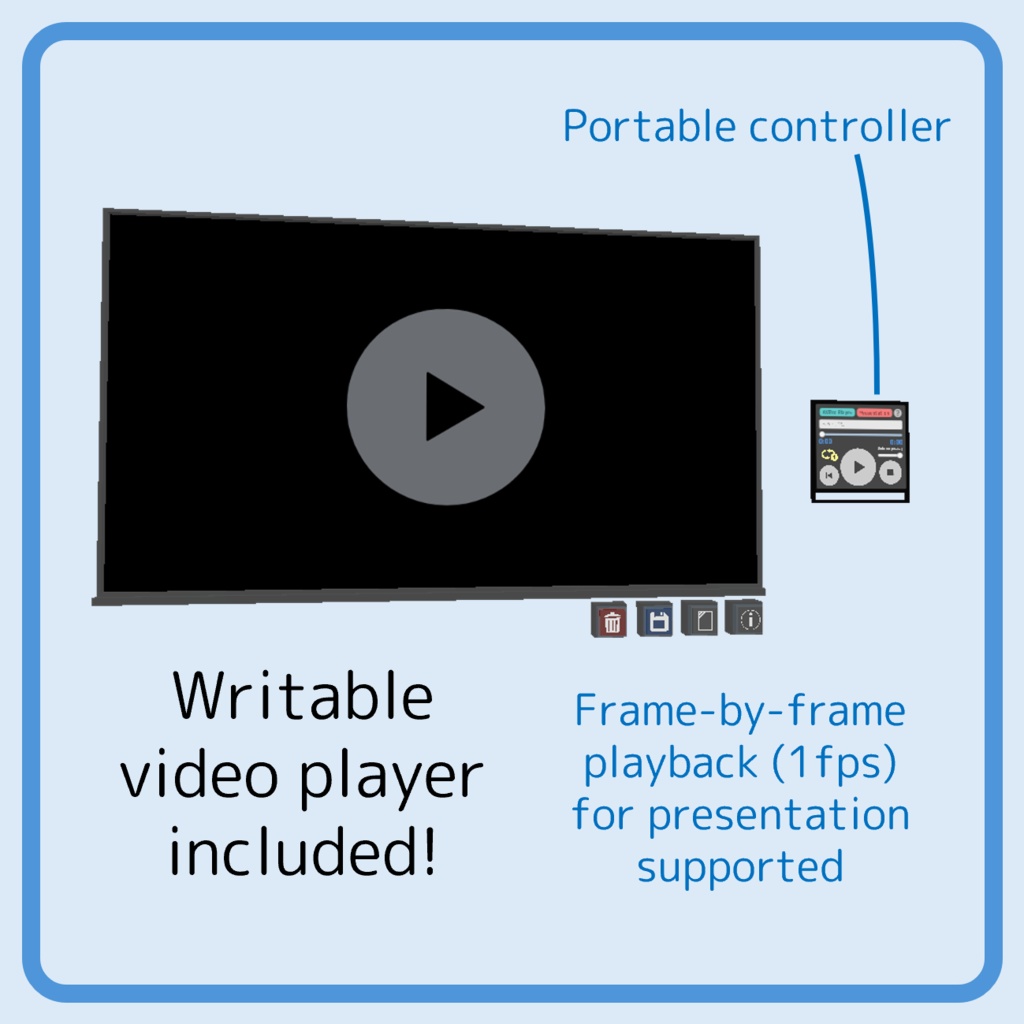
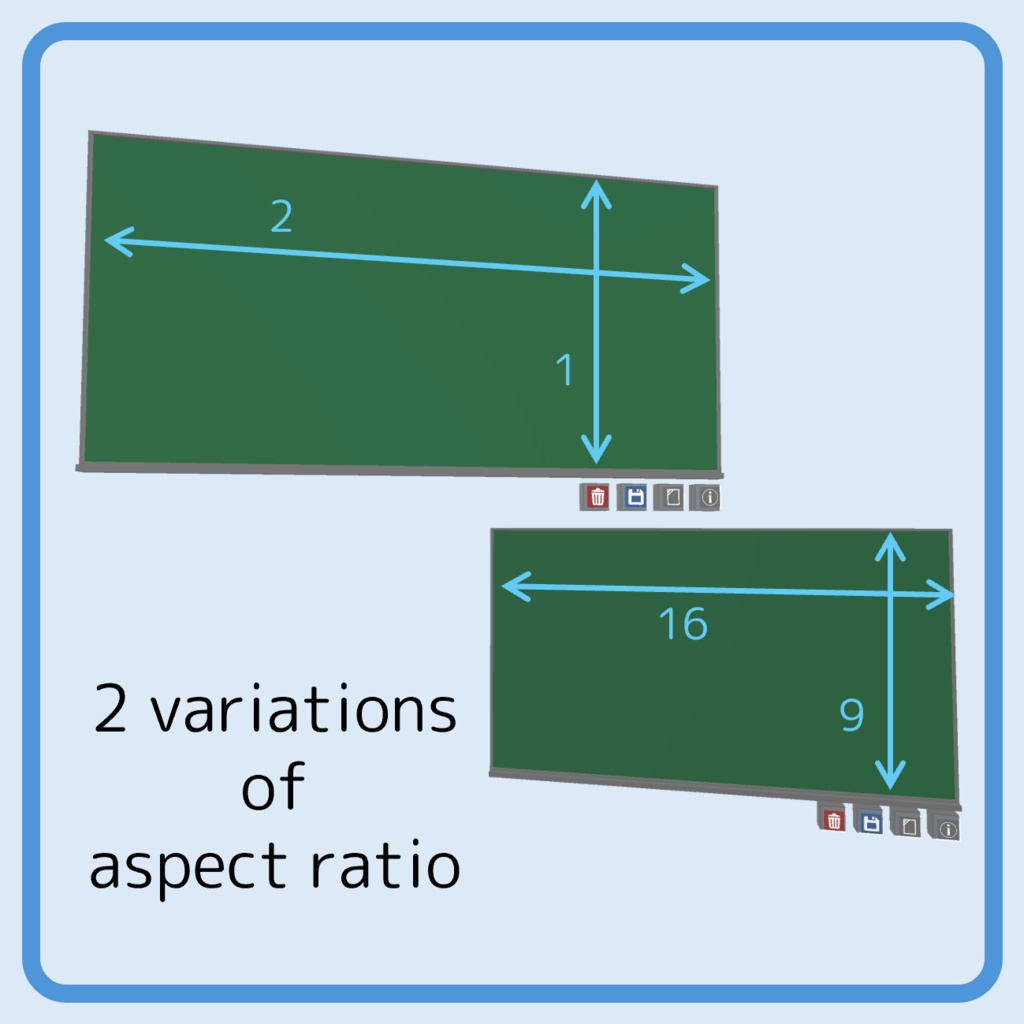
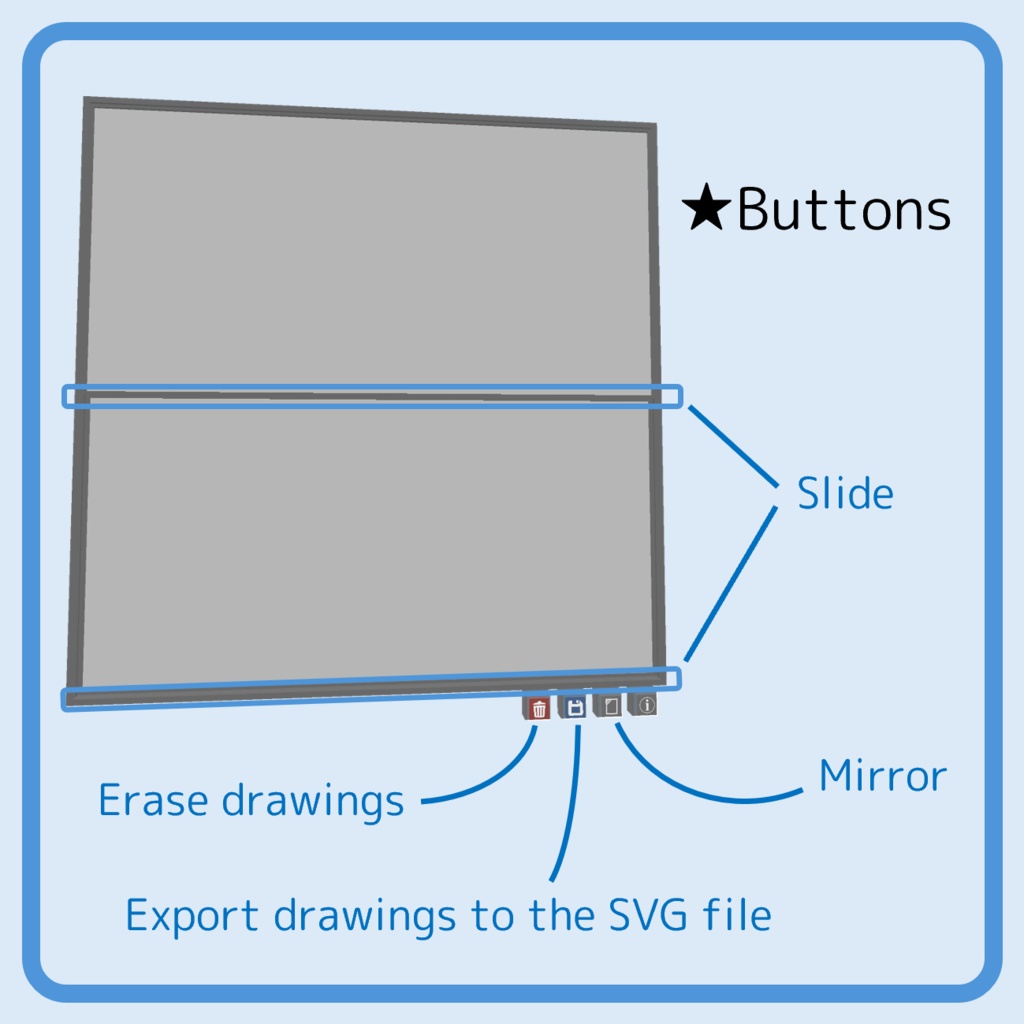
【Single boards/1段板】 ・SingleCQChalkboard.prefab ・SingleCQChalkboard_16-9.prefab ・SingleCQWhiteboard.prefab ・SingleCQWhiteboard_16-9.prefab 【Double (sliding) boards/2段式板】 ・DoubleCQChalkboard.prefab ・DoubleCQChalkboard_16-9.prefab ・DoubleCQWhiteboard.prefab ・DoubleCQWhiteboard_16-9.prefab 【Writable video players/書き込める動画プレイヤー】 ・SingleCQPlayerboard_16-9.prefab ・SingleCQPlayerboardChild_16-9.prefab (Subscreen/サブスクリーン) ・CQPlayerController.prefab (Controller/コントローラー) 【Toolkit for sync drawings/板書の同期ツール】 ・CQBoardSyncronizer.prefab
How to Install / 導入手順
[EN] Drag and drop the unitypackage file into the Assets folder in Unity’s Project window to import it. Also, please install QV Pen vX.X.X (X.X.X is the QVpen version). To install this asset, you’ll need to make a minor change to the QV Pen specifications. However, due to the copyrights, I cannot distribute the asset including the QVpen. Therefore, please modify one of the pen scripts as follows: ① Open Assets\QvPen\Runtime\UdonScript\QvPen_Pen.cs and QvPen_Pen_vX.X.X.cs (included in this asset’s ZIP file) in Notepad or a similar text editor. ② Copy the entire contents of QvPen_Pen_vX.X.X.cs. ③ Paste it into QvPen_Pen.cs, and replace the existing contents entirely. ④ Once you have finished pasting, save QvPen_Pen.cs to overwrite the existing file. [JP] unitypackageファイルをUnityのProjectウィンドウのAssetsフォルダにドラッグ&ドロップし,インポートしてください.また,QVペン vX.X.X (X.X.XはQVペンのバージョン)も導入してください. 本アセットの導入には,QVペンの仕様を少し変更する必要がありますが,著作権の都合で,このアセットにQVpenを含めて配布することができません.お手数ですが,以下のようにして,ペンのスクリプト1つを変更してください: ① Assets\QvPen\Runtime\UdonScript\QvPen_Pen.csと,本品のzipファイルに含まれているQvPen_Pen_vX.X.X.csをメモ帳などで開いてください. ② QvPen_Pen_vX.X.X.csの中身をすべてコピーしてください. ③ QvPen_Pen.csに貼り付けて中身をすべて置き換えてください. ④ 貼り付けが終わったら,QvPen_Pen.csを上書き保存してください.
Precautions for Use/ 使用時の注意事項
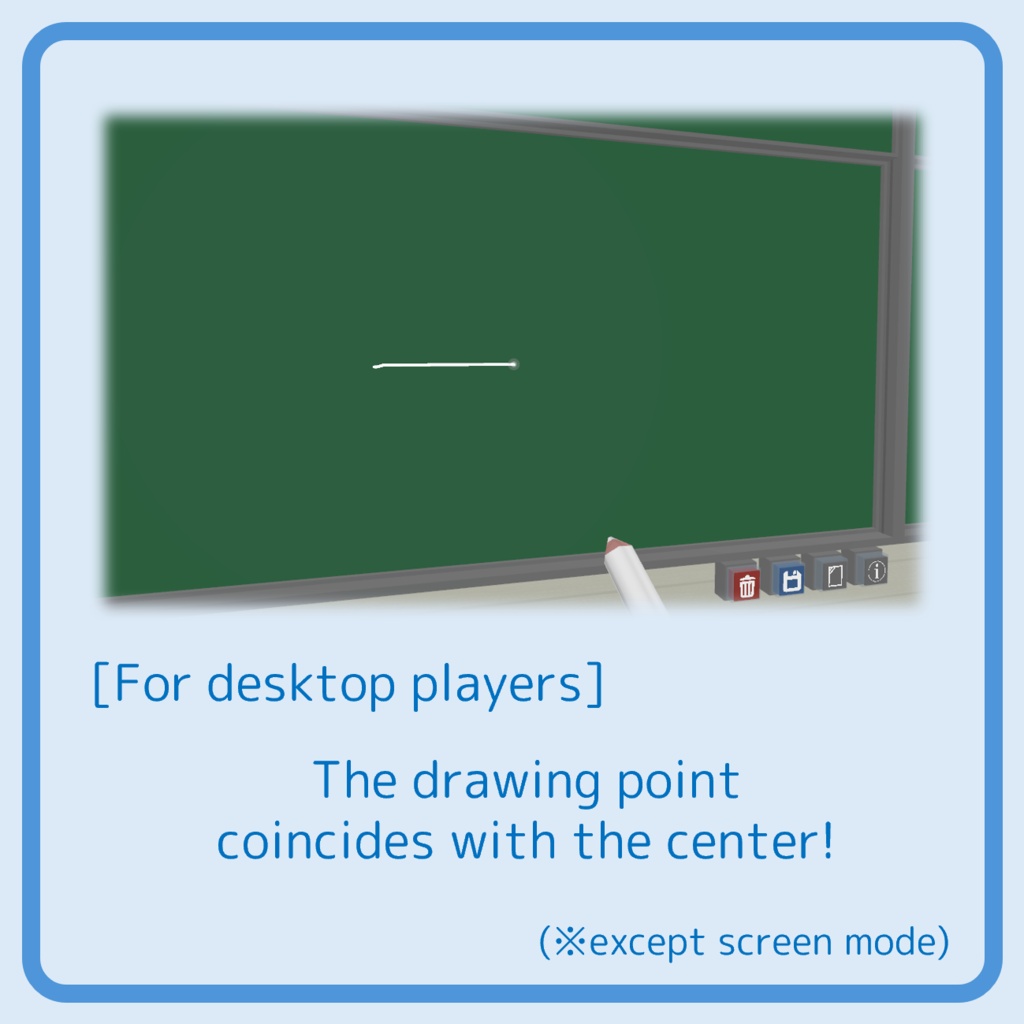
[EN] ・Please use them with the Surftrace mode of the QVpen on. ・When this asset is used, you will no longer be able to write with the QVpen anywhere in the world other than on the CQ Board, including in the air. But this is by design in order to prevent you from accidentally writing in the air just near the board's surface rather than on the surface itself. ・The subscreen of the video player works only on AVProVideoPlayer mode. [JP] ・QVペンのsurftraceモードをONにしてご使用ください. ・このアセットを使用すると,ワールド内で,空中を含めてCQ Board以外にQVpenで書くことができなくなりますが,仕様です.これは,板の表面ではなく表面すれすれの空中に誤って書いてしまうことを防止するためです. ・動画プレイヤーのサブスクリーンはAVProVideoPlayerでのみ機能します.
Export Instruction / 板書の保存方法
[EN] ① Make sure Logging is “Full” (in VRC settings > Debug tab) ② Press the blue Export button below the boards ③ Open the newest log file (via VRC settings > Debug tab > Open log folder) ④ Copy from <!-- ########## [Pen Output Begin] ########## --> to <!-- ########## [Pen Output End] ########## --> in the log file ⑤ Paste it into a new file in Notepad or similar, and save it with the extension .svg [JP] ① VRCの設定 > デバッグ情報タブのログ出力を“完全”に設定してください. ② 板の下の青いExportボタンを押してください. ③ 最新のログファイルを開いてください. (VRCの設定 > デバッグ情報タブ > ログフォルダーを開く) ④ ログファイル中の <!-- ########## [Pen Output Begin] ########## --> から <!-- ########## [Pen Output End] ########## --> までコピーしてください. ⑤ メモ帳などで新規ファイルにペーストし,拡張子を.svgにして保存してください.
Update History / 更新履歴
[EN] ・August 19, 2026 (16UTC) : v1.4 Performance improvements for sync toolkit, & UI improvements in the Inspector ・August 11, 2026 (16UTC) : v1.3.1 Video player fixes & QvPen_Pen_v3.3.14.cs (Sensitivity of mouse on screen mode) fixes ・August 7, 2026 (16UTC) : v1.3 Sync bug fixes, QVpen v3.3.15 support, & video player (beta) added ・August 2, 2026 (6UTC) : v1.2 Sync bug fixes, & information panel added ・June 23, 2026 (12UTC) : v1.1 Missing materials added, color adjustments, collider fixes, & QvPen_Pen_v3.3.14.cs fixes ・June 22, 2026 (1UTC) : v1.0.1 QvPen_Pen_v3.3.14.cs fixes ・June 20, 2026 (12UTC) : v1.0 Initial release [JP] ・2026年8月20日 (1時) : v1.4 同期ツールのパフォーマンス向上,Inspector上のUIの刷新 ・2026年8月12日 (1時) : v1.3.1 動画プレーヤーの修正,QvPen_Pen_v3.3.15.cs (Screen modeにおけるマウス感度) の修正 ・2026年8月8日 (1時) : v1.3 同期で発生するバグの修正,QVpen v3.3.15対応,動画プレーヤー(beta)の追加 ・2026年8月2日 (15時) : v1.2 同期で発生するバグの修正,インフォメーションの追加 ・2026年6月23日 (21時) : v1.1 欠損materialの追加,色の調整,2段式板のコライダーの修正,QvPen_Pen_v3.3.14.csの修正 ・2026年6月22日 (10時) : v1.0.1 QvPen_Pen_v3.3.14.csの修正 ・2026年6月20日 (21時) : v1.0 初版リリース
Resources / 使用素材
[EN] This asset uses the following resources. ・Icons © icooon-mono (https://icooon-mono.com/) ・Sounds © 効果音ラボ (https://soundeffect-lab.info/) [JP] 本アセットでは以下のリソースを使用しています. ・アイコン © icooon-mono (https://icooon-mono.com/) ・効果音 © 効果音ラボ (https://soundeffect-lab.info/)
Terms of Use / 利用規約
[EN] The publication, redistribution, or sale of this asset, its components, or anything created using this asset is prohibited. However, you may publish content in a way that prevents third parties from accessing the asset data itself (e.g., publishing a VRChat world created using this asset within VRChat) including modifications (No license application or notification is required). [JP] 本アセット,本アセットの構成要素,および本アセットを用いて作成されたものの公開,再配布,販売は禁止とします.ただし,第三者が本アセットデータそのものは入手できないような状態で公開すること(例:本アセットを用いて作成されたVRChatのワールドを,VRChat上でPublishすること)は,改変を含めて行っていただいて構いません (使用許諾申請,報告は不要です).
Disclaimer / 免責事項
[EN] I am not responsible for any damages arising from the use of this asset. [JP] 本品の利用により生じたいかなる損害についても,一切の責任を負いかねます.