

John-Shy boy ジョン ― 恥ずかしがり屋の男の子。シンプルでかわいくて、勉強熱心な男の子のアバター。
- Digital0 JPY
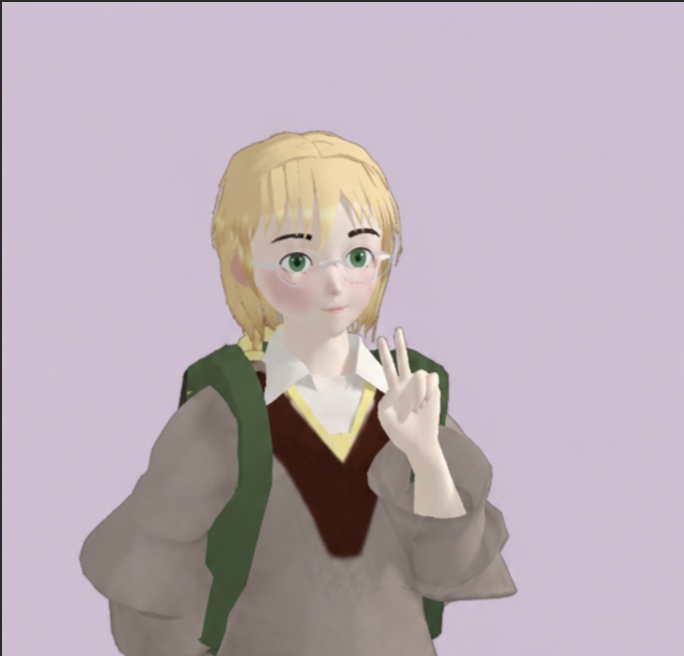
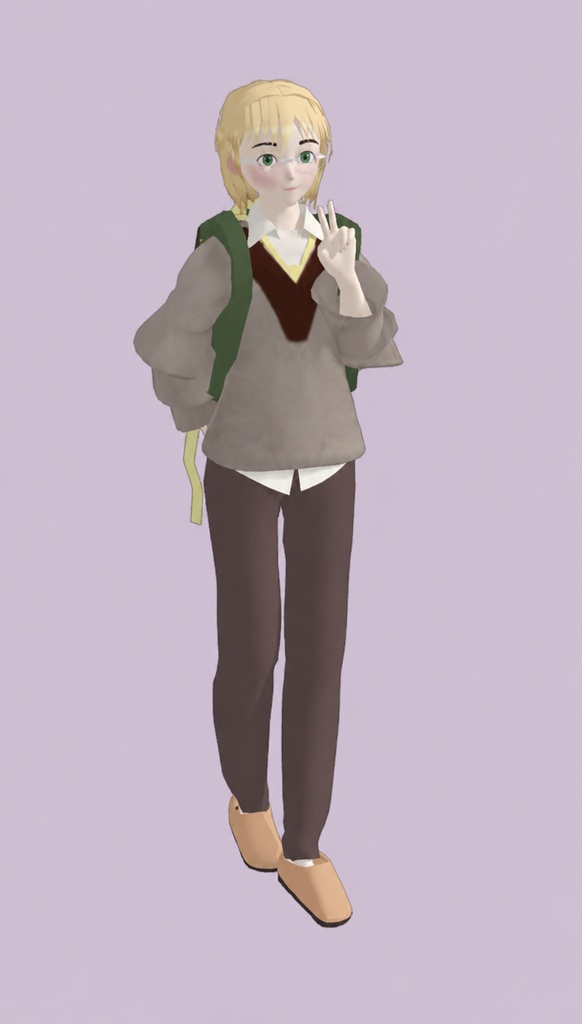
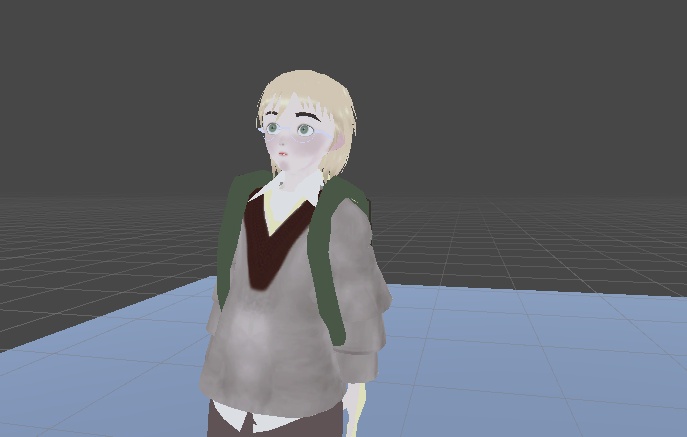
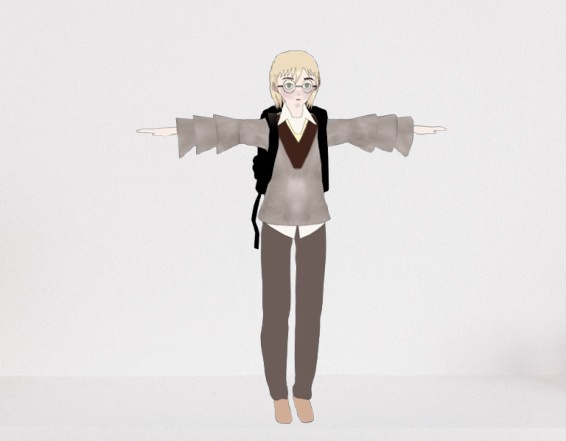


ジョン ― 恥ずかしがり屋で勉強熱心な男の子アバター ジョンは、VRChat向けに制作されたシンプルで可愛らしい勉強熱心な男の子アバターです。柔らかく控えめな雰囲気と、すっきりとした学生風のデザインが特徴で、穏やかで優しい、本好きなキャラクターを求める方にぴったりです。 このアバターは無料で利用でき、VRChatですぐに使える基本リグを搭載しています。Unity 2022で制作され、VRChat Mobile シェーダーを使用しています。 【内容】 ・VRChat対応の男の子アバター ・基本リグ ・シンプルで柔らかなアニメ風デザイン ・Quest互換のVRChat Mobile Toon Standardシェーダー ・Unity 2022で制作 【含まれていないもの】 ・ブレンドシェイプ(表情)は含まれていません 【キャラクタースタイル】 ジョンは、恥ずかしがり屋で物静か、勉強熱心な男の子としてデザインされています。優しい学園風の雰囲気を持ち、親しみやすくシンプルな見た目が特徴です。普段使いのVRChatアバターとしてはもちろん、ロールプレイや学園テーマのアバター、可愛らしく控えめなキャラクターを好む方にもおすすめです。 【インストール方法】 1. 「John Shy Boy Quest.zip」を解凍し、中にある「.unitypackage」ファイルを取り出してください。 2. Unity 2022で作成したVRChat Creator Companion(VCC)プロジェクトを開きます。 3. 「.unitypackage」ファイルをダブルクリックするか、Unityの「Assets」→「Import Package」→「Custom Package...」から選択してインポートしてください。 4. 「Import」をクリックして、すべてのファイルをプロジェクトに読み込みます。 5. 同梱されているアバターシーンまたはPrefabを開きます。 6. VRChat SDKにログインし、アバターをビルドしてVRChatへアップロードしてください。 【動作に必要なもの】 ・Unity 2022 ・VRChat Creator Companion(VCC) ・最新版のVRChat SDK ・Liltoonシェーダー(パッケージに含まれていない場合) John – Shy Studious Boy Avatar John is a simple, cute, studious boy avatar made for VRChat. He has a soft, shy look with a clean school-inspired style, making him great for anyone who wants a calm, gentle, bookish character design. This avatar is free to use and includes a basic rig for easy setup and use in VRChat. It was created with Unity 2022 and uses the VRChat Mobile shader. Included VRChat-ready boy avatar Basic rig Simple soft anime-style design VRchat Mobile Toon Standard shader for quest compatibility Made in Unity 2022 Not Included Blendshapes / facial expressions are not included Character Style John is designed as a shy, quiet, and studious boy with a soft academic vibe. He has a simple and approachable look, suitable for casual VRChat use, roleplay, school-themed avatars, or users who prefer a cute reserved character design. ## Installation 1. Please extract the **"John Shy Boy Quest.zip"** file to access the **.unitypackage** file. 2. Open your **VRChat Creator Companion** project (Unity 2022). 3. Double-click the **.unitypackage** file, or in Unity go to **Assets → Import Package → Custom Package...** and select the package. 4. Click **Import** to import all files into your project. 5. Open the included avatar scene or prefab. 6. Log in to the VRChat SDK, then build and upload the avatar to your VRChat account. **Requirements** * Unity 2022 * VRChat Creator Companion * VRChat SDK (Latest Version)