
ke. Local AI - For Anime Creators
- Digital0 JPY
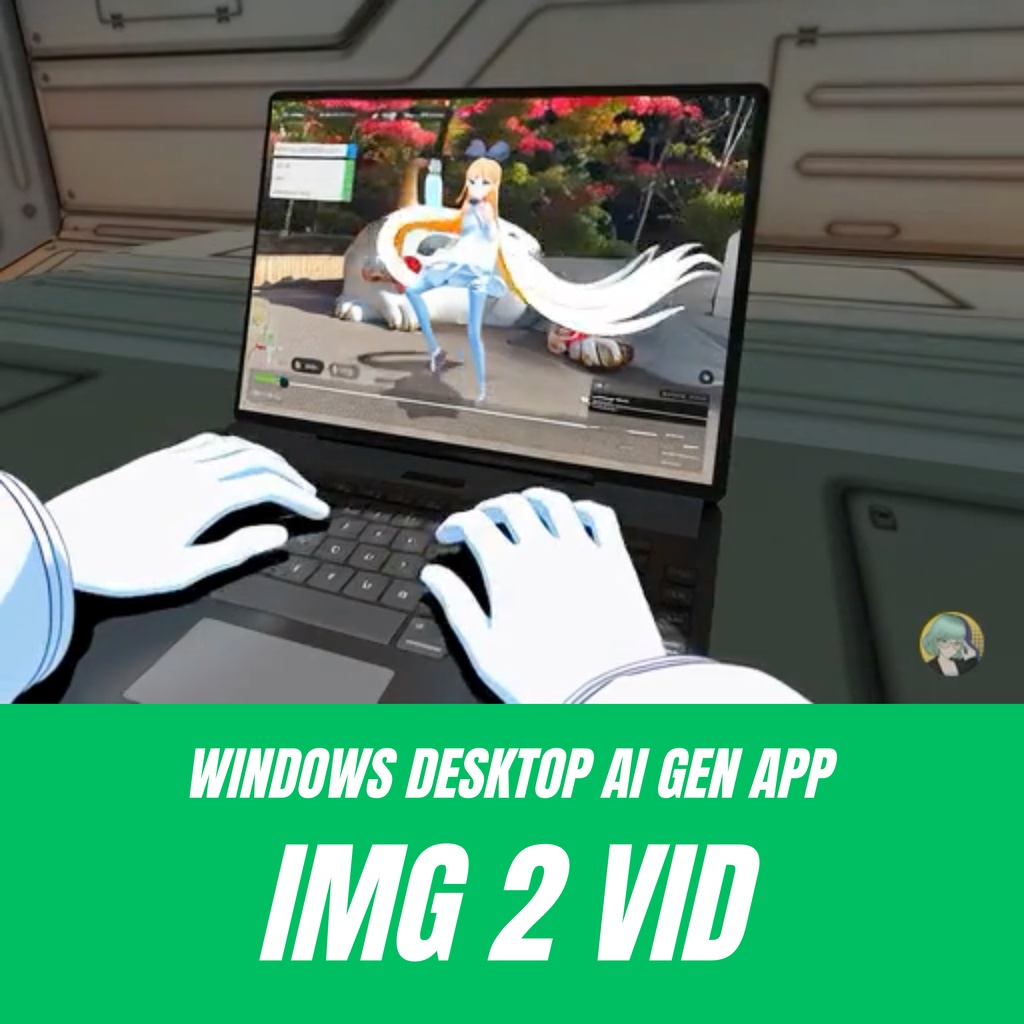
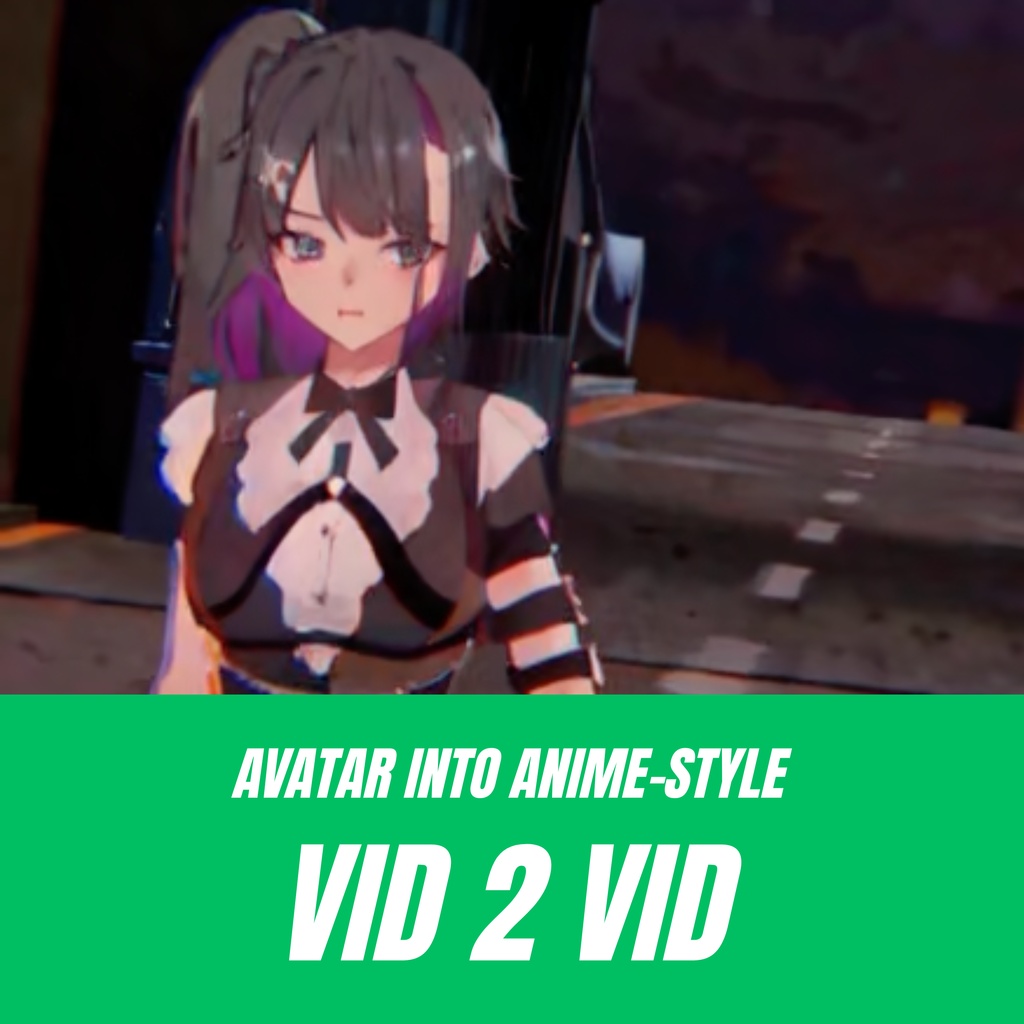


Now available on Hugging Face 📣 https://huggingface.co/datasets/keyaki-kaihatsu/ke-local-ai/tree/main/dist "ke. Local AI" is a generative AI that runs directly on your PC. Designed to support animation production, it features key tools such as "Anime Stylization," "Anime Rendering," "Motion Generation," and "3D Model Creation". We hope to help you bring your ideal anime project to life through unlimited, cost-free local generation and experimentation. 日本語バージョン https://keyaki-kaihatsu.booth.pm/items/8547671
How to Use
This AI is a Windows-exclusive application. Running the exe file will set up a local server on your machine. 1. Download the Application 👉 Hugging Face https://huggingface.co/datasets/keyaki-kaihatsu/ke-local-ai/tree/main/dist 2. Web Interface for Operation Once launched, access and control the AI via the following URL: 👉 Web UI https://keyaki-studio.onrender.com/ai ⚠️ Important: Please make sure to read the included README file before using the application.
AI Features
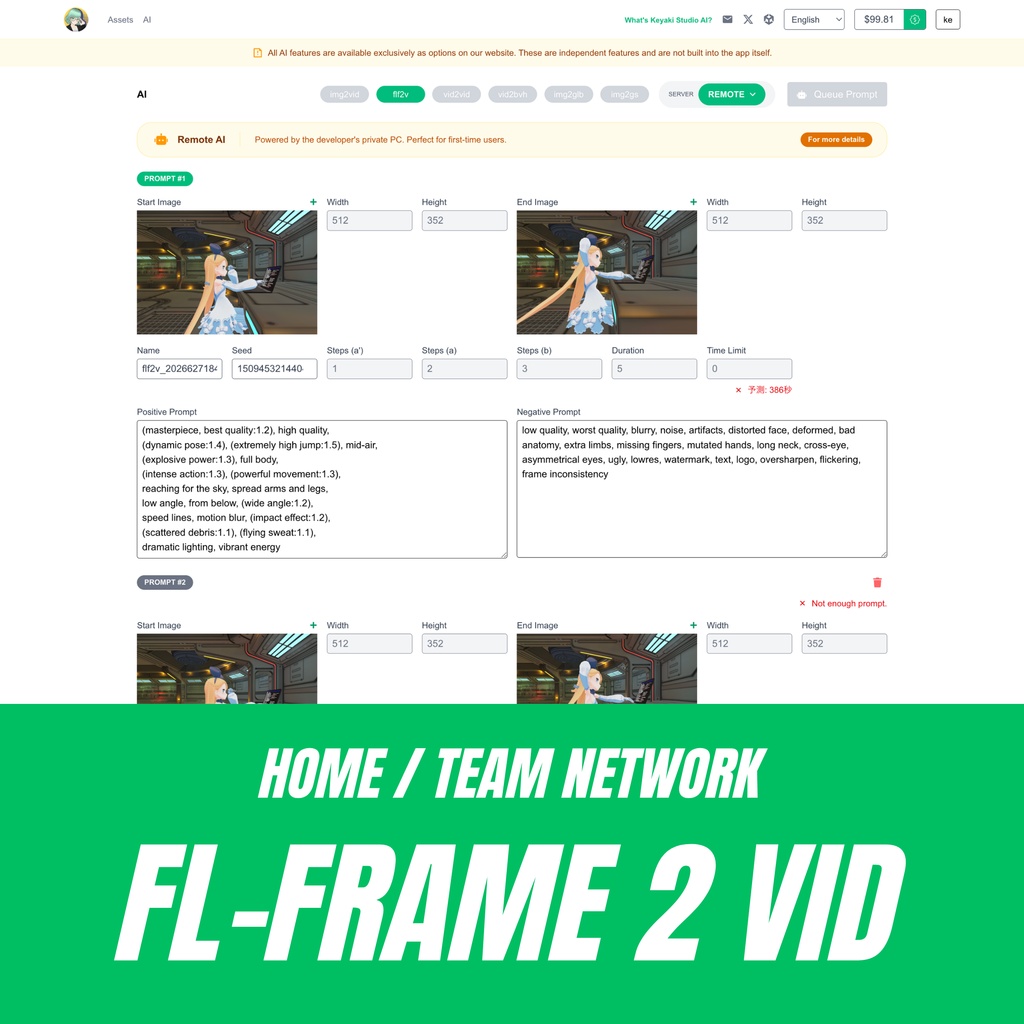
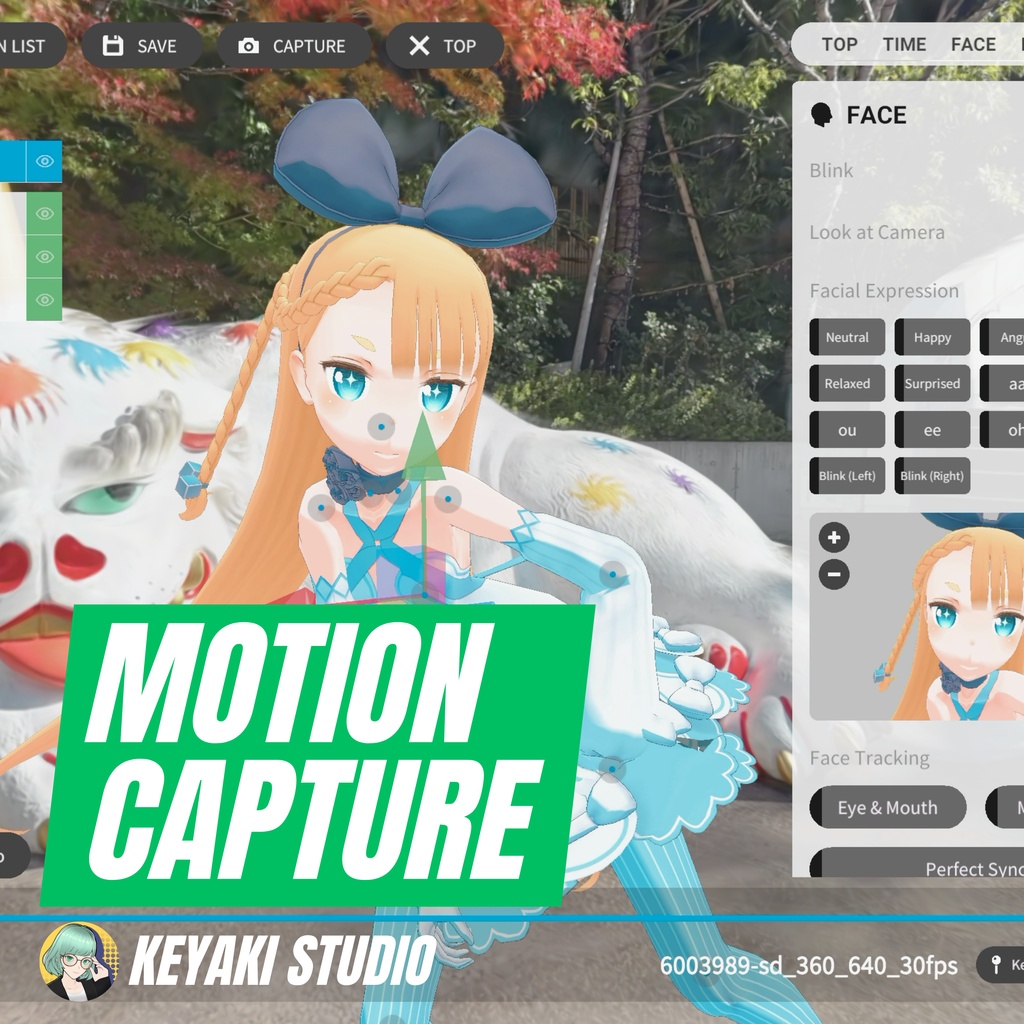
● i2i: Image + Prompt → Anime Style Image ● i2v: Image + Prompt → Video Generation ● flf2v: First Frame + Last Frame → Video Generation ● v2v: Video + Image → Anime Style Video ● v2bvh: Video to Motion Capture → Export as BVH ● i2glb: Image → 3D Model Generation (.glb)
System Requirements (Minimum)
● CPU: Intel Core i7 (11th Gen, 2.3GHz) or higher ● Memory: 16GB RAM or higher ● GPU: NVIDIA GeForce RTX 3070 (VRAM 8GB) or higher ● Storage: 130GB or more available space
ver. Remote
"My GPU specs are too low to run it locally..." If this sounds like you, "ver. Remote" has you covered! I am opening up my private PC via the internet so you can test out AI generation even if your own system lacks the required specs. ⚠️ For Personal Testing Only: Please use this only for quick personal testing. For any commercial use, please make sure to contact us beforehand. 🏫 Custom Server Consultations: If you want to build a similar private AI generation server dedicated to your school, club, or organization, please feel free to reach out for a consultation! 🛑 Service Availability: This remote service may be suspended or discontinued without prior notice due to maintenance or excessive server load. Thank you for your understanding.
Avatar Movie Editor "Keyaki Studio"
Seamless Integration with our Avatar Animation App, "Keyaki Studio"! Even without any specialized knowledge or drawing skills, you can easily create 3D animations using your favorite avatars (such as VRM files). The app is cross-platform and available on iOS, Android, Windows, and macOS. Available now on BOOTH 📣 https://keyaki-kaihatsu.booth.pm/items/5428965
Tech Stack & Commercial Licensing
📜 README This tool is powered by ComfyUI (GPL v3) as its core engine, integrating and optimizing state-of-the-art models for anime generation, 3D creation, video control, and motion extraction. * Commercial use of outputs (images, videos, 3D models) generated with this tool is allowed by users (subject to each base model's terms). https://huggingface.co/datasets/keyaki-kaihatsu/ke-local-ai/blob/main/dist/README.md ☕ Support us on FANBOX Your support goes directly toward PC maintenance costs for providing the remote server and funding future development. We deeply appreciate your support! 👉 FANBOX https://keyaki-kaihatsu.fanbox.cc/ 📸 Share your work on X (formerly Twitter)! We'd love to see your creations! Share your artworks and outputs with the hashtag #KeyakiStudio — it truly motivates our development team! 💼 Commercial Inquiries & Private Server Setup For corporate use or inquiries regarding setting up a dedicated private AI server, please contact us in advance.