

ReplicantDiva
- ReplicantDivaDigital390 JPY
- Support(SameFiles)Digital500 JPY
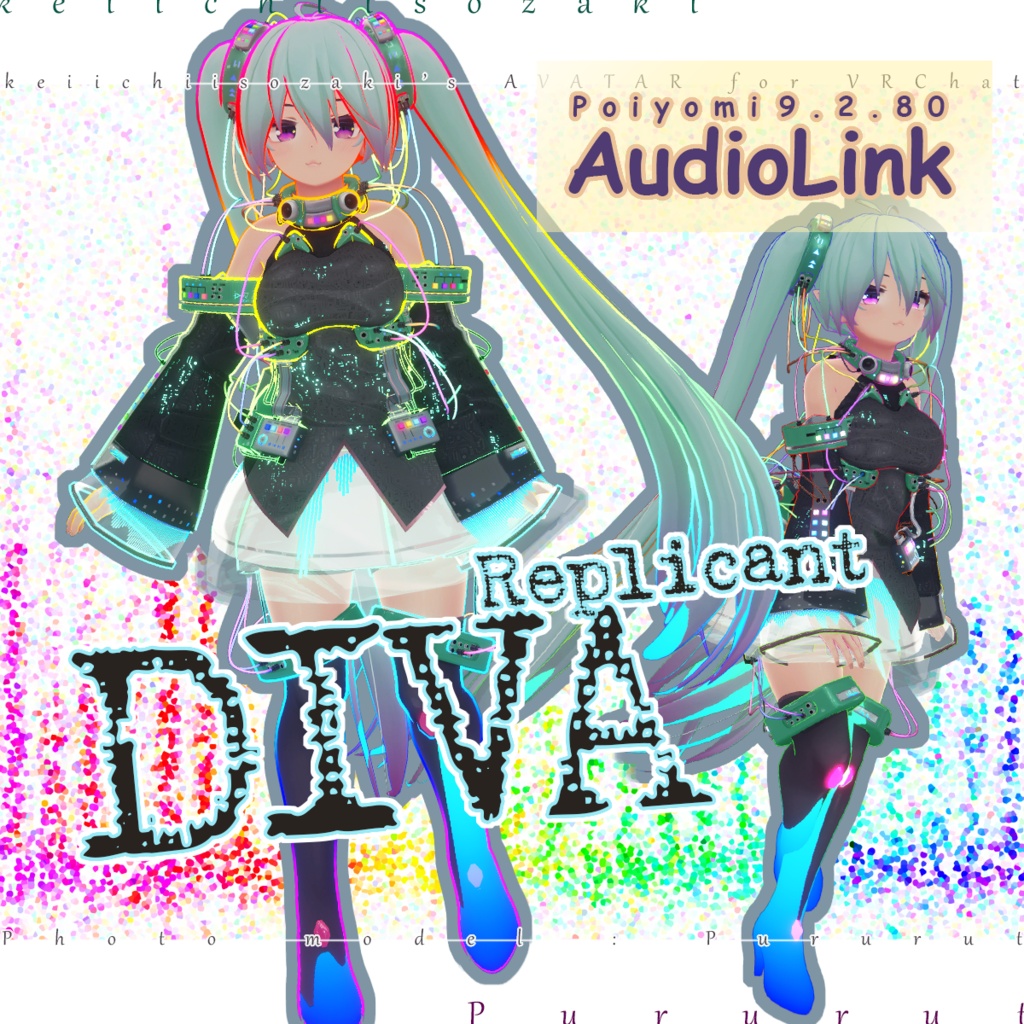
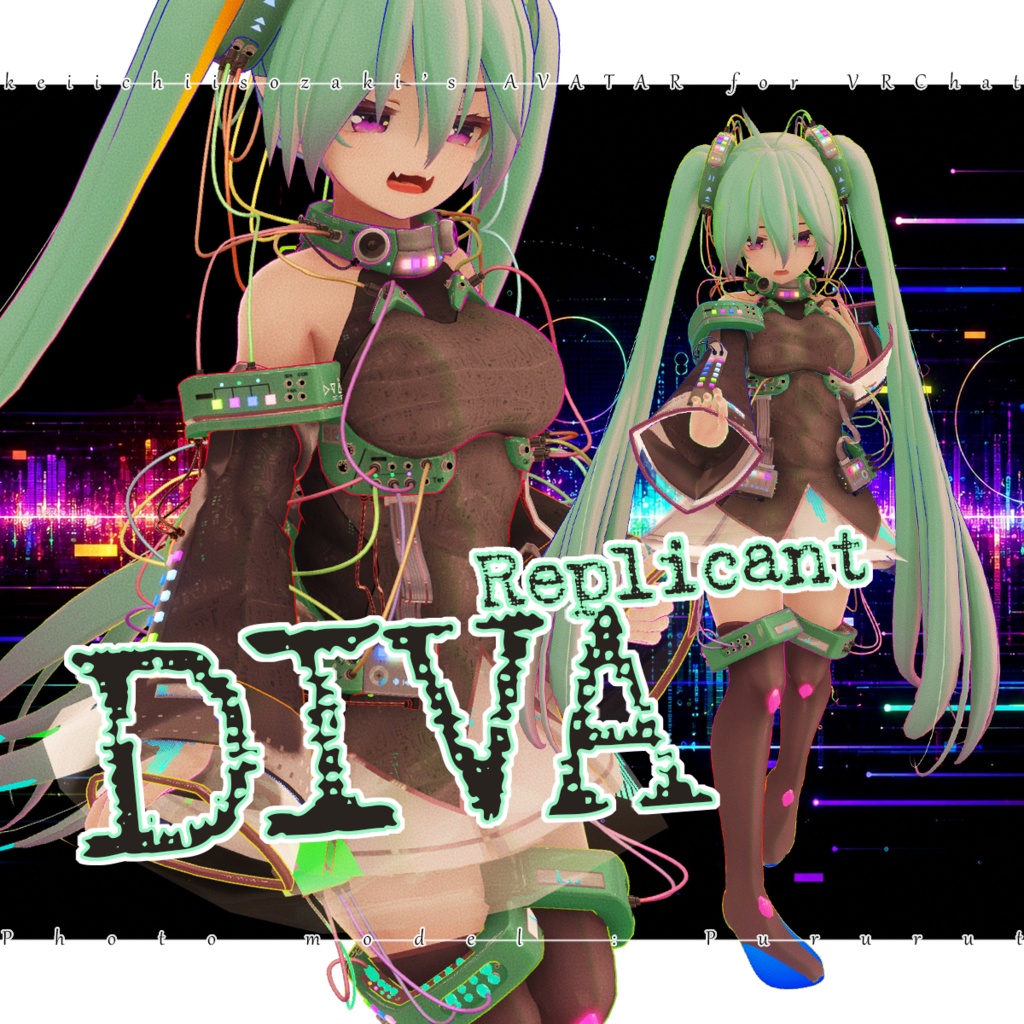
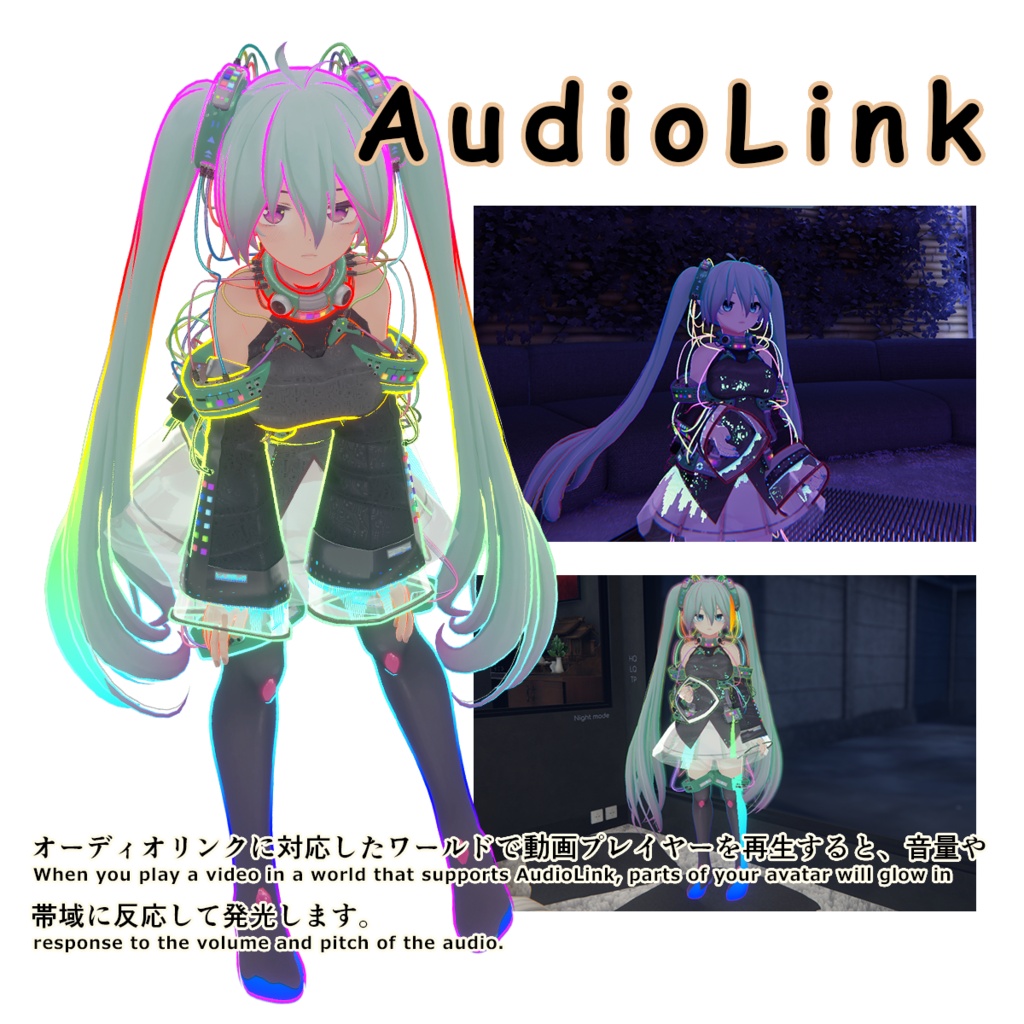


This is a costume pack for "ReplicantKissMa". Avatar data is not included. ReplicantKissMa must be obtained separately. https://keiichiisozaki.booth.pm/items/7036674 The same item for "UltimateKissMa" is on a different page. https://keiichiisozaki.booth.pm/items/8601524 ---------------------- ---------------------- This was created using the following version. Poiyomi Toon Shader 9.3.64 AudioLink 3.1.2 ---------------------- ---------------------- ★AudioLink: When you play a video in a world that supports Audio Link, your avatar's outfit will glow in response to the volume and pitch of the audio. Conversely, this feature has no effect at all in worlds that do not support Audio Link. You can turn Audio Link on or off from the menu; it is enabled by default. オーディオリンクに対応したワールドで動画プレイヤーを再生すると、 音量や音域に反応してアバター衣装が発光します。逆にいえば、対応するワールド以外ではまったくの無意味です。オーディオリンクのON/OFFがメニューから選べます、デフォルトではONです。 ★AudioLink-compatible world: “World” by Pururut̵—who always serves as the photo model for KissMa's BOOTH album cover art—is now available on AudioLink. Be sure to check it out. いつもKissMaのBOOTHジャケット画像のフォトモデルを務めてくれているPururut̵のワールドがAudioLinkに対応しています、是非お越しください。 ※ "Resonance Machine" / Created by: Pururut̵ https://vrchat.com/home/launch?worldId=wrld_2cb576ec-e9a4-4806-ad3c-88829d1501b1 ※ "Dark Theater" / Created by: Pururut̵ https://vrchat.com/home/launch?worldId=wrld_6633fd42-4449-4bcd-a233-75bbc8e55738 ---------------------- ---------------------- ★How to test AudioLink in a Unity project. Install “AudioLink” from “Manage Project” in the VCC project. Open the project, navigate to the “Packages” folder (located at the same level as the “Assets” folder, which is the parent folder of the folder where you usually work), and open the “Packages>Runtime” folder inside it. You’ll find a prefab named “AudioLinkAvatar”; drag and drop it into the Hierarchy. Set your preferred MP3 or other audio file to “AudioLinkInput,” then press the play button to check how the material glows. オーディオリンクを自身のUnityプロジェクト内でテストするには。 VCCのプロジェクトの「Manage Project」から、「AudioLink」をインストール。プロジェクトを開き、いつも作業しているフォルダの親にあたる「Assets」と同じ階層に「Packages」というフォルダがあるので開き、「AudioLink」内の「Runtime」フォルダを開く。「AudioLinkAvatar」というプレファブがあるのでヒエラルキーにドラッグアンドドロップ。「AudioLinkInput」に好きなmp3でも入れれば後は再生ボタンでマテリアルの光具合を確認できる。