

【超軽量】VRChat Discord自動送信キット(現在地・写真・起動終了) 【PCVR&デスクトップ対応】
- Digital300 JPY
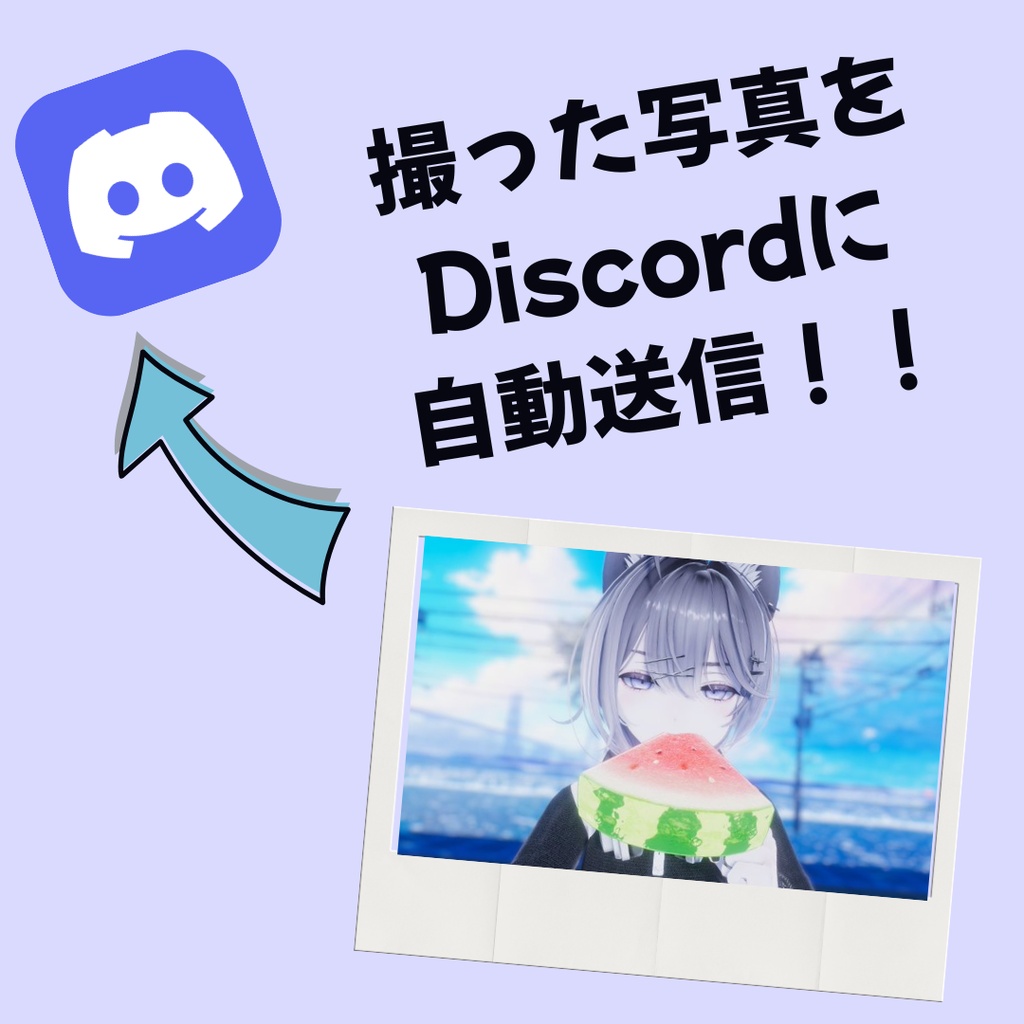

VRChatでの思い出を、もっと手軽にスマホで見返したりSNSに共有したくないですか? ---------------------------------------- Do you want to easily review VRChat memories or selfies on your phone, or share them on social media? 開発 / Developer: papiko (https://x.com/papiko1051) ※「VRChat」は、米国VRChat, Inc.の登録商標です。 概要 / Summary 【シャッターを切るだけ!】VRChatの写真を手動でポチポチ送る生活はもう終わり! あなたがゲーム内でカメラのシャッターを切った瞬間、自分専用のDiscordサーバー(写真保存用チャンネル)へ完全リアルタイムで写真を自動送信(アップロード)する超軽量システムです。 ● 写真フォルダを見に行く必要なし。OS連動(イベント駆動)なのでPC負荷はほぼゼロ! ● 複数PCや環境を跨ぐ「OneDrive写真フォルダ」にも対応。 ● VRChatの起動・終了通知や、今いるワールドの現在地(Entering Roomログ)自動通知機能もセットで同梱! ---------------------------------------- [Just snap a picture!] No more manually uploading VRChat photos one by one! This is an ultra-lightweight system that automatically uploads photos to your private Discord server in real-time the exact moment you press the shutter button in-game. ● No need to scan photo folders. It triggers only when a photo is taken (OS event-driven), making PC load virtually zero! ● Fully compatible with "OneDrive VRChat photo folders" across multiple PC environments. ● Also includes automatic Discord notifications for VRChat startup, shutdown, and your current world location! 使い方の詳細は同梱のドキュメント(README.txt)を参照してください。 ---------------------------------------- Please refer to the documentation (README.txt) included in the zip file for details. お問い合わせ / Contact Us 要望または不具合はBOOTHのメッセージ、またはTwitter(X)までご連絡ください。 ➔ Twitter: https://x.com/papiko1051 ---------------------------------------- For feature requests or bug reports, please contact us via BOOTH message or Twitter (X): ➔ Twitter: https://x.com/papiko1051 動作確認環境 / Operation confirmed environment OS: Windows 10 / Windows 11 Python: 3.10 / 3.11 / 3.12 動作確認済 ※Steam版VRChat(デスクトップモード・PCVRモード両対応) -------------------------------------- OS: Windows 10 / Windows 11 Python: 3.10 / 3.11 / 3.12 Confirmed *Steam version VRChat (Compatible with both Desktop and PCVR modes) よくある質問 / FAQ ● 導入が難しそうで不安です 「install.bat」というワンクリック自動準備ファイルを同梱しています。これをダブルクリックするだけで必要な拡張機能の導入が完了するため、黒い画面(コマンドプロンプト)で難しい呪文を打ち込む必要はありません。 ● 起動オプションを設定したらVRChatが起動しなくなった 同梱の「README.txt」に記載されているSteam起動オプションの「パス(ファイルの場所)」が間違っているか、末尾の「 %command%」の直前に半角スペースが抜けている可能性が非常に高いです。もう一度手順をご確認ください。 ● 写真が送信されない・動かない ファイル内に自動生成される「error_photo.log」や「error_watch.log」というテキストファイルをご確認ください。原因が記録されています。解決しない場合は、そのログの内容を添えてTwitter(X)のDMなどでお問い合わせください。 ---------------------------------------- ● I'm worried that setup might be difficult. We have included a one-click automatic setup file named "install.bat". Just double-click it to automatically install everything required. You don't need to type difficult commands yourself. ● After setting the launch options, VRChat won't start. It is highly likely that the file path in the Steam launch options is incorrect, or the half-width space right before "%command%" is missing. Please double-check the README.txt. ● Photos are not being sent / It doesn't work. Please check the automatically generated text files "error_photo.log" or "error_watch.log" inside the folder. They contain the error details. If you cannot solve it, please contact us via Twitter DM with the log contents.