

【VRChat】光る天使の輪 ヘイロー10種セット✨ ゆめかわアクセサリー / 商用可
- Digital3,000 JPY
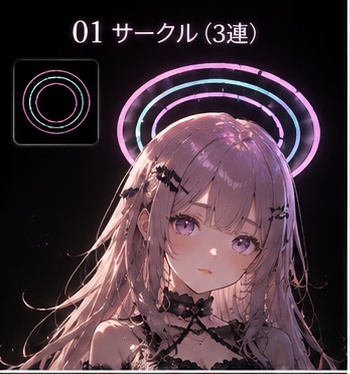
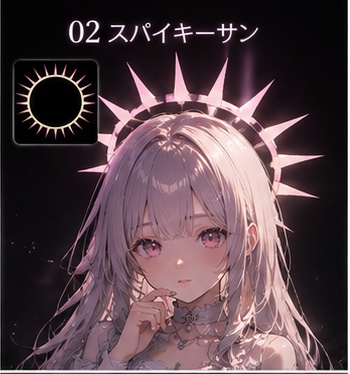
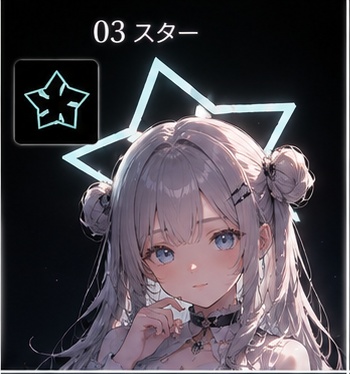
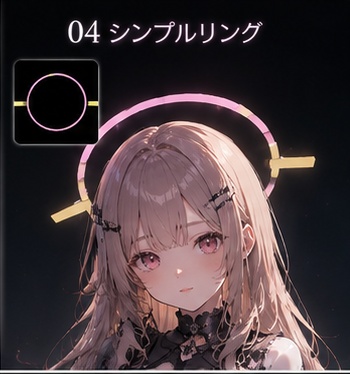
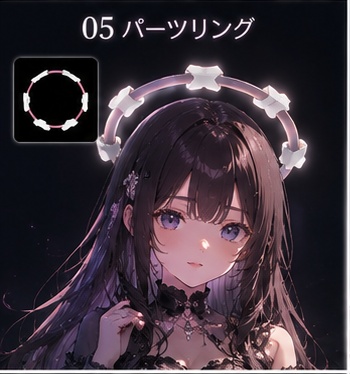
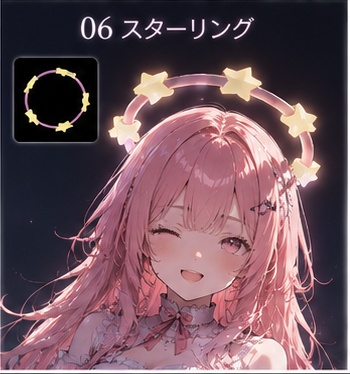
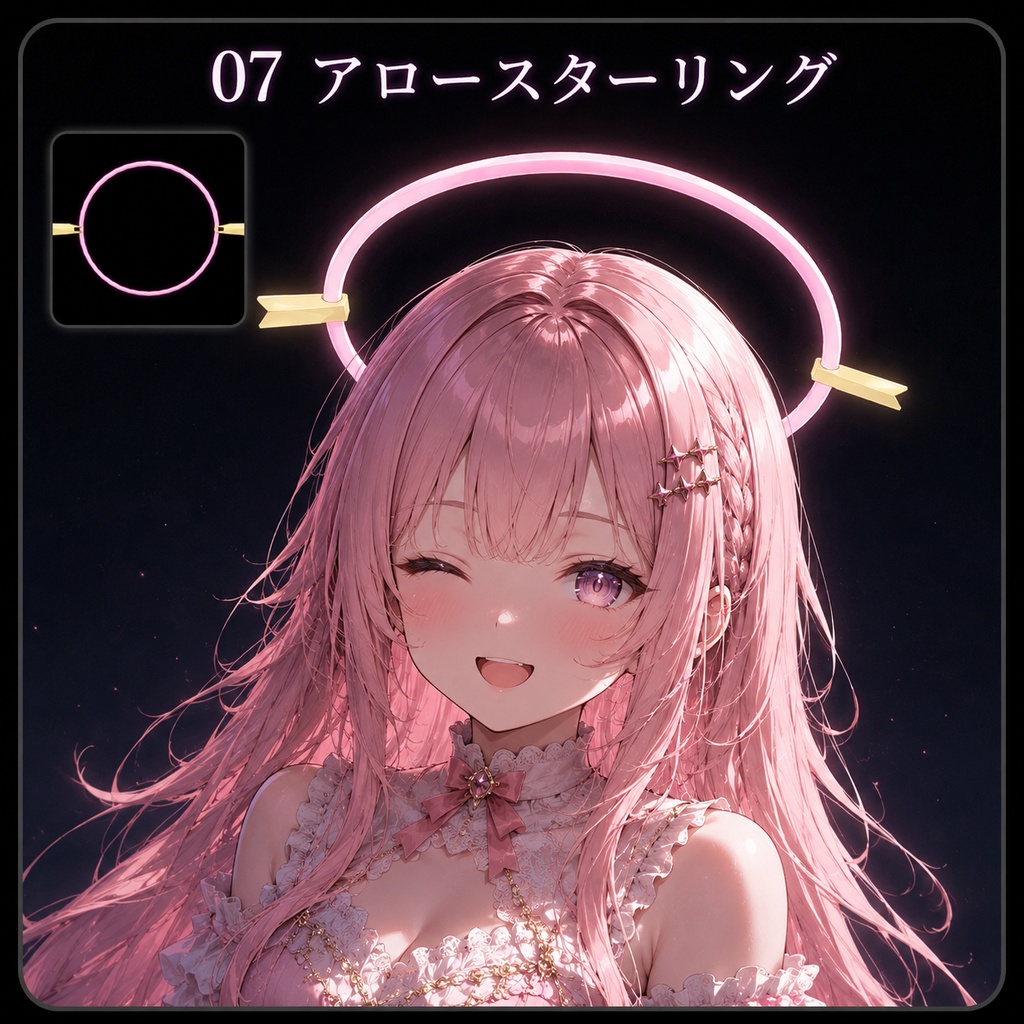
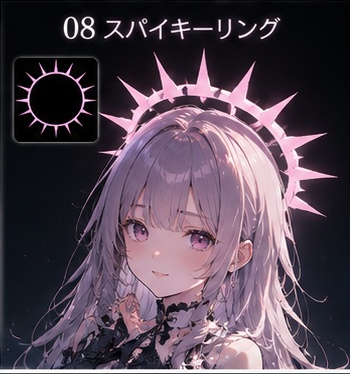
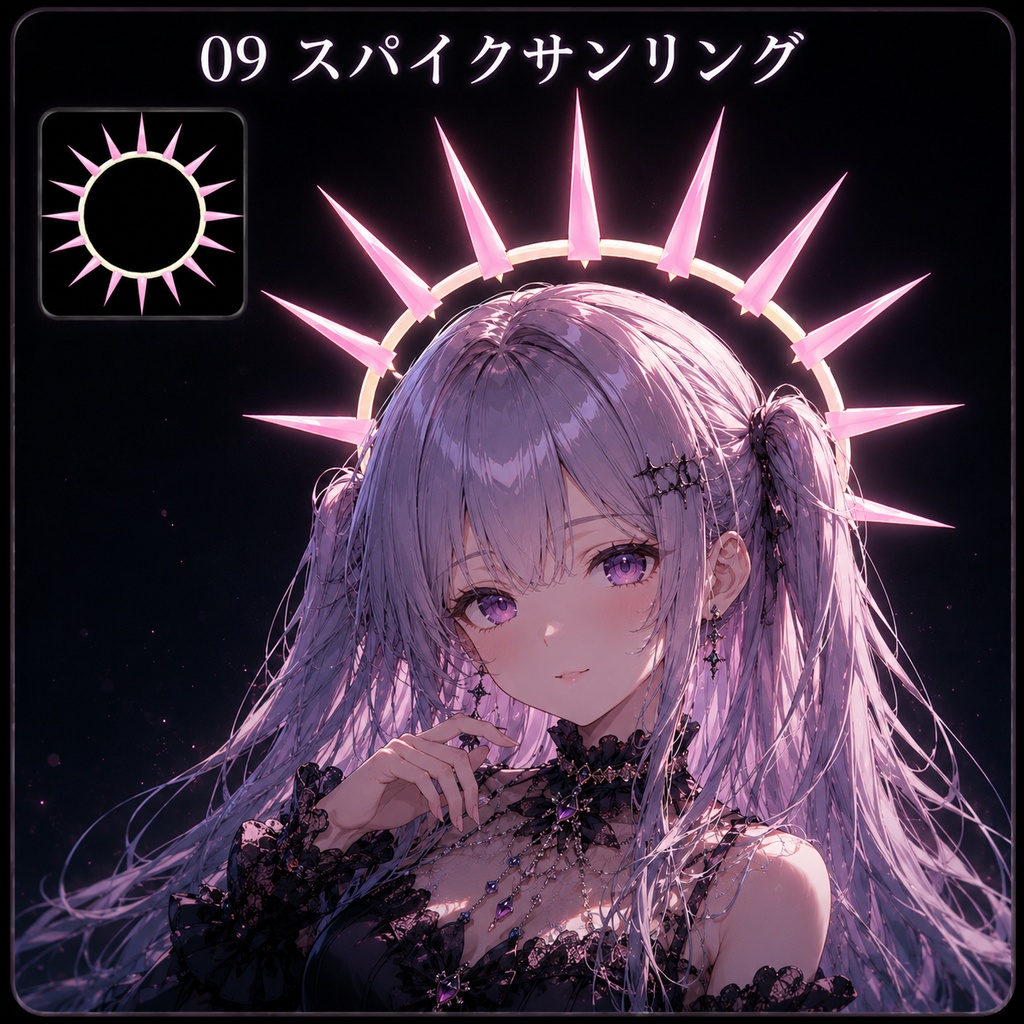
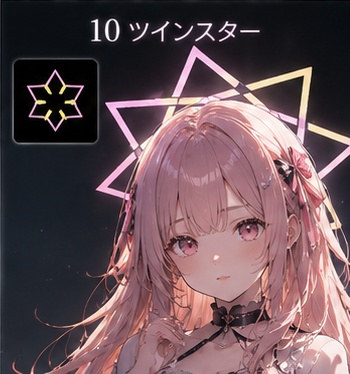


頭上でキラッと光る、天使の輪(ヘイロー)型アクセサリー10種セットです。 星型・羽根つき・後光・多重リング…と、形から違う10デザイン。 ゆめかわ系から派手め・天使系まで、幅広いアバターに合わせられます。 発光(エミッション)設定済みなので、VRChat内でそのまま華やかに光ります。 prefabは頭の上に乗る位置に調整済み。頭ボーンに入れて微調整するだけ。 ────────────────────────────────── ■ 収録内容(全10種) ・F01 StarRing Pink … 星型リング / ホットピンク ・F02 Winged Cyan … 天使の羽根 / シアン ・F03 Spike Purple … 放射トゲ(後光)/ パープル ・F04 Multi Gold … 4重リング / ゴールド ・F05 BigStar Magenta … 大きな星 / マゼンタ ・F06 BigHeart Red … 大きなハート / レッド ・F07 Winged Pink … 天使の羽根 / ホットピンク ・F08 StarRing Cyan … 星型リング / シアン ・F09 Spike Gold … 放射トゲ(後光)/ ゴールド ・F10 Multi Rainbow … 3重リング / ピンク×シアン ────────────────────────────────── ■ パフォーマンスについて ・三角形数:各 約320〜1,920(とても軽量) ・マテリアル:各 1〜2個 ・アバターに追加してもパフォーマンスへの影響は小さい設計です ・実際のランクは装着先アバターとの合算で決まります ────────────────────────────────── ■ 発光について lilToon の発光機能で光るよう設定済みです。 発光色・強さは lilToon 上で自由に変更できます。 ※ 見え方はワールドのライティングにより変わります。 ────────────────────────────────── ■ 色替えについて リング・飾りの色は lilToon のマテリアルから変更できます。 お好みの色に着せ替えて、10種以上のバリエーションを楽しめます。 ────────────────────────────────── ■ 同梱物 ・halo_collection.unitypackage(10種すべて収録) ・Readme.txt(導入手順) ・利用規約.txt ────────────────────────────────── ■ 導入に必要なもの ・Unity(VRChat SDK対応バージョン) ・VRChat SDK3 - Avatars ・lilToon シェーダー(別途ご導入ください) ・装着先となるアバター ※ lilToon はライセンスの都合上、同梱しておりません。 配布元:https://lilxyzw.github.io/lilToon/ ────────────────────────────────── ■ 導入方法(かんたん3ステップ) 1. unitypackage をインポート 2. 使いたいヘイローの prefab を、アバターの 頭(Head)ボーンの子にドラッグ 3. Transform を Position(0, 0.22, 0)/ Rotation(90, 0, 0)/ Scale 1 にセット → 頭のサイズに合わせて微調整 詳しい手順は同梱の Readme.txt をご覧ください。 ────────────────────────────────── ■ 利用規約(抜粋) ・購入者ご本人の個人利用・商用利用OK(クレジット任意) ・改変・色変更OK ・再配布・譲渡・転売は禁止 ・AI学習への利用は禁止 ・センシティブ表現はゾーニング必須 詳細は同梱の「利用規約.txt」を必ずご確認ください。 ご購入をもって規約に同意いただいたものとみなします。 ────────────────────────────────── ■ 注意事項 ・PC版を想定しています(Quest は別途対応が必要な場合があります) ・位置合わせは、アバターの頭のサイズにより微調整が必要です ・Rotation X=90 で輪が水平(天使の輪の向き)になります ・商品の特性上、返品はできません。 A set of 10 glowing halo accessories that float and shine above your avatar's head. Ten distinct designs - star-shaped rings, winged halos, radiant spikes, multi-layered rings, and more. From cute "yumekawa" styles to bold and angelic looks, they suit a wide range of avatars. Emission is pre-configured, so they glow beautifully in VRChat right out of the box. The prefabs are pre-positioned to sit above the head - just attach to the head bone and fine-tune. ────────────────────────────────── ■ Contents (10 types) ・F01 StarRing Pink - Star-shaped ring / Hot Pink ・F02 Winged Cyan - Angel wings / Cyan ・F03 Spike Purple - Radiant spikes / Purple ・F04 Multi Gold - Quad ring / Gold ・F05 BigStar Magenta - Big stars / Magenta ・F06 BigHeart Red - Big hearts / Red ・F07 Winged Pink - Angel wings / Hot Pink ・F08 StarRing Cyan - Star-shaped ring / Cyan ・F09 Spike Gold - Radiant spikes / Gold ・F10 Multi Rainbow - Triple ring / Pink x Cyan ────────────────────────────────── ■ Performance ・Triangles: approx. 320-1,920 each (very lightweight) ・Materials: 1-2 each ・Minimal impact on avatar performance when added ・Actual rank depends on the combined total with your avatar ────────────────────────────────── ■ Emission Pre-configured to glow using lilToon's emission feature. Emission color and strength can be freely adjusted in lilToon. ※ Appearance varies with world lighting - glows more in dark worlds. ────────────────────────────────── ■ Color Customization Ring and decoration colors can be changed via lilToon materials. Recolor them freely to enjoy even more variations. ────────────────────────────────── ■ Package Contents ・halo_collection.unitypackage (all 10 types included) ・Readme.txt (setup guide) ・Terms of Use.txt ────────────────────────────────── ■ Requirements ・Unity (a version compatible with VRChat SDK) ・VRChat SDK3 - Avatars ・lilToon shader (please import separately) ・An avatar to attach the accessory to ※ lilToon is NOT included due to licensing. Get it here: https://lilxyzw.github.io/lilToon/ ────────────────────────────────── ■ Setup (Easy 3 Steps) 1. Import the unitypackage 2. Drag your chosen halo prefab onto your avatar's Head bone (as a child) 3. Set Transform to Position(0, 0.22, 0) / Rotation(90, 0, 0) / Scale 1, then fine-tune for your head size See the included Readme.txt for detailed instructions. ────────────────────────────────── ■ Terms of Use (Summary) ・Personal & commercial use OK for the purchaser (credit optional) ・Modification & recoloring OK ・Redistribution, transfer, and resale are prohibited ・Use for AI training is prohibited ・Sensitive content requires proper zoning Please read the included "Terms of Use.txt" carefully. Purchase constitutes agreement to the terms. ────────────────────────────────── ■ Notes ・Designed for PC (Quest may require separate setup) ・Positioning requires fine-tuning based on head size ・Rotation X=90 makes the ring horizontal (halo orientation) ・As this is digital data, no returns or refunds are possible after purchase. ────────────────────────────────── ──────────────────────────────────