
【Windows用ツール】マスコットメーカー — キャラ画像1枚でしゃべる配信マスコットが作れる / Mascot Maker: turn one character image into a talking desktop & stream mascot
- 個人利用ライセンス / Personal LicenseDigital2,500 JPY
- 受注・配布ライセンス / Commission & Distribution LicenseDigital10,000 JPY
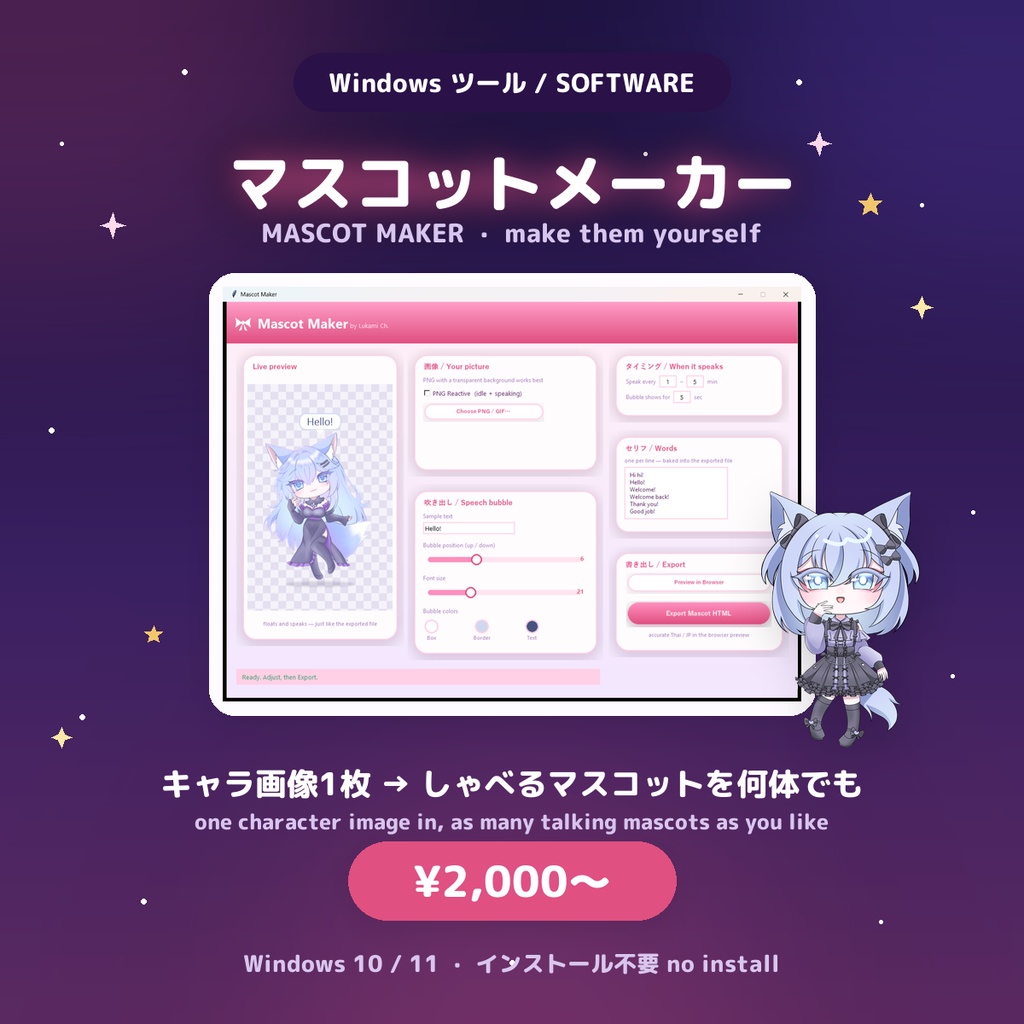
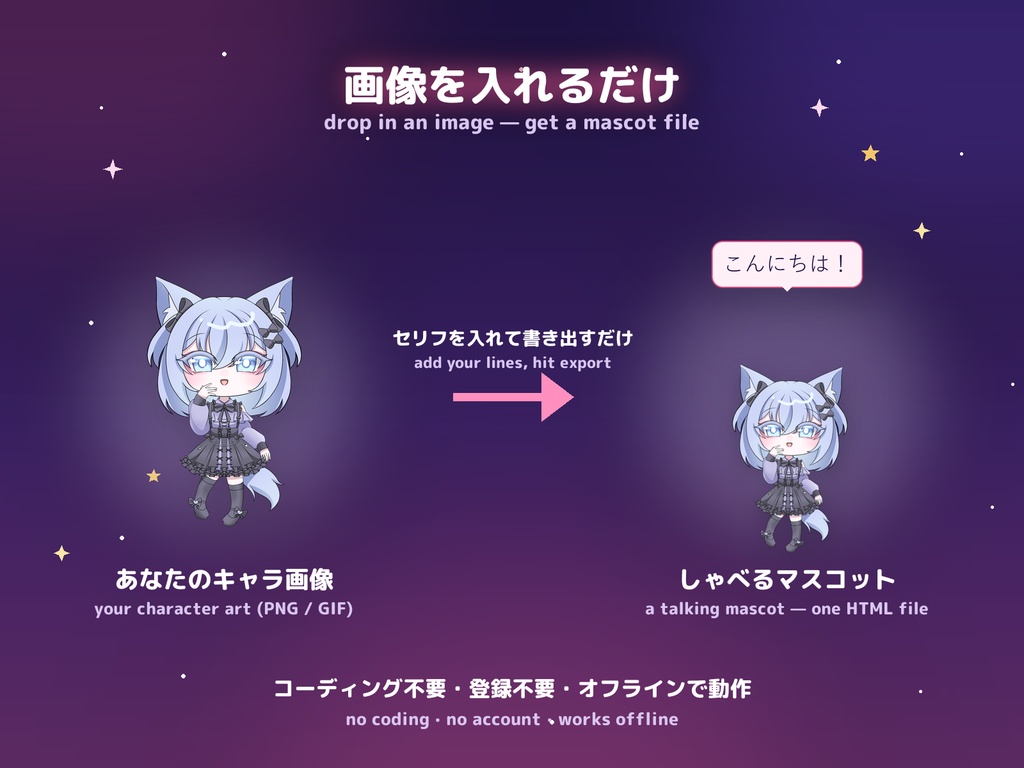
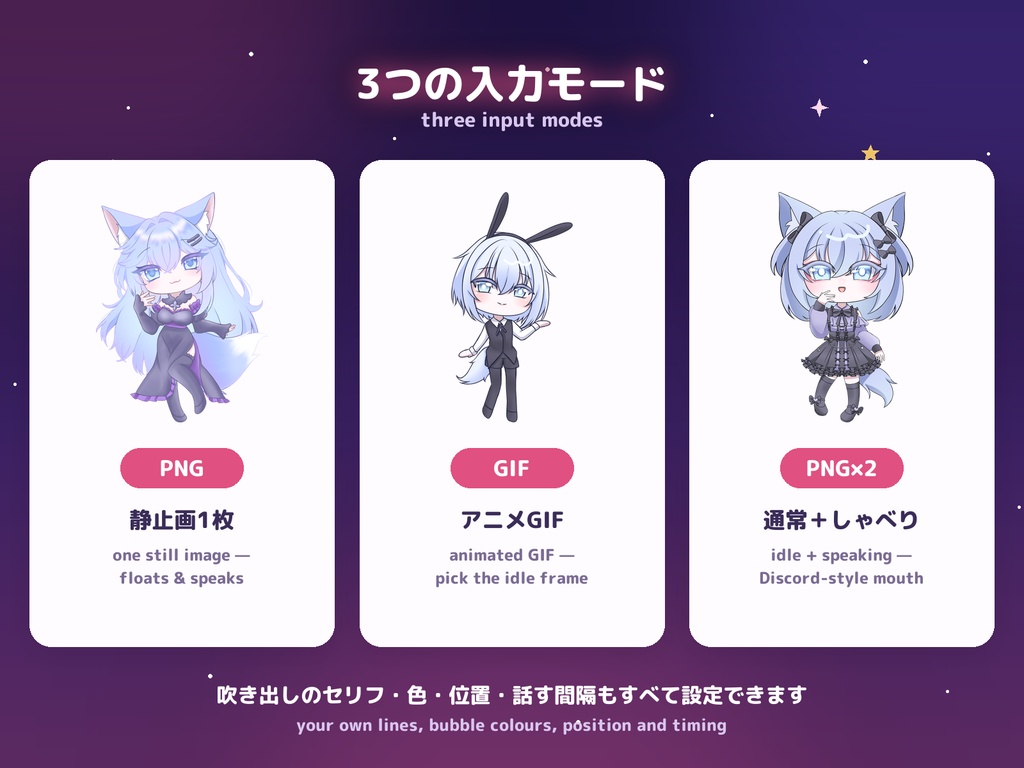
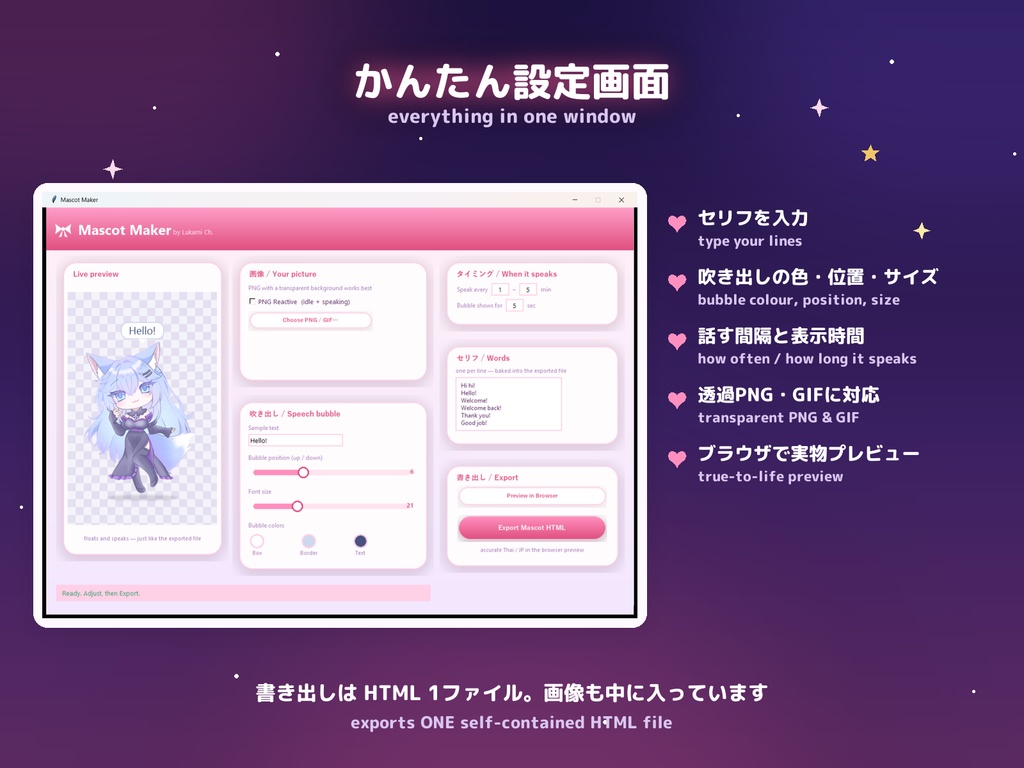
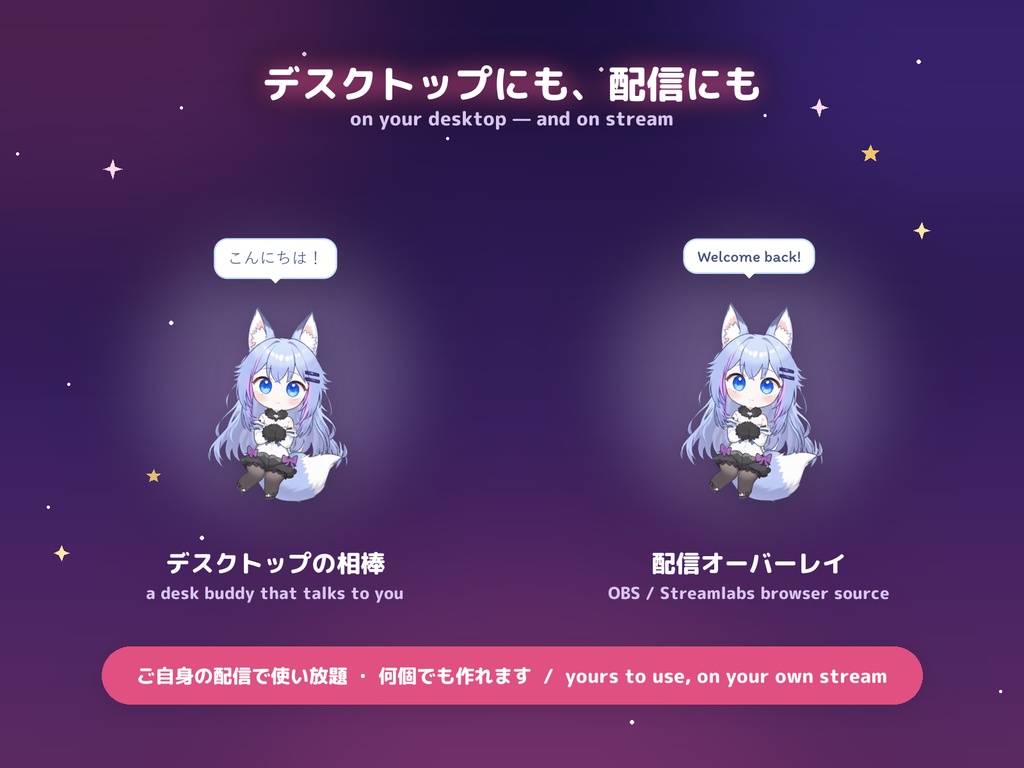
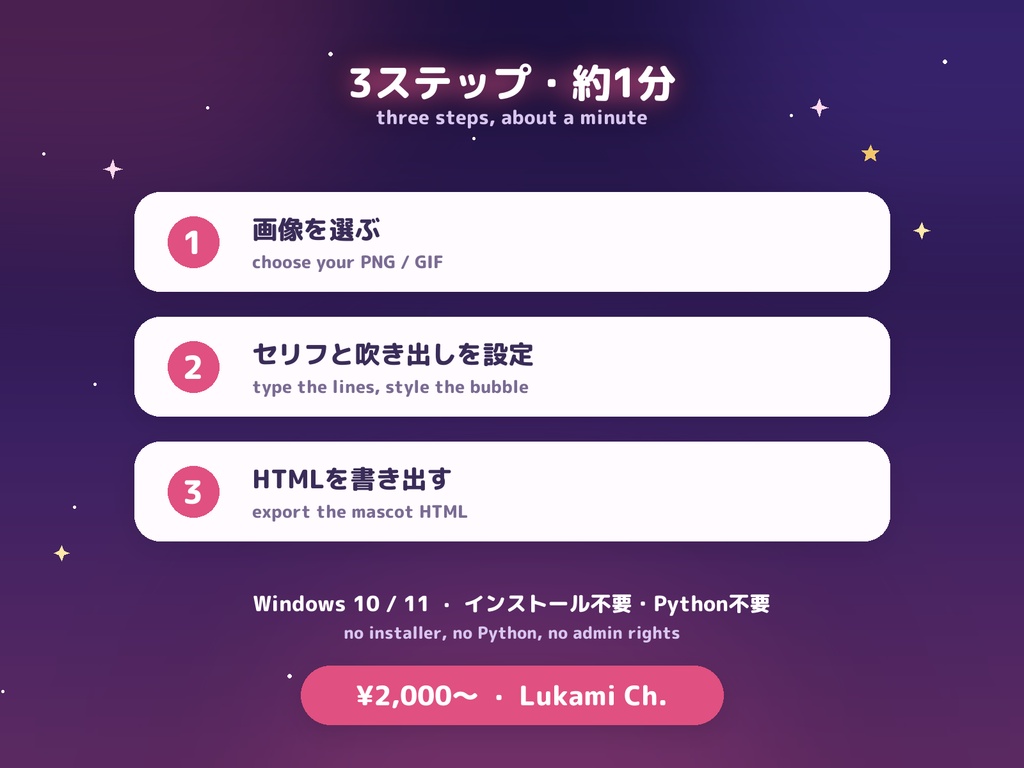
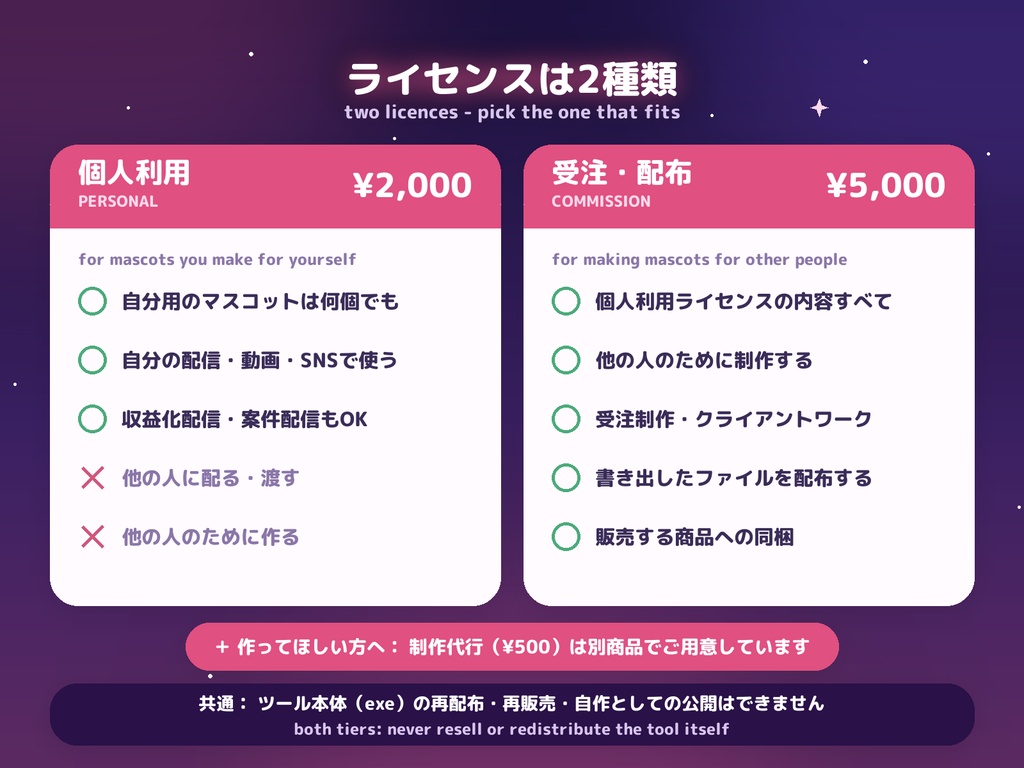
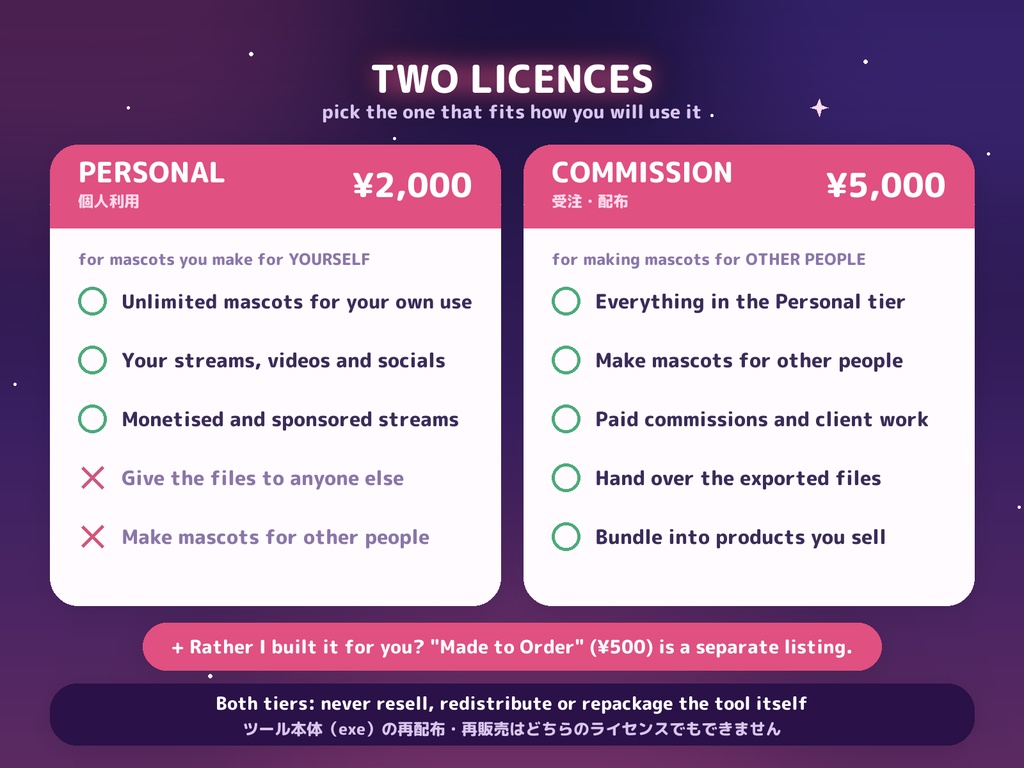


キャラクターの画像を1枚選ぶだけで、しゃべるマスコットのHTMLファイルを書き出すWindows用ツールです。 デスクトップに置いても、OBS / Streamlabs のブラウザソースに入れて配信画面に乗せてもOK。 ◆ できること ・PNG / GIF を選ぶだけ(背景が透過されたPNG推奨) ・セリフは1行1つ、好きなだけ登録。ランダムに吹き出しで話します ・吹き出しの色・位置・文字サイズ・話す間隔・表示時間をすべて調整可能 ・「PNG Reactive」モード:通常+しゃべりの2枚を使うと、話す時だけ絵が切り替わります ・GIF対応:待機時に止めるフレームを選べて、話す時だけループ再生 ・ブラウザで実物プレビュー(日本語・タイ語も正しく表示) ・書き出しはHTML 1ファイル。画像も中に埋め込まれるので、そのまま移動・共有できます ◆ 書き出したあと、自分で設定を変えられます ツールを開き直さなくても、HTMLの中身を変更できます。 1. HTMLを開いて、マスコットにマウスを乗せる 2. 右上に出る歯車をクリック 3. セリフ/話す間隔/吹き出しの表示時間/吹き出しの色 を書き換える 4. 「Save」を押す → その場で反映されます ▶ 手順を動画で見る(約35秒): https://youtu.be/gC9pJSNiYII ※OBS / Streamlabs の場合:ソースを右クリック →「対話」→ マウスを乗せる → 歯車 ※設定はそのブラウザ・ソースに保存されます。「Reset」で最初の状態に戻ります。 ◆ 動作環境 Windows 10 / 11(64bit)。インストール不要・Python不要・管理者権限不要。 アカウント登録もインターネット接続も不要で、完全オフラインで動作します。 ※初回起動は展開に20〜30秒かかります。「WindowsによってPCが保護されました」と出た場合は 「詳細情報」→「実行」を選んでください(署名がないだけで、外部送信は一切ありません)。 ◆ 同梱物 ・MascotMaker.exe 本体 ・サンプル画像3枚(動作確認用) ・書き出したマスコットの実例HTML ・説明書(日本語・英語) ◆ ライセンス(2種類あります) 【1】個人利用ライセンス ¥2,000 ご自身で使うマスコットを作るためのライセンスです。 ◯ 自分用のマスコットは何個作ってもOK ◯ ご自身の配信・動画・SNSで自由に使えます(収益化配信・案件配信も含みます) 配信で視聴者に見せることは「使用」であり、配布にはあたりません ✕ 書き出したマスコットのファイルを他の方にお渡しすること(有償・無償を問わず)、 および他の方のためにマスコットを制作すること 【2】受注・配布ライセンス ¥5,000 上記に加えて、以下が可能になります。 ◯ 他の方のためのマスコット制作(受注制作・クライアントワーク・無償配布) ◯ 書き出したマスコットのファイルの受け渡し・配布、ご自身が販売する商品への同梱 ◆ 「作り方を覚えるより、作ってほしい」方へ ツールを使わず、マスコットを1体こちらでお作りするプランを別商品でご用意しています。 🛍 制作代行(¥500): https://lukami.booth.pm/items/8656866 【共通】ツール本体(MascotMaker.exe)の再配布・再販売・再パッケージ化、および 自作としての公開は、どちらのライセンスでも禁止です。 入力するキャラクター画像の権利はご自身でご確認ください。同梱サンプルはLukamiの自作イラストです。 ※個人利用ライセンスをお持ちの方があとから受注・配布をご希望の場合は、このページで 受注・配布ライセンスをご購入ください(ファイルの再ダウンロードは不要です)。 ━━━━━━━━━━━━━━ 🛍 その他のLukamiウィジェット・配信素材: https://lukami.booth.pm/ ━━━━━━━━━━━━━━ ──────────── MASCOT MAKER — a Windows tool that turns ONE character image into a talking mascot. Pick a PNG or GIF, type the lines you want it to say, style the speech bubble, and export a single HTML file. Put it on your desktop, or drop it into OBS / Streamlabs as a Browser Source (Local file) to have it live on stream. - Works from your transparent PNG or GIF, used exactly as supplied - Your own lines, shown at random in a speech bubble - Bubble colour, position, font size, how often and how long it speaks - PNG Reactive mode: two images (idle + speaking) for a Discord-style talking look - GIF support: choose the idle frame, play full loops while speaking - Exports ONE self-contained HTML file (the image is embedded) AFTER EXPORT, YOU CAN STILL CHANGE IT No need to open the tool again. Open the HTML, hover the mascot, click the gear in the top-right corner, and edit the lines, how often it speaks, how long the bubble stays and the bubble colours. Press Save and it applies straight away. In OBS / Streamlabs: right-click the source -> Interact -> hover -> the gear. Watch the 35-second walkthrough: https://youtu.be/gC9pJSNiYII Windows 10 / 11, no installer, no Python, no account, works fully offline. LICENCE - two tiers: [1] Personal (¥2,000) - make unlimited mascots for YOURSELF and use them on your own streams, videos and social media, monetised ones included. Showing your mascot to an audience is use, not distribution. You may not hand the exported files to anyone else, paid or free, and you may not make mascots for other people. [2] Commission & Distribution (¥5,000) - all of the above, plus making mascots for other people (paid commissions, client work or free giveaways), distributing the exported files, and bundling them into products you sell. Would rather I just built it for you? "Mascot Made to Order" is a separate listing: https://lukami.booth.pm/items/8656866 Both tiers: never resell, redistribute or repackage the tool itself (MascotMaker.exe). 🛍 More Lukami assets: https://lukami.booth.pm/
