

GlitchHalo — TikTokギフトで投げ主の名前が回る VRChat 用ヘイロー / TikTok gifter name halo (OSC)
- GlitchHaloDigital500 JPY
- GlitchHalo + DonationDigital1,000 JPY
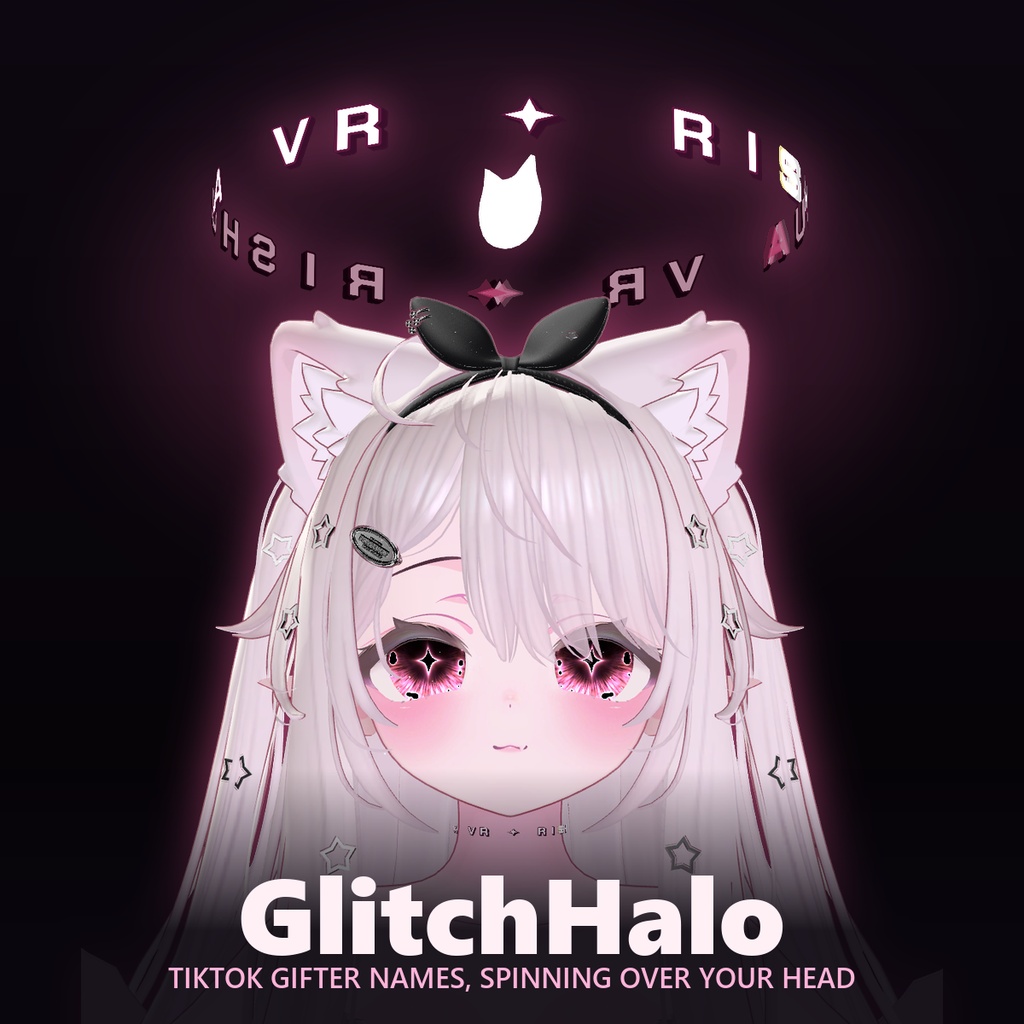
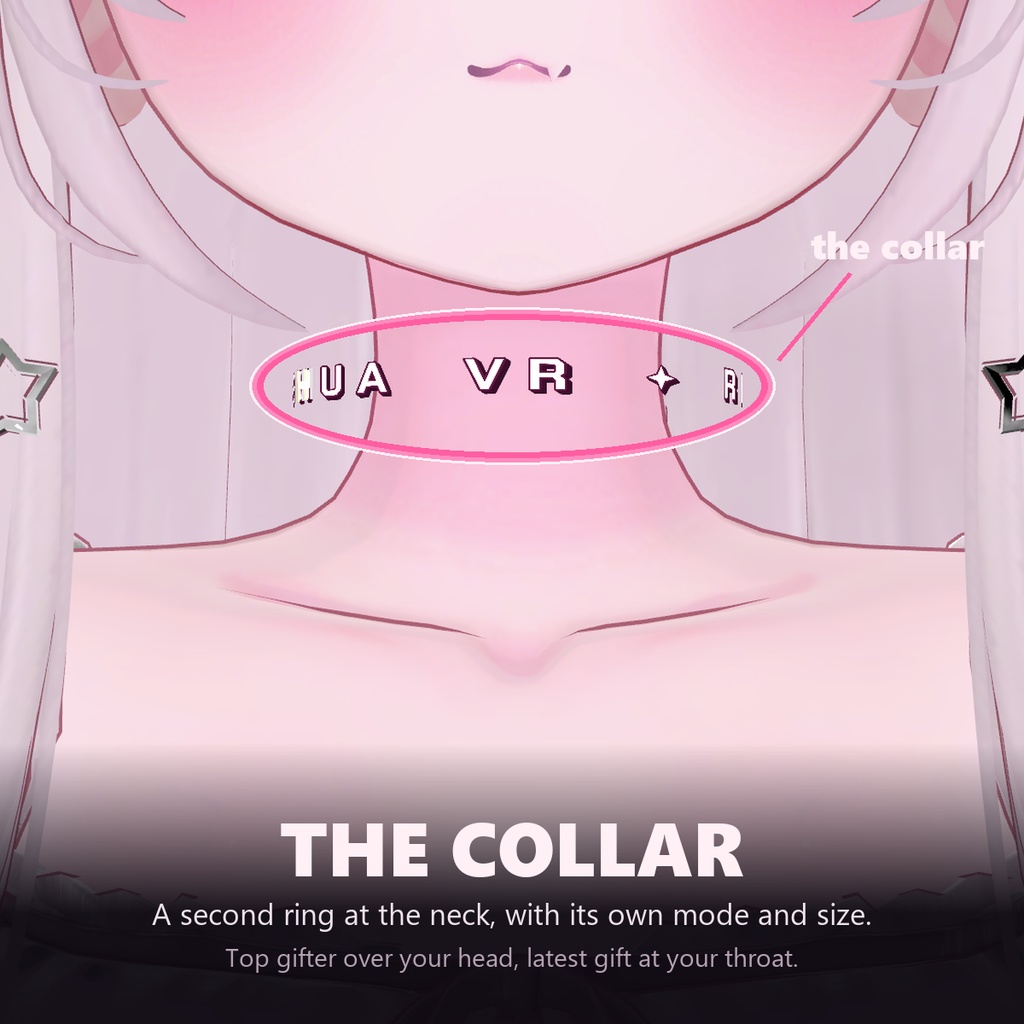
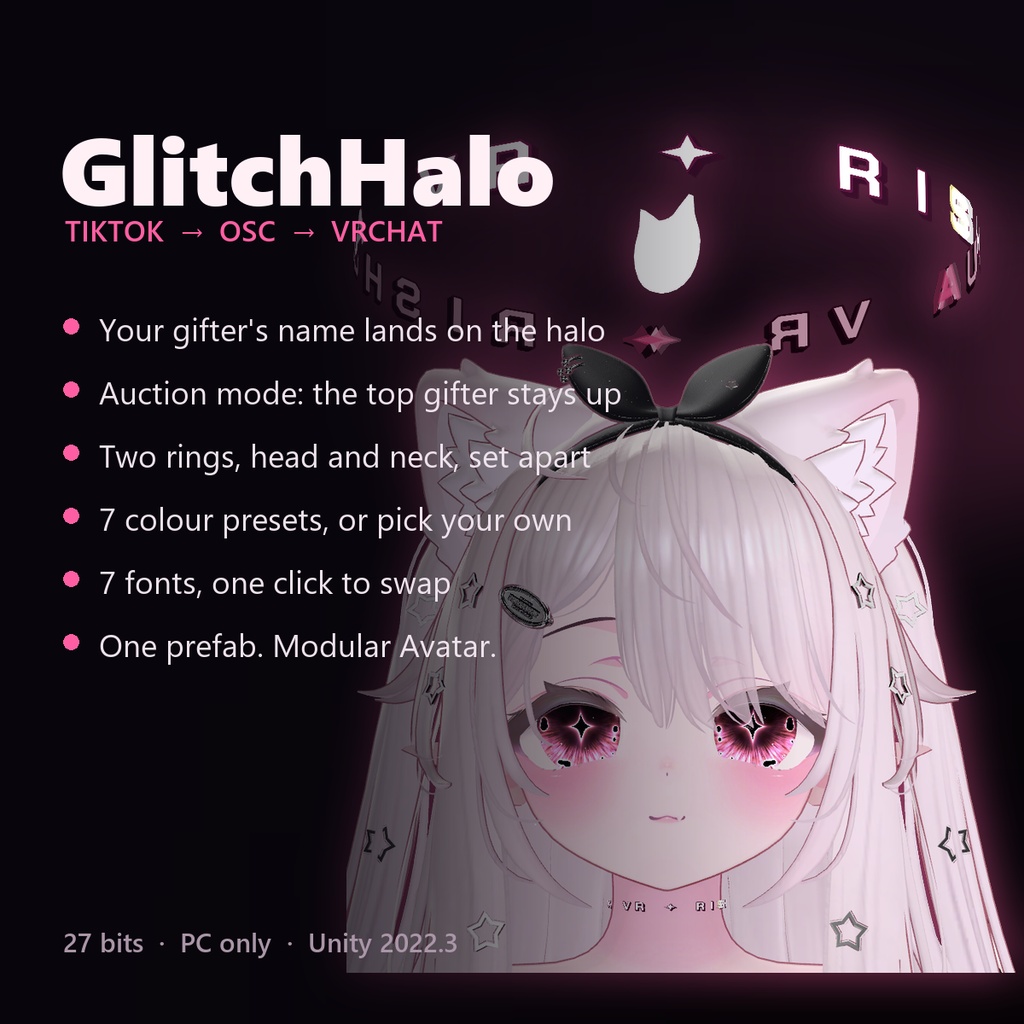


TikTok ライブでギフトが届くと、投げてくれた人の名前が頭上のヘイローに 流れます。OSC 経由なので、配信中に手を止める必要はありません。 When a gift lands on your TikTok live, the name of the person who sent it starts turning above your head. It runs over OSC, so you never stop what you are doing to thank someone by hand. ──────────────────────────────── できること / What it does ──────────────────────────────── ・ギフトを送った人の名前が、頭上のリングを回ります ・Auction モード: そのライブで一番多く投げた人の名前が、抜かれるまで残り ます ・リングは 2 つ。頭と首で別々のモードを選べます(頭 = Auction、首 = Last Gift、のような組み合わせも可) ・コイン数のプレートが名前の上に出ます。Auction のときは出しっぱなしにも できます ・色は 7 プリセット + 自由配色。フォントも 7 種類、どちらもワンクリック ・ヘイローは頭の動きにわずかに遅れて追いつきます(PhysBone、12 度) ・The gifter's name turns on a ring above your head ・Auction mode: the biggest gifter of the stream stays up there until somebody outspends them ・Two rings, head and neck, each on its own mode. Head on Auction and neck on Last Gift is a combination that works ・A coin plate above the name, which can be held on permanently in Auction ・7 colour presets plus your own, and 7 fonts, both one click ・The halo lags a little behind your head, then settles (PhysBone, 12°) ──────────────────────────────── 必ずお読みください / Please read this first ──────────────────────────────── 名前のテキストは【ローカル専用】です。自分には見えます。VRChat のカメラ にも OBS にも映ります。ワールドにいる他のプレイヤーには初期テキストが 見えます。 これは不具合ではなく、直せません。OSC はアバターの持ち主の PC でしか 動かないため、文字が他人のクライアントに届くことが物理的にありません。 24 文字分を同期すると 192 ビット、アバター予算のほとんどを使い切ります。 配信に映すためのギミックであって、ワールドで見せ合うためのものではない、 とご理解ください。 The name text is LOCAL ONLY. You see it. Your VRChat camera sees it. OBS sees it. Other players in the world see the default text instead. This is not a bug and it cannot be fixed. OSC only runs on the avatar owner's PC, so the characters physically never reach anyone else's client, and syncing 24 characters would cost 192 bits — most of an avatar's budget. This is a gimmick for your stream, not for showing off in a world. ──────────────────────────────── 必要なもの / Requirements ──────────────────────────────── ・VCC で作った Unity 2022.3 のアバタープロジェクト ・Modular Avatar 1.17.1 以降 ・lilToon(中央アイコンで使用) ・Head と Neck ボーンを持つヒューマノイドアバター ・Expression Parameters の空き 27 ビット ・PC 版アップロード(Quest 非対応) ・Windows 10/11(同梱アプリ用) ・TikTok ライブの配信権限。EulerStream の無料 sign API キー ・Unity 2022.3 avatar project made through VCC ・Modular Avatar 1.17.1 or newer ・lilToon (the centre icon uses it) ・A humanoid avatar with Head and Neck bones ・27 bits free in Expression Parameters ・PC upload. There is no Quest version of the shader ・Windows 10/11 for the bundled app ・TikTok live access, plus a free EulerStream sign API key ──────────────────────────────── 導入 / Setup ──────────────────────────────── 1. unitypackage をインポート 2. Assets/GlitchHalo/GlitchHalo.prefab をアバターのルート直下にドラッグ 3. アップロード 4. アプリを起動し、TikTok のユーザー名を入れて Start Prefab を Unpack する必要も、FX コントローラーを触る必要もありません。 1. Import the unitypackage 2. Drag Assets/GlitchHalo/GlitchHalo.prefab under your avatar root 3. Upload 4. Run the app, type your TikTok username, press Start No unpacking the prefab, no editing the FX controller. ──────────────────────────────── 同梱物 / What you get ──────────────────────────────── ・GlitchHalo_MA_DragDrop_v1.1.0.unitypackage(ヘイロー本体) ・GlitchHalo_Setup.exe(Windows アプリ、ユーザー単位インストール) ・README(日本語 / English / 한국어 / 中文 / Bahasa Indonesia) エディタ用ツールは 5 言語対応です(Set Color / Set Font / Set Default Text)。アプリの UI も同じ 5 言語から選べます。 ・The halo package ・The Windows app installer (per-user, no admin rights) ・READMEs in Japanese, English, Korean, Chinese and Indonesian The editor tools speak all five languages too, and so does the app. ──────────────────────────────── API キーについて / About the API key ──────────────────────────────── TikTok を安定して読むには EulerStream の sign API キーが必要です。 eulerstream.com で無料登録し、アプリの入力欄に貼り付けてください。 キーは同梱していません。これは意図的です。1 つのキーを複数人で使うと 1 日の上限も共有することになり、誰かが上限に当たった時点で全員止まります。 A free EulerStream sign API key is needed to read TikTok reliably. Sign up at eulerstream.com and paste the key into the app. No key ships with this. That is deliberate: one shared key means one shared daily limit, and the moment somebody hits it, everybody stops. ──────────────────────────────── 規約 / Terms ──────────────────────────────── ・改変可 / You may modify it ・自分のアバターでの利用、配信・動画での利用可 / Use it on your avatars, in streams and in videos ・再配布・再販売不可(改変後も含む)/ No redistribution or resale, modified or not ・素材単体での配布不可 / Do not distribute the assets on their own ・返金は不可。ローカル専用の項目を読んだうえでご購入ください / No refunds. Please read the local-only section before buying 同梱フォントは SIL Open Font License の Google Fonts です。一覧は LICENSE_fonts.txt にあります。 The bundled fonts are Google Fonts under the SIL Open Font License; the list is in LICENSE_fonts.txt. ──────────────────────────────── サポート / Support ──────────────────────────────── 不具合や質問は BOOTH のメッセージからどうぞ。 「動かない」の大半は VRChat 側で OSC が切れているだけです。まず Action Menu > Options > OSC > Enabled をご確認ください。 Questions and bug reports through BOOTH messages. Most "it doesn't work" turns out to be OSC switched off in VRChat: check Action Menu > Options > OSC > Enabled first.