
Matrix Shader Glyphs
- Digital0 JPY
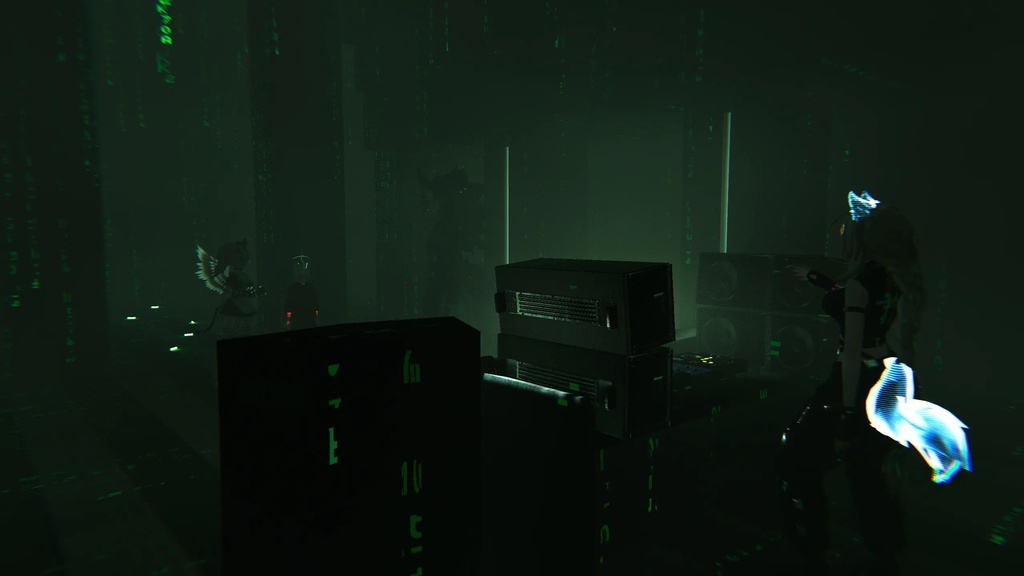
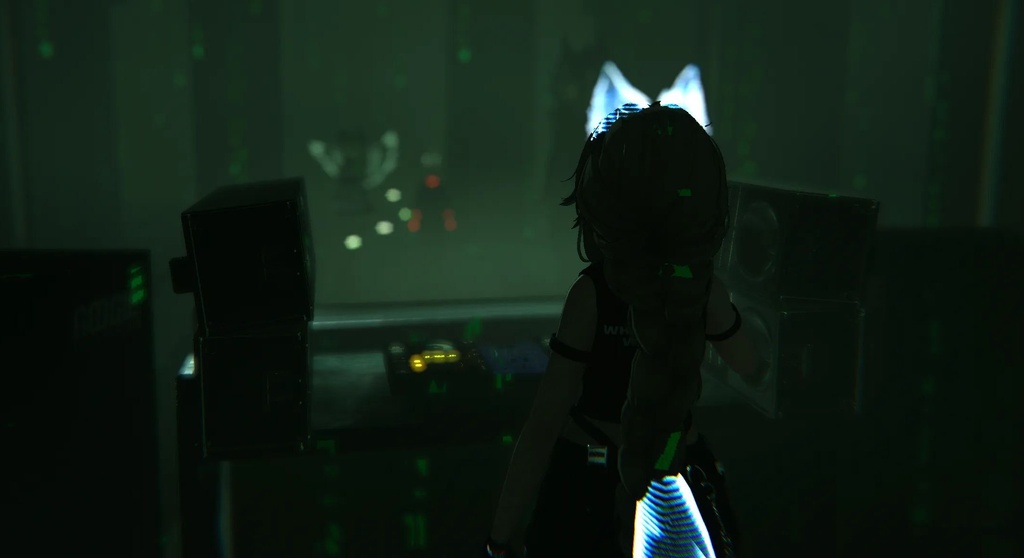


// CUSTOM MATRIX SHADER Drop the Unity package into your project. Create a cube around the area you want the effect to work in, then create a new material and assign it the Shader to the material. Apply this to the cube! The shader displays animated Matrix-style glyphs across the walls, floors, ceilings, and other surfaces inside the volume. There are several options in the material to adjust things like glyph size, speed, trail length, brightness, opacity, and color. Please note: the larger the cube, the more performance it may use, so try to keep the volume only as large as you need.
LICENSE AGREEMENT
License The original shader, materials, setup, and other content created specifically for this package are released under CC0 1.0. They may be copied, modified, redistributed, reuploaded, and used for personal or commercial purposes without permission or attribution. The included glyph artwork is derived from Rezmason’s “matrix” project and remains licensed under the MIT License. Copyright and attribution for those assets belong to Rezmason. The applicable MIT license notice is included with this package. This project is unofficial and is not affiliated with, sponsored by, or endorsed by Rezmason, VRChat, or any other third party. All content is provided “as is,” without warranties or guarantees of any kind. The authors and contributors assume no responsibility or liability for damages, losses, misuse, incompatibility, data loss, account or platform action, or other issues resulting from installation, modification, redistribution, or use. Use at your own risk.