
Pink Colored Eye Texture
- Digital0 JPY
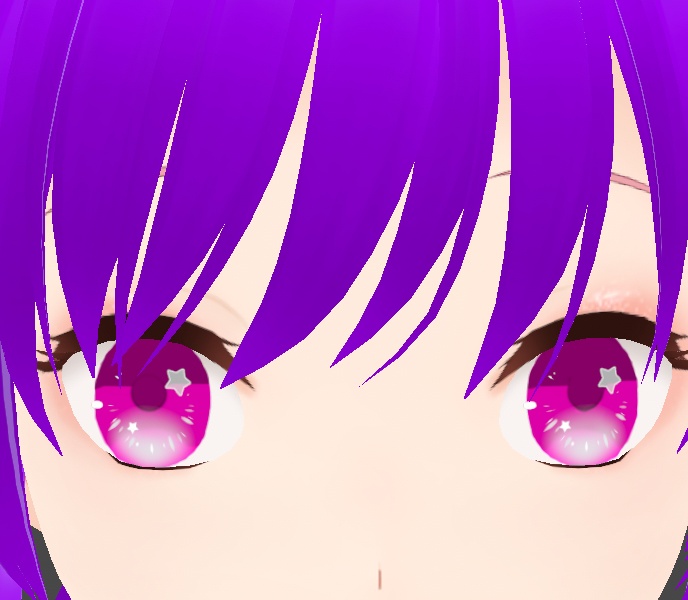
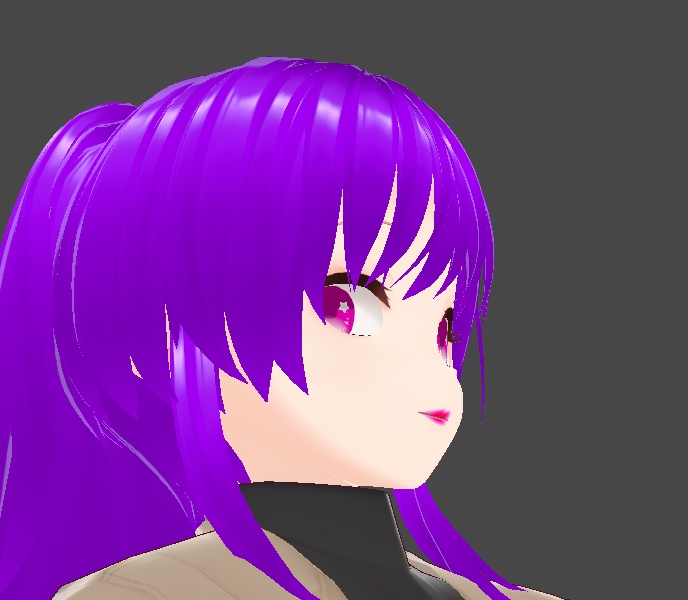



You will receive a png of the eye texture "Pink Colored Eye Texture " that you can upload right into VRoid Studio as custom eyes for your character.
How to Apply This Textures of
1. Download the PNG 2. Navigate to the Iris Section in the New V1 VRoid. 3. Click edit texture upper right in VRoid Studio. 4. Click the plus sign to create a new layer. 5. Right-click on top of the new layer and select "import" 6. Select the PNG you download here. Your eye texture should now be visible on your model.
Terms Of Service
-You may edit this texture. -Commercial use is ok (Twitch, YouTube, ect.) -Credit is not required but always appreciated! -You can not resell (even edited versions). -You can not sell characters/avatars with this texture. -Do not share this texture with others who have not purchased the original. -Do not claim ownership of this texture. -I am not liable for any issues when using this texture.