

Yuko Mai - VRChat Men's Clothing / CP10
- Full Pack: ALL INCLUDED!Digital3,200 JPY
- Minase CompatibleDigital1,200 JPY
- Bokusei (PlusHead Body) CompatibleDigital1,200 JPY
- Hanka CompatibleDigital1,200 JPY
- Yomura CompatibleDigital1,200 JPY
- Shizune CompatibleDigital1,200 JPY
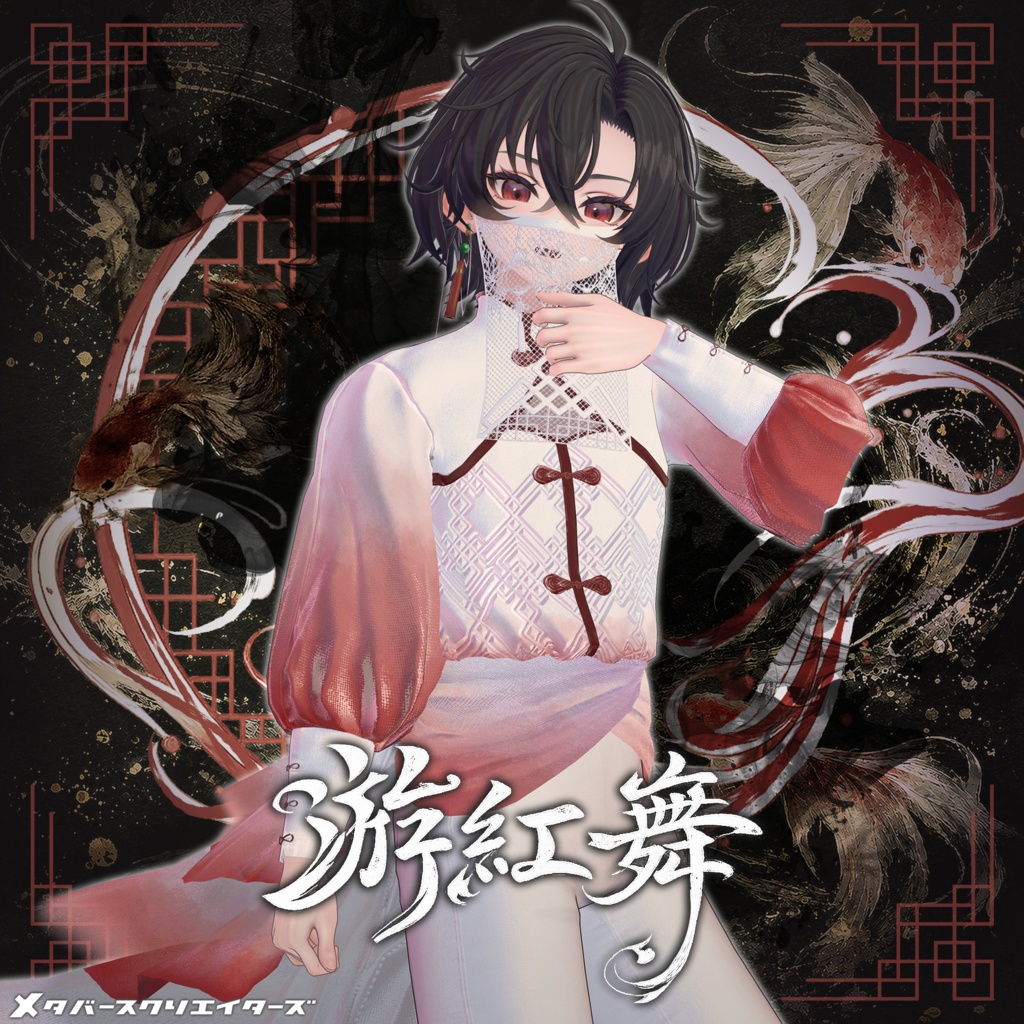
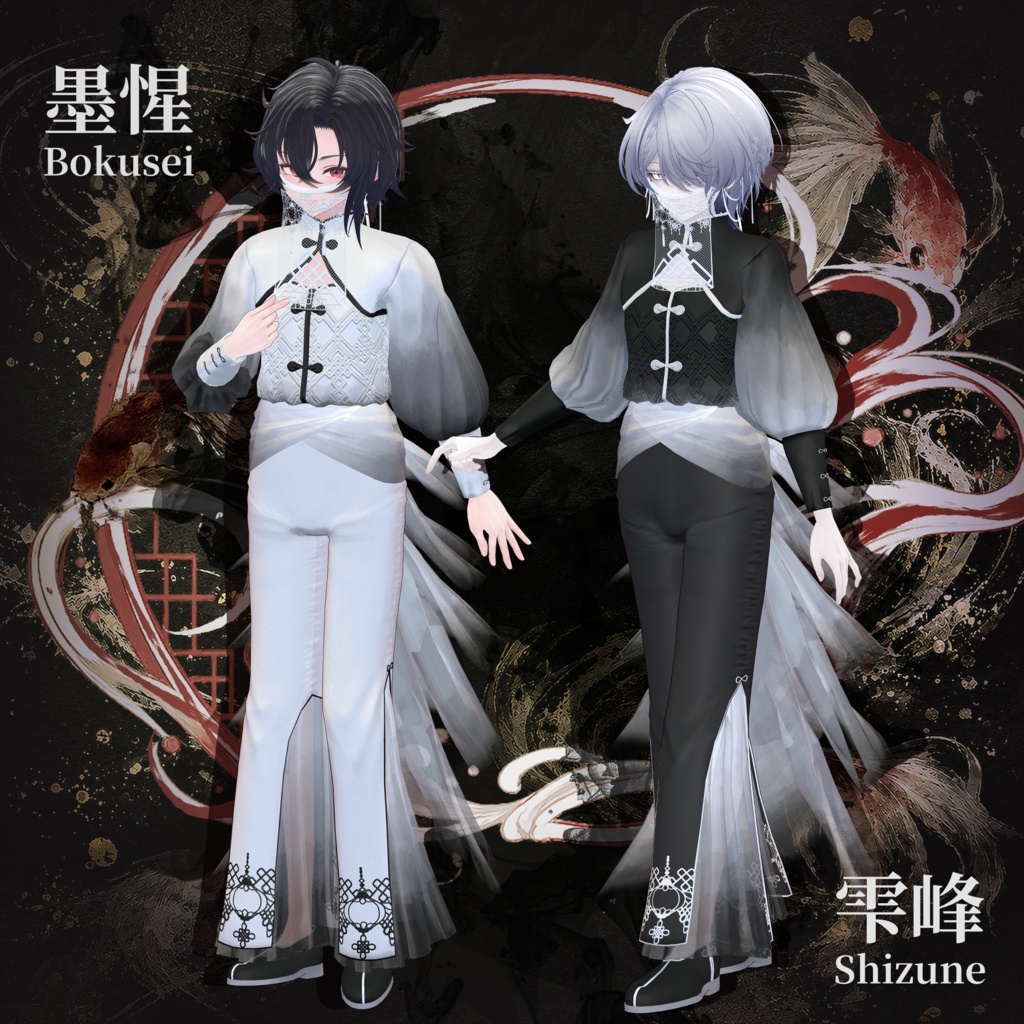
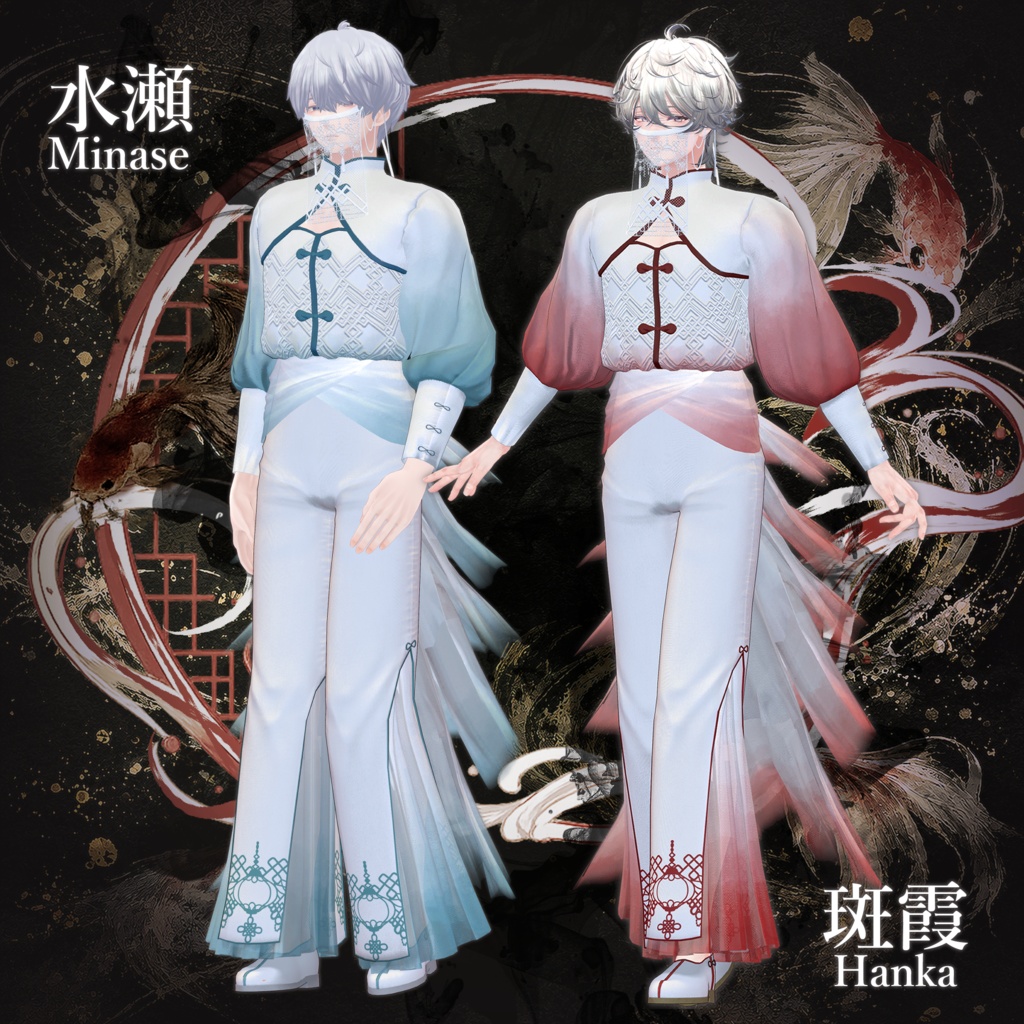
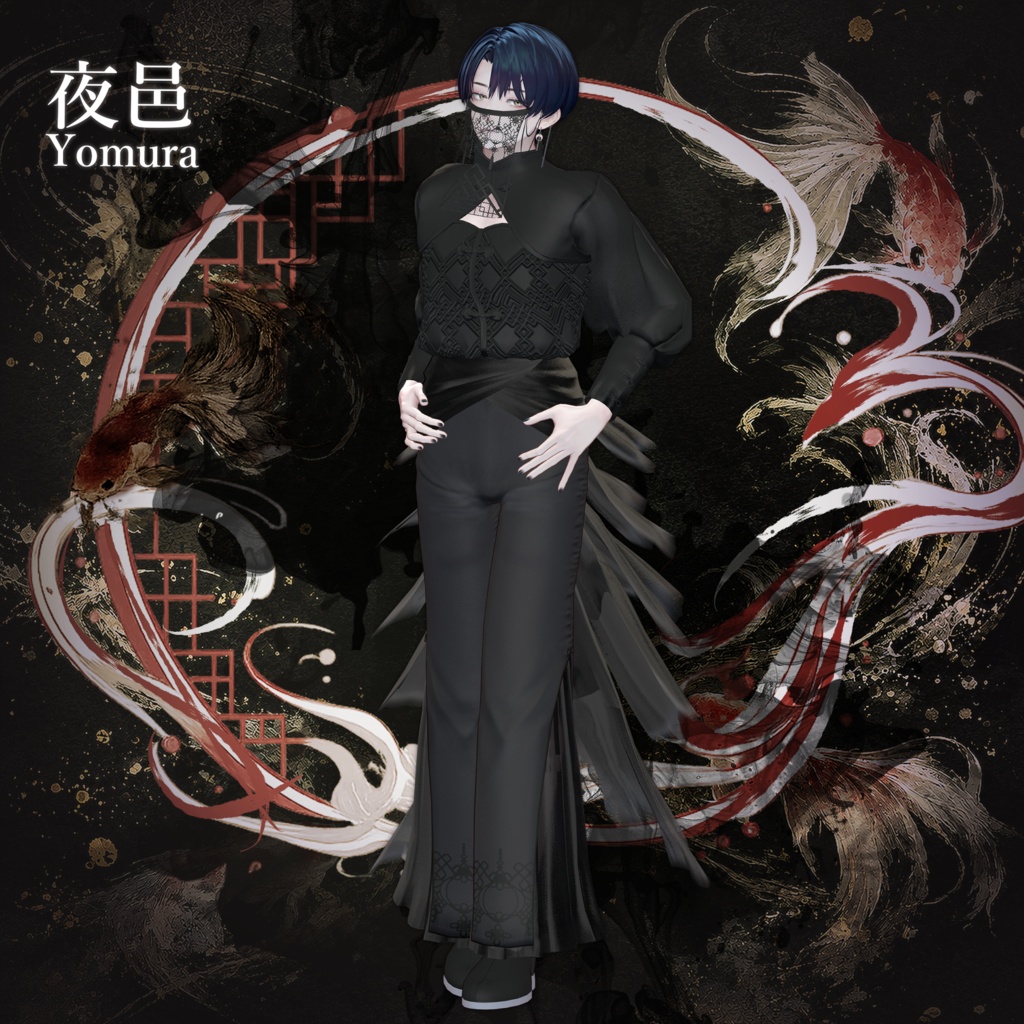
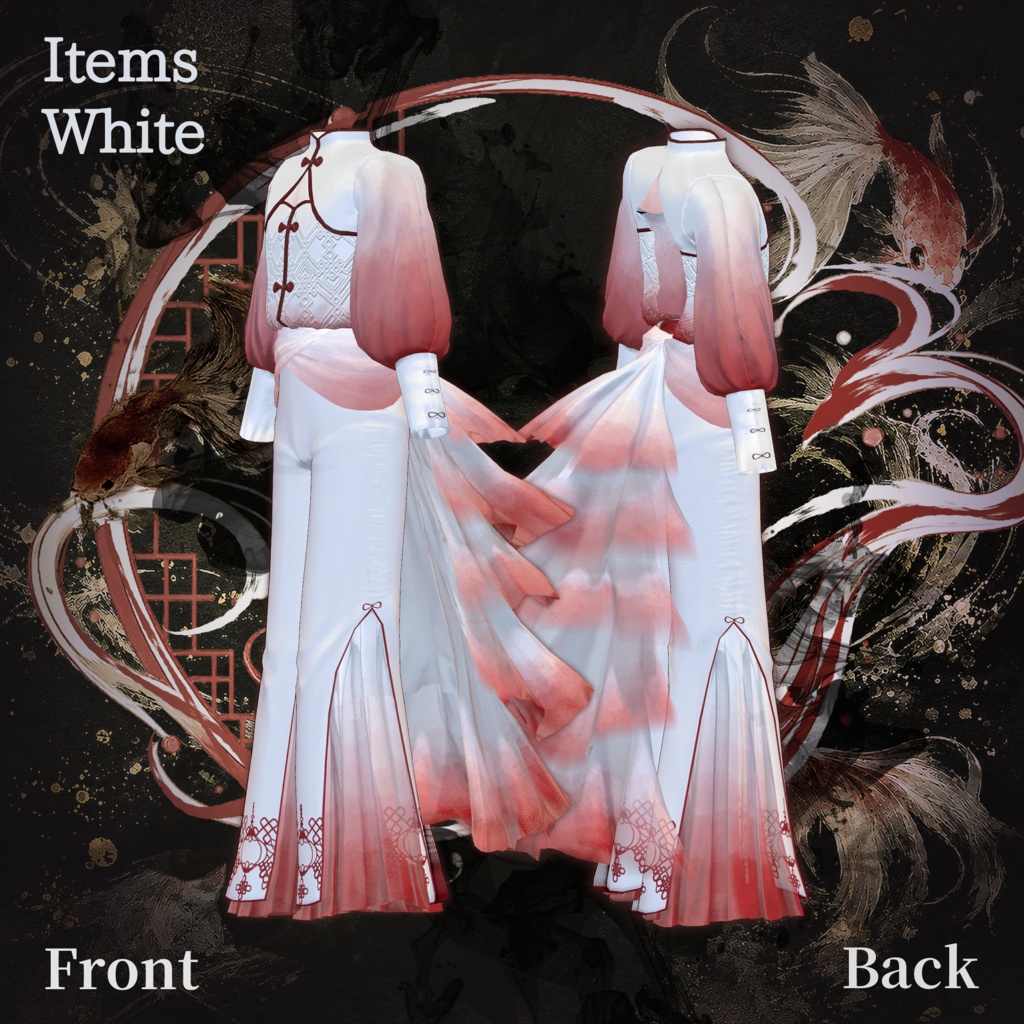
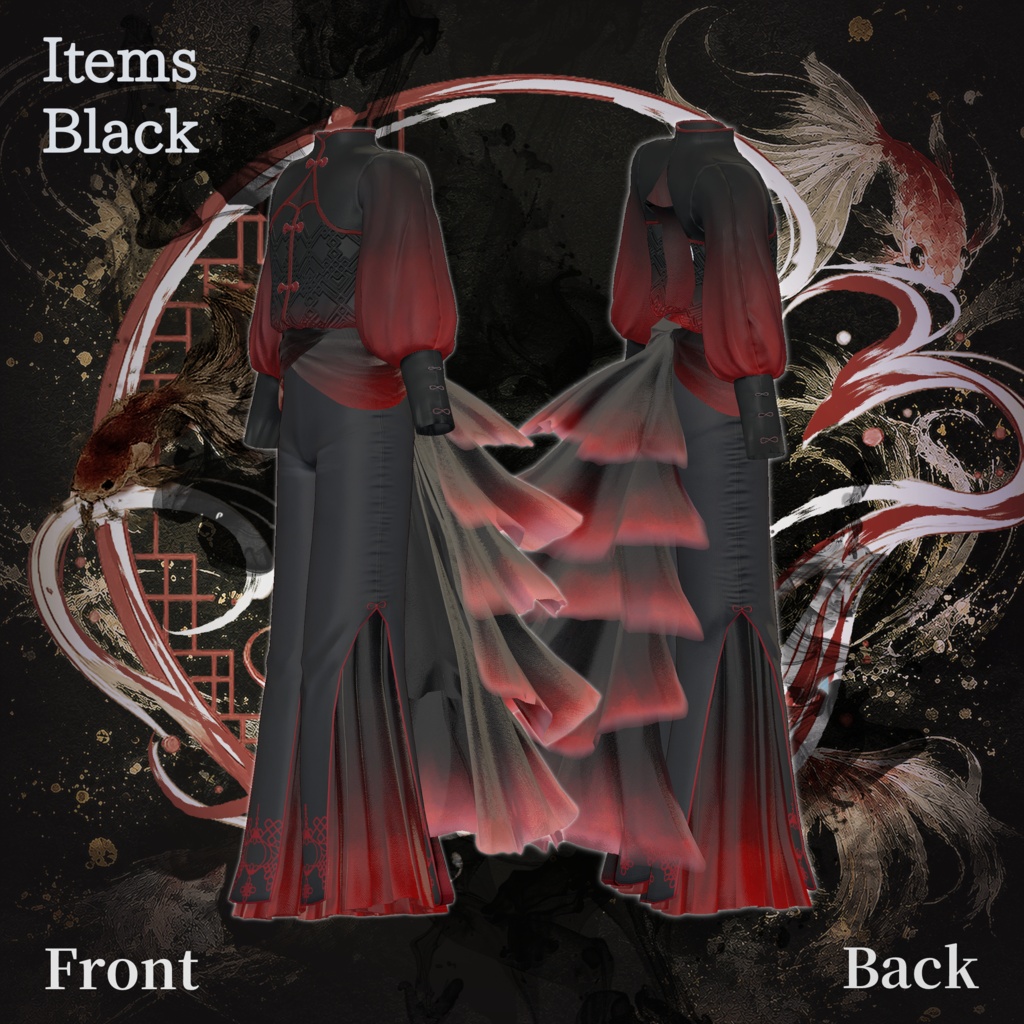
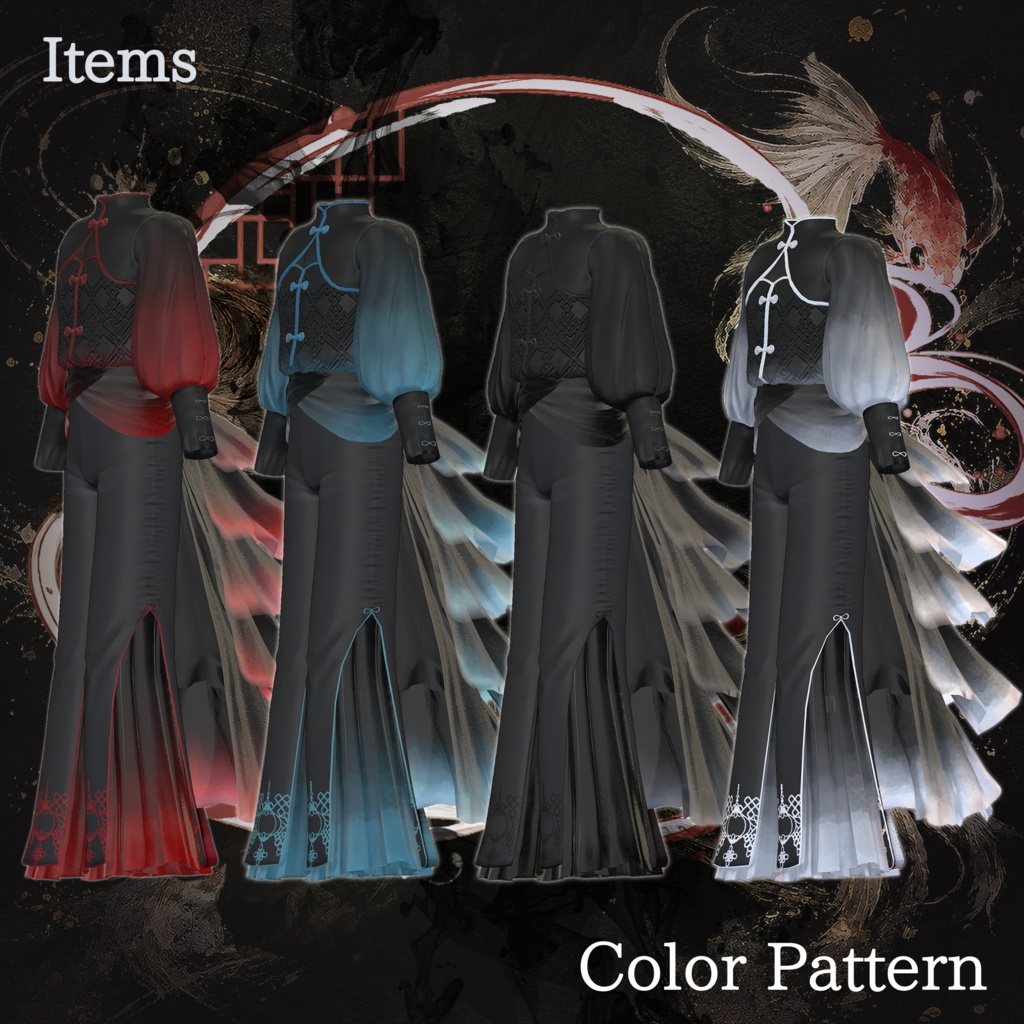


A Chinese-inspired shirt featuring large flowing frills resembling the tail fins of a goldfish as its main design element. ※ This product is an outfit model for avatars. Avatar base data is not included. ※ Due to the nature of digital downloads, returns and refunds are not available. Please read and agree to the product description and terms of use before purchasing. ◆ Item Overview ● Contents PackageName.Unitypackage PackageName_Material.Unitypackage PSD/CLIP files for customization ReadMe.txt (main document) Shader used lilToon https://lilxyzw.booth.pm/items/3087170 Required asset Modular Avatar https://modular-avatar.nadena.dev/ja/docs/intro ● Model Data Total polygon count: 23,930 polygons Outfit only: 22,668 polygons Face veil: 1,262 polygons Mesh count Outfit: 4 Face veil: 1 Material count Outfit: 4 Face veil: 1 PB Components Outfit: 105 Face veil: 45 Import folder: Assets > MetaverseCreators_CP > MKK_ONK > yuukoumai ◆ Supported Avatars Minase / VRChat Avatar #Minase3D https://booth.pm/ja/items/4013951 Original 3D Model “Sumisei” (PlusHead body) https://booth.pm/ja/items/5727810 Original 3D Model “Hanka” https://booth.pm/ja/items/6970249 Original 3D Model “Yomura” #Yomura3D / AC6 https://booth.pm/ja/items/8027029 Original 3D Model “Shizune” #Shizune3D / AC3 https://booth.pm/ja/items/7684873 ※ When wearing the outfit, body-hiding shape keys are used (the body becomes rod-like / simplified). ● Included Shape Key Overview Minase weightup weightdown Hanka MassiveALL Neck NeckLower Shoulder LowerArmA LowerArmB ChestBack Breast BreastWide Chest ChestLower Spine ◆ Installation Steps Set up the latest VRChat SDK in VCC Install required assets (lilToon, Modular Avatar) via VCC Import the latest package of the avatar you want to dress Import this product’s material package Import the avatar-specific package for this product Drag and drop the avatar (or customization prefab) into the Scene Hierarchy Hide or set unnecessary avatar clothing (default outfits, underwear, etc.) to Editor Only if needed Drag and drop “OutfitName_AvatarName.Prefab” directly under the avatar Upload the avatar through VRChat SDK ※ This outfit uses Modular Avatar’s “MA Shape Changer” feature. When the outfit is placed under the avatar, the avatar body shape keys are automatically activated to slim the body, or mesh sections affected by shape keys are hidden. This prevents clipping between the outfit and the avatar body. If you do not need the included MA Shape Changer settings, you may remove or adjust them as desired. ※ Regarding MA Shape Changer for +Head avatars: depending on the avatar, the component may not work correctly because the body mesh names may differ. (The mesh names in this product are configured for PlusHead.) If this occurs, adjust the body mesh names or manually edit the shape keys as needed. ※ If any body parts become unintentionally thinner after setup, reset the relevant body shape keys to 0 and confirm the body is displayed correctly. ◆ Color Customization Replace the color variation materials located in: Common > Material You can also freely modify colors using the included PSD or CLIP files. ◆ Terms of Use https://drive.google.com/drive/folders/1qRMXoIxM1ZgacBPfwOigQRtXP1vCbNMn?usp=sharing ※ Please comply with the original avatar’s terms of use. ◆ Production Environment Modeling: Blender Ver. 5.1.1 Blender Ver. 4.4.0 Texturing: CLIP STUDIO PAINT Adobe Substance 3D Painter Setup: Unity Ver. 2022.3.22f1 VRChat SDK - Avatars Ver. 3.7.6 (VCC) lilToon 2.3.3 Modular Avatar 1.11.5 ◆ Credits Creator: psk X: https://x.com/psk_psk_p BOOTH (personal store): https://666meatcenter.booth.pm/ For inquiries and support, please contact via BOOTH messages. ◆ Update History