

NobleClematisStyle - VRChat Men's Clothing / CP39
- Full Pack: ALL INCLUDED!Digital2,400 JPY
- Hanka CompatibleDigital1,200 JPY
- Komano CompatibleDigital1,200 JPY
- Shizune CompatibleDigital1,200 JPY
- Yomura CompatibleDigital1,200 JPY
- Bokusei (PlusHead Body) CompatibleDigital1,200 JPY
- Nehail CompatibleDigital1,200 JPY
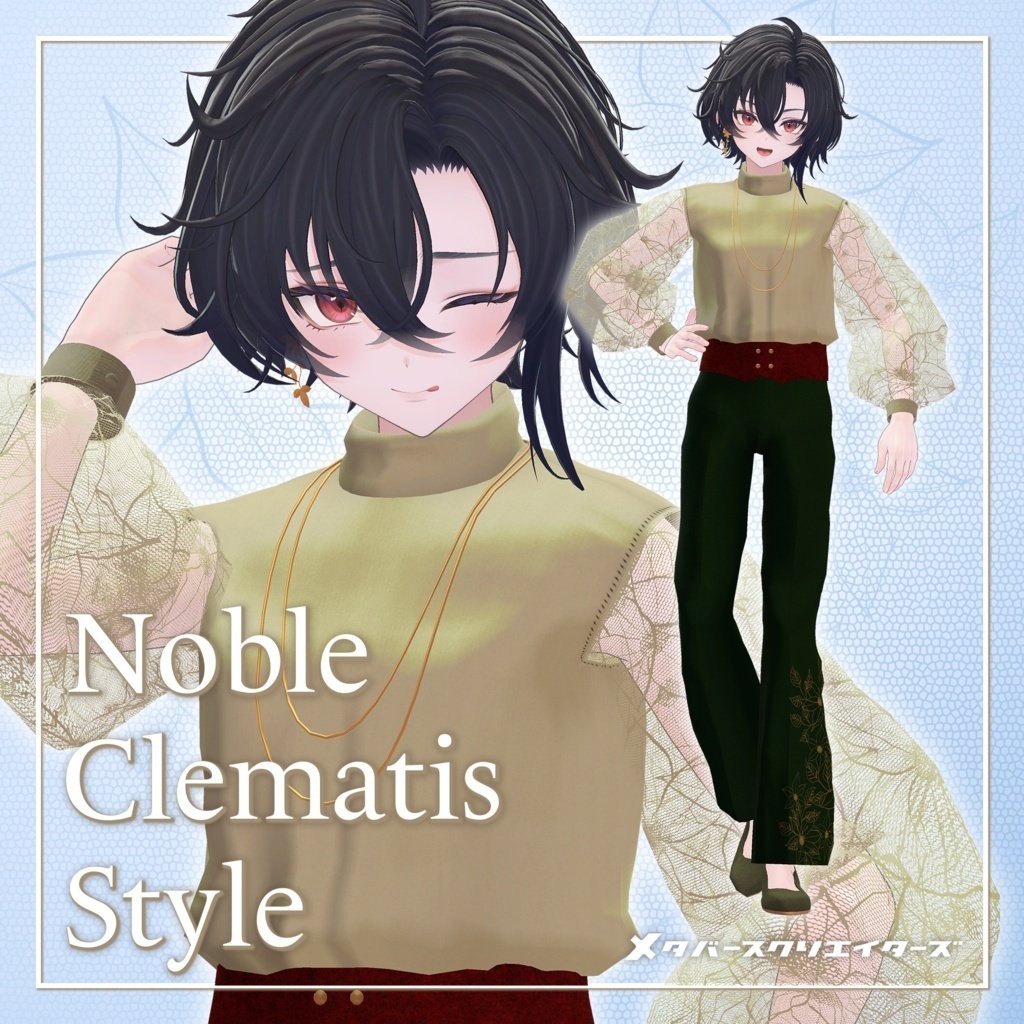
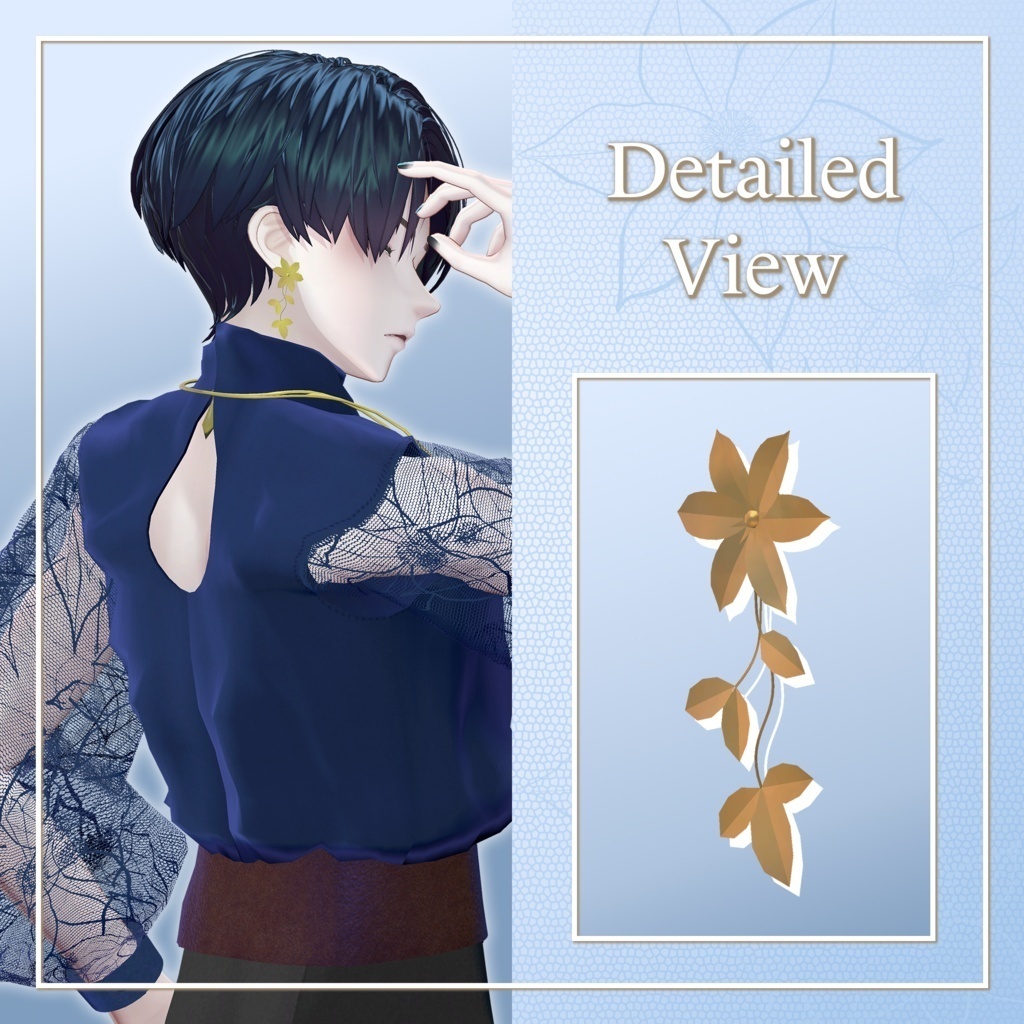
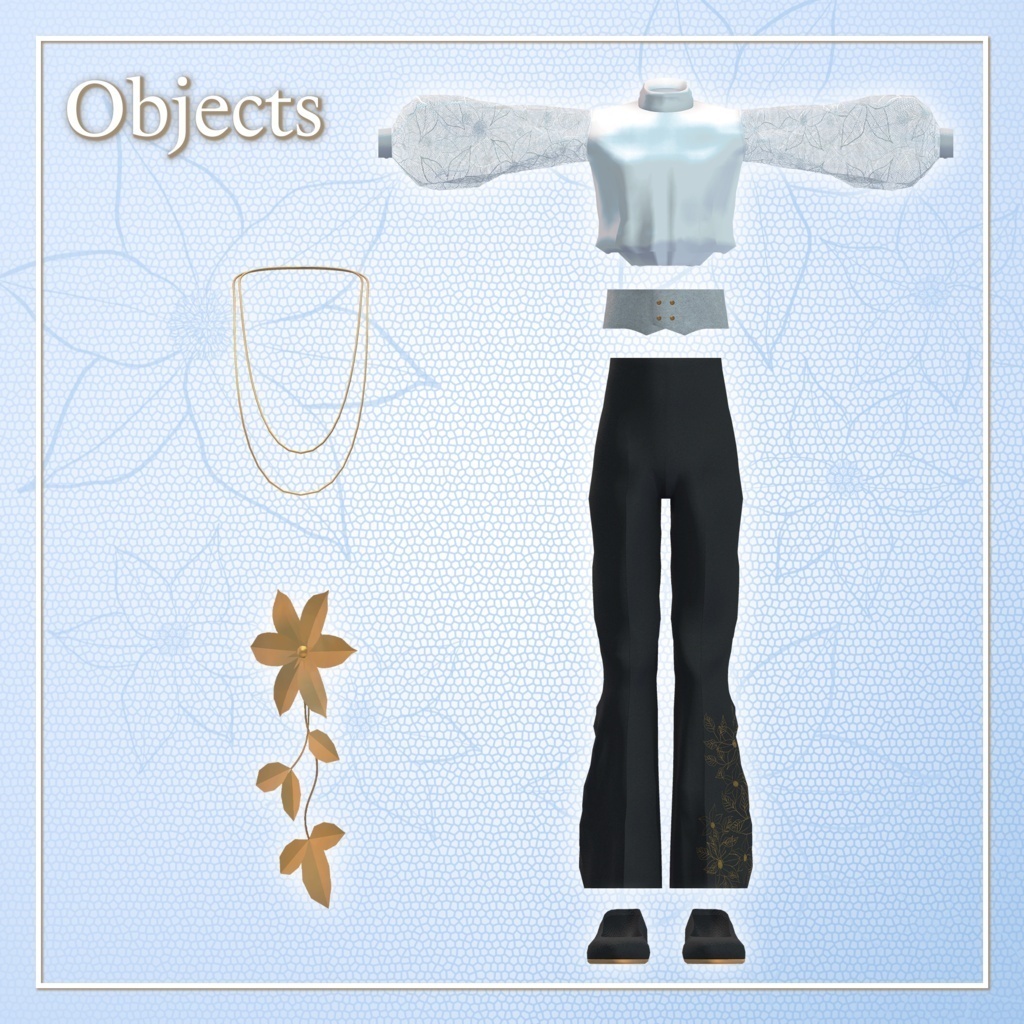
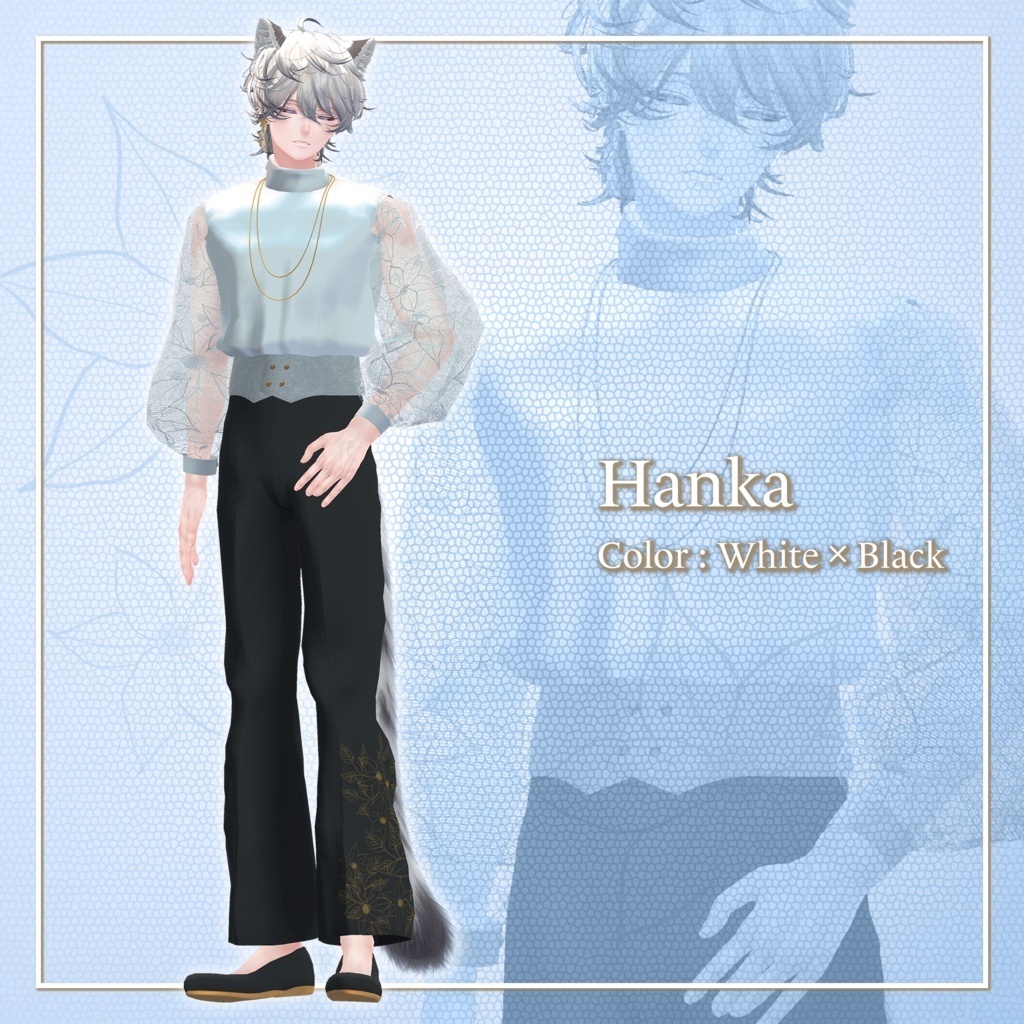
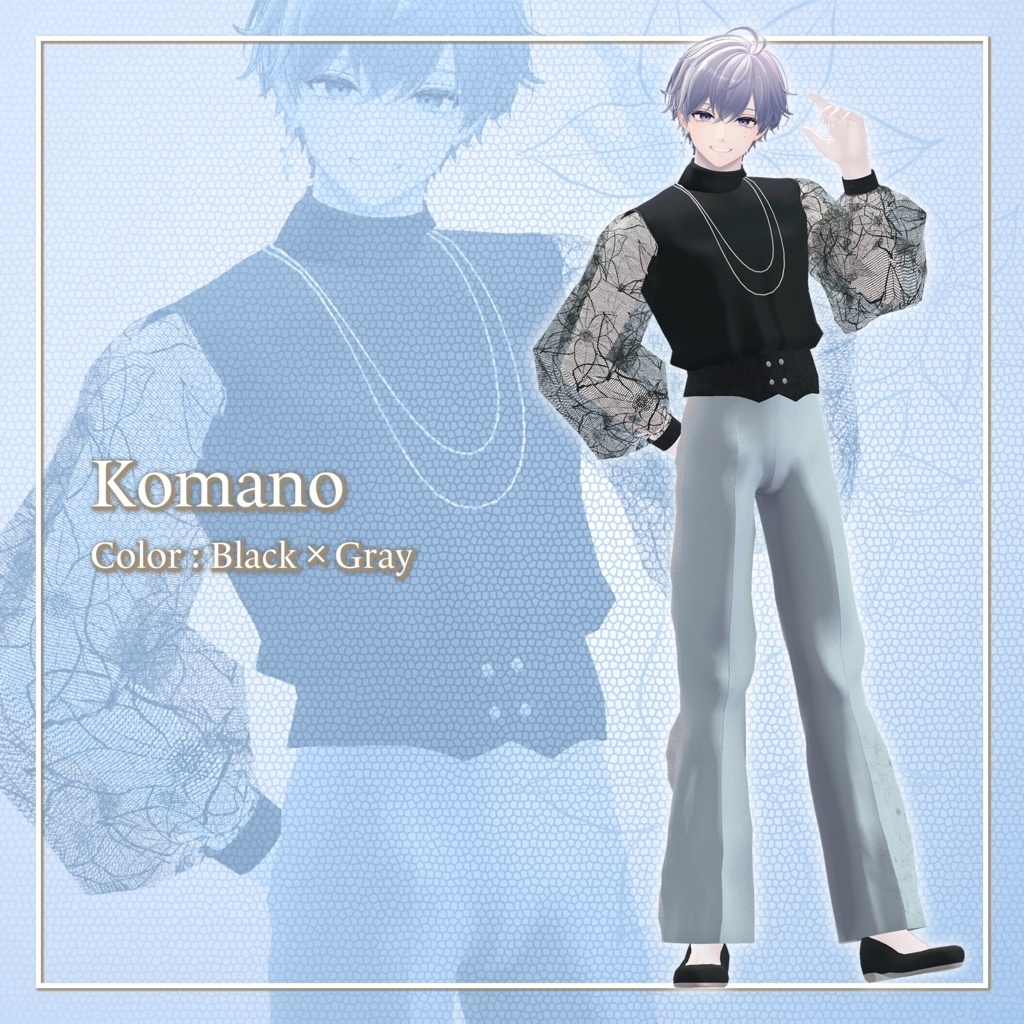
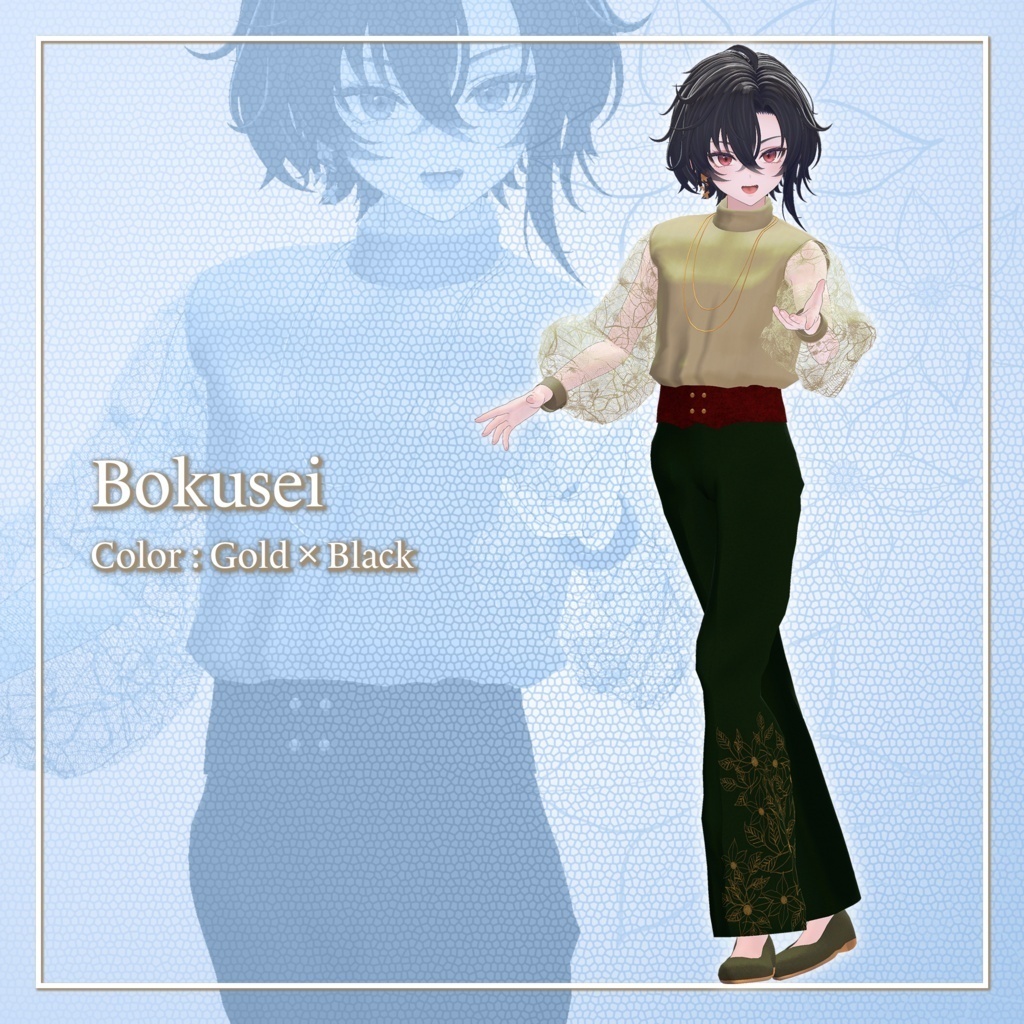
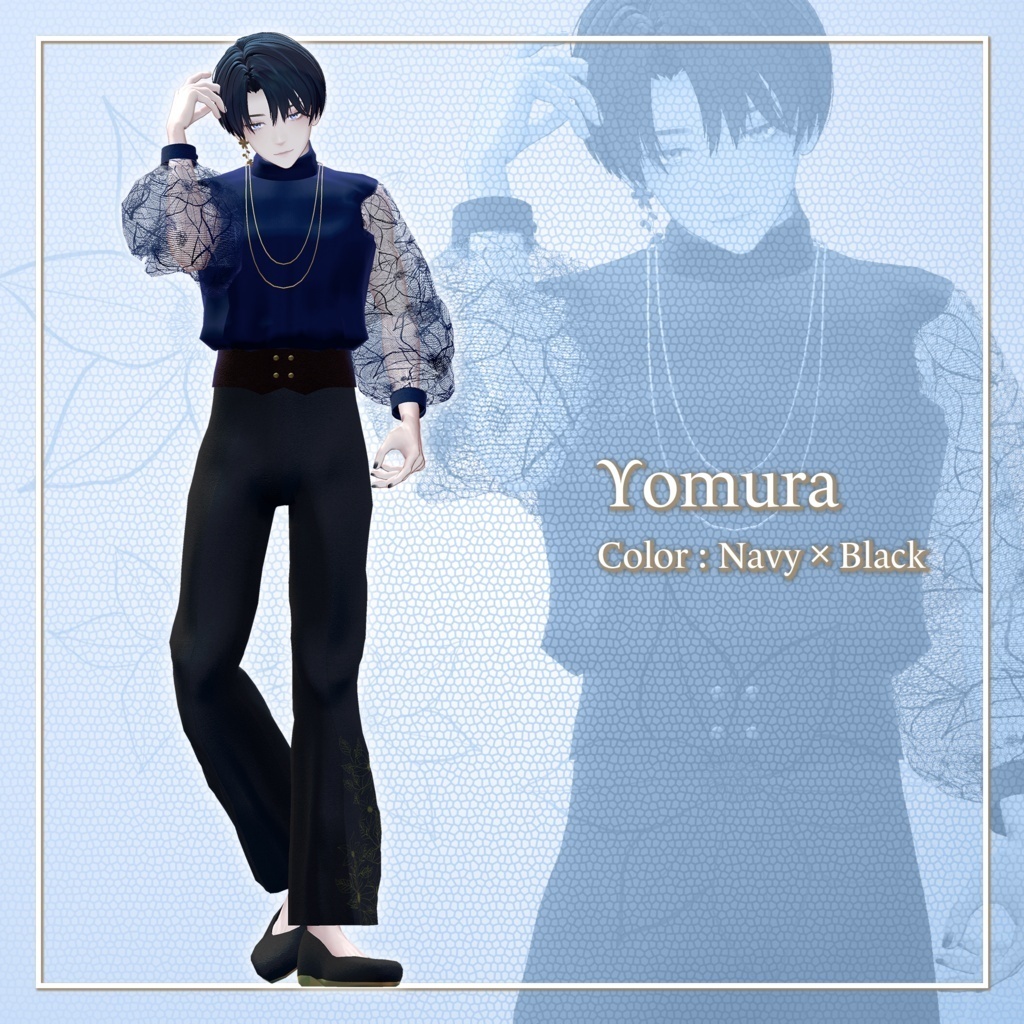
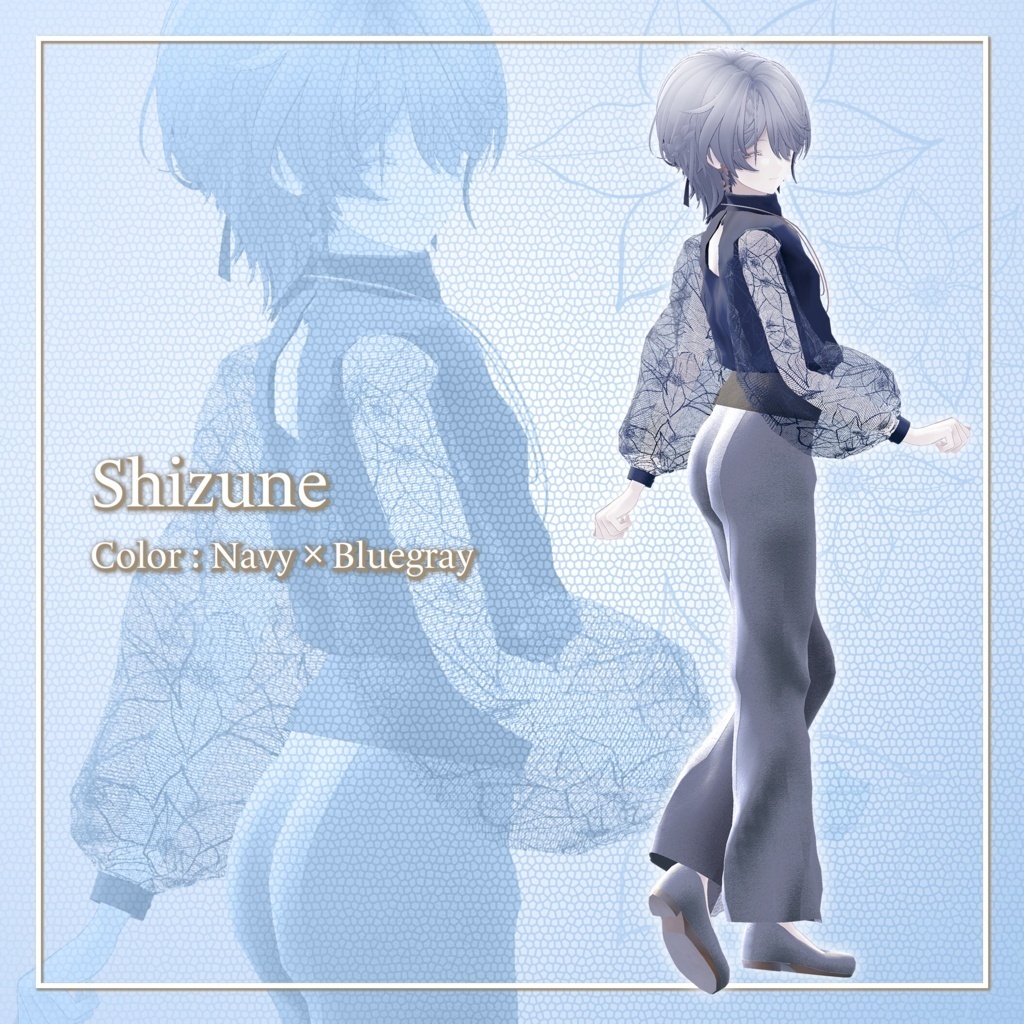
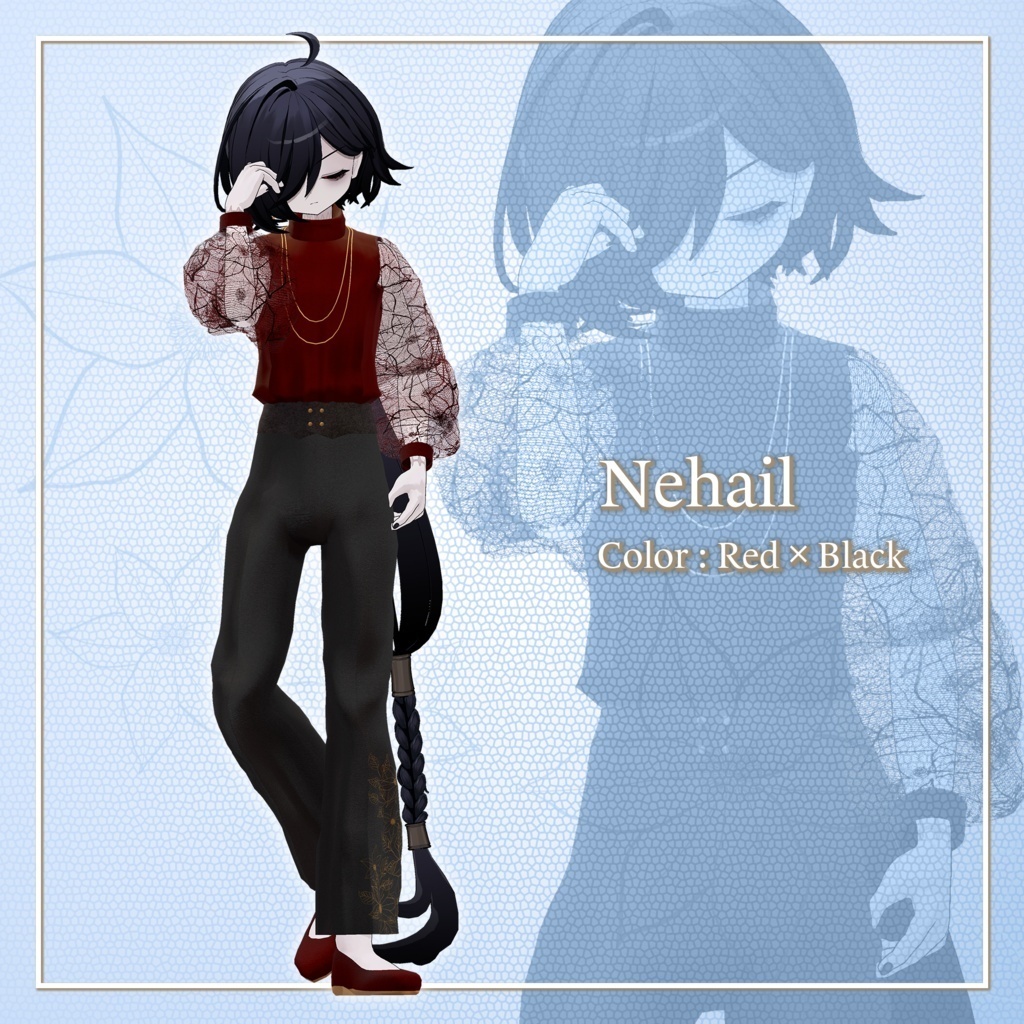
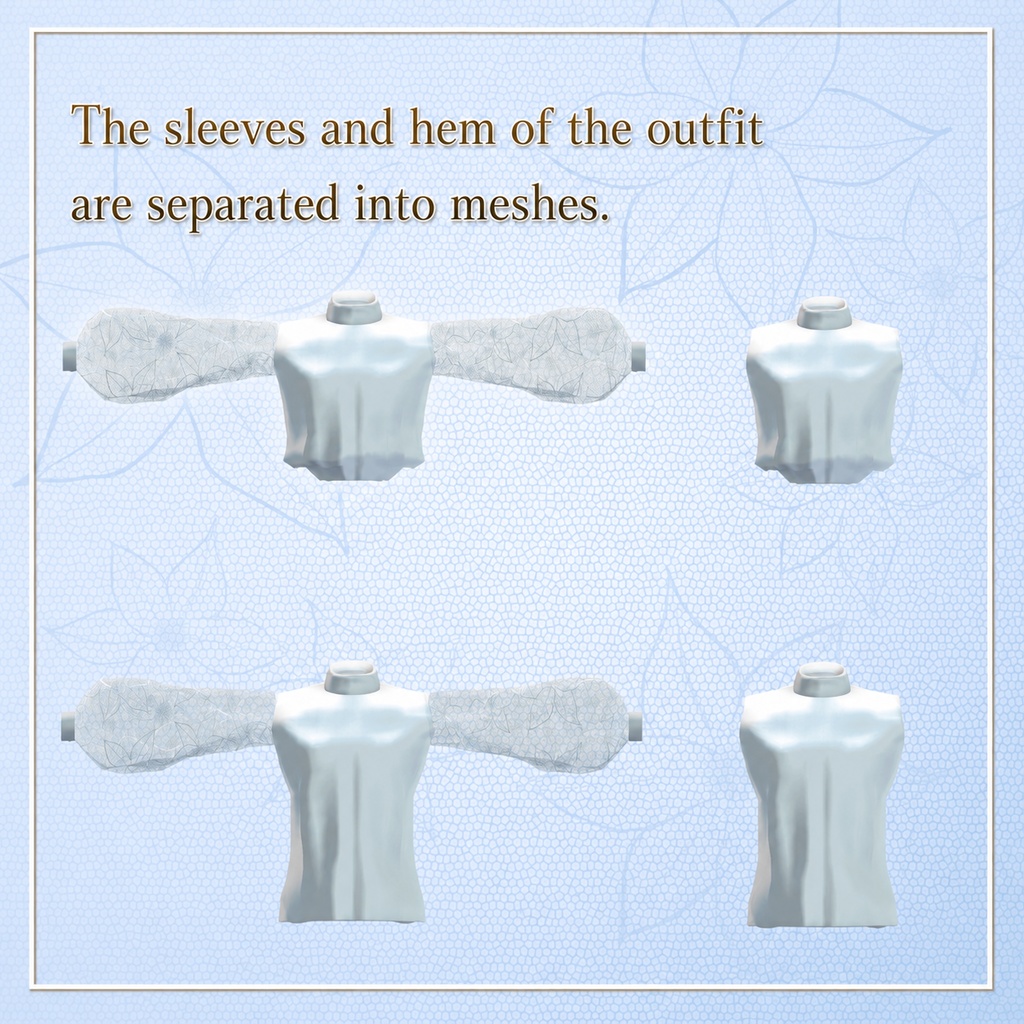


A stylish outfit inspired by the Clematis flower. It comes with several variations, including floral lace sleeves and options for wearing the top tucked in or untucked. Please note: This product is a clothing model for avatars. The avatar itself is not included. Due to the nature of downloadable products, returns and refunds are not available. Please read and agree to the product description and Terms of Use before purchasing. ◆ Item Details ● Contents NobleClematisStyle.Unitypackage NobleClematisStyle_Material.Unitypackage FBX Textures ReadMe.txt Shaders Used lilToon https://lilxyzw.booth.pm/items/3087170 Required Asset Modular Avatar https://modular-avatar.nadena.dev/ja/docs/intro ◆ Model Data Total: 26,788 polygons Bottom: 5,110 polygons Corset: 1,368 polygons Earring: 1,602 polygons Necklace: 1,536 polygons Shoes: 1,128 polygons Tops_In: 5,294 polygons Tops_In_tanktop: 2,728 polygons Tops_Out: 5,294 polygons Tops_Out_tanktop: 2,728 polygons Meshes: 9 Materials: 3 PhysBone Components: 3 Import path: Assets > MetaverseCreators_CP > Rhombus > NobleClematisStyle ◆ Compatible Avatars Hanka (斑霞-Hanka-) https://booth.pm/ja/items/6970249 Komano (狛乃-Komano-) https://booth.pm/ja/items/5260363 Shizune (雫峰 -Shizune-) #雫峰3D #Shizune3D / AC3 https://booth.pm/ja/items/7684873 Bokusei (墨惺) — PlusHead Body https://booth.pm/ja/items/5727810 Yomura (夜邑 -Yomura-) #夜邑3D #Yomura3D / AC6 https://metacreatorstyo.booth.pm/items/8027029 Nehail (ネハイル) https://booth.pm/ja/items/7425658 When wearing this outfit, a Shape Key that hides/reshapes the avatar's body will be used. ◆ Installation Set up the latest VRChat SDK through VCC. Install the required assets (lilToon and Modular Avatar) through VCC. Import the latest package for the avatar you want to dress. Import this product's Material package. Import the package corresponding to your avatar. Place the avatar (and any dressing/customization Prefab, if applicable) into the Scene Hierarchy. If necessary, hide unnecessary avatar clothing such as default outfits or underwear, or set them to Editor Only. Drag OutfitName_AvatarName.Prefab directly under the avatar in the Hierarchy. Upload your avatar through the VRChat SDK. MA Shape Changer This outfit comes with Modular Avatar's MA Shape Changer configured. When the outfit Prefab is placed directly under the avatar, the avatar's body Shape Keys are automatically adjusted. This may make the body thinner or hide mesh areas affected by the Shape Keys, helping prevent clipping between the outfit and the avatar body. If you do not need the preconfigured MA Shape Changer components on the outfit meshes, you may delete or modify them as desired. PlusHead note: Depending on the avatar, the MA Shape Changer for PlusHead may not work correctly if the body's mesh has a different name. This product uses PlusHead as the configured mesh name. If this occurs, rename the avatar's body mesh or manually adjust the Shape Keys. After dressing the avatar, if any part of the body appears unintentionally thinner, set the corresponding body Shape Key back to 0 and check the avatar with the body fully visible. ◆ Color Customization Replace the color-variation materials in: Common > Material You can also customize the colors using the included PSD or CLIP files. ◆ Terms of Use https://drive.google.com/drive/folders/1qRMXoIxM1ZgacBPfwOigQRtXP1vCbNMn?usp=sharing Please also follow the Terms of Use of the original avatar you are using. ◆ Development Environment Modeling: Blender 4.5.5 Textures: Substance 3D Painter 2024 / CLIP STUDIO PAINT Setup: Unity 2022.3.22f1 VRChat SDK - Avatars: 3.9.0 (VCC) lilToon: 2.3.2 Modular Avatar: 1.14.3 ◆ Credits Creator: Voddolesu (ヴォッドリース) https://voddolesu.art/ https://voddolesu.booth.pm/ (Personal BOOTH) For inquiries and support, please contact us via BOOTH messages.