

RoyalWolf - VRChat Hair / CP56
- Digital1,000 JPY
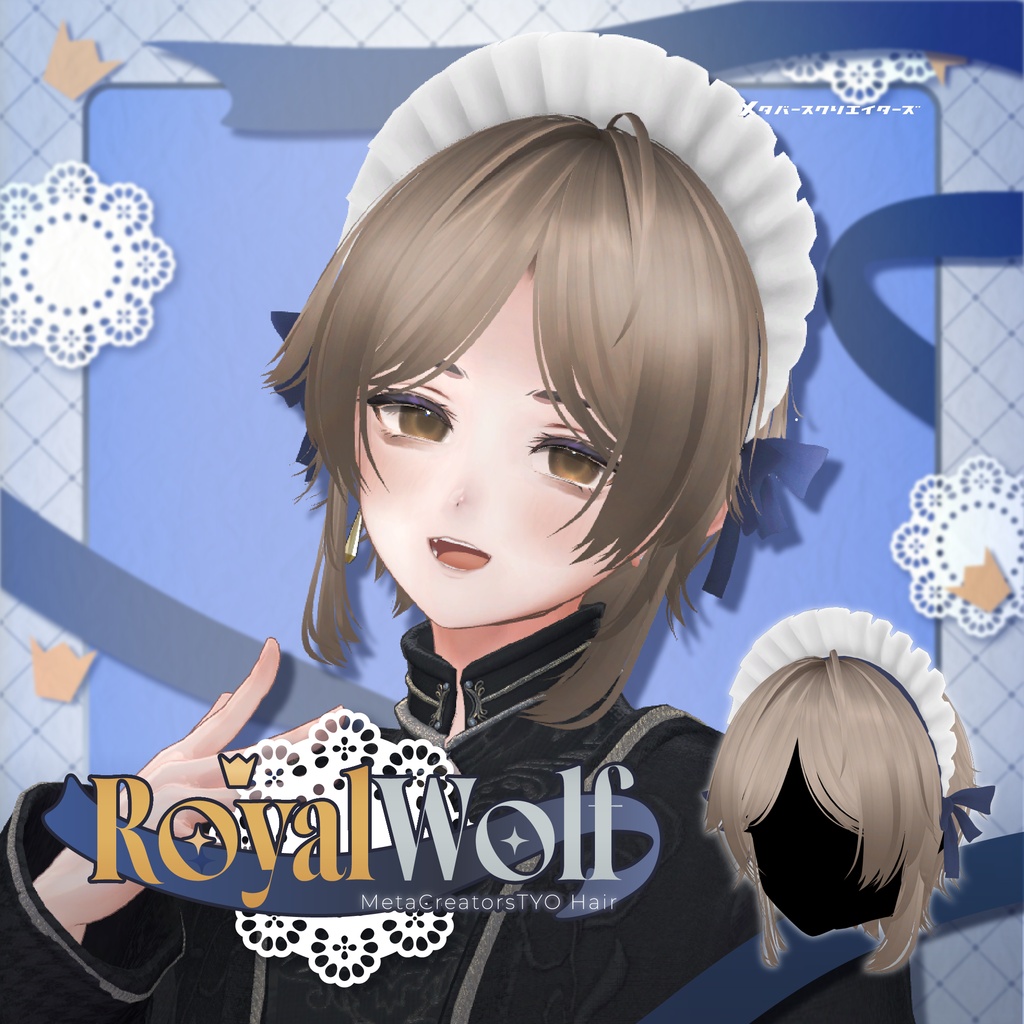
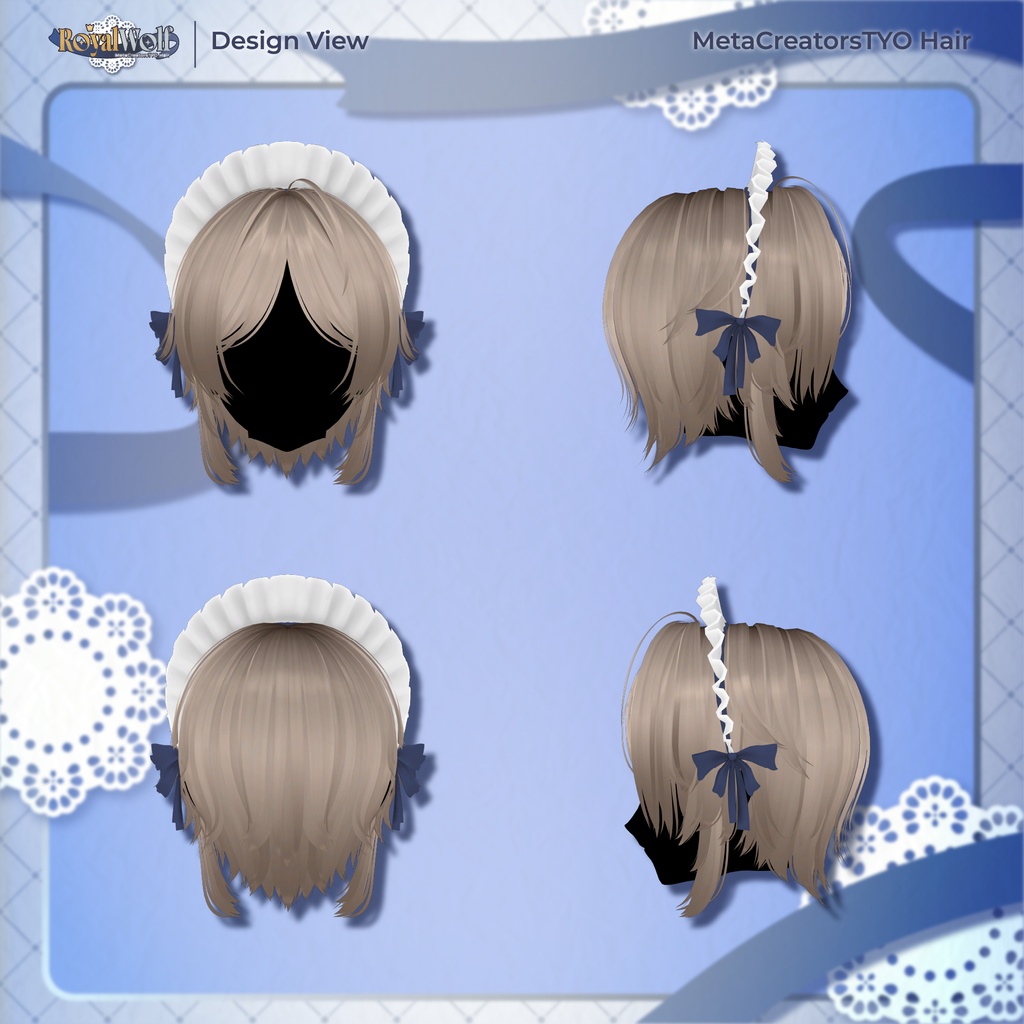
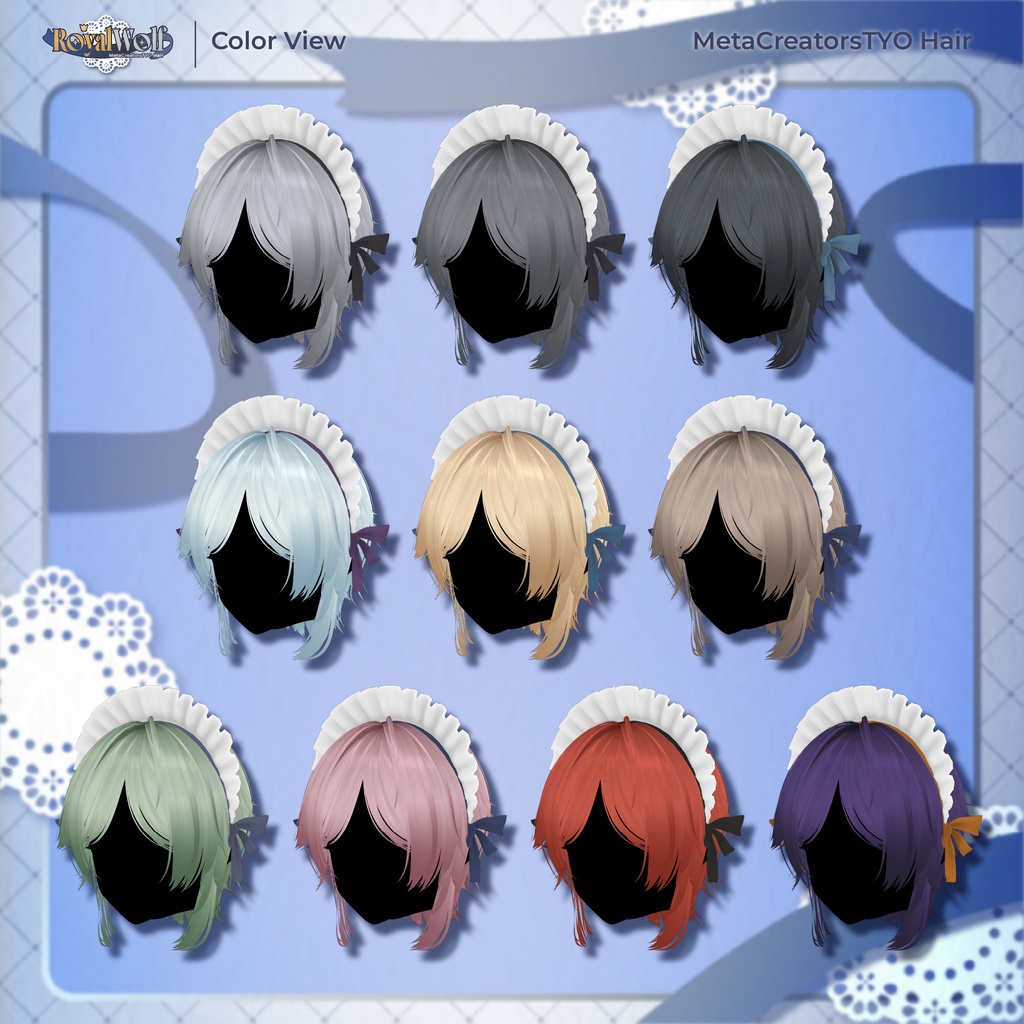
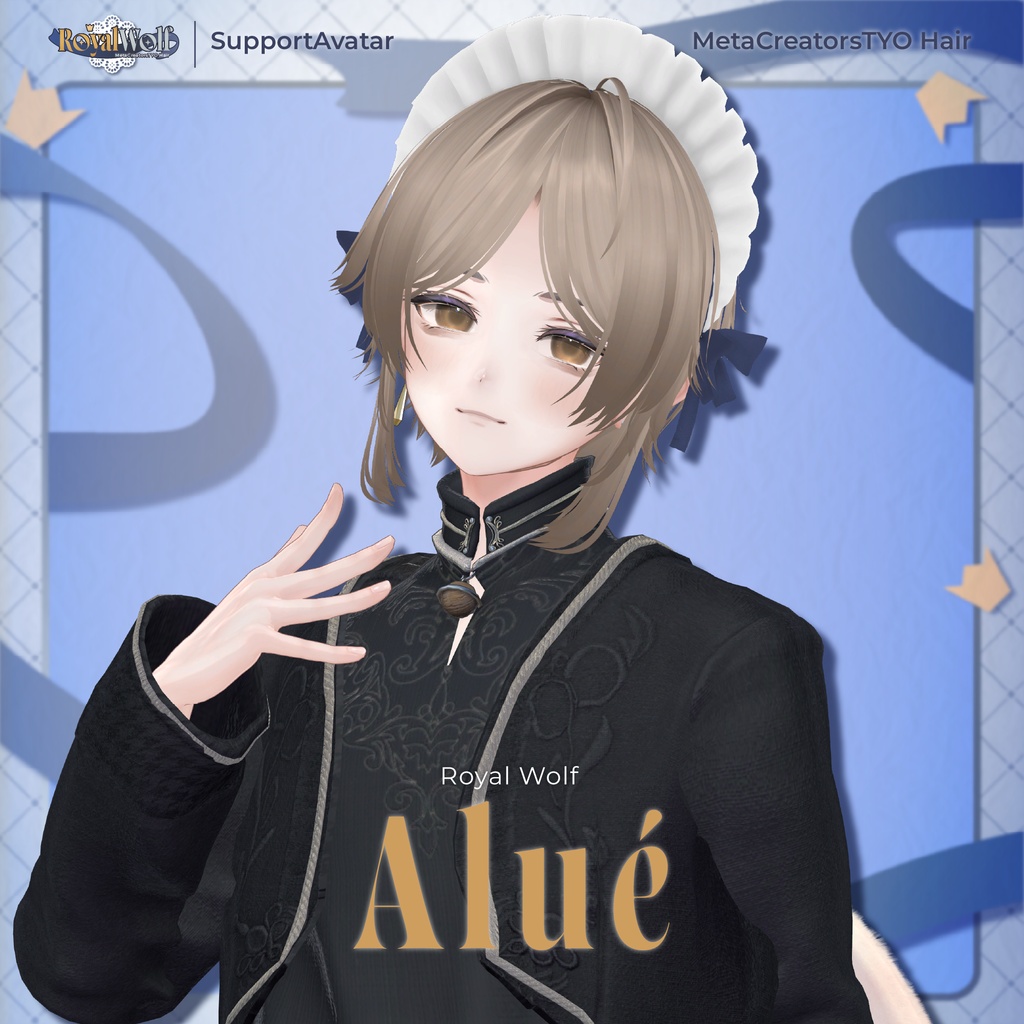
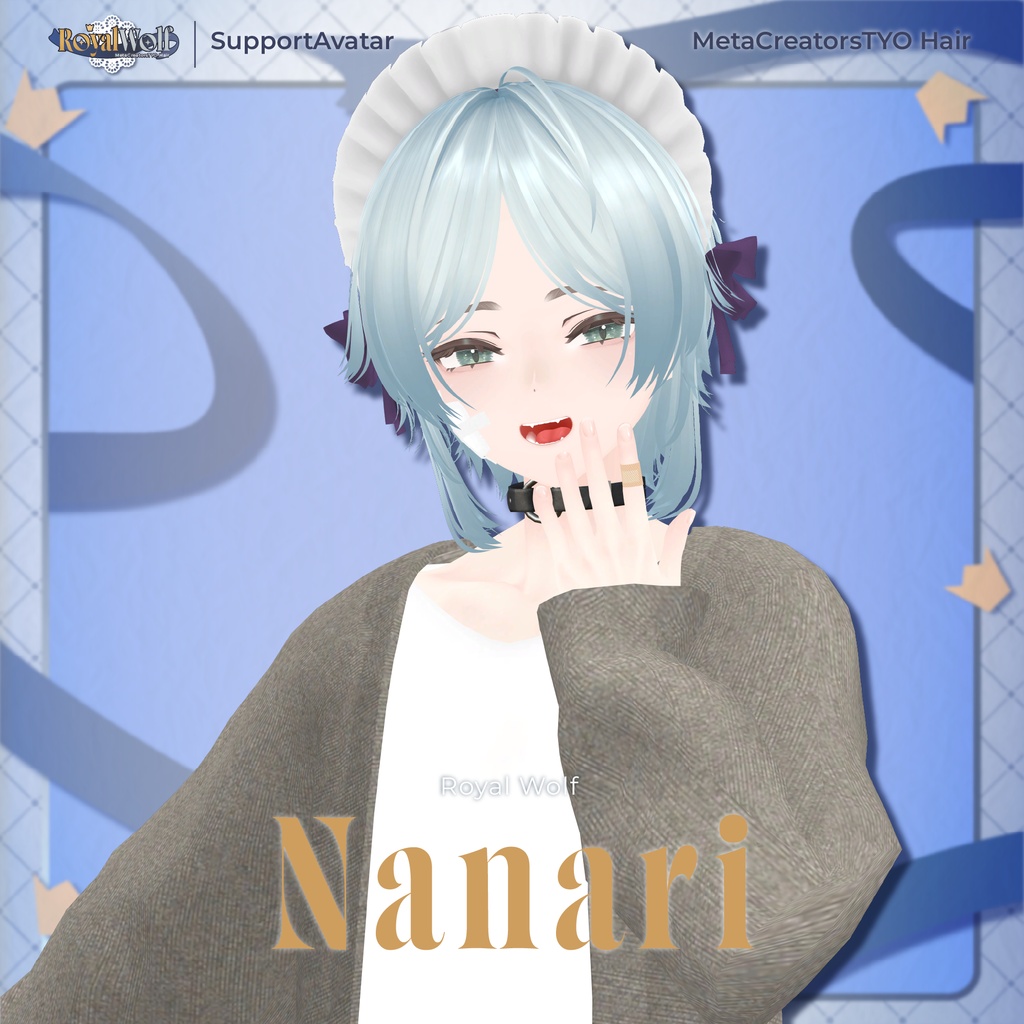
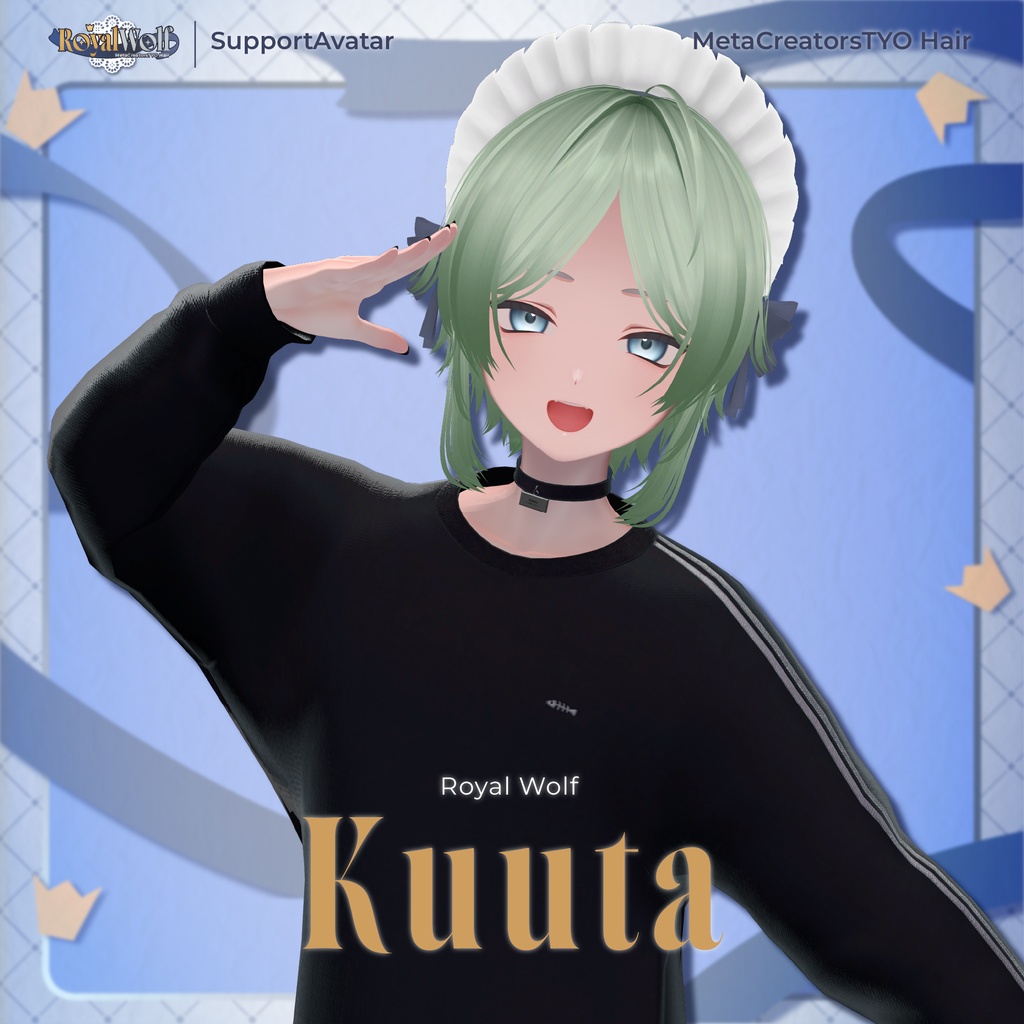
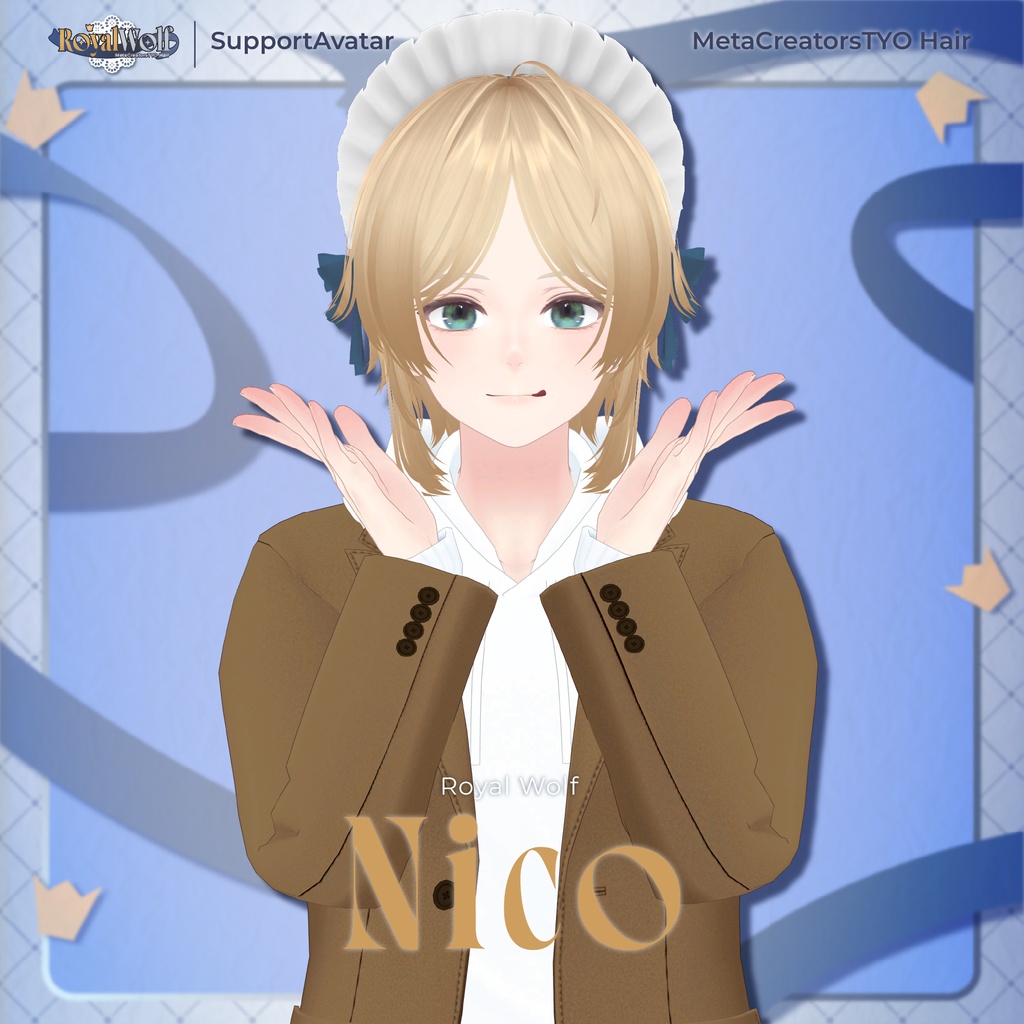
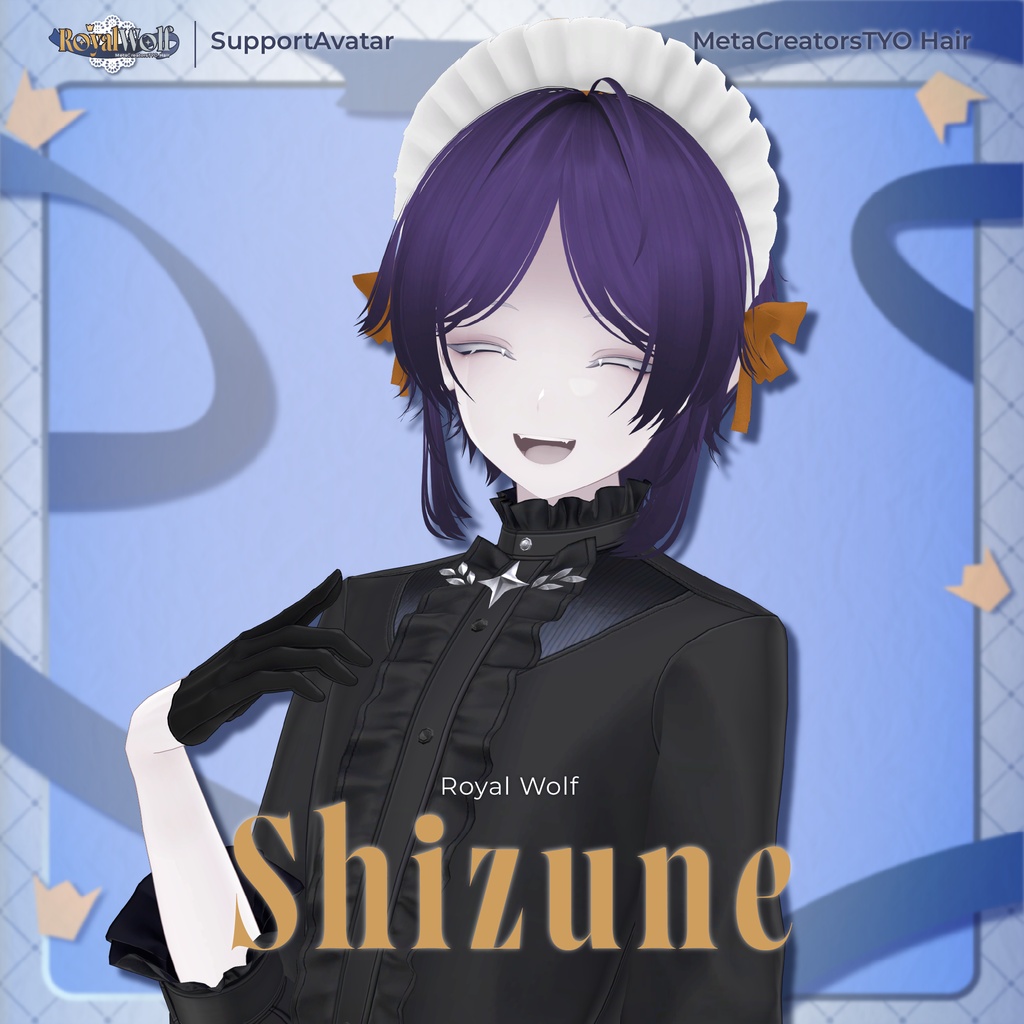
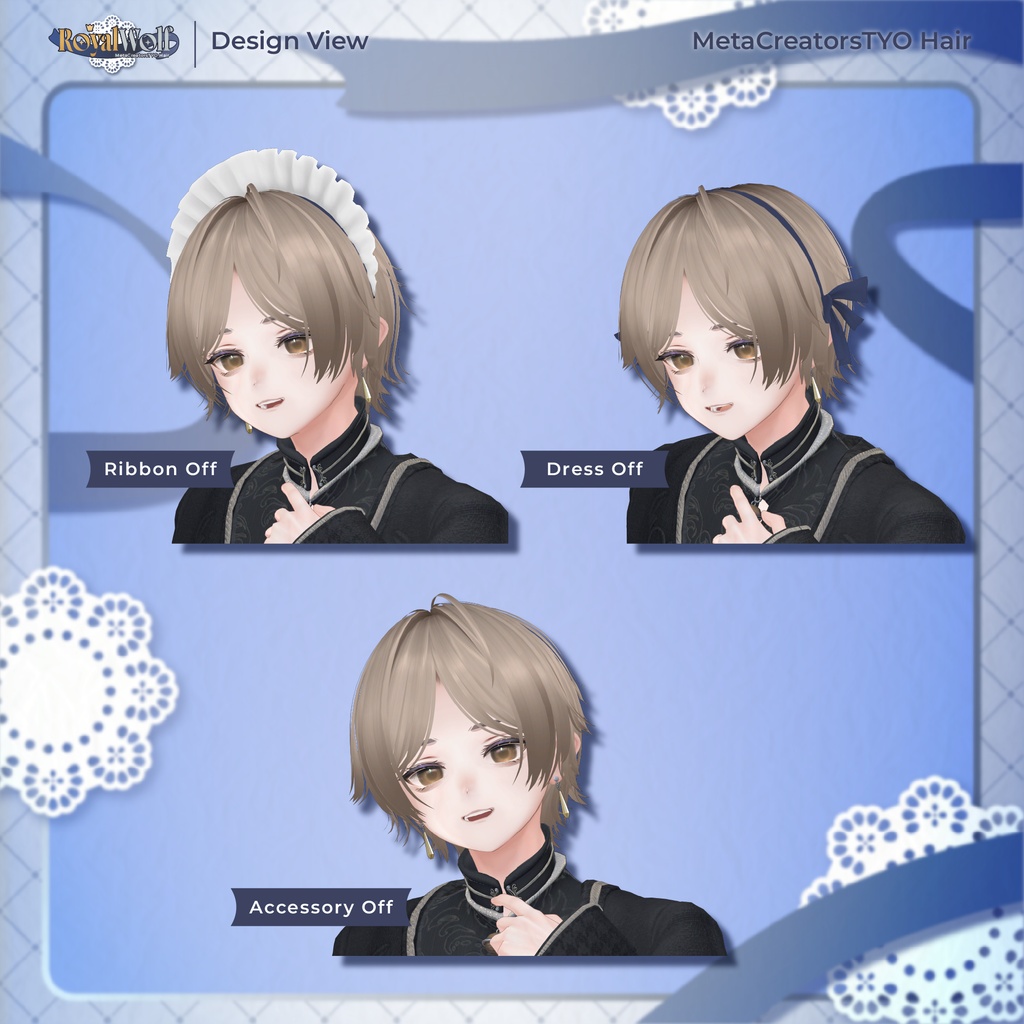


Royal Wolf A maid-inspired wolf cut hairstyle with an elegant, refined, and gender-neutral aesthetic. Please note: This product is a hairstyle model for avatars. The avatar itself is not included. Due to the nature of downloadable products, returns and refunds are not available. Please read and agree to the product description and Terms of Use before purchasing. ◆ Item Details ● Contents RoyalWolf.Unitypackage FBX PSD file for customization ReadMe.txt Shader Used lilToon https://lilxyzw.booth.pm/items/3087170 Required Asset Modular Avatar https://modular-avatar.nadena.dev/ja/docs/intro ◆ Model Data Total: 17,306 polygons mae: 4,560 polygons yoko: 4,952 polygons head: 360 polygons back: 3,754 polygons headband: 3,680 polygons Meshes: 5 Materials: 1 PhysBone Components: 18 Import path: Assets > MetaverseCreators_CP > neko_ririn > RoyalWolf ◆ Compatible Avatars Alué — Original 3D Avatar https://booth.pm/ja/items/6957623 Semi-compatible versions, adjusted in Unity from the base model: Nanari — Original 3D Model https://booth.pm/ja/items/7192270 Kuuta — Original 3D Model https://booth.pm/ja/items/4897493 Shizune (雫峰 -Shizune-) #雫峰3D #Shizune3D / AC3 https://metacreatorstyo.booth.pm/items/7684873 Nico (日瑚 -Nico-) #日瑚3D #Nico3D / AC5 https://metacreatorstyo.booth.pm/items/8000819 Numerous Shape Keys are included for adjusting the hairstyle's overall size and position. You are also welcome to try fitting the hairstyle to avatars that are not listed as compatible. ● Shape Key Overview mae haegiwa_up → Move the hairline upward haegiwa_mae → Move the hairline forward haegiwa_wide → Widen the hairline yoko_long → Lengthen the side hair yoko_short → Shorten the side hair yoko_wide → Widen the side hair aho_OFF → Remove the ahoge yoko momiage_OFF → Remove the sideburns momiage_short → Shorten the sideburns ear_back → Move the ear area backward big_x → Increase the width back big_x → Increase the width big_y → Increase the front-to-back depth slide_y → Move backward back_short → Shorten the back hair head back → Move backward small_x → Decrease the width big_x → Increase the width big2_x → Increase the width of the hair tips only big_y → Increase the front-to-back depth headband ribbon1_OFF → Remove the lower ribbon ribbon2_OFF → Remove all ribbons dress_OFF → Remove the dress ◆ Installation Set up the latest VRChat SDK through VCC. Install the required assets (lilToon and Modular Avatar) through VCC. Import the latest package for your avatar. Import this product's package. Place the avatar (and any dressing/customization Prefab, if applicable) into the Scene Hierarchy. If necessary, hide unnecessary avatar parts such as the original hairstyle or ears, or set them to Editor Only. Drag RoyalWolf_[AvatarName].Prefab directly under the avatar. Adjust the scale, position, and Shape Key values to fit the avatar. If a pre-adjusted Prefab is included, this step is not necessary. Upload the avatar through the VRChat SDK. ◆ Color Customization Replace the color-variation materials in: Common > Material You can also customize the colors using the included PSD or CLIP files. ◆ Terms of Use https://drive.google.com/drive/folders/1qRMXoIxM1ZgacBPfwOigQRtXP1vCbNMn?usp=sharing Please also follow the Terms of Use of the original avatar you are using. ◆ Development Environment Modeling: Blender 4.5.11 Textures: CLIP STUDIO PAINT Setup: Unity 2022.3.22f1 VRChat SDK - Avatars: 3.10.3 (VCC) lilToon: 2.3.2 Modular Avatar: 1.17.0 ◆ Credits Creator: neko_ririn https://neko-ririn.booth.pm/ For inquiries and support, please contact us via BOOTH messages.