

【無料配布】CyberFlame 発光+通常セット【VRChat対応・4K・透過PNG】
- Digital0 JPY
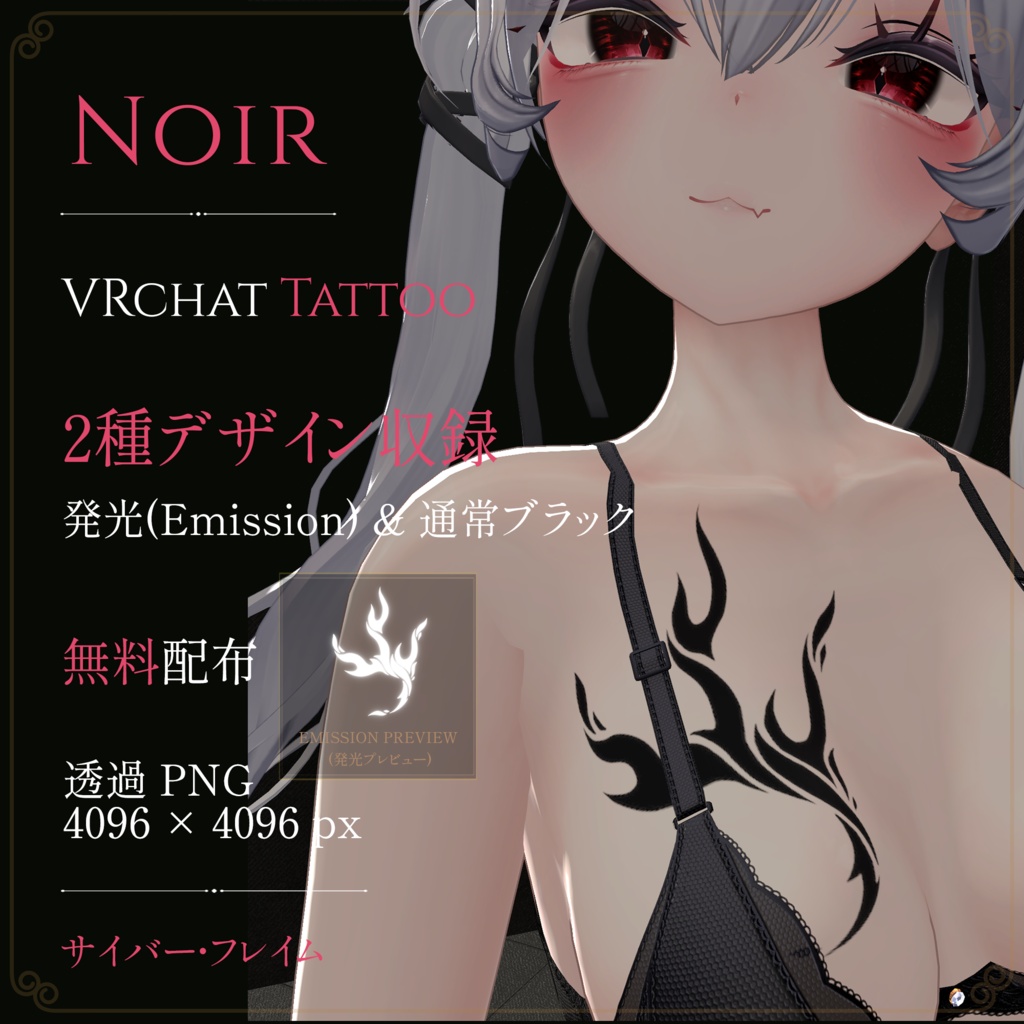
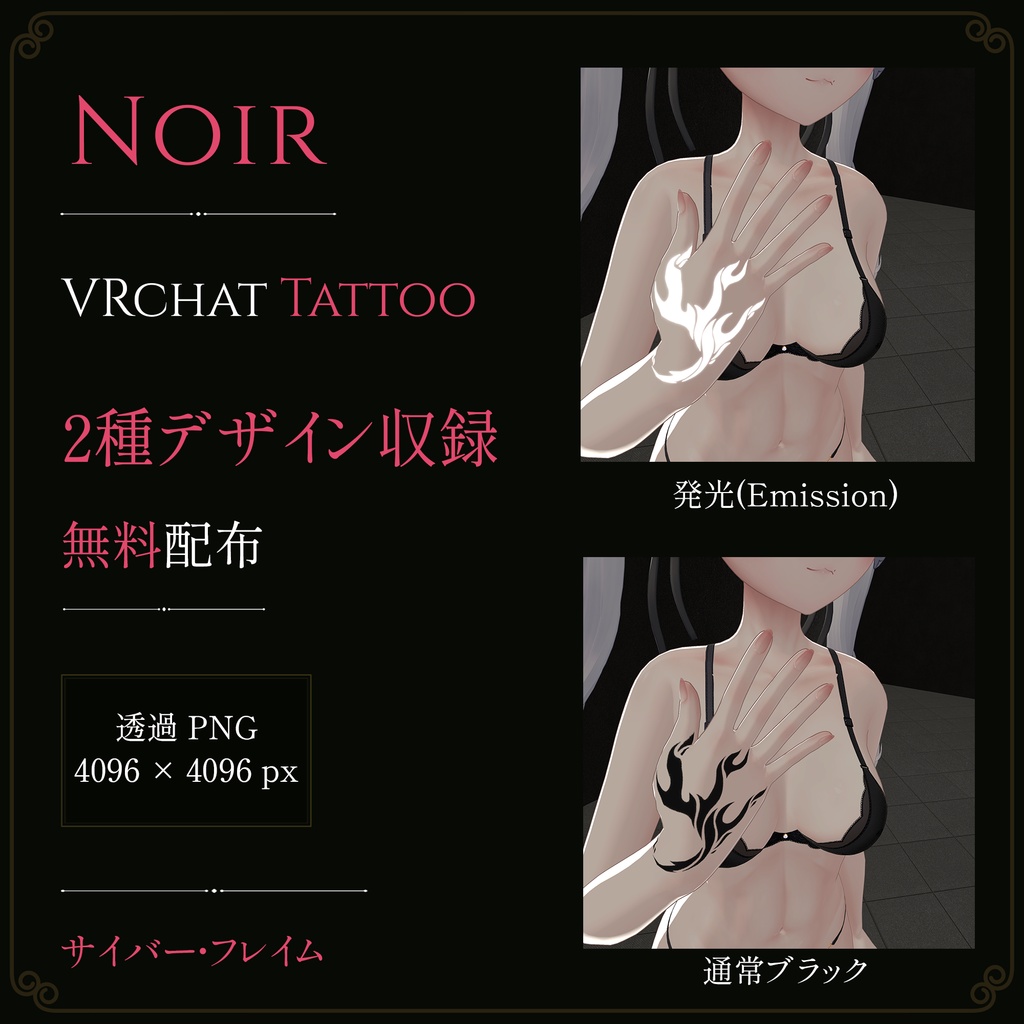
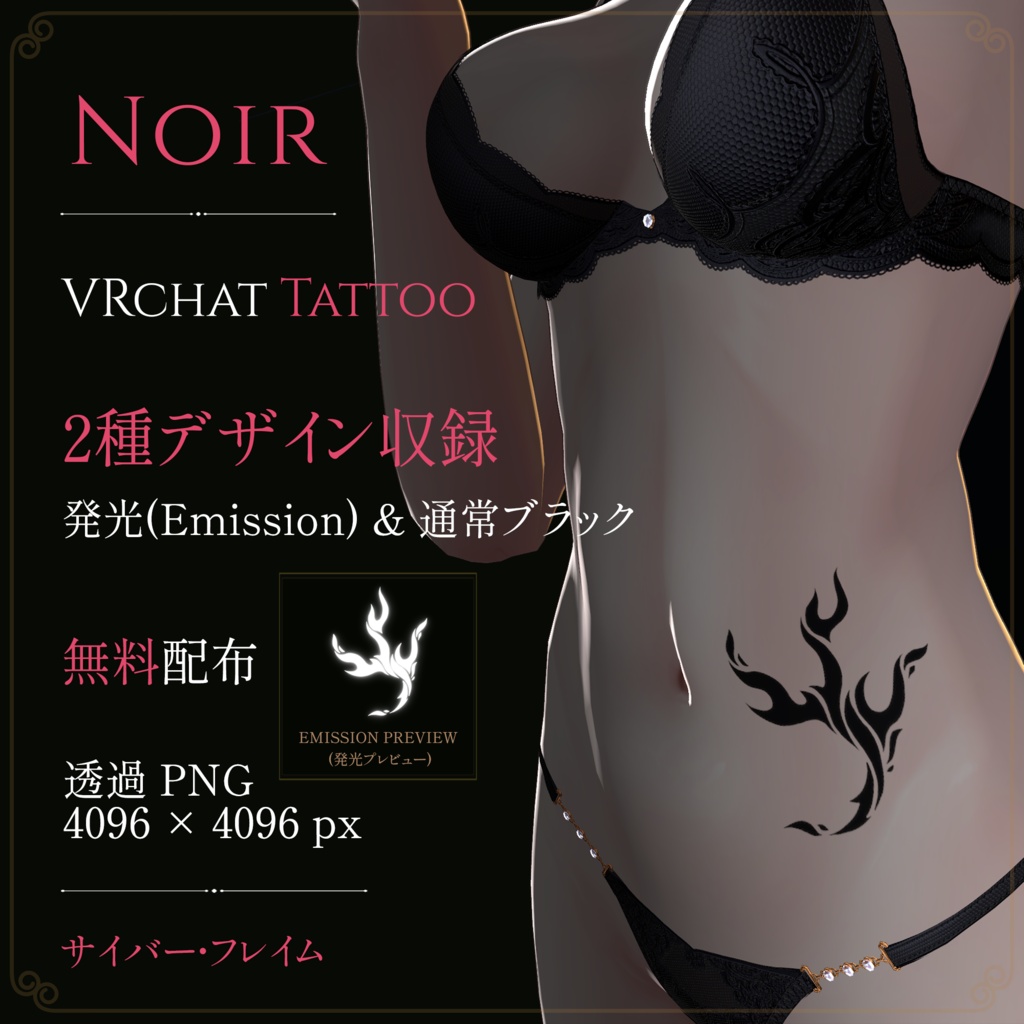
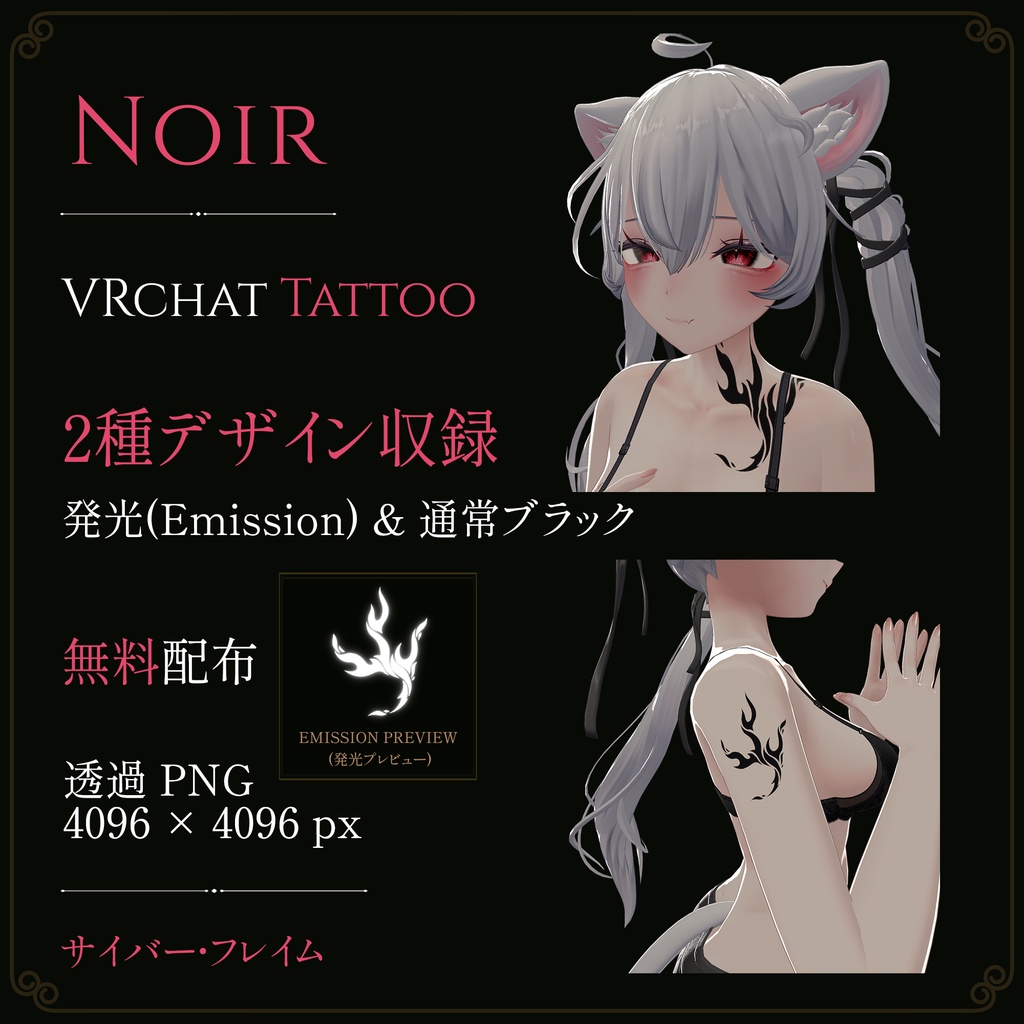


✦ 新商品はセールまたは無料配布を行います。ぜひショップをフォローの上、お見逃しなく! ▶ 概要 VRChat向けアバター用タトゥーデカールテクスチャです。 ・お好みの場所へ自由に配置可能 ・衣装、武器、小物・アクセサリー等のアイテムへの貼り付けも可能 ・発光強度、発光色の変更可能 ・通常用の黒タトゥー付き ・全アバター対応 ▶ 導入方法について ① Unity上で該当アバターのマテリアルを開きます(lilToonシェーダー推奨)。 ②「メインカラー2nd」または「3rd」にタトゥーテクスチャを割り当て、「デカール化」にチェックを入れます。 ③ マテリアル設定内でお好みのサイズ、位置、角度、色に調整してください。 ④ 発光させる場合:「発光 (Emission)」スロットに白(発光用)テクスチャを割り当て、発光強度を調整してください。 ✦ UVの切れ目などの影響により一部で見切れて表示される場合は、画像編集ソフト等を用いて直接ボディテクスチャへ重ねてご使用ください。 ▶ 内容物 ・タトゥーテクスチャ 2種類(背景透過PNG / 4096 × 4096 px) - 白(発光用 / Emission) - 黒(通常用 / Original Black) ▶ 対応環境・仕様 ・ファイル形式:背景透過PNG ・解像度:4096 × 4096 px ・対応環境:VRChat / Unity / lilToon / Poiyomi およびPNGテクスチャを扱える3D環境全般 ▶ 利用規約 本データを購入・ダウンロードした時点で、本利用規約に同意したものとみなします。 【許可】 ・個人利用 ・VRChat等のメタバースプラットフォームでの使用 ・改変、色変更、サイズ変更 ・本商品を使用したアバターによるスクリーンショット、動画配信、配信活動(収益化を含む) 【禁止】 ・本データ(改変の有無を問わず)の再配布、再販売、譲渡、共有(アバターのパブリック化を含む) ・自作発言 ・政治、宗教活動、または他者への誹謗中伤を目的とした利用 ▶ 著作権・免責事項 ・本商品の著作権は制作者に帰属します。購入・ダウンロードにより得られるのは利用権であり、著作権が譲渡されるものではありません。 ・改変を行った場合でも、著作権は制作者に帰属します。 ・本商品を使用することで発生したいかなるトラブル、損失、損害に対しても、制作者は一切の責任を負いません。 ・デジタル商品の特性上、購入・ダウンロード後の返品・返金はできません。 ▶ 注意事項 ・本製品にアバター本体、衣装、装飾品などは含まれません。 ・商品画像は使用イメージです。 ・本商品はlilToonを使用した発光表現を前提として制作しております。ご利用のシェーダーやワールドのライティング環境により、見え方が異なる場合があります。 ・デフォルトで発光テクスチャが設定されているマテリアルでは、競合により正常に表示されない場合があります。他の発光テクスチャと干渉しないマテリアルへの導入を推奨いたします。 ▶ 撮影使用アバター ・オリジナル3Dモデル「Sio (潮)」ver.2.5 / Chocolate rice https://booth.pm/ja/items/5650156 ———————————————————————— ✦ New releases will feature sale discounts or free distribution. Follow our shop so you don't miss out! ▶ Overview Tattoo decal textures designed for VRChat avatars. ・Freely placeable on any body part of your choice ・Can also be applied to outfits, weapons, accessories, and other props ・Customizable emission intensity and glow color ・Includes standard black tattoo version for regular display ・Universal compatibility (Supports all avatars) ▶ How to Import ① Open the avatar's material in Unity (lilToon shader recommended). ② Assign the tattoo texture to "Main Color 2nd" or "3rd", and enable the "Decal" option. ③ Adjust size, position, angle, and color to your preference in the material settings. ④ For emission setup: Assign the white (Emission) texture to the "Emission" slot and adjust the emission intensity. ✦ If the decal appears cut off due to UV seam splits on certain body parts, please use image editing software to layer the texture directly onto your avatar's body texture. ▶ Contents ・2 Types of Tattoo Textures (Transparent PNG / 4096 × 4096 px) • White (for Emission) • Black (Original Black / for regular use) ▶ Specifications & Environment ・File Format: Transparent PNG ・Resolution: 4096 × 4096 px ・Supported Platforms: VRChat / Unity / lilToon / Poiyomi, and any 3D environment that supports PNG textures ▶ Terms of Use By purchasing or downloading this product, you are deemed to have agreed to these Terms of Use. [Permitted] ・Personal use ・Use in metaverse platforms such as VRChat ・Modifications, color adjustments, and resizing ・Use in screenshots, video production, and streaming activities (including monetization) featuring avatars using this product [Prohibited] ・Redistribution, resale, transfer, or sharing of this data (whether modified or unmodified), including uploading as a Public Avatar ・Claiming the product as your own creation ・Use for political, religious activities, or slander/defamation against others ▶ Copyright & Disclaimer ・The copyright of this product belongs to the creator. Purchasing or downloading grants a license to use; copyright is not transferred. ・Even if modified, the copyright remains with the creator. ・The creator assumes no responsibility for any trouble, loss, or damage arising from the use of this product. ・Due to the nature of digital goods, returns and refunds cannot be provided after purchase or download. ▶ Precautions ・This product does not include the avatar model, outfits, or accessories. ・Product images are for demonstration purposes only. ・This product is designed with lilToon's emission features in mind. Appearance may vary depending on the shader and world lighting environments. ・If the target material already uses an emission texture by default, conflicts may occur. We recommend applying this product to materials that do not interfere with other emission textures. ▶ Avatar Used in Photos ・Original 3D Model "Sio" ver.2.5 / Chocolate rice https://booth.pm/ja/items/5650156