
HS2 Timeline Smooth Transitions: Timelineでポーズや表情の切り替えがシームレスになるプラグイン
- Digital500 JPY
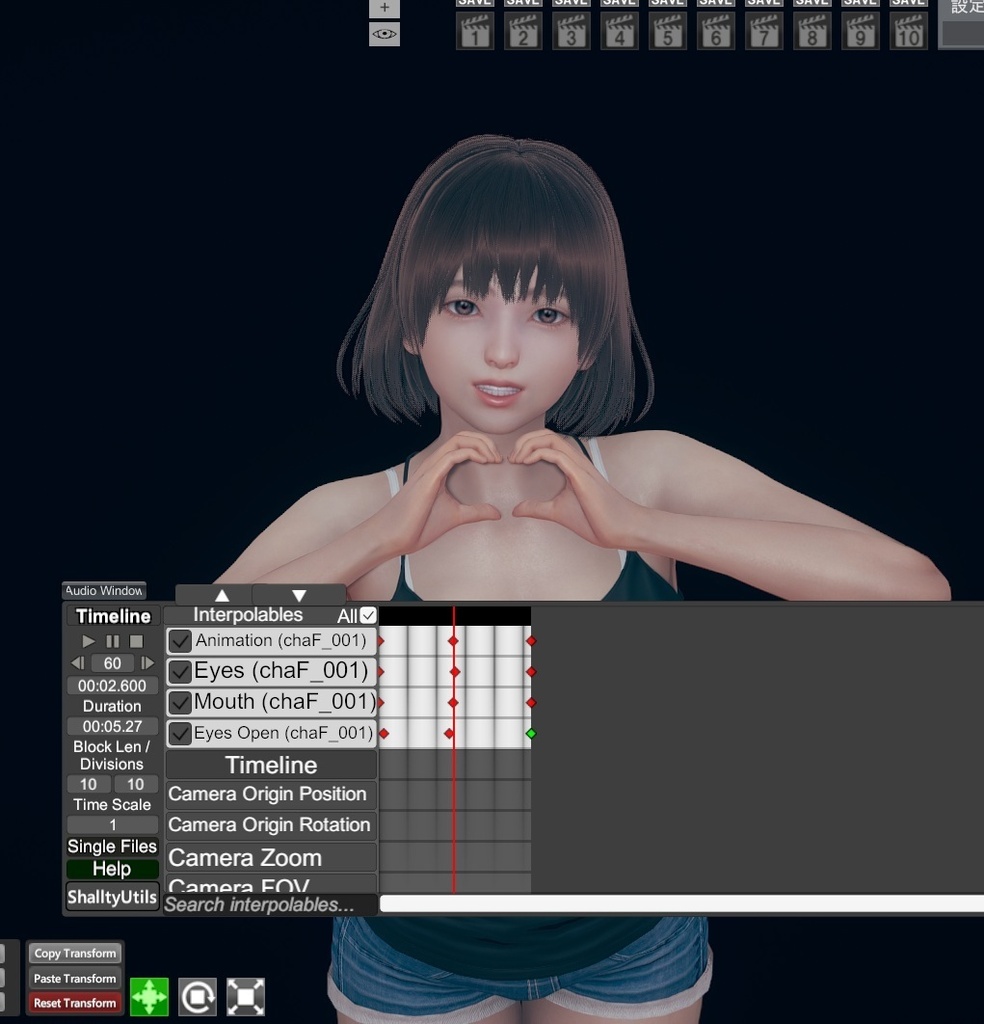
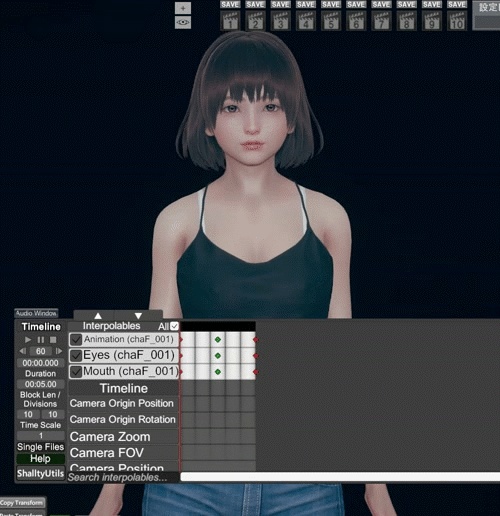


HS2 Timeline Smooth Transitions v0.1.8 JP HS2 Studio の Timeline にある Animation / Eyes / Mouth の切り替えを滑らかにする追加プラグインです。 通常はキー位置で瞬間的に切り替わるこれらの項目を、以下の方法でスムーズに変化させます。 Animation 次の Animation キー直前で、現在のポーズから次のアニメーションのポーズへクロスフェードします。 Eyes / Mouth キー間で実際の顔 BlendShape ウェイトを補間し、目や口のパターンを滑らかに変化させます。 Features Animation / Eyes / Mouth に対応 Animation の補間時間を設定可能 初期値 0.20 秒 Eyes / Mouth は BlendShape ベースで補間 Timeline.dll 本体の改変や置き換えは不要 Timeline 1.5.5.1 向け Installation HS2_TimelineSmoothTransitions.dll を以下のフォルダへ入れてください。 HoneySelect2\BepInEx\plugins\ 元の Timeline.dll は削除せず、そのまま使用してください。 EN HS2 Timeline Smooth Transitions is a BepInEx plugin that adds smooth transitions to the Animation, Eyes, and Mouth tracks in HS2 Studio Timeline. Instead of switching instantly at Timeline keys, the plugin provides smoother transitions using the following methods. Animation Crossfades the current pose into the next animation shortly before the next Animation key. Eyes / Mouth Interpolates facial BlendShape weights between keys for smooth eye and mouth pattern transitions. Features Supports Animation / Eyes / Mouth Configurable Animation blend duration Default: 0.20 sec BlendShape-based Eyes / Mouth interpolation Does not modify or replace Timeline.dll Designed for Timeline 1.5.5.1 Installation Place HS2_TimelineSmoothTransitions.dll in the following folder. HoneySelect2\BepInEx\plugins\ Keep the original Timeline.dll installed.