

【汎用・VRChat想定・PC】もふもふしっぽ3種 狐・オオカミ・猫 PhysBone設定済み ライト/ダーク|Fur Tail Pack【Tidebone Studio】
- Digital300 JPY
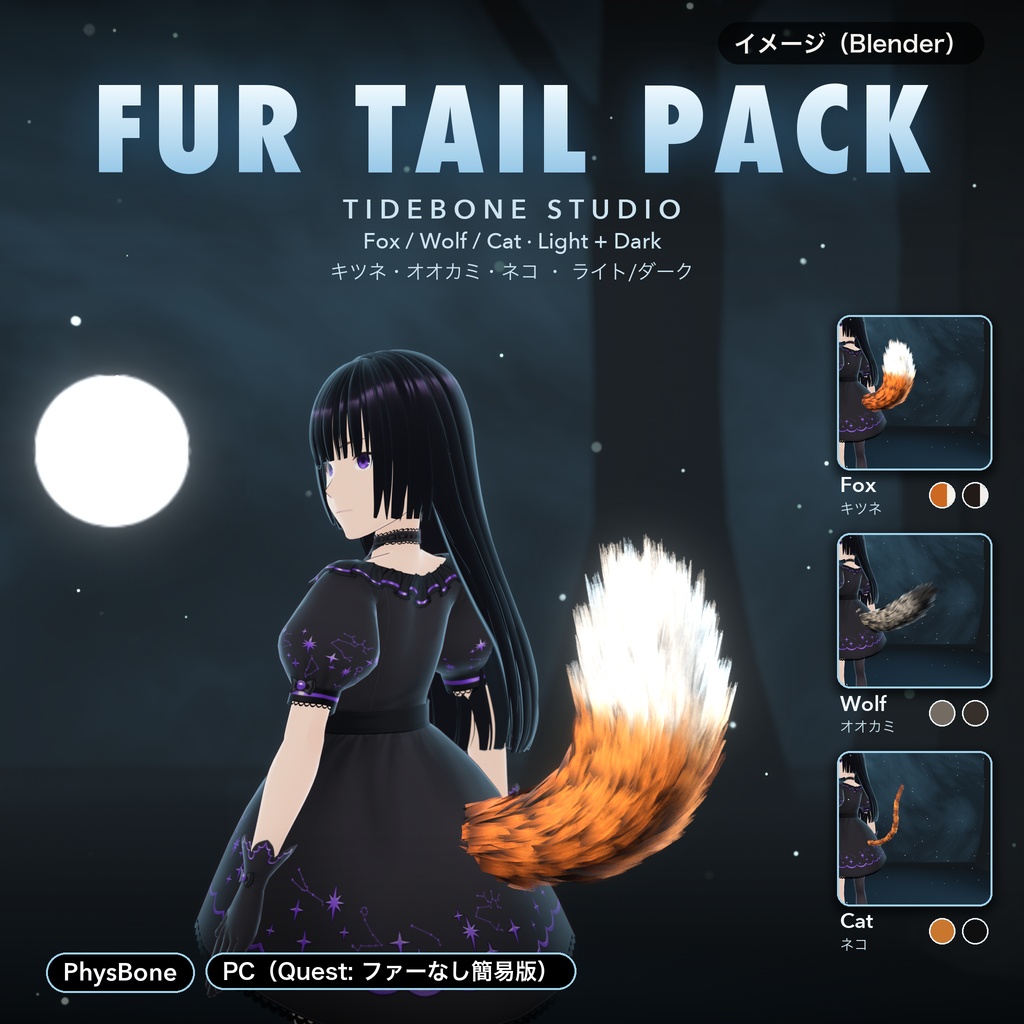
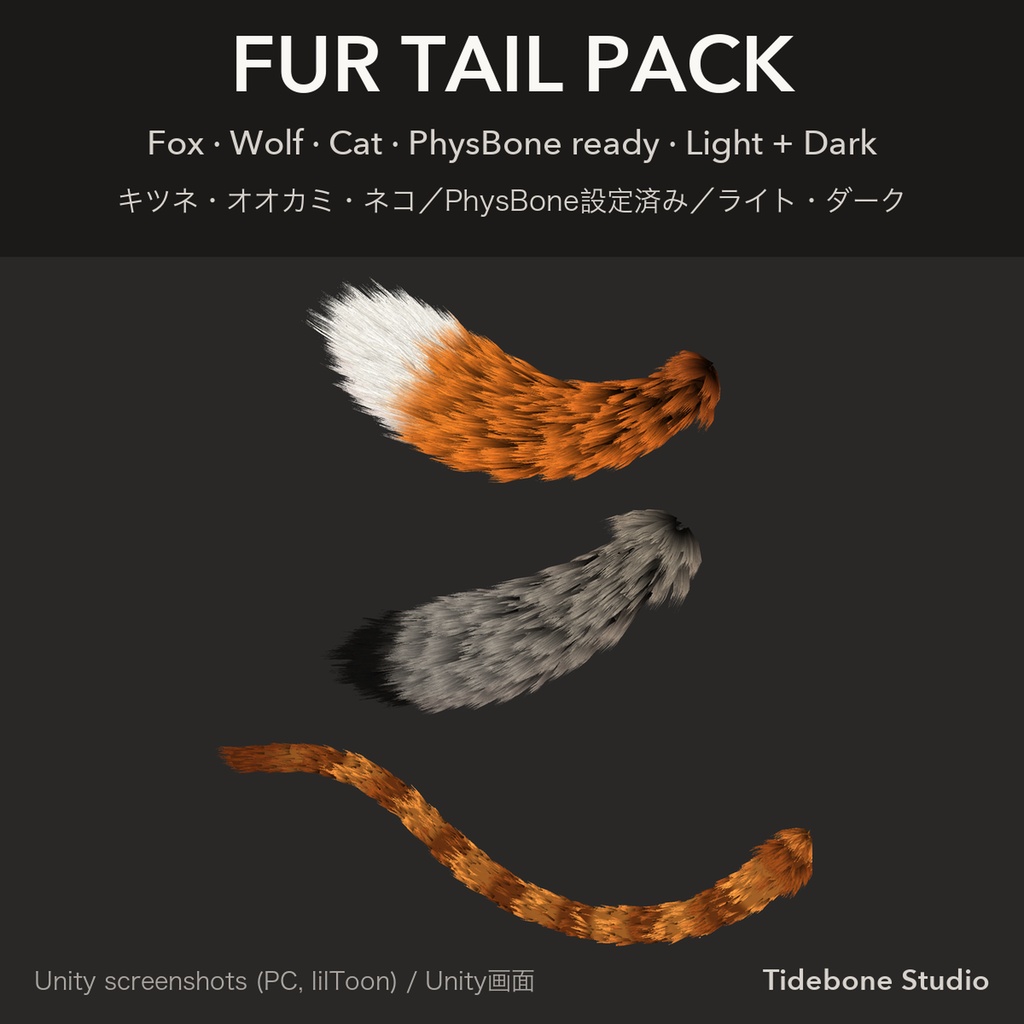
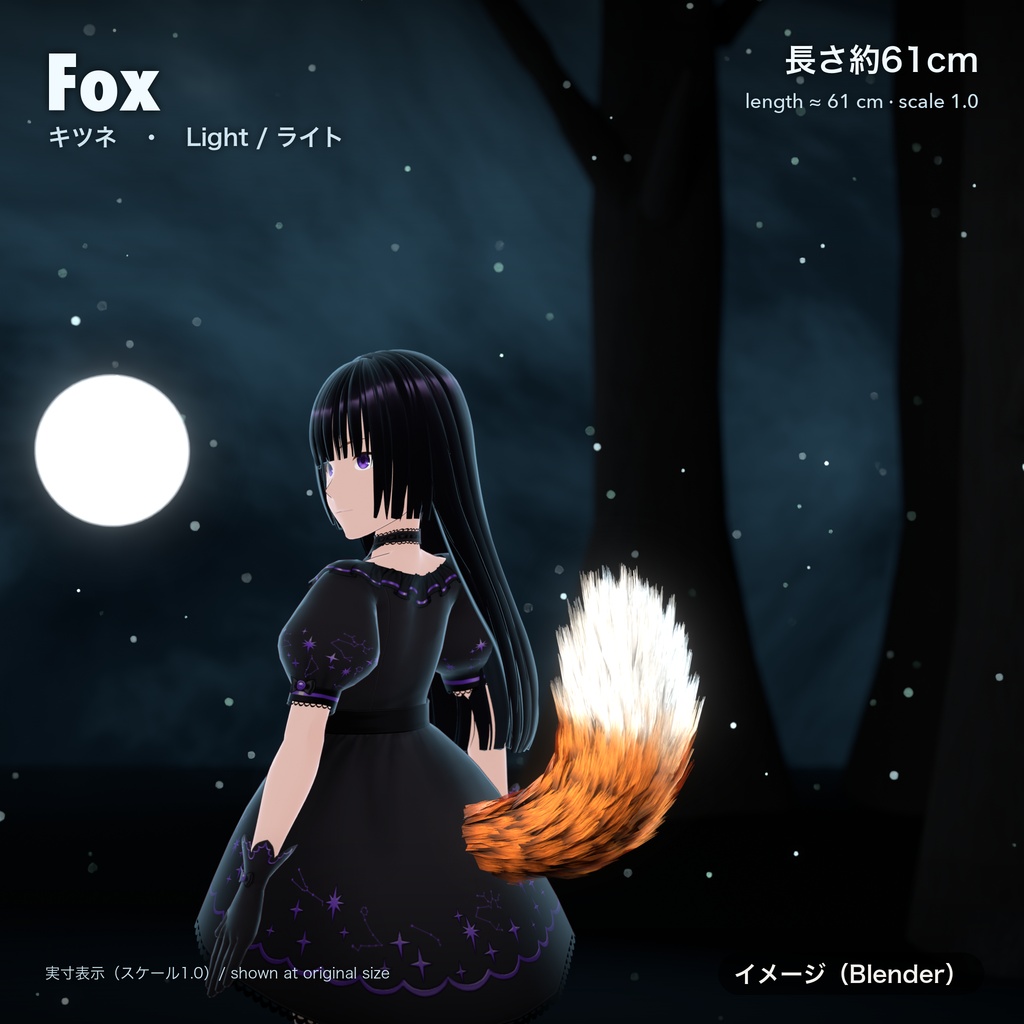
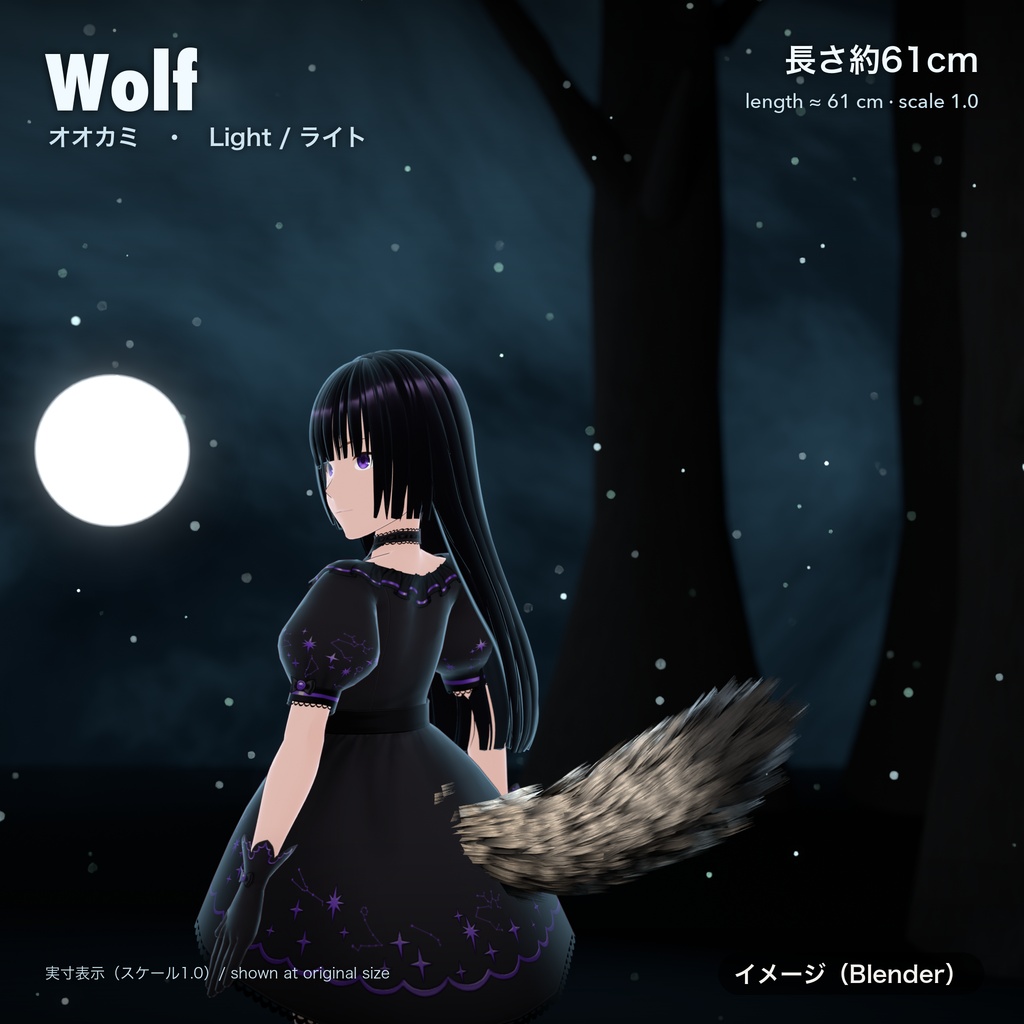
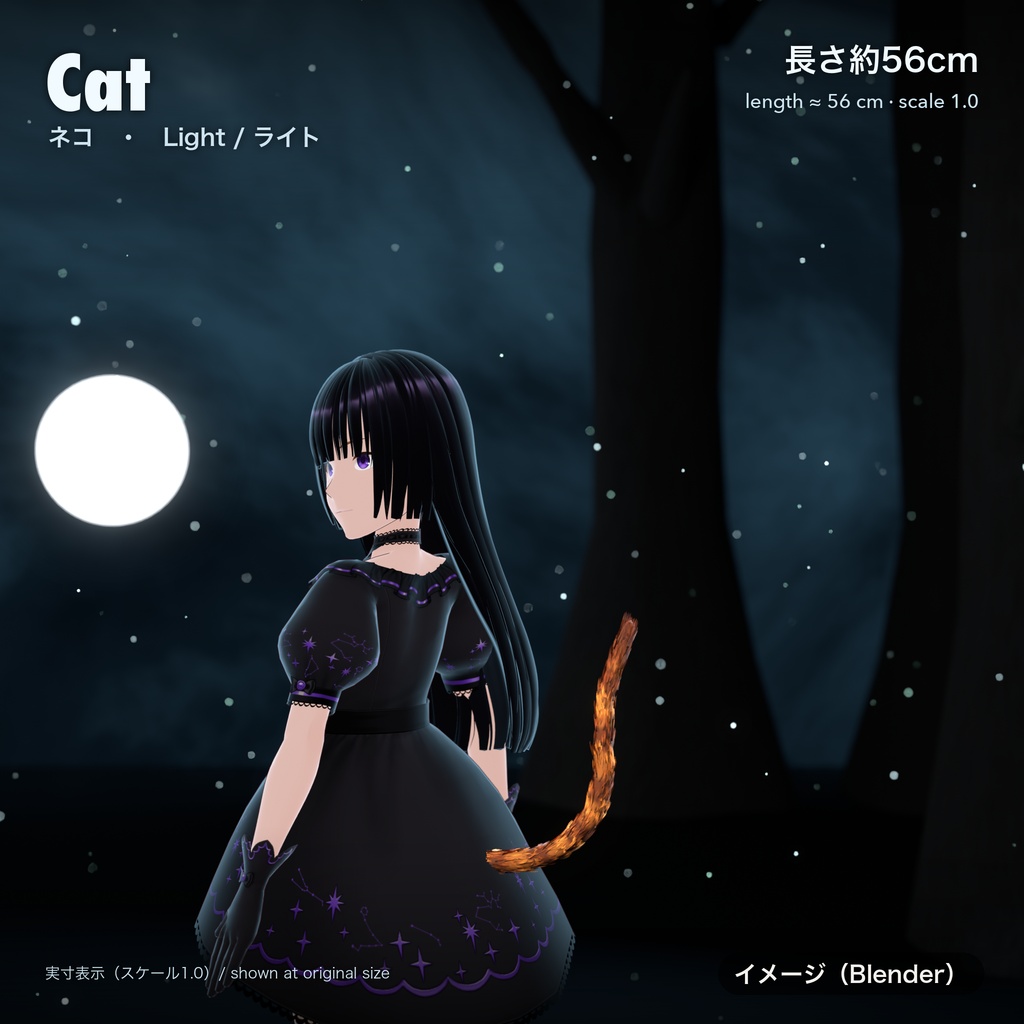
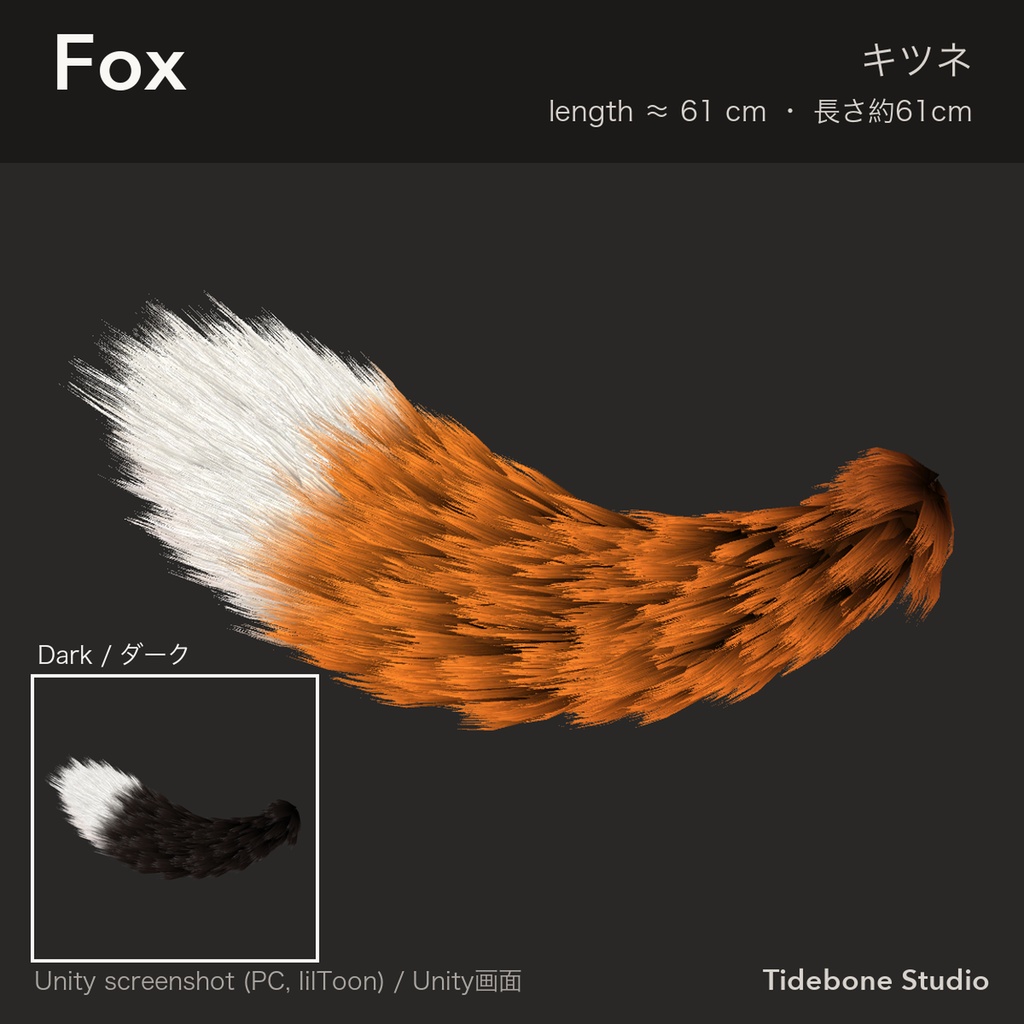
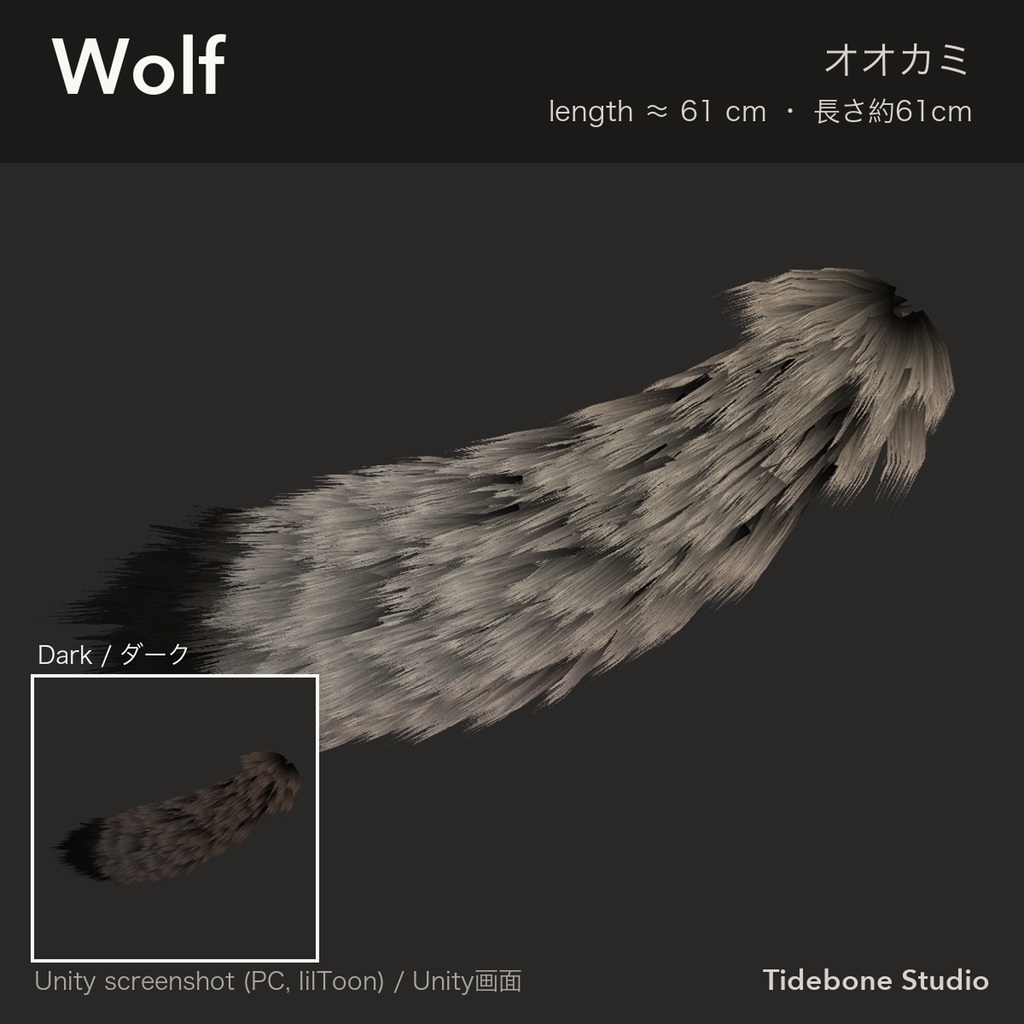
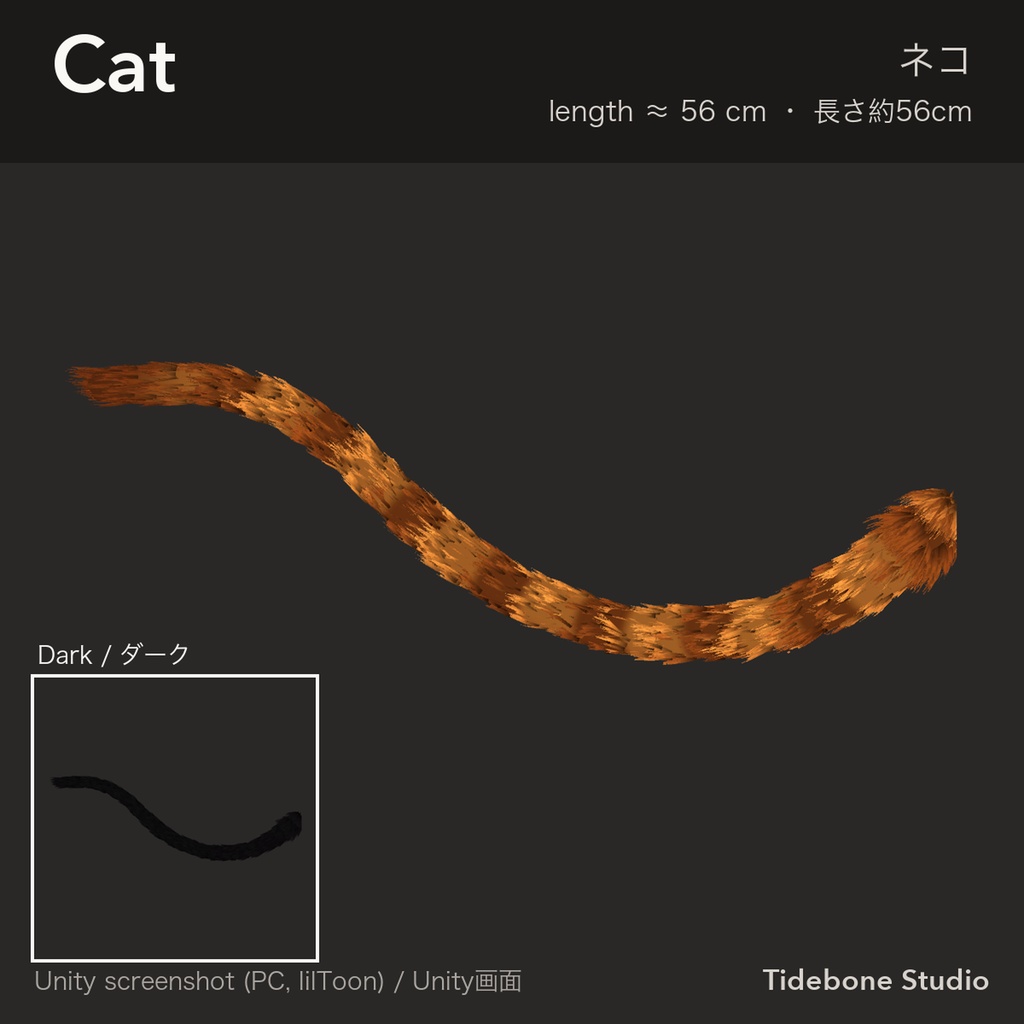
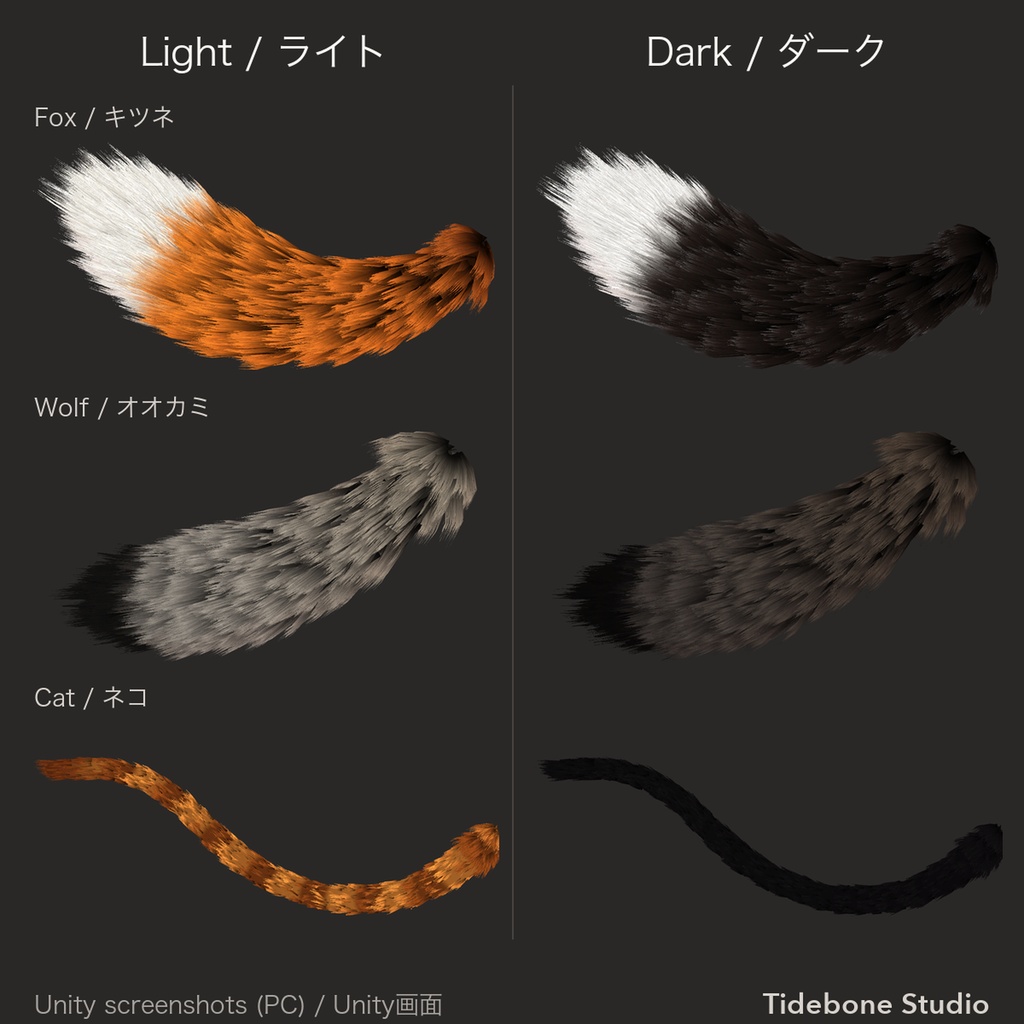
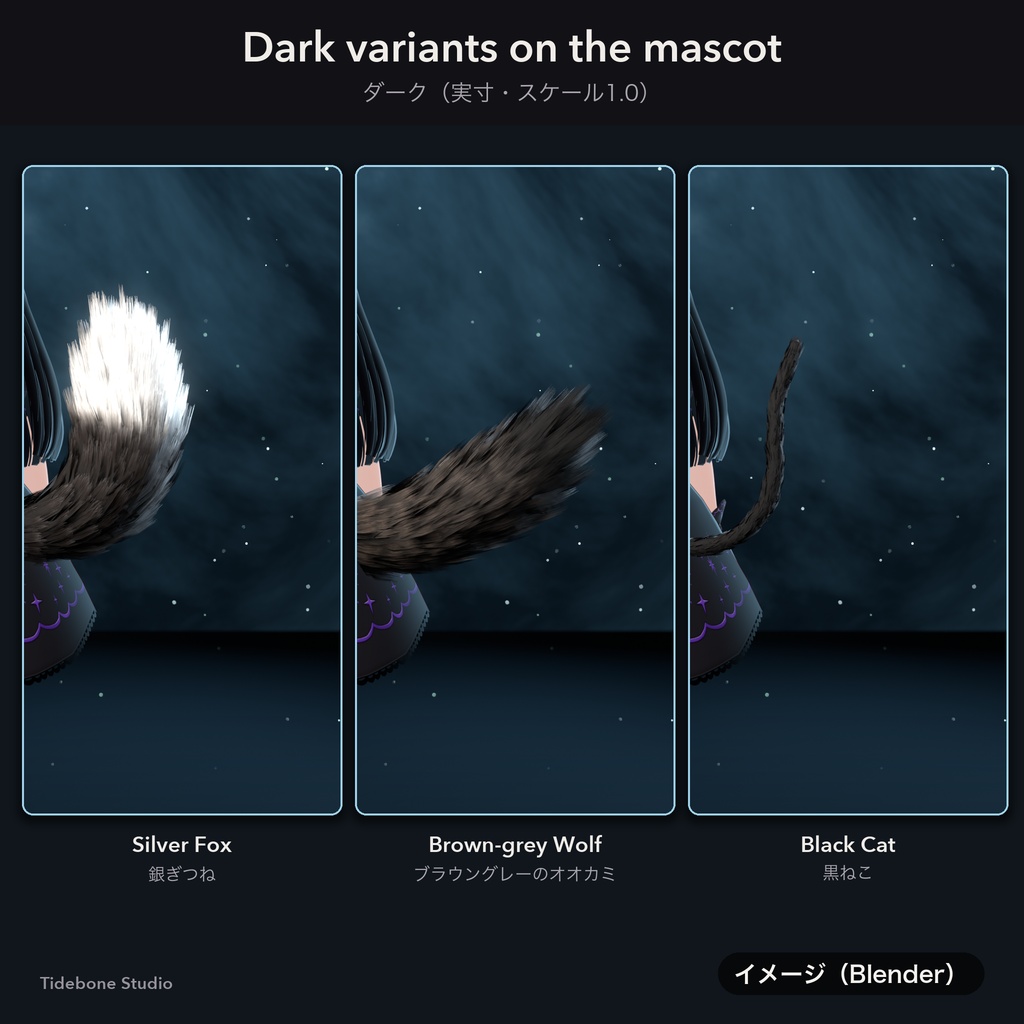
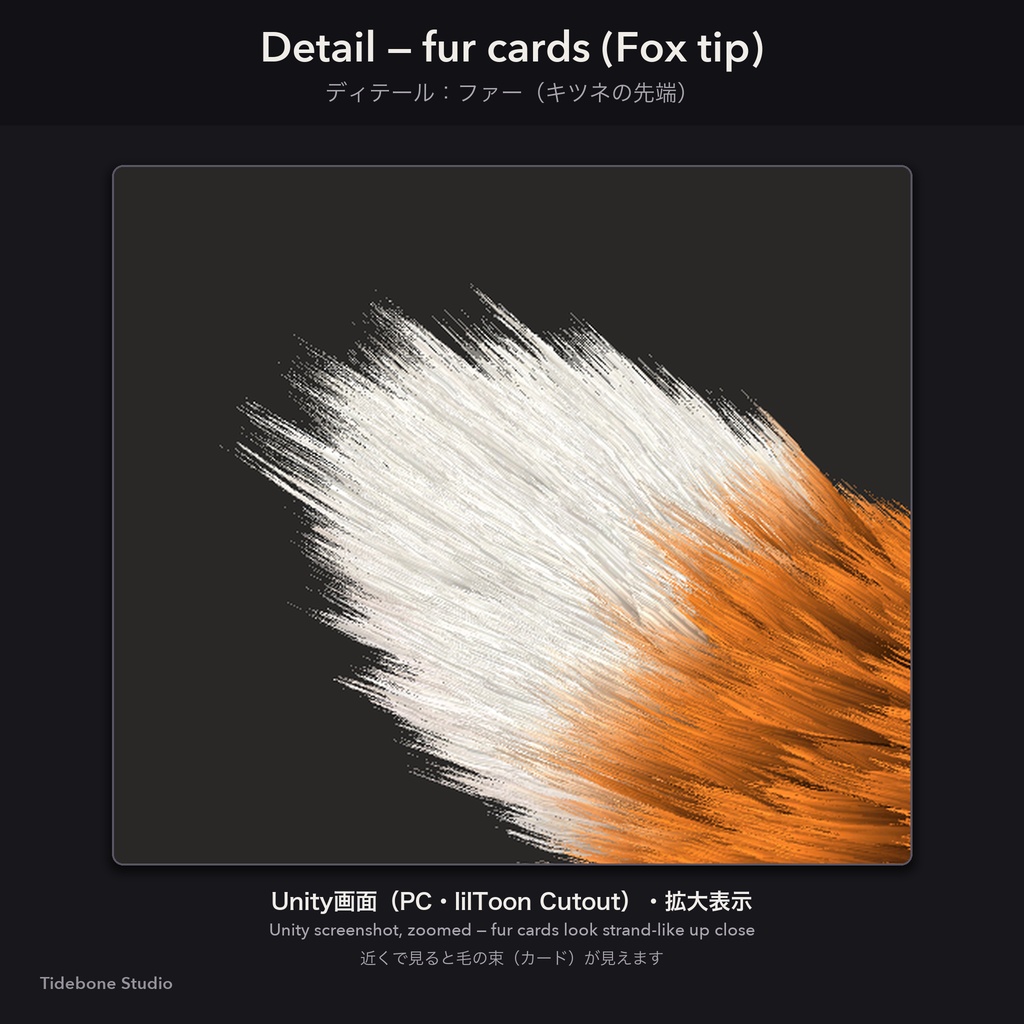
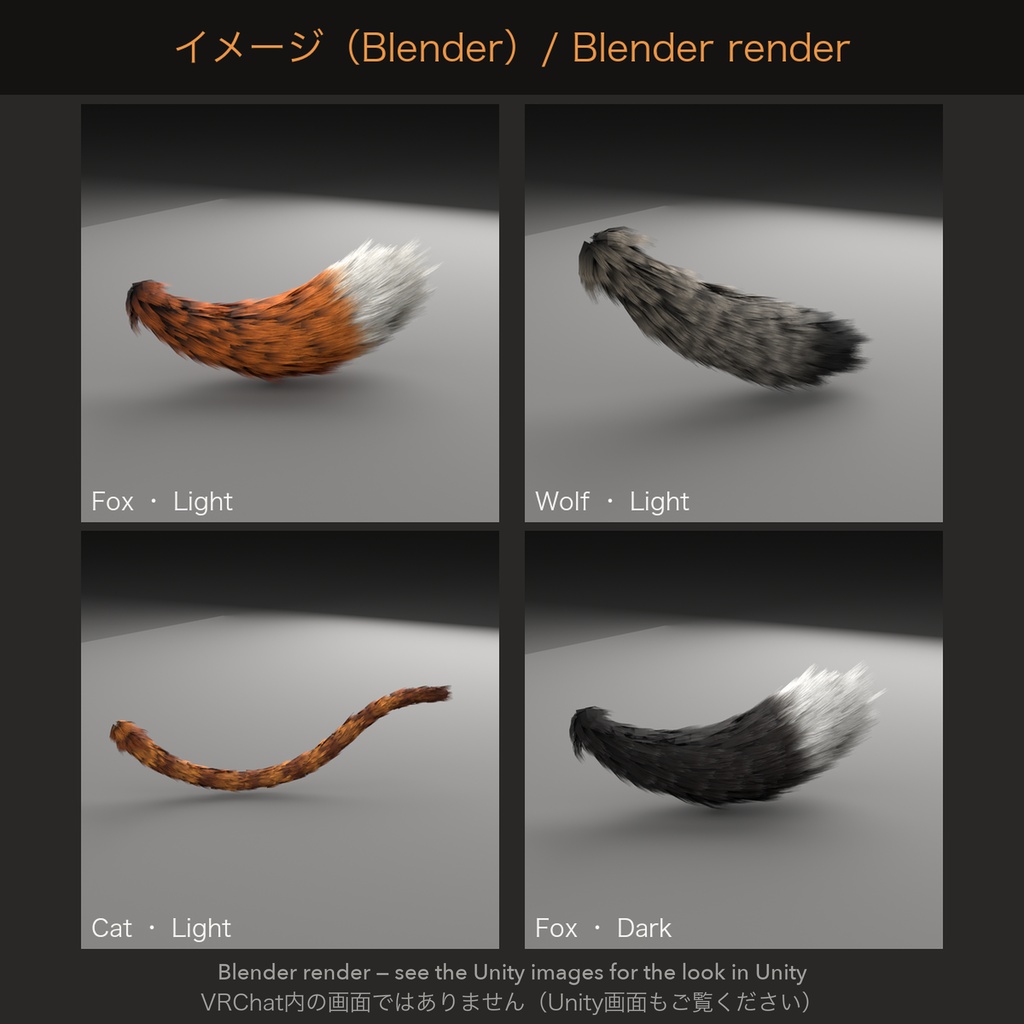
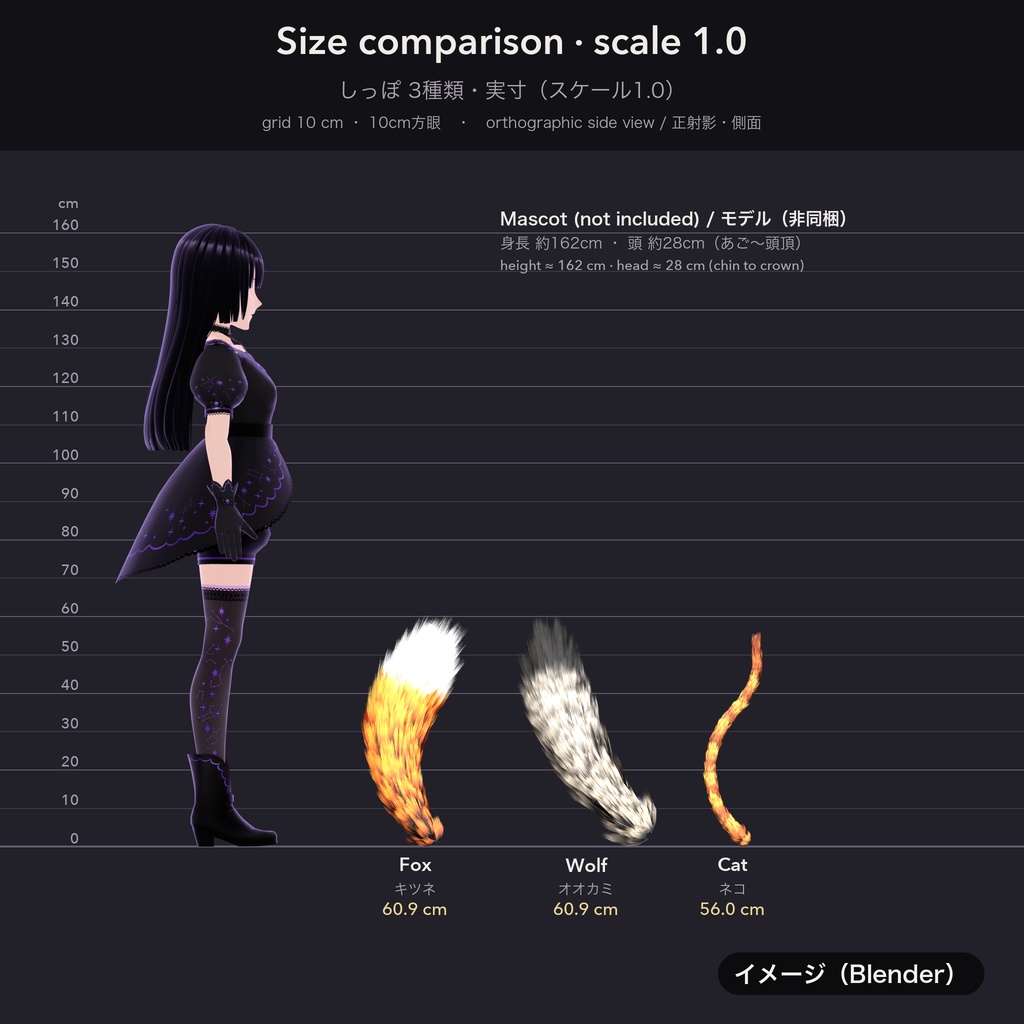
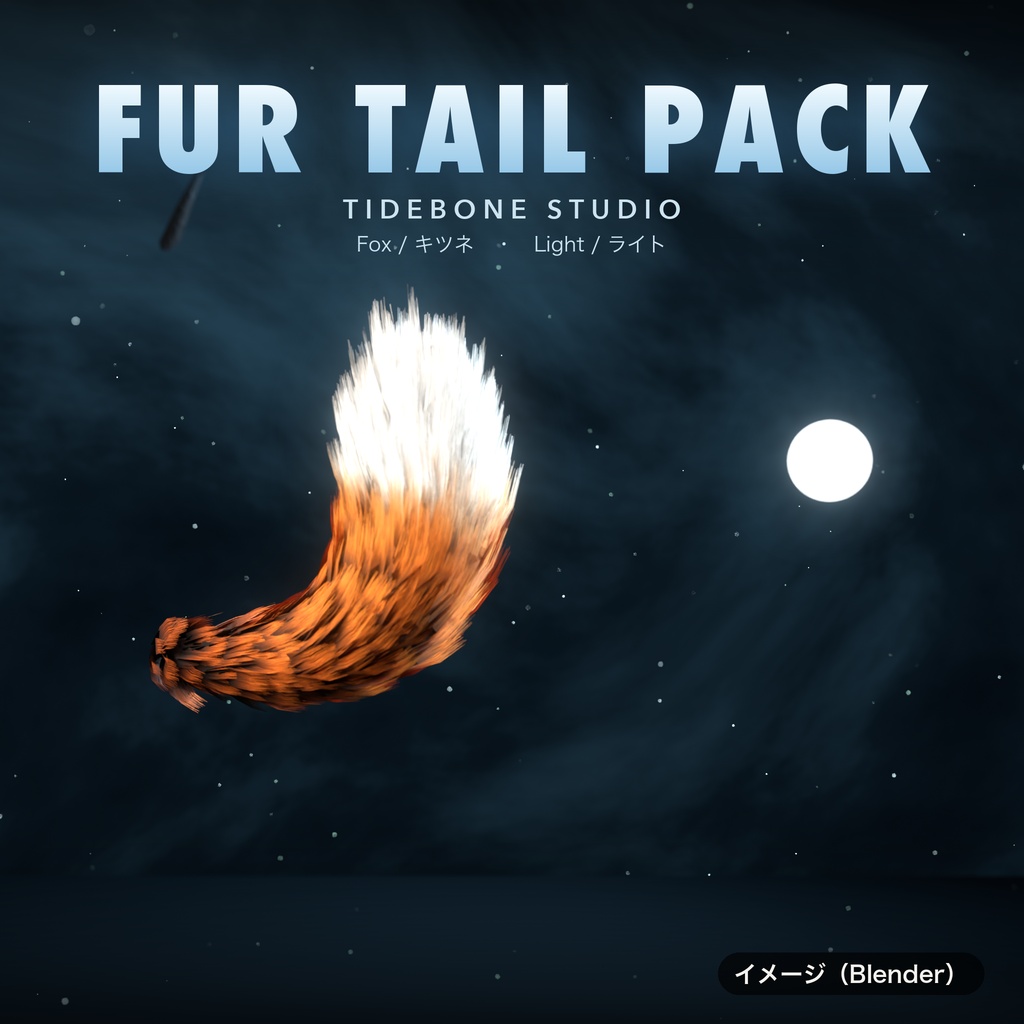
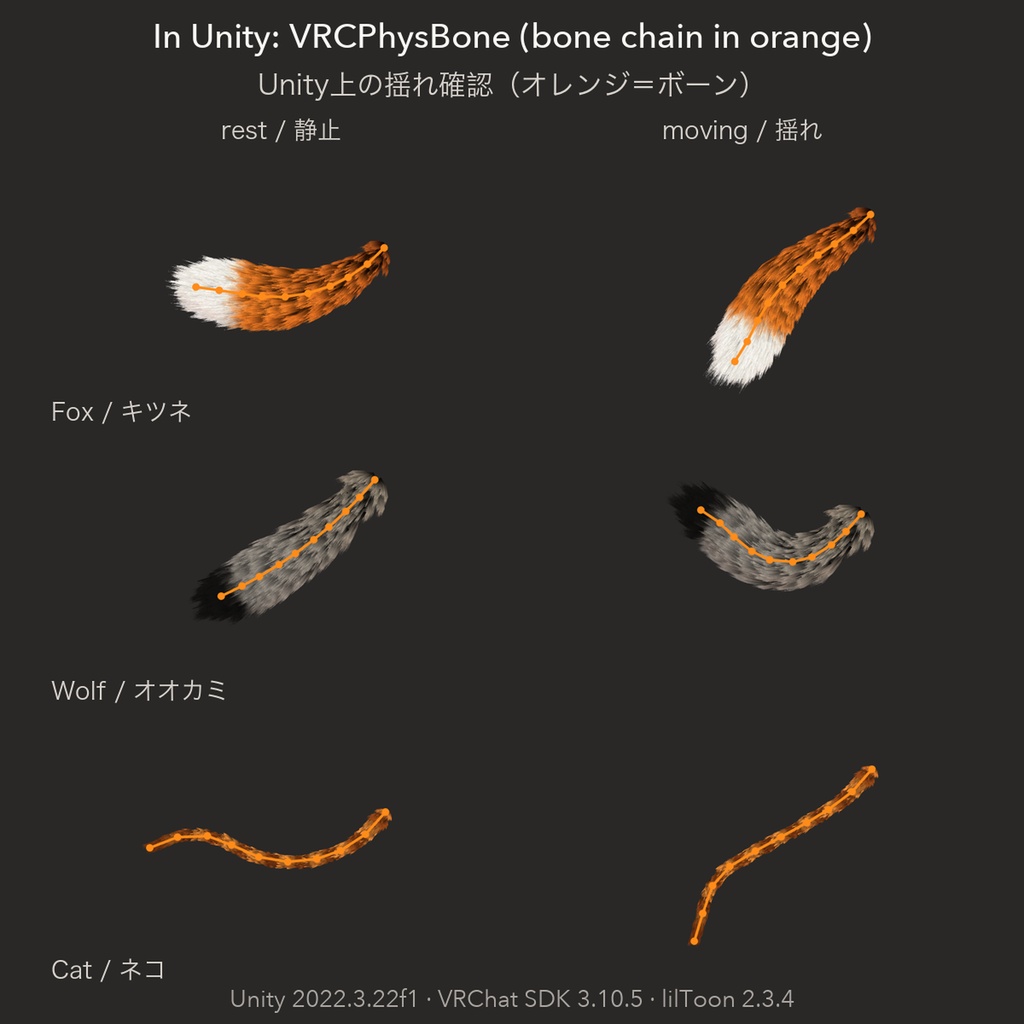
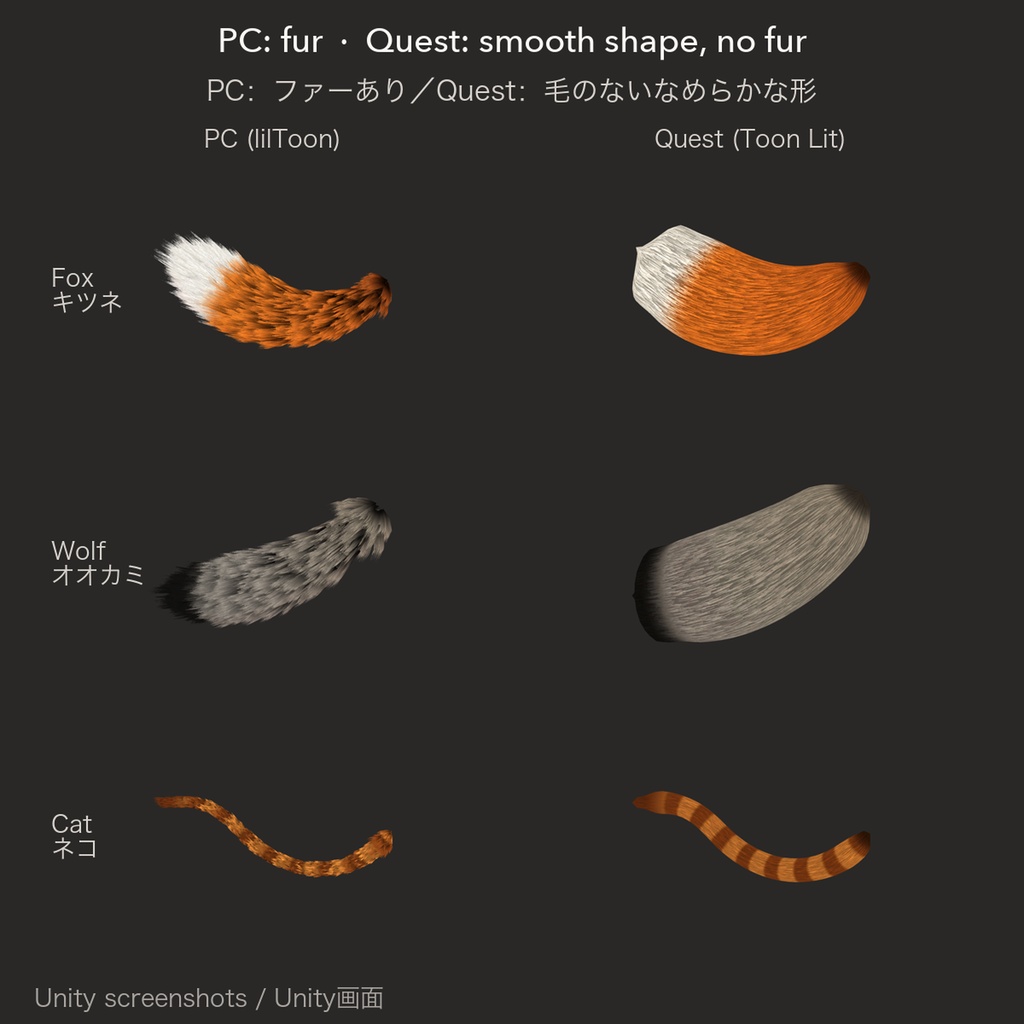
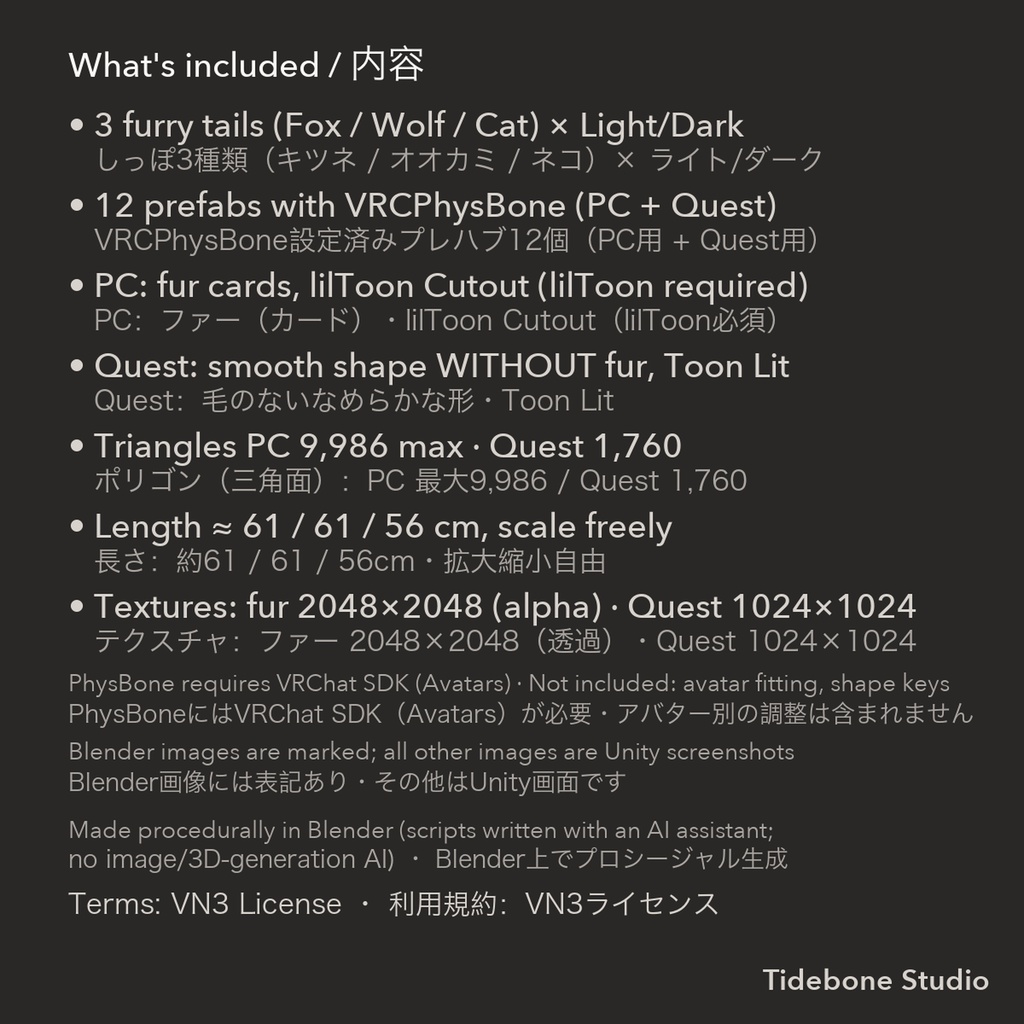
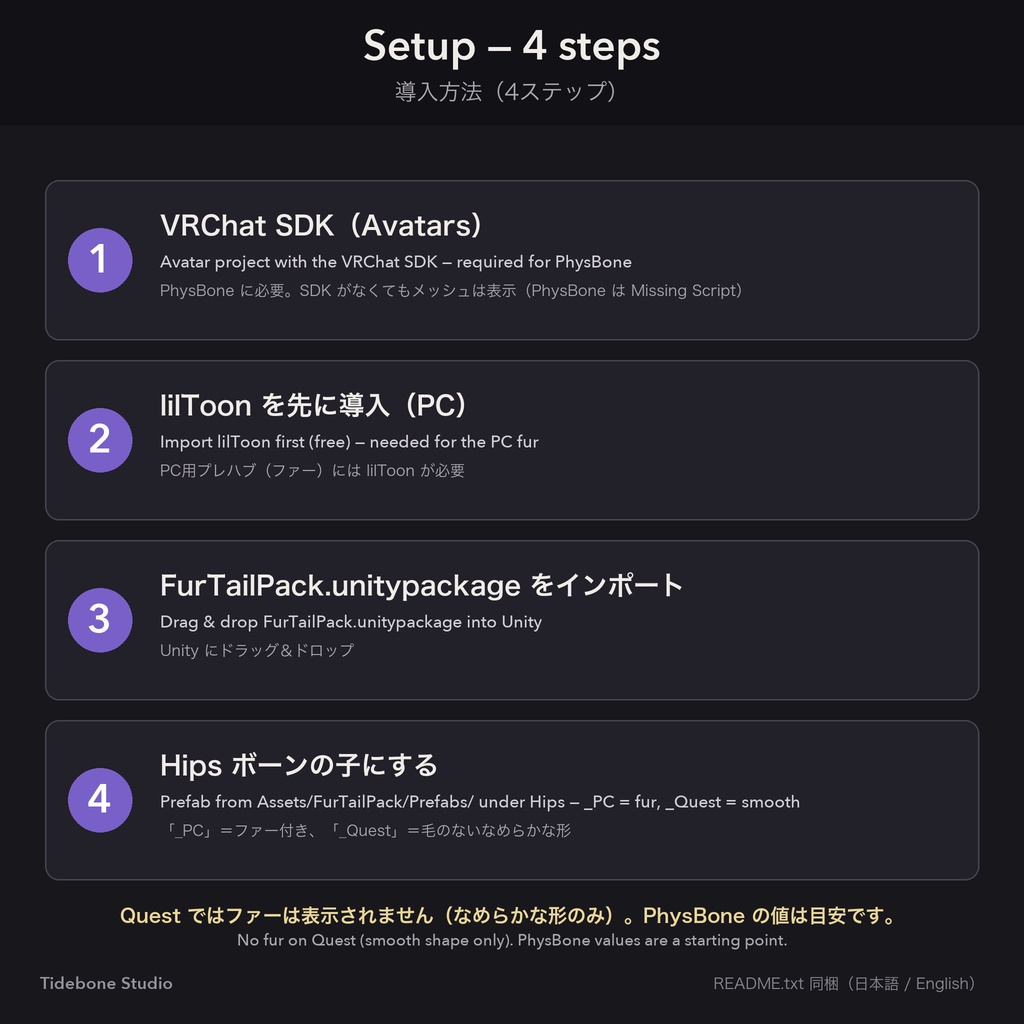
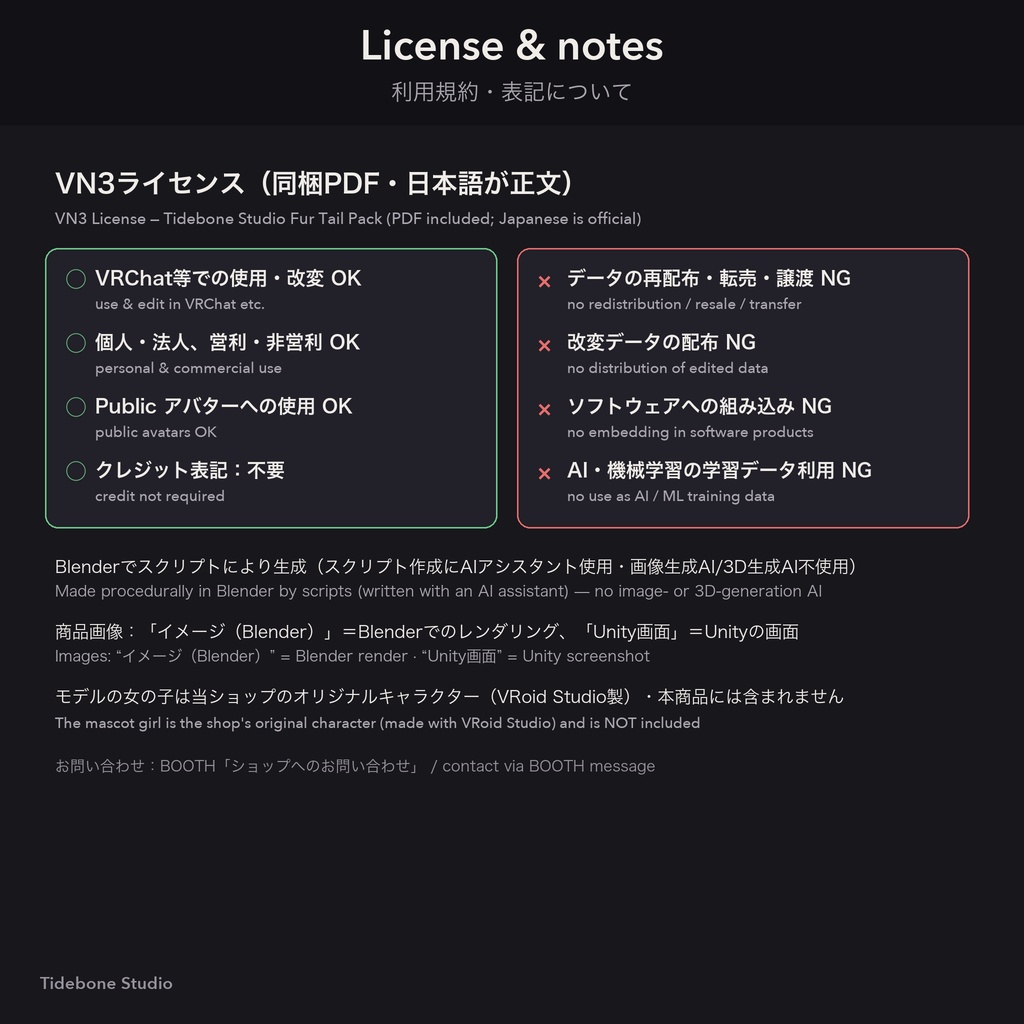


毛並みのある揺れるしっぽ3種類(きつね / オオカミ / ねこ)を、ライト・ダークの2色で収録したアクセサリーパックです。 各しっぽにはボーン(9本のチェーン)と VRCPhysBone 設定済みのプレハブが付いています。 毛並みはファーカード(毛のテクスチャを貼った板ポリゴン)で作っているため、ファーシェーダーなしで表示されます。 特定のアバター用の調整はしていない汎用パーツです。 ■ 収録内容 ・しっぽ3種類 × 2色 きつね:オレンジ+白い先端 / 銀ぎつね(黒+白い先端) オオカミ:グレー / ブラウングレー(どちらも黒い先端) ねこ:茶トラ / 黒ねこ(細長・短毛) ・プレハブ 12個(3種類 × ライト/ダーク × PC用/Quest用)VRCPhysBone 設定済み ・FBX:ボーン入り(Tail_00–Tail_08)PC用・Quest用 ・テクスチャ:PC用 2048×2048(毛・アルファ付き)/ Quest用 1024×1024 ・README(日本語 / English)・利用規約PDF(VN3) ■ 仕様 ・ポリゴン数(三角面):PC用 9,986(各しっぽ)/ Quest用 1,760 ・長さの目安(PC用):きつね約61cm / オオカミ約61cm / ねこ約56cm(拡大縮小自由) ・PC用マテリアル:lilToon(カットアウト・両面) ・Quest用マテリアル:VRChat/Mobile/Toon Lit(毛並みを描いたテクスチャ・ファーなし) ・動作確認:Unity 2022.3.22f1 + VRChat SDK 3.10.5 + lilToon 2.3.4 のエディター上で読み込みと PhysBone の揺れ(プレイモード)を確認。 特定のアバターへの装着確認、VRChat へのアップロード確認、Quest 実機での確認はしていません。 ■ 導入方法 1. VRChat SDK(Avatars)入りのプロジェクトを用意 2. lilToon(無料・https://booth.pm/ja/items/3087170 )を導入(PC用プレハブに必要) 3. FurTailPack.unitypackage を Unity にドラッグ&ドロップ 4. Assets/FurTailPack/Prefabs/ のプレハブ(PC用「_PC」/Quest用「_Quest」)をアバターの Hips ボーンの子にして、位置・向き・大きさを調整 ■ ご注意 ・ファー付きは PC 向けです。Quest用はファーのないなめらかな形です(Quest のシェーダーはカットアウトに対応していないため)。 ・PhysBone の動作には VRChat SDK(Avatars)が必要です。SDK がなくてもメッシュは使えますが、PhysBone は「Missing Script」になります。 ・アバターごとの位置合わせ・シェイプキー・Modular Avatar用プレハブは含まれません(Modular Avatar非対応)。 ・PhysBone の値は目安です。お好みで調整してください。 ・商品画像のうち「イメージ(Blender)」と表記したものは Blender でのレンダリング、「Unity」と表記したものは Unity エディターの画面です。 VRChat 内での見た目はシェーダー・ライティングにより異なります。毛並みの見え方は Unity の画像が実物に近いです。 ・画像のモデル(女の子)は当ショップのオリジナルキャラクター(VRoid Studio で作成)で、本商品には含まれません。 画像のしっぽは見やすさのため一部拡大しています。実寸は上記「長さの目安」をご覧ください。 ■ 制作について 本データは、制作者が作成したスクリプトにより Blender 上で手続き的(プロシージャル)に生成した3Dモデルです。 スクリプトの作成には AI アシスタントを使用しました。画像生成AI・3D生成AIは使用していません。 商品画像も Blender(一部 Unity)で作成しています。画像のキャラクターは VRoid Studio で作成したオリジナルです。 ■ 利用規約 VN3ライセンス(https://www.vn3.org/ )を採用しています。同梱のPDF(日本語が正文、英語は参考訳)をご確認ください。 概要:VRChat等での使用・改変 OK / データの再配布・転売 NG / 譲渡 NG ■ お問い合わせ 不具合・ご質問は、ショップページの「ショップへのお問い合わせ」(BOOTHのメッセージ)からお願いいたします。 制作:Tidebone Studio ―――――――――――――――― [English] Three furry, swaying tails (Fox / Wolf / Cat) in two colors (Light / Dark), for VRChat avatars. Every tail comes rigged (9-bone chain) with ready-made prefabs that already carry a VRCPhysBone component. The fur is made of fur cards (strips with a hair texture), so it shows up without a fur shader. Generic parts, not fitted to any specific avatar. ■ Contents • 3 tail types × 2 colors Fox: orange with white tip / silver fox (black with white tip) Wolf: grey / brown-grey (both with a black tip) Cat: ginger tabby / black cat (slim, long, short fur) • 12 prefabs (3 types × Light/Dark × PC/Quest) with VRCPhysBone set up • FBX: rigged (Tail_00 … Tail_08), PC and Quest version • Textures: PC 2048×2048 (hair with alpha) / Quest 1024×1024 • README (JP / EN) and VN3 license PDFs ■ Specs • Triangles: PC 9,986 per tail · Quest 1,760 • Approx. length (PC): Fox 61 cm · Wolf 61 cm · Cat 56 cm (scale freely) • PC material: lilToon (cutout, double-sided) • Quest material: VRChat/Mobile/Toon Lit (painted fur texture, no fur) • Checked in the Unity 2022.3.22f1 editor with VRChat SDK 3.10.5 and lilToon 2.3.4 (import, PhysBone motion in Play Mode). Not tested on a specific avatar, not tested by uploading to VRChat, not tested on a Quest device. ■ Setup 1. Avatar project with the VRChat SDK (Avatars) 2. Import lilToon (free: https://booth.pm/en/items/3087170 ) — needed for the PC prefabs 3. Drag and drop FurTailPack.unitypackage into Unity 4. Put a prefab from Assets/FurTailPack/Prefabs/ ("_PC" or "_Quest") under your avatar's Hips bone, adjust position/rotation/scale ■ Notes • Fur is PC only. The Quest version is a smooth shape without fur (Quest shaders do not support cutout). • PhysBone requires the VRChat SDK (Avatars). Without the SDK the mesh still works, but the PhysBone shows as "Missing Script". • No avatar-specific fitting, no shape keys, no Modular Avatar prefabs. • PhysBone values are a starting point — adjust to taste. • Images marked "イメージ(Blender)" are Blender renders; images marked "Unity" are Unity editor screenshots. The look in VRChat depends on shader and lighting. The Unity images are closer to the actual fur. • The character in the images is our own mascot (made in VRoid Studio) and is NOT included. Tails are shown slightly enlarged in the mascot images; see the lengths above. ■ How it was made Generated procedurally in Blender by scripts written by the creator; an AI assistant was used to write the scripts. No image-generation or 3D-generation AI was used. Product images are Blender renders (some Unity screenshots); the mascot is our own VRoid Studio character. ■ Terms of use VN3 License (https://www.vn3.org/ ) — see the included PDFs (Japanese is the official text, English is a reference translation). Summary: use and edit in VRChat etc. OK · redistribution / resale of the data NOT allowed · transfer NOT allowed. ■ Contact For issues or questions, please use "Contact this Shop" (BOOTH message) on the shop page. by Tidebone Studio ―――――――――――――――― ■ あわせてどうぞ ・ツノパック https://tidebone.booth.pm/items/8898609 ・髪テクスチャパック https://tidebone.booth.pm/items/8914443 ・しっぽパック(ドラゴン&デーモン) https://tidebone.booth.pm/items/8899656 ■ セット商品:スタイルセット(髪テクスチャ17種+ツノ&しっぽ) https://tidebone.booth.pm/items/9024053