
パソコン販売店の初期設定・引渡し待ち確認表 / Initial Setup and Pending Handover Checklist for Computer Retailers
- Digital100 JPY
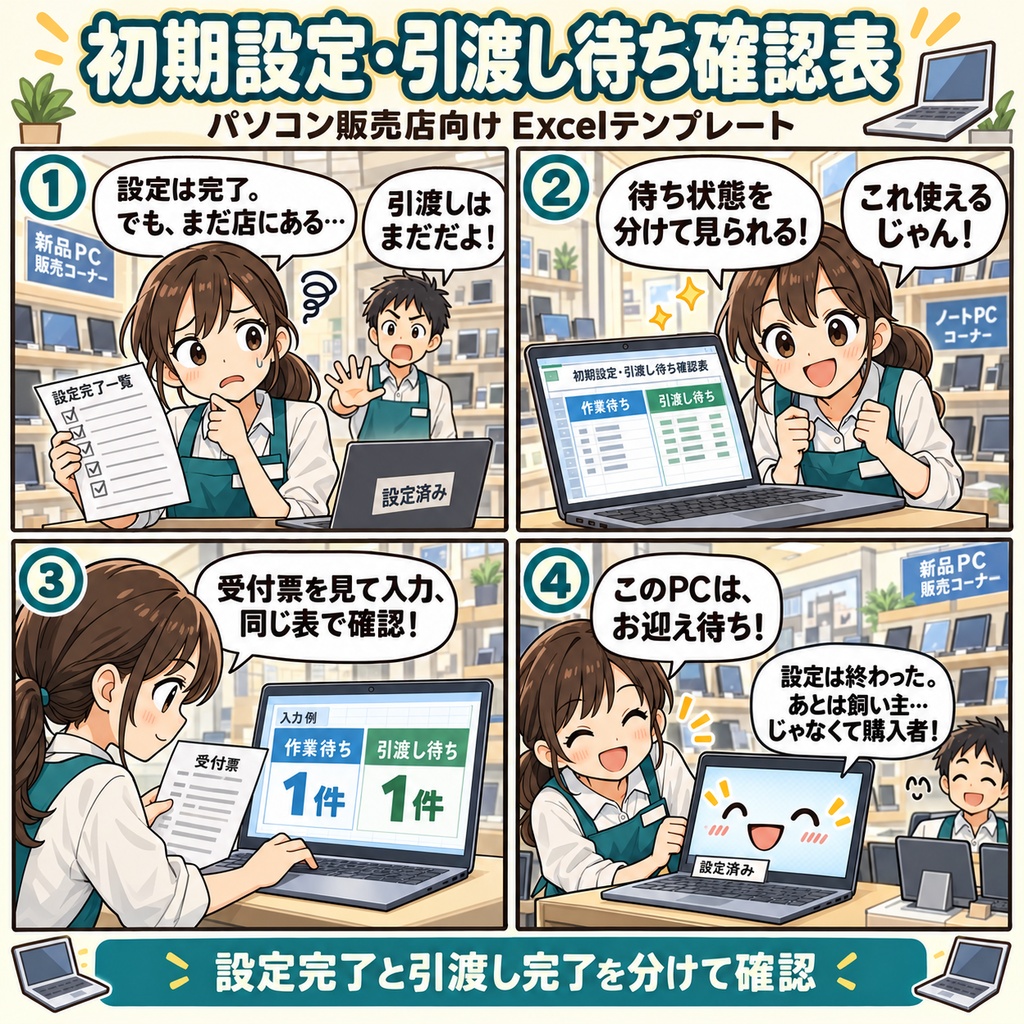
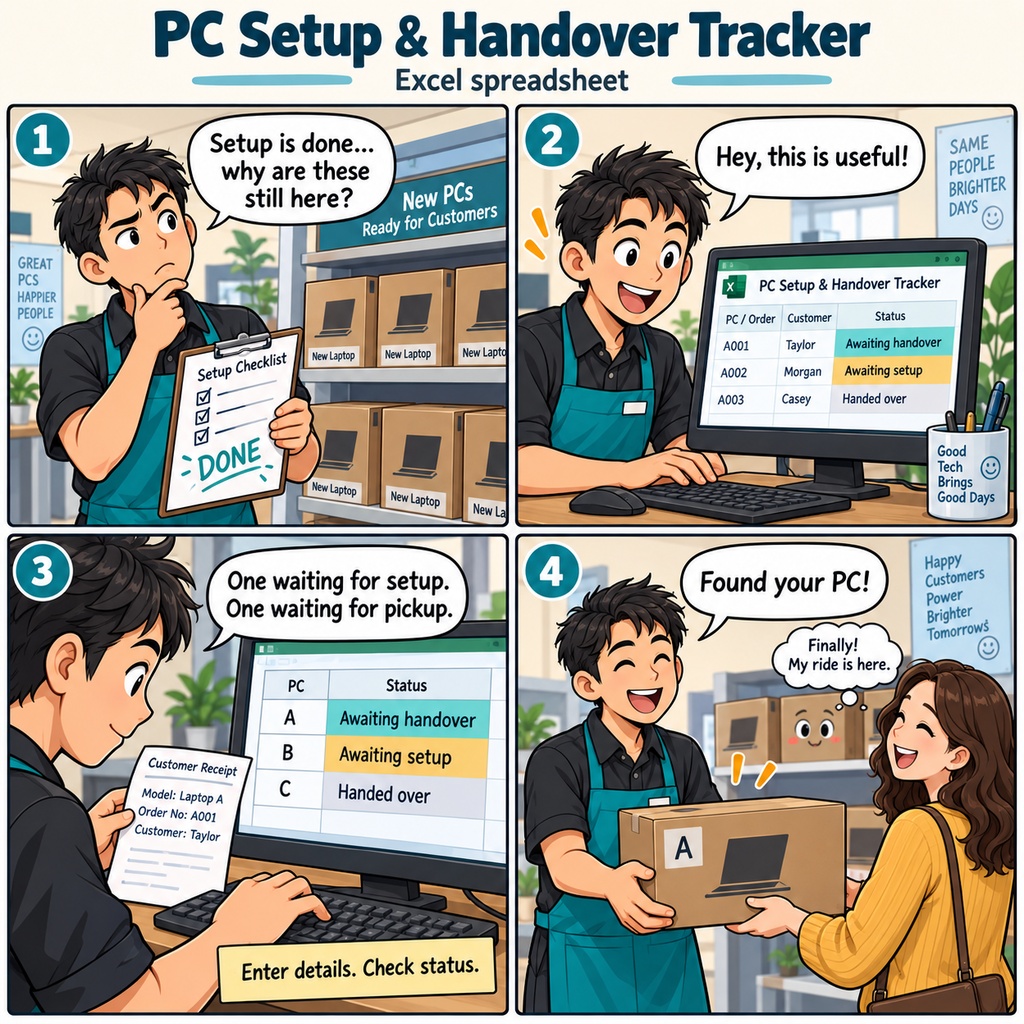


パソコン販売店の初期設定・引渡し待ち確認表 新品のパソコンを購入されたお客様へ、初期設定を済ませてお渡しする。 受付担当の方にとって、設定作業が終わった後も、お渡しまでの確認は続きます。 「このパソコンは、まだ設定中だったかな。それとも、お渡しを待っているのかな」 店内に預かっている機器を確認するとき、作業の完了と、お客様への引渡しは分けて記録しておきたいものです。 そんな日々の受付に使えるのが、このExcel形式の確認表です。 「作業待ち」と、設定後の「引渡し確認待ち」を、同じ一覧で確認できます。 使い始めは、店舗と受付月を入力し、1受付・1台につき1行を登録します。 受付原票や販売伝票、現物を照らし合わせながら、受付ID、機器の識別情報、保管場所、受付日、原票の参照先などを記入。 予定引渡日が決まっていれば、その日付も残せます。 初期設定が終わったら、実際の設定完了日を入力します。 必要な情報がそろった通常の受付では、受渡実績がそろうまで「引渡し確認待ち」と表示されます。 お客様にお渡しした後は、実際の引渡日と、受渡記録を確認できる参照情報を記入。 有効な日付と根拠がそろうと、「引渡済」になります。 たとえば、設定が済んでお渡し前の1台と、これから設定する1台。 同じ店内にあるパソコンでも、それぞれを「引渡し確認待ち」「作業待ち」として確認できます。 上部には、作業待ち・引渡し確認待ち・中止返却待ち・入力要確認の4つの件数を表示。 状態で一覧を絞り込み、受付IDや保管場所、入力不備・記録不足の注意を見ながら、原票と現物を確認できます。 途中で設定を中止した場合も、対応区分と理由を記入し、返却の確認が済むまで同じ行で管理できます。 月をまたいで残る受付は、元のブックに実際の設定日や引渡日を追記して継続。 受渡後に追加作業を受け付けたときは、新しい受付IDで登録し、元受付IDを記録できます。 受付から設定完了、そして実際のお渡しまで。 それぞれの事実を記録し、「今、何を確認する受付なのか」を一覧で見たいお店にお使いいただけます。 ご利用には、Windows 11と日本語のMicrosoft 365デスクトップ版Excelが必要です。編集は一人ずつ行います。 1ブックで1店舗・1受付月を管理し、入力は記入例3件を含めて1,000行です。 受付原票・販売伝票・機器の識別情報をご用意のうえ、顧客の個人情報やパスワードではなく、機器の識別情報と原票の参照先を記入してください。 お仕事の依頼は下記メールまで ramaya08010801@gmail.com PC Store Setup and Handover Tracker A customer's new PC has finished its initial setup and is sitting on the shelf, ready for collection. Meanwhile, another PC is still waiting for setup. For the person handling setup service requests, those are two different stages of the same everyday workflow. This Excel workbook gives each PC its own place in that story, from the moment it is received to the moment its handover is recorded. It is designed for staff handling purchase-time setup services at stores selling new PCs, with separate statuses for pending setup and pending handover confirmation. Start by entering your store and intake month, then register one request and one PC per row. Record the request ID, sales slip reference, device identifier, storage location, intake date, and reference to the original request form. Add a planned handover date when one has been agreed. When setup is complete, enter the actual completion date. With valid required entries, a PC awaiting setup moves to pending handover confirmation once that date is recorded. When the customer collects it, check the actual handover and enter both its date and a reference to the supporting handover record. The workbook displays the status and any input issues or missing-record notes alongside your entries. Picture three PCs at the counter: one has finished setup but has no handover record yet, one is still awaiting setup, and one has already been handed over with its date and supporting reference recorded. With the required information in place, each appears at its corresponding stage. You can filter the list by status and check the device identifier, storage location, and any notes for the requests you want to review. If a setup service is stopped, keep the same request on the list and record the reason. It remains pending return until the actual return date and supporting reference are entered. Corrections and a resumption before return are handled on the same row. Requests still open next month stay in their original workbook; additional work accepted after handover gets a new request ID, with the original ID recorded as a reference. Before saving, review the four counts at the top: pending setup, pending handover confirmation, pending return after cancellation, and entries needing review. Read the missing-record notes too, and compare the entries with the physical PCs and source records. Setup completion and customer handover each have their own recorded place in the list. Use one workbook per store and intake month. It provides 1,000 entry rows, including three sample entries to replace when you begin using it. The workbook and its PDF user guide are in Japanese. Use Windows 11 and the Japanese-language Microsoft 365 desktop version of Excel, with one person editing at a time. Have your request forms, sales slips, and device identifiers ready, and enter device identifiers and source-record references while keeping customer personal details, passwords, and account information out of the sheet. For work inquiries or collaborations, please feel free to contact me at the email address below. ramaya08010801@gmail.com