

Voice Assistant: Windows用 ハンズフリー音声アシスタント(VR・ゲーム対応)
- Digital0 JPY
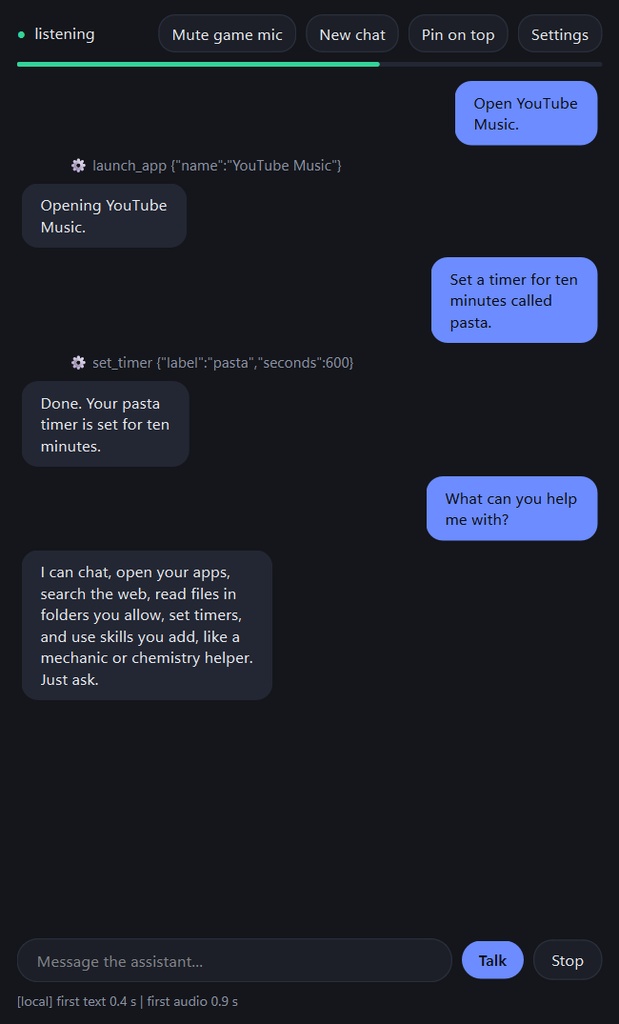
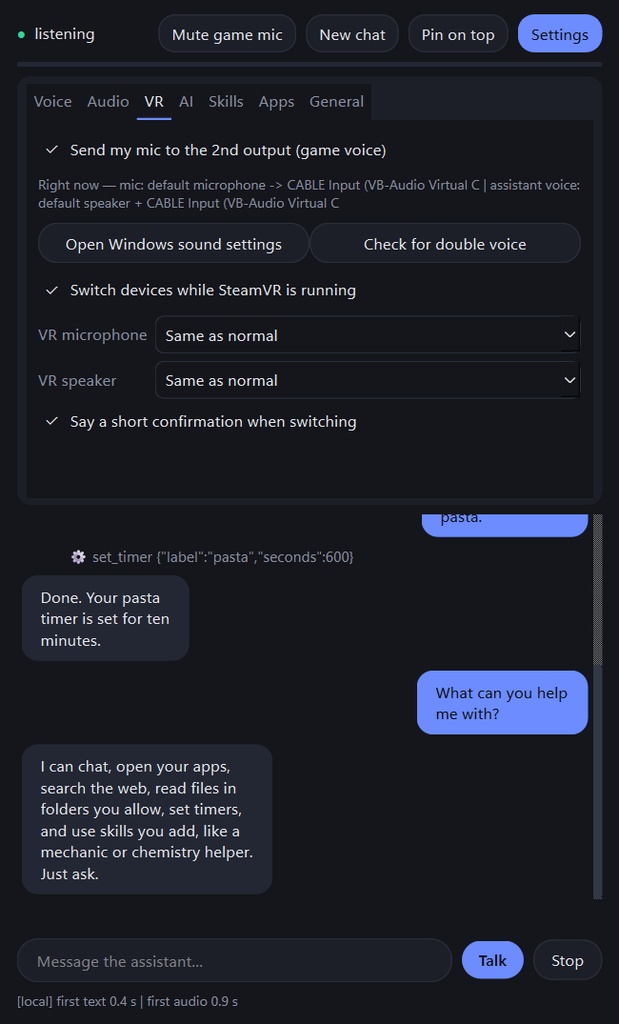
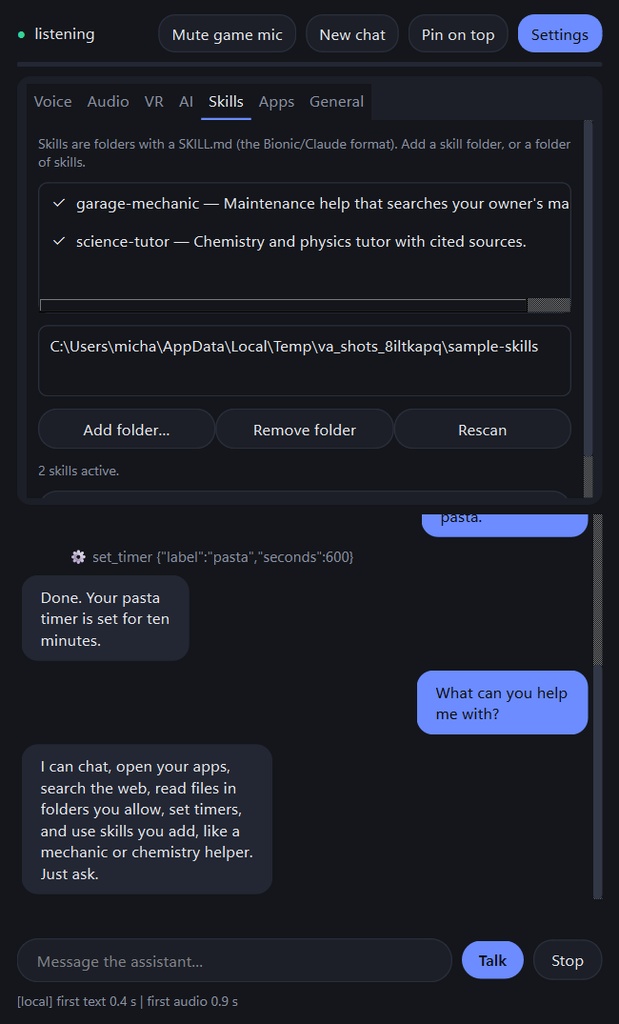


Going to be free from this point onward and the information below will be out of date so go to the github to get the most recent updates and feature information. Jarvis from Ironman has been added. https://github.com/VirtualyMichael/voice-assistant しゃべるだけで、PCを操作。ゲーム中も両手はそのまま。 Voice Assistant は Windows 10/11 用のハンズフリー音声アシスタントです。ホットキーまたはウェイクワードで話しかけると、音声で答え、文字も同時に表示します。AI は自分の PC 上で動かせます。 ■ できること ・インストール済みアプリを名前で起動(「YouTube Music を開いて」)、タイマー、クリップボード読み取り(確認あり) ・Web 検索(オフが初期設定)、許可したフォルダ内のファイルや PDF の検索・閲覧 ・スキルの追加(SKILL.md 形式。Bionic / Claude と同じ形式)、MCP ツールサーバーへの接続 ・会話は次回起動時も引き継ぎ(PC 内にのみ保存、ワンクリックで削除) ■ ゲーム・VR 向け ・ゲームの上に固定表示 ・マイクとスピーカーを 2 系統まで使用。仮想オーディオケーブルへ自分の声とアシスタントの声を送り、VRChat の友だちにも聞かせられます(無料の VB-Audio Virtual Cable が別途必要です) ・SteamVR 起動時にヘッドセットのマイク・スピーカーへ自動切替、終了で元に戻ります ■ AI の選び方 ・ローカル(LM Studio / Ollama / llama.cpp)またはクラウド(Claude / OpenAI、ご自身の API キー) ■ ご注意 ・AI モデルの用意が必要です(LM Studio は無料。初回のセットアップガイドが案内します)。 ・初回に音声モデルをダウンロードします(約 430 MB、高精度認識を入れると約 900 MB。実行前に確認します)。 ・Windows 専用。すべての音声モデルを読み込むとメモリを約 1.3 GB 使用します。 ・インストーラーは未署名のため、SmartScreen の警告が出ます(「詳細情報」→「実行」)。 ・返信と音声は AI により生成されます。プログラムは AI の支援を受けて作成されました。 ・初期バージョンです。不具合はご連絡ください。VRChat・Valve・LM Studio・Anthropic・OpenAI とは無関係です。 ■ English Hands-free voice assistant for Windows 10/11 that runs on your own PC: open apps by voice, search files and PDFs, add skills, use two mics and speakers with a virtual audio cable for VRChat, automatic SteamVR device switching. Local AI (LM Studio, Ollama, llama.cpp) or Claude/OpenAI with your own key. Needs an AI model source; speech models are downloaded on first run with your permission (about 430 MB). Windows only; the installer is unsigned (SmartScreen: More info, then Run anyway). Replies and voices are AI-generated and the program was written with AI assistance. Early release.