

Aftergrass | Interactive Grass for VRChat Worlds
- Digital100 JPY
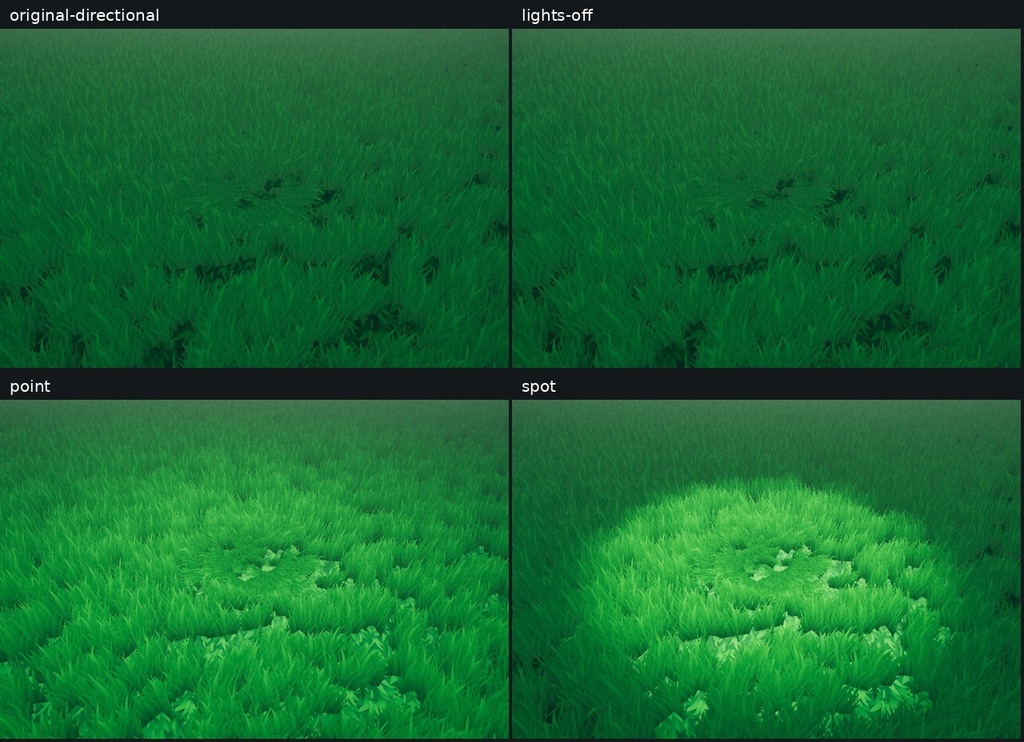
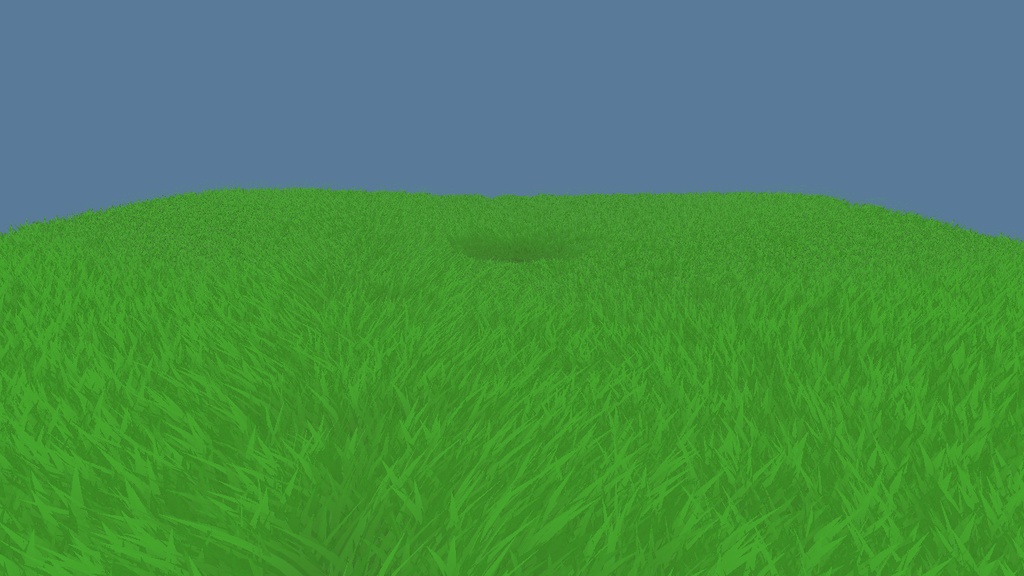
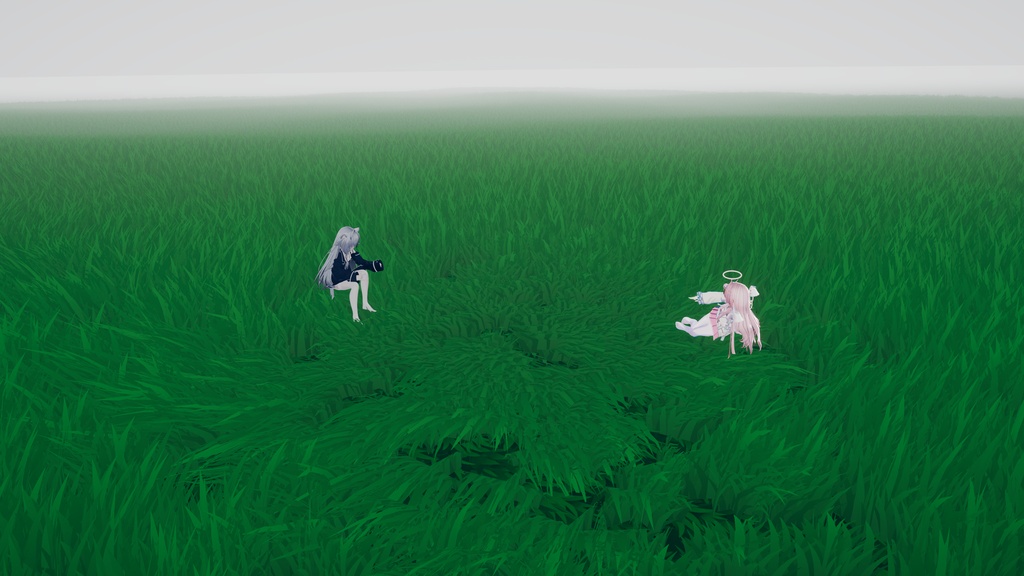
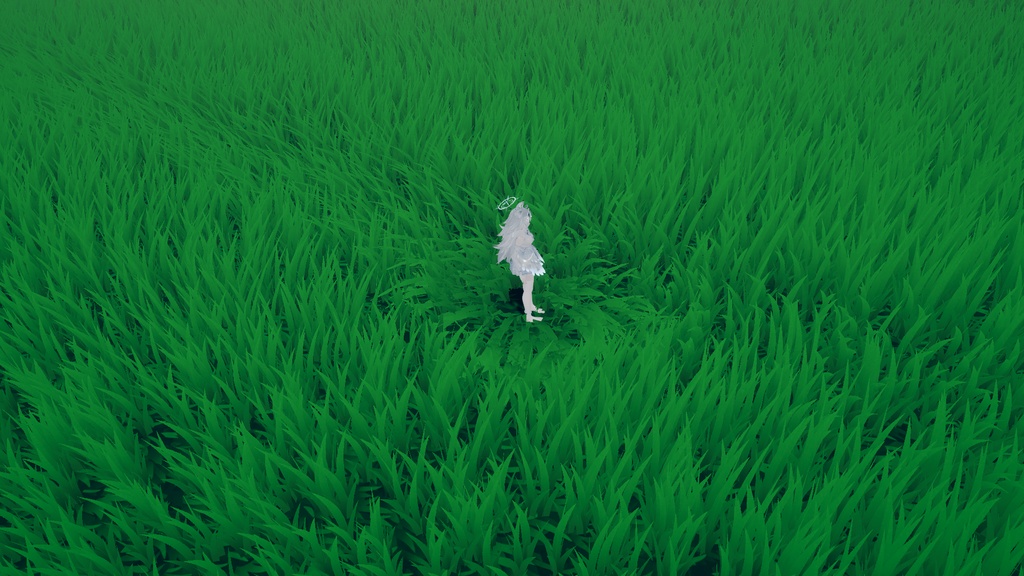
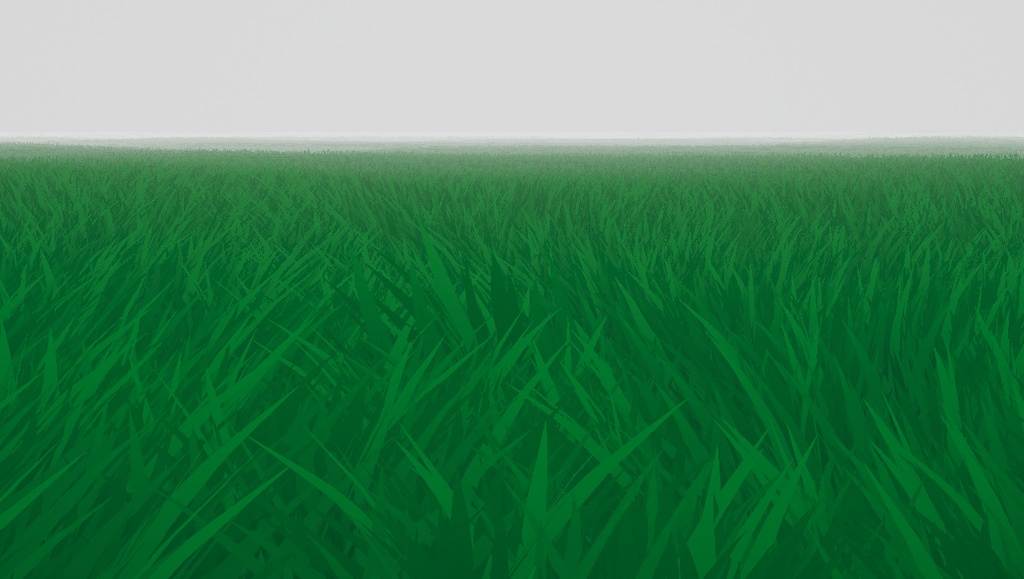


Grass bends around you and your friends, making a shared space to sit, lie down and spend time together. INTERACTION • Nearby players share a clearing. When friends gather, their bending areas merge and follow the group. • Lying down flattens the grass further and stretches the area along the body's direction. • Grass rises again after players leave. Soft edges, height-based fading and gradual transitions blend the interaction into the field. • Up to four active groups per client, with the local player's group first. GRASS APPEARANCE • Adjust wind direction, speed, strength, frequency and turbulence. • Set blade-tip and root colours, local colour variation, root darkening and night dimming. • Responds to scene lighting and fog. Grass height, width and density can be adjusted independently of the field size. WORLD BUILDING AND CONTROLS • Adaptive Field: set the width and length of a flat rectangular grass area. The included prefab starts at 16×16 metres. • Repeated 16-metre grass tiles and four mesh-detail levels keep the layout adjustable. Distant grass becomes sparser rather than disappearing at a fixed cutoff. • Preview changed dimensions with the included editor menu, then save. Width and length also update automatically during play. • Adjust edge softness, near/far detail transition and distant density. Move the root or rotate it around Y to place the field. • An optional visual ground can be hidden when your world supplies its own. The Adaptive prefab has no collider: use your world's walkable floor. • Create independent fields with the included editor command, which duplicates their materials and updates the required bindings. • The original Terrain workflow remains included, with independent-instance preparation and terrain transform tools. Existing Terrain worlds are not automatically converted. • Configure interaction radius, flattening, group-merging distance, smoothing and update interval. Other Udon behaviours can call SuspendInteraction / ResumeInteraction. INCLUDED • Grass shader and UdonSharp interaction / Adaptive Field components • Grass meshes, blade textures and green ground texture • 16×16 metre Adaptive prefab and sample, plus the original Terrain SmallField sample • Editor authoring tools, a square cover and optional original-world post-processing settings • Full features, installation, update instructions and usage terms in English, 简体中文, 日本語, 한국어 and 繁體中文 REQUIREMENTS AND SETUP For Windows PC VRChat worlds using Unity 2022.3.22f1 and the Built-in Render Pipeline. Install Worlds SDK and UdonSharp through VCC before importing the complete unitypackage. Place the Adaptive prefab in your existing world, set Width/Length on its root, use Tools > Aftergrass > Apply selected adaptive field settings, and save your scene. Full paths and upgrade steps are in the guide. The sample is not a complete VRChat world. The Adaptive field is a flat rectangle, not an automatic terrain-conforming surface. Use positive scale and level placement. Field size affects the number of tiles, so start with your venue's actual dimensions. Android/Quest and URP/HDRP are not supported release targets. Back up before updating and keep customised assets outside the package folders. Existing 1.1.0 Adaptive users should use the updated prefab and reapply their settings, rather than replacing only the script while retaining an old tile layout. The optional post-processing Profile requires Unity Post Processing 3.4.0 and your own camera/volume setup. Grass does not require it. USAGE TERMS Aftergrass is created by 萝北来信 / LuobeiLetters. Copyright in author-created code, grass assets and the ground texture remains with the author. You may modify the assets and use them in public worlds, commercial projects and paid commissioned worlds. You may publish or deliver the finished work. You may privately share author-created source files with necessary collaborators on the same project, limited to that project. Standalone resale of the original package or lightly modified assets, and public uploads of those source assets, remain reserved to the author. Credit is optional. If you would like to add one, use “Aftergrass / 萝北来信”. Identified Unity-derived Terrain files retain their separate MIT licence. Unity and VRChat SDK/UdonSharp use their respective licences. Full terms and Credits are included. QUESTIONS AND BUG REPORTS Send a BOOTH message for import/use questions or bug reports. Include your Aftergrass and Unity/SDK versions, steps to reproduce, and error text or a screenshot. 简体中文 草会围绕玩家伏下,朋友靠近时区域合并,躺下时更平,离开后重新立起。新版平面草场可独立调宽长、草高、密度与风动,保留原 Terrain 工作流。包内附完整中文功能、安装、更新说明与许可。 日本語 プレイヤーの周りで草が倒れ、友達と集まる範囲がまとまります。横になるとさらに平たく、離れると元に戻ります。平面フィールドの幅・奥行き、草の高さ・密度・風を調整でき、従来のTerrain方式も同梱。日本語の導入・更新手順と利用条件付きです。 한국어 플레이어 주변의 풀이 눕고 친구들의 영역이 합쳐지며, 떠나면 다시 일어납니다. 평면 필드의 너비·길이, 풀 높이·밀도와 바람을 조절할 수 있고 기존 Terrain 방식도 포함합니다. 한국어 기능 설명, 설치·업데이트 안내와 이용 조건을 제공합니다. 繁體中文 草會圍繞玩家伏下,朋友靠近時區域合併,躺下時更平,離開後重新立起。新版平面草場可分別調整寬長、草高、密度與風動,保留原 Terrain 工作流程。內附完整中文功能、安裝、更新說明與授權。