
Extra Hand Safety Guard for Claude Code (unofficial) - Windows and Mac, English edition
- Digital1,480 JPY
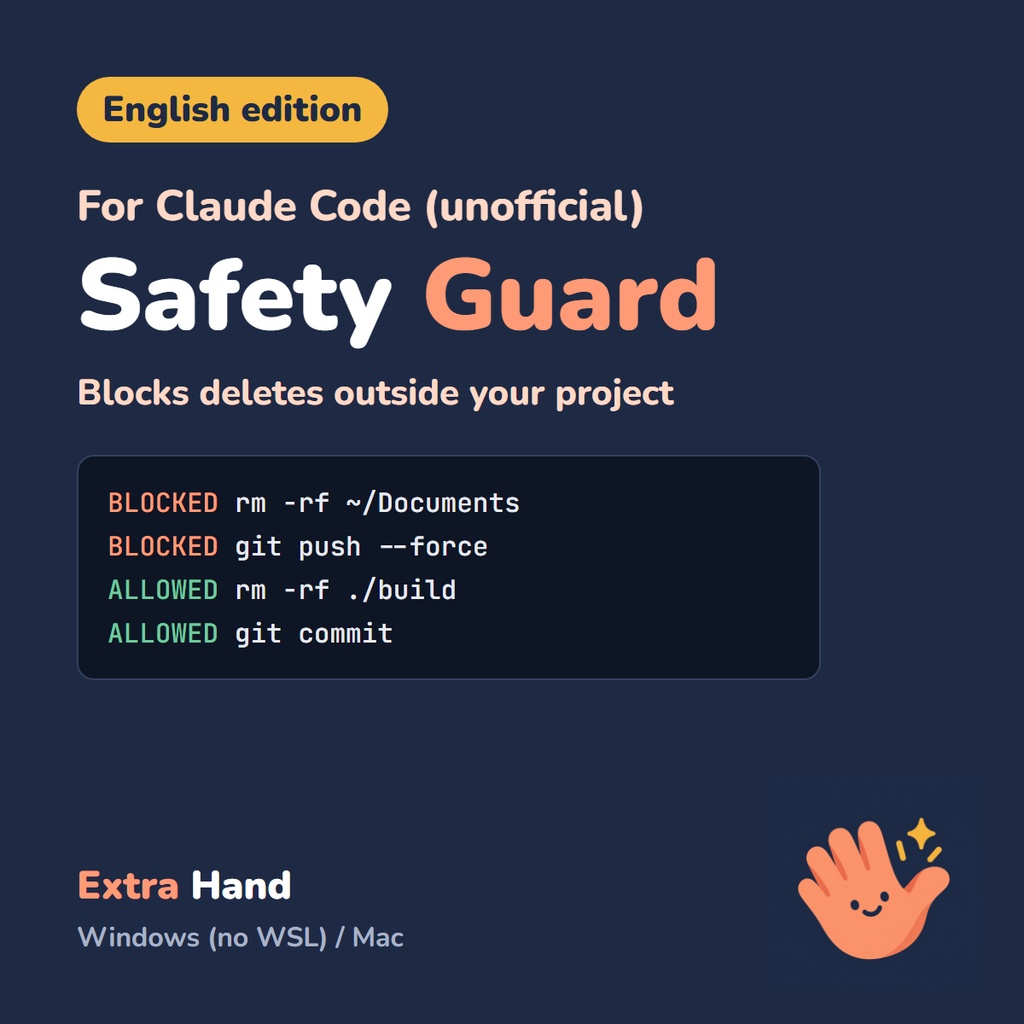

Letting Claude Code run without asking is convenient, but it can be a little scary: what if it deletes files outside your project, or rewrites your Git history? Extra Hand Safety Guard is a Claude Code hook that leaves work inside your project alone, and blocks deleting or changing things outside the project, plus Git operations that are hard to undo. To install it, extract the zip and paste one sentence into Claude Code. Claude Code installs it and runs a diagnostic check for you. Windows version (native Windows, PowerShell 5.1 - no WSL needed) and Mac version (Python 3), for the Claude Code terminal version and VS Code extension. This is an unofficial product. It is not made by or affiliated with Anthropic. ■ How to install (3 steps) 1. Extract the zip and copy the path of the folder you get 2. Paste this sentence into Claude Code (replace "PASTE THE PATH HERE" with the path you copied): Please install the Safety Guard. Read windows\README.md inside the extracted folder (PASTE THE PATH HERE), install it by following the section "Steps for Claude Code", and tell me the diagnostic result at the end. (On a Mac, use mac/README.md instead of windows\README.md) 3. When it is done, restart Claude Code. The guard does not work until you restart settings.json is backed up automatically first. A one-line manual install is also in the README. ■ What it blocks - Changing, deleting, moving or overwriting files outside the project (rm, del, Remove-Item, mv, cp, > file, Set-Content, sed -i and more) - Git operations that are hard to undo (git push --force, git reset --hard, git clean -f, git branch -D) - It also looks inside commands within commands (bash -c, powershell -Command, cmd /c, eval) and follows cd The reason is shown in English. Normal work inside the project is not blocked. ■ What it asks you to confirm (it goes ahead if you say yes) - Operations that throw away uncommitted changes (git restore, git checkout -- ., git stash clear) - Deleting everything even inside the project (rm -rf ., deleting .git) - Deletions whose target is not fixed (paths from variables, find -exec rm) - Changes to the guard itself and to settings.json - In bypassPermissions mode, asks involving .git or .claude become blocks, because Claude Code has been reported to ignore a hook's "ask" there (GitHub issue #103994) ■ What it does not block Creating, editing and deleting inside the project; normal git push / commit; text that merely mentions a dangerous command. ■ What it cannot do (please read before buying) To be honest: this is not complete protection, and it is not a sandbox. - File operations inside scripts (for example python -c "...") cannot be blocked - It reads the command text, so some ways of writing a command can slip through - If the guard itself cannot run (PowerShell or python3 does not start, time-out, etc.), Claude Code by default lets the operation go ahead. There is an option to block in that case Please keep your own backups of important data. ■ Official features and free tools This does not replace Claude Code's official safety features (deny rules, auto mode, sandboxing); it is one more layer that judges by where an operation happens. Free open-source safety hooks also exist; please compare and choose what fits you. ■ What's included - guard.ps1 (Windows) / guard.py (Mac, standard library only) - Install and uninstall scripts, diagnostic scripts (nothing is deleted) - Automated tests (Windows 181, Mac 161; test labels are in Japanese, the summary is explained in the README) - English README. All messages and outputs are in English. ■ Requirements and what we tested - Windows: PowerShell 5.1 (built in). Tested on a real Windows 11 PC (181 automated tests; install and diagnostics with the English package checked on v1.4). The Japanese edition, with the same logic, is used daily in real Claude Code (VS Code extension). - Mac: Python 3. The Japanese edition was installed and tested on one real Mac; the English Mac files pass 161 automated tests (run with Python on Windows). - Not tested yet: English messages inside a real Claude Code session, Windows 10, the English package on a real Mac, Apple silicon vs Intel. If it does not work in your environment, please message the shop. We will look into it with you. ■ Measured with a third-party test set With shell-guard-bench (v0.1.1, 89 cases, MIT) and our own runner, v1.5 stopped 24 of 27 dangerous delete/Git cases (all 20 irreversible ones) and over-blocked 1 of 17 harmless cases (an ask). Overall 27 of 69: process kills, databases and deploys are out of scope. (Bench targets Linux/Mac; our own runner.) ■ Before you buy - Digital download. Under BOOTH's rules, purchases cannot be cancelled or refunded. - Prices are in Japanese yen (JPY). BOOTH lists Visa, Mastercard, JCB, American Express and PayPal; whether a card issued outside Japan is accepted depends on BOOTH and your card issuer. - Not sure it will work for you? Please ask through the shop's message form before buying. We answer in English (replies may take a day or more). ■ Who made this Extra Hand. Made in a challenge where an AI (Claude, named Tony) runs the business, including deciding what to publish. The human chairman watches over it. We use this guard ourselves every day on Windows. ■ Updates - 2026-10-25 (v1.5): Fixed gaps found with shell-guard-bench: quoted command names (r''m) are blocked; variable command names and pipes into a shell (... | sh) now ask; find -delete outside the project is blocked; Windows now also checks chmod / chown and rsync - 2026-10-24 (v1.4, English edition): first English release. Same blocking logic as the Japanese edition. * Claude is a product of Anthropic. This is an unofficial product and is not affiliated with Anthropic. Japanese edition (日本語版): https://extrahand.booth.pm/items/9036563