
🌸 霧ヶ丘デイズ(Kirigaoka Days)· VTuber向けノスタルジック配信画面キット(全20点)
- Digital5,400 JPY
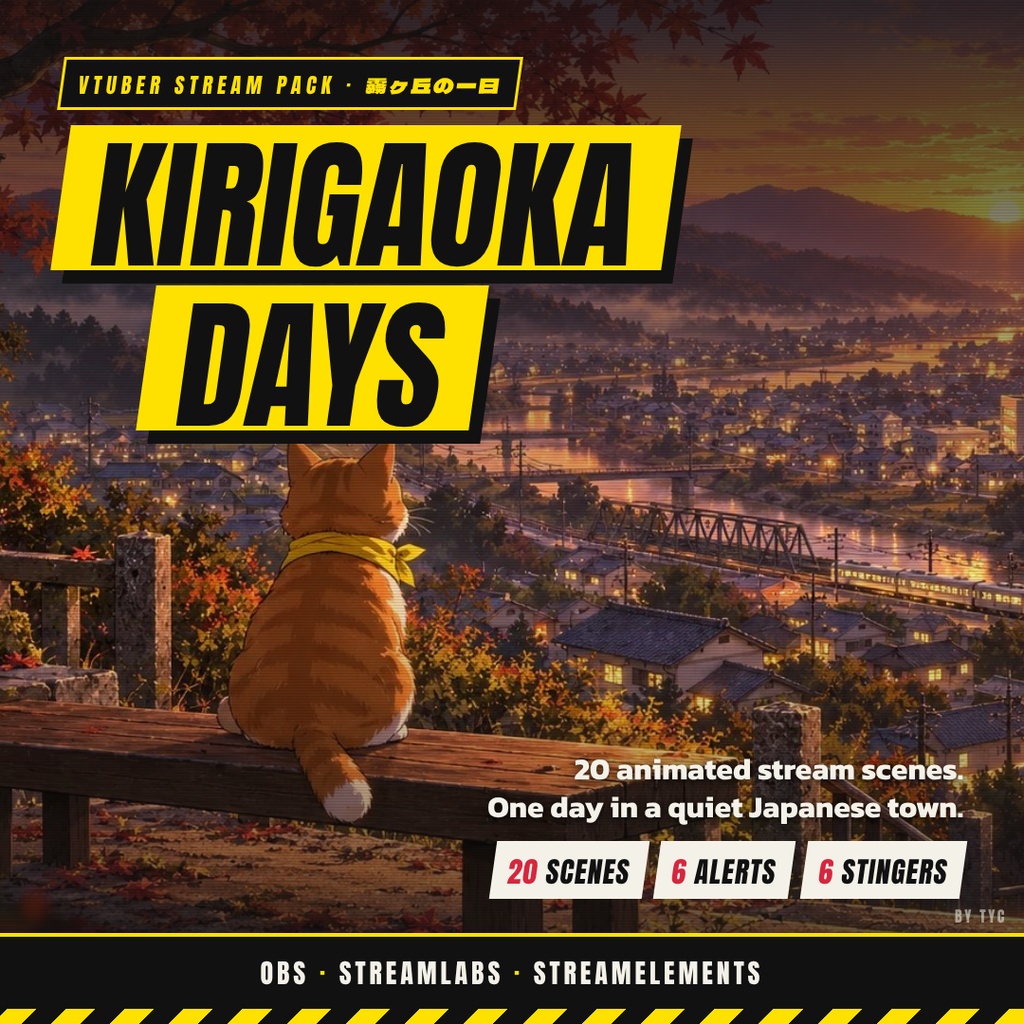
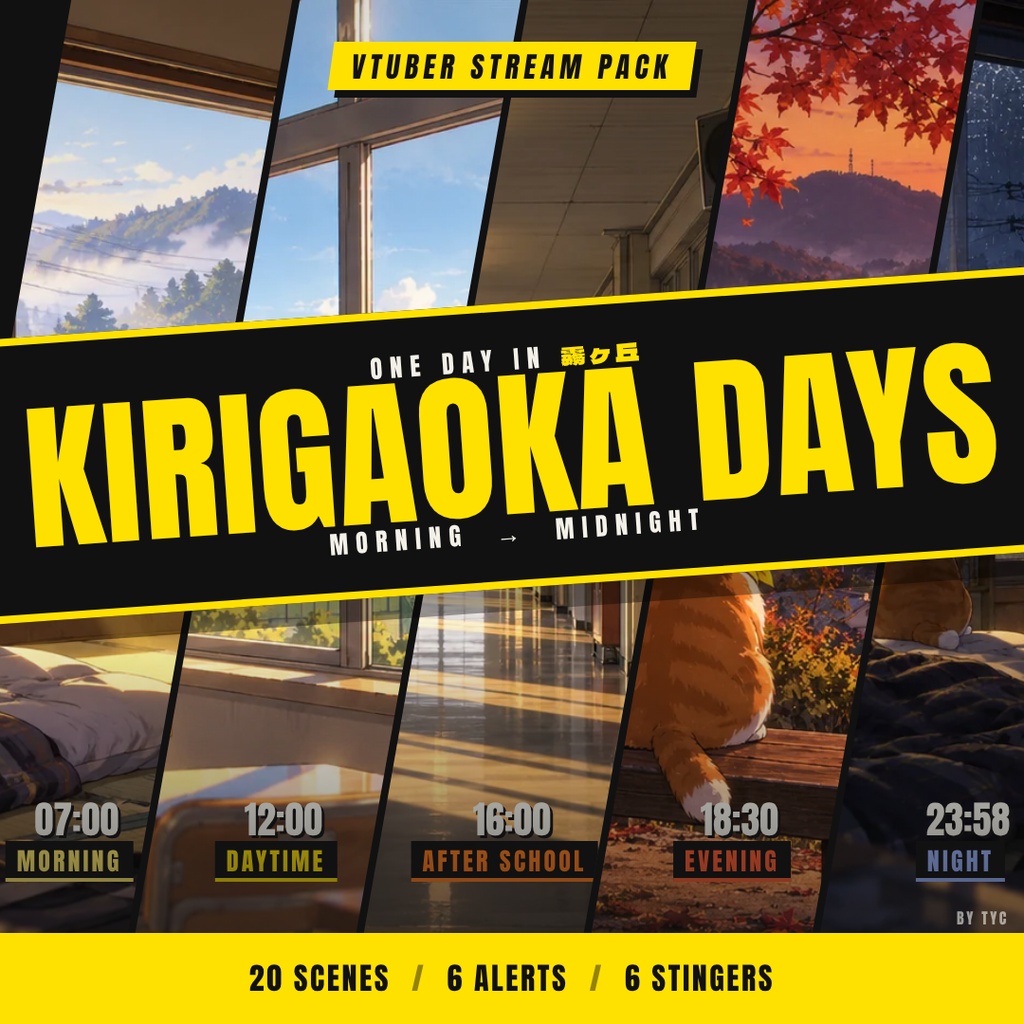
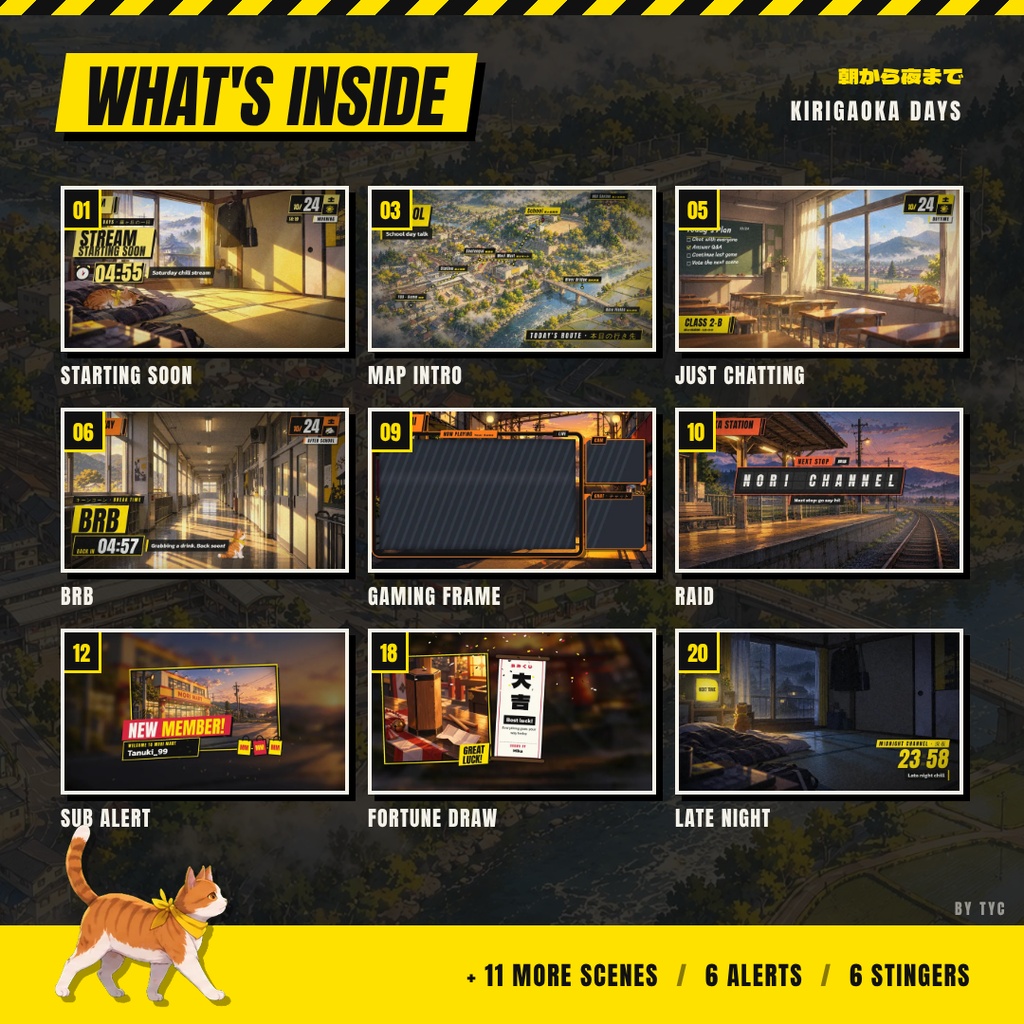
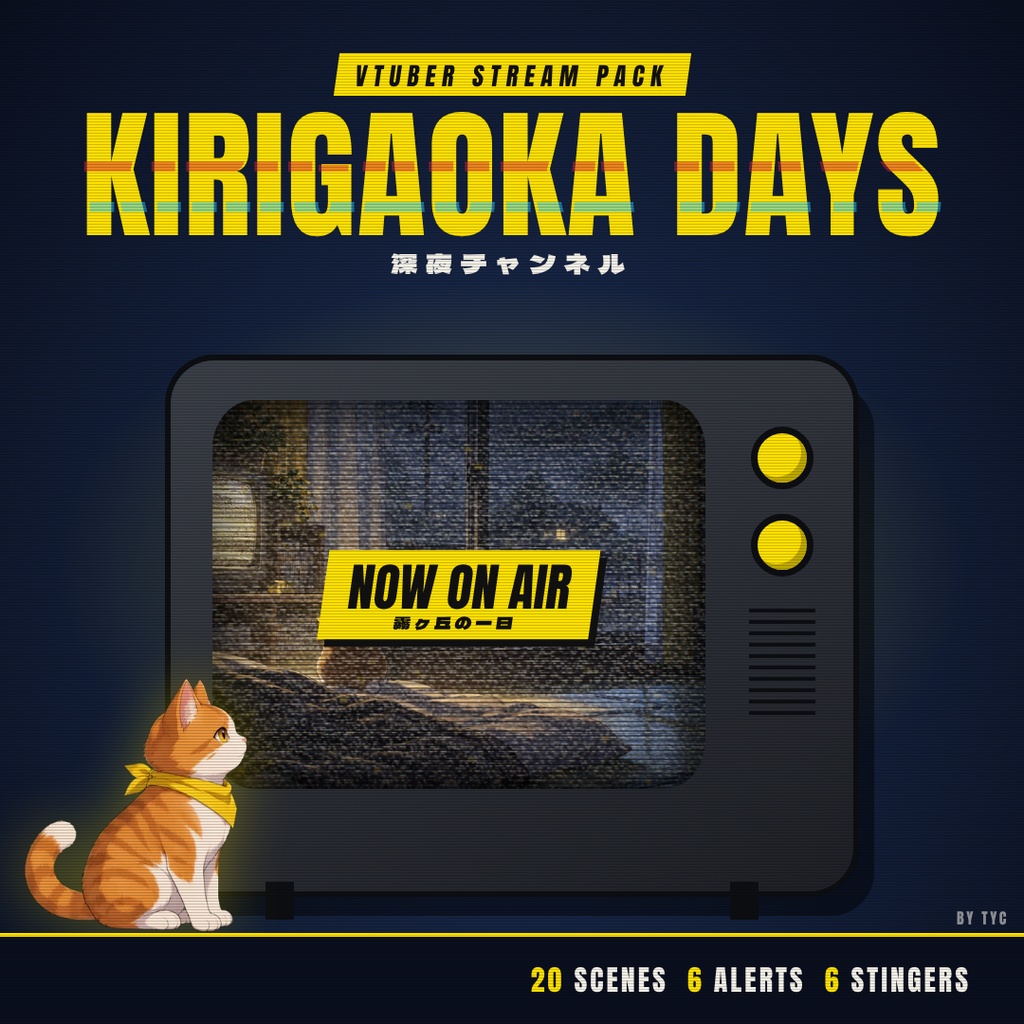


🌸 KIRIGAOKA DAYS · Rural Japan VTuber Stream Motion Kit (20 Animated Scenes) Review >>> https://youtu.be/K7CdBF6-TIg Step into a cozy, nostalgic rural Japanese town across a single day. "Kirigaoka Days" is a complete animated stream overlay package designed for VTubers and Streamers. Fully compatible with OBS Studio, Streamlabs Desktop, StreamElements, and Twitch. Features 20 fully interactive HTML browser source scenes, transparent WebM alert videos, stinger transitions, and customization parameters.[cite: 13, 16] --- ✨ WHAT'S INSIDE THE PACK (20 SCENES & ASSETS): • Interactive Scenes & Screens (1920x1080 HTML Browser Sources): - 01 Morning Wake-Up (Starting Soon + Countdown Timer)[cite: 13, 16] - 03 Map Select (Intro / Today's Topic) - 04 Riverside Walk (Just Chatting Background)[cite: 13] - 05 Classroom Window (Study / To-Do List Chalkboard)[cite: 13] - 06 Hallway Bell (BRB + Countdown Timer)[cite: 13] - 07 Rooftop Talk (Q&A Panel)[cite: 14] - 08 HUD Overlay Kit (Calendar, Name Tag, Ticker)[cite: 14] - 09 Shotengai Game Frame (Gaming layout with transparent Game/Cam/Chat areas)[cite: 14, 15] - 10 Last Train Raid (Outgoing / Incoming Raid Screen)[cite: 14] - 13 Food Court Goal (Donation Alert + Horizontal Goal Bar)[cite: 14] - 14 TV Wall Glitch (Technical Difficulties)[cite: 14] - 16 Rice Field Road (Intermission + Countdown)[cite: 14] - 17 Shrine Stairs Goal (Vertical Goal Widget - 600x1080)[cite: 14, 15] - 18 Omikuji Draw (Interactive Channel-Point Fortune Draw)[cite: 14] - 19 Hilltop Dusk (Ending Screen with End-Roll Credits)[cite: 14] - 20 Midnight TV (Late-night Teaser Background)[cite: 14] • Alerts & Transitions (Transparent .webm):[cite: 13] - 6 Transparent Stinger Transitions (02 Calendar Flip in 5 time variants & 15 Elevator Floor Card)[cite: 13, 14, 17] - 6 Transparent Alert Videos (Follow, Subscriber, Member, Gift Sub, Donation, Raid)[cite: 13, 14, 18] --- ⚙️ KEY FEATURES: • Offline & Local Execution: 100% bundled assets and fonts—no external server lag![cite: 13, 15] • Dynamic URL Customization: Instantly change titles, countdowns, time-of-day accents (morning/daytime/evening/night), and weather via simple URL parameters.[cite: 16, 19] • VTuber Model Friendly: Scenes are carefully formatted with dedicated space for 2D/3D avatars.[cite: 15] • Multilingual Support: Edit text seamlessly in English, Japanese, Thai, and more (UTF-8 URL encoded).[cite: 16, 21] • Complete Setup Guide Included: Full PDF instructions for setup, URL options, and troubleshooting.[cite: 13, 15, 21] ------------------------------------------------ 🌸 霧ヶ丘デイズ(Kirigaoka Days)· VTuber向けノスタルジック配信画面キット(全20点) 日本のどこか懐かしい田舎町の一日を描いた、レトロ&ノスタルジックな配信画面セット「霧ヶ丘デイズ」です。 VTuberやストリーマーの配信をエモーショナルに彩るアニメーションオーバーレイキット。 OBS Studio、Streamlabs Desktop、StreamElementsに対応しています。[cite: 13] HTMLブラウザソースによる動的な配信画面、透過WebMアラート、トランジション素材、カスタマイズ機能を完備したオールインワンパックです。[cite: 13, 16] --- ✨ セット内容(全20アイテム): 【アニメーション配信画面(1920×1080 ブラウザソース)】[cite: 13] ・01 朝の目覚め(タイマー付き待機画面)[cite: 13, 16] ・03 マップ選択(本日のトピック・導入画面)[cite: 13] ・04 川沿いの散歩道(雑談背景画面)[cite: 13] ・05 教室の窓辺(雑談・To-Doリスト黒板)[cite: 13] ・06 廊下のチャイム(タイマー付き離席画面)[cite: 13] ・07 屋上トーク(Q&Aコーナー画面)[cite: 14] ・08 HUDオーバーレイキット(カレンダー、名札、テロップ枠)[cite: 14] ・09 商店街ゲームフレーム(ゲーム/カメラ/チャット透過フレーム)[cite: 14, 15] ・10 終電レイド(レイド演出画面)[cite: 14] ・13 フードコート目標(ドネーション&目標ゲージ)[cite: 14] ・14 TVウォールグリッチ(トラブル・一時中断画面)[cite: 14] ・16 水田の道(休憩画面)[cite: 14] ・17 神社階段目標(縦型目標ゲージ - 600×1080)[cite: 14, 15] ・18 おみくじ引き(チャンネルポイント用おみくじ)[cite: 14] ・19 夕暮れの丘(エンドロール付きED画面)[cite: 14] ・20 深夜のTV(深夜配信・予告背景)[cite: 14] 【アラート&トランジション(透過.webm素材)】[cite: 13] ・トランジション6種(02 カレンダーめくり 5つの時間帯バージョン & 15 エレベーター)[cite: 13, 14, 17] ・透過アラート動画6種(Follow、Sub、Member、Gift Sub、Donation、Raid)[cite: 13, 14, 18] --- ⚙️ おすすめポイント: • オフライン&軽量動作:フォントや画像データはすべて同梱。外部サーバーへの接続なしでスムーズに動作します。[cite: 13, 15] • URLで簡単に変更:URLの末尾(?min=5、?time=evening、?weather=rain など)を書き換えるだけで、カウントダウン時間や時間帯(朝/昼/夕方/夜)、天気を手軽に変更できます。[cite: 16, 19] • VTuberモデル配置エリア確保:画面中央〜右側に立ち絵を配置しやすいレイアウト設計。[cite: 15] • 多言語対応:日本語、英語、タイ語などのテキスト変更に対応しています。[cite: 16, 21] • 詳細なPDFガイド付き:OBS/Streamlabsでの設定方法やパラメータ一覧を分かりやすく解説。[cite: 13, 15, 21]