

【MA設定済】VRCVHS - VHS Camera Overlay for VRChat
- 販売記念SALE(10/31まで)Digital700 JPY
- 通常価格Digital1,000 JPY
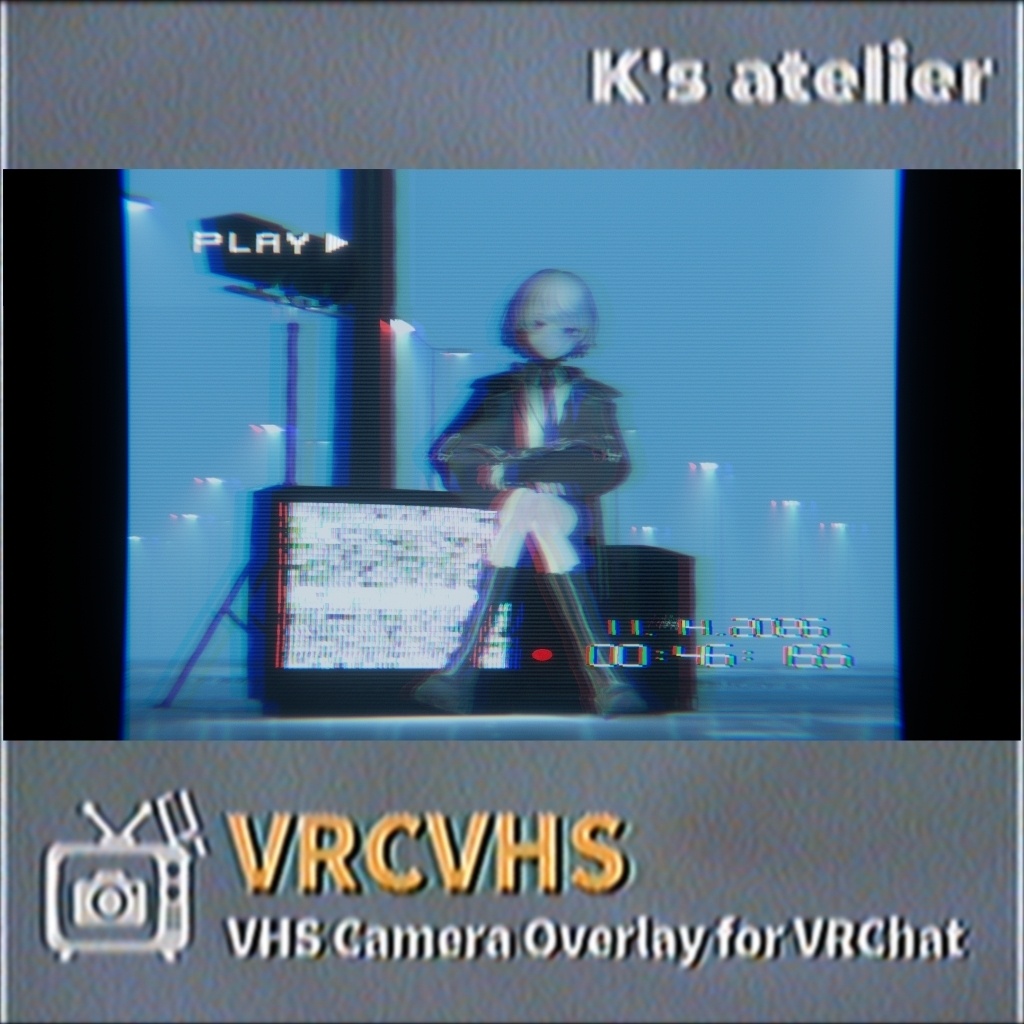
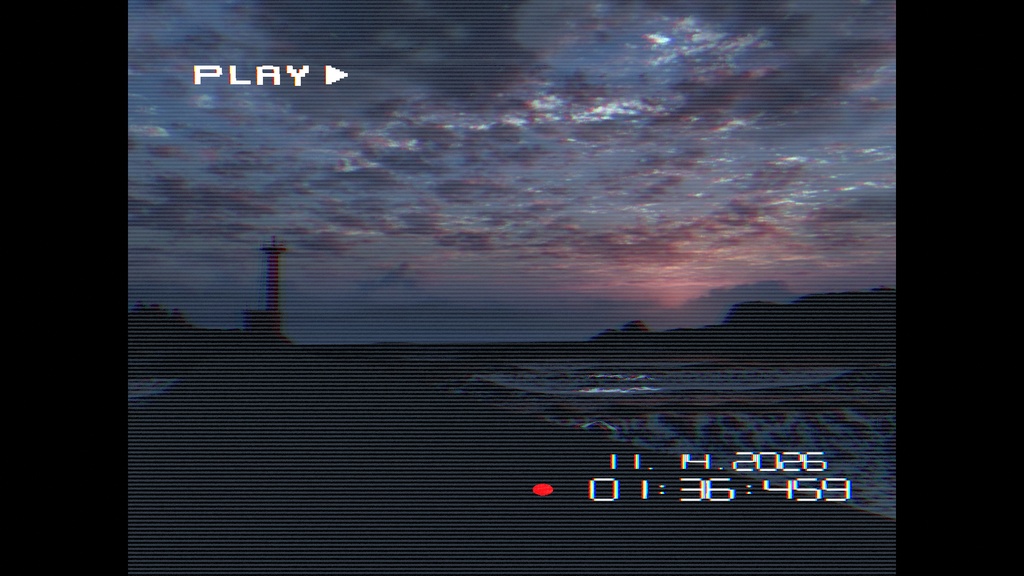
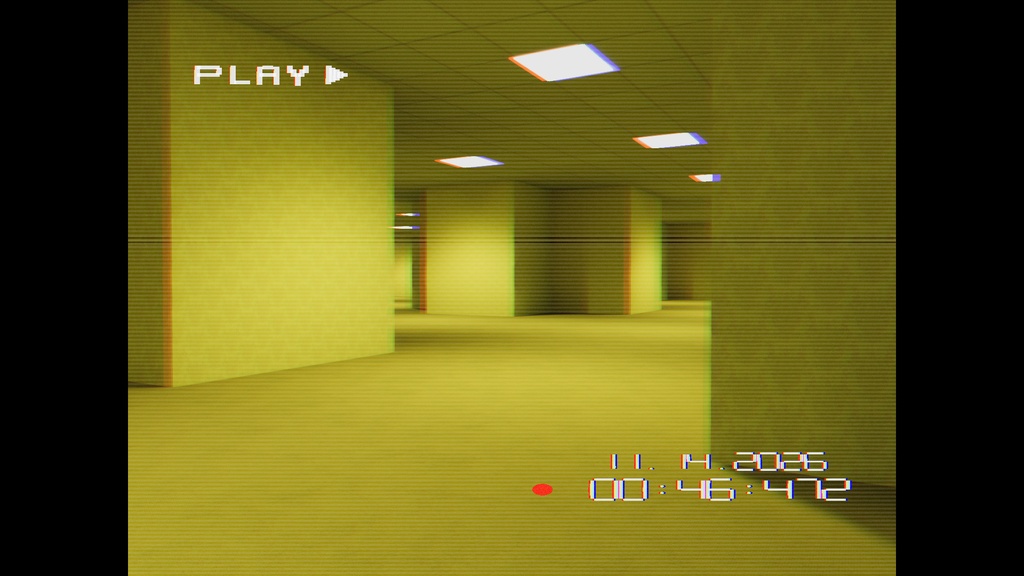
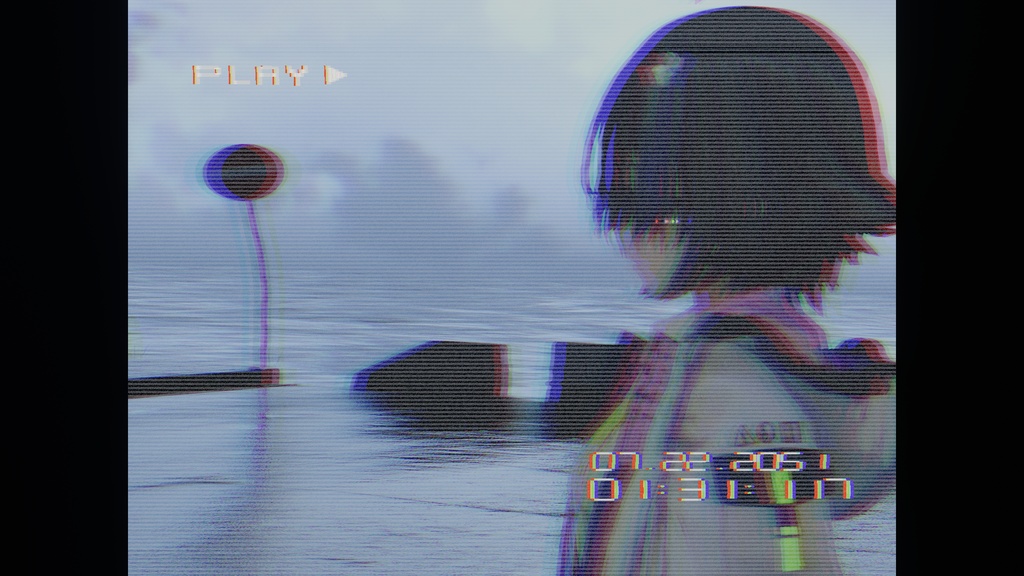
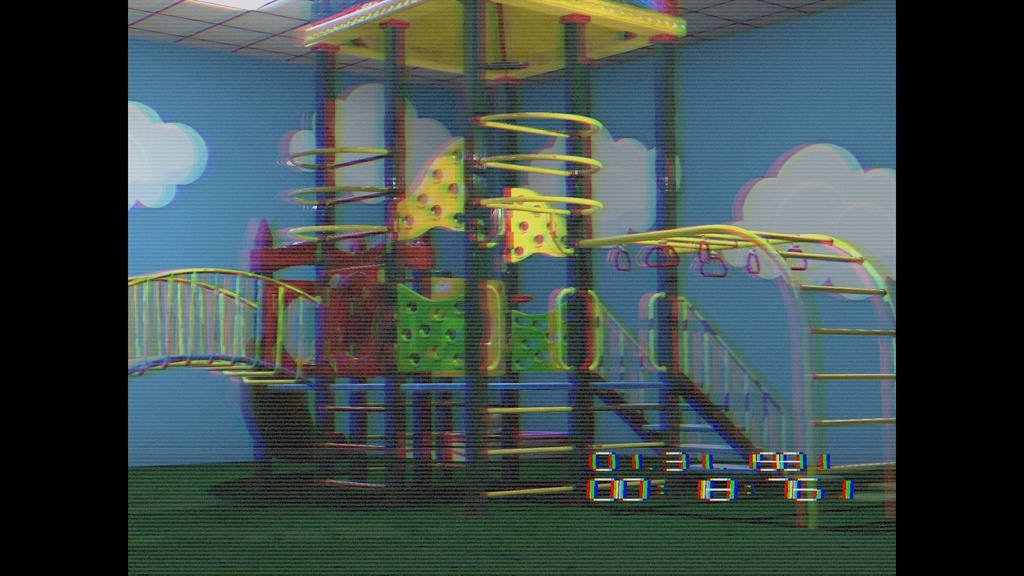
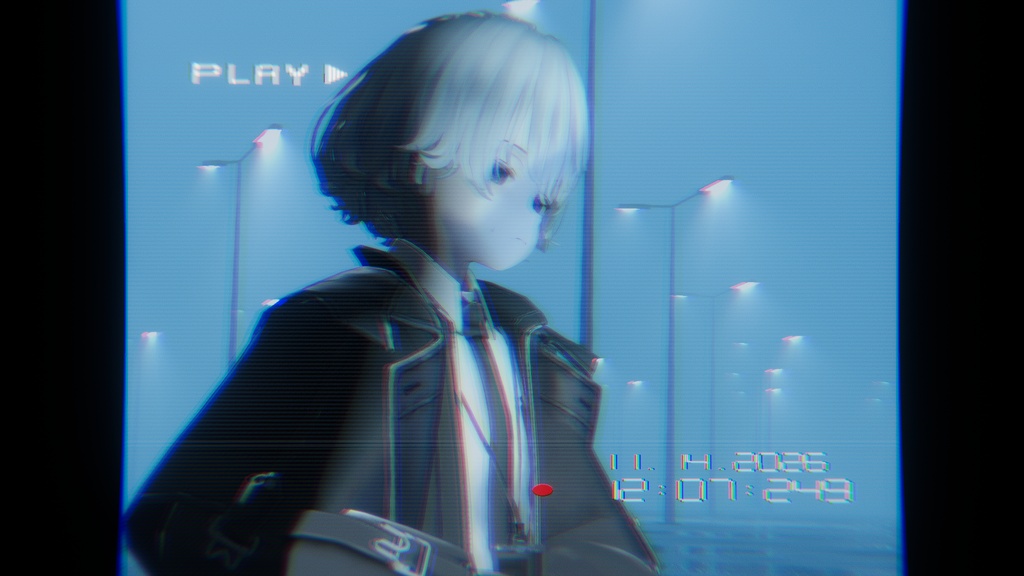
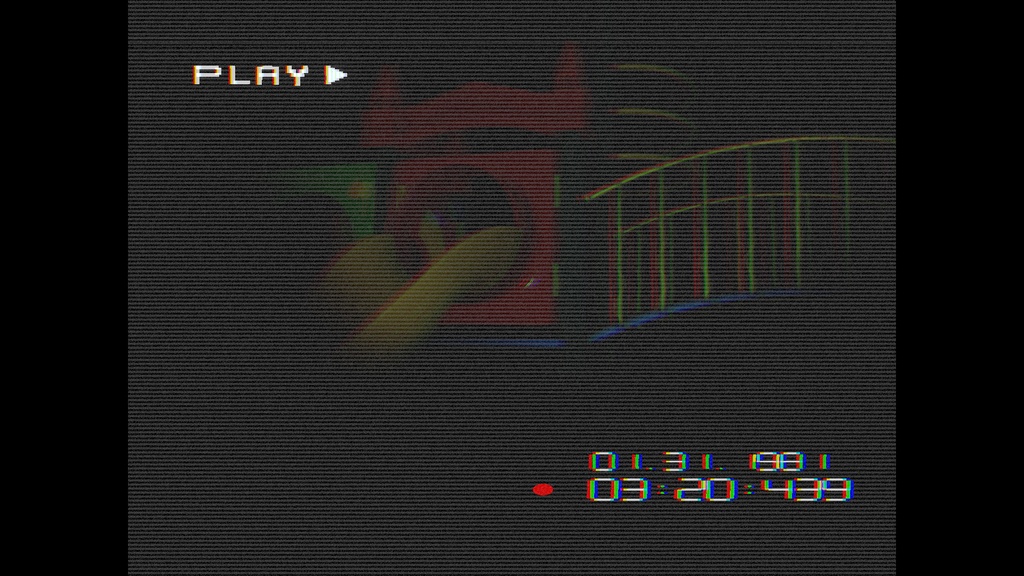
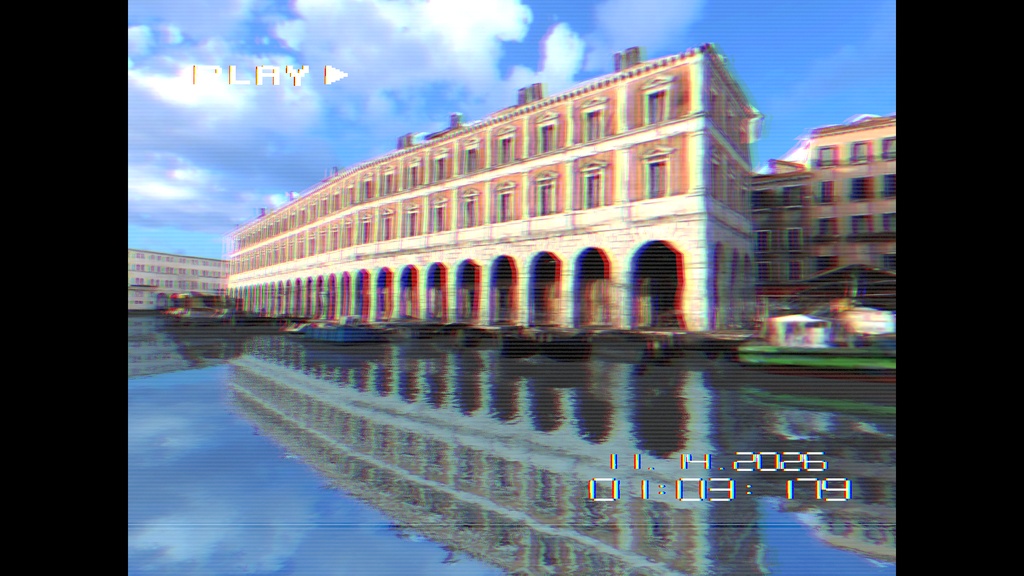
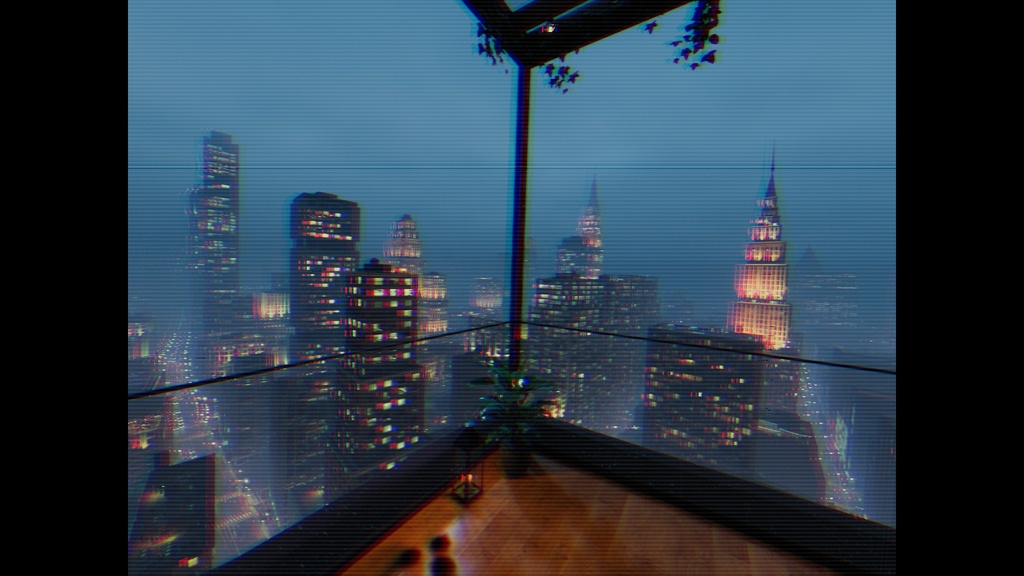


■商品内容 アバター組込式カメラです。 VRChatのデフォルトカメラに本格的なVHS風の加工を。 リミナルスペースワールドとの相性も抜群です。 ■できること - VRChatカメラ映像にVHS風の色ずれ、ノイズ、走査線などを適用 - タイムコード、日付、RECランプ、PLAY、これらのUI表示のオン/オフ - VRChatのExpressions Menuから表示と各エフェクトを調整 - 表示設定はローカル用で、他のプレイヤーの画面には反映されません ■できないこと 被写界深度撮影非対応(撮影自体は可能ですが、UIはぼやけます) 本商品にアバターは付属しておりません。 ■必要な環境 VRChat SDK - Avatars Modular Avatar ■導入方法 1. アセットをUnityプロジェクトへインポートします。 2. VRCVHS_Cam_System.prefabをHierarchyへドラッグします。 3. Prefabをアバターのルート(Armatureの内側ではなく、アバター本体のルート)へ配置します。 4. Modular AvatarのコンポーネントがPrefab内にあることを確認してください。 5. VRChat SDKからアバターをアップロードします。 6. VRChat内でExpressions Menuを開き、VRCVHSメニューからScreen ONを有効にします。初期状態では無効です。 7. VRChatのカメラを起動してOverlayを確認します。 ■慣れている方へ ModularAvatar設定済、アバタールートにポン置きで設定完了です。 ■内容物 ・unitypackage(細かい設定等を書いたReadme JP/EN同梱) ■ Special Thanks Mitoro_Sato (Music / Movie) https://twitter.com/Mitoro_Sato ■ Product Details This is an avatar-embedded camera. It applies authentic VHS-style effects to VRChat’s default camera. It also pairs perfectly with Liminal Space World. ■ Features - Applies VHS-style color shifts, noise, and scan lines to VRChat camera footage - Overlays timecode, date, REC light, and PLAY indicator - Adjust display and individual effects via VRChat’s Expressions Menu - Display settings are local and will not appear on other players’ screens ■ Note Does not support depth-of-field photography (you can take photos, but the UI will appear blurry). This product does not include an avatar. ■ System Requirements VRChat SDK - Avatars Modular Avatar ■ Installation Instructions 1. Import the assets into your Unity project. 2. Drag VRCVHS_Cam_System.prefab into the Hierarchy. 3. Place the prefab on the avatar’s root (the root of the avatar itself, not inside the Armature). 4. Verify that the Modular Avatar component is present within the prefab. 5. Upload the avatar via the VRChat SDK. 6. Open the Expressions Menu in VRChat and enable “Screen ON” from the VRCVHS menu. It is disabled by default. 7. Launch the VRChat camera and check the overlay. ■ For Experienced Users If you’ve already set up ModularAvatar, simply place the prefab at the avatar’s root to complete the setup. ■ Contents ・unitypackage (includes a Readme in Japanese and English with detailed settings)
利用規約
・改造、改変可 ・自作発言禁止 ・作者が不適切と判断する行為での使用を禁止します ・本モデルの使用によって何らかのトラブル・損害が発生場合でも、作者はその一切の責を負いません ・改造・改変の有無を問わず再配布・販売等を禁止します ・配信、映像作品等の商用・非商用利用可(YouTubeなどの各ストリーミングサイトを想定) ・Modifications and alterations are permitted. ・Claims of original creation are prohibited. ・Use in any manner deemed inappropriate by the author is prohibited. ・The author assumes no liability whatsoever for any problems or damages arising from the use of this model. ・Redistribution, sale, or similar actions are prohibited, regardless of whether modifications or alterations have been made. ・Commercial and non-commercial use is permitted for streaming, video productions, and similar purposes (e.g., on streaming sites such as YouTube).
更新履歴
26/10/28 VRCVHS_1.02 公開