

♥️🥽♥️【セール中】True Fovea - GPU負荷を抑えるVR軽量化ツール【11/06まで】♥️🥽♥️
- 利用規約Digital0 JPY
- True FoveaDigital1,500 JPY
- True Fovea 学割 - Student discount(自己申告制です)Digital1,000 JPY
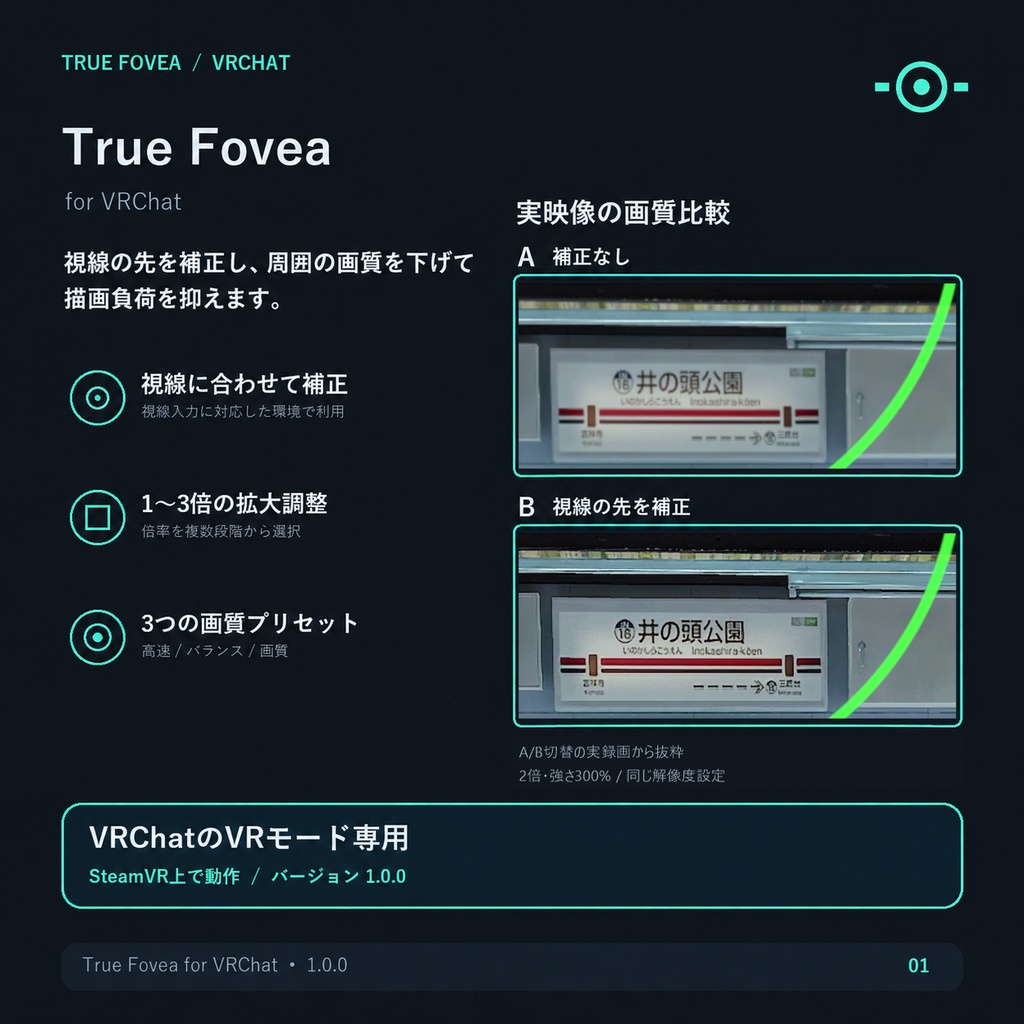
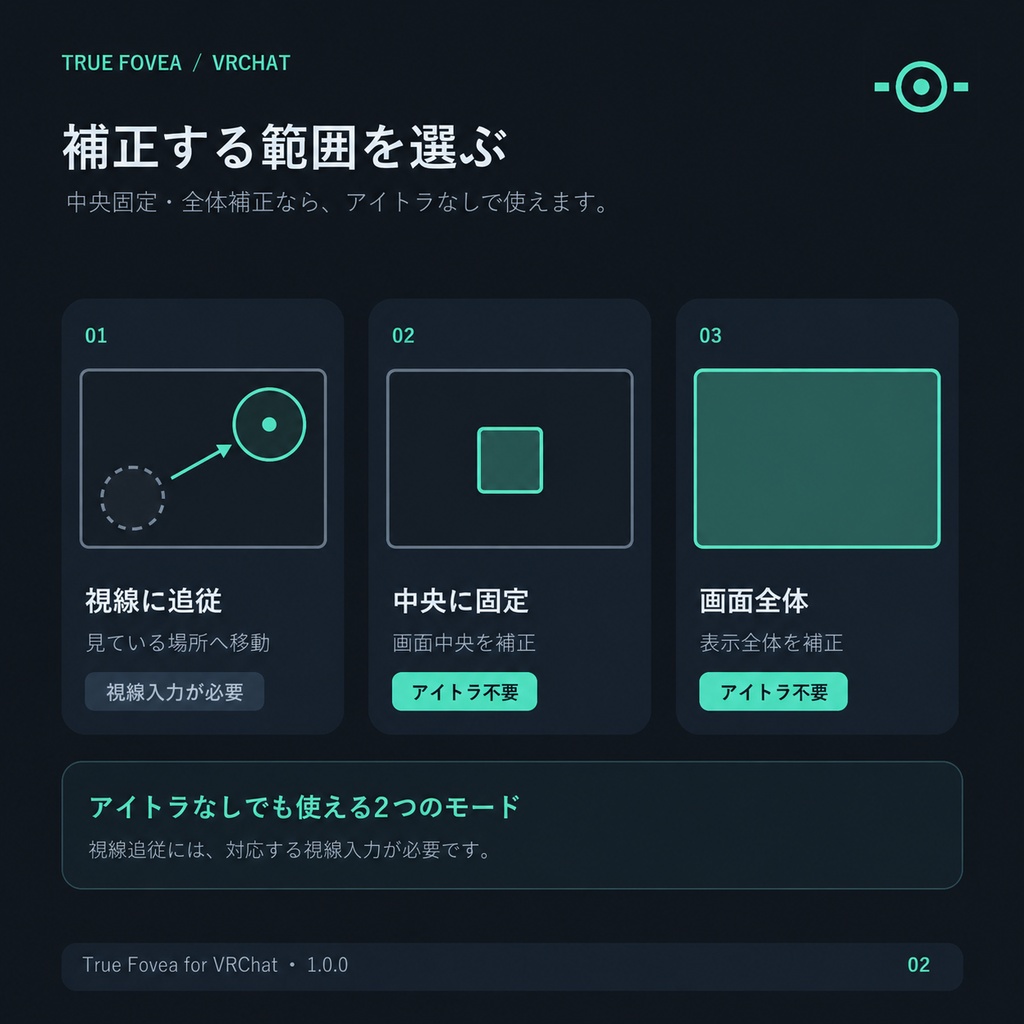
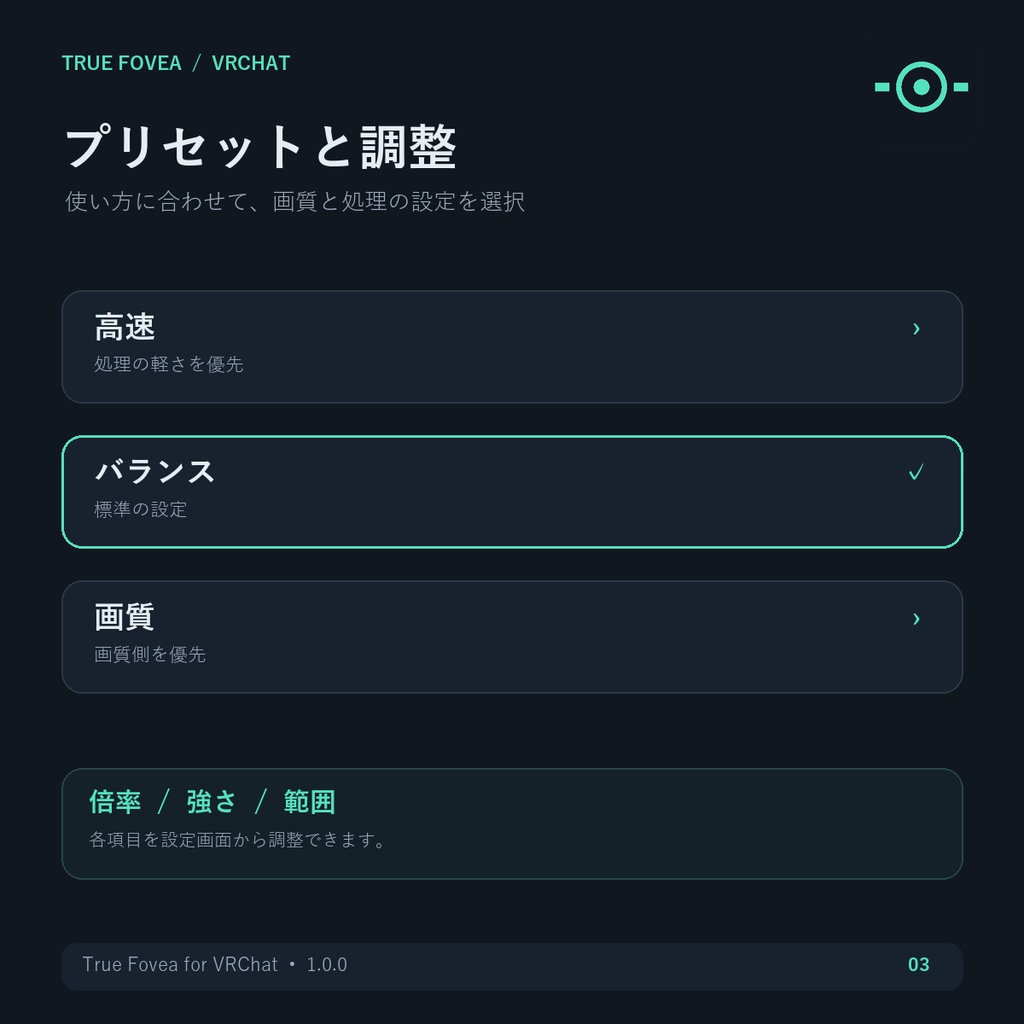
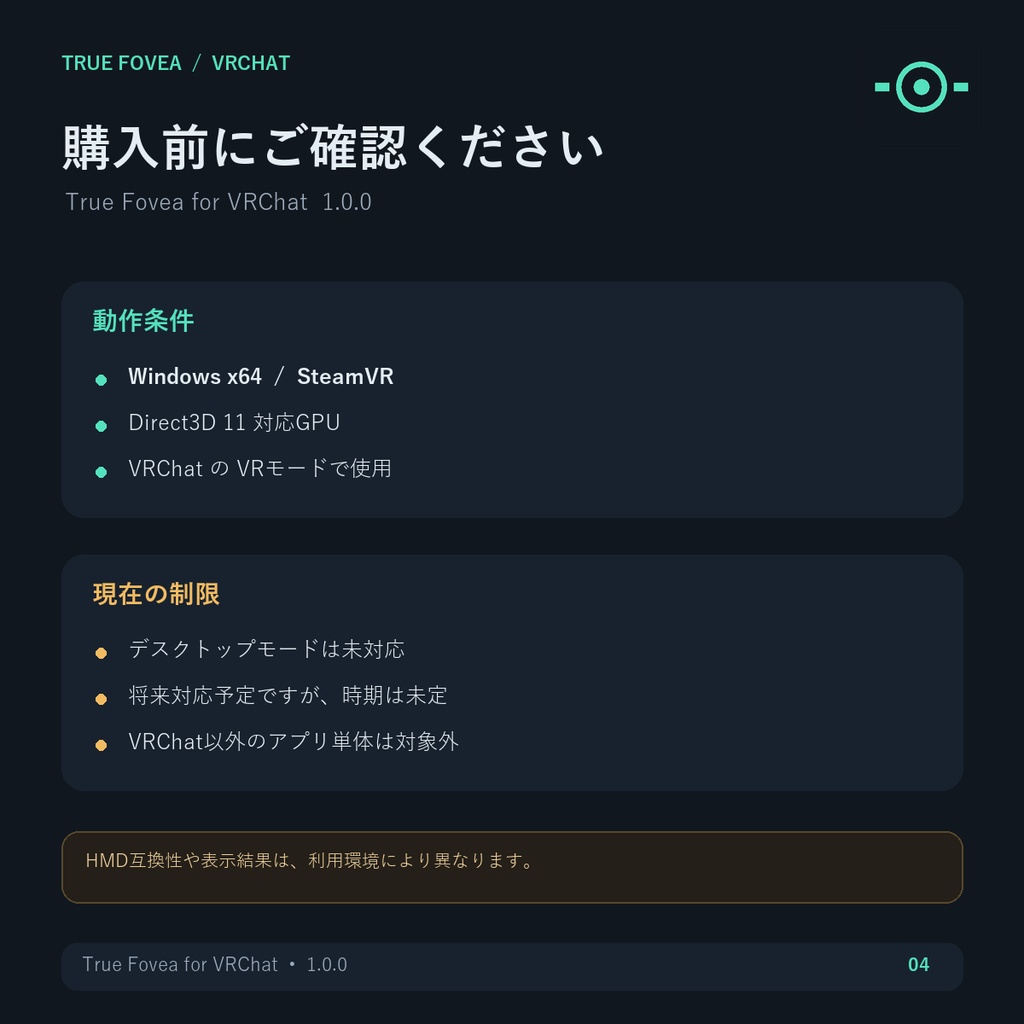
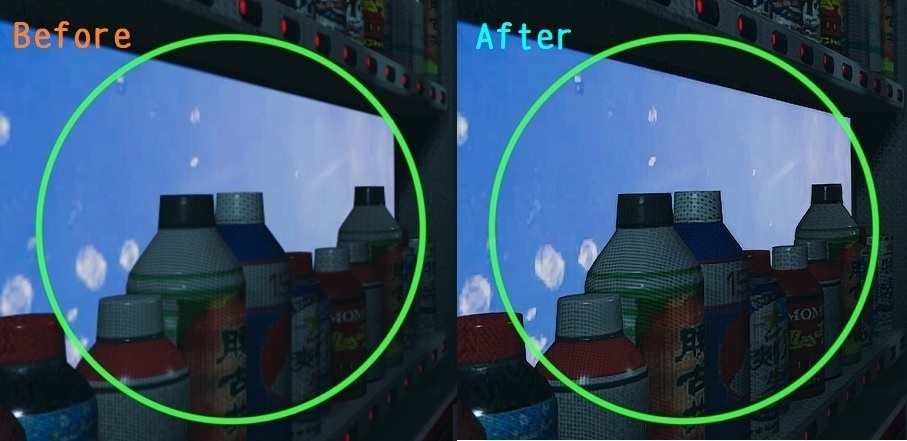
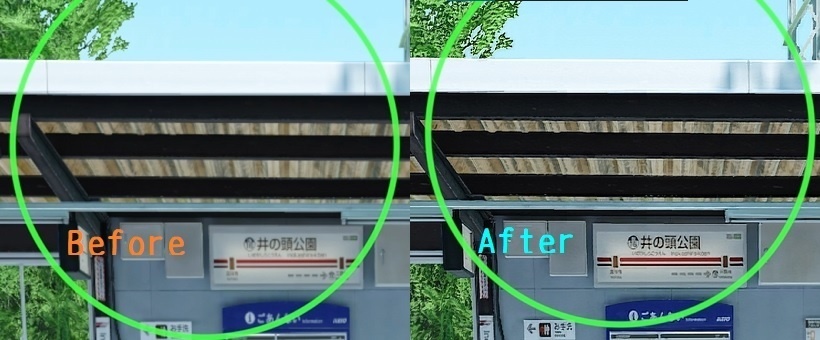
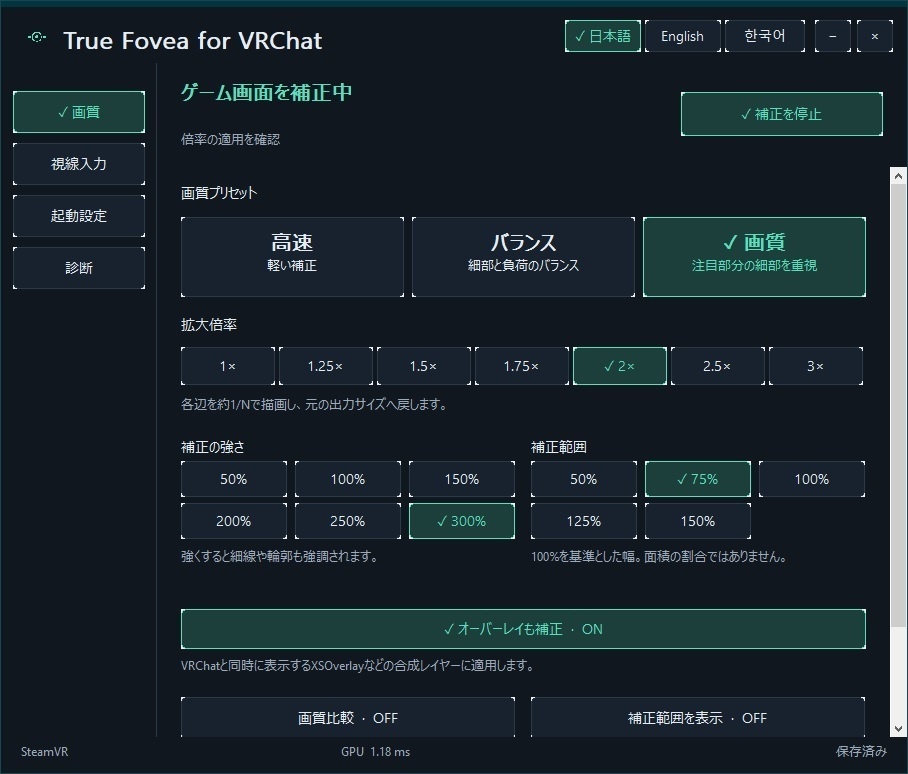
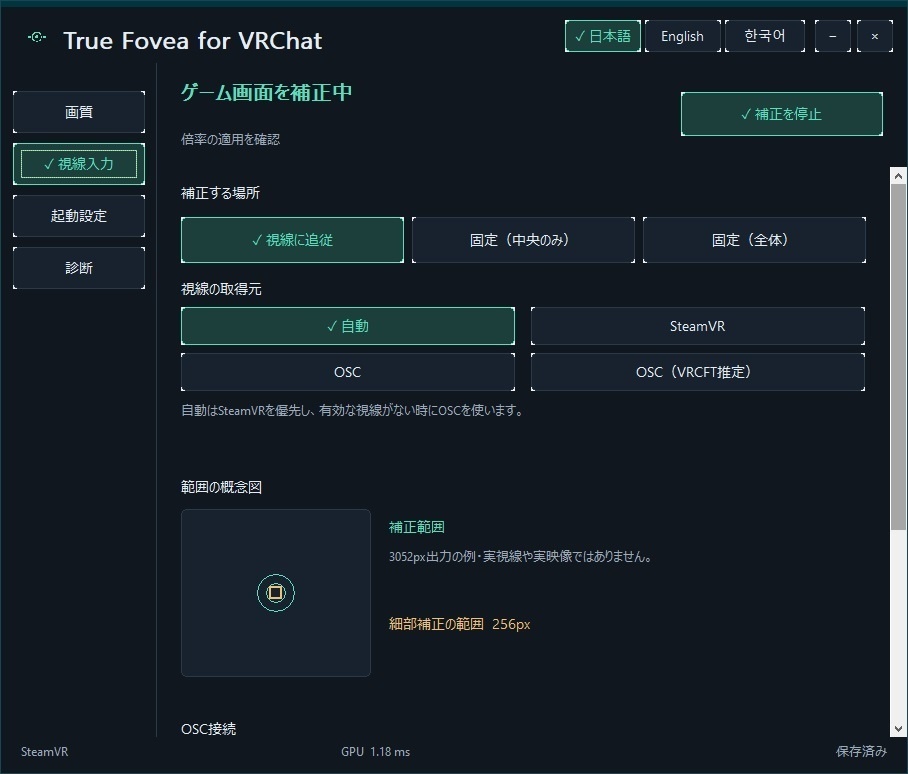
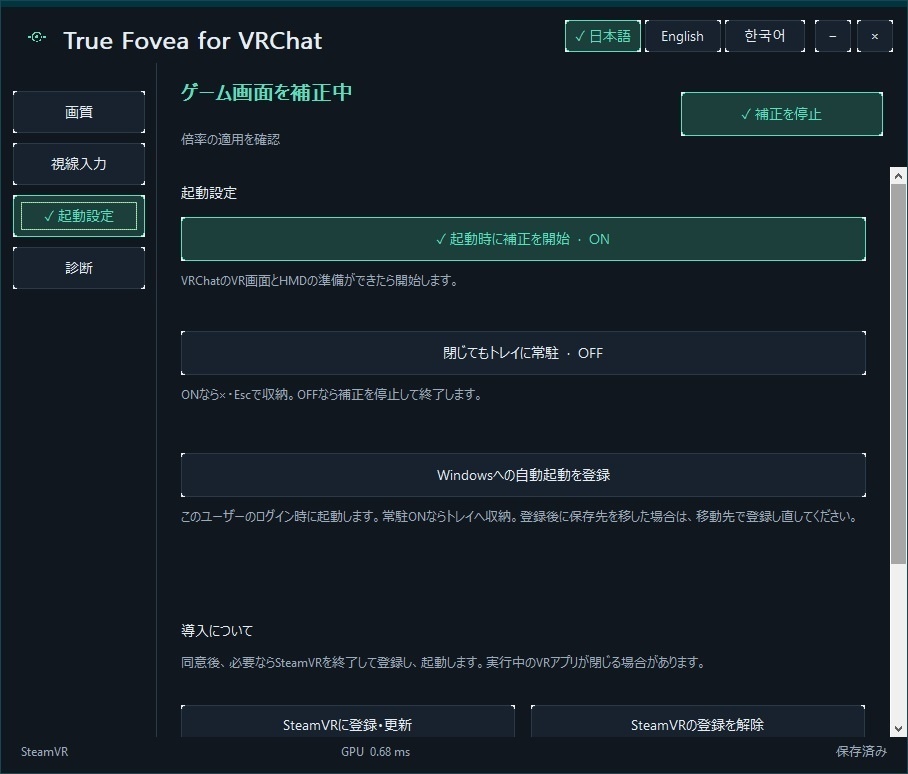
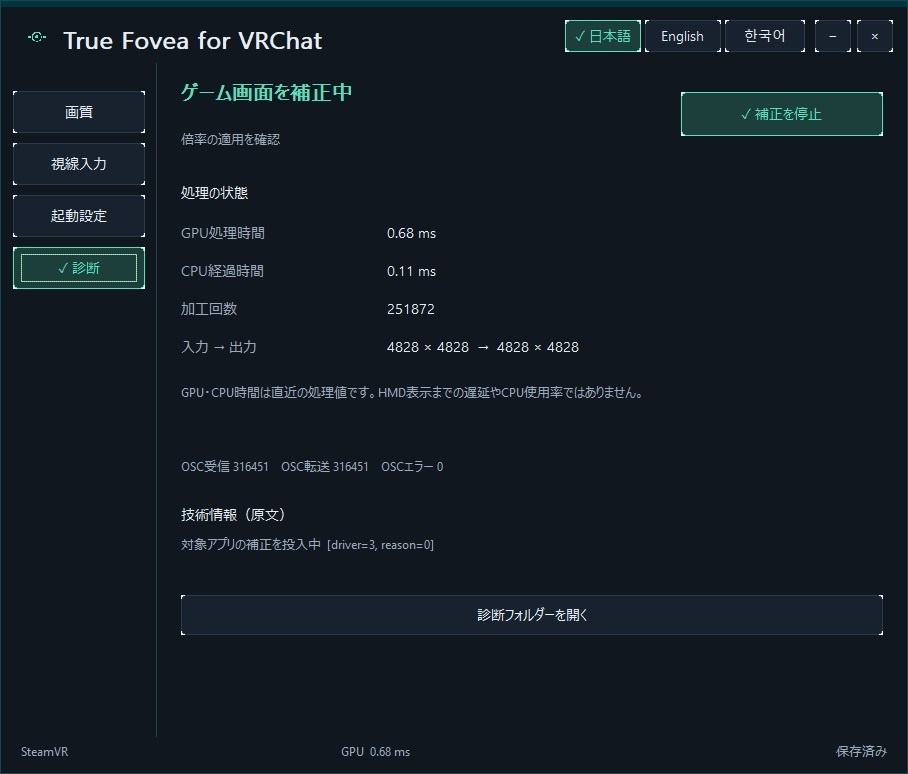


True Fovea for VRChat VRChatを高解像度で動かすとGPU負荷が気になる一方、描画解像度を下げると細部の見え方が気になる。 True Fovea for VRChatは、VRChatの描画解像度を下げ、映像の補正・拡大と組み合わせて画質とGPU負荷のバランスを調整するWindows向けツールです。 SteamVR上のVRChatを対象に、視線に合わせた補正、中央に固定した補正、画面全体の補正を選べます。 ================================================== 本ソフトの利用には、利用規約(True-Fovea-for-VRChat-Terms)が適用されます。 ご購入前に必ず無料公開の利用規約をご確認いただき、内容に同意いただける場合のみ、ご購入・ご利用ください。 ================================================== 実際の動作デモ映像は、下記Dropbox URLからご確認ください。 http://dropbox.com/scl/fo/s2tfxgon5d59nade84aoy/AAGaLqDhhQwLvOdcCJeYsyg?rlkey=q4ycbc58dcnmberp3rzo0o4cm&st=35715lm9&dl=0 ※ 劣化なし動画で1.5GBのデータとなっているため、DLや視聴する際には通信費に注意してください。 主な機能 - 視線追従・固定中央・全体の表示モードを選べます。 - SteamVRまたはOSCから視線入力を受け取れます。固定中央・全体モードはアイトラッカーなしで利用できます。 - 「高速」「バランス」「画質」のプリセットを選び、1〜3倍の倍率、強さ、補正範囲を調整できます。 - 日本語・English・한국어をアプリ内で切り替えられます。 - 対応するXSOverlayは、同一のVRChatシーンと一緒に表示されている場合に補正できます。 導入について ZIP全体を今後使用する書き込み可能なフォルダーへ展開し、TrueFovea.exeを起動してください。SteamVRをまだ一度も起動していない場合は、先にインストールして通常起動してください。 初回セットアップでは、確認のうえSteamVRを通常終了・再起動し、ドライバーを登録する場合があります。実行中のVRアプリが終了することがあるため、作業を保存してから進めてください。 Steam Linkの視線共有を有効にする場合は、別途確認が表示されます。この設定はTrue Fovea for VRChatだけでなく、このPCの他のアプリにも視線情報を共有します。許可しない場合も、OSCまたは固定中央・全体モードで利用できます。 動作環境 - Windows x64 - SteamVR(Steam Link、VirtualDesktop、PICO Connect経由で確認済みです) - Direct3D 11対応GPU - 対象はSteamVR上のVRChatのVRモードです。デスクトップモードには現在対応していません。将来対応を予定していますが、時期は未定です。 - Steam Frame/Quest3/PICO 4 Enterpriseで補正の実機確認を行っています。その他のHMDは個別の動作確認が必要です。 - VRChat以外のアプリ単体には適用しません。対応するXSOverlayは同一VRChatシーンとともに表示される場合が対象です。 同梱内容 - TrueFovea.exeと動作に必要なファイル - 導入・操作案内 - 利用規約 - 第三者ソフトウェアのライセンス表示 購入前にご確認ください 高倍率では細部が失われる場合があり、補正処理自体にもGPU負荷がかかります。画質や処理負荷、対応機器での動作は利用環境によって異なります。元の高解像度描画と同じ再現、特定の遅延、すべての機器・環境への対応を保証するものではありません。 1ライセンスにつき1名が利用できます。同じ利用者が管理する複数のPCへの導入と、自己利用のためのバックアップは可能です。複数人で利用する場合は、利用者ごとにライセンスが必要です。利用条件を確認してからご購入ください。 不具合やお問い合わせは、ショップのメッセージからご連絡ください。 ライセンス・プライバシー 本ソフトはSteam、SteamVR、VRChat、各HMDの権利者による公認・提携・動作保証を示すものではありません。 画像・視線・利用状況を開発元へ自動送信せず、オンライン認証も行いません。設定と診断情報はPC内に保存されます。不具合報告に診断情報を添える場合は、PC内のパスなどが含まれていないか確認してください。 English High VRChat rendering resolution can increase GPU load, while lowering it can make fine details harder to see. True Fovea for VRChat is a Windows tool that lowers VRChat render resolution and combines image correction and upscaling to let you adjust the balance between image quality and GPU load. It works with VRChat in VR mode through SteamVR, with gaze-following, fixed-center, and full-screen processing options. Main Features - Select gaze-following, fixed-center, or full-screen processing. - Receive gaze input through SteamVR or OSC. Fixed-center and full-screen modes do not require an eye tracker. - Choose the Fast, Balanced, or Quality preset, and adjust magnification from 1x to 3x, strength, and correction area. - Switch the app language between Japanese, English, and Korean. - Supported XSOverlay imagery can be processed when displayed together with the same VRChat scene. Installation Extract the entire ZIP to a writable folder you intend to keep, then run TrueFovea.exe. If SteamVR has never been started on your PC, install and launch it normally first. During first-time setup, the app may ask to normally close and restart SteamVR and register its driver. Running VR apps may also close, so save your work first. Enabling Steam Link eye sharing requires a separate confirmation. This SteamVR setting may share eye data with other apps on this PC, not only True Fovea for VRChat. You can decline and use OSC or fixed-center/full-screen modes. System Requirements - Windows x64 - SteamVR - Direct3D 11-compatible GPU - This product processes VRChat in VR mode through SteamVR. Desktop mode is not currently supported. Desktop support is planned, but no release date is set. - Tested on Steam Frame/Quest3/PICO 4 Enterprise. Other HMDs require individual compatibility testing. - It does not process other apps on their own. Supported XSOverlay imagery is covered when shown together with the same VRChat scene. Included - TrueFovea.exe and required runtime files - Installation and usage guide - Terms of use - Third-party software license notices Please Read Before Purchase At higher magnification, some details may be lost, and the correction process itself uses GPU resources. Image quality, processing load, and device compatibility vary by environment. The product does not guarantee reproduction identical to the original high-resolution rendering, a specific latency, or compatibility with every device and environment. One license is for one user. The same user may install the software on multiple PCs they manage and keep a backup for personal use. Each user needs a separate license when shared by multiple people. Please review the terms before purchase. For issues or inquiries, contact the shop through BOOTH messages. License and Privacy This software is not endorsed by, affiliated with, or guaranteed by Valve, SteamVR, VRChat, or HMD manufacturers. Images, gaze data, and usage data are not automatically sent to the developer. The product does not use online authentication. Settings and diagnostic information are stored on your PC. Check diagnostic information for local paths before sharing it in a bug report.