

【無料】【VRChat】【MA対応】【Quest対応】Argentum Control Hub|Argentum製品のメニューを1つにまとめる整理ツール+パラメーター使用量チェック
- 無料版 / FreeDigital0 JPY
- 支援版(内容は同じ) / Support version (same contents)Digital300 JPY
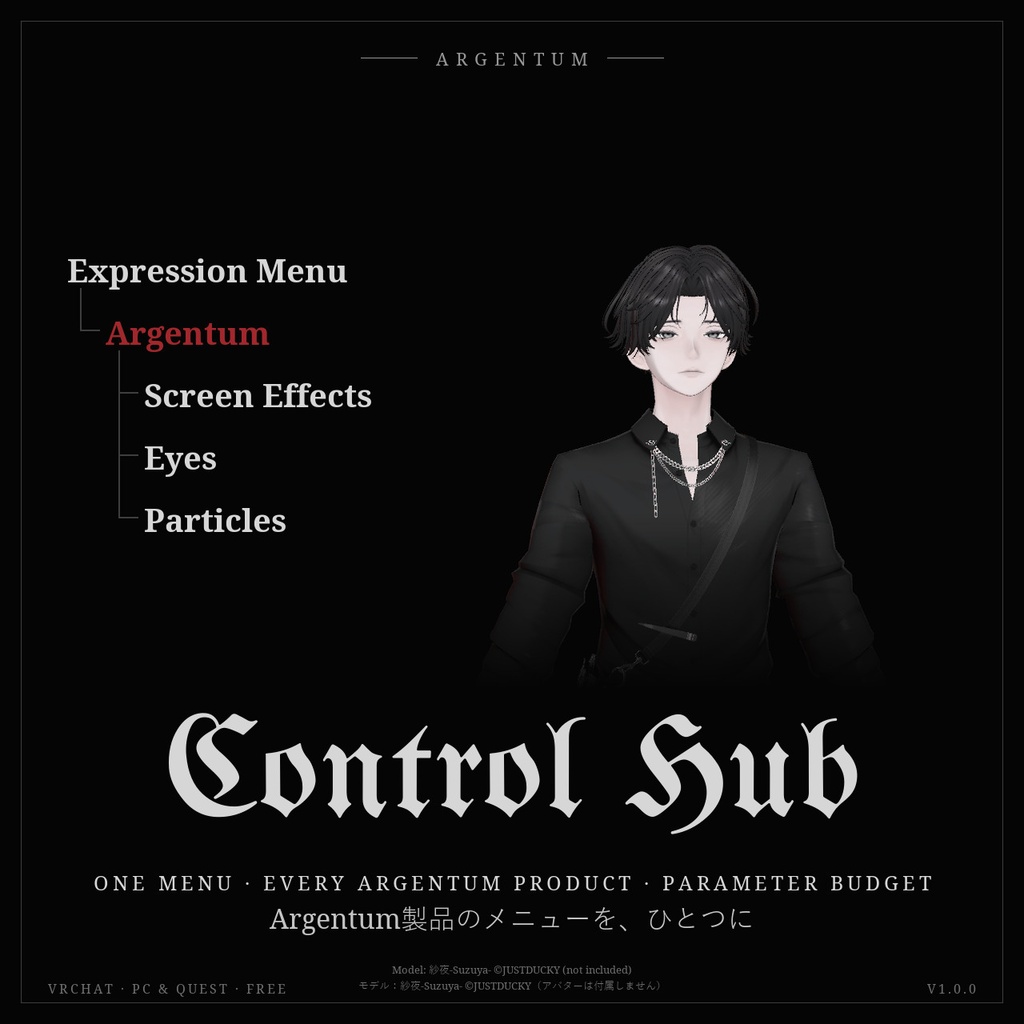
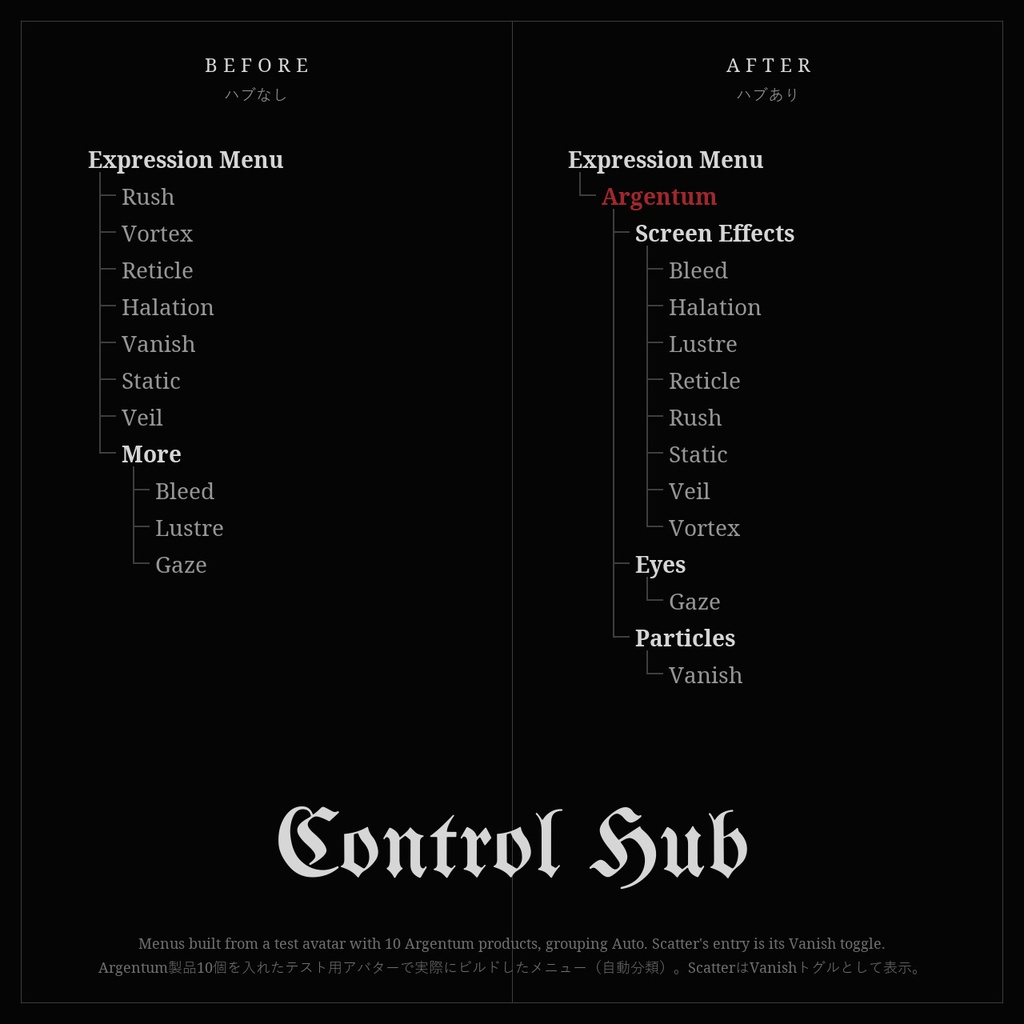
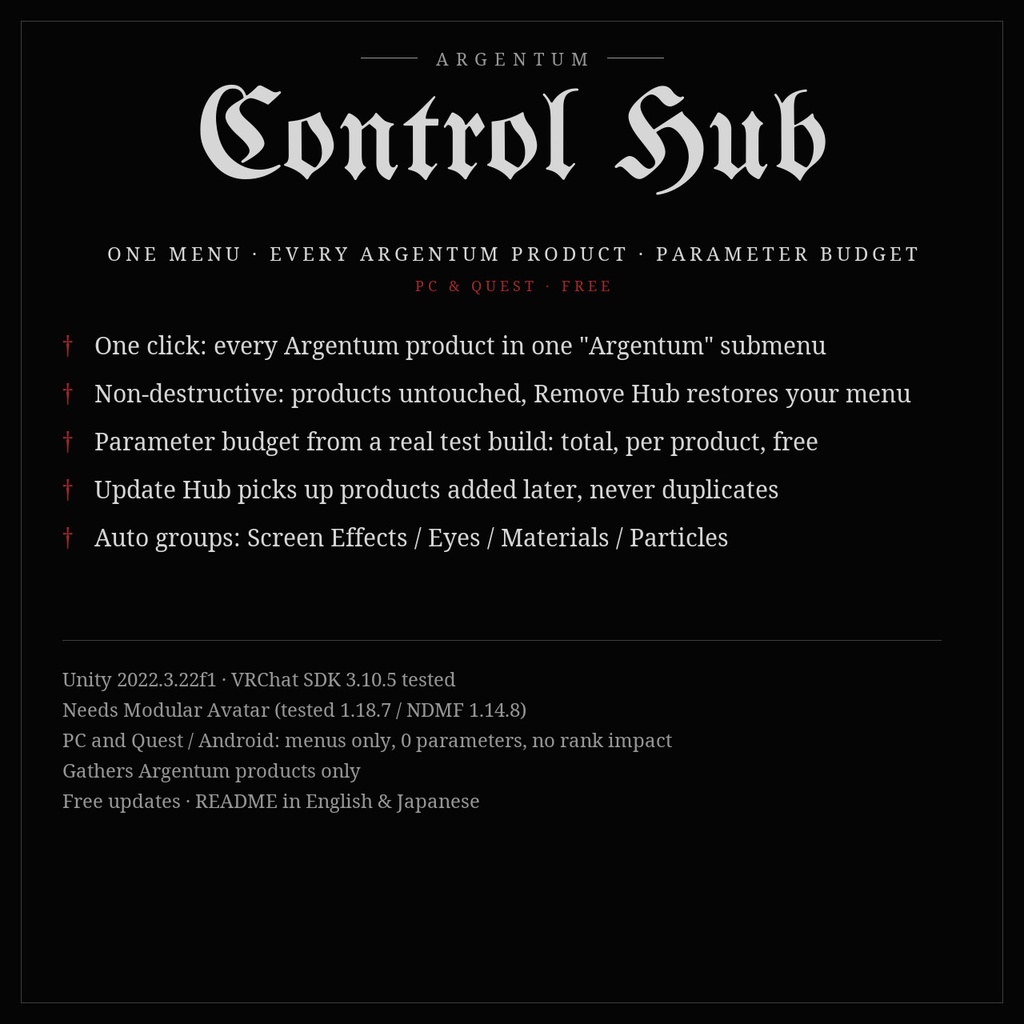
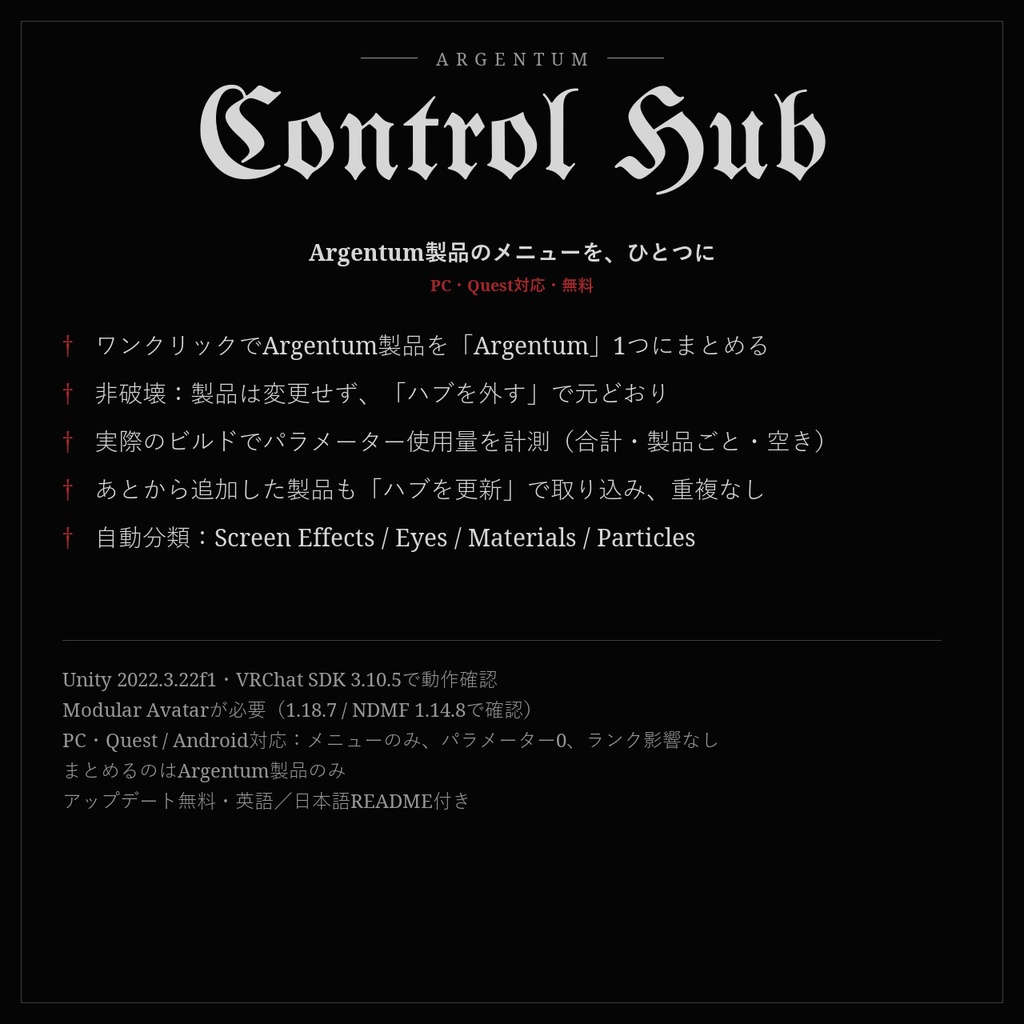
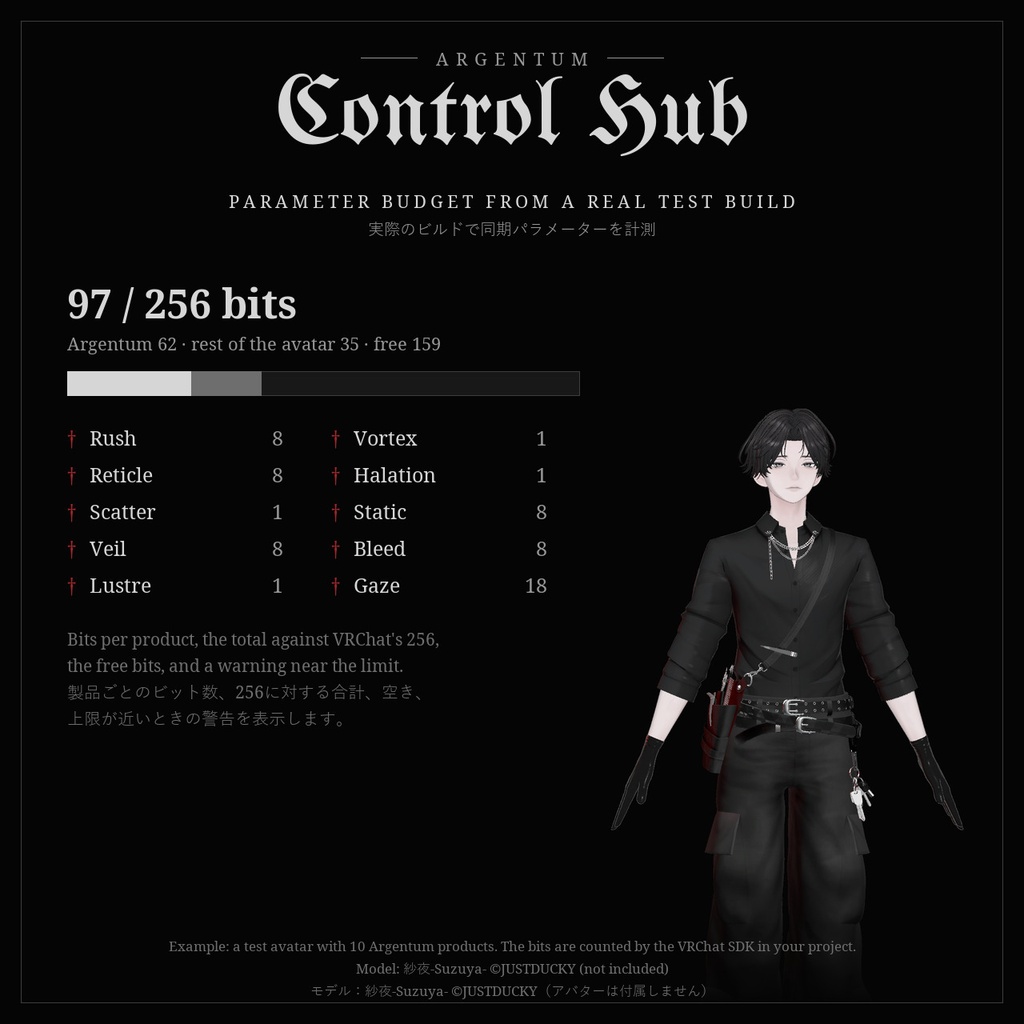


Argentum製品のメニューを、ひとつに。いくつ持っていても、Expression Menuの最初のページに並ぶのは「Argentum」1つだけ。 ■ 特長 ・ワンクリックで、アバターに入れたArgentum製品をすべて1つのサブメニュー「Argentum」にまとめます ・非破壊:製品側は一切変更しません。「ハブを外す」で元のメニュー配置にそのまま戻ります ・パラメーター使用量を表示:アップロード時と同じModular Avatar / NDMFのビルドを一時コピーで実行して、同期ビット数を計測。256ビット中の合計、Argentum製品ごとの内訳、空き、上限に近いとき・超えたときの警告 ・あとから製品を追加しても「ハブを更新」で取り込みます。何度実行しても項目は重複しません ・製品が9つ以上なら Screen Effects / Eyes / Materials / Particles に自動で分類(「しない/自動/常に」から選択) ・並び順(名前順/Hierarchyの順)とサブメニュー名を変更可能。作成前のプレビューと、ビルド後の実際のメニューを表示 ・Quest Look-MatchがQuest版から外すPC専用エフェクトなど、ビルドに含まれない製品の項目は自動で除外。空のサブメニューは出ません ・日本語・英語のUI ■ こんな用途に Argentum製品を2つ以上お持ちの方、メニューの最初のページを空けたい方、パラメーターの残りを確認したい方に。 ■ 対応環境 ・Unity 2022.3.22f1(VRChatの現行バージョン) ・VRChat SDK(Avatars)3.10.5で動作確認 ・Modular Avatarが必要です(1.18.7 / NDMF 1.14.8で動作確認)。メニューのあるArgentum製品はすべてModular Avatarを使っています ・PC・Quest / Android両対応(メニューを並べ替えるだけです) ・まとめるのはArgentum製品のみです。ほかのメニューはそのままです ■ 内容物 ・Argentum_ControlHub_v1.0.0.unitypackage ・ツール本体:Tools > Argentum > Control Hub(Hierarchyでアバターを右クリック > Argentum > Control Hubからも起動) ・メニュー用アイコン ・README(英語・日本語)、利用規約、更新履歴 ■ 負荷 ・ゲーム内で動くものはありません。Modular Avatarのコンポーネントはビルド時に取り除かれるため、アップロードされるアバターにオブジェクト・コンポーネント・パラメーターは増えません(0ビット)。Performance Rankにも影響しません。 ■ ご注意 ・VRChatが同期できるExpressionパラメーターは256ビットまでです(bool 1、int 8、float 8)。表示するビット数は、プロジェクトのVRChat SDKが計算した値です。SDK 3.10.6で追加されたビット幅の設定は、まだ動作確認していません。 ・VRChatのメニューは1ページ8項目までです。超えるとModular Avatarが「More」ページに続けます。 ・無料です。応援していただける方は支援版(¥300、内容は同じ)をどうぞ。 ■ アップデート アップデートは無料です。BOOTHのライブラリから再ダウンロードしてください。 画像のアバター:紗夜-Suzuya-(JUSTDUCKY様)※アバターは付属しません ──────────────────── English ──────────────────── Argentum Control Hub: One Menu for Every Argentum Product [VRChat / PC & Quest / Modular Avatar / Free] Every Argentum product in one place. However many you own, your menu's first page holds one entry: Argentum. ■ Features ・One click gathers every Argentum product on your avatar into one "Argentum" submenu ・Non-destructive: the products are never changed. Remove Hub puts your menu back exactly as it was ・Parameter budget: runs the same Modular Avatar / NDMF build an upload runs, on a temporary copy, and counts the synced bits. Total of 256, bits per Argentum product, free bits, warnings near and over the limit ・Update Hub picks up products you add later. Running it again never duplicates anything ・9 or more products: automatic groups, Screen Effects / Eyes / Materials / Particles (off / auto / always) ・Alphabetical or Hierarchy order, your own submenu name, a preview before you build and the built menu after ・Products missing from a build, like the PC-only effects Quest Look-Match removes for Quest, drop out automatically. No empty submenus ・Japanese / English UI ■ Use it for Anyone with two or more Argentum products, a crowded first menu page, or a parameter budget to keep an eye on. ■ Compatibility ・Unity 2022.3.22f1 (VRChat's current version) ・Tested with VRChat SDK (Avatars) 3.10.5 ・Needs Modular Avatar (tested with 1.18.7 / NDMF 1.14.8). Every Argentum product with a menu already uses it ・PC and Quest / Android: it only rearranges menus ・Gathers Argentum products only. Every other menu stays where it is ■ What's included ・Argentum_ControlHub_v1.0.0.unitypackage ・The tool: Tools > Argentum > Control Hub (also on the avatar's right-click menu in the Hierarchy) ・Menu icon ・README (English / Japanese), terms of use, changelog ■ Performance ・Nothing runs in game. Modular Avatar removes its components at build time, so the uploaded avatar gets no extra objects, components or parameters (0 bits). No effect on the Performance Rank. ■ Notes ・VRChat syncs up to 256 bits of expression parameters (bool 1, int 8, float 8). The bits shown are counted by the VRChat SDK in your project. The bit width option added in SDK 3.10.6 has not been tested yet. ・A VRChat menu page holds 8 entries. Past that, Modular Avatar continues on a "More" page. ・Free. If you'd like to support Argentum Designs, the 支援版 (¥300) has the same contents. ■ Updates Free. Re-download from your BOOTH library. Avatar in the images: Suzuya by JUSTDUCKY (not included).
Terms of Service
・○ あらゆるアバターでのツールの使用(個人・商用) ・○ ツールで設定したアバターのアップロード・販売・配布(依頼制作を含む)。追加されるハブのオブジェクト(Modular Avatarのコンポーネント)は含めたままで構いません ・× ツールのファイルの再配布・転売(改変の有無を問わず、アバターやアセットのパッケージへの同梱を含む) ・規約の全文はダウンロードデータに同梱しています ──────────────────── ・OK: use the tool on any avatar, personal or commercial. ・OK: upload, sell or give away avatars set up with it, including commissions. The hub object it adds (Modular Avatar components) may stay in them. ・Not OK: redistributing or reselling the tool's files, modified or not, including inside avatar or asset packages. ・Full terms are included in the download.
Update information
・1.0.0 (2026-11-04): 初回リリース ・1.0.0 (2026-11-04): First release