
お試し500円♪かわいいサムネメーカー|ブラウザでぱぱっと作れる(note・YouTube・ネップリ対応)
- Digital500 JPY
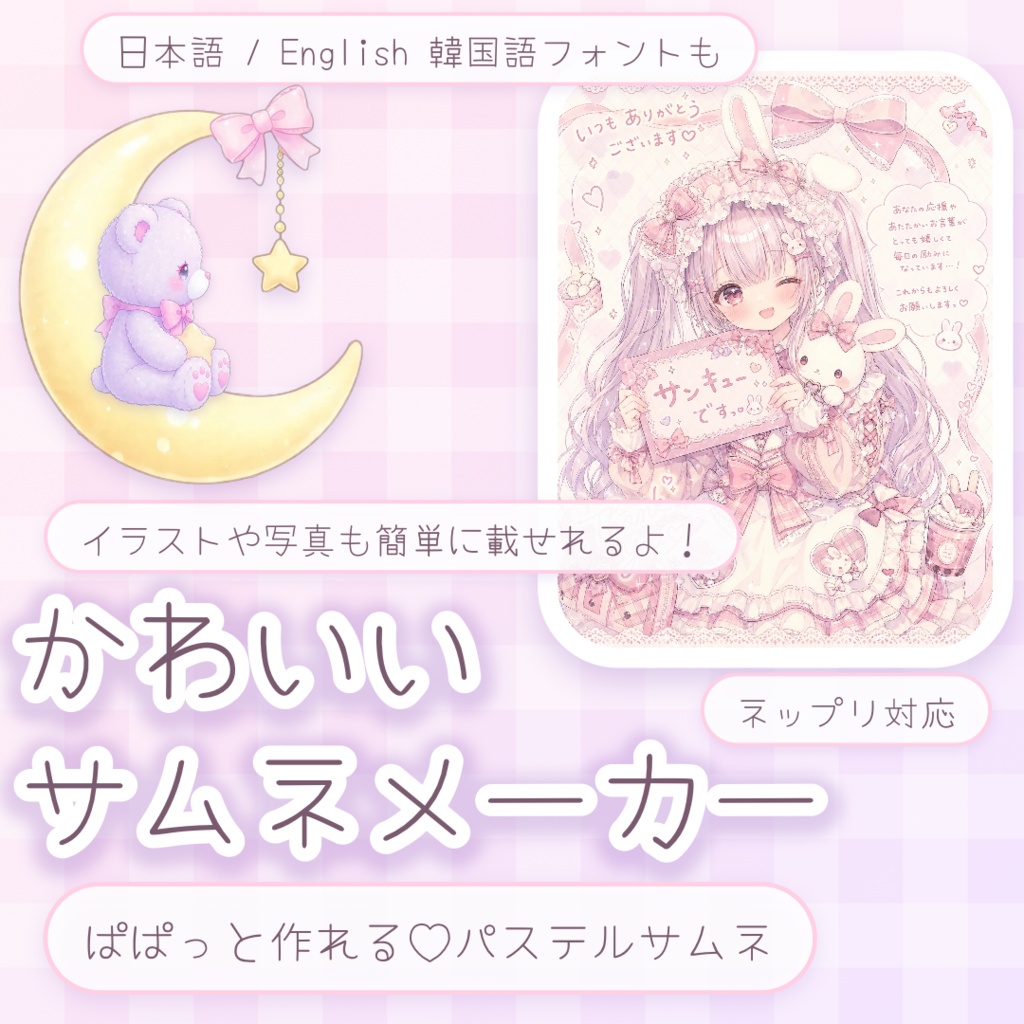
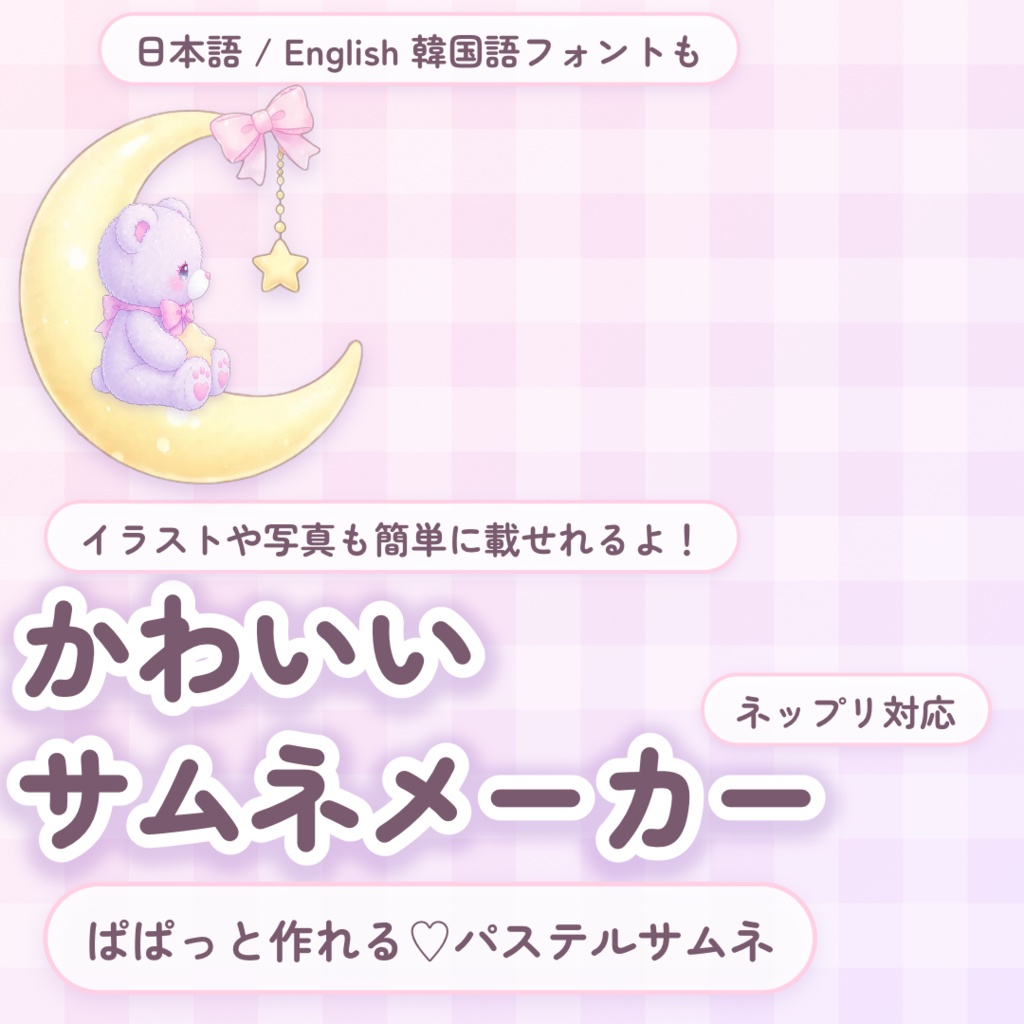
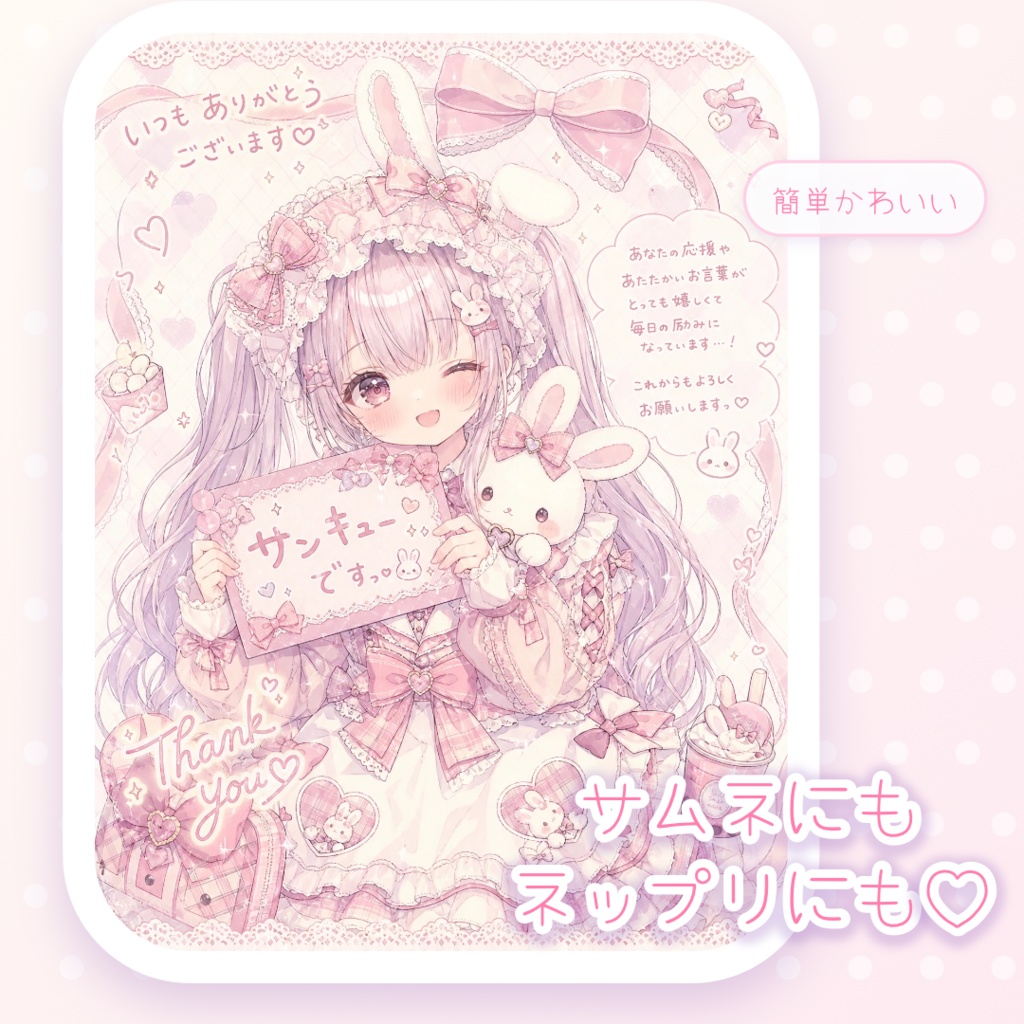
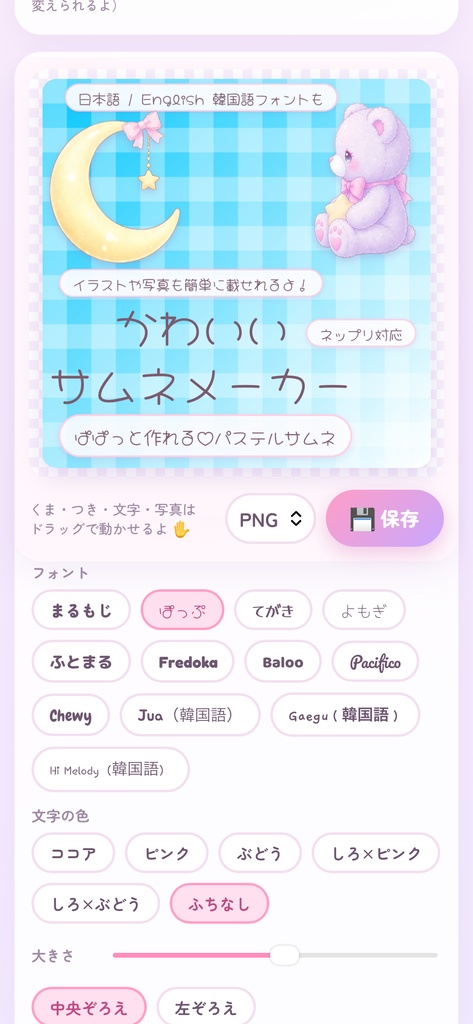
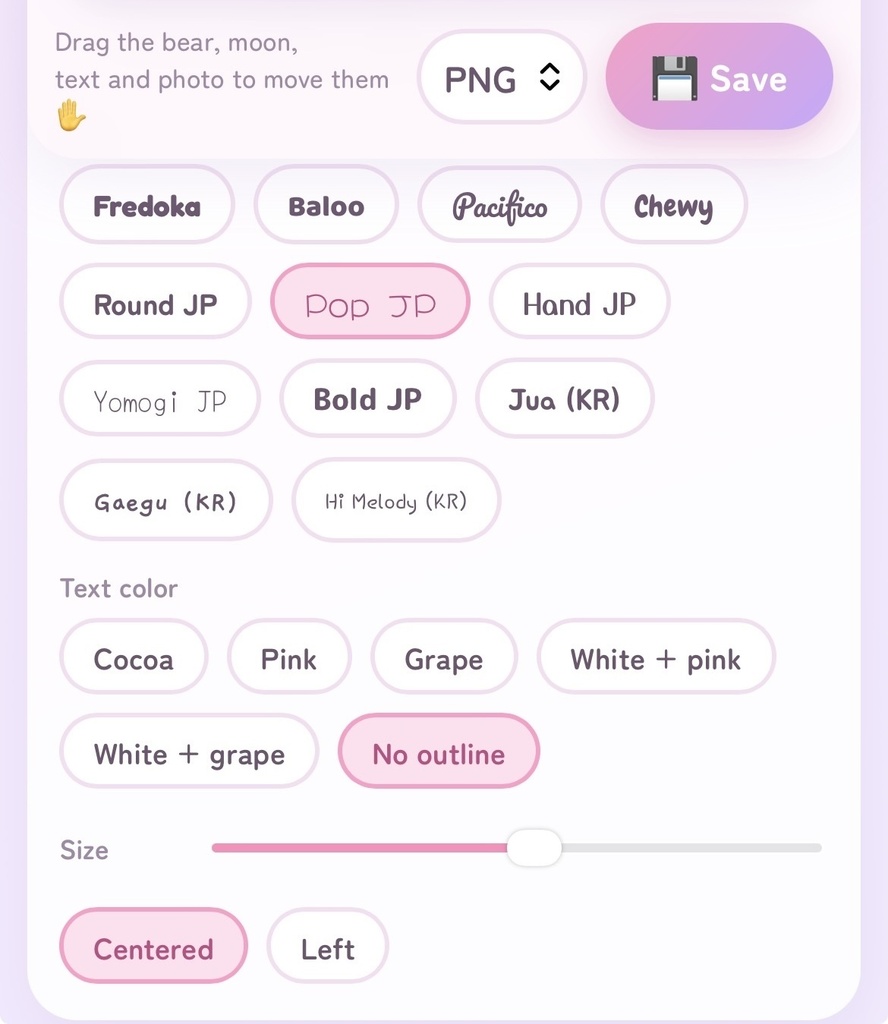
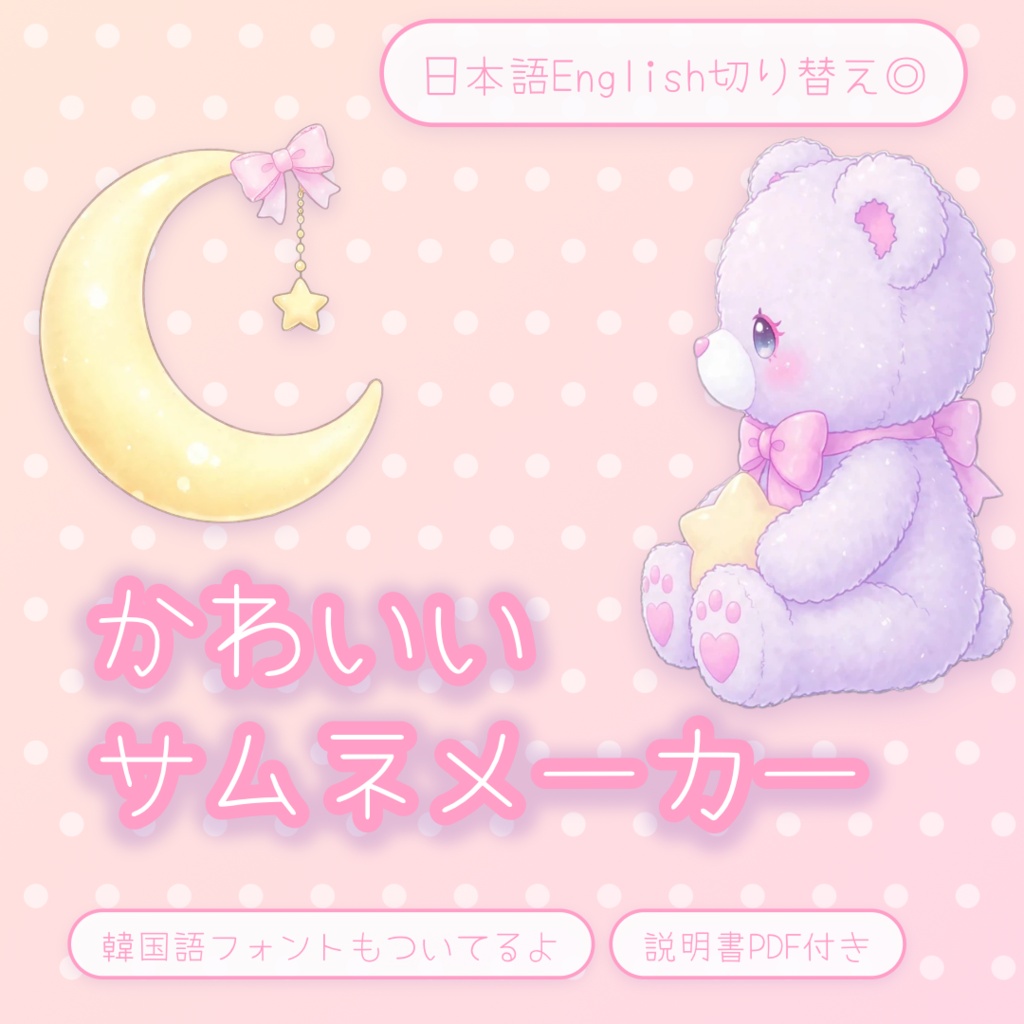
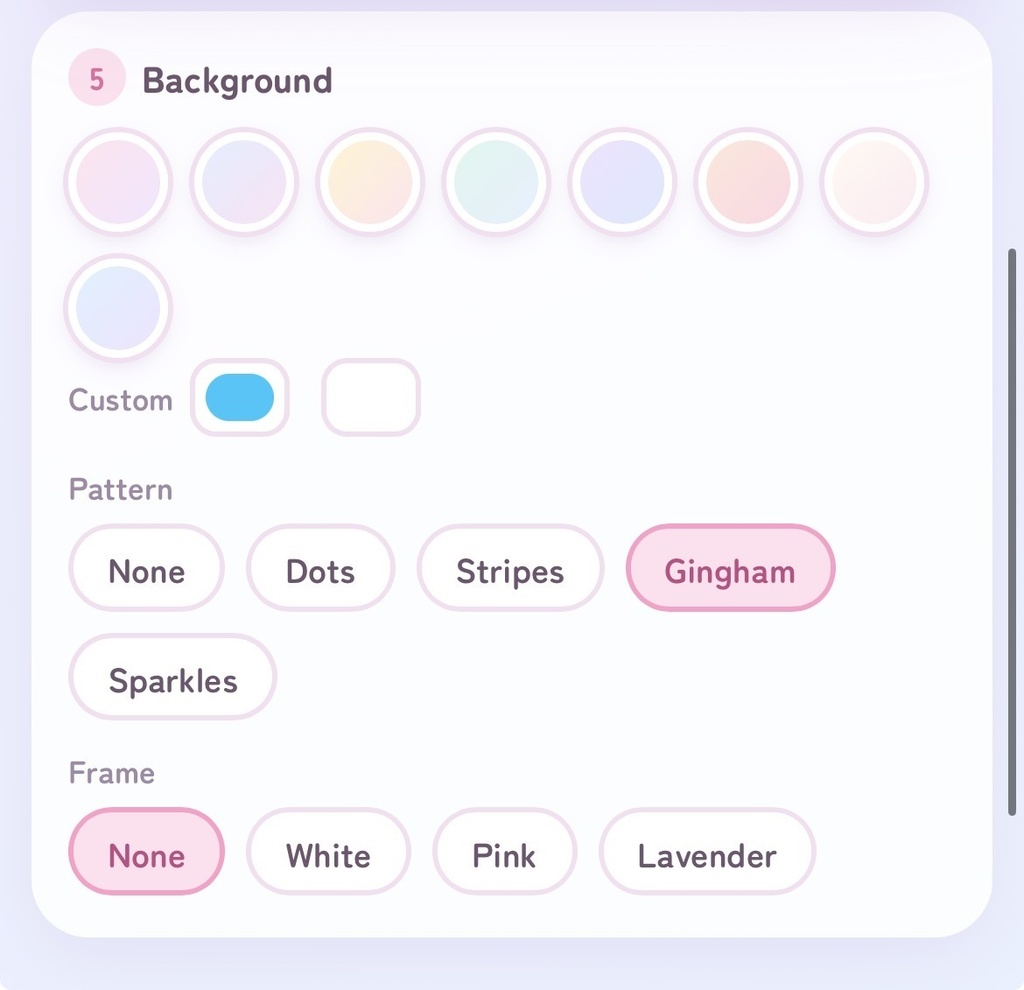
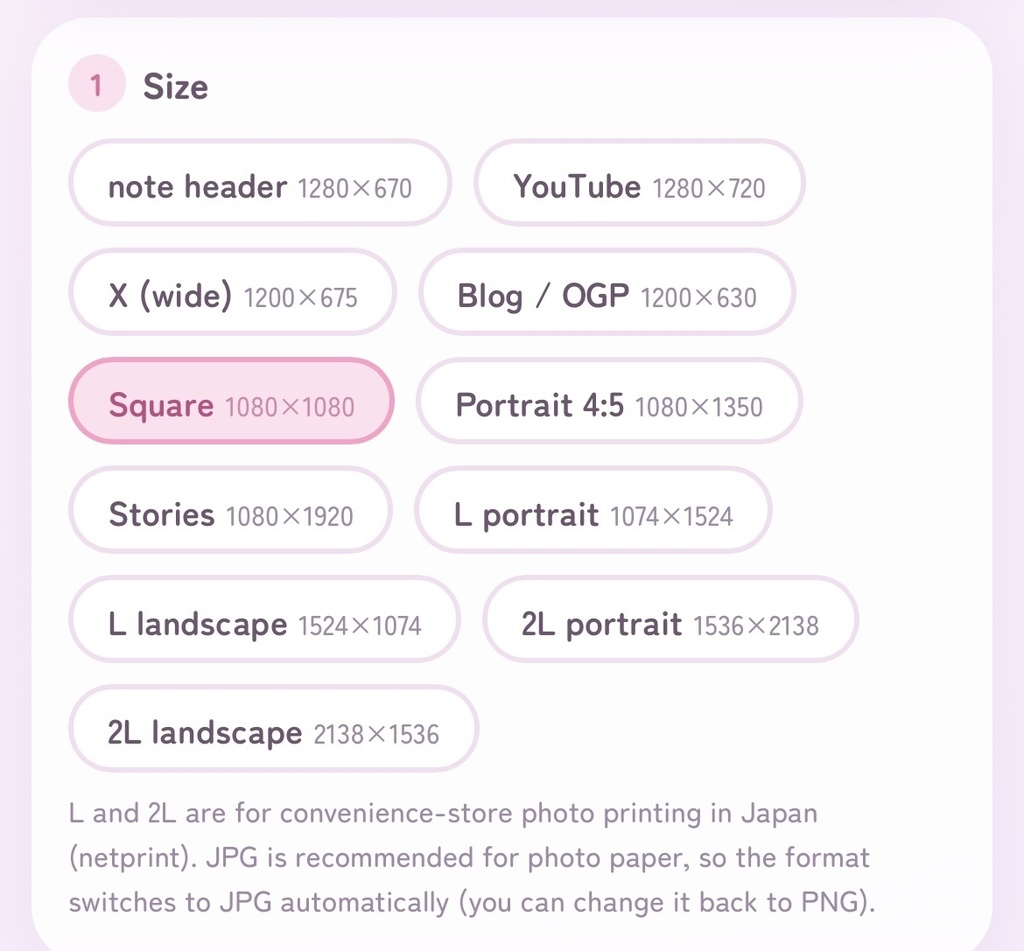
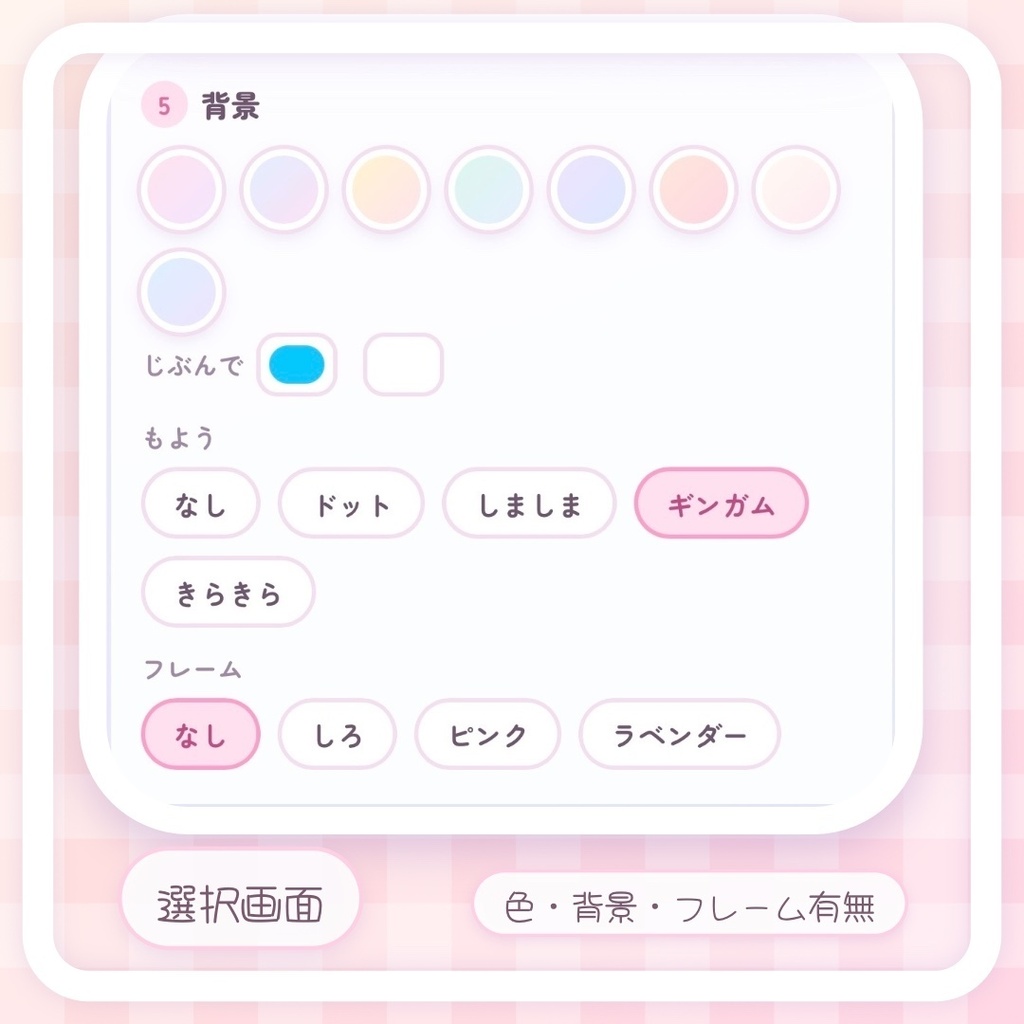


EN KO OK◎ ⭐️お試し価格は12月半ばあたりまでを予定しています The trial price (500 yen) is scheduled to run until around mid-December. 체험 가격(500엔)12월 중순경까지 예정되어 있습니다. ✨日本語 / English 切り替え対応✨ • 「SNSサムネだけでなく、ネップリ用のL判・2L判にも対応」 • 「かわいい雰囲気のまま、印刷用サイズで書き出せる」 • 「BOOTH商品画像・noteアイキャッチ・ネップリまでこれひとつで 🌙🧸 かわいいサムネメーカー 🧸🌙 えらぶ・書く・保存するだけ。 パステルのふんわりした雰囲気で、ぱぱっとかわいいサムネが作れるツールです。 ✿ くまちゃん&つきが最初から入っています(ON/OFFもできるよ) ✿ パステル背景・ドット・ギンガム・きらきらなど、かわいいもようがいっぱい ✿ 特徴を「まる」で囲んで並べられる、ひとこと欄つき(1つずつ動かせます) ✿ 写真は「まる」「ハート」「角丸」で、かんたんにかわいく ✿ ドラッグでぺたぺた動かせます ✿ L判・2L判のネップリ用サイズにも対応 ✿ 日本語/English 切り替え対応(英語・韓国語向けのかわいいフォント付き)ワンタップで楽々切り替え。 同じ素材でも、色・もよう・フォントを変えるだけで、雰囲気がまったく変わります。 デザインソフトが苦手でも大丈夫。 noteやブログのアイキャッチ、YouTube、X、ネップリまで、これ1つで。 ※アップしている画像はサムネメーカーで作ったものや実際の画面(日本語・英語版)です。参考にご覧ください🌸 【ご購入前にご確認ください】 ■ 商品内容 ・HTMLファイル 1点 ・使い方ガイド(PDF:日本語版・English版) ■ 使い方 HTMLファイルをブラウザ(Chrome・Safariなど)で開いてお使いください。インストールは不要です。パソコン・スマホどちらでも使えます。 ※フォントの読み込みのため、インターネット接続が必要です。つながっていないと、標準のフォントで表示されます。 ※選んだ写真は、お使いの端末の中だけで処理され、サーバーには送信されません。 ■ 対応サイズ note(1280×670)/YouTube(1280×720)/X(1200×675)/ブログ・OGP(1200×630)/BOOTHなど正方形(1080×1080)/縦長4:5(1080×1350)/ストーリーズ(1080×1920)/L判・2L判(たて・よこ) ■ できること ・タイトル、ひとこと(書きたい人だけ)、まるで囲むひとこと(最大3つ・使う分だけ)の入力 ・フォント12種類(日本語5種類+英語向け4種類+韓国語向け3種類)、文字の色6種類(フォントと文字の色は、タイトル・ひとこと・まるのひとことに共通で反映されます) ・表示言語の切り替え(日本語/English) ・写真の追加(まる・ハート・角丸・全面) ・くまちゃん、つきのON/OFF、配置、大きさ、むきの反転 ・背景の色(パステル8色+じぶんで選択)、もよう、フレーム ・PNG/JPGで保存 ■ 画像の保存について ・パソコン:「保存」ボタンでダウンロードされます。 ・iPhone・スマホ:表示された画像を長押しして保存してください。 ※保存ボタンを押しても反応がないときは、長押しをお試しください。 ■ ネップリ(コンビニ印刷)について L判・2L判を選ぶと、保存形式が自動でJPGになります。写真用紙にはJPGでの保存をおすすめします。 ・L判:1074×1524px(たて)/1524×1074px(よこ) ・2L判:1536×2138px(たて)/2138×1536px(よこ) ※用紙の端は、印刷時に数mmカットされることがあります。大事な文字は内側に置いてください。 ※パステルカラーは、印刷すると画面より淡く見えることがあります。 ※対応形式やサイズは変わることがあります。最新の仕様は、各ネップリサービスの案内をご確認ください。 ■ 注意事項 ・本ツールで作った画像は、個人・商用ともにご利用いただけます。 ・同梱のくまちゃん・つきのイラストを、単体で取り出しての再配布・転売はご遠慮ください。 ・本ツールの再配布・転売・改変しての再販売、自作発言等は禁止です。 ・イラストはAIを利用して制作しています。 ・お使いの環境(端末・ブラウザ)によっては、表示が異なる場合があります。 BOOTHサムネメーカー サムネイル English 🌙🧸 Kawaii Thumbnail Maker 🧸🌙 Make soft, pastel, cute thumbnails in just a few taps. Choose a size, type your title, and save. Even with the same illustrations, changing the colors, patterns and fonts gives you a completely different look. The screen is available in English, and 3 Korean fonts are included for Korean titles. * The app can be switched between Japanese and English with the 日本語 | English button at the top. An English User Guide PDF is included too. What's included - 1 HTML file (opens in your browser; no installation needed) - User Guide PDF (English and Japanese) Features - Up to 3 pill tags (short phrases in rounded pills) under the title; fill in only what you need, and move each one separately - A cute bear and a crescent moon are built in. Turn each ON or OFF, move them, resize and flip them. - Switch the whole screen between Japanese and English - Pastel backgrounds, plus dots, stripes, gingham and sparkle patterns - Add a photo as a circle, heart, rounded square or full background - Drag to move the title, extra line, photo and decorations - Save as PNG or JPG - Sizes: note (1280x670), YouTube (1280x720), X (1200x675), Blog/OGP (1200x630), Square (1080x1080), Portrait 4:5 (1080x1350), Stories (1080x1920), plus L and 2L photo sizes (portrait / landscape) for convenience-store photo printing in Japan How to use Open the HTML file in a browser such as Chrome or Safari. It works on both computers and smartphones. - An internet connection is required to load the fonts. Without it, standard fonts are used. - Photos you choose are processed only on your own device and are never uploaded to a server. - Fonts: 4 cute English fonts (Fredoka, Baloo, Pacifico, Chewy), 3 Korean fonts (Jua, Gaegu, Hi Melody) and 5 Japanese fonts. The font and text color apply to the title, extra line and pill tags together. The screen itself is available in Japanese and English. English titles wrap by word, and Korean titles are supported. Saving your image - Computer: press the Save button (保存) and the image downloads. - iPhone / smartphone: press Save (保存), then press and hold the image that appears to save it. If the button does nothing, try pressing and holding. Printing in Japan (netprint) Choosing an L or 2L size switches the format to JPG automatically, which is recommended for photo paper. Edges may be trimmed slightly when printing, so keep important text toward the inside. Specifications may change, so please check each service's latest guidance. This feature is mainly useful if you print at convenience stores in Japan. Notes - The illustrations were created with the help of AI. - Please do not redistribute or resell this tool, or extract and redistribute the bear and moon illustrations on their own. - Display may differ depending on your device and browser. • サムネメーカー • サムネイル • かわいい • ツール • HTML • ブラウザ • note • YouTube • SNS • アイキャッチ • ネップリ • ゆめかわ • パステル • くま • 月 • インストール不要 • 日本語English • デジタルツール BOOTH説明文メーカー