
【OBS用】画面が割れるシーントランジション|GLASS BREAK OBS(Windows x64)
- Digital1,500 JPY
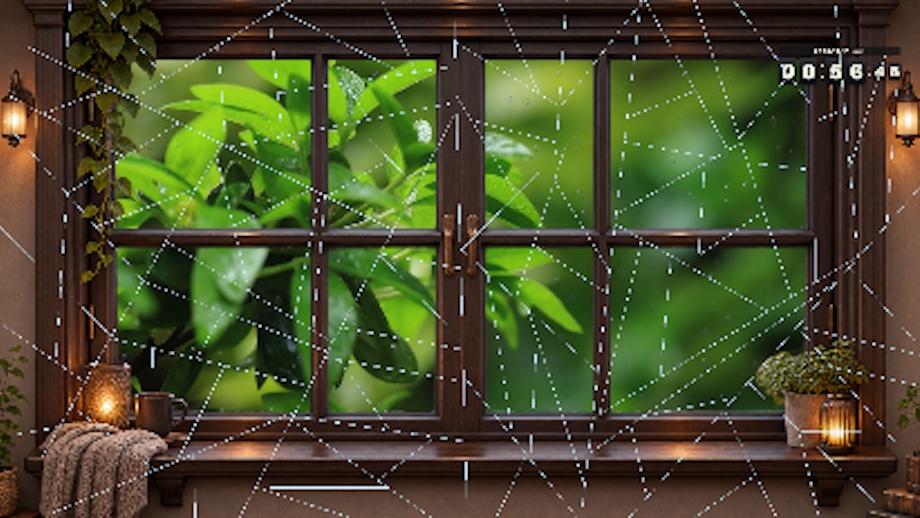
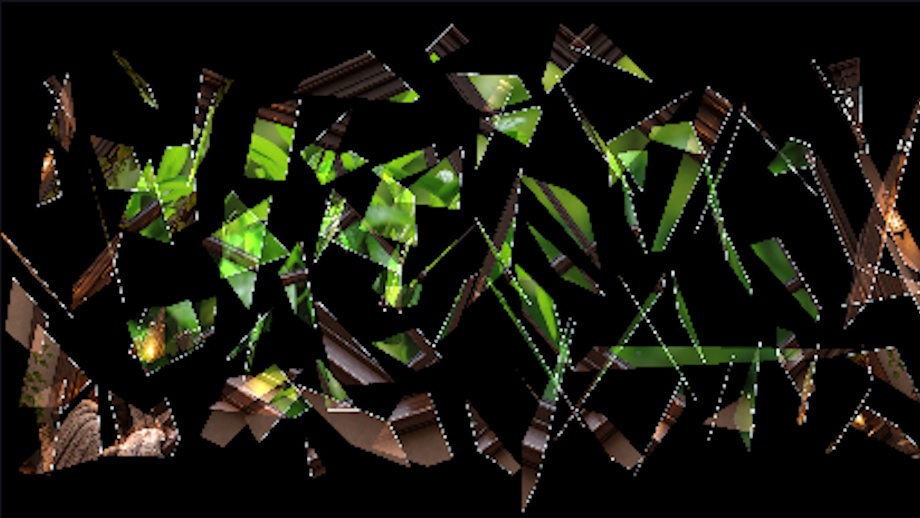


OBSに追加できるシーントランジションです。 GLASS BREAK OBS は、配信画面がガラスのように割れる、OBS Studio用のシーントランジションプラグインです。切り替え前の映像を一瞬止め、ヒビが広がったあと、ガラスの破片が落ちていく向こうに次のシーンが現れます。 待機画面からゲーム画面へ切り替える、対決企画など、普段のシーン切り替えを、ここぞという場面の演出にできます。 [映像と音のタイミングを調整] 画面停止・ヒビ割れ:一瞬で割るか、間を取ってから割るか。画面を止める時間と、ヒビが広がる時間を個別に調整できます。 次のシーンの表示 :切り替え先の映像がフェードインする速さを調整できます。 破砕音とシーン音声 :次のシーンの音を出すタイミングや、破砕音だけを聞かせる時間を調整できます。設定画面で効果音の試聴もできます。 ※ ガラスが割れる効果音は別途、効果音ラボ様などで入手して下さい。 ※ 音声ファイル(MP3)を指定できます。 日本語・英語対応 — 設定画面の表示言語を切り替えられます。 ※ OBSの「設定 → 音声」で指定したグローバル音声は、トランジションの音声制御の対象外です。ゲーム音やBGMも演出に合わせて切り替えたい場合は、各シーンに音声ソースを追加してください。 本ソフトウェアはOBS Studio向けの非公式プラグイン(またはツール)であり、OBS Project公式の製品ではありません。 ================================== Glass-shatter scene transition for OBS Studio (Windows x64). Adjust the freeze, crack, and audio timing. Settings are available in English and Japanese. GLASS BREAK OBS is a scene transition plugin for OBS Studio that makes your stream screen shatter like glass. It briefly freezes the video before the transition; after the cracks spread, the next scene appears as shards of glass fall away. Whether you’re switching from a loading screen to a game screen or staging a showdown, you can turn ordinary scene transitions into dramatic moments when it counts. [Adjust Video and Audio Timing] Screen Freeze & Cracking: Choose between shattering instantly or with a delay. You can adjust the screen freeze duration and the cracking duration separately. Next Scene Display: Adjust the speed at which the next scene fades in. Shattering Sound and Scene Audio: Adjust the timing for the next scene’s audio to play, as well as the duration during which only the shattering sound is heard. You can also preview sound effects in the settings screen. * Please obtain the glass-breaking sound effect separately from sources such as Sound Effect Lab. * You can specify an audio file (MP3). Japanese and English Support — You can switch the display language of the settings screen. * The global audio specified in OBS under “Settings → Audio” is not subject to the transition’s audio control. If you want to switch game sounds or BGM to match the scene, please add audio sources to each scene. This software is an unofficial plugin (or tool) for OBS Studio and is not an official product of the OBS Project.