

Quest World Budget【Quest/Android対応 軽量化ツール】by MrsCandy
- Digital450 JPY
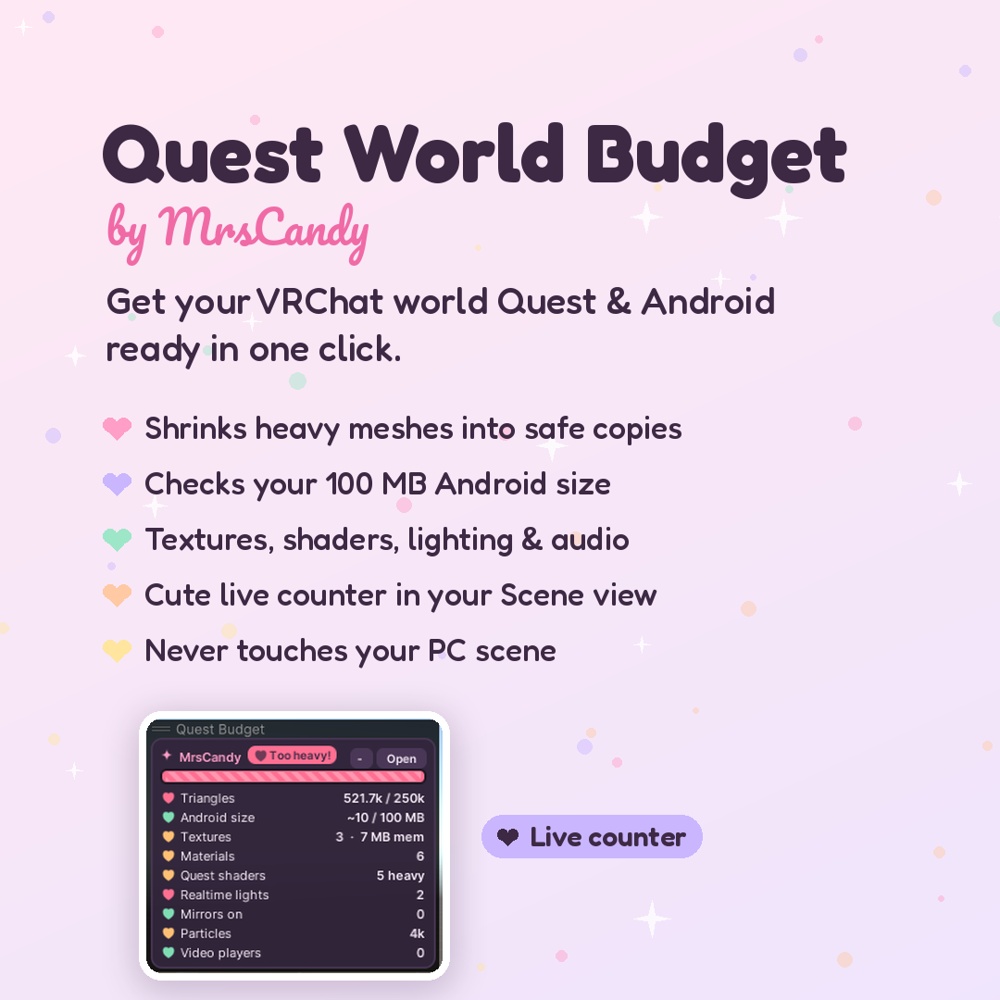
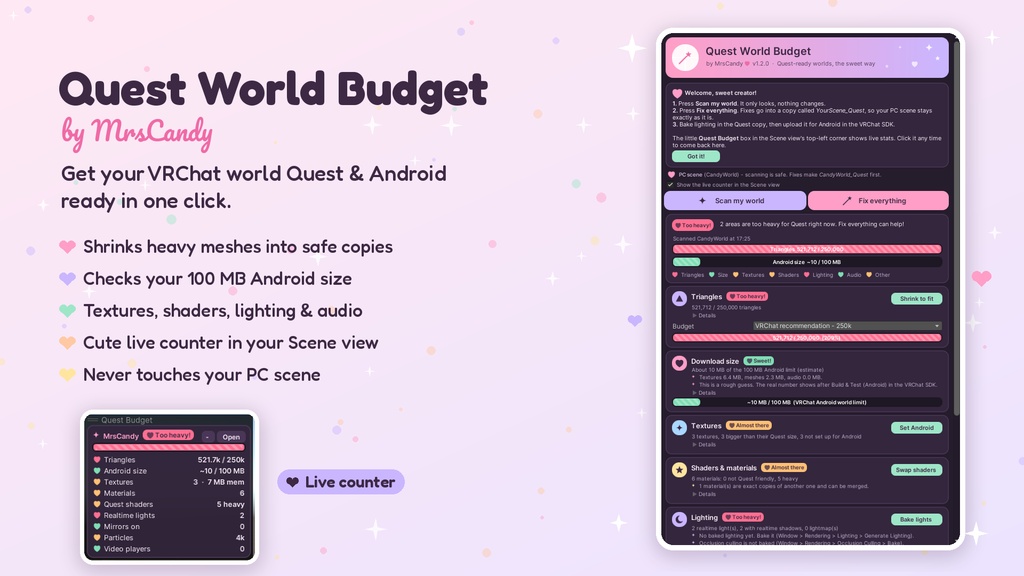
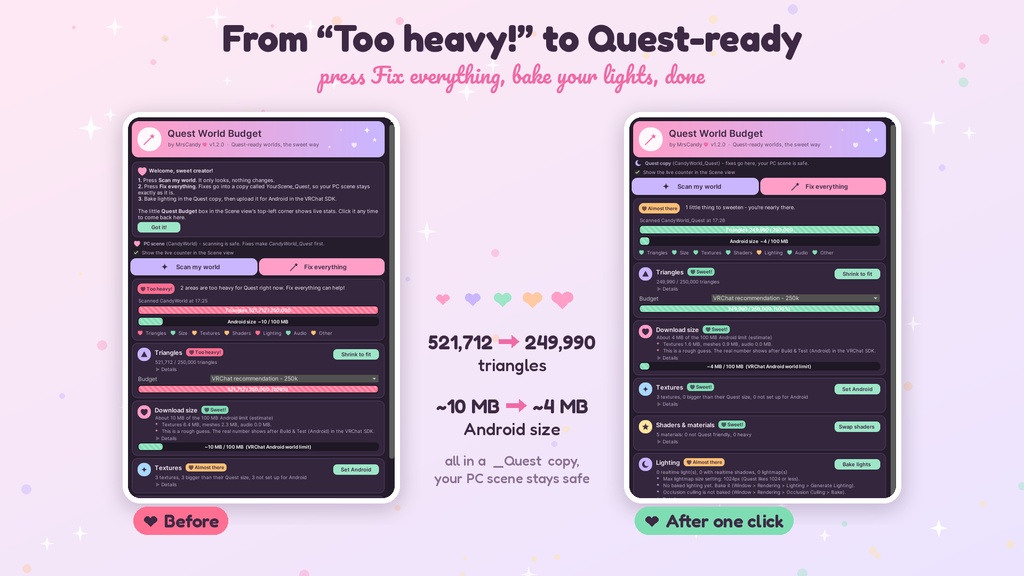
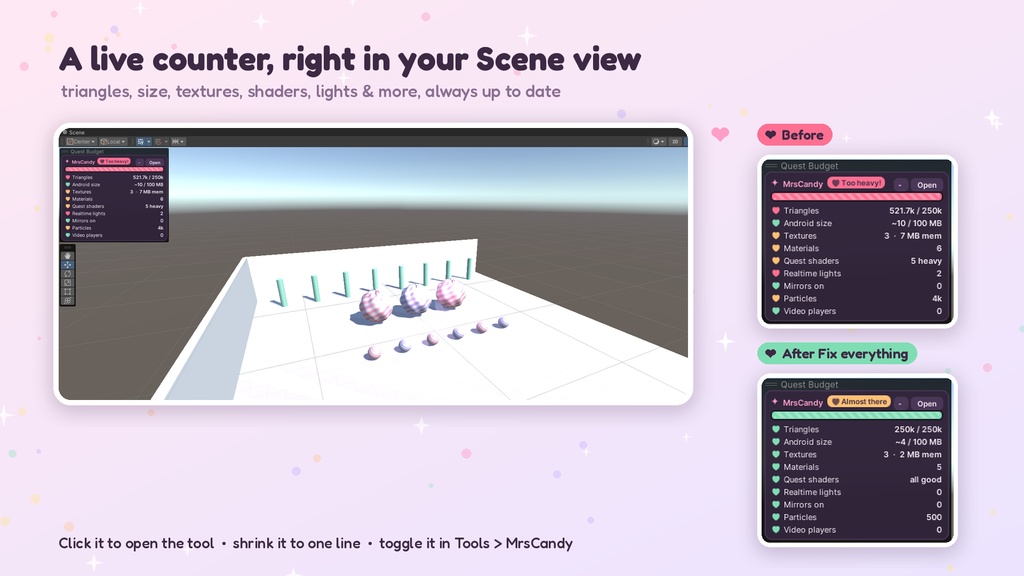


【Quest World Budget】ワンクリックで VRChat ワールドを Quest / Android 対応に | Unity エディタツール VRChat ワールドを Quest / Android の制限でチェックし、自動で軽量化する可愛いエディタツールです。修正はすべてシーンの Quest 用コピーに行われるので、PC 版のシーンはそのままです。 ■ 機能 ・ポリゴン数の予算設定(VRChat 推奨 25 万ポリゴン、または自由に設定)。重いメッシュから軽量コピーを自動作成。お気に入りのモデルはロックで保護 ・VRChat の Android ワールド上限 100MB に対するサイズ目安チェック ・テクスチャ:Android 専用の圧縮・サイズ設定をワンクリック(PC 設定は変更なし) ・シェーダー/マテリアル:Quest 非対応のシェーダーを VRChat Mobile シェーダーへ(コピーのみ) ・ライティング:リアルタイムライトをベイクに変更 ・オーディオ、ミラー、パーティクル、動画プレイヤー、メッシュコライダーもチェック ・Scene ビュー左上にライブカウンター(ポリゴン・サイズ・テクスチャなど) ・「Fix everything」ボタン、Undo 対応、元のメッシュ・マテリアルに戻すボタン ■ 動作環境 ・Unity 2022.3(VRChat 推奨バージョン)+ VRChat Worlds SDK ・メニュー:Tools > MrsCandy > Quest World Budget ■ 内容物 ・MrsCandy_QuestWorldBudget_v1.2.unitypackage ・README.txt(日本語・英語) ・LICENSE.txt ■ 導入 1. unitypackage をインポート 2. Tools > MrsCandy > Quest World Budget を開く 3. 「Scan my world」→「Fix everything」 4. Quest 用コピーでライトをベイクして Android 向けにアップロード ■ 利用規約 ・個人・商用の VRChat ワールドで使用できます ・ツール本体の再配布・再販売は禁止です ―――――――――――――――― Quest World Budget: get your VRChat world Quest & Android ready in one click (by MrsCandy) A cute Unity editor tool that checks your VRChat world against Quest/Android limits and fixes it for you, all in a safe Quest copy of your scene. Your PC scene is never touched. Features - Triangle budget: pick a budget (VRChat's 250k recommendation, or your own) and "Shrink to fit" makes lighter copies of your heaviest meshes. Lock your favorite pieces so they stay detailed. - Download size check against VRChat's 100 MB Android world limit - Textures: one-click Android-only compression and sizes (PC settings stay the same) - Shaders & materials: swaps heavy shaders to Quest-friendly VRChat Mobile shaders, on copies only - Lighting: turns realtime lights and probes to baked, and reminds you to bake - Audio, mirrors, particles, video players and mesh colliders checked too - A live counter in the corner of your Scene view with triangles, size, textures and more, always up to date - "Fix everything" button, Undo support, and a button to put your original meshes and materials back Requirements - Unity 2022.3 (the VRChat version) with the VRChat Worlds SDK - Open it from Tools > MrsCandy > Quest World Budget What's included - MrsCandy_QuestWorldBudget_v1.2.unitypackage - README.txt (English & Japanese) - LICENSE.txt Quick start 1. Import the package. 2. Open Tools > MrsCandy > Quest World Budget. 3. Press "Scan my world", then "Fix everything". 4. Bake your lighting in the Quest copy and upload it for Android. Terms - Use it on any of your own personal or commercial VRChat worlds. - You may not resell or redistribute the tool itself. Made with love by MrsCandy