

Deployable Camera System | 4-Camera Monitor for VRChat
- Digital500 JPY
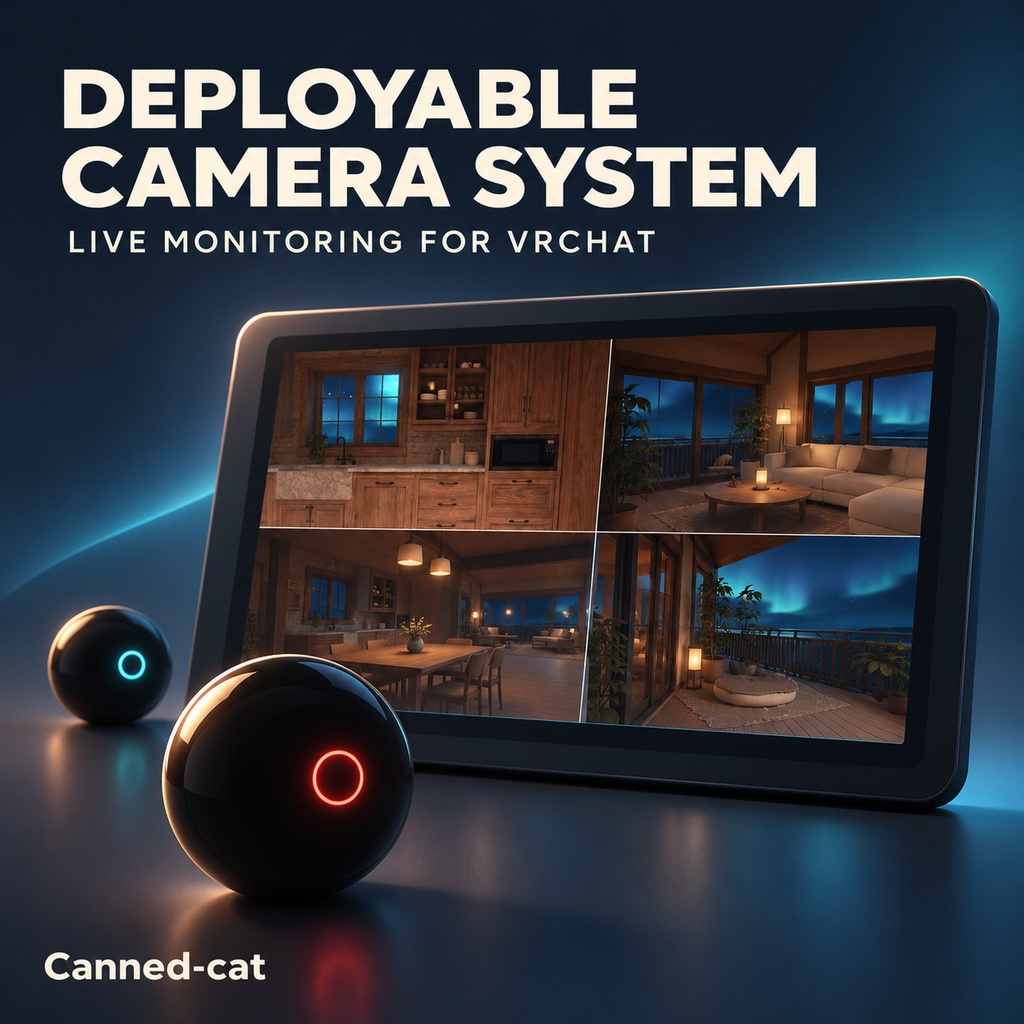
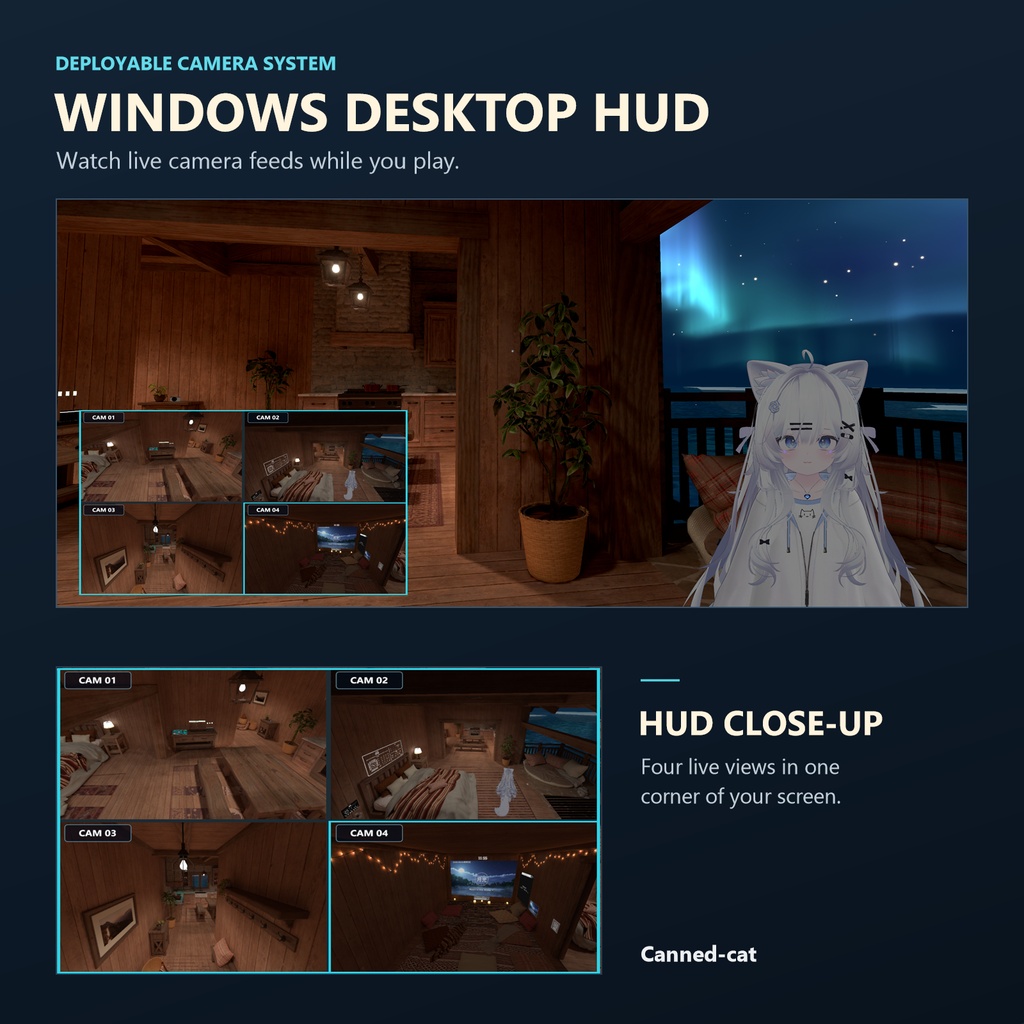
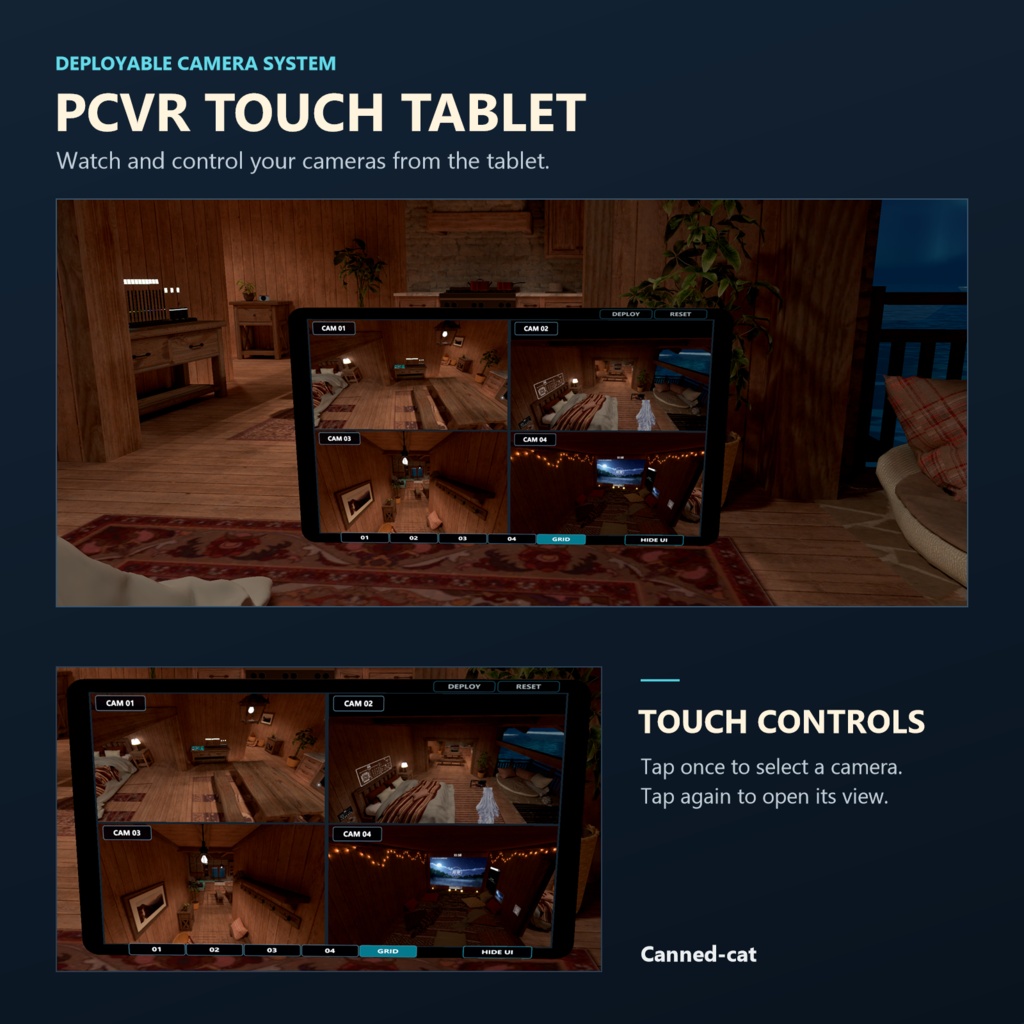
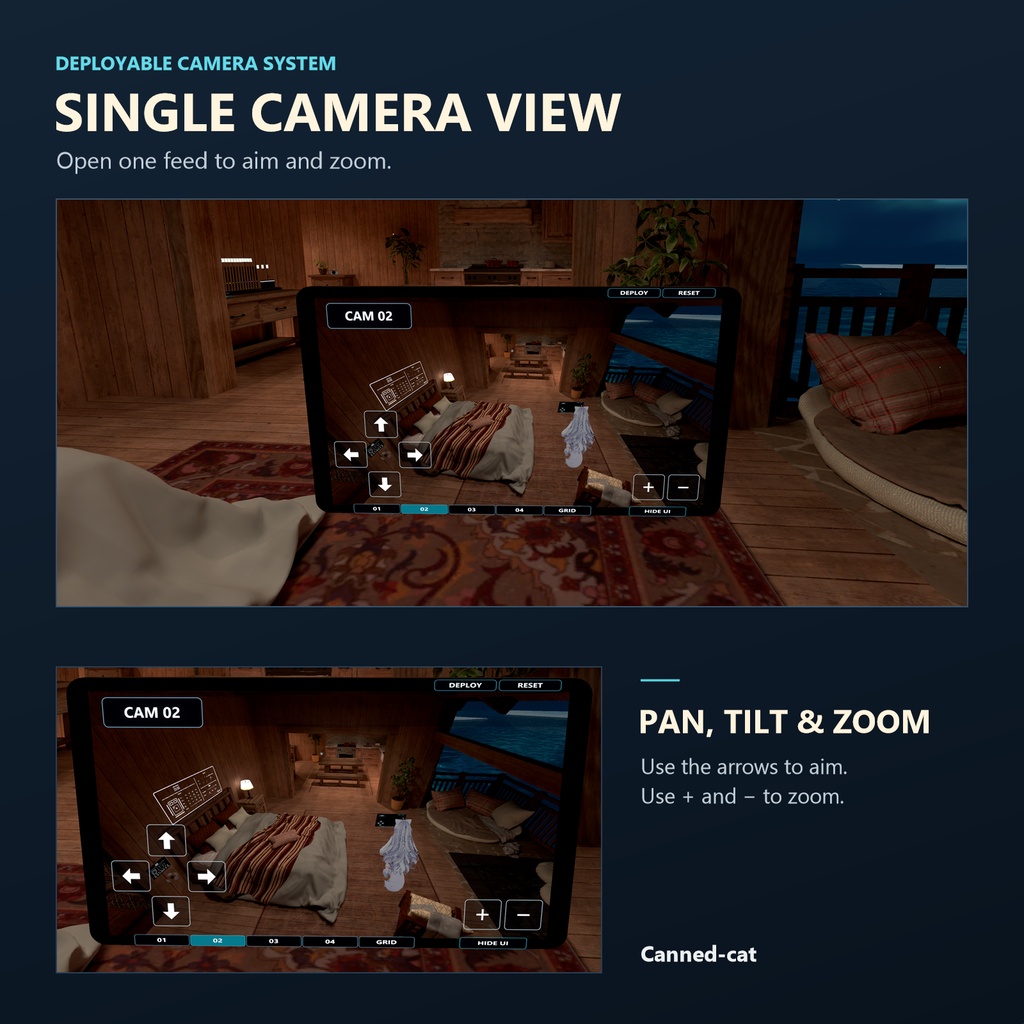


Put up to four small cameras around a VRChat world. Watch all four at once, or open one camera to pan, tilt and zoom. PCVR TOUCH TABLET — Pick it up with either hand and use the other to tap the screen. Let go to leave it in place. WINDOWS DESKTOP HUD — Keep a small live window in a corner of your screen, even with the tablet put away. LOCAL ONLY Only you can see your placed cameras, tablet display and desktop HUD. Camera positions and live feeds stay on your own client. Uses zero synced expression parameters (0 sync bits). WHAT YOU CAN DO • Place a camera on a world surface from up to 100 m away. • Switch between a single camera and a four-camera view. • Hide the touch controls for a clear view, or resize and move the desktop HUD. HOW TO PLACE A CAMERA Choose a camera in the Avatar menu, then press Deploy to preview it. In PCVR, aim with your right hand and make a fresh right-hand fist to place it. On desktop, look at the spot and press Deploy again. WORKS WITH VRChat on Windows desktop and PCVR. Requires a Humanoid avatar, VRChat Avatars SDK and Modular Avatar. Standalone Quest and Android are outside the supported platforms. Version: v1.1.1. Tested with Unity 2022.3.22f1, VRChat Avatars SDK 3.10.6, Modular Avatar 1.18.6, and NDMF 1.14.8. DOWNLOAD INCLUDES One Unity package with WD-On and WD-Off prefabs, a detailed English README, and the personal-use license. Install one prefab. By Canned-cat. Cover art is illustrative.