

Eye Maker - the thing that makes eyes
- Eye Maker (main)Digital3,000 JPY
- Manual & License (free - read before you buy)Digital0 JPY
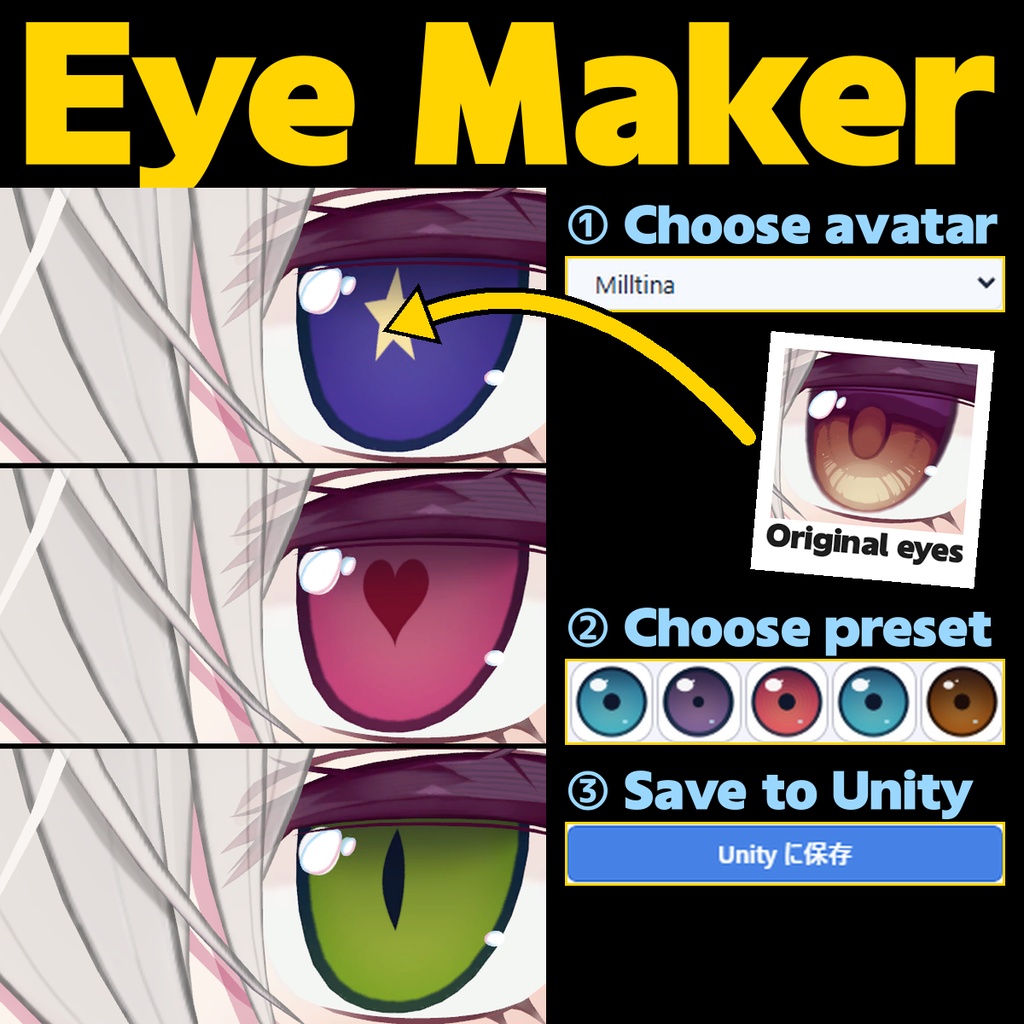
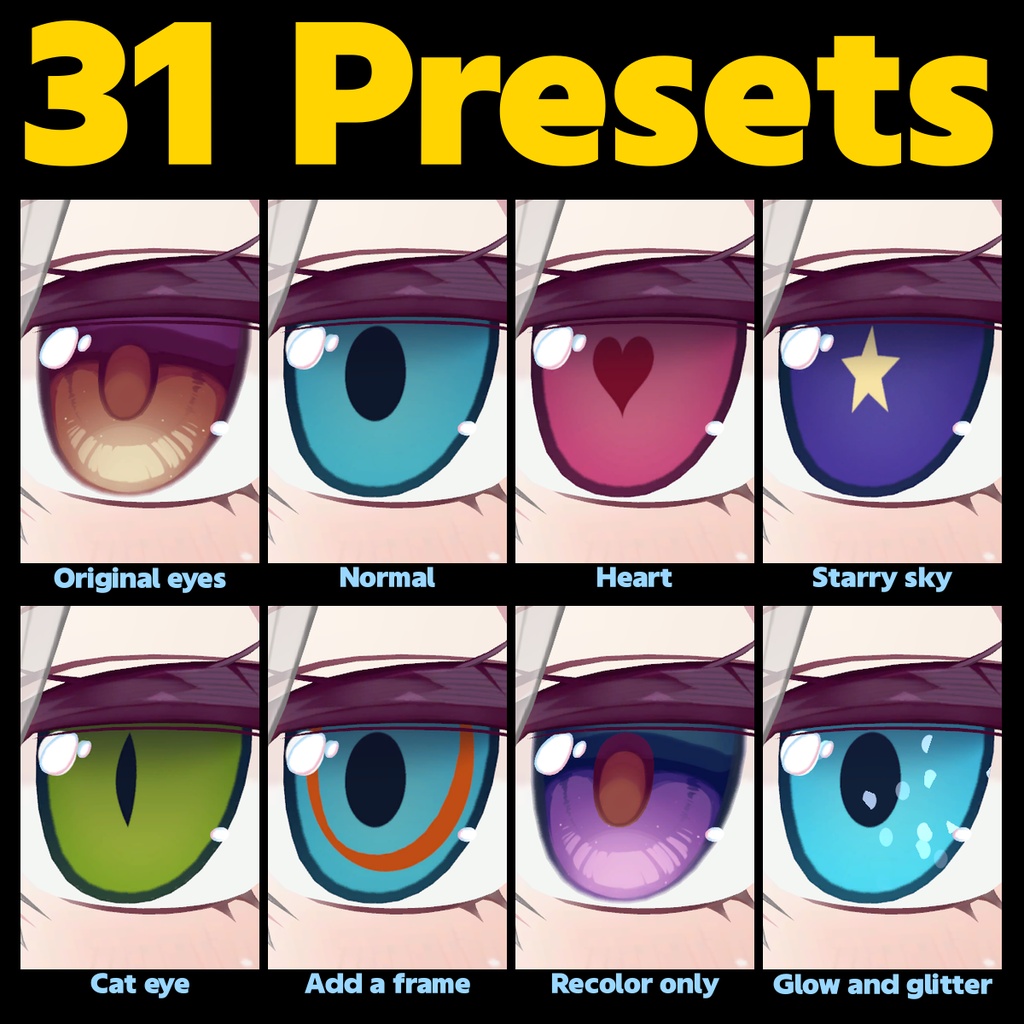
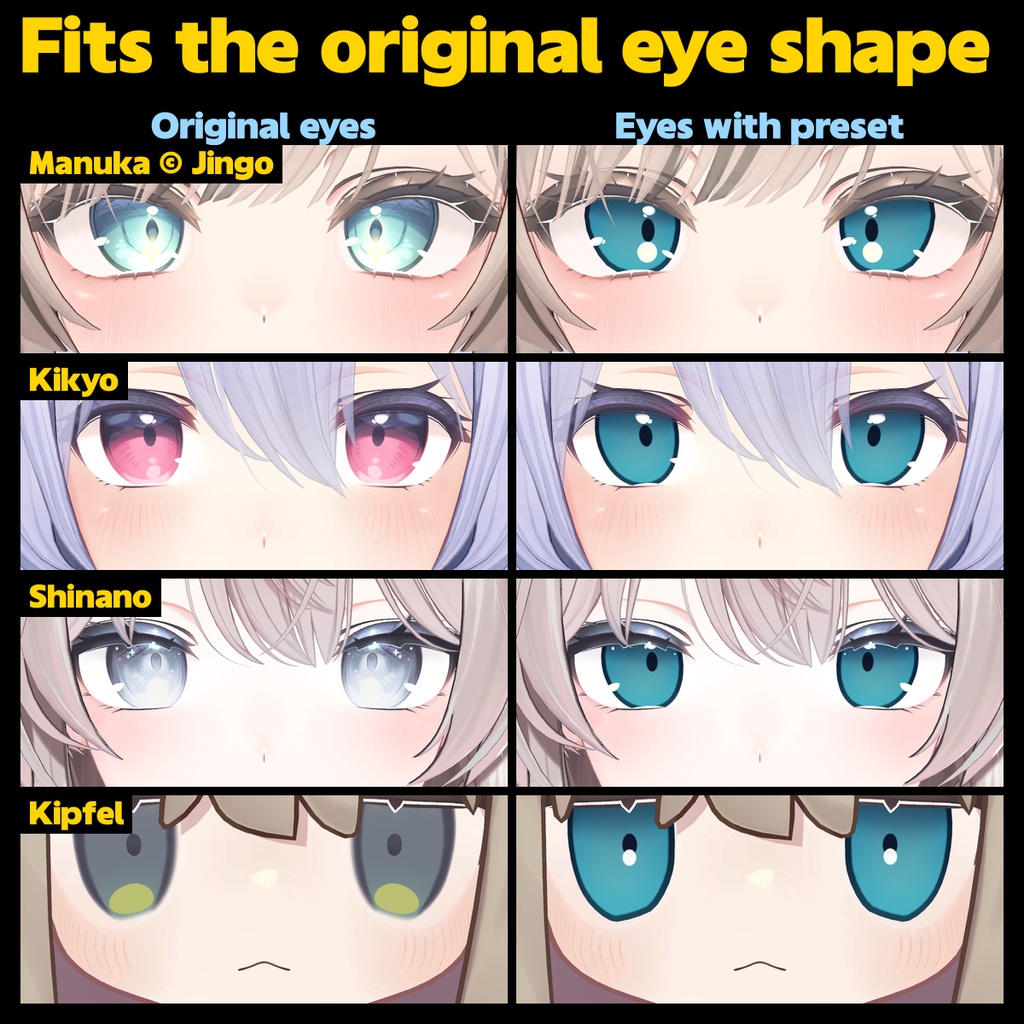
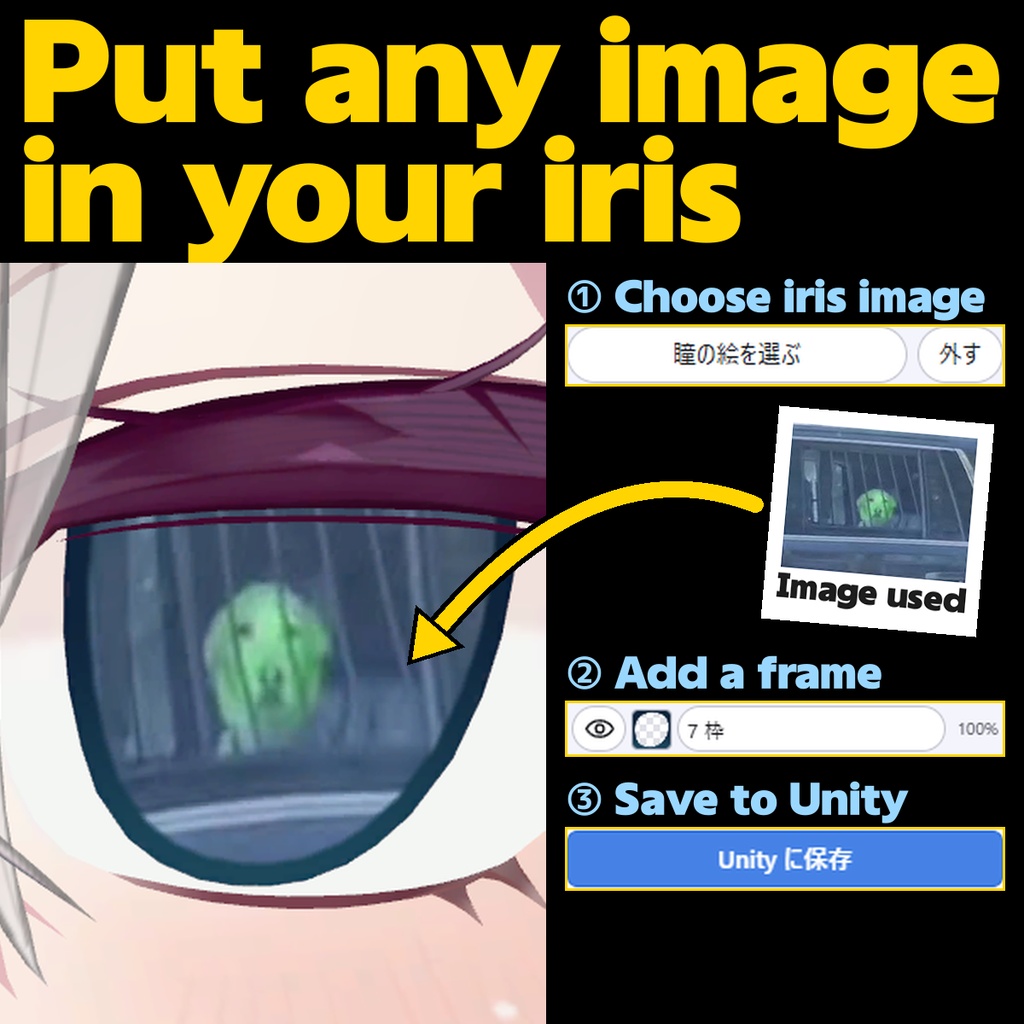


A Windows app for making avatar eyes (eye textures). The eyes in the product images look lame because I have no sense of style. Sorry. ■ What it does - Keep the original eye shape — Use the original eye image as a mold for the new eye. Pupils and highlights are placed relative to their original positions, where the eyelids do not hide them. - Eyes made of multiple parts — For eyes with multiple iris layers, like Marycia, choose whether to apply them together or by part. - 31 presets — Normal, cute, jewel, fantasy, animal, dreamy cute, and cool. - Layers — Stack as many iris colors (2–5 color gradients), patterns, pupils, frames, highlights, shadows, reflections, particles, images, and text as you like. - Frames — Add rings in shapes such as circles, hearts, stars, squares, diamonds, and flowers. Set their size, thickness, color, double lines, and dashes. - Change only the original eye color — Change hue, saturation, and brightness while keeping the original detail and shading. - Erase original eyes — Hide original pupils, highlights, and more with one button. You can also keep, hide, or change the color of each part (avatar files are not modified). - Draw directly — Pen / brush / airbrush / eraser / blur / fill / eyedropper, stamps, and text. Draw on both eyes at once. - Drawing layers (beta) — Split drawings into named layers. Draw straight lines between two points and outlines along the eye shape. - Move eye images (beta) — Move, resize, and rotate images placed in the eye. - Replace color (beta) — Replace one color throughout a drawing, eye image, or layer with another. - Draw with a template — Export an image with eye shape outlines, draw in painting software, and import it. - Draw in 3D painting software — Export an FBX of the eyes only (with textures), and import your drawing. - Animated eyes — Choose animations such as changing colors, flowing light, opening pupils, and twinkling without preparing a GIF. You can also import GIFs and image sequences. - Glow and glitter (shader) — Add emission, blinking, glitter, depth, and jewels to the eyes only (uses lilToon features). - Save to Unity — Create a Prefab you can simply place. Original textures and materials are not modified. - Batch save — Apply one design to multiple avatars in the project at once. - Texture only — Export transparent PNGs of the eyes and PNGs overlaid on the original texture. - Iris only (beta) — Export eyes without the original avatar's eye artwork as PNGs or save them to a Unity project. - Take photos (beta) — Choose composition, size, background, and lighting to photograph the face. You can also take several compositions at once. - Design files (beta) — Save your eye design to a file and open it later. Use it as a starting point for color variations. ■ Expected environment - Windows (the creator only owns Windows, so it has only been tested on Windows) - Unity 2022.3 / VRChat SDK - Avatars - Modular Avatar 1.13 or later is required (used to replace eye materials). - Animated eyes and glow only work when the eye material uses lilToon. Glow is for PC. - This is an individual project and is not code-signed. If Windows warns you during installation, click “More info” → “Run anyway”. ■ If you find a bug - If you have trouble, please contact me by message. If you find a bug, send me a message on BOOTH. ■ Rights - THIRD_PARTY_NOTICES.txt (notices for the included open-source software) - Many avatar textures cannot be redistributed, so use “Iris only (beta)” (PNGs without the original avatar's eye artwork) when distributing eye textures. - Product images were taken with Milltina (@DOLOS_VRChat), Manuka (© Jingo), Kikyo, Shinano, and Kipfel. Avatars are not included. Please check the included LICENSE.txt. When distributing or selling eye textures you make, include a link to this product page within the first 10 lines of the distribution page description. No link is needed if you only use them on your own avatar. ■ Update notes - v0.2.0 English UI and installer (switch with the 日本語 / English buttons); publisher is now nipashop - v0.1.5 Added drawing layers, straight lines and outlines, moving eye images, color replacement, eyes-only PNGs and saving, photos, and design files (beta). Removed radial lines and reflections from presets and added “Solid”, bringing the total to 31. “Undo” and “Redo” now undo preset, layer, and setting changes one step at a time. Added confirmation before replacing saved items and when drawings have not been saved. Fixed saving avatars with the same name overwriting the same folder, along with many other bugs (see “Update history” in README.txt for details). - v0.1.4 Layers, drawings, and frames are now clipped to the original eye shape. Added support for eyes made of multiple parts, color changes and drawing per part, and erasing original eyes.