

【VRC想定3Dモデル】なめったネジ ( Neji )
- ダウンロード商品¥ 500
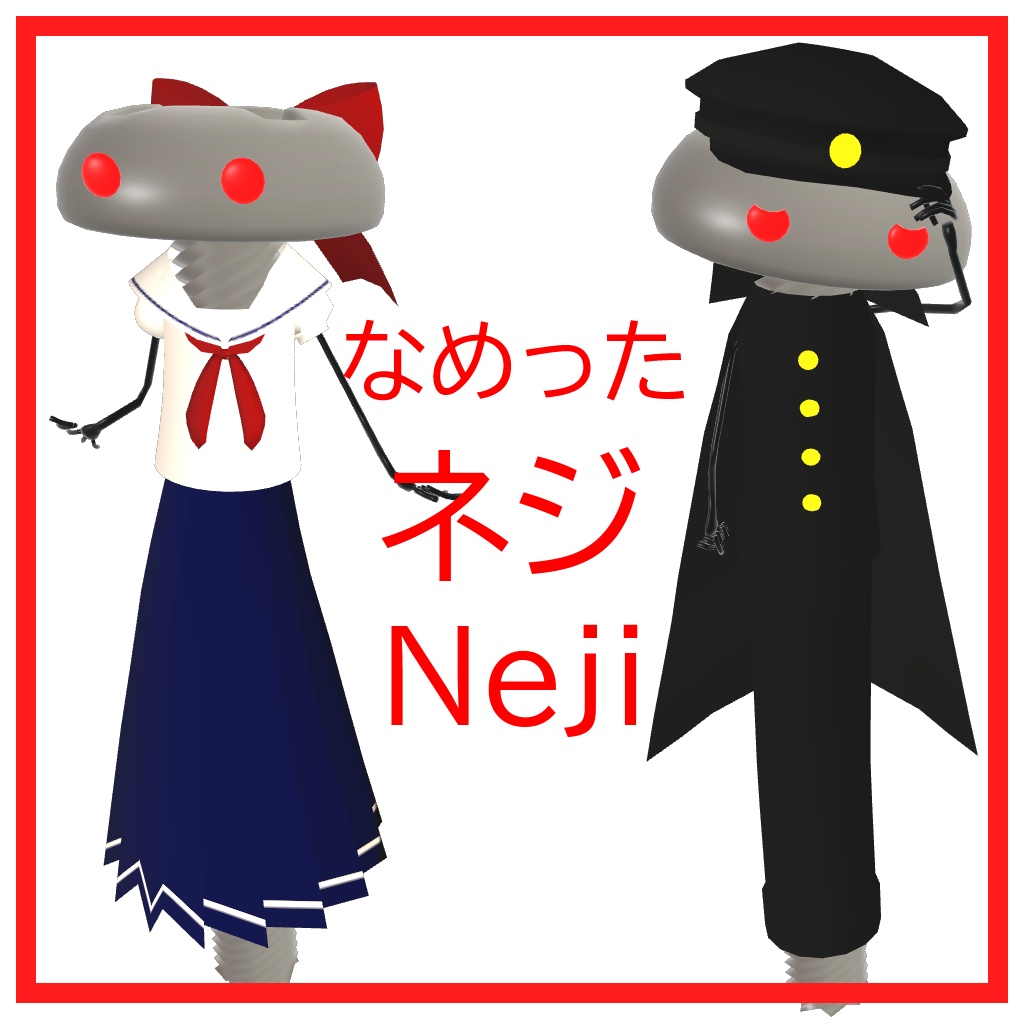
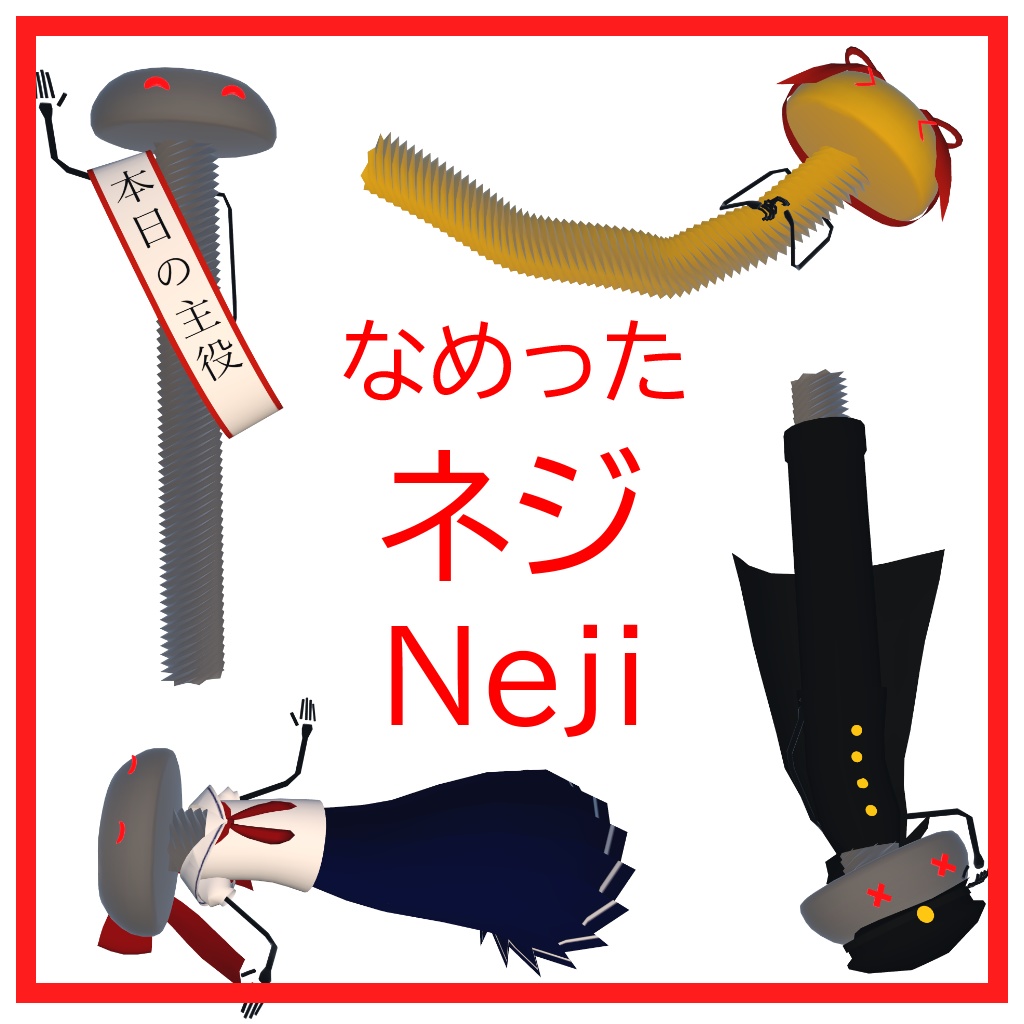
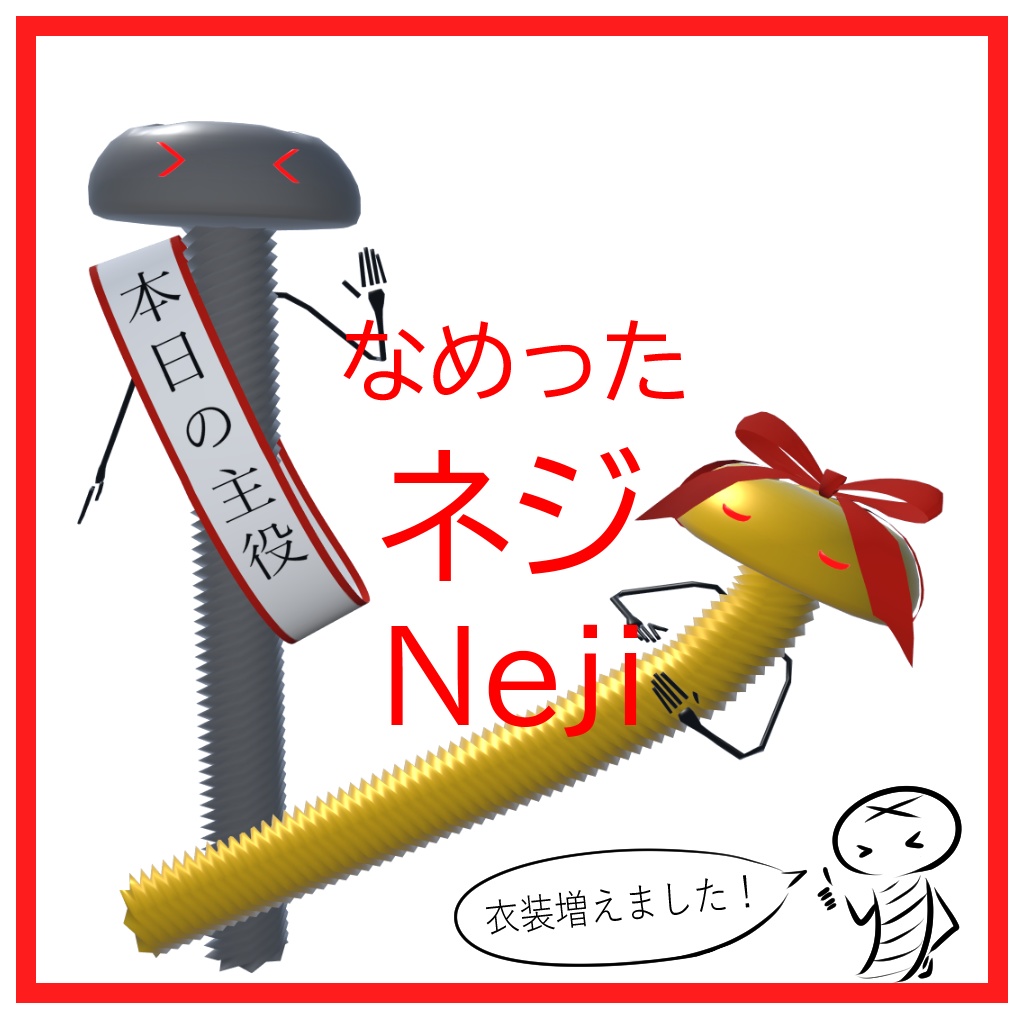
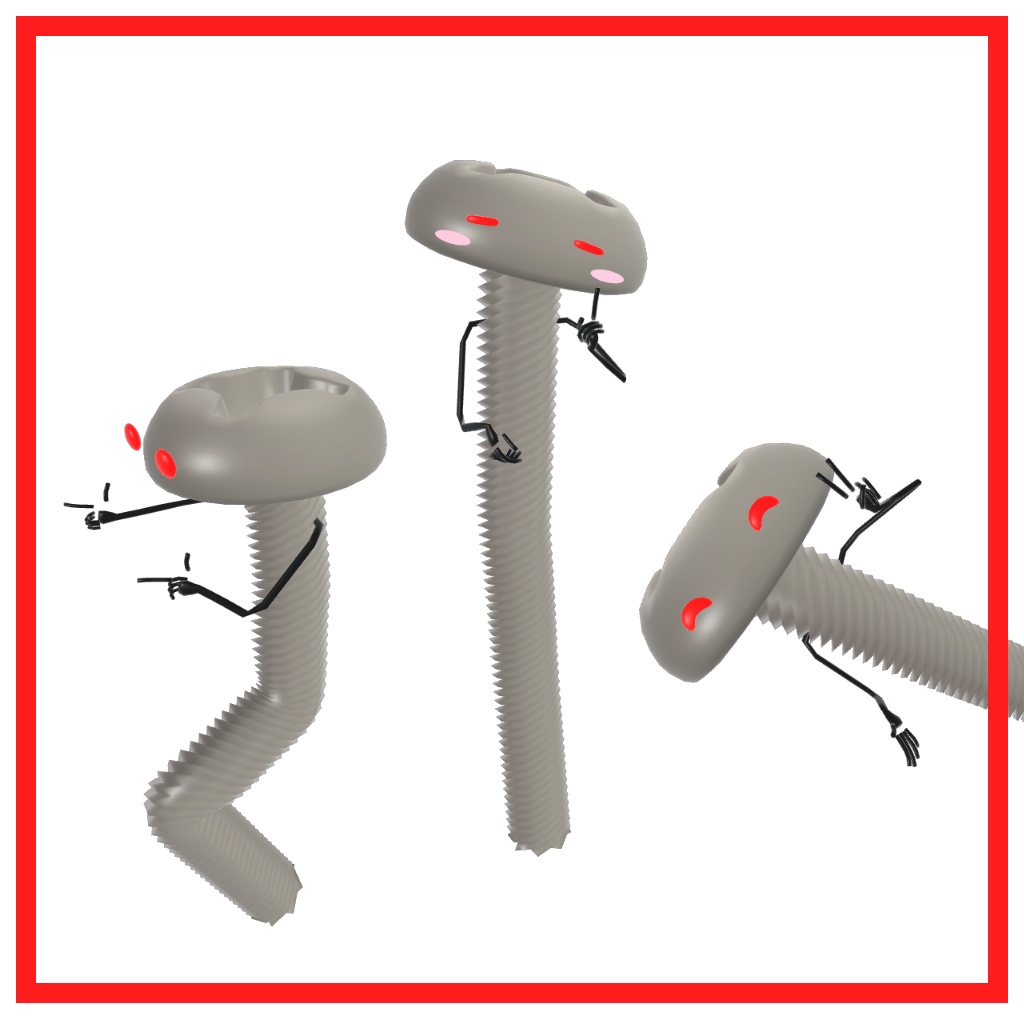


VRChatでの使用を想定した3Dモデルです。 UnityHumanoidAvatarですが、下半身は左足のボーンに追従します。 フルトラッキングにも対応しています。 Virtual Market 5にて試着できます。 サークル名:ねじねじ (英語表記:NejiNeji) 場所:Virtual Showcase > ruby stage > 2F
内容物
・VRChat用設定済み Unitypackage ・おまけ Unitypackage(UnlitWFシェーダーを利用しています。VCCよりインポートしてください。)
モデル詳細
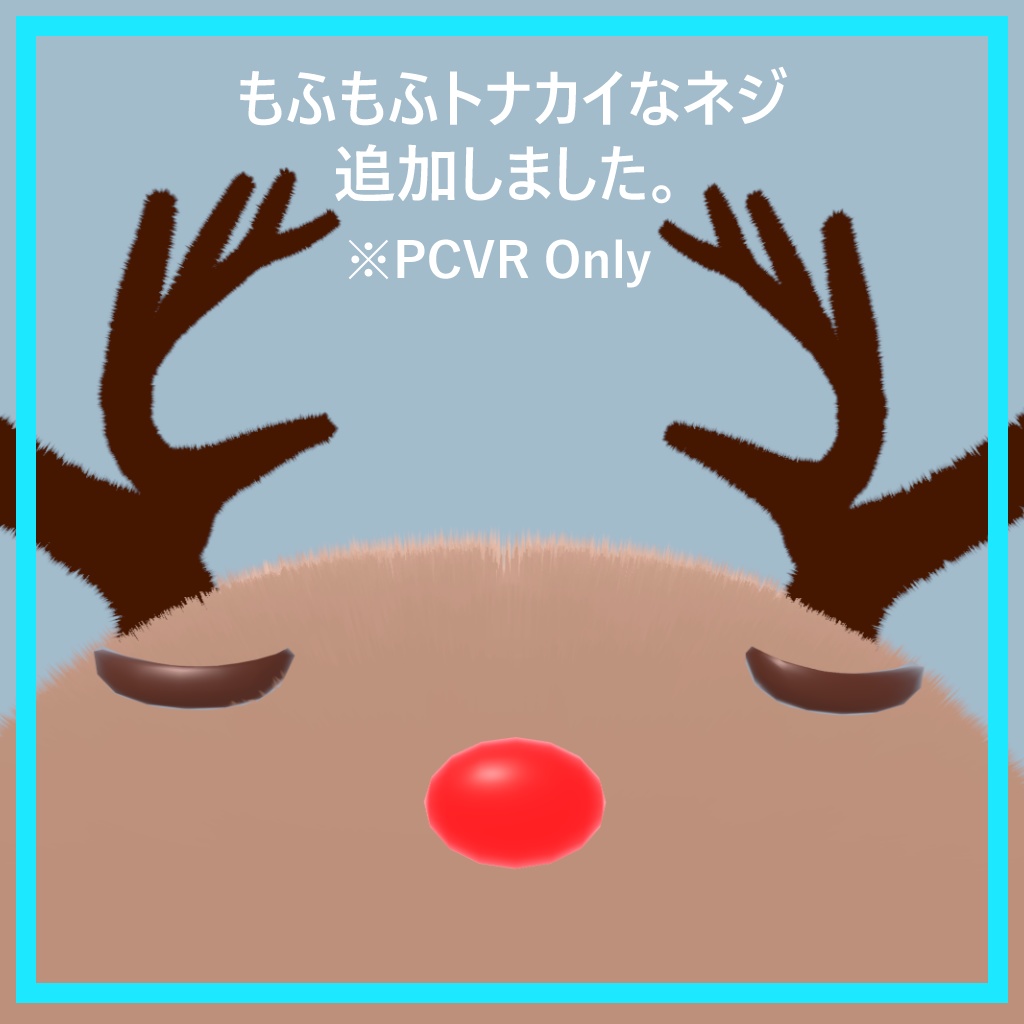
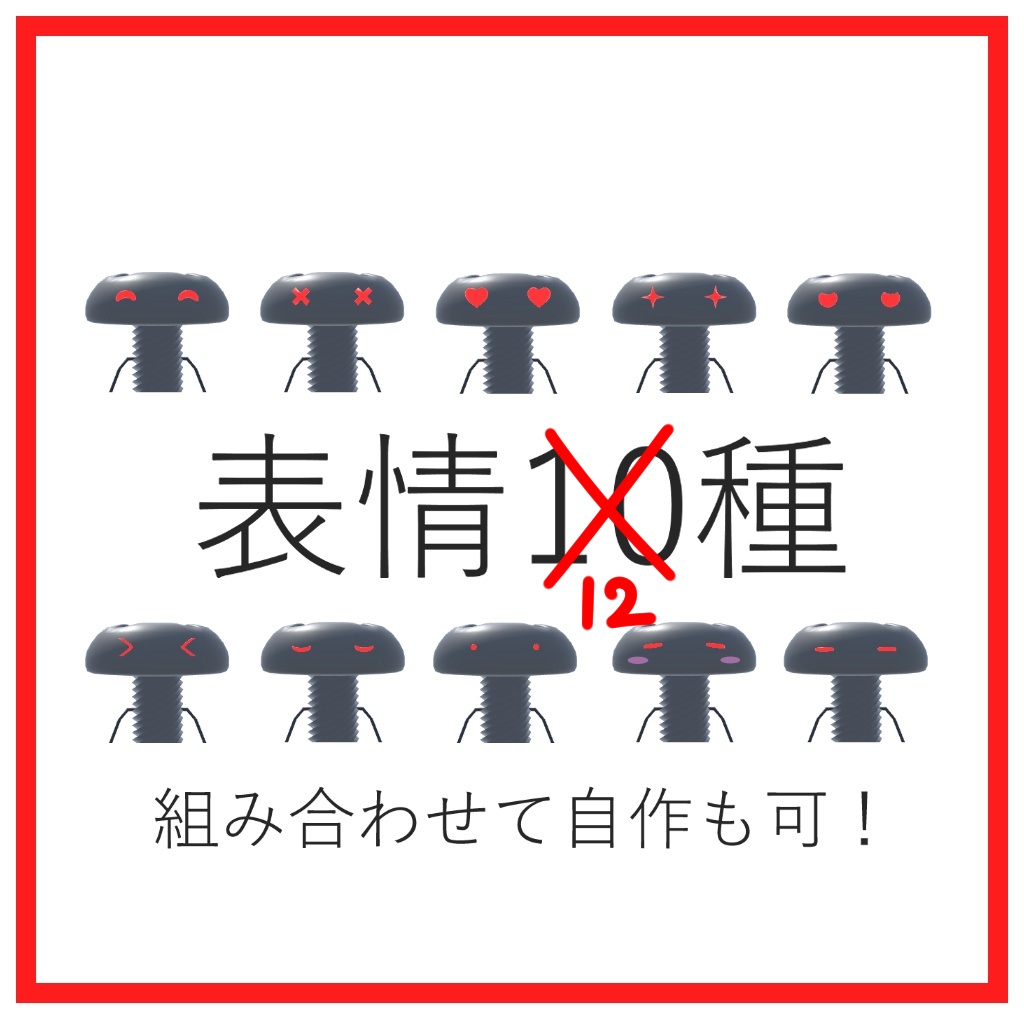
・対応SDK:Avatars3.0 ・Quest対応:〇 ・LipSync:×(トナカイねじのみ鼻が動きます) ・EyeLook:〇 ・Eyelids:× ・表情シェイプキー:13種(LR別あり) ・マテリアル数:1~3 ・ポリゴン数: Body △4,591
利用規約
本モデルはVN3ライセンスが適用されています。 規約全文をご確認の上、ご購入ください。 ダウンロード商品のため、返品・返金には対応しておりません。 ご購入頂いた時点で利用規約に同意したものとみなします。 https://drive.google.com/file/d/1unP-SZOlpNAm0mWcKYnA4BlxFrUia-8_/view?usp=sharing
導入方法
Unity 2022.3.22f1に対応しています。 1. VCCを導入し、Unity 2022 Avatar Project を作成 2. Variant パッケージを導入する場合、VCC より Unlit WF をインストール(https://whiteflare.github.io/vpm-repos/docs/unlitwf/VPM-package-Installation-procedure) 3. 本UnityPackage をインポート 4. Neji (Prefab Asset) をシーン内にドラッグ&ドロップ 5. VRChat SDK > Control Panel > Builder タブでNameやサムネイルを記入 6. アップロード
その他
不具合報告・ご要望などございましたら 下記Xアカウントまでご連絡ください。 https://x.com/screw0u0 制作者:Neji / すくりゅー
Product Introduction
This 3D model is designed for use with VRChat. It is a UnityHumanoidAvatar, but the lower body follows the bones of the left leg. You can try it on at Virtual Market 5. Circle name: NejiNeji Location: Virtual Showcase > ruby stage > 2
Contents
・Pre-configured unitypackage for VRChat ・Extra (uses the UnlitWF shader. Please import it via VCC.)
Model Details
• Supported SDK: Avatars 3.0 • Quest compatible: Yes • LipSync: No (only the reindeer screw nose moves) • EyeLook: Yes • Eyelids: No • Facial expression shape keys: 13 types (separate L/R) • Material count: 1–3 • Polygon count: Body: 4,591 triangles
Terms of Use
The VN3 license is applied to this model. Please read the full terms and conditions before purchasing. As this is a downloadable product, I do not offer returns or refunds. By purchasing this product, you agree to the Terms of Use. https://drive.google.com/file/d/1Ryj8m1YZNVOaBUG3Cjlegvkg25_zEH2f/view?usp=sharing
How to Install
Compatible with Unity 2022.3.22f1. 1. Install VCC and create a Unity 2022 Avatar Project 2. If using the Variant package, install Unlit WF via VCC ([https://whiteflare.github.io/vpm-repos/docs/unlitwf/VPM-package-Installation-procedure](https://whiteflare.github.io/vpm-repos/docs/unlitwf/VPM-package-Installation-procedure)) 3. Import this UnityPackage 4. Drag & drop Neji (Prefab Asset) into the scene 5. In VRChat SDK > Control Panel > Builder tab, enter the name and thumbnail 6. Upload
Other
If you have any bug reports or requests, please contact us at the following twitter account https://twitter.com/nejinocraft Created by Neji
更新履歴
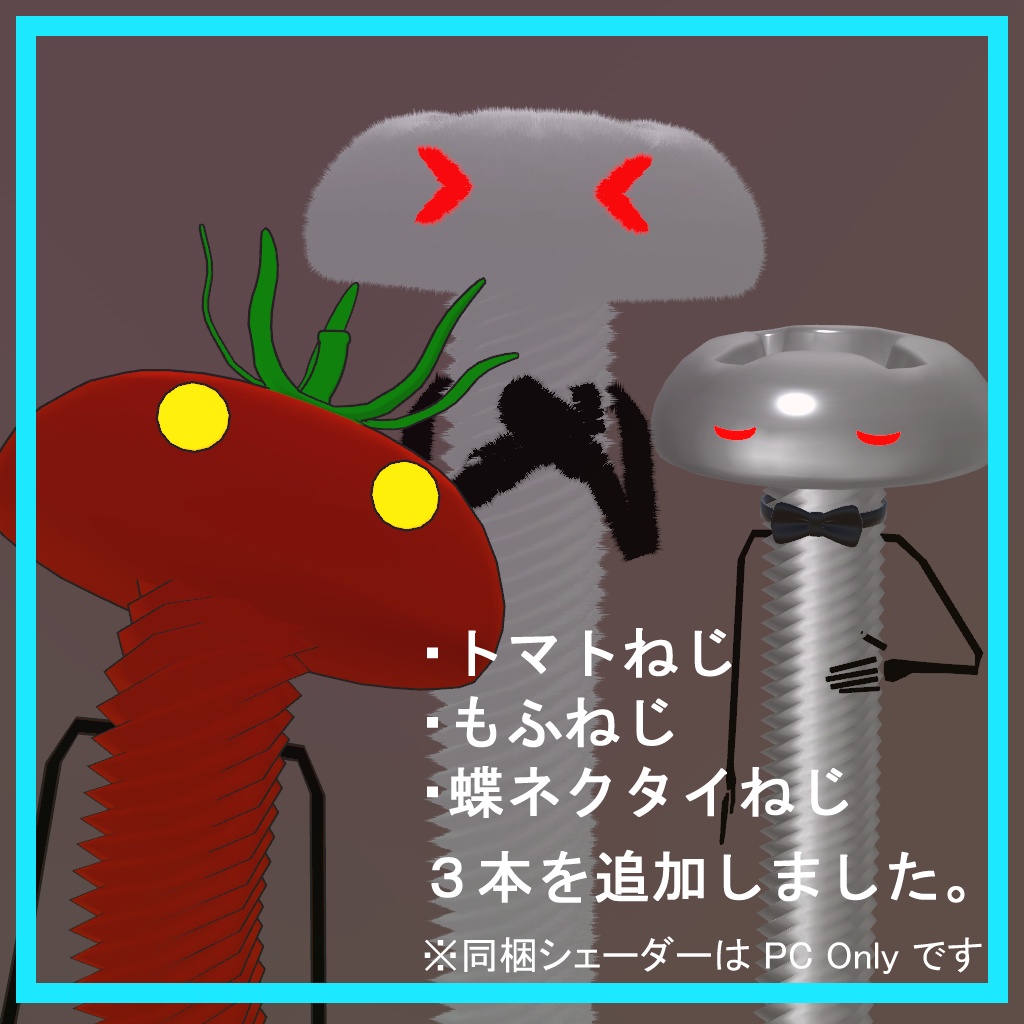
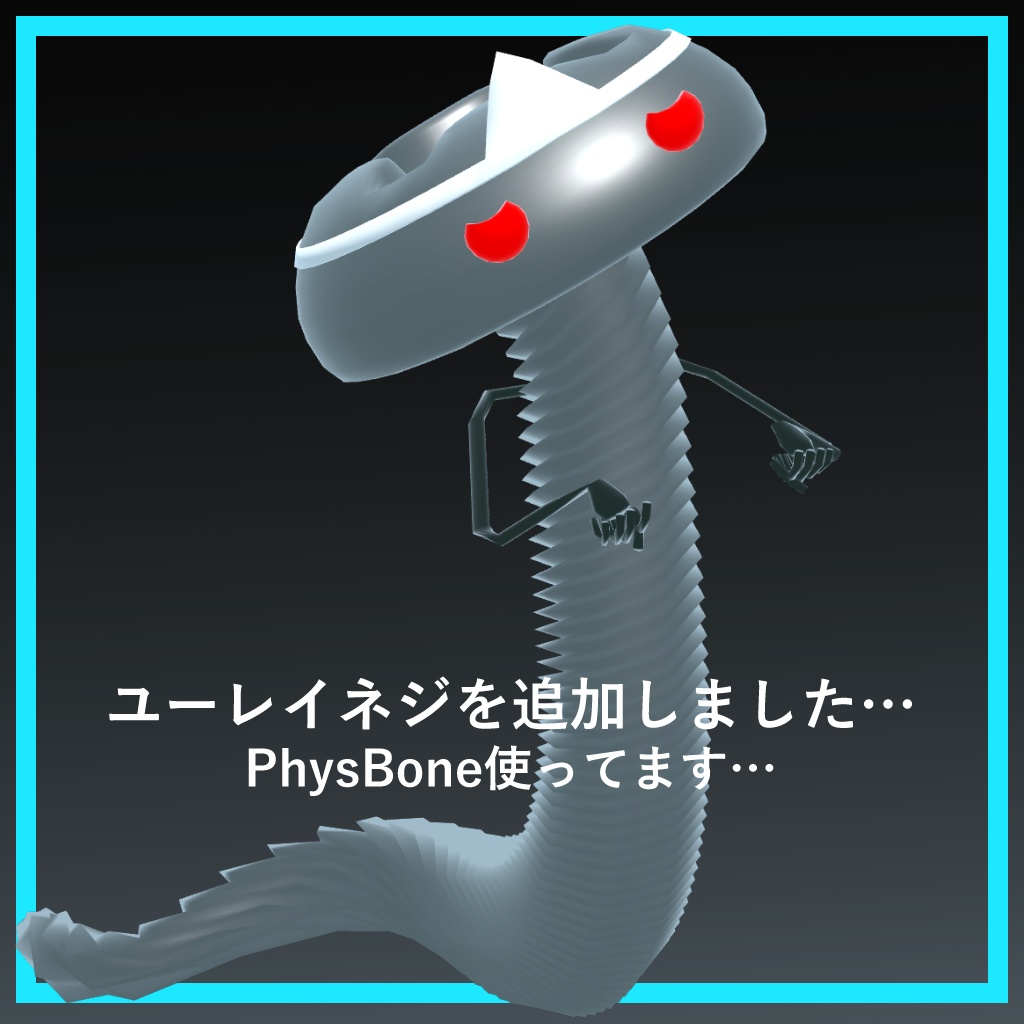
2021/06/02 Neji_ver1.1を公開しました 2021/08/05 Neji_ver1.2を公開しました(Unity2019対応) 2021/12/18 モフモフトナカイなネジを追加しました 2022/4/23 ユーレイネジを追加しました 2022/7/30 Neji_Variantフォルダにトマトねじ、もふねじ、蝶ネクタイネジが追加されました 2025/5/24 Neji_ver_1.2以前の表情アニメーション及びコントローラーの上書き修正用ファイル(Neji_animation_2025_05_24.zip)を追加しました 2025/5/24 Neji_ver1.3を公開しました(上記不具合対応) 2026/01/18 Neji_ver2.0 および Neji_Variant_ver2.0 を公開しました