
BUNDLE ! Galaxy iris + eyeshadow
- ダウンロード商品¥ 200
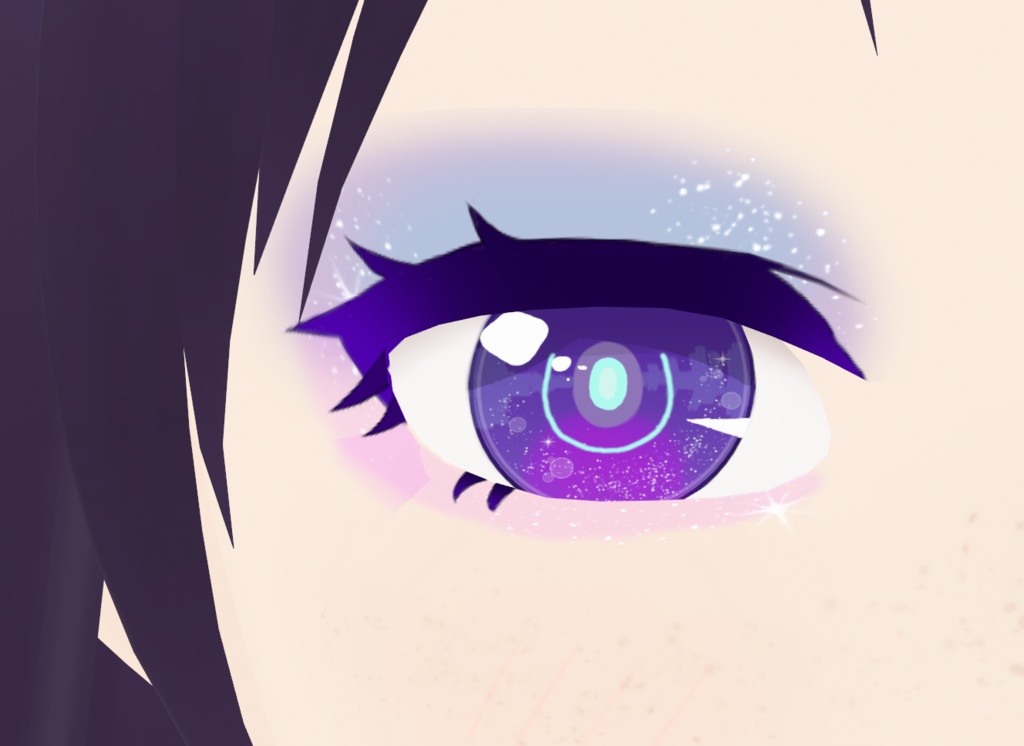
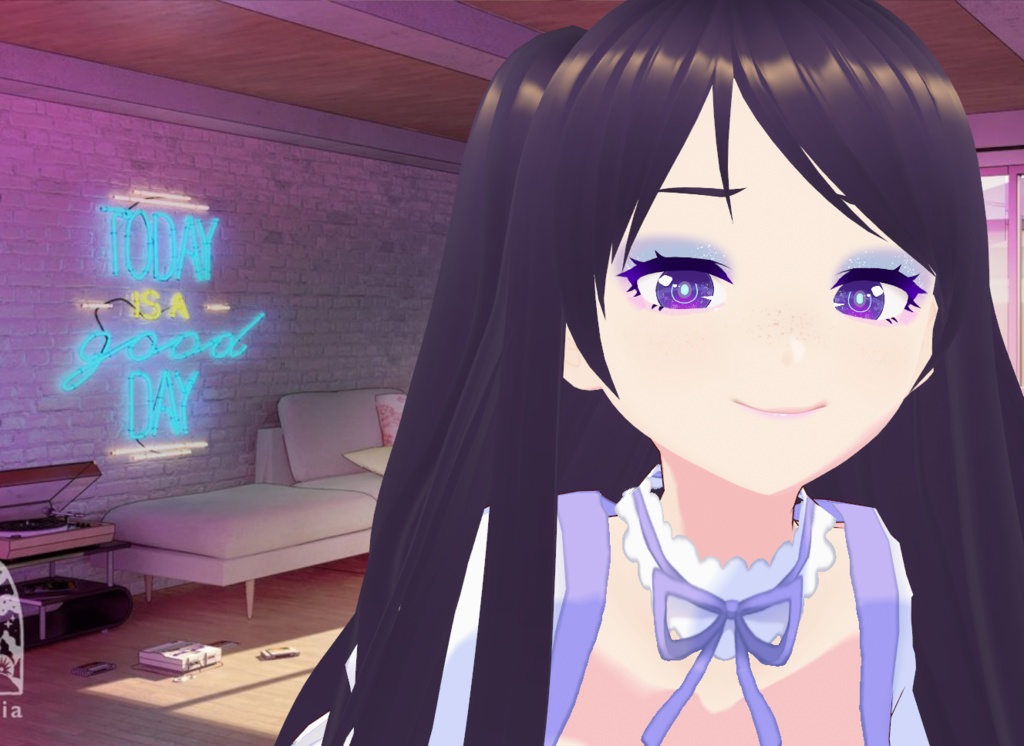
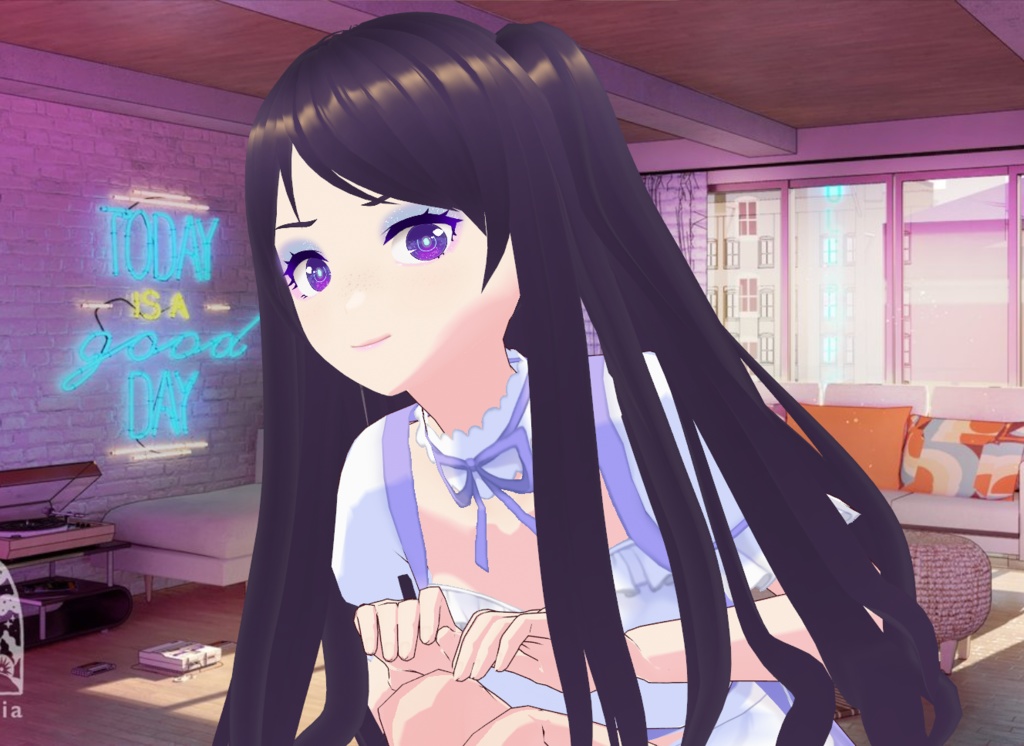


✿ For Vroid studio (stable version) and beta 𝗙𝗢𝗥 𝗧𝗛𝗘 𝗜𝗥𝗜𝗦 ✿ How to install on the stable version of Vroid : 1- Choose your avatar 2- Go to Face > Irises > Custom (create a new one) 3- Then go to 'Edit texture' 4- Right click on 'Default Design' and select 'Import', then find my file 5- Make sur to uncheck all 'Color calibration' ✿ How to install on Vroid beta : 1- Choose your avatar 2- Face editor > Texture > Irises 3- Right click on 'Default image' > Import > Find my file 𝗙𝗢𝗥 𝗧𝗛𝗘 𝗘𝗬𝗘𝗦𝗛𝗔𝗗𝗢𝗪 It's made to be used as eyelid. Import it the same way you import the iris in the eyelid category. 𝗬𝗼𝘂 𝗰𝗮𝗻 𝗳𝗶𝗻𝗱 𝗺𝘆 𝗼𝘁𝗵𝗲𝗿 𝗰𝗿𝗲𝗮𝘁𝗶𝗼𝗻𝘀 𝗵𝗲𝗿𝗲 : https://nzerv.booth.pm/ 𝗜𝗻𝘀𝘁𝗮𝗴𝗿𝗮𝗺 : https://www.instagram.com/nzerv_creations/

もっと見る